
Find Your Perfect Durga Maa Prompt
Browse our collection of divine text guides tailored for the durga maa in sky photo editing prompt. From radiant morning skies to dramatic cosmic backgrounds, achieve the exact spiritual aesthetic for your digital artwork.
Loading more divine prompts...
 Category:
 Duration:
 Aspect Ratio:
Why Use Filmora for Divine Photo Editing?
Crafting the perfect durga maa in sky photo editing prompt requires a robust platform. Filmora provides an all-in-one suite to generate, refine, and animate your spiritual artwork beautifully.
Generate Divine Visuals with AI Image Generator
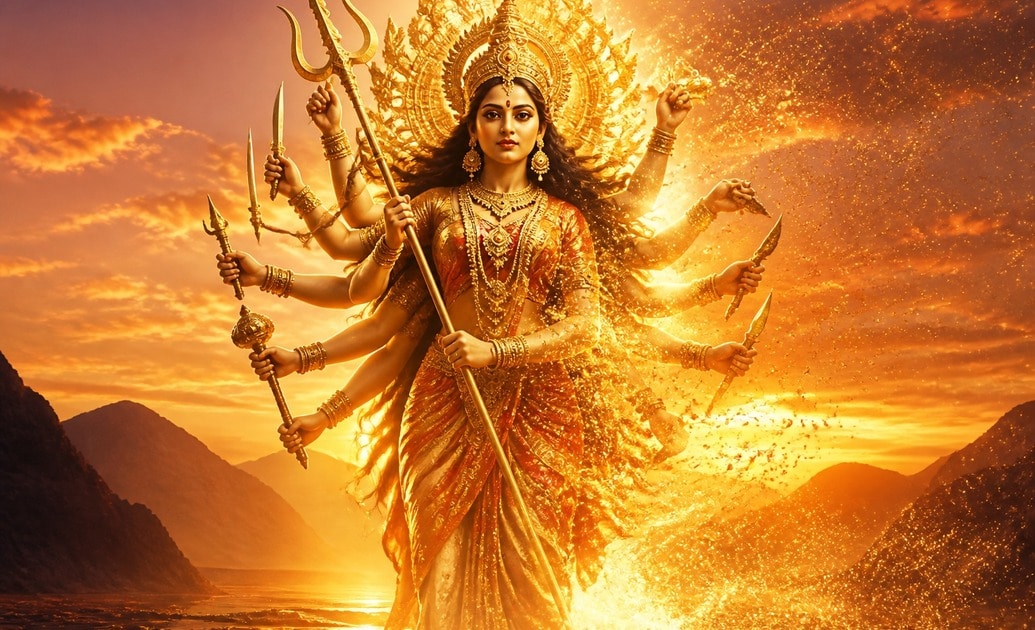
Generate Divine Visuals with AI Image Generator
Transform your durga maa in sky prompt into a breathtaking reality using the Filmora AI Image Generator. Our built-in system incorporates world-class models like ChatGPT, DALL-E 3, Nano Banana 2, and Nano Banana Pro, giving you the flexibility to choose the perfect engine for your celestial masterpieces.
- Multiple AI Models - Select between DALL-E 3 or Nano Banana for distinct artistic styles.
- High-Resolution Output - Ensure every detail of your divine creation is crystal clear.
- Seamless Workflow - Generate and edit within the exact same software environment.
Perfect Your Skies with Smart AI Cutout Tools
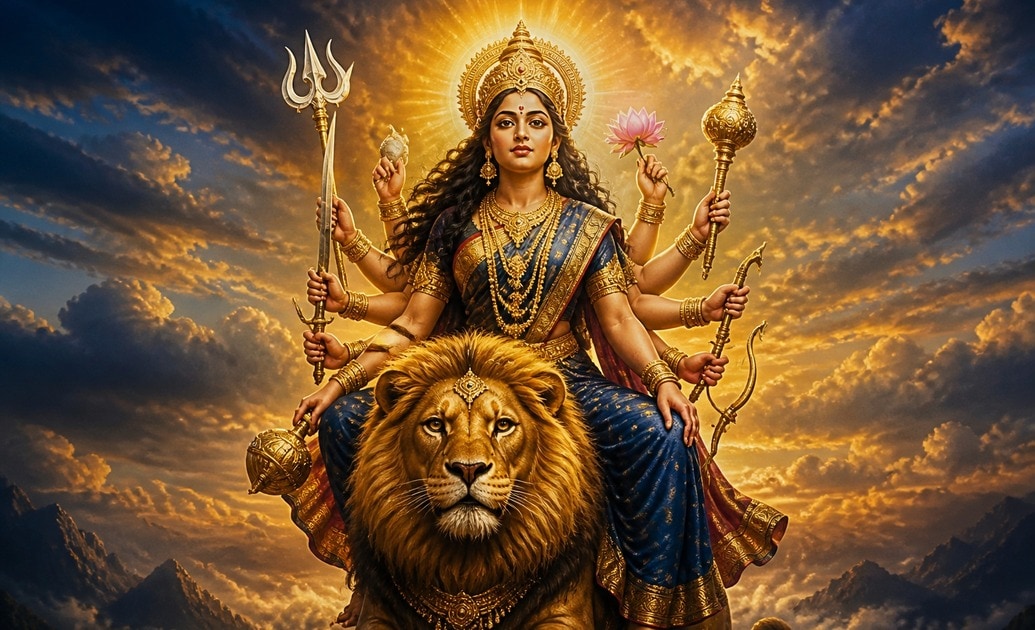
Perfect Your Skies with Smart AI Cutout Tools
Once you utilize your durga maa in sky photo editing prompt, use Filmora's advanced masking and AI Cutout features to blend Goddess Durga seamlessly into custom majestic cloudscapes.
- Precision Cutouts - Separate subjects from backgrounds instantly with high accuracy.
- Layer Blending - Merge celestial elements for a cohesive, dramatic atmosphere.
- Vibrant Color Grading - Enhance golden hours and dramatic skies with ease.
Refine Your Prompts with AI Copywriting
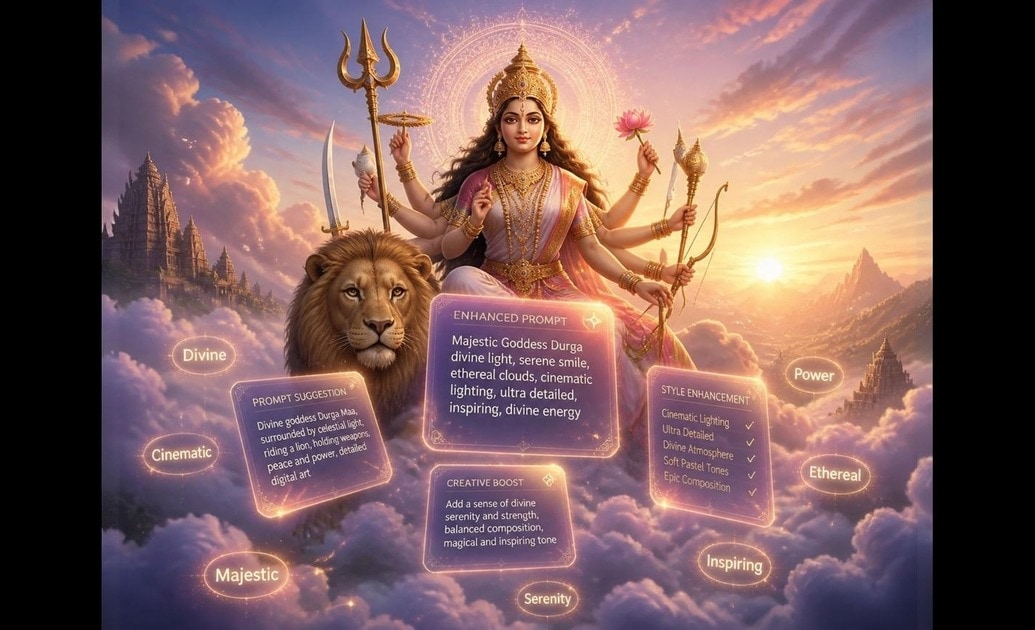
Refine Your Prompts with AI Copywriting
Need help crafting the exact wording? The Filmora AI Copywriting tool assists you in expanding a simple durga maa ai photo editing prompt into a highly detailed description for better image generation results.
- Prompt Enhancement - Add descriptive keywords for optimal lighting and texture.
- Quick Iterations - Test multiple creative prompt variations in seconds.
- Integrated Assistance - Get smart text suggestions without leaving your editing timeline.
Elevate and Share Your Divine Artwork
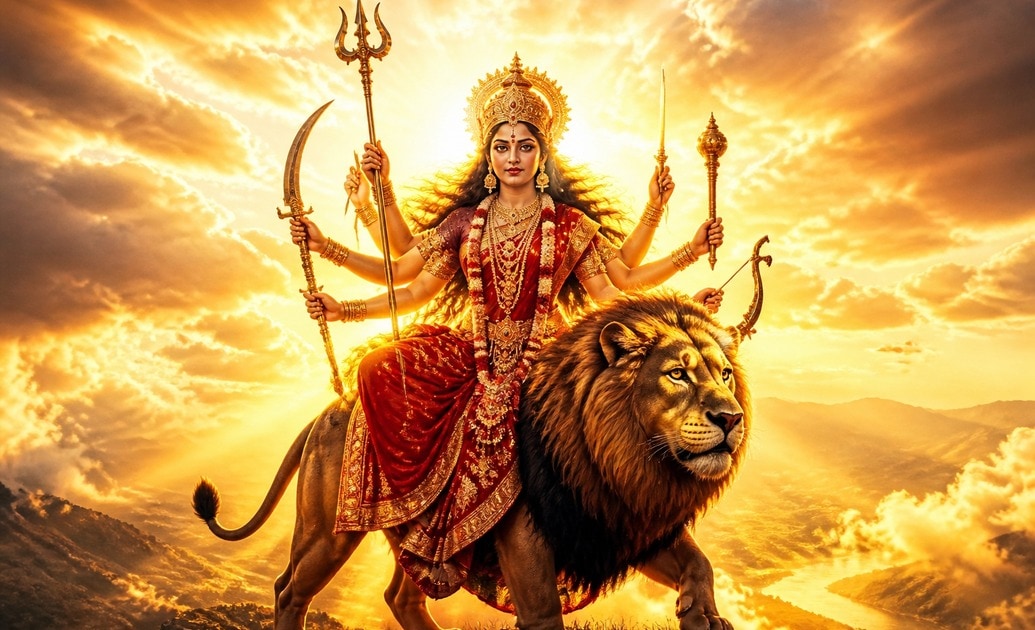
Elevate and Share Your Divine Artwork
After mastering your durga maa in sky prompt, take your creation further. Filmora offers dynamic effects, angelic lighting overlays, and one-click social media exporting to share your devotion globally.
- Heavenly Effects - Apply glowing auras and divine light leaks instantly.
- Sacred Audio Tracks - Pair your visuals with built-in spiritual background music.
- Direct Export - Publish your majestic edits straight to Instagram and YouTube.
Frequently Asked Questions About Divine Photo Editing
How to Use the Durga Maa in Sky Photo Editing Prompt
Create your own divine celestial artwork in minutes using Filmora's powerful AI models and an optimized durga maa in sky prompt.
Step 1 Copy Your Divine Prompt

Step 2 Generate with Filmora AI

Step 3 Edit and Export

-
1: Copy Your Divine Prompt
Select a durga maa in sky photo editing prompt from our collection. Choose details like glowing clouds, cosmic stars, or sunrise hues to match your creative vision. ☁️ -
2: Generate with Filmora AI
Open Filmora, access the AI Image Generator, and paste your durga maa ai photo editing prompt. Choose between models like DALL-E 3 or Nano Banana for your preferred artistic style. ✨ -
3: Edit and Export
Place your generated divine image on the timeline. Apply lighting effects, add spiritual background music, and export your majestic creation to share with the world. 🌟
