
View Popular Night Club Prompts
Browse a collection of dynamic google gemini night club ai photo editing prompts. Grab the perfect style to give your photos that ultimate party vibe.
Loading More Night Club Prompts...
 Category:
 Duration:
 Aspect Ratio:
Why Try Night Club AI Photo Editing?
Bring the party energy directly to your screen. By using these dynamic prompts, you easily elevate your portraits into vibrant, flash-lit nightclub visuals perfect for social media.
Generate Vibes With AI Image
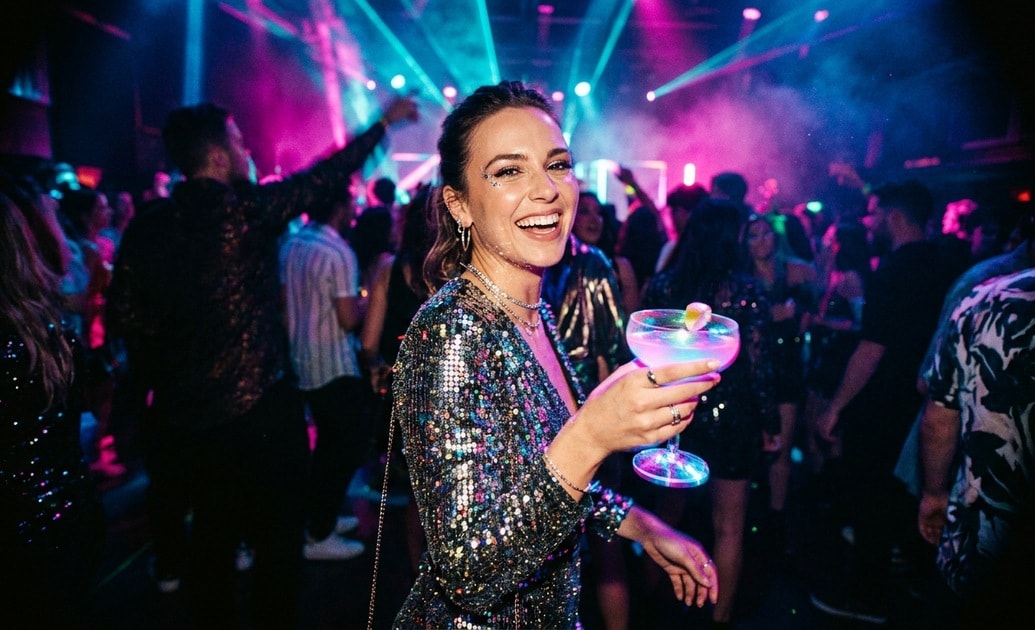
Generate Vibes With AI Image
Build the ultimate party scene from scratch. Filmora houses powerful models like ChatGPT, Nano Banana 2, and Nano Banana Pro to turn your text into a vivid night club ai portrait photo.
- Broad Model Choice - Pick the right engine for your specific style.
- Text to Image - Type in your nightclub flash portrait prompt and watch it appear.
- Complete Control - Adjust the lighting and mood effortlessly.
Isolate Subjects With AI Portrait Cutout
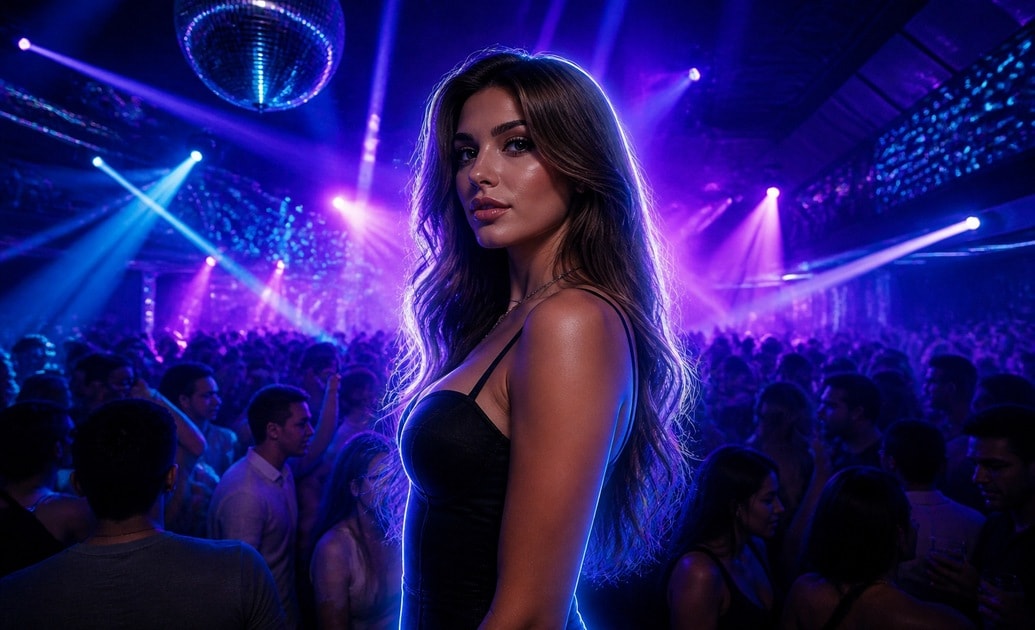
Isolate Subjects With AI Portrait Cutout
Remove distractions and put the focus entirely on you. Filmora intelligently detects the subject so you can place yourself right into the middle of a bustling dance floor.
- Quick Background Removal - Extract your subject in seconds.
- Layer Placement - Drop your cutout over a flashing neon background.
- Clean Edges - Maintain crisp hair and clothing details.
Fix Dark Shots With AI Image Enhancer
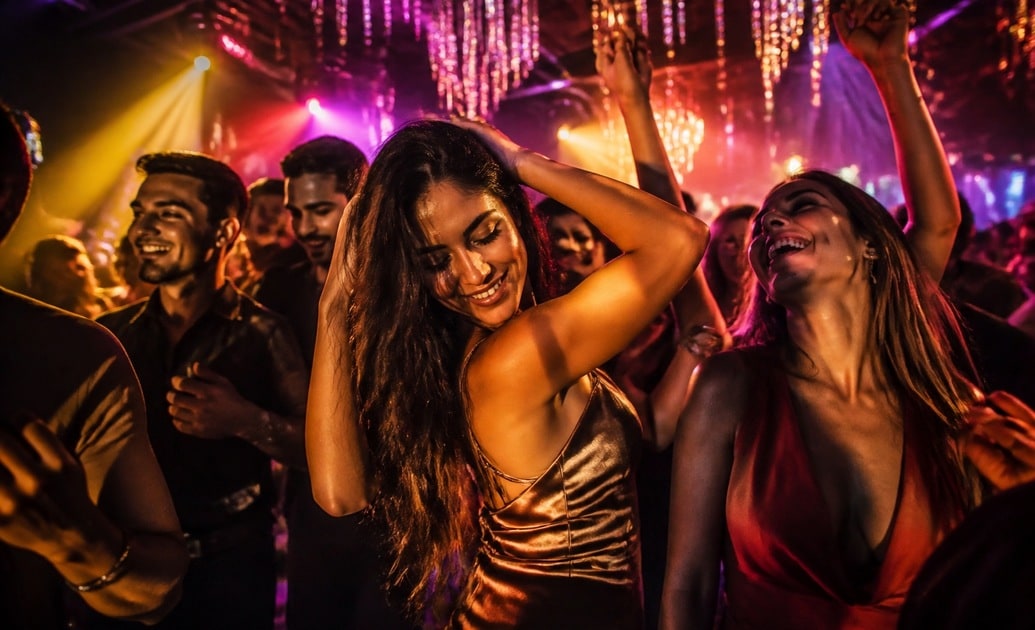
Fix Dark Shots With AI Image Enhancer
Dark or blurry party pictures happen frequently. Filmora rescues these moments by clarifying details and brightening up low-light scenes instantly.
- Instant Brightness - Recover hidden details in shadows.
- Sharpen Blur - Fix motion blur from dancing.
- Vibrant Colors - Make those neon club lights pop brilliantly.
Edit Everything In One Place
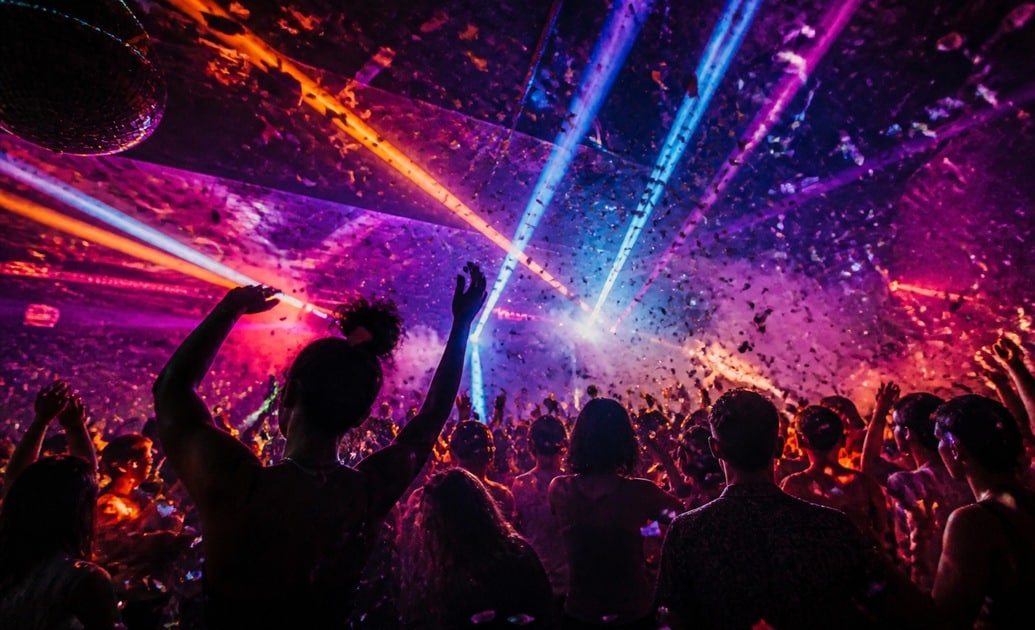
Edit Everything In One Place
From generating the initial visual to adding music and effects, Filmora provides every tool needed for night club ai photo editing. There is no need to jump between multiple programs.
- Built-in Prompt Access - Run google gemini night club ai photo editing prompts directly inside the software.
- Add Music and Text - Layer trending audio over your dynamic shots.
- Direct Social Sharing - Export directly to Instagram or TikTok.
Frequently Asked Questions About Night Club Edits
How to Apply Night Club AI Photo Editing
Turn your ordinary shots into flashy party visuals using our dedicated prompts and tools within Filmora.
Step 1 Choose Your Party Prompt

Step 2 Generate The Visual

Step 3 Enhance And Share

-
1: Choose Your Party Prompt
Find a nightclub flash portrait prompt that matches the vibe you want—whether it is neon lights, laser beams, or a vintage flash look. -
2: Generate The Visual
Paste your google gemini night club ai photo editing prompts into the Filmora AI Image tool. Choose Nano Banana Pro or ChatGPT to process the request. -
3: Enhance And Share
Refine your night club ai portrait photo with the AI Image Enhancer, add trending audio, and post it to your favorite social channels.
