



AI Mate Editing
You're Invited: Step into the New Era of AI Editing with Filmora
Say goodbye to tedious workflows! Master your workflow with AI script assistance, one-click access, and smart effect recommendations. From pro color grading to audio optimization, AI Mate makes editing as simple as chatting. Unlock lightning-fast video creation now!
Embrace the AI Era: Supercharge Your Creativity and Video Quality
Make Your Videos Extraordinary with Filmora
Meet Your AI Mate & Revolutionize Your Edits
More Than an Editing Assistant—Your Creative Partner
AI mate: Try Guide Mode Now—From Concept to Creation
Turn Ideas into PreciseEdits
New Release
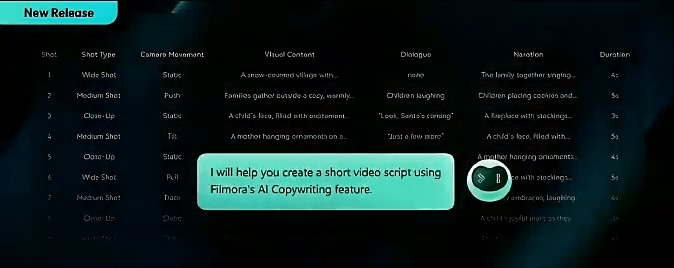
Step-by-step Assistance
Provide detailed explanations of Filmora tools,
including editing features, effects, audio controls, and more. Offer clear, guided steps to help
users
complete editing tasks successfully.
New Release

Tips & Best Practices
Share useful tips, shortcuts, and best practices
to
help users work more efficiently.
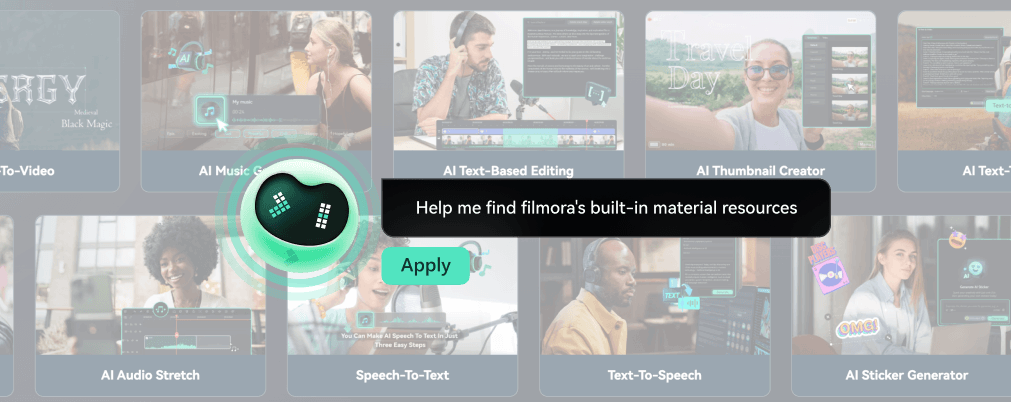
Auto-Display Tutorial by Keyword
shows relevant tutorials based on user-input
keywords efficiently learn how to use tools or perform tasks without searching manually.

AI mate: Try Action Mode Now—Unleash Your Creativity
Ditch Tedious Edits and Reclaim Your Time
Apply In-App Features To Perfect Your Video Clips in Seconds
Enhances your video by making
advanced
audio adjustments, syncing to beats, and performing subject removal at once with ease. Let
Filmora's
AI Mate handle the heavy lifting while you focus on creativity.
Audio Stretch
AI Portrait Cutout
Audio Sync
Beat Sync

AI mate: Try AIGC Mode Now —Stay a Step Ahead
Generate Assets on Demand to Perfect Your Vision
Let Filmora's AI Mate Make Video for You
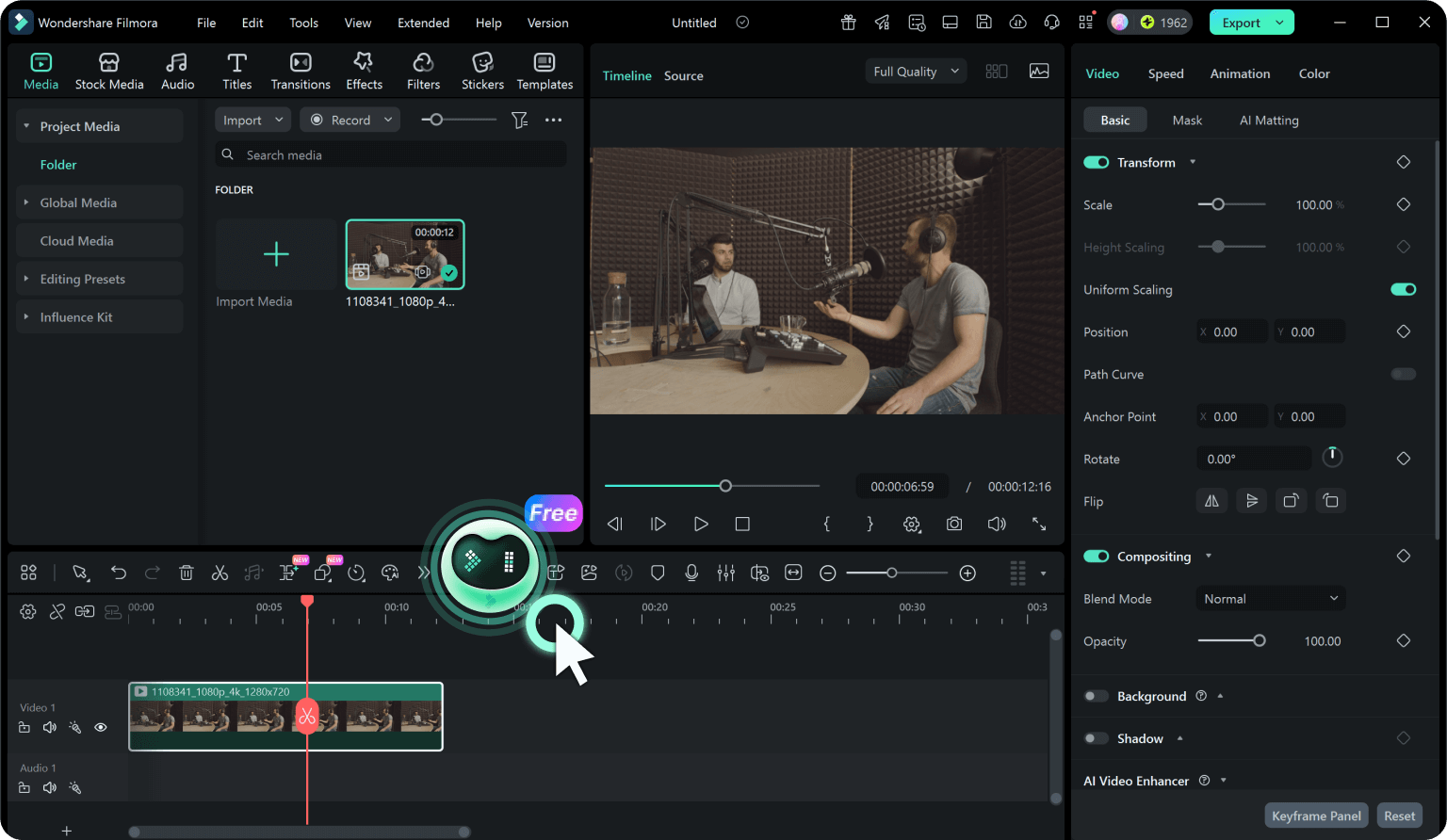
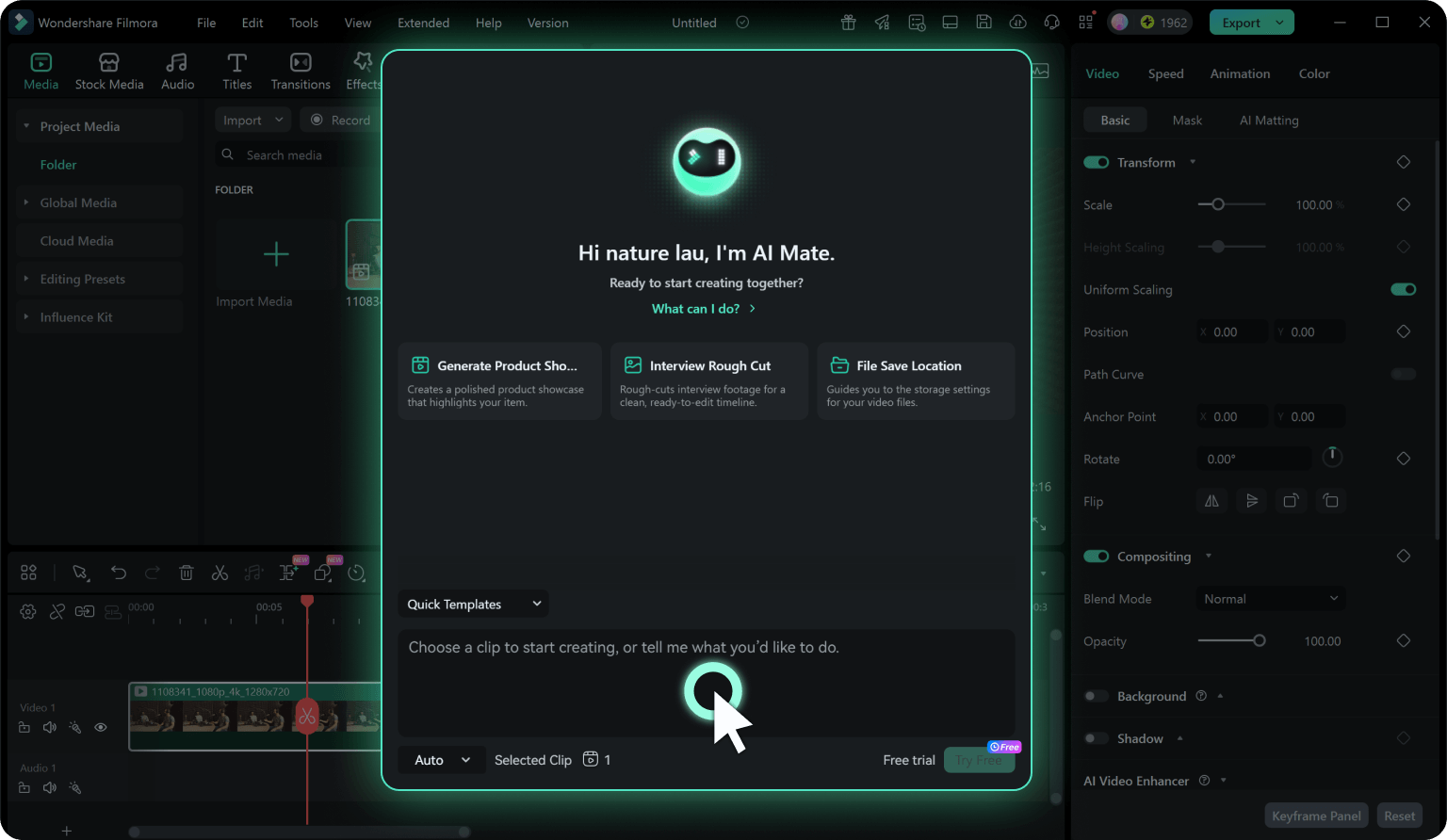
Step 1. Access AI Mate
There are several ways to access the AI Mate. One way is to create a new project and locate
the timeline toolbar once in the editing interface and select the "AI Mate" option. Another way
to access the AI Mate is to select a clip, right-click, and then choose the “AI Mate” option.
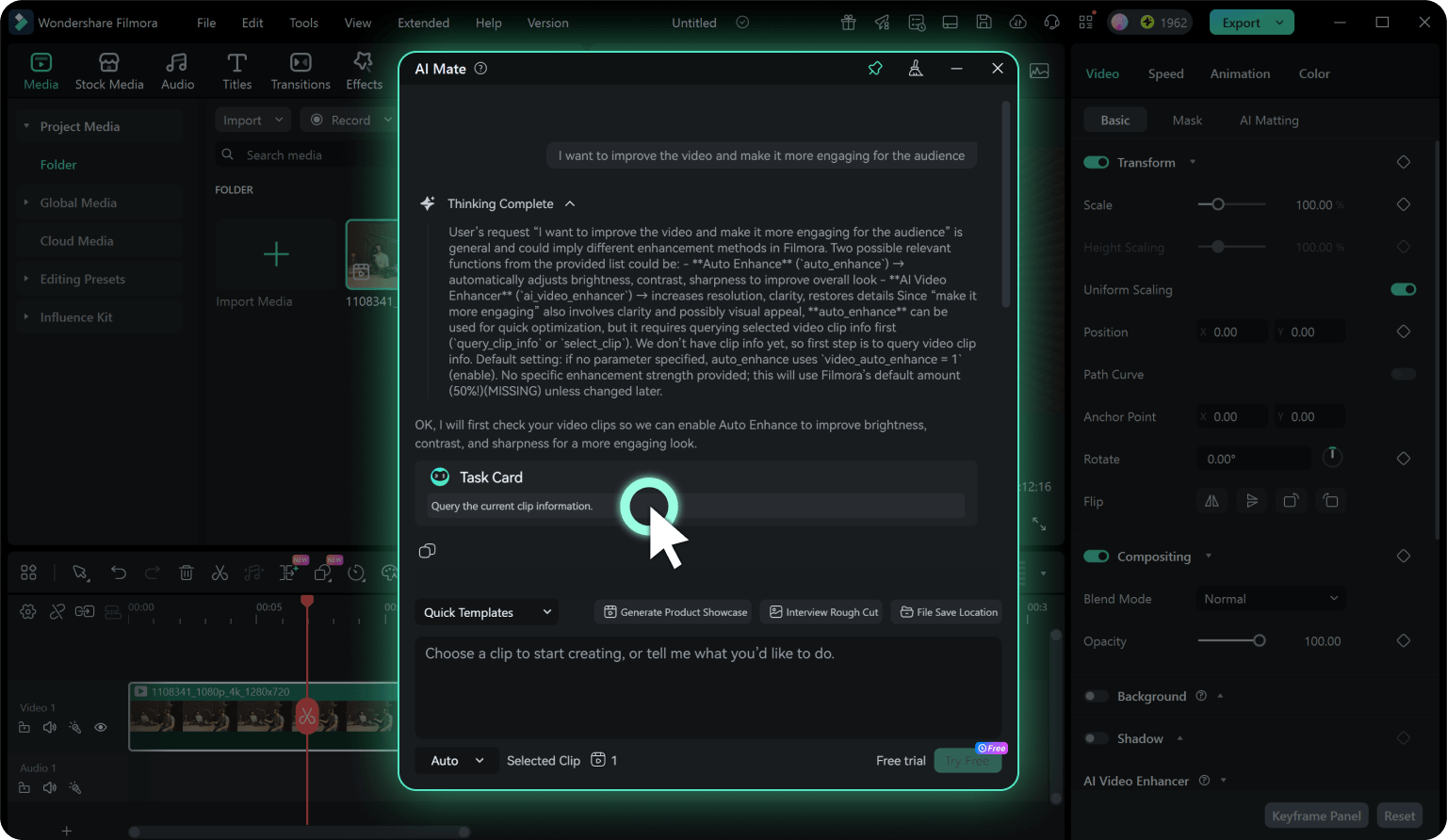
Step 2. Enter a Prompt
In the AI Mate chat window, describe what you want to achieve using natural language. For
example, you could type "I want to improve the video and make it more engaging for the
audience". The Copilot will then suggest edits to enhance the video.
Step 3. Follow Recommendations
Review the Copilot’s suggestions and click on the buttons it provides to easily access those
editing features within Filmora. This allows you to rapidly enhance your video. The AI Mate can
also guide you to the exact function required to fulfill the task.
-
Step 1. Access AI Mate
There are several ways to access the AI Mate. One way is to create a new project and locate the timeline toolbar once in the editing interface and select the "AI Mate" option. Another way to access the AI Mate is to select a clip, right-click, and then choose the “AI Mate” option. -
Step 2. Enter a Prompt
In the AI Mate chat window, describe what you want to achieve using natural language. For example, you could type "I want to improve the video and make it more engaging for the audience". The Copilot will then suggest edits to enhance the video. -
Step 3. Follow Recommendations
Review the Copilot’s suggestions and click on the buttons it provides to easily access those editing features within Filmora. This allows you to rapidly enhance your video. The AI Mate can also guide you to the exact function required to fulfill the task.