



 100% Security Verified | No Subscription Required | No Malware


 ChatGPT
 Perplexity
 Gemini
 Claude
 Grok
Grok
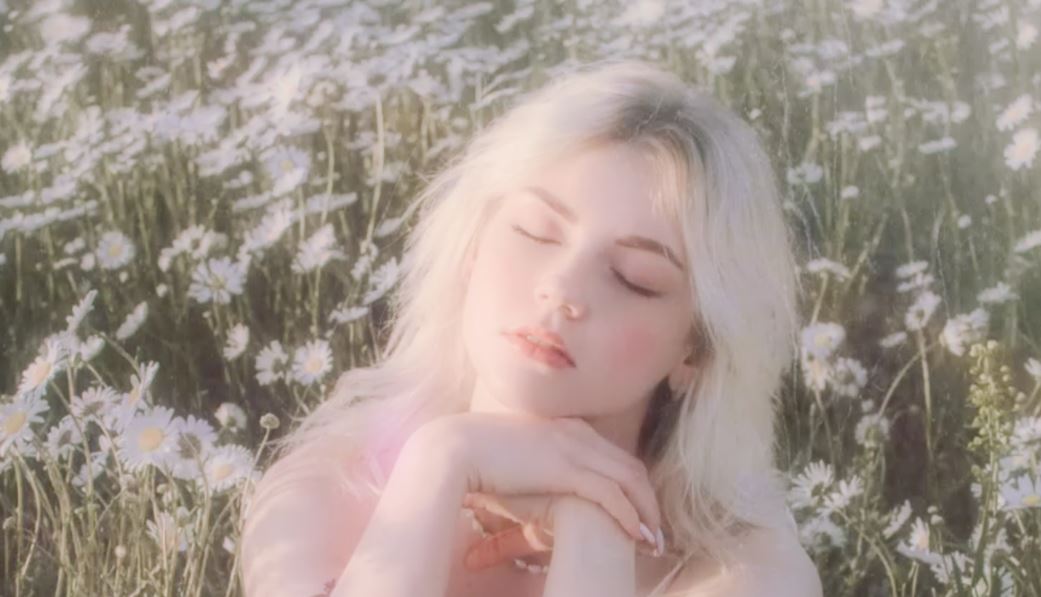
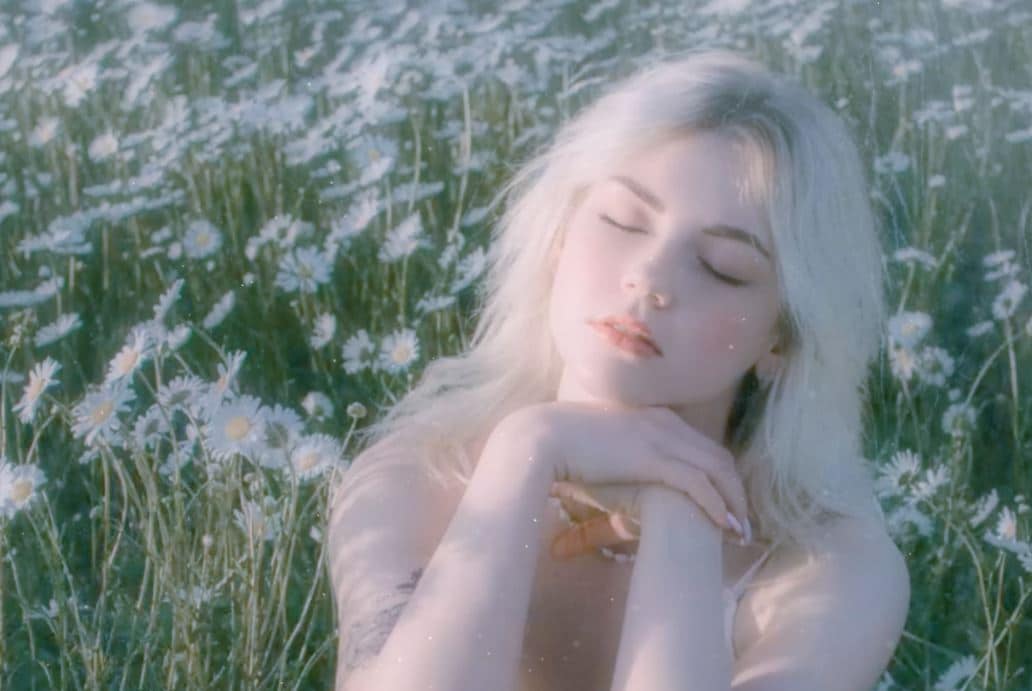
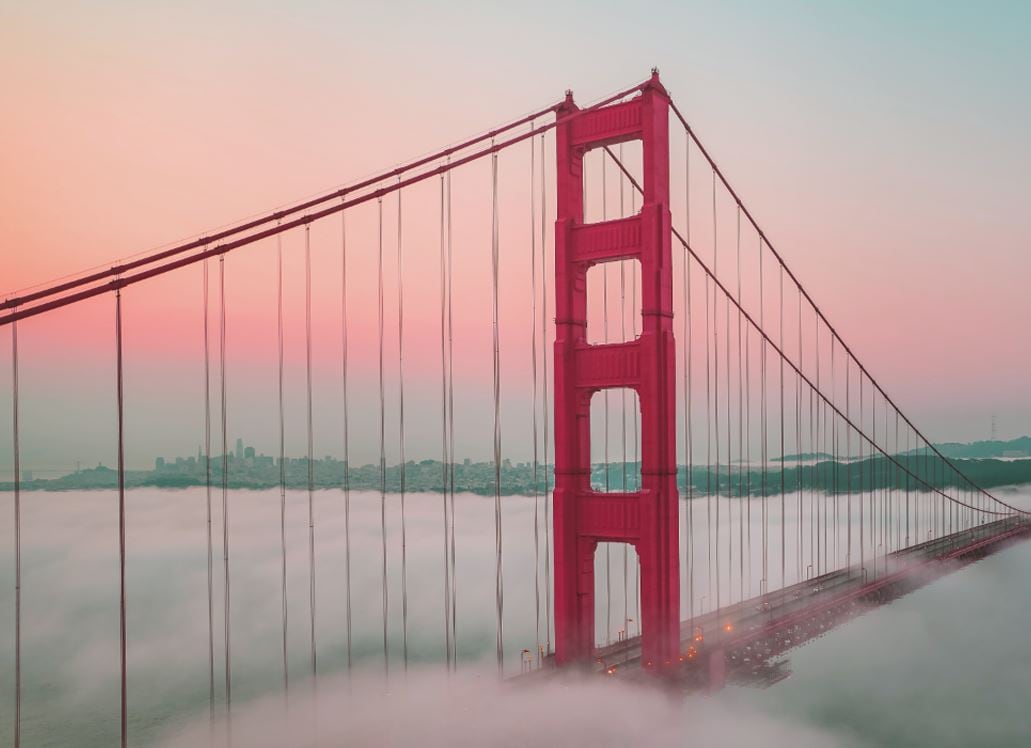
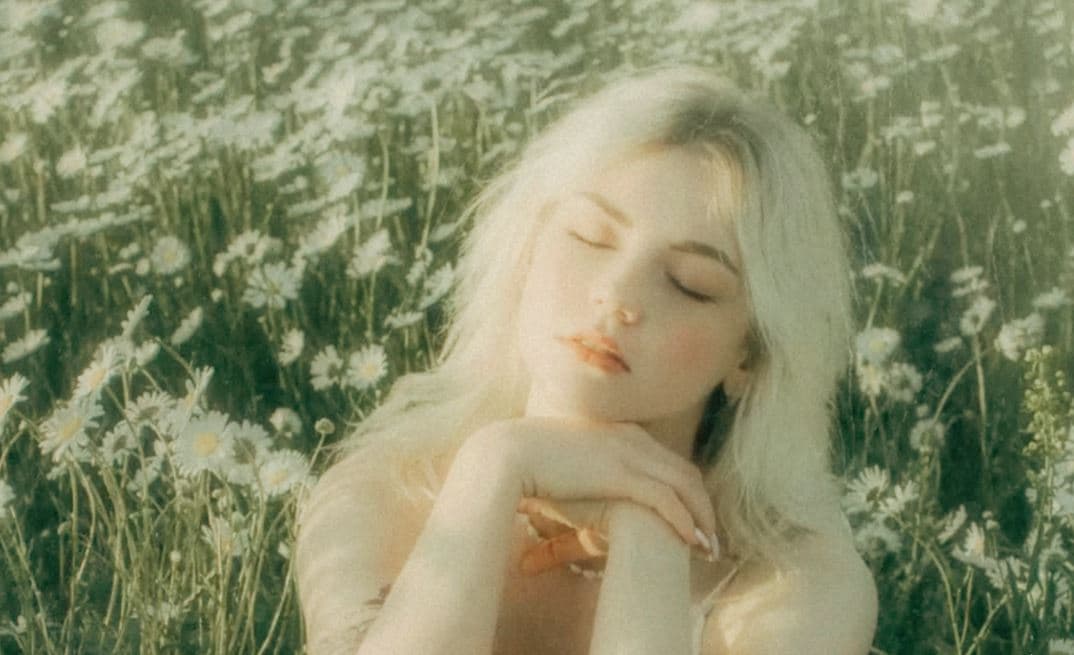
When talking about the mood of your video, filters play a crucial role. It can instantly change the atmosphere of your content and evoke the necessary emotions you want to imply. There are lots of video filters you can apply to your project. One of which is the pastel filter. Every so often, the selections under this category are characterized by velvet hues, dreamy and smoky tones, and captivating aesthetics. It’s best for retro-inspired videos, romantic montages, and the like. Hence, don’t hesitate to give it a try. If you wish to add some sparkles of elegance to your project, the pastel filter is indeed your go-to choice.
In this article, we will list the best pastel filter options on Wondershare Filmora. We will also provide a quick tutorial on how to apply one. Lastly, we will talk about the pastel filter on Lightroom in case you wish to try other alternatives. Continue reading below to learn more.
Part 1. 10 Must-Try Pastel Filter Options on Wondershare Filmora
Soft hues, delicate colors, and dreamy vibes—those are the main components of the pastel filter for video content. Do you want to add one to your current project? If so, you will not run out of choices. Wondershare Filmora offers tons of options in this regard. Check out the list below to learn further.



Part 2. How to Add a Pastel Filter to Video Content Using Wondershare Filmora
Filmora’s intuitive interface makes it easy to apply pastel filters—whether you’re a beginner or a pro. Follow the steps below to get started.
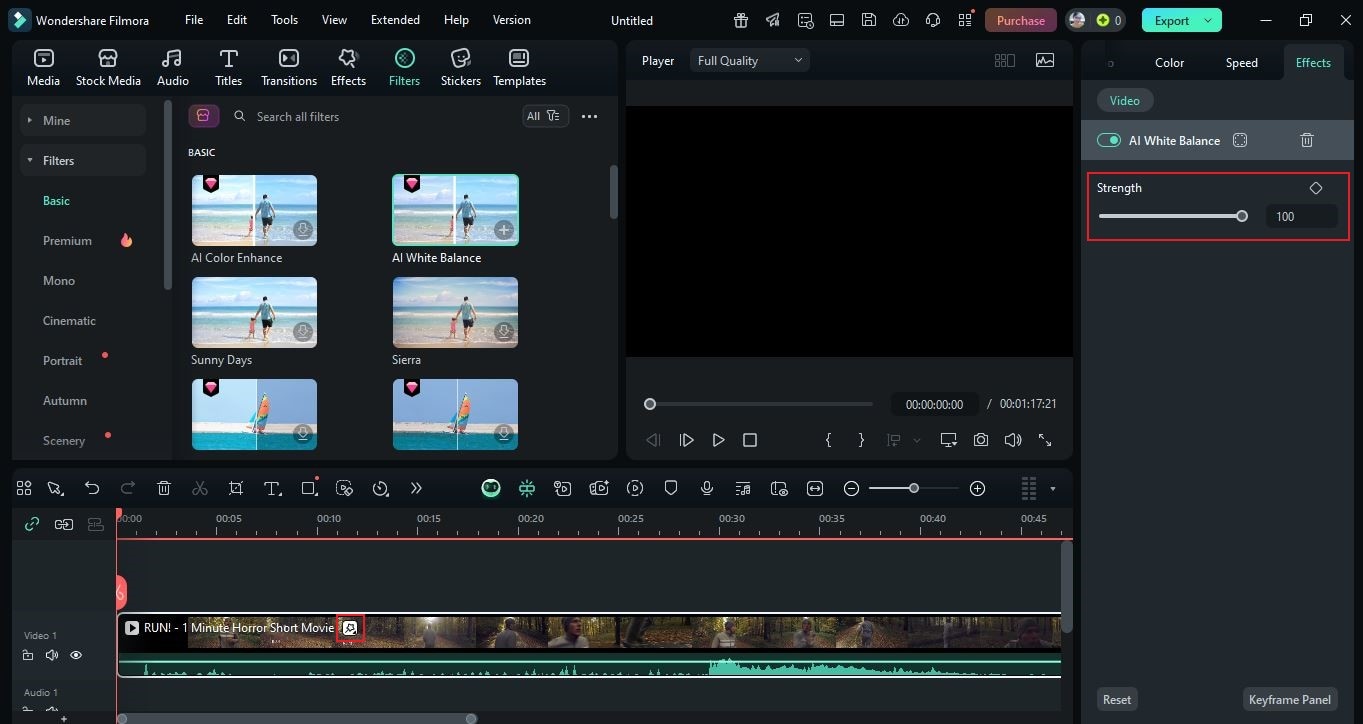
Part 3. Are There Pastel Filter Options in Adobe Lightroom?
Wondershare Filmora offers countless pastel video filters, but other tools also provide options. Adobe Lightroom includes built-in presets you can apply to video clips (where supported) or use as a reference for look development. Explore categories and themes to find a pastel style that fits your project.
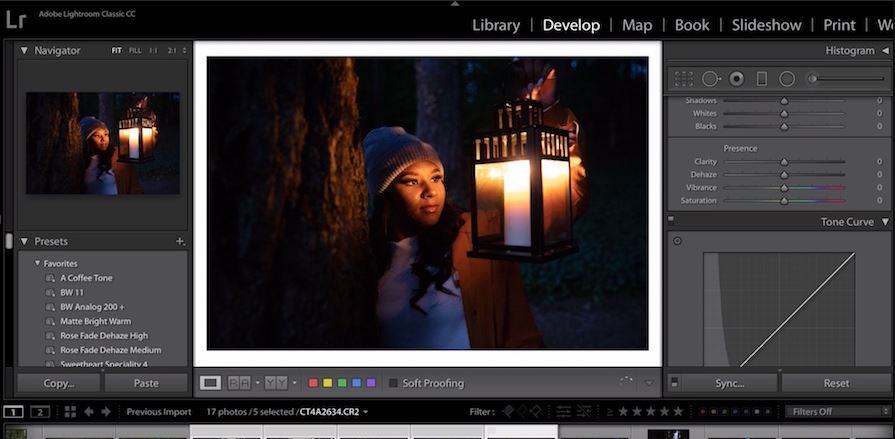
Want a DIY approach? In Lightroom, fine-tune the Exposure, Highlights, Shadows, Tint, and other color parameters to craft a custom pastel look. That said, Lightroom can be more complex than Filmora. If you’d rather keep things simple for video work, Filmora remains the easier, faster choice.
Conclusion
A pastel filter can make a huge difference—adding softness, beauty, and charm to your video in seconds. As mentioned earlier, Wondershare Filmora has a large library of resources to explore, so you’ll have no trouble finding the ideal pastel look for your project. Ready to take your content to the next level? Try Filmora today and put these filters to work on your next edit.
