
Halloween AI Effects Examples & Guides
Explore chilling applications and how-to guides for your next project
Loading more Halloween AI Effects examples...
 Category:
 Duration:
 Aspect Ratio:
Everything You Need to Apply Halloween AI Effects to Videos
A well-placed spooky overlay can turn an ordinary clip into a cinematic masterpiece. Filmora provides a massive library of Halloween AI Effects with built-in artificial intelligence models that drop straight into your timeline. Whether you're creating a short film, designing a horror vlog, or crafting a haunted scene, Filmora's intelligent engine uses cutting-edge technology like GPT Image 2 and Nano Banana Pro to give you total creative control.
Generate Haunting Visuals With AI
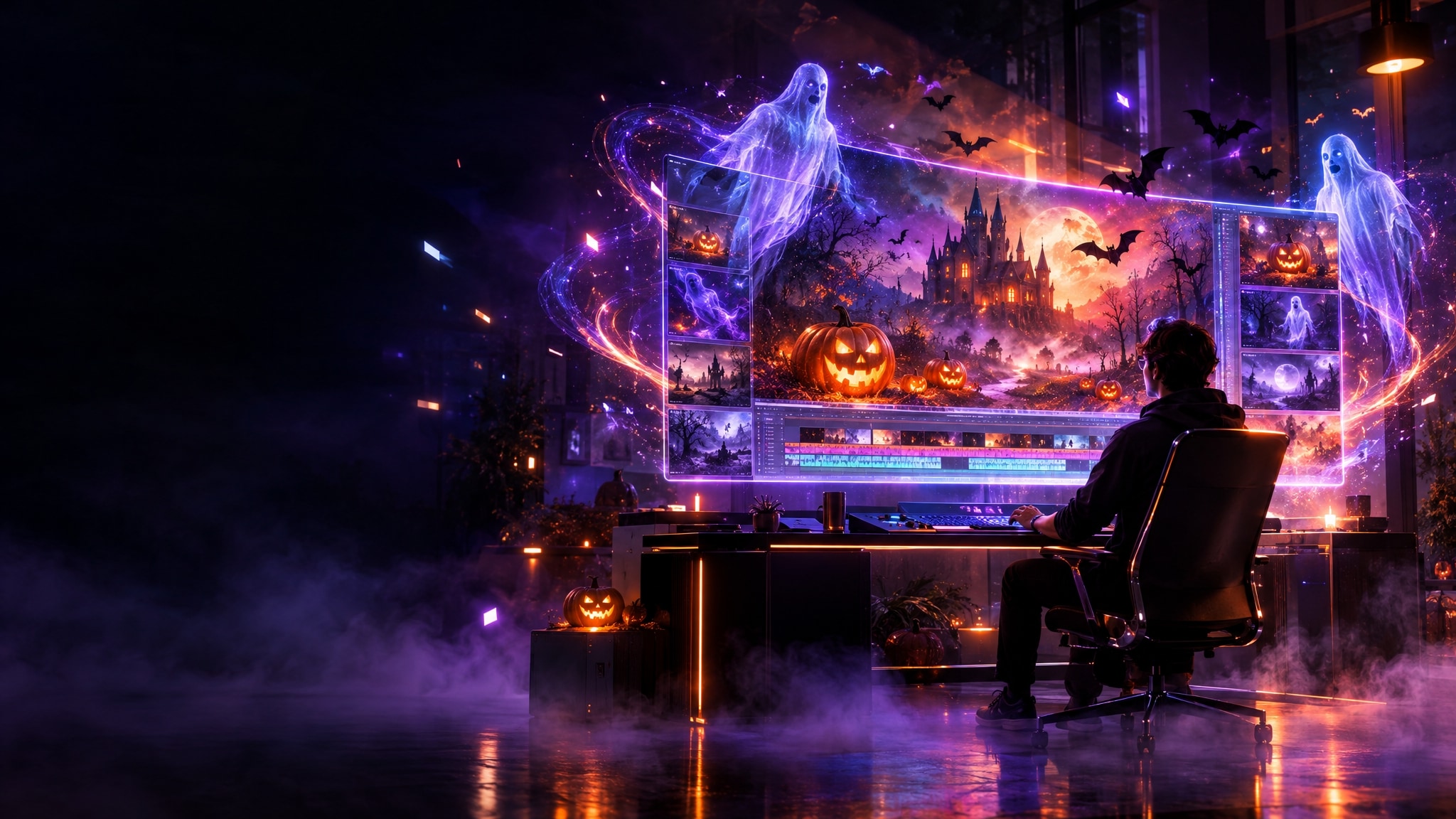
Generate Haunting Visuals With AI
Stop searching for the perfect creepy background and start generating it instantly. Filmora integrates powerful internal models, including GPT Image 2 and Nano Banana 2, empowering you to conjure terrifying castles, ghostly figures, or eerie landscapes directly on your timeline. This all-in-one approach eliminates the need for external tools, streamlining your horror edits.
- Create chilling backgrounds instantly using the integrated AI Image Generator without leaving your workspace.
- Choose between versatile models like Nano Banana Pro and ChatGPT Image 2 for distinct stylistic horror elements.
- Drop your generated terrifying visuals straight onto the timeline for immediate video integration.
Transform Clips With Horror Tones
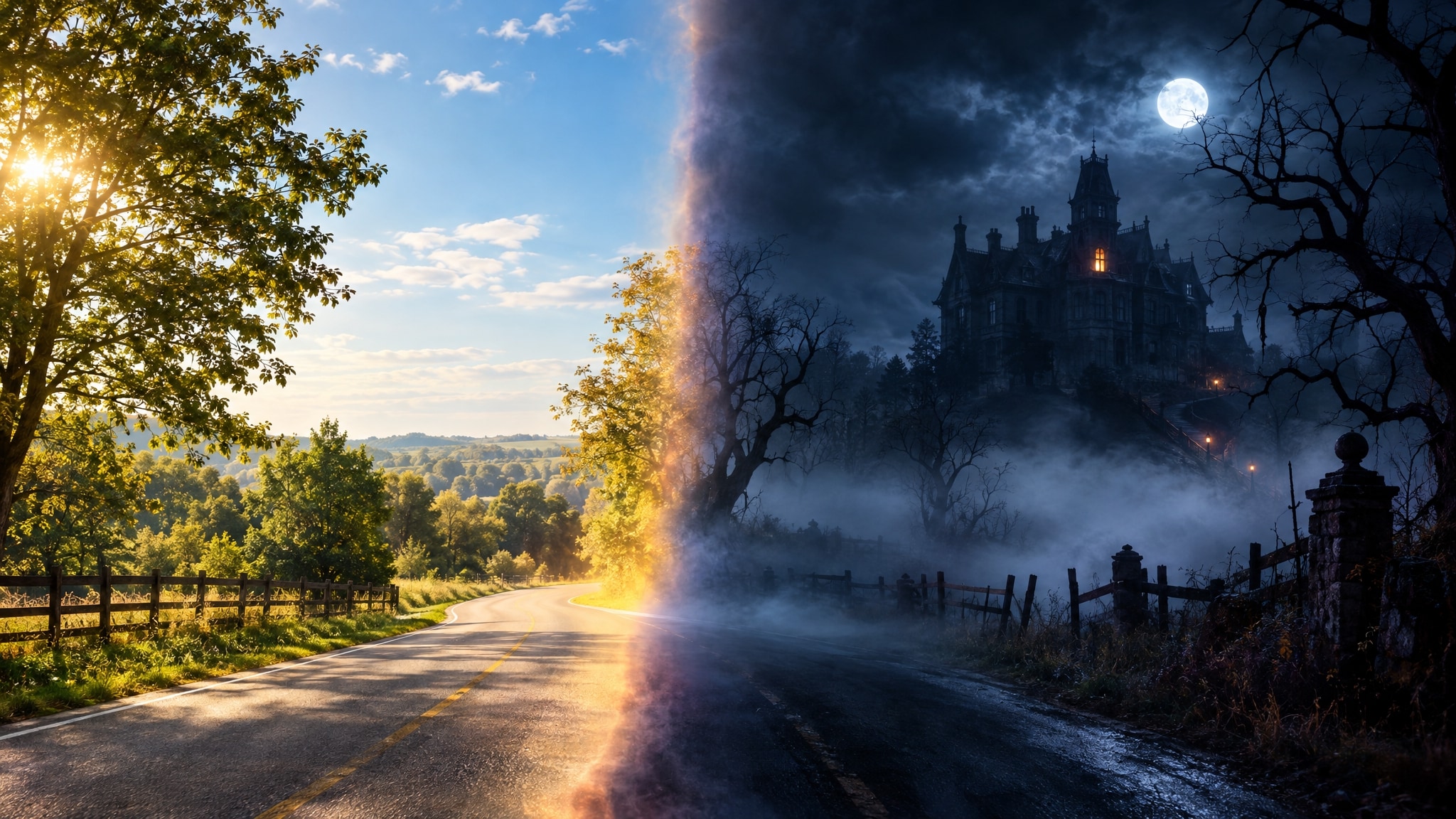
Transform Clips With Horror Tones
Achieve that blockbuster thriller look instantly by utilizing specialized Halloween AI Effects designed to manipulate lighting and mood. Filmora analyzes your clips and applies professional-grade color correction to darken shadows and emphasize terrifying highlights. You can easily craft the perfect nightmare aesthetic for your social media content or short films.
- Apply chilling video filters to instantly transform sunny scenes into haunted nightmares.
- Manipulate the intensity of shadows and highlights to evoke a deep sense of cinematic dread.
- Layer multiple glowing and glitching transitions to simulate supernatural interference in your footage.
Conjure Terrifying Audio Ambience
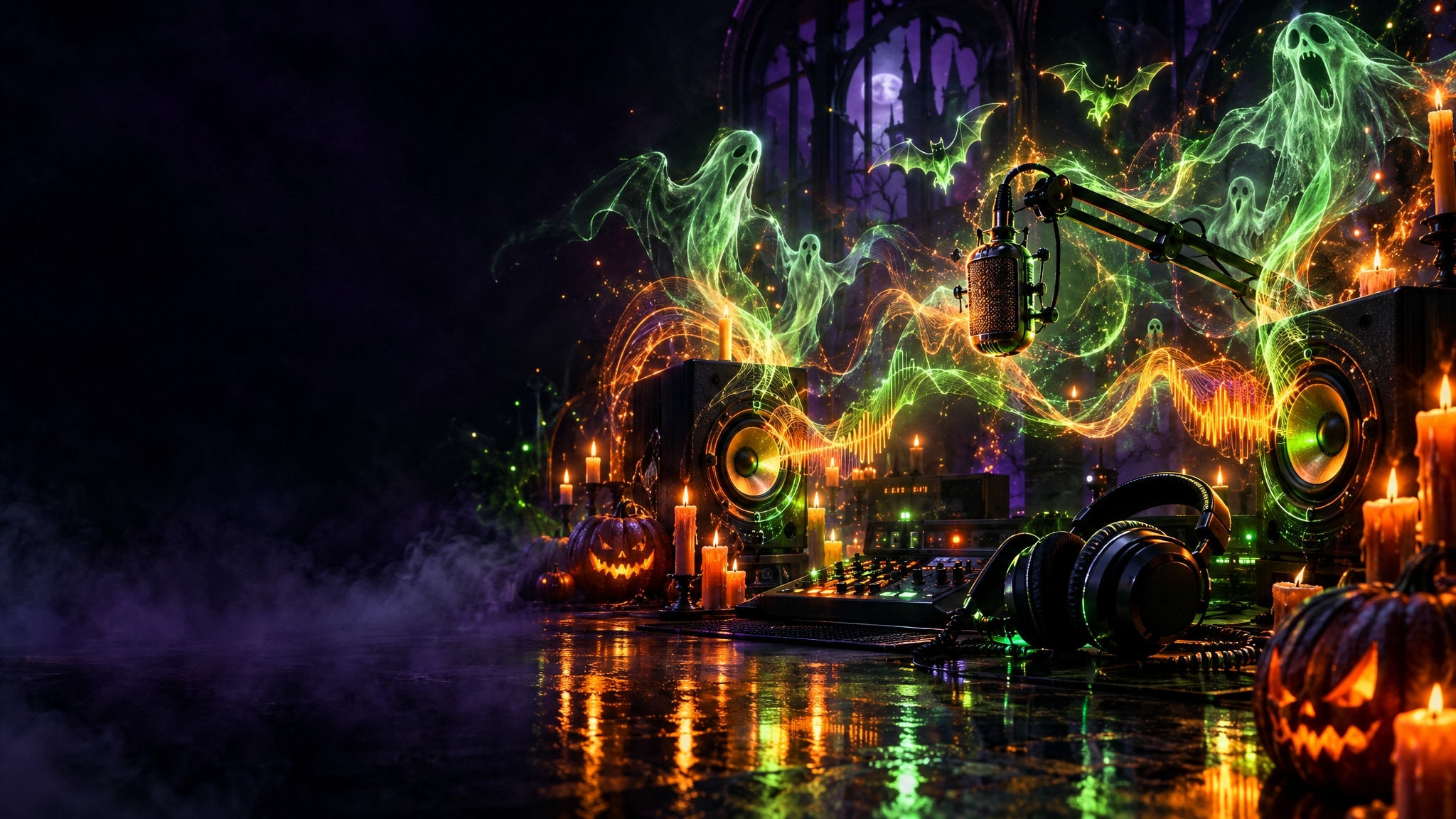
Conjure Terrifying Audio Ambience
Sound design is crucial for any scary video, and Filmora makes it effortless to build tension. You can generate custom suspenseful soundtracks using the built-in AI music generator to perfectly match the mood of your visuals. Combine this with intelligent voice changers to turn normal dialogue into demonic whispers or ghostly echoes.
- Generate custom creepy background music that perfectly matches the length of your suspenseful scene.
- Convert standard narration into chilling ghostly voices using the integrated Text to Speech technology.
- Synchronize your terrifying audio effects seamlessly with sudden visual jump scares on the timeline.
Frequently Asked Questions About Halloween AI Effects
How to Apply Halloween AI Effects in Filmora
Create professional terrifying looks in just a few simple steps, no advanced technical skills required.
Step 1 Browse & Select
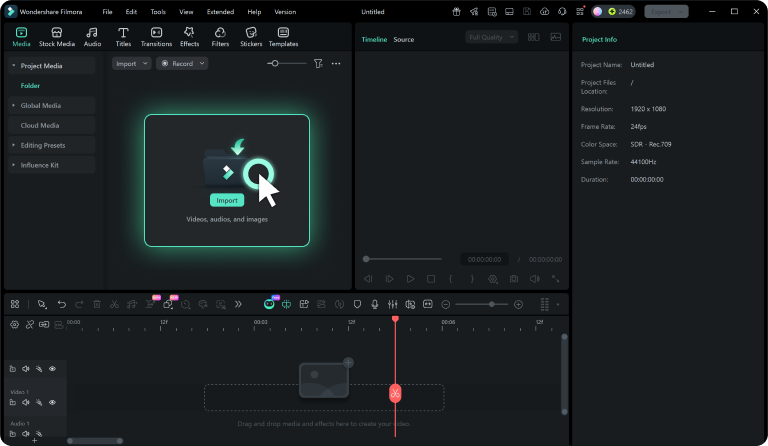
Step 2 Download Spooky Effects
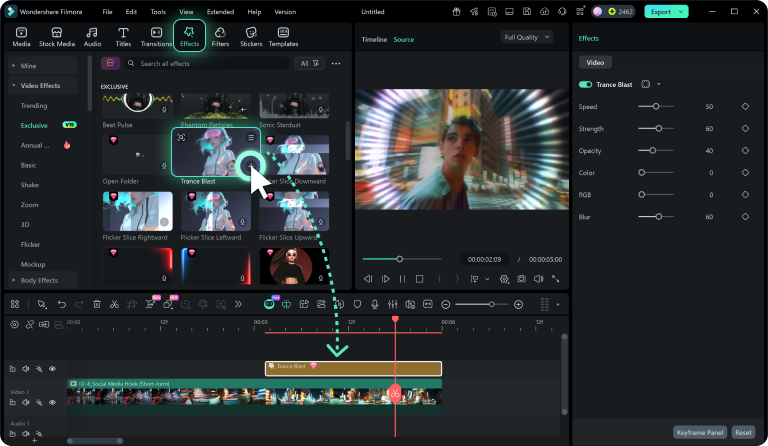
Step 3 Apply & Terrify
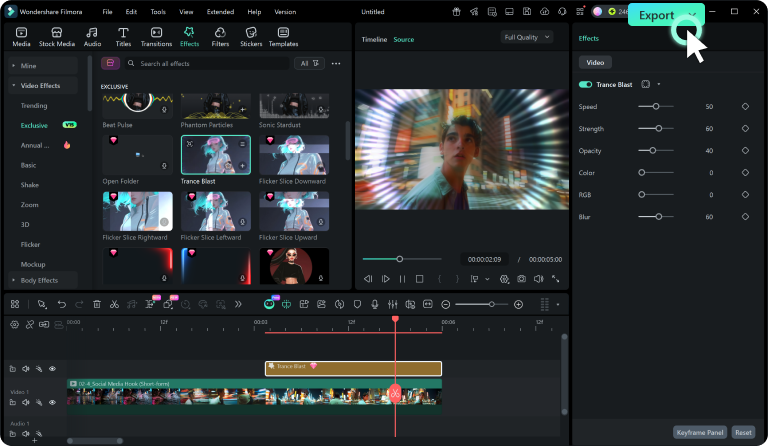
-
1: Browse & Select
Browse our expansive Halloween AI Effects collection and click on any haunted overlay to preview it. -
2: Download Spooky Effects
Click the download button to instantly get the eerie effect file. It will be seamlessly saved to your designated folder and immediately ready to import into the Filmora video editor workspace. -
3: Apply & Terrify
Drag the downloaded asset onto your active timeline and start customizing the glowing intensity, dark colors, and ghostly blend modes to match your ultimate vision for Halloween AI Effects.
