
Halloween Video Filters Examples & Guides
Explore popular creepy applications and step-by-step haunted edit guides
Loading more spooky Halloween filters...
 Category:
 Duration:
 Aspect Ratio:
Everything You Need to Create Chilling Masterpieces
A well-placed jump scare or eerie shadow can turn an ordinary clip into a polished, terrifying short video. Filmora gives you a full library of built-in resources to elevate your horror edits. Whether you are using ominous video filters to build a creepy atmosphere, or laying down haunting sounds, you can do it all right from your timeline. 🌕
Bring your darkest nightmares to the screen easily. Pick a spooky layout, adjust the gloomy ambiance, and publish your haunted stories directly to your preferred platform to captivate and thrill your audience.
Give Your Footage a Cinematic Haunted Atmosphere
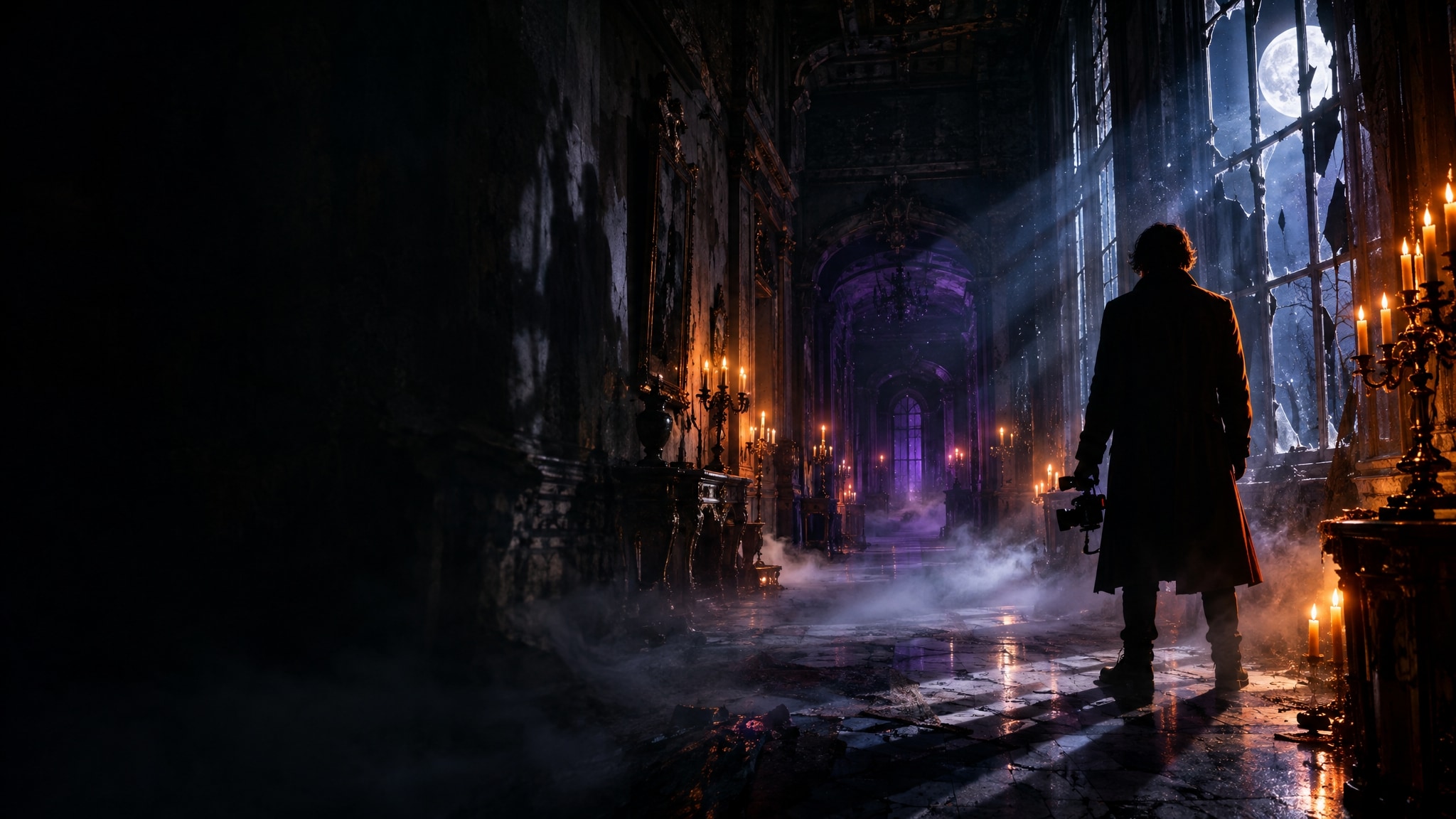
Give Your Footage a Cinematic Haunted Atmosphere
Achieve the perfect horror movie aesthetic without complex color correction. Filmora offers a massive library of ready-to-use Halloween video filters that instantly transform bright daylight clips into dark, mysterious scenes. 🦇
- Drag and drop moody presets onto your timeline to instantly change the lighting and ambiance.
- Fine-tune the opacity and intensity of each cinematic effect to match your specific spooky vision.
- Create a cohesive horror aesthetic across all your social media platforms with consistent color grading.
Generate Terrifying Assets With Advanced AI Tools
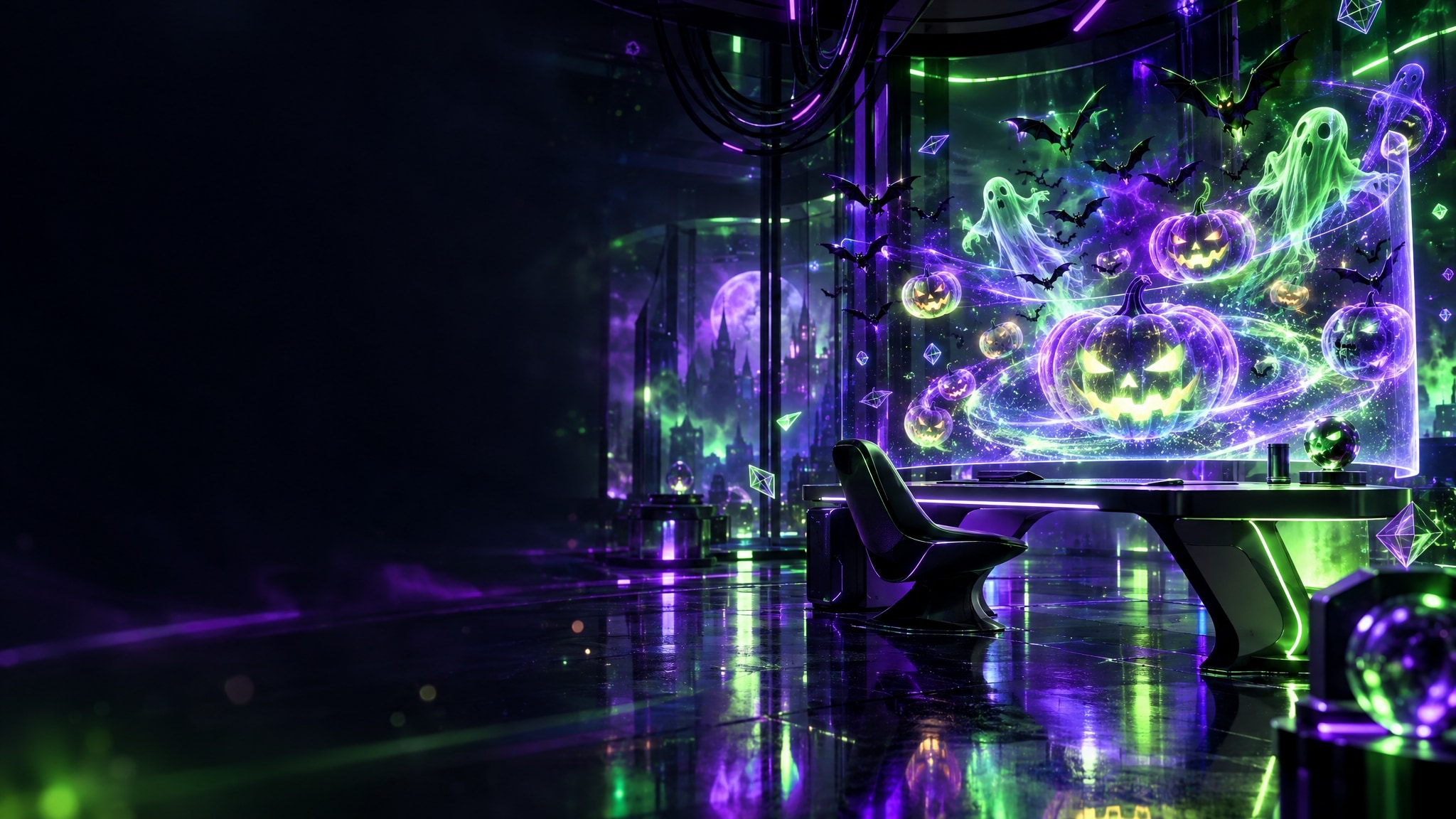
Generate Terrifying Assets With Advanced AI Tools
Don't just stop at basic color adjustments; elevate your scares by generating custom creepy elements. Filmora's built-in AI Image Generator is powered by cutting-edge models like GPT Image 2 and Nano Banana, allowing you to instantly create haunting stickers, cursed backgrounds, and monstrous overlays. 👻
- Generate custom haunted backgrounds and terrifying graphics using flexible AI models right inside the editor.
- Blend your generated creepy assets seamlessly into your footage using advanced blending modes and tracking.
- Bring your wildest horror concepts to life without ever leaving the timeline or searching external sites.
Complete the Horror Vibe With Creepy Titles and Audio
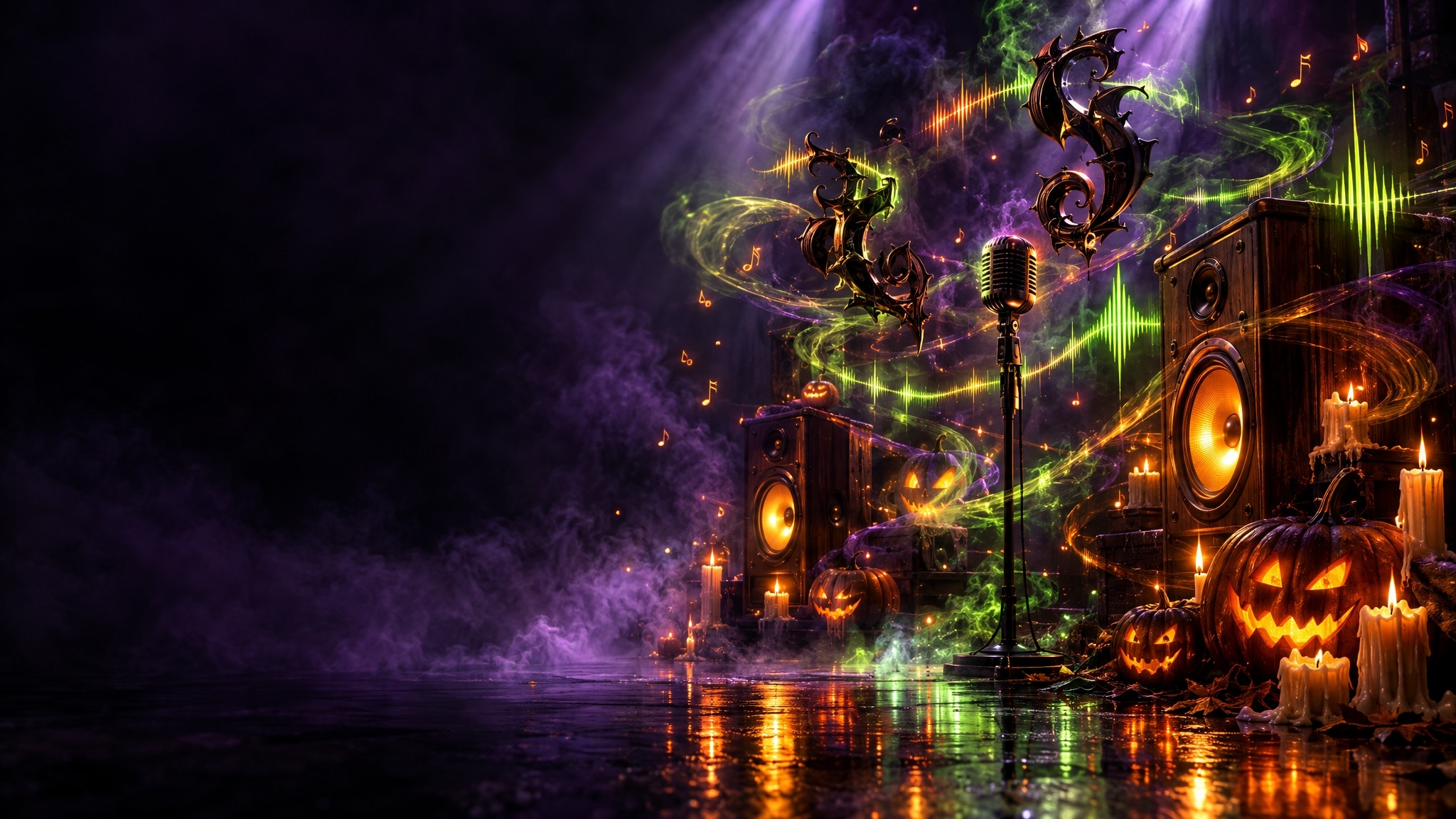
Complete the Horror Vibe With Creepy Titles and Audio
A true horror masterpiece relies heavily on suspenseful sound design and typography. Easily add titles and chilling text effects to introduce your haunted tales, and pair your visuals with an ominous soundtrack using Filmora's AI music generator. 🕷️
- Layer your frightening visuals with suspenseful background tracks generated specifically for your scene.
- Introduce your spooky stories with jagged, bleeding, or glowing text animations that captivate viewers.
- Use eerie voices to narrate your haunted tutorials or terrifying short films.
Frequently Asked Questions About Halloween Video Filters
How to Apply Halloween Video Filters in Filmora
Turn your everyday clips into a spine-chilling masterpiece using Filmora's built-in spooky effects. Follow these steps to import your media, add terrifying Halloween video filters, and export your haunted creation. 🧟
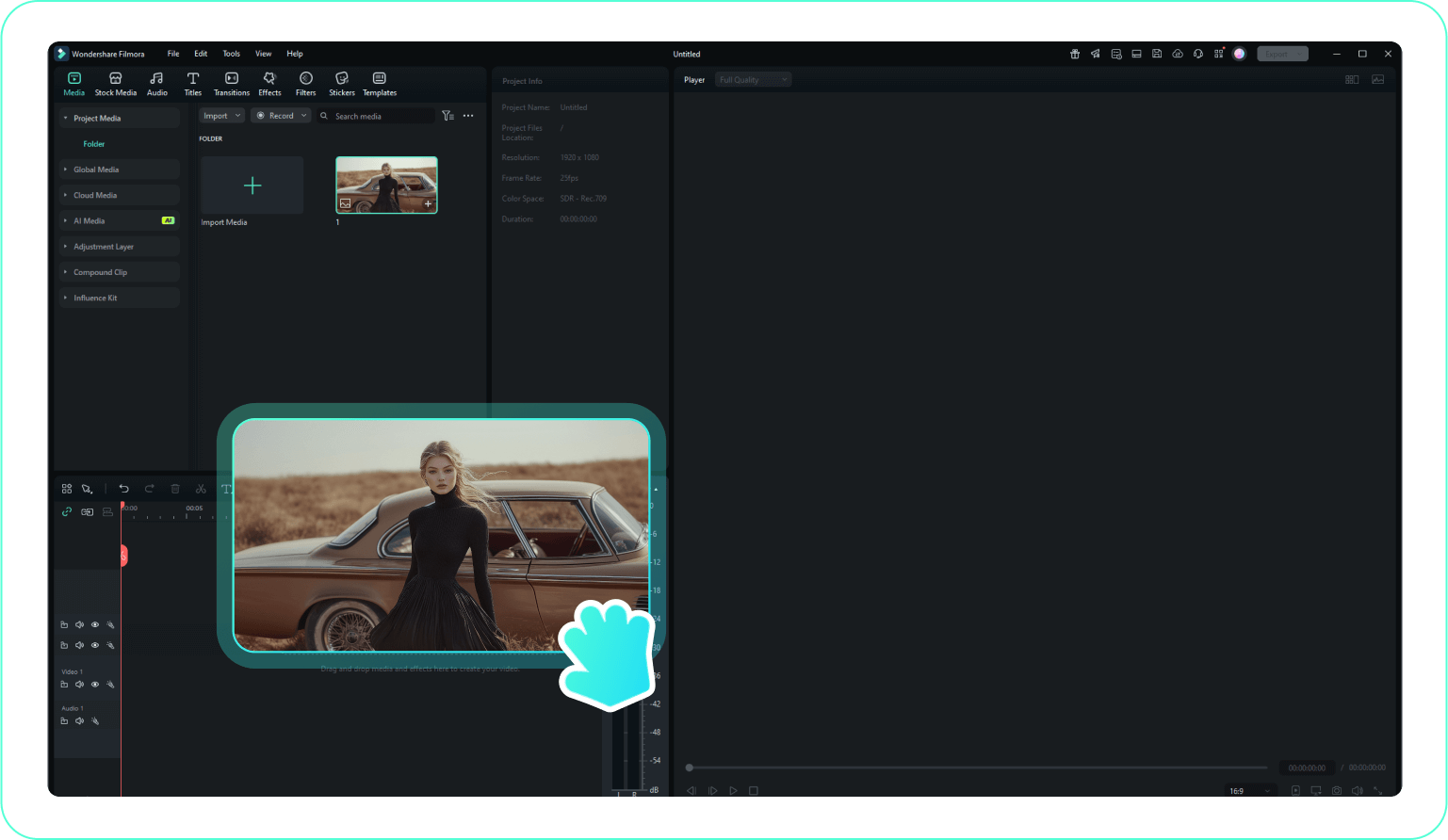
Step 1 Import Your Creepy Footage
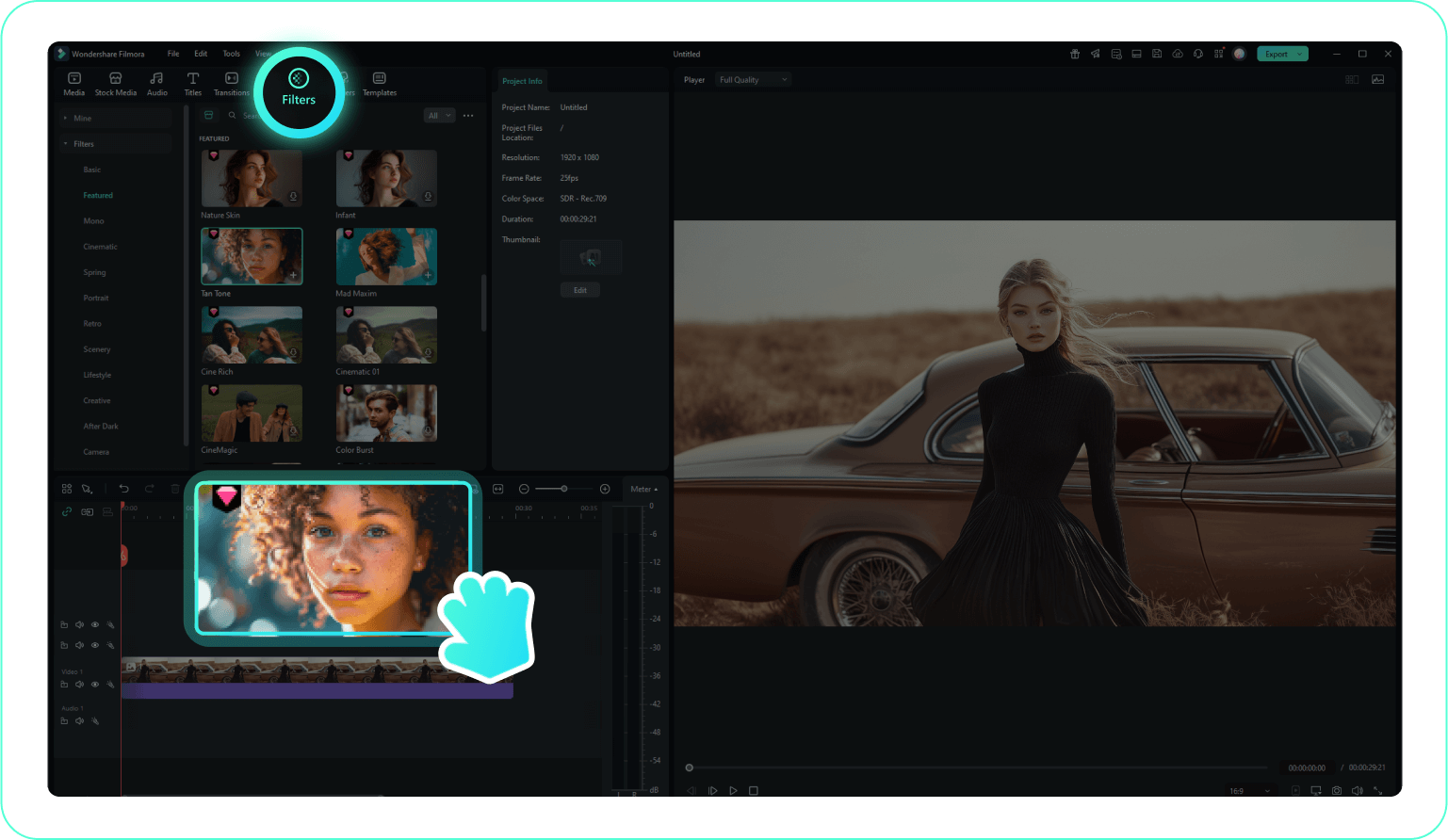
Step 2 Apply a Halloween Video Filter
Step 3 Adjust the Spooky Effect and Export
-
1: Import Your Creepy Footage
Open Filmora and upload your raw media by clicking "Import Media". Drag your video down onto the editing timeline to prepare it for your terrifying transformation. -
2: Apply a Halloween Video Filter
Navigate to the "Filters" tab and search for the Halloween collection. Preview the eerie color grades and drag your favorite spooky overlay directly onto your clip to build a dark atmosphere. -
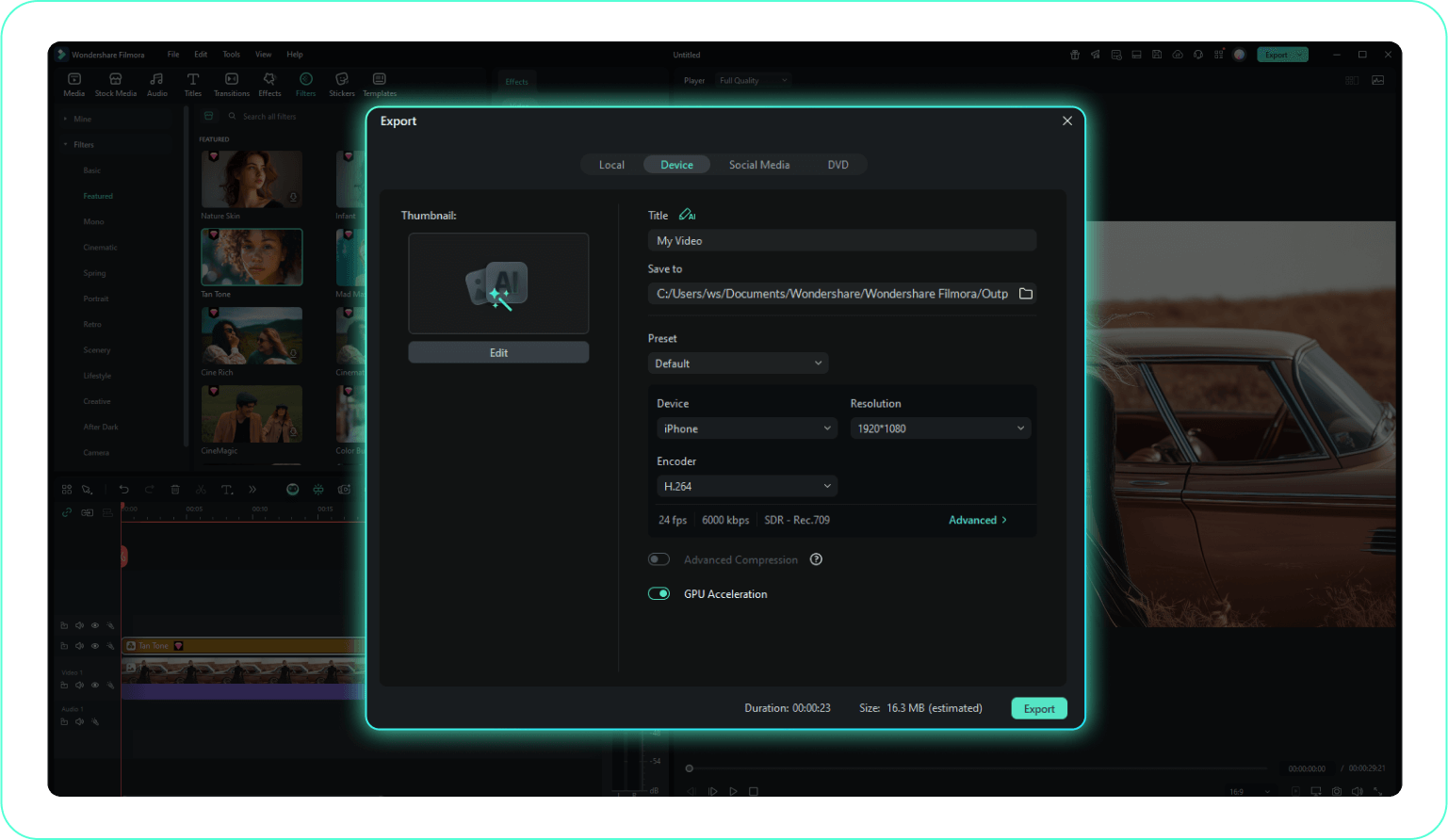
3: Adjust the Spooky Effect and Export
Click on your clip to access the settings panel, where you can modify the Opacity to dial in the perfect amount of gloom. When your horror edit is complete, click Export to share it.
