Explore AI Expressionism Art Prompts
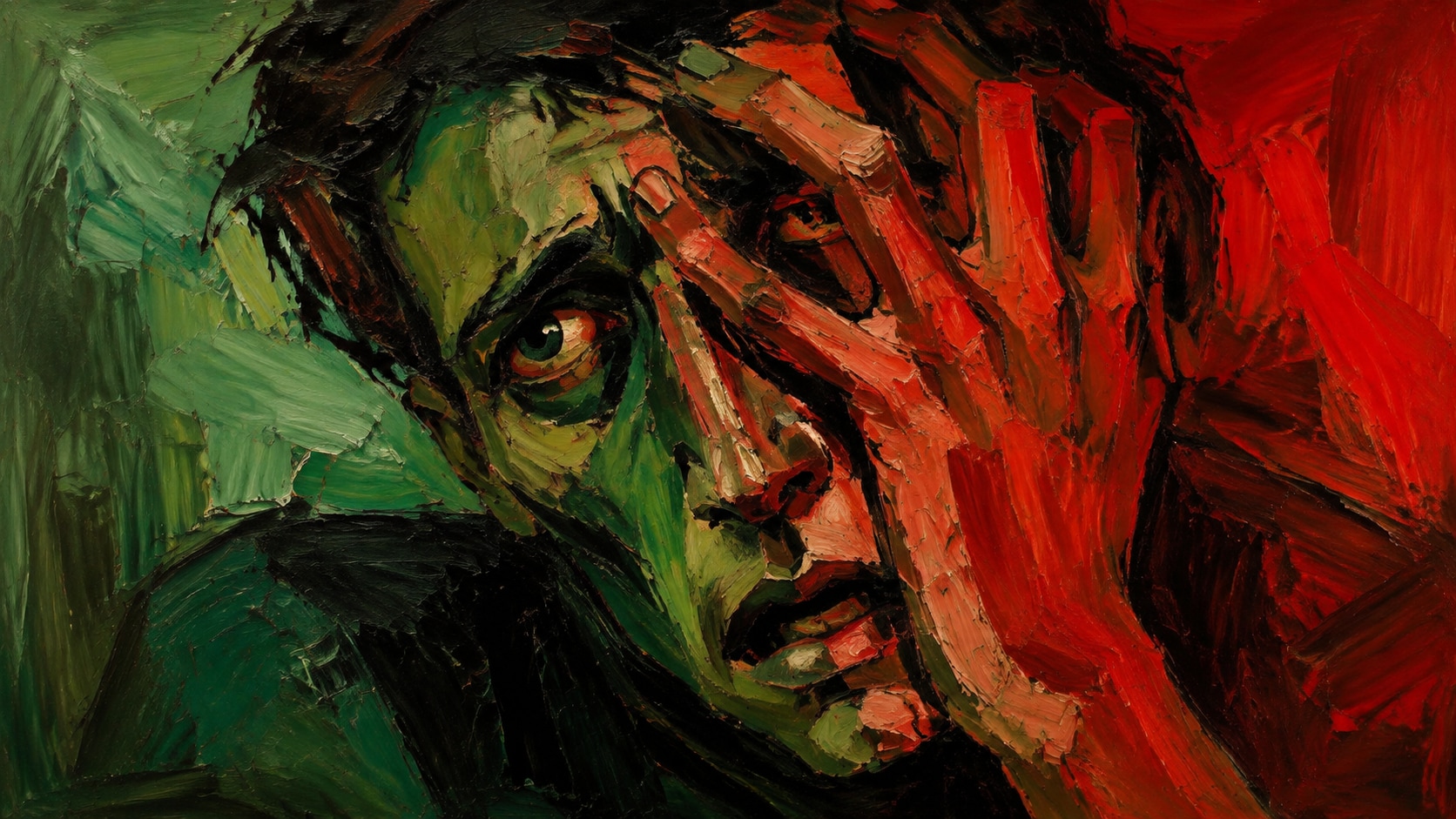
Browse AI expressionism art prompts for twisted faces, fauvist gardens, abstract color bursts, and night interiors. Build each still for video templates, gallery posts, or motion-ready exhibition clips.
Loading more AI expressionism art prompts...
 Category:
 Duration:
 Aspect Ratio:
Why Paint Expressionist Art Inside Filmora?
Expressionist images work when the color is loud, the drawing is bent, and a quiet crop remains for later titles. Filmora helps you generate the still, compare model texture, add overlays, and export a gallery or social cut.
Turn Emotional Color Into Filmora Stills
Turn Emotional Color Into Filmora Stills
Start with a precise expressionism art prompt, then use Filmora's AI image generator to keep bent faces, loud palettes, and gesture fields readable as stills.
- Emotion First - Hold a twisted face, isolated figure, or violent color burst as the center.
- Visible Gesture - Ask for contour bends and palette-knife marks instead of smooth rendering.
- Quiet Crop - Leave a calmer margin so Filmora titles can sit without fighting the paint.
Keep Distortion Sharp With GPT Image 2
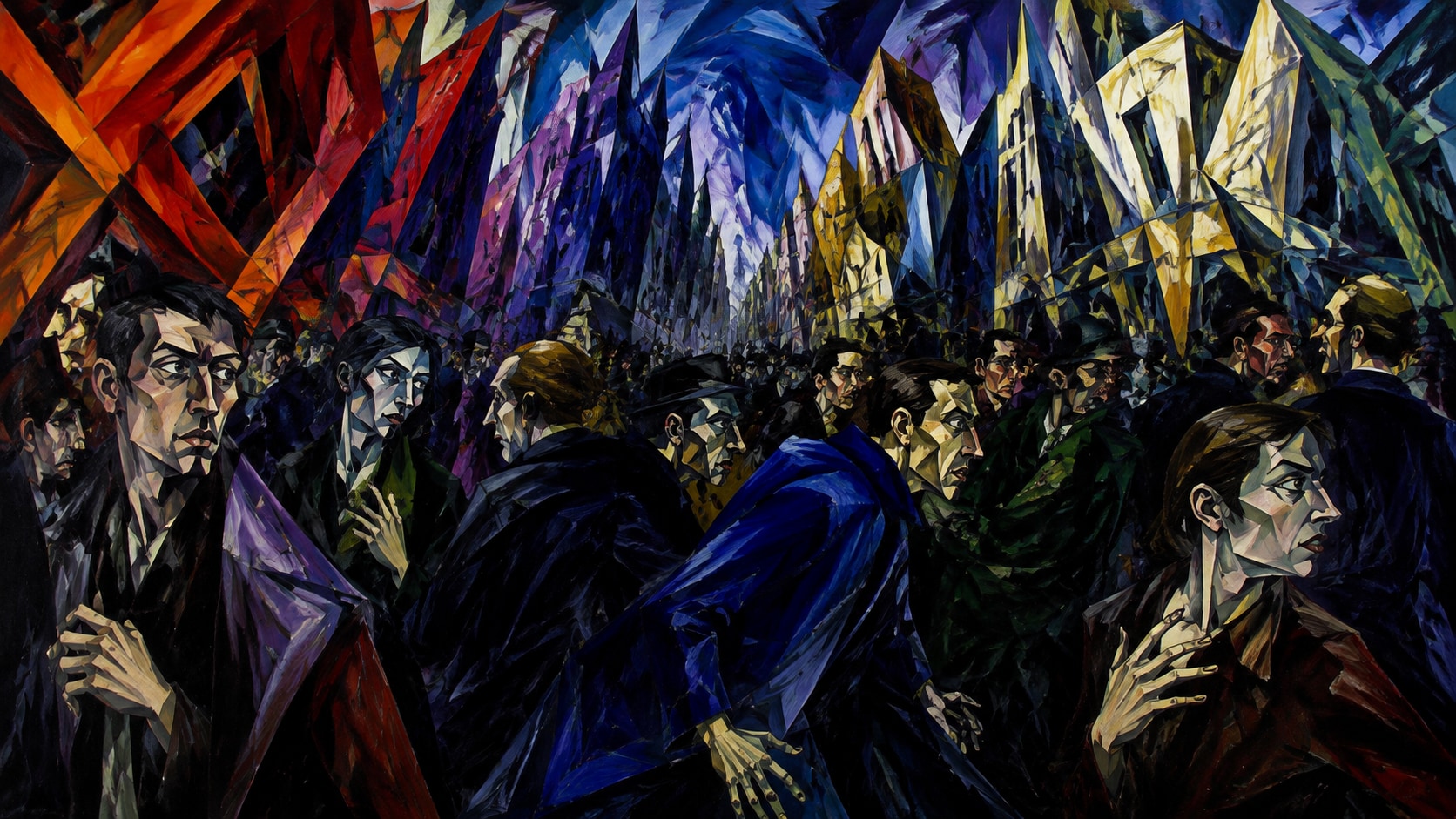
Keep Distortion Sharp With GPT Image 2
When the face turns muddy, Filmora's GPT Image 2 helps restore contour, complementary clash, and brush direction.
- Prompt Control - Describe emotion, bent anatomy, palette, and empty title space in one pass.
- Texture Follow-Through - Keep impasto ridges, drips, and jagged outlines without collapsing into noise.
- Edit-Ready Edges - Hold a usable outer margin for stickers, type, and social safe zones.
Push Wilder Palettes With Nano Banana
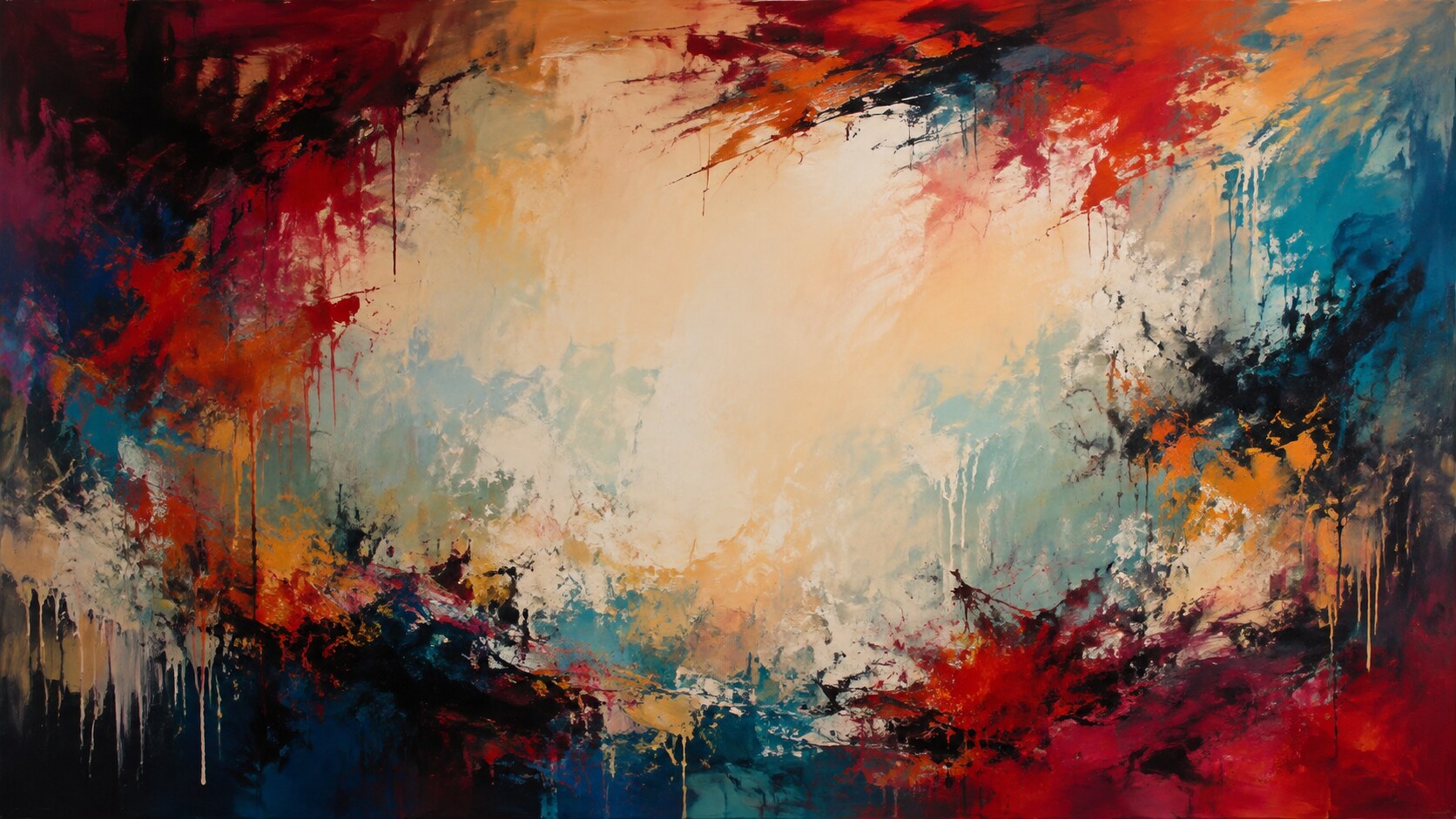
Push Wilder Palettes With Nano Banana
Use Filmora's Nano Banana when one emotional idea needs a hotter red-green split, thicker paint, or a tighter portrait crop.
- Style Range - Explore portraits, streets, interiors, and abstract fields from the same feeling.
- Variant Testing - Generate several color storms before locking a campaign still.
- Fast Creative Loop - Stay inside Filmora from prompt to finished expressionist still.
Animate Gesture Energy Into Video
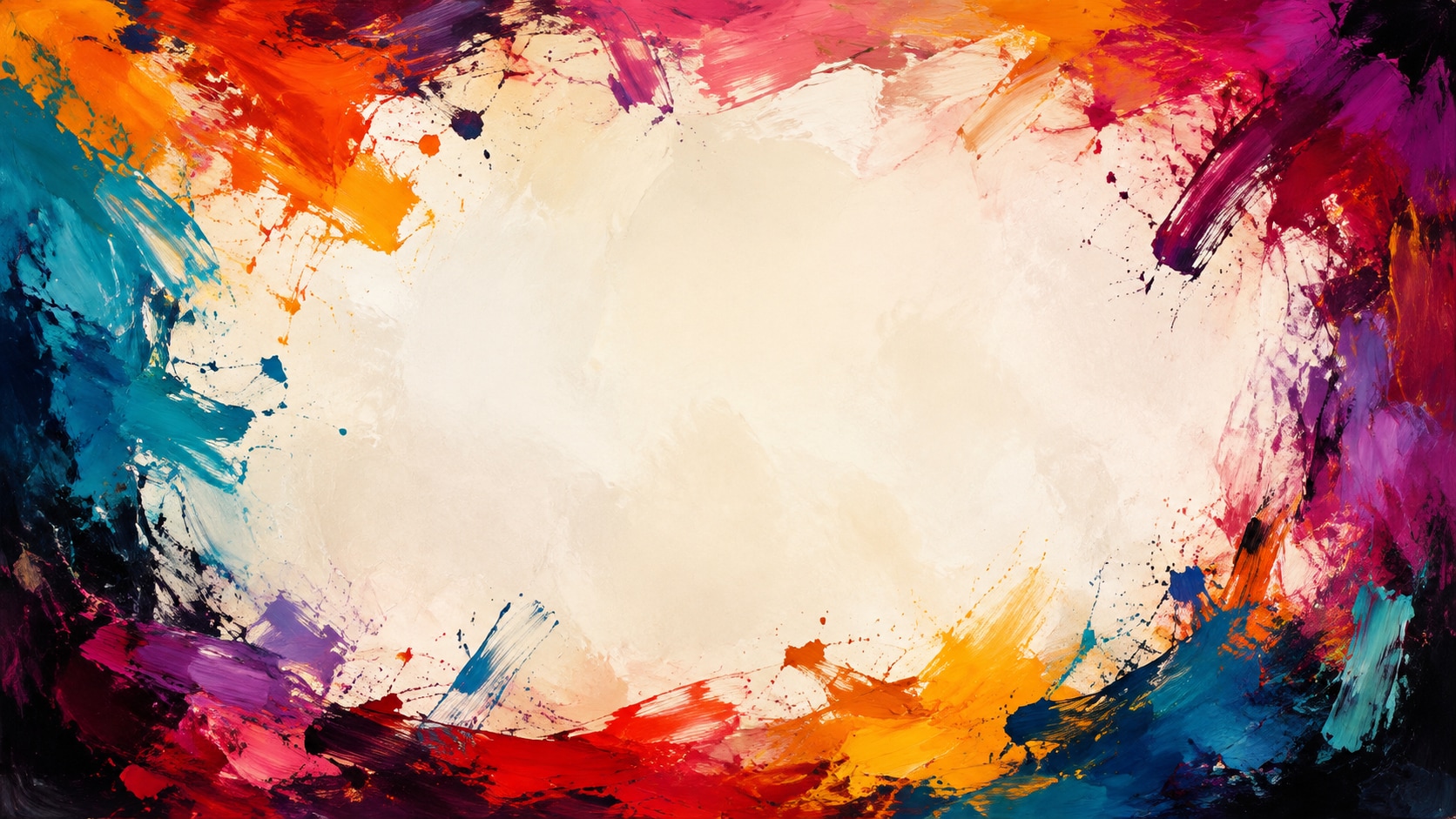
Animate Gesture Energy Into Video
After the still is generated, use Filmora's AI Image to Video to add brush surges, color pulses, captions, and audio.
- Motion Ideas - Use paint drips, color pulses, or a slow push into the distorted face.
- Social Crops - Recut one painting into 16:9, 9:16, and 1:1.
- Final Export - Finish with type, music, and platform-ready output in Filmora.
Frequently Asked Questions About Expressionism Art Prompts
How to Generate Expressionist AI Photos That Hold Emotion
Choose an emotional portrait or abstract field, lock the palette and distortion, generate the still, then add motion in Filmora.
Step 1 Choose an Emotional Scene

Step 2 Lock Palette and Distortion

Step 3 Generate, Push, and Export

-
1: Choose an Emotional Scene
Pick a distorted portrait, jagged street, cabaret interior, or abstract gesture field. -
2: Lock Palette and Distortion
Paste the prompt into Filmora's AI Image tool, choose GPT Image 2 or Nano Banana, then refine color clash, contour bend, and title space. -
3: Generate, Push, and Export
Generate the still, boost contrast, add motion if needed, then export a portrait, reel, or cover.
AI Expressionism Art Prompts for Bold Portraits
Use AI expressionism art prompts to generate emotional portraits, abstract gesture fields, and motion-ready painterly covers for Filmora editing.