Explore Free AI Lemon Juice Ad Prompts
Browse lemon juice ad prompts for bottles, glasses, citrus splashes, ice cubes, orchard scenes, social covers, and product posters. Each prompt keeps generated text out of the image so final copy stays clean in Filmora.
Loading more lemon juice ad prompts...
 Category:
 Duration:
 Aspect Ratio:
Why Use Lemon Juice Ad Prompts for AI Visuals?
Lemon juice ads need crisp liquid detail, bright fruit color, believable condensation, clean product staging, and room for later copy. Strong prompts make the campaign feel fresh and commercial.
Create Fresh Product Heroes
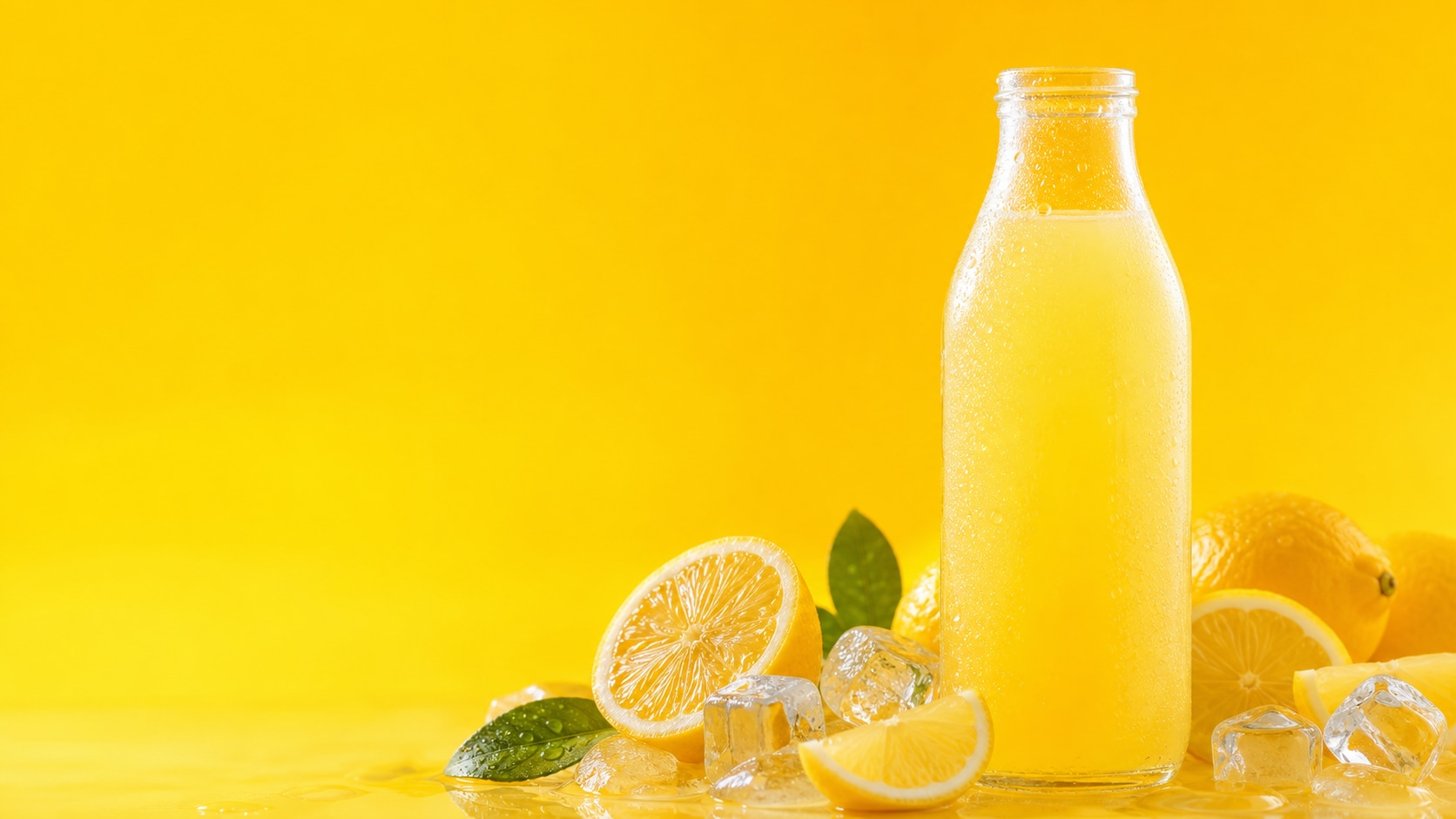
Create Fresh Product Heroes
A useful beverage ad prompt names the bottle or glass, condensation, lemon slices, ice, label-free areas, and light direction so the product remains clear.
- Product Focus - Use one bottle, one glass, or a clean packshot with fruit accents.
- Fresh Detail - Mention condensation droplets, ice sparkle, citrus pulp, and bright yellow highlights.
- Copy Space - Reserve blank areas for slogans, prices, or campaign headlines added later.
Build Splash and Pour Scenes
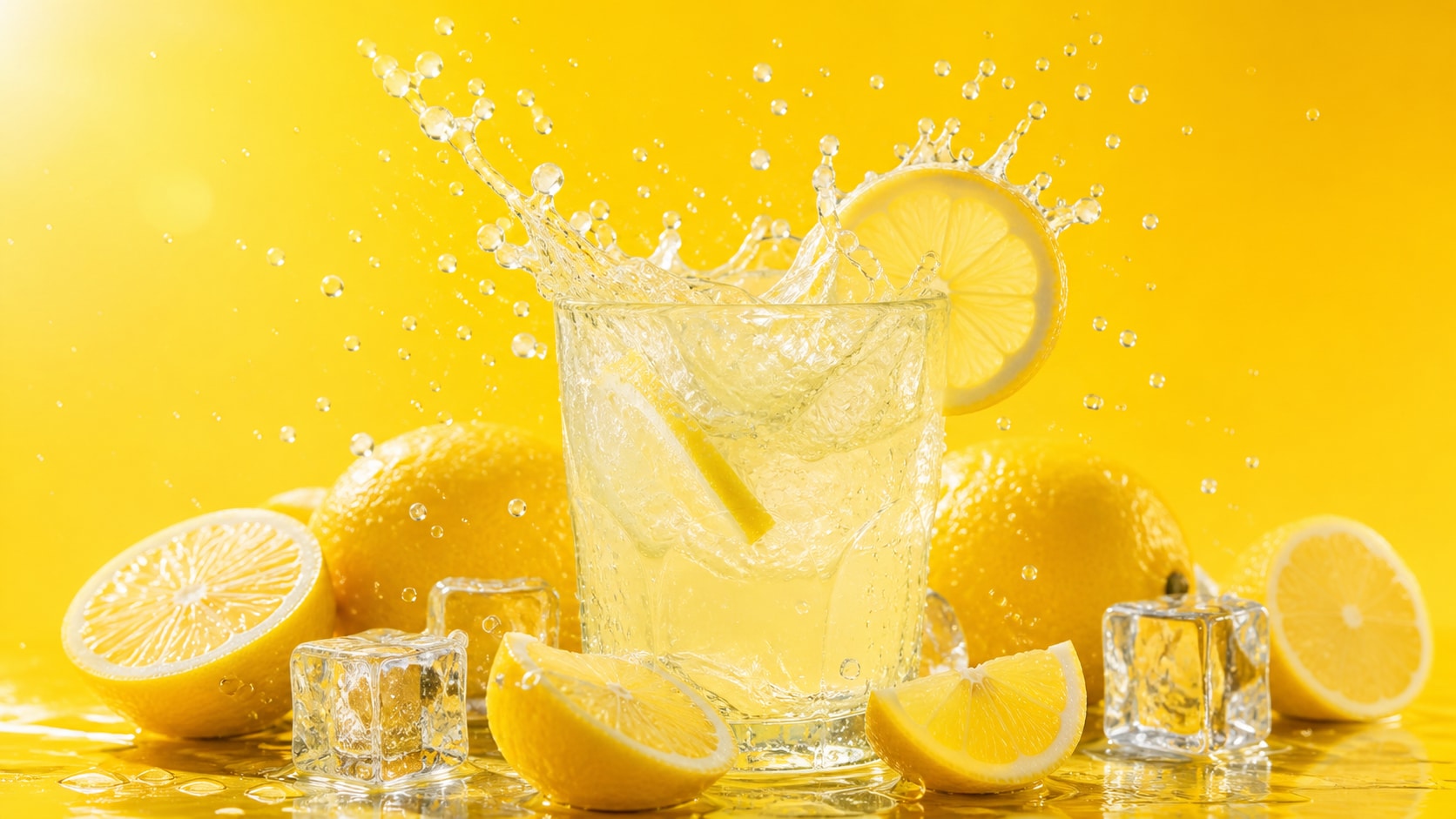
Build Splash and Pour Scenes
Splash prompts work best with one readable liquid action, frozen droplets, controlled fruit placement, and a simple background that keeps the drink hero visible.
- Action Cue - Use pouring juice, citrus splash, falling ice, or sparkling bubbles.
- Clean Freeze - Ask for sharp droplets and realistic liquid physics.
- Ad Composition - Keep the bottle or glass centered with open space around it.
Design Social and Reel Covers
Design Social and Reel Covers
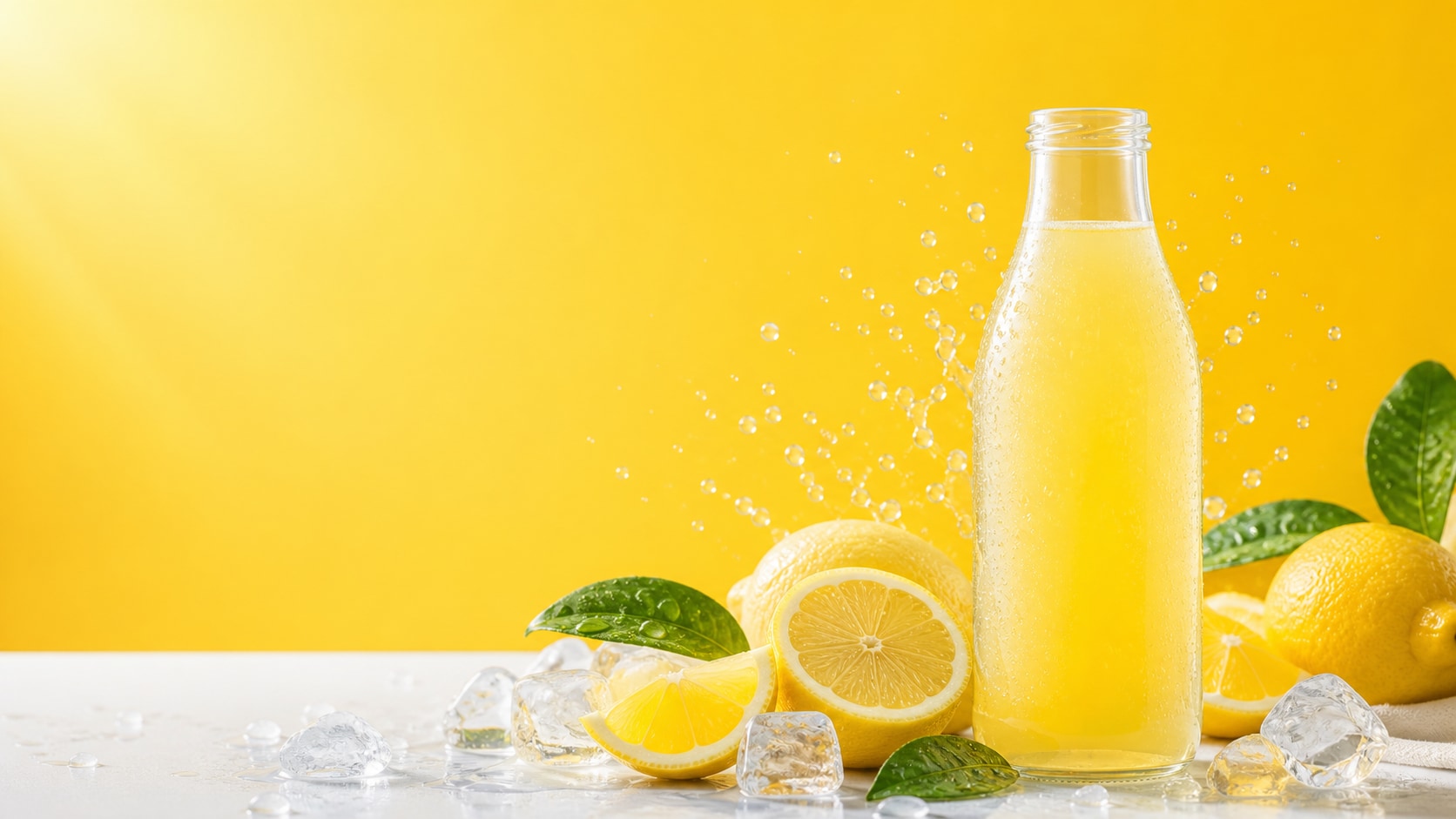
Social ad prompts should specify vertical or square crops, strong contrast, blank title space, and a bright summer palette for small-screen visibility.
- Vertical Ready - Use 9:16 for stories, reels, shorts, and mobile ads.
- Bold Color - Pair lemon yellow with clean white, fresh green, or blue-sky accents.
- Readable Space - Keep captions and exact slogans for Filmora editing.
Animate Beverage Ads in Filmora
Animate Beverage Ads in Filmora
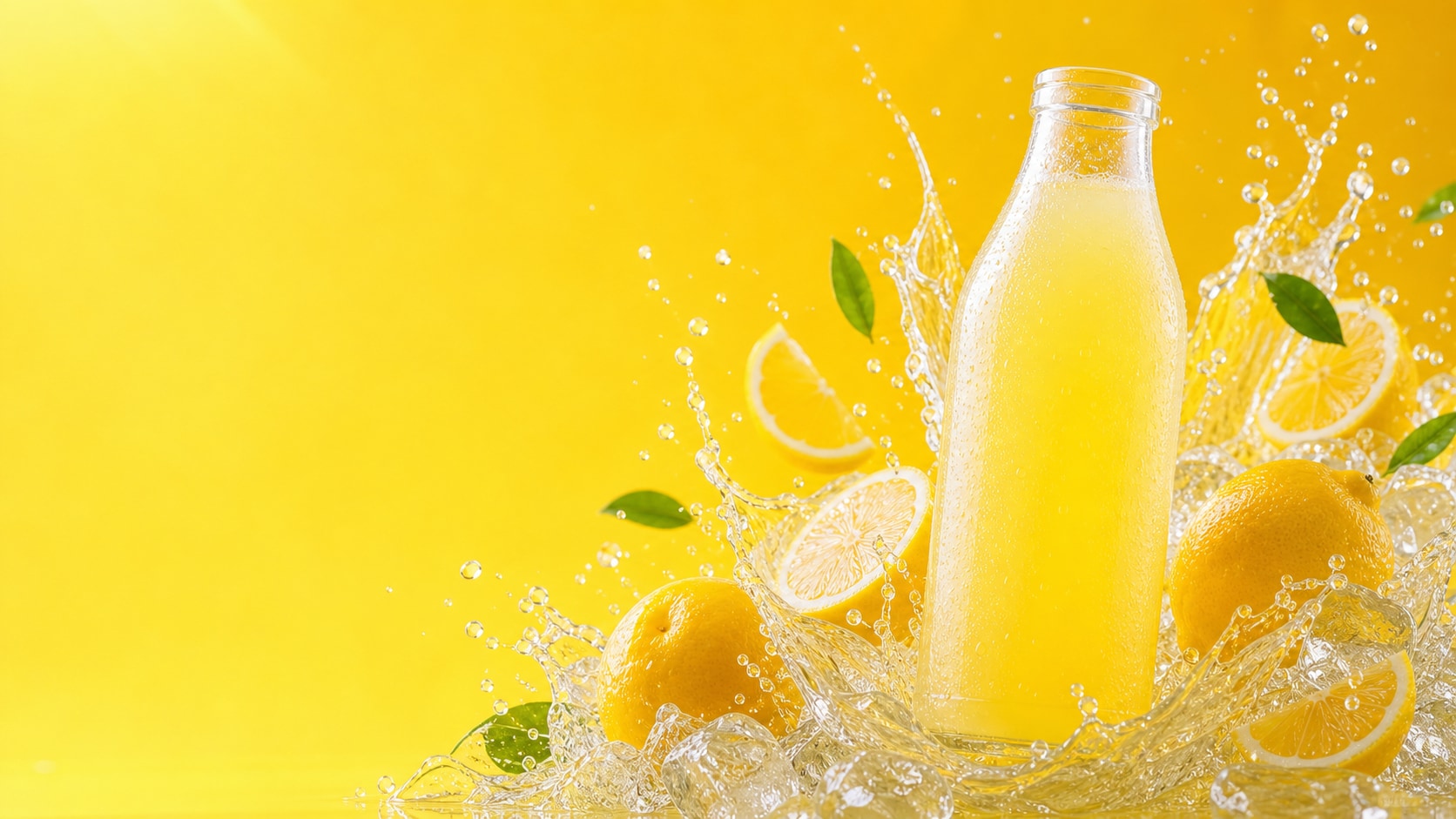
After generating the still, use Filmora to add camera pushes, splash motion, label overlays, CTA text, music, and reel exports for a complete beverage campaign.
- Motion Ideas - Animate bubbles, droplets, ice movement, light sweeps, or citrus transitions.
- Campaign Uses - Create product posters, reel intros, shop ads, menu screens, and thumbnail sets.
- Text Control - Add final slogans and product names after generation.
Frequently Asked Questions About Lemon Juice Ad Prompts
How to Generate Lemon Juice Ads With AI Prompts
Start with the beverage product, define the splash or packshot style, generate a clean image, then finish the ad in Filmora.
Step 1 Choose a Beverage Ad Style

Step 2 Set Product Details and Ratio

Step 3 Generate, Title, and Export

-
1: Choose a Beverage Ad Style
Pick bottle packshot, glass pour, citrus splash, orchard scene, summer poster, or reel cover. -
2: Set Product Details and Ratio
Paste the prompt into Filmora's AI Image tool, choose a ratio, and refine condensation, fruit props, background, copy space, and no readable text. -
3: Generate, Title, and Export
Generate the ad image, add slogans or labels in Filmora, animate if needed, then export for posters, reels, menus, or campaigns.
Free Lemon Juice Ad Prompts for Fresh Campaigns
Use AI lemon juice ad prompts to create bright beverage packshots, citrus splash posters, lemonade bottle ads, and social-ready product visuals.