Explore Free Avocado AI Image Prompts
Browse avocado image prompts for photorealistic food photography, clean product shots, recipe covers, wellness posts, cute character art, and social backgrounds. Each prompt is written for easy copy-paste generation and later editing in Filmora.
Loading more avocado image prompts...
 Category:
 Duration:
 Aspect Ratio:
Why Use Avocado Prompts for AI Food Images?
Avocado visuals work best when the prompt controls freshness, cut texture, lighting, color, props, and crop. Specific wording helps the final image look appetizing instead of generic.
Show Fresh Cut Texture
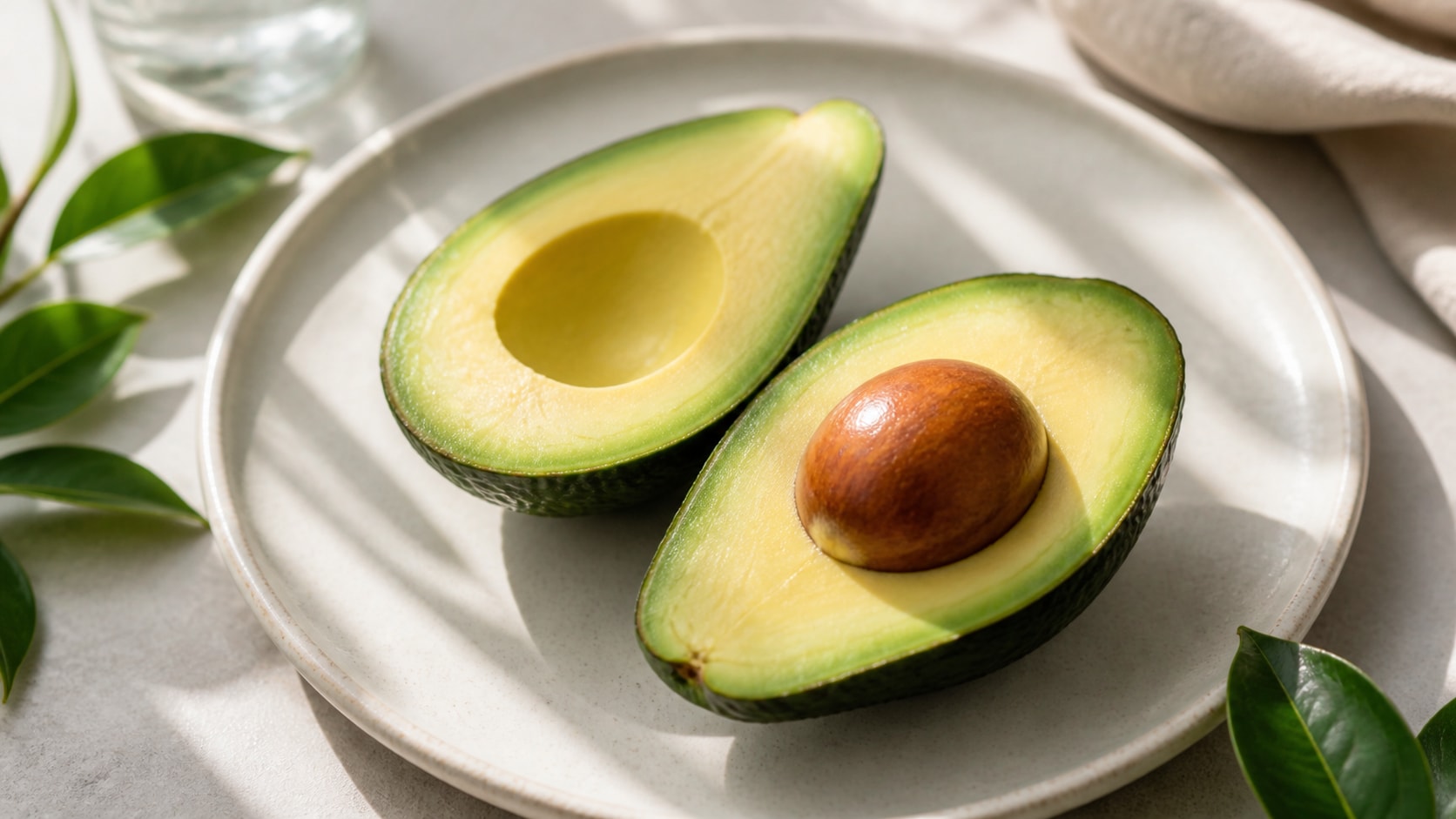
Show Fresh Cut Texture
A strong avocado prompt describes the creamy green flesh, clean pit shape, peel texture, knife cut, and natural highlights so the fruit looks fresh and believable.
- Fresh Detail - Mention ripe green flesh, clean edges, subtle oil sheen, and realistic peel texture.
- Camera Control - Use macro lens, top-down flat lay, three-quarter food shot, or studio product lighting.
- Clean Output - Ask for no readable text, then add recipe labels or product copy in Filmora.
Create Toast and Recipe Scenes
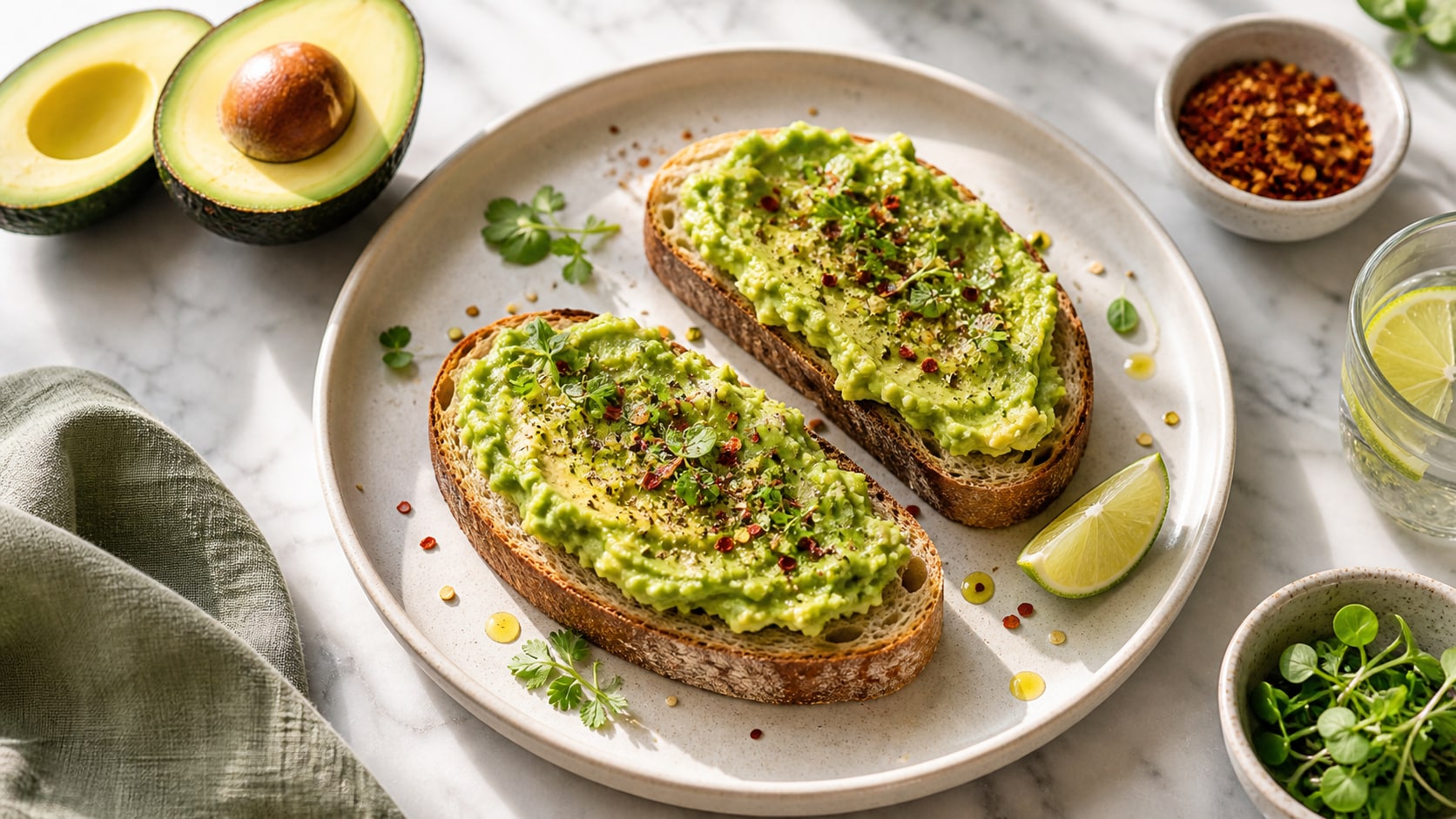
Create Toast and Recipe Scenes
Recipe prompts should name the bread, toppings, plate, surface, and light direction. This keeps avocado toast scenes clean enough for blogs, thumbnails, and short recipe videos.
- Food Styling - Use sourdough, chili flakes, egg, sesame, herbs, or olive oil drizzle.
- Surface Choice - Try marble, rustic wood, linen, slate, or clean cafe table styling.
- Social Crops - Generate square, vertical, or wide versions for each channel.
Build Product and Grocery Ads
Build Product and Grocery Ads
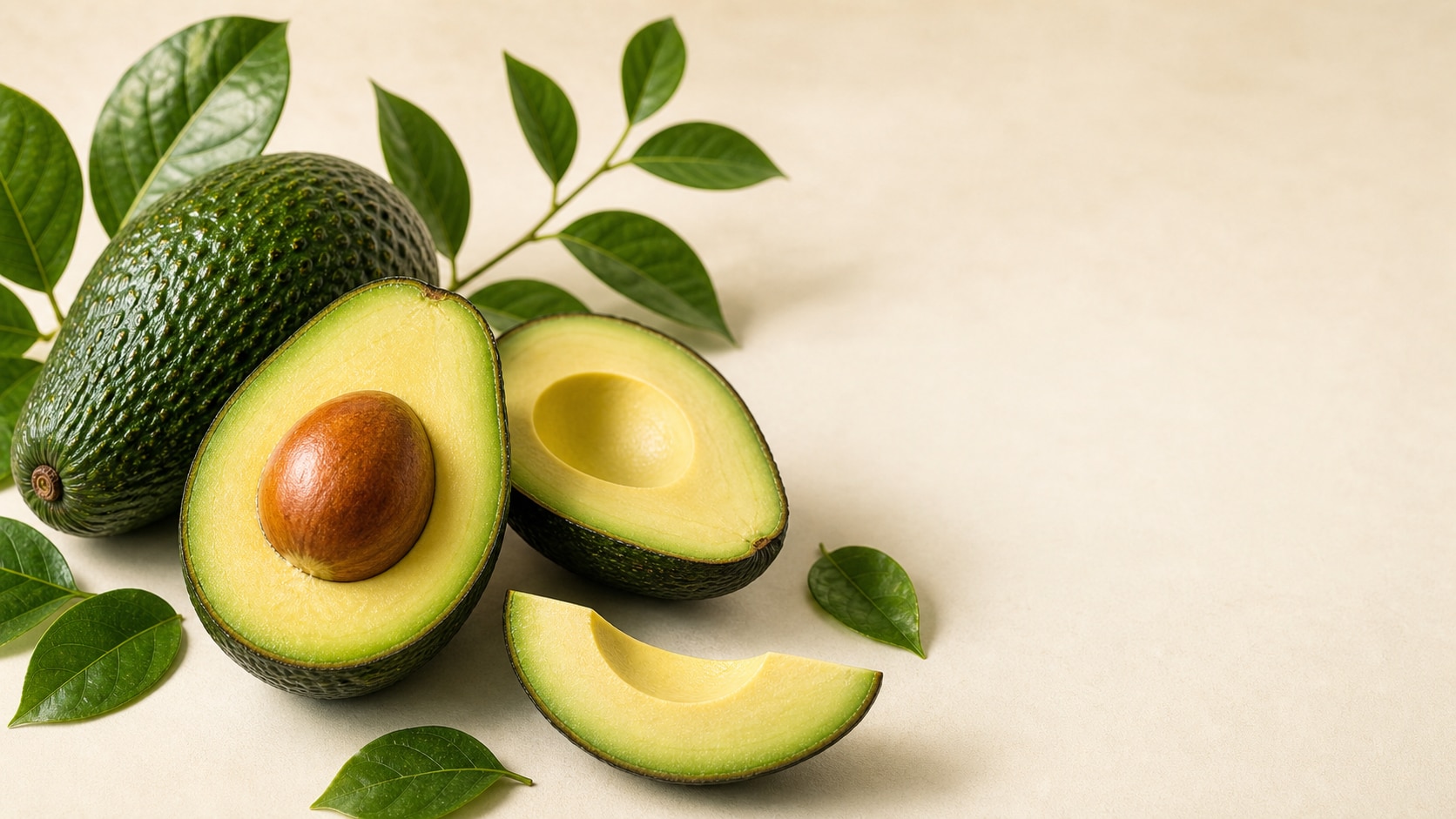
Product-focused prompts need clean negative space, controlled shadows, a clear fruit hero, and label-free packaging placeholders that can be customized after generation.
- Hero Focus - Feature one avocado, a sliced pair, a bowl, or simple packaging mockup.
- Ad Ready - Reserve blank space for headlines, prices, or campaign copy added later.
- Premium Feel - Use crisp shadows, fresh produce styling, and a refined color palette.
Turn Avocado Images Into Video Assets
Turn Avocado Images Into Video Assets
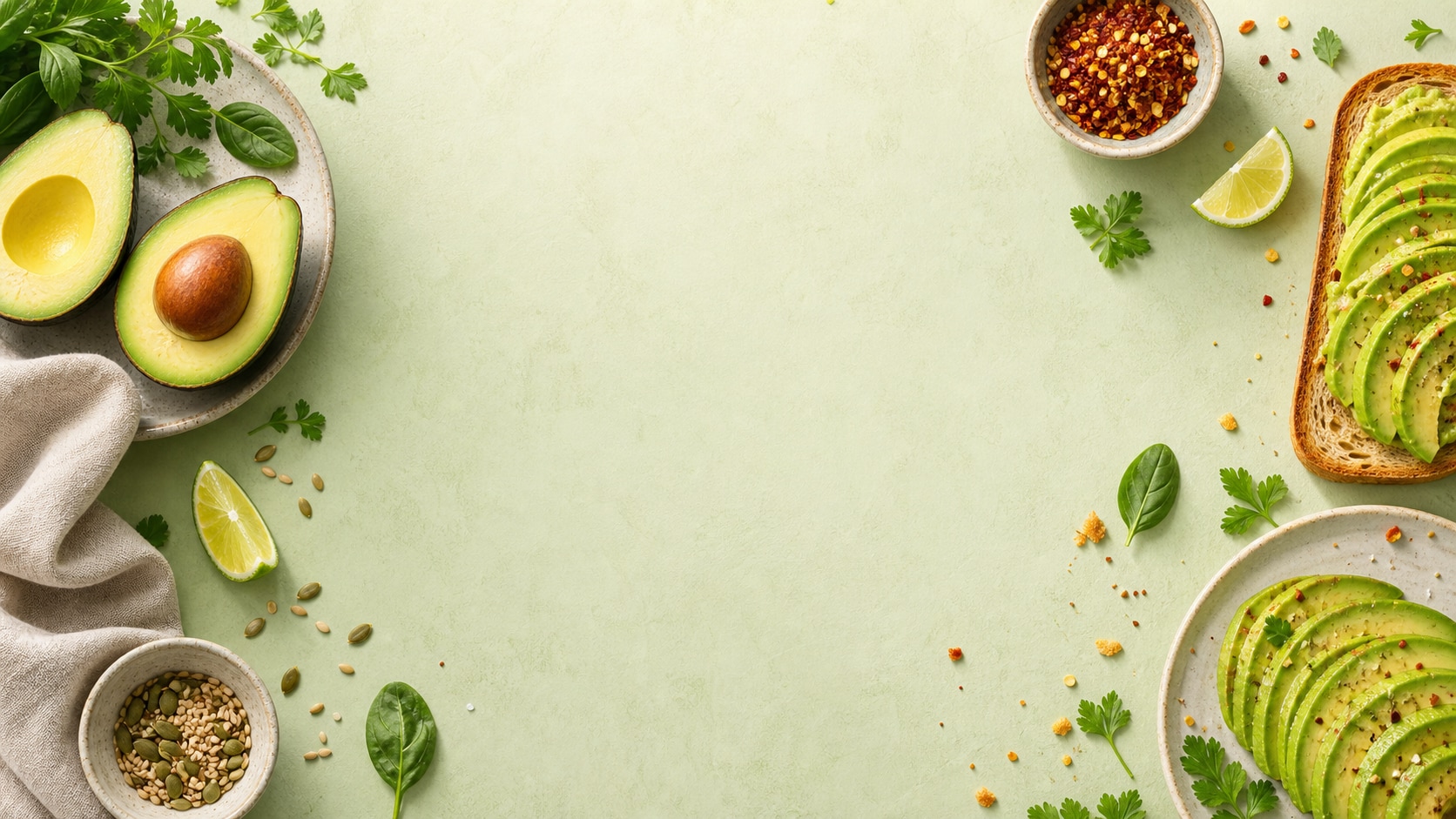
After generating the still, use Filmora to crop, color-correct, add motion, place readable titles, and export recipe covers, wellness posts, menu ads, or short-form visuals.
- Motion Ideas - Animate slow zooms, ingredient callouts, fresh light sweeps, or recipe transitions.
- Format Options - Use 16:9 for banners, 9:16 for reels, and 1:1 for product cards.
- Text Control - Keep the AI image text-free and add final copy during editing.
Frequently Asked Questions About Avocado Image Prompts
How to Generate Avocado Images With AI Prompts
Choose the avocado scene, define the food styling, generate the image, then polish the final crop and motion in Filmora.
Step 1 Choose an Avocado Concept

Step 2 Set Style, Light, and Ratio

Step 3 Generate, Edit, and Export

-
1: Choose an Avocado Concept
Pick toast, cut fruit, guacamole, product ad, wellness flat lay, cute character, or recipe cover. -
2: Set Style, Light, and Ratio
Paste the prompt into Filmora's AI Image tool, choose 16:9, 9:16, or 1:1, and refine freshness, props, shadows, and no readable text. -
3: Generate, Edit, and Export
Generate the avocado image, polish crop and color, add titles or motion if needed, then export it for recipes, ads, posts, or thumbnails.
Free Avocado AI Prompts for Fresh Food Visuals
Use avocado image prompts to create recipe photography, grocery ads, guacamole bowls, cute fruit art, and social-ready food images for Filmora editing.