



 100% Security Verified | No Subscription Required | No Malware


 ChatGPT
 Perplexity
 Gemini
 Claude
 Grok
Grok
Color is one of the most powerful tools in video editing. It shapes the mood, sets the style, and can completely change how viewers feel about your content. This is where colorful filters come in. Instead of adjusting every tone manually, these filters apply vibrant, dramatic, or surreal looks instantly.
Unlike LUTs, which are usually designed for cinematic consistency, colorful filters are more playful and expressive. They can make your travel vlog pop with tropical hues, give your music video a neon nightclub glow, or turn everyday footage into a surreal masterpiece.
With Filmora’s built-in color filters, you don’t need advanced editing skills to achieve stunning results. Whether you want bold color boosts or subtle pastel tones, Filmora gives you everything you need to experiment and create videos that truly stand out.
Part 1. What Are Colorful Filters?

Colorful filters push beyond natural tones so you can play with saturation, overlays, and creative tints that add character. Neon glow filters make nighttime clips come alive, while sunset-tone filters make golden hour shine vividly through your footage.
They’re instant favorites on platforms like TikTok and Instagram, where attention-grabbing edits reign supreme. For instant creativity—think bold filters. Lively pastels and dreamy shadow effects are ready to go and can deliver an instant “wow” factor.
Part 2. Filmora Colorful Filter Resources
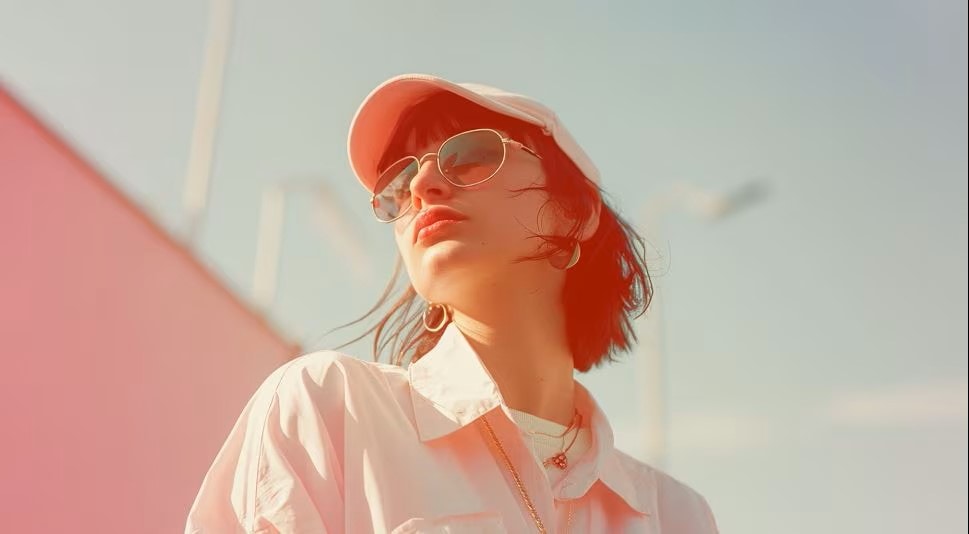
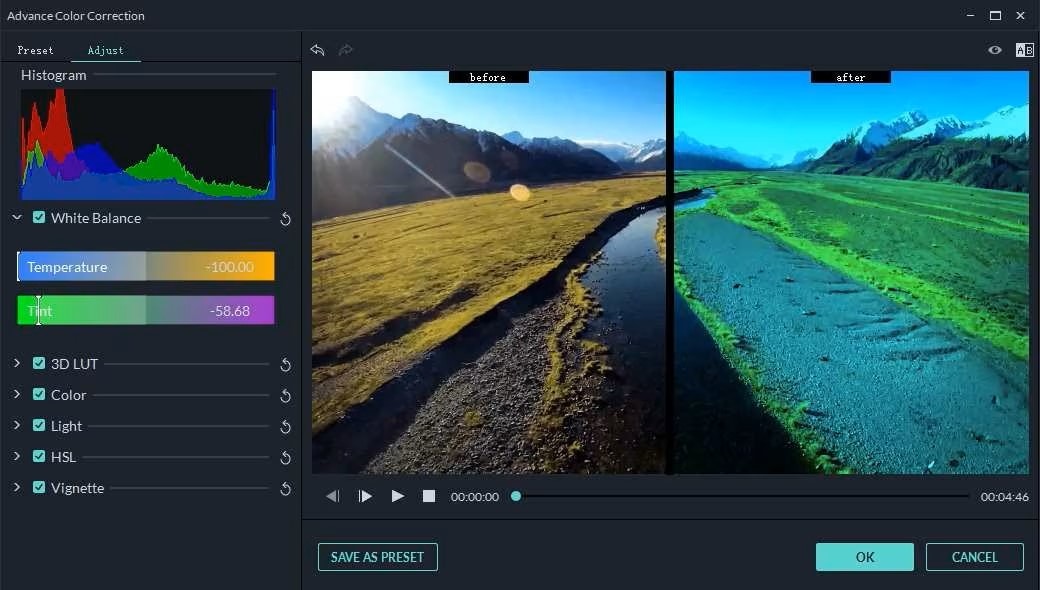
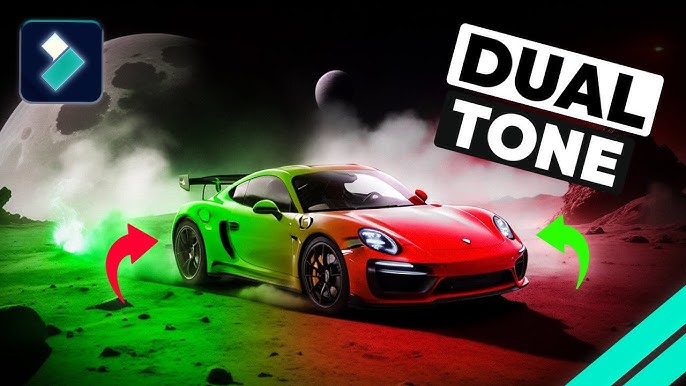
Filmora’s ready set of filters spans colorful options for all feelings, genres, and outlets. Each of these filters goes beyond simple brightness tweaks—it breathes new life into music videos, travel montages, and artistic reels. Take your pick from the ten options below.


Part 3. Simple Step Guide
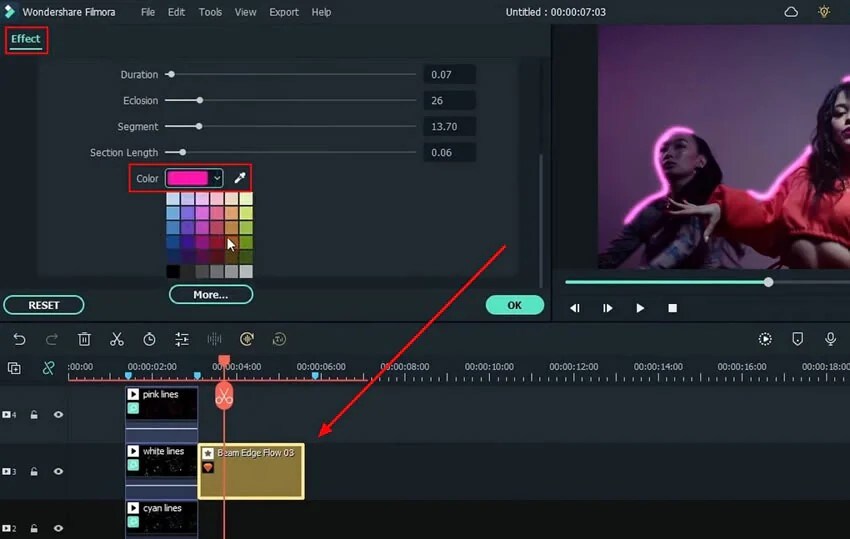
Colorful effects may look advanced, but Filmora makes them quick to apply. Follow these five steps:


Part 4. Further Info
Other Apps
- VSCO – Stylish color presets for photos and videos.
- Prisma – Artistic, colorful transformations.
- Adobe Premiere Pro – Advanced color grading presets.
Filmora Features to Enhance Color Filters
- Keyframing – Animate filters for dynamic looks.
- Blend Modes – Mix filters for unique visual effects.
- AI Portrait Cutout – Apply bold colors only to your subject for eye-catching edits.
Pro Tips
- Use bold filters sparingly for business or corporate edits.
- For creative projects (travel, music, reels), don’t be afraid of high saturation and surreal palettes.
- Pair colorful filters with matching music and transitions for maximum impact.
Conclusion
Colorful filters are one of the fastest ways to give your videos personality and flair. From neon nightclub vibes to dreamy pastels, they transform plain footage into something eye-catching and unique.
With Filmora’s colorful filters and overlays, you can experiment freely, create stunning visuals, and share edits that feel professional yet playful. Whether you’re editing a music video, a travel vlog, or an Instagram reel, the right color filter can turn your story into something unforgettable.
