Find a Sticker That Fits Your Campaign
Browse Black Friday video stickers designed for product reveals, social ads, and limited-time offers. The collection also includes Animated Black Friday stickers that bring subtle motion to sale labels and retail callouts.
Loading more Black Friday Stickers...
 Category:
 Duration:
 Aspect Ratio:
Design a More Cohesive Black Friday Campaign in Filmora
With Black Friday stickers for video editing, you can introduce an offer at the right moment while keeping the product footage in focus. Filmora brings creative assets and timeline controls together, making it easier to maintain the same visual identity across ads, product demos, and social posts.
Choose a Sticker That Matches the Message

Choose a Sticker That Matches the Message
A concise visual cue is often more effective than another line of copy. Use Black Friday promo stickers to introduce a featured deal, then browse Filmora's video stickers library for a design that suits the product and the tone of the campaign.
- Lead with one clear offer instead of making several badges compete for attention.
- Choose colors and motion that complement the footage and existing brand elements.
- Position the sticker where it supports the message without covering the product.
Present Prices and Discounts in a Clear Order
Present Prices and Discounts in a Clear Order
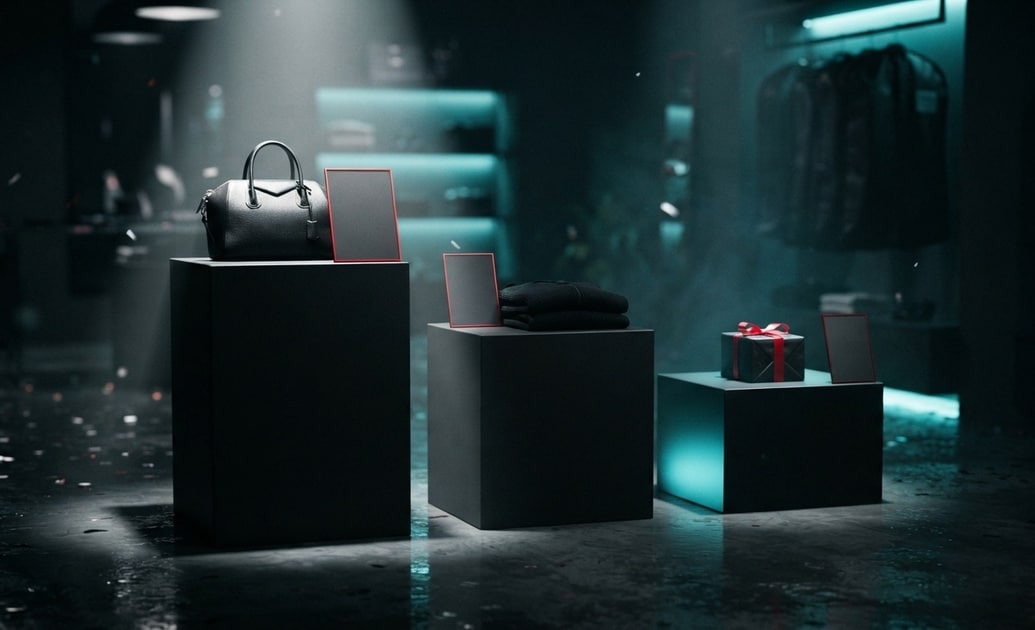
Well-placed Black Friday price tag stickers can show the final offer at a glance. When a coupon code, end date, or product detail is still needed, add it with Filmora's text animation tools and keep the information hierarchy easy to scan.
- Show the original price, savings, and final price in a consistent reading order.
- Allow enough screen time for viewers to understand the numbers comfortably.
- Check contrast against every shot, especially when the background changes.
Guide Viewers From Discovery to Checkout
Guide Viewers From Discovery to Checkout
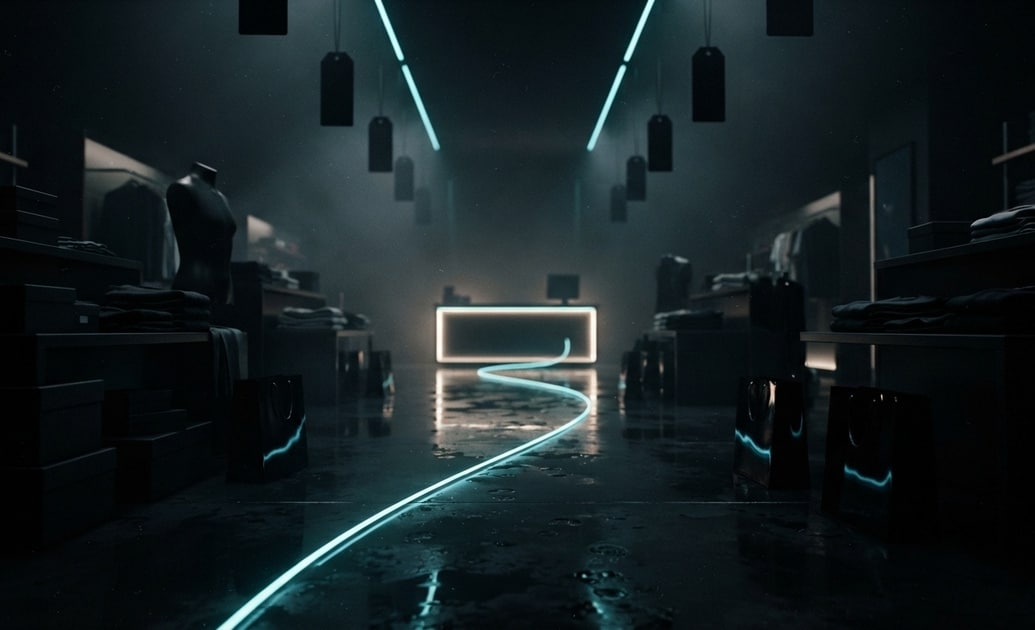
Use Black Friday shopping stickers to mark key moments such as a product reveal, cart reminder, or delivery benefit. As the offer approaches its end, Black Friday countdown stickers can add urgency without changing the structure of the edit. Fine-tune both elements in Filmora's video editor.
- Introduce urgency only after viewers understand the product and its value.
- Resize each sticker for the final 9:16, 1:1, or 16:9 destination.
- Watch the sequence from beginning to end to catch repeated or distracting motion.
Frequently Asked Questions About Black Friday Stickers
How to Add Black Friday Stickers in Filmora
Choose a design, place it on the timeline, and refine it around your campaign message.
Step 1 Browse the Sticker Library
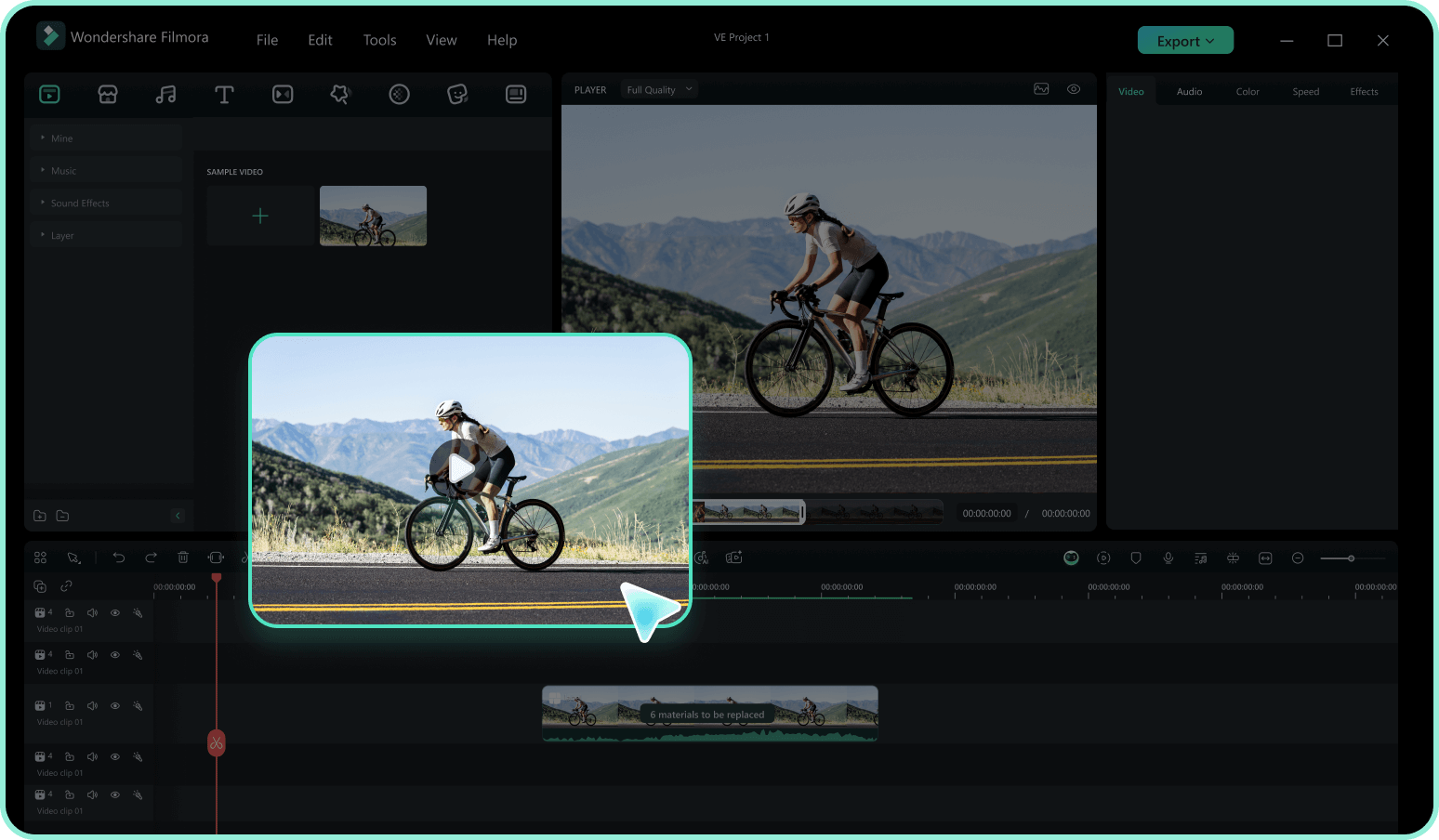
Step 2 Download the Design
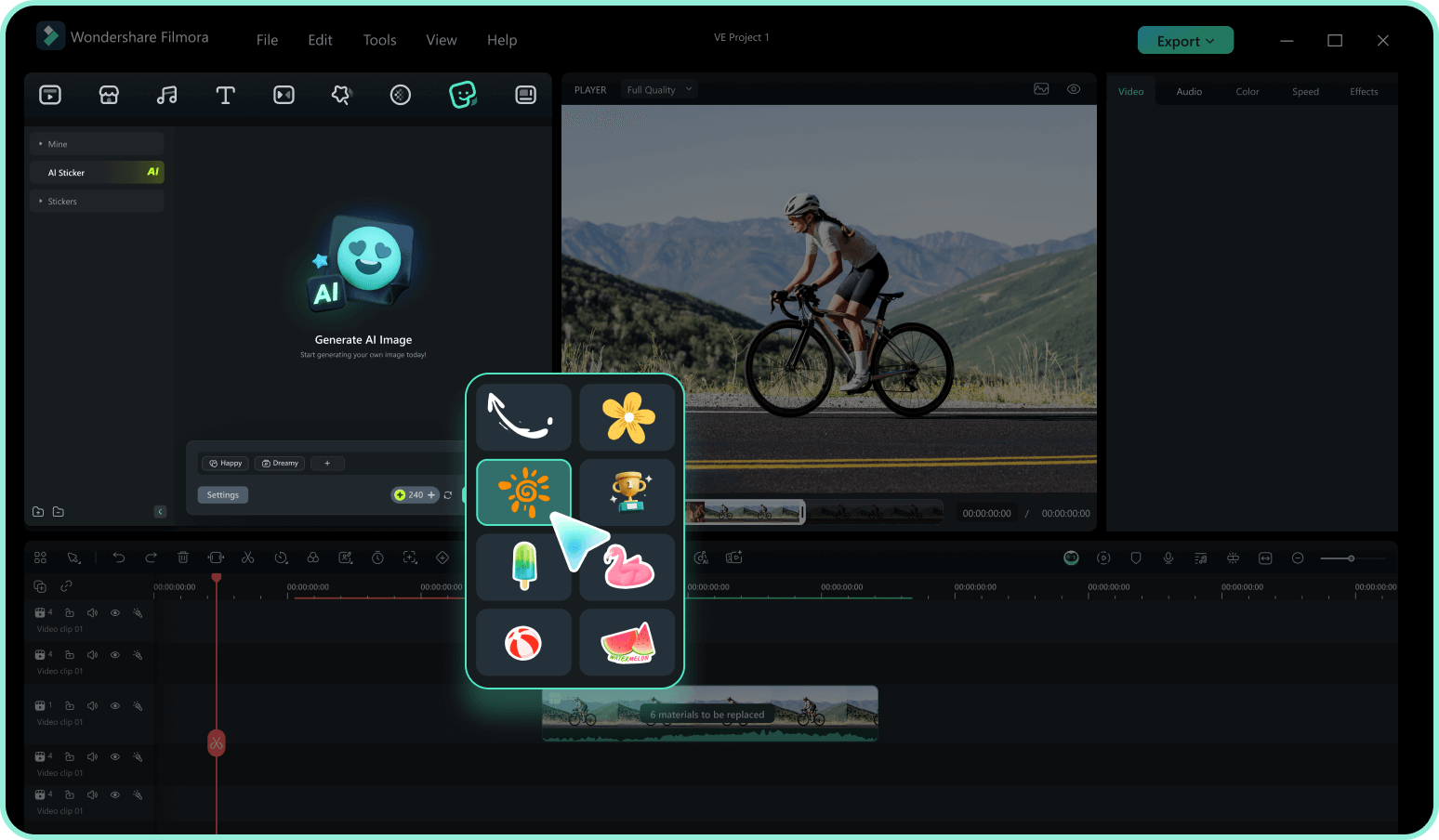
Step 3 Place and Refine It
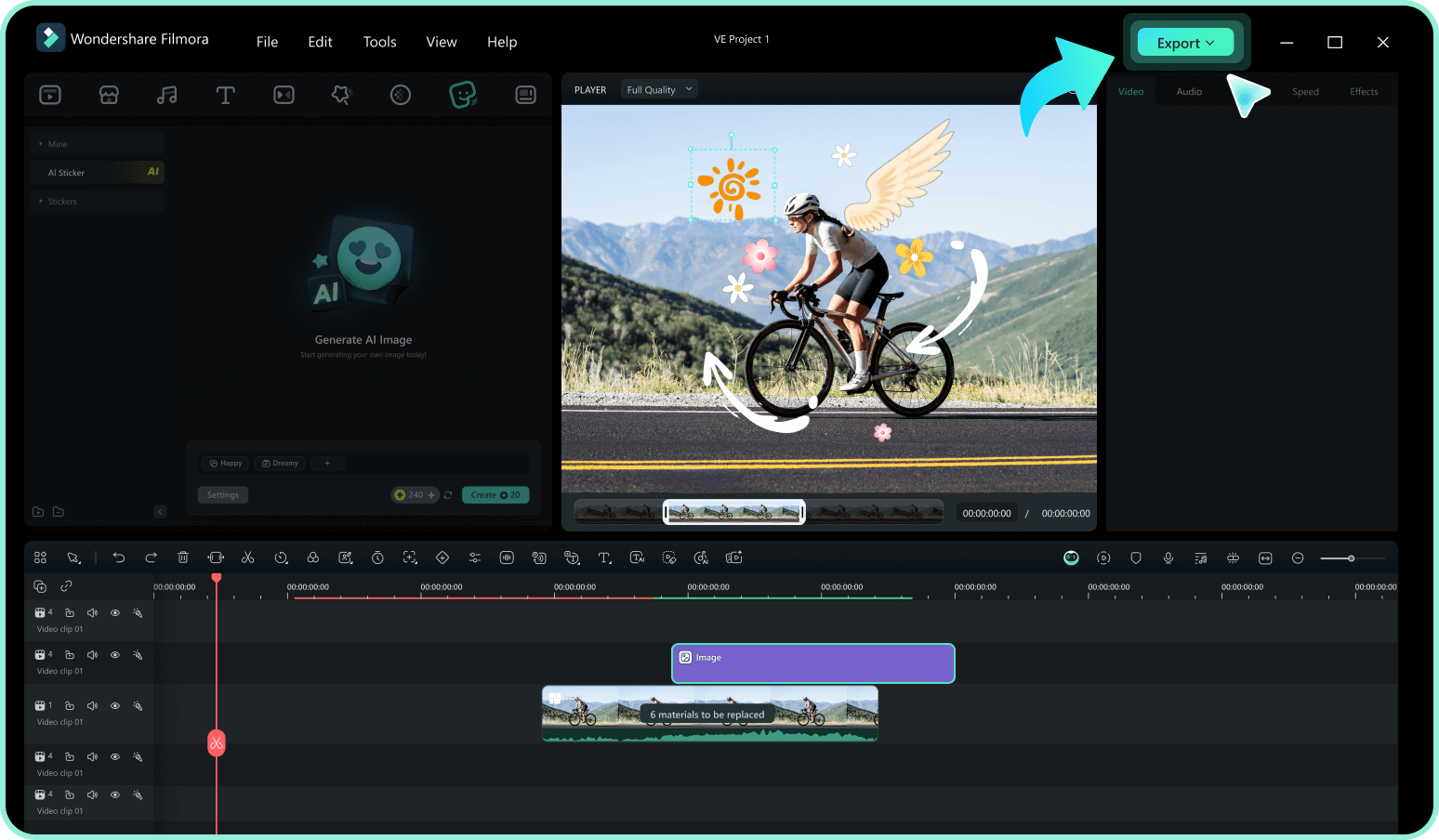
1: Browse the Sticker Library
Import your footage, open Filmora's Stickers library, and browse the seasonal collection until you find a design that supports the offer and matches the footage.2: Download the Design
Preview the sticker in context, then click the download icon to add it to your local Filmora asset library and make it ready for the timeline.3: Place and Refine It
Drag the sticker above the footage and adjust its size, position, opacity, and duration. Play the sequence once more to confirm that the offer is clear without distracting from the product.