
Featured Line Art Stickers
Discover our most popular Line Stickers
Loading more Line Art Stickers...
 Category:
 Duration:
 Aspect Ratio:
Why Choose Our Line Art Stickers?
Professional quality line art meets effortless creativity
Professional Quality
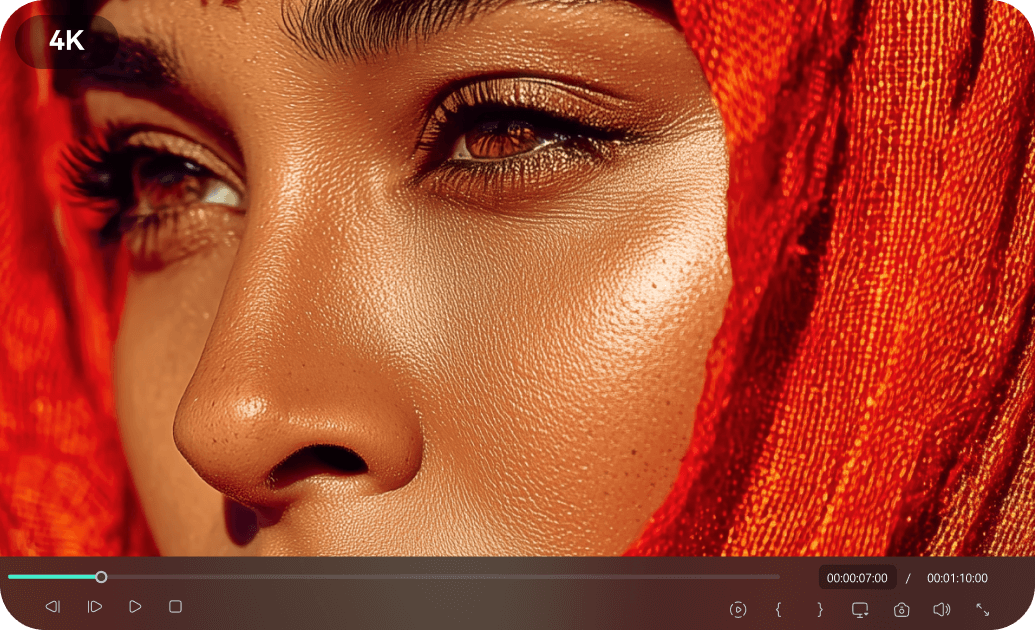
Professional Quality
Studio-grade Line Art Stickers crafted by professional designers with attention to every detail. Each sticker undergoes rigorous quality control to ensure excellence for your projects.
- High-resolution Line Art Stickers for crisp visuals
- Curated designs for a variety of themes and styles
- Compatible with industry-standard editing practices
Easy Customization
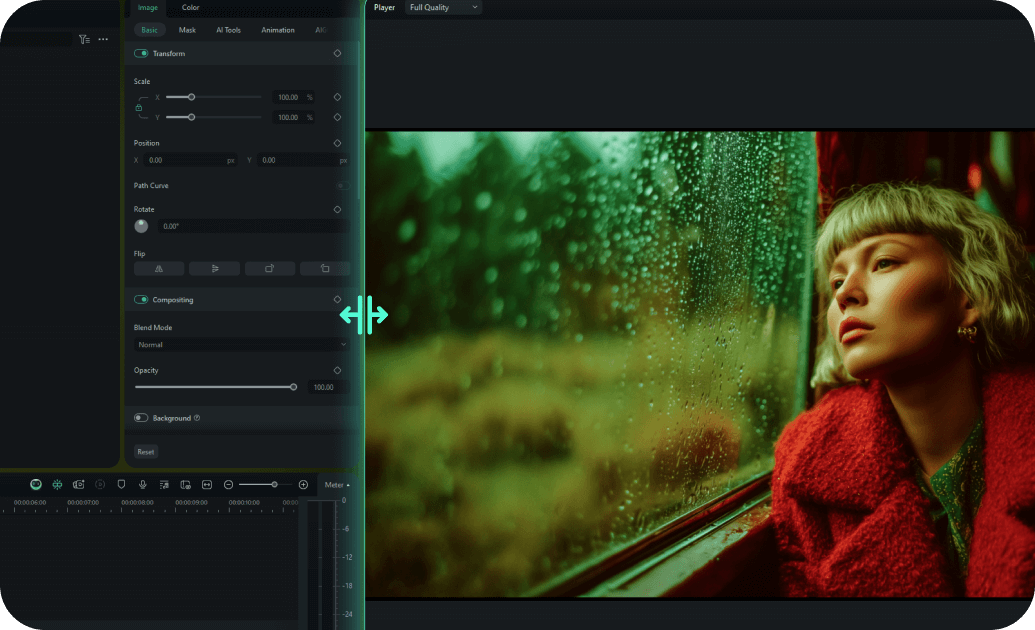
Easy Customization
Drag-and-drop interface allows you to customize any Line Art Sticker in minutes, not hours. Our intuitive design system makes adding professional stickers accessible to creators of all skill levels.
- One-click color and size adjustment for Line Stickers
- Smart placement suggestions for optimal visual impact
- Pre-built animation presets for quick customization
- Real-time preview with instant feedback
Smart Fit Technology

Smart Fit Technology
Every Line Art Sticker automatically adapts to your video dimensions. Drag any sticker into your timeline—whether you're editing for YouTube, Instagram Reels, TikTok, or widescreen—and watch it snap perfectly into place.
- Auto-resizes for 9:16, 16:9, and 1:1 formats instantly
- Maintains crisp lines at any resolution or screen size
- Intelligent cropping keeps the design balanced
- Zero manual adjustment—just drag and drop
Instant Download

Instant Download
Download and start using your Line Art Stickers immediately with lifetime access and updates. No waiting, no subscriptions - just instant access to premium Line Stickers whenever you need them.
- Immediate download after purchase confirmation
- Lifetime access with free sticker updates
- Cloud storage backup for easy re-downloading
- No recurring fees or subscription requirements
Frequently Asked Questions about Line Art Stickers
How to Apply Line Stickers in Filmora
Drop elegant line elements into your videos and elevate your visual storytelling. No design skills needed. ✨
Step 1 Pick Your Line Style
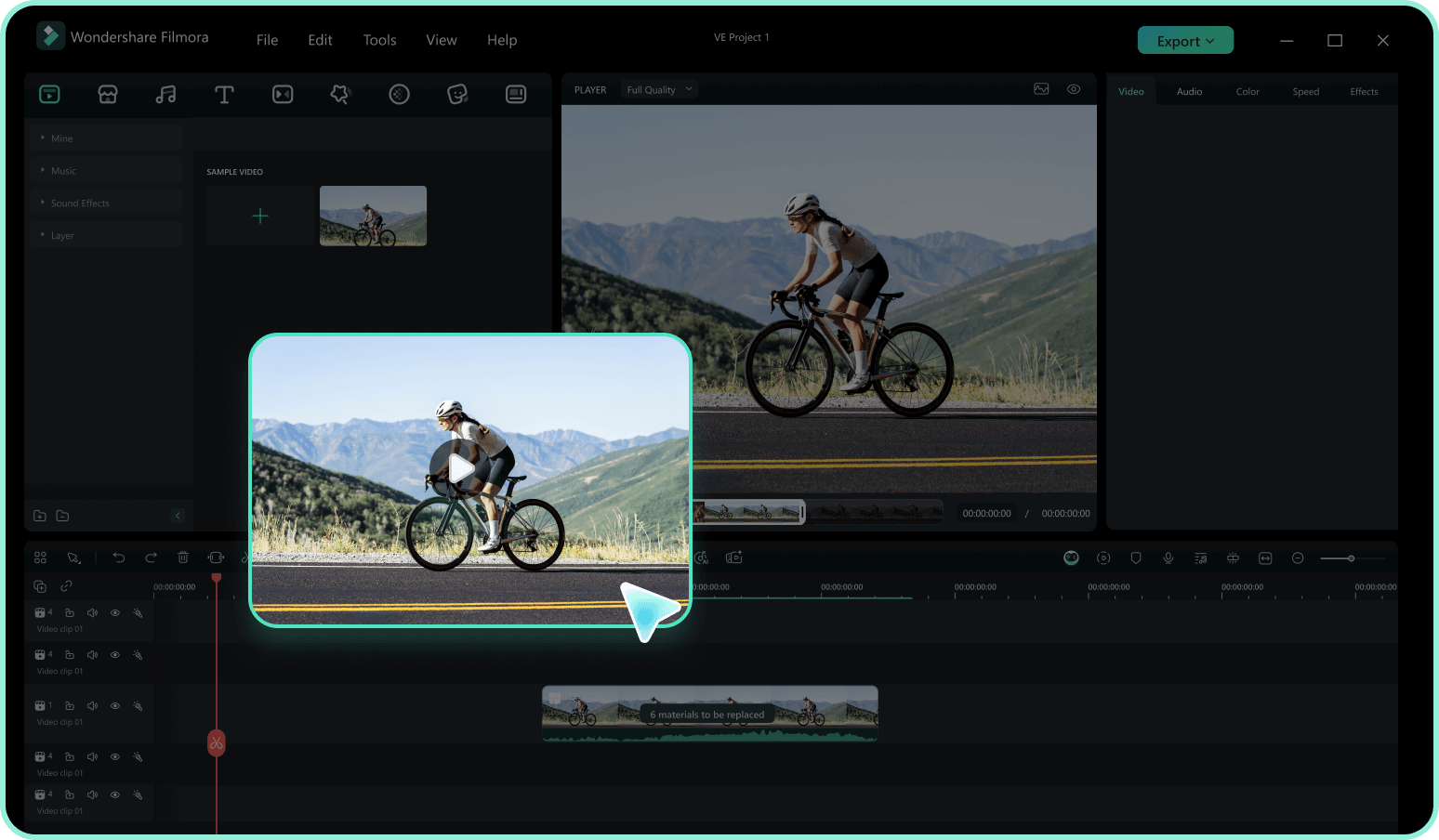
Step 2 Drag & Drop on Timeline
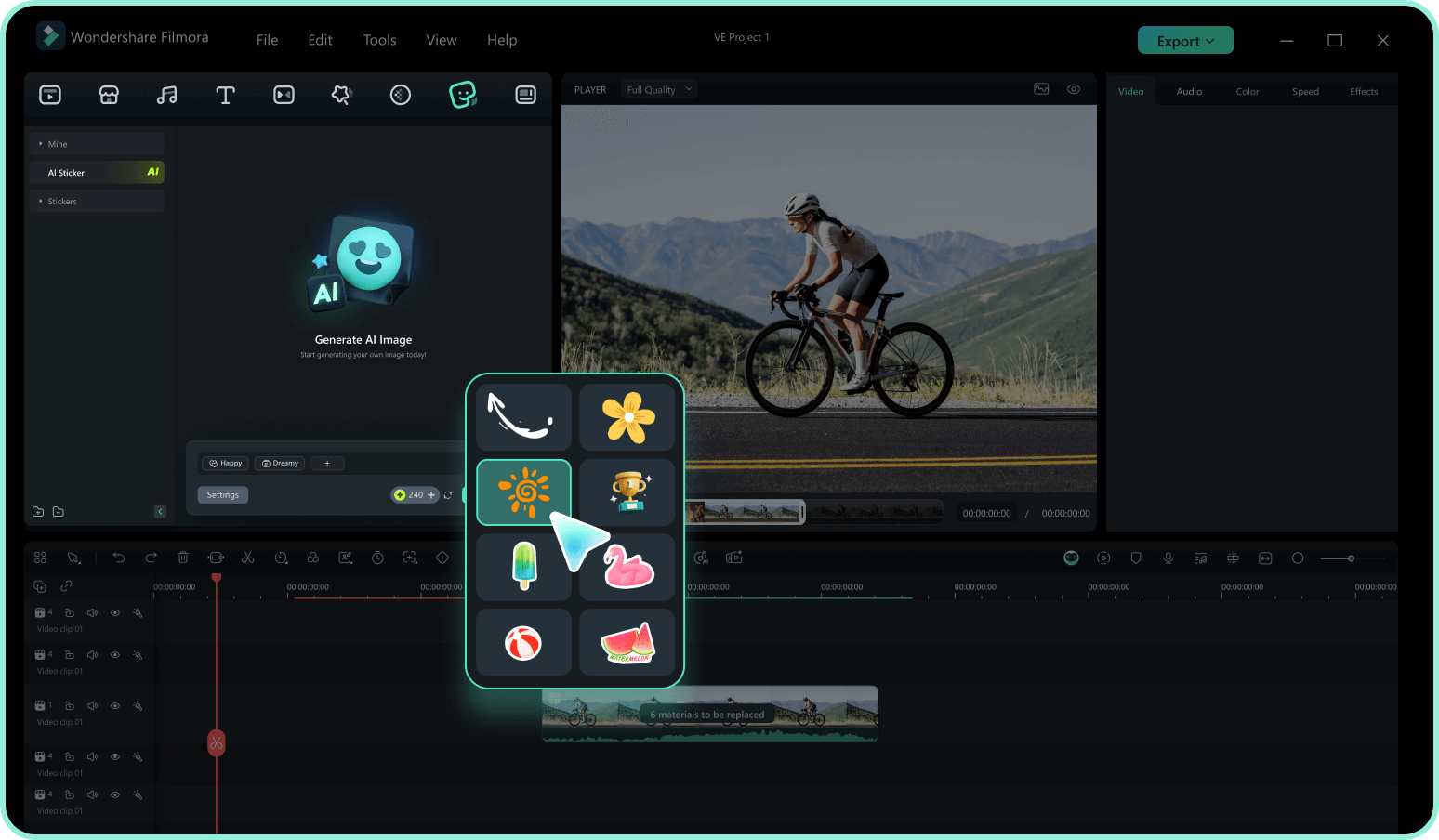
Step 3 Customize & Perfect
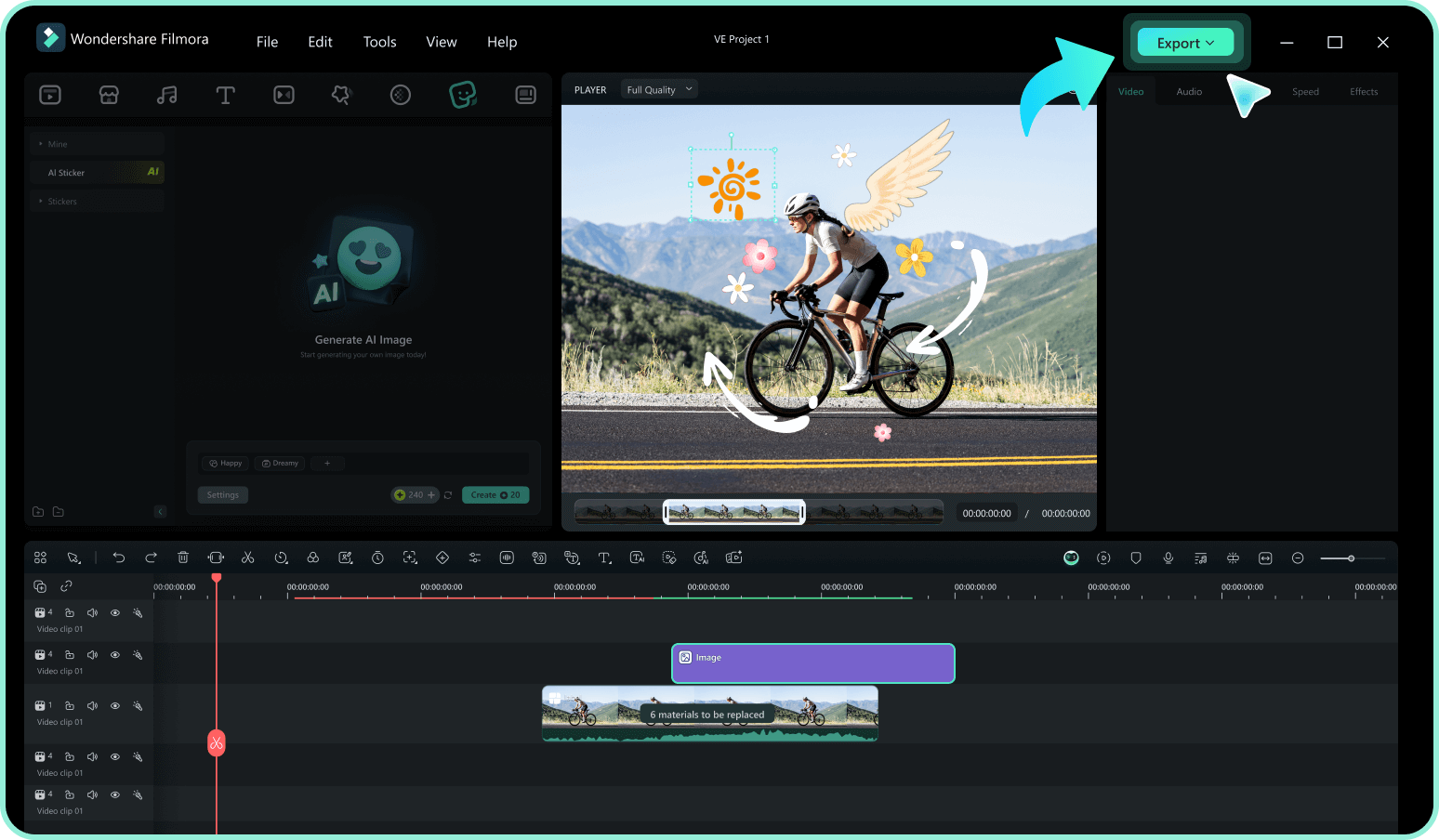
-
1: Pick Your Line Style
Browse Filmora's curated collection of line art stickers—minimalist borders, flowing curves, decorative dividers, and geometric accents. Find the perfect line to frame your story. -
2: Drag & Drop on Timeline
No downloading. No importing. Just drag your chosen line sticker directly onto the timeline. It's already inside Filmora, ready to add structure and flow to your video. -
3: Customize & Perfect
Resize, rotate, change colors, or add subtle animations. Watch as clean lines transform your footage—from simple vlogs to cinematic masterpieces.
Explore More Sticker Themes
Discover other sticker categories for every occasion




