


 TL;DR:
Wondershare Filmora provides the best balance of AI automation and manual timeline editing for short-form creators, while web-based tools like Pictory are strictly more efficient for automatically batch-repurposing existing long-form content or scripts.
● Runway is the optimal choice for generating unique video content from scratch using its Gen-4 and Gen-4.5 models, but it requires a steep learning curve and relies entirely on precise text or image prompts rather than traditional footage editing.
● For dialogue-heavy formats like podcasts or interviews, Opus Clip and Descript are the most effective options because they extract clips based on speech patterns and text transcripts rather than visual timelines, though both lack advanced creative control over visual effects.
● Platform algorithms require distinct formatting strategies: TikTok demands instant one-second hooks and dynamic captions for immediate feed discovery, whereas YouTube Shorts relies heavily on descriptive titles and targeted keywords to compound search-based views over time.
Ask AI for a summary
 ChatGPT
 Perplexity
 Gemini
 Claude
 Grok
Grok
Posting one short video shouldn't take hours. But between trimming, captioning, syncing audio, and resizing for every platform, it usually does, and that's just for one video.
Coming from this time-consuming process, AI short video generators have quietly become the tool many creators rely on to keep up. Feed them footage or a script, and they handle most of the production work automatically. The best ones get you from idea to ready-to-publish in minutes.
This guide covers the best AI short video generator tools and how to choose one based on what you really need.
Part 1. What Makes a Good AI Short Video Generator?
The global short-form video market is projected to grow from $59.10 billion in 2026 to $118.87 billion by 2033. That kind of growth has pushed dozens of AI video tools into the market, and not all of them are built to last past your first few uses.
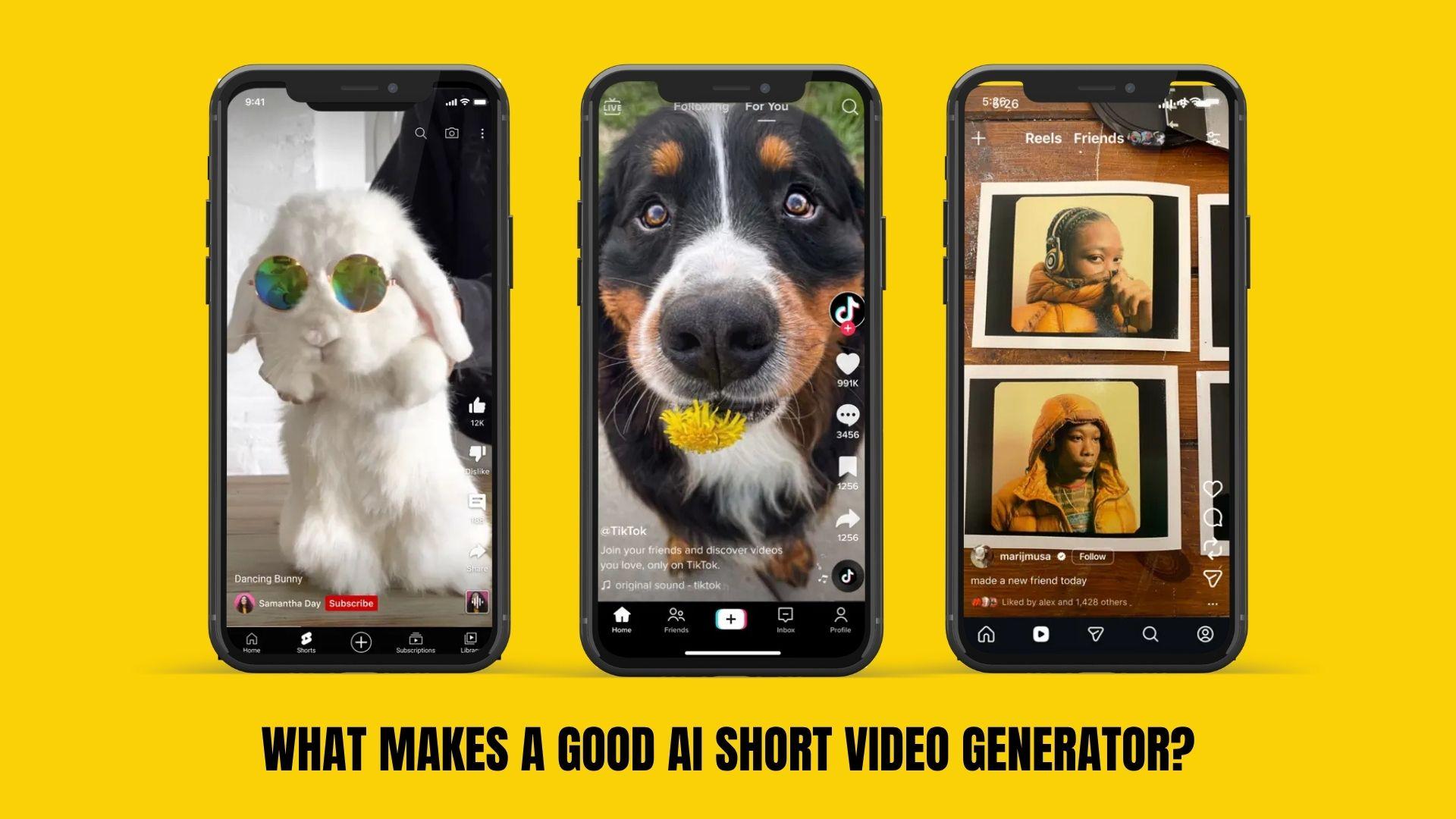
A good AI short video generator should actually reduce your workload without taking away control over how your content looks and feels:
- Auto clipping & scene detection: A strong AI tool should automatically identify key moments from longer footage. This feature is useful for turning podcasts, interviews, or vlogs into short clips without manually scrolling through the timeline.
- AI captions & subtitles: Most viewers scroll with sound off, especially on platforms like TikTok and Instagram Reels. Accurate, well-timed captions can significantly improve watch time and engagement.
- Text-to-video / script-to-video: Some tools can generate full videos from a simple prompt or script. This is ideal for faceless content, educational clips, or quick content production without recording footage.
- Platform optimization (TikTok, Shorts, Reels): Each platform has its own format and user behavior. A good tool should automatically adjust aspect ratio, timing, and layout for YouTube Shorts, TikTok, and Reels.
- Customization level: Automation is helpful, but if overused, videos can seem too generic. The best tools still give you control over visuals, captions, timing, and branding so your content stays consistent and recognizable.
With those points in mind, each tool in our recommended short-form video makers is evaluated based on how it actually performs when creating short-form content, not just feature claims.
- Real content scenarios: We tried different formats like talking-head videos, podcasts, and faceless content to see how well each tool adapts.
- Speed and workflow: We tracked how long it takes to go from raw footage or an idea to a publish-ready short.
- Output quality: We looked at how clean the final videos feel, including cuts, pacing, captions, and overall polish.
- AI accuracy: We checked how reliable features like auto-clipping, subtitles, and script generation are without needing constant fixes.
- Editing control: We tested how much flexibility you still get for styling, branding, and fine-tuning after the AI does its part.
- Platform optimization: We reviewed how well videos fit TikTok, Instagram Reels, and YouTube Shorts without extra adjustments.
- Consistency: We used each tool multiple times to see if results stay reliable or start to feel repetitive.
Our Top 3 Picks of AI Short Video Generators
Among the options, these three AI short video generators stand out for how they approach short-form video creation from completely different angles.



Part 2. Best AI Short Video Generators in 2026
There’s no shortage of AI video tools right now, but only a few are reliable enough for consistent short-form content. Check out a quick comparison of the tools we’re about to break down.
AI Short Video Generator Comparison Table
| Tool | Platform Support | Content Authenticity | Supported Models | Output Quality |
| Filmora | Windows, Mac, Mobile | High (full editing control, less “template feel”) | AI text-to-video, smart short clips, auto captions | High (polished, customizable) |
| Pictory | Web-based | Medium (more template-driven) | Script-to-video, auto highlight detection | Good (fast but less flexible) |
| Runway | Web-based | High (unique AI-generated visuals) | Runway Gen-4 / Gen-4.5 video models, text-to-video, image-to-video | High (creative, but varies by prompt) |
| VEED.io | Web-based | Medium | AI subtitles, templates, basic generation | Good (clean, simple output) |
| InVideo AI | Web-based | Medium | Prompt-to-video, script generation | Good (fast, but less refined) |
| Opus Clip | Web-based | Medium-High | AI clipping, viral moment detection | High (optimized for engagement) |
| Kapwing | Web-based | Medium | AI captions, resizing, basic AI tools | Good (collaboration-focused) |
| Descript | Web-based | High (text-based editing, more natural flow) | Transcription editing, AI voice, scene detection | High (clean, content-driven) |
|
Show More
Show Less
|
||||
These tools are not only popular but also consistently reliable for creating authentic content. Each one approaches AI short video generation differently, whether that’s automation, editing control, or full video generation from scratch.
 Secure Download
1. Wondershare Filmora – Best All-in-One AI Short Video Editor
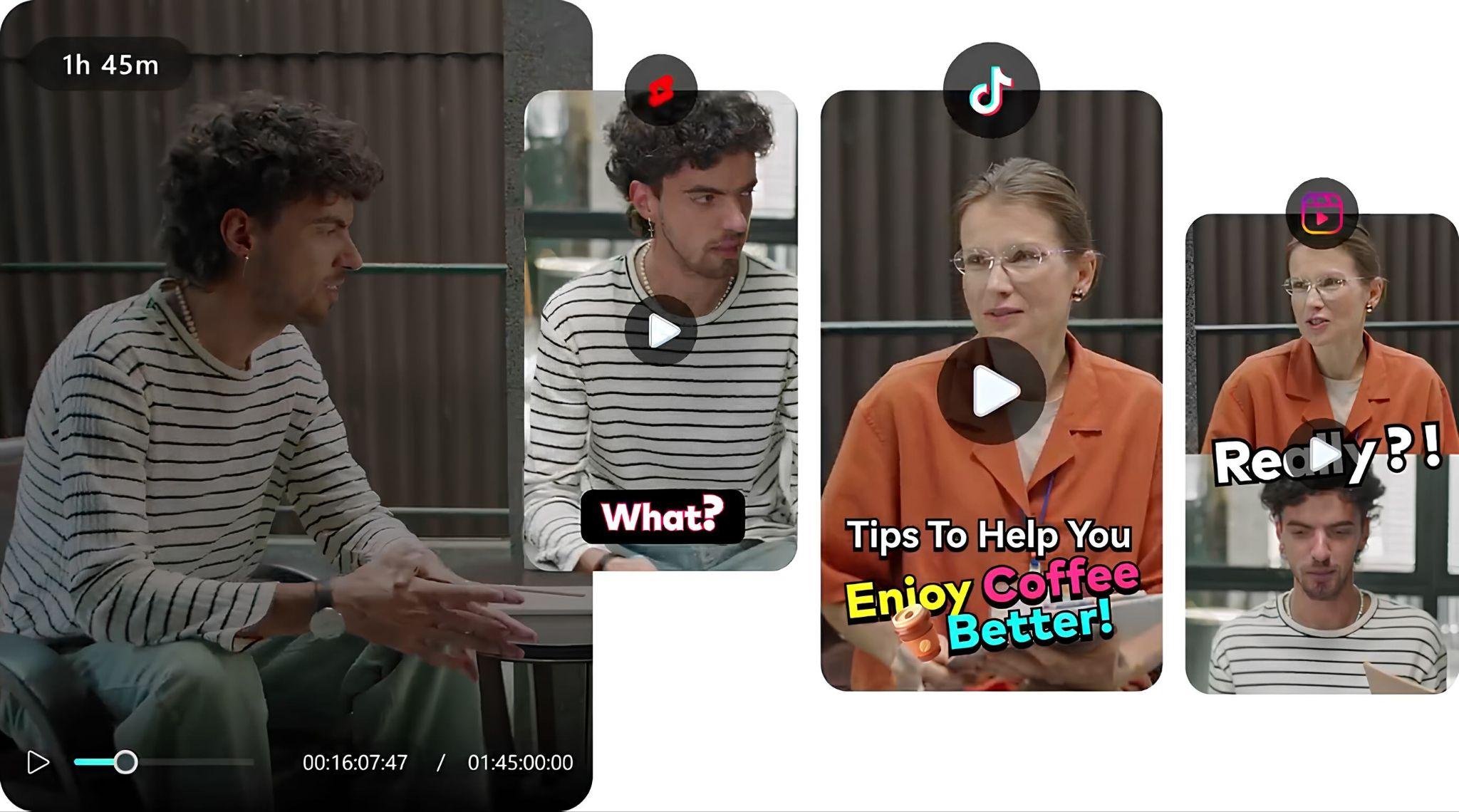
Wondershare Filmora is one of the few AI short video generators that doesn't make you choose between speed and control. The AI handles the heavy lifting, like scanning footage, writing copy, and generating captions, but you always have a full timeline to adjust, refine, or completely redo anything it produces.
And since Filmora is a desktop and mobile app, not browser-based, it also means better performance when working with longer source footage before cutting it down into short clips.
- AI Smart Short Clips that detect and extract highlight moments from long footage
- AI Copywriting and Text-to-Video that builds short-form sequences from scripts with editable scenes
- Auto captions with customizable styles, templates, fonts, and positioning, designed for short videos and reels
- Auto Reframe that automatically resizes and recrops your footage to fit vertical (9:16), square (1:1), or horizontal (16:9) formats without manual cropping
- Timeline-based editing layered with AI suggestions (not locked automation)
- Strong balance between AI speed and manual editing
- More control compared to browser-based tools
- Suitable for both beginners and advanced short-form video creators
- AI features use credits for advanced functions
- Watermark on the free plans
Free plan and free trials available
Paid plans are offered as a subscription or a one-time license.
AI credits sold separately for certain features
Short-form content creators who want AI assistance without losing control over editing and branding
Secure Download2. Pictory – Best for Turning Long Videos into Shorts
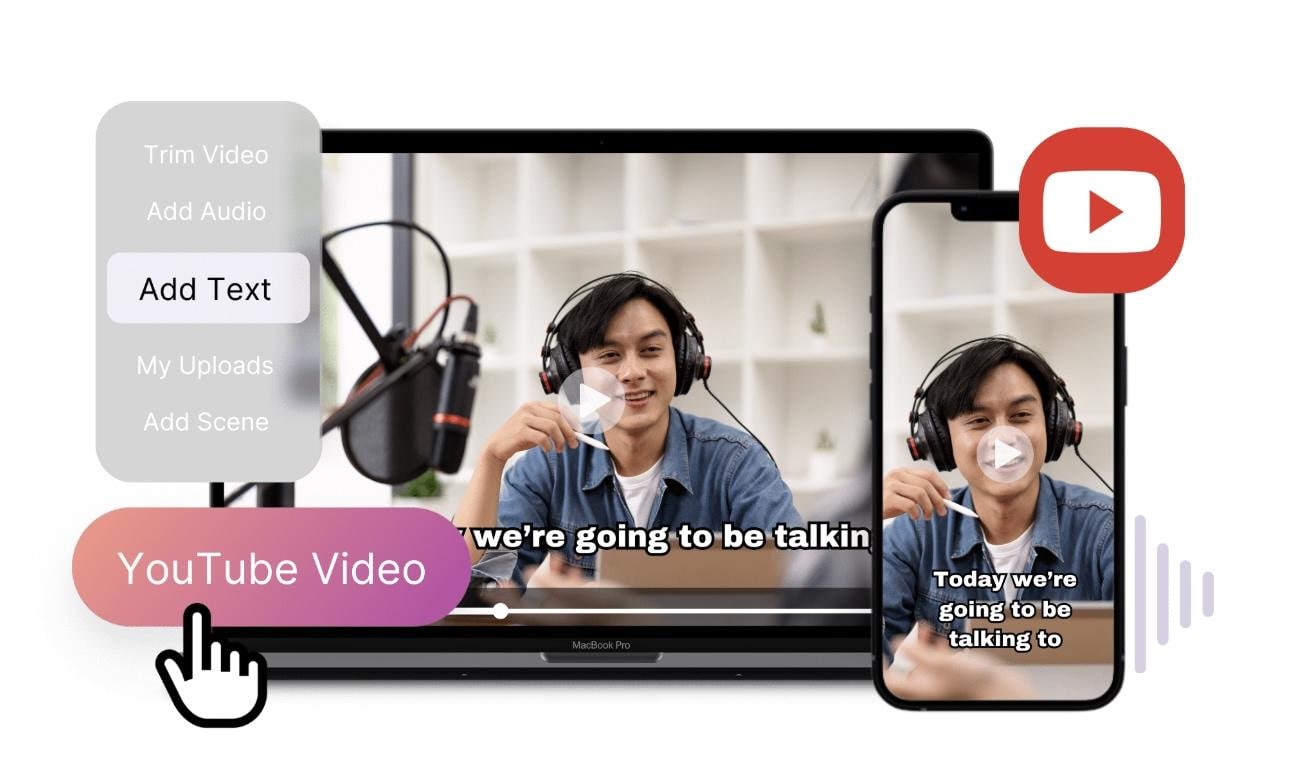
Pictory is an AI short video generator focused on repurposing content. It converts long videos, scripts, or blog posts into short clips with visuals, captions, and voiceovers. The workflow is simple and efficient, especially for batch content, though customization is more limited.
- Automatic long-to-short conversion with scene selection based on speech and context
- Script-based video generation with matched stock visuals and voiceover
- AI caption syncing is designed for fast-paced, scroll-based viewing
- Bulk video creation for turning one input into multiple short clips
- Text-driven editing (cutting scenes based on script instead of timeline)
- Highly efficient for batch content creation
- No editing experience needed
- Ideal for faceless content
- Limited customization
- Output can feel template-driven
Plans start at around $29/month to $199/month (Team)
Limited free trial available
Marketers and short-form video creators repurposing long-form content into multiple short videos.
3. Runway – Best for Advanced AI Video Generation
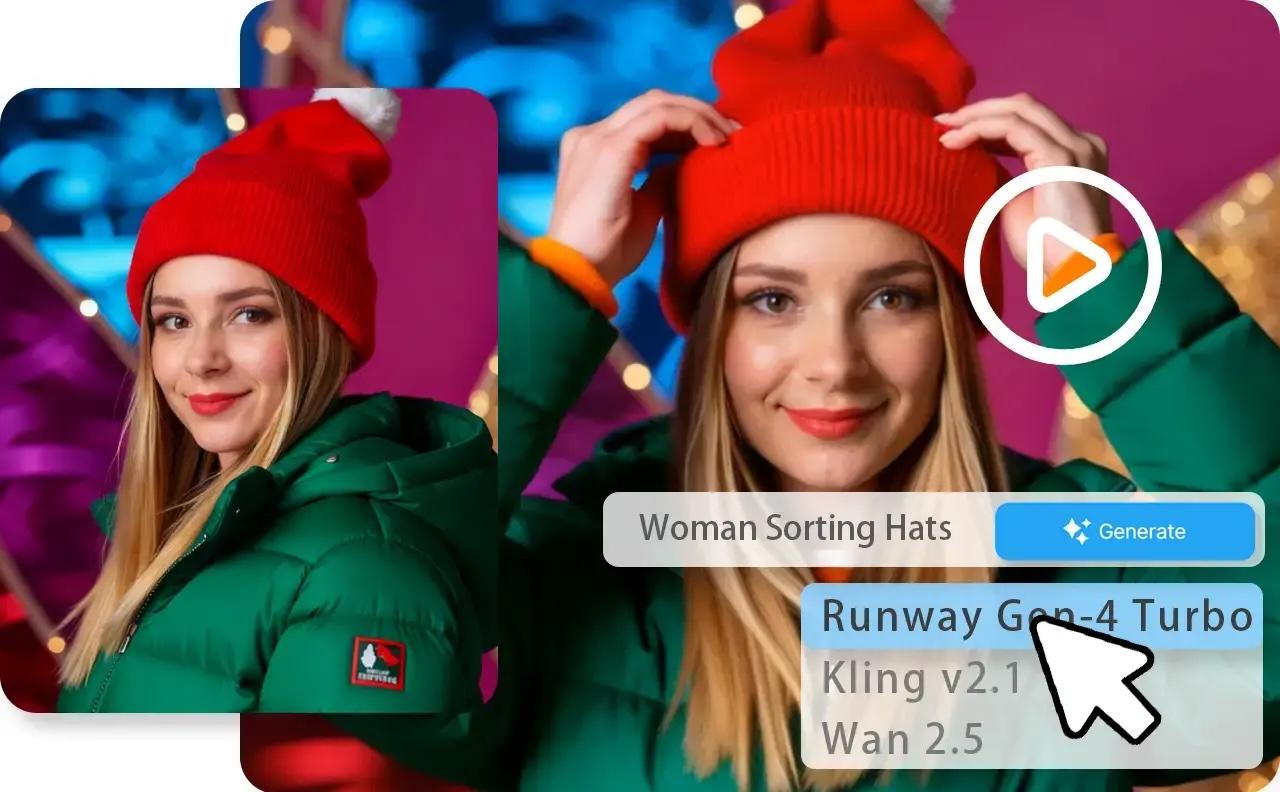
Runway takes a different approach to an AI short video generator by focusing on creating visuals from scratch. Its newer Gen-4 and Gen-4.5 models can generate videos from text prompts or images, so it's great for content that doesn't rely on existing footage.
- Gen-4 text-to-video generation for creating short clips from prompts
- Image-to-video animation for turning static visuals into motion content
- Video-to-video transformation for applying styles or extending clips
- AI inpainting and object editing directly within video frames
- Motion and camera control for generating more dynamic short-form visuals
- Highly creative and flexible output
- Strong for experimental content
- Regular AI model updates
- Steeper learning curve
- Results depend heavily on prompts
Free plan with limited credits
Paid plans start around $15/month
Content creators who want to explore AI-generated visuals and unique content styles.
4. VEED.io – Best Browser-Based AI Short Video Maker
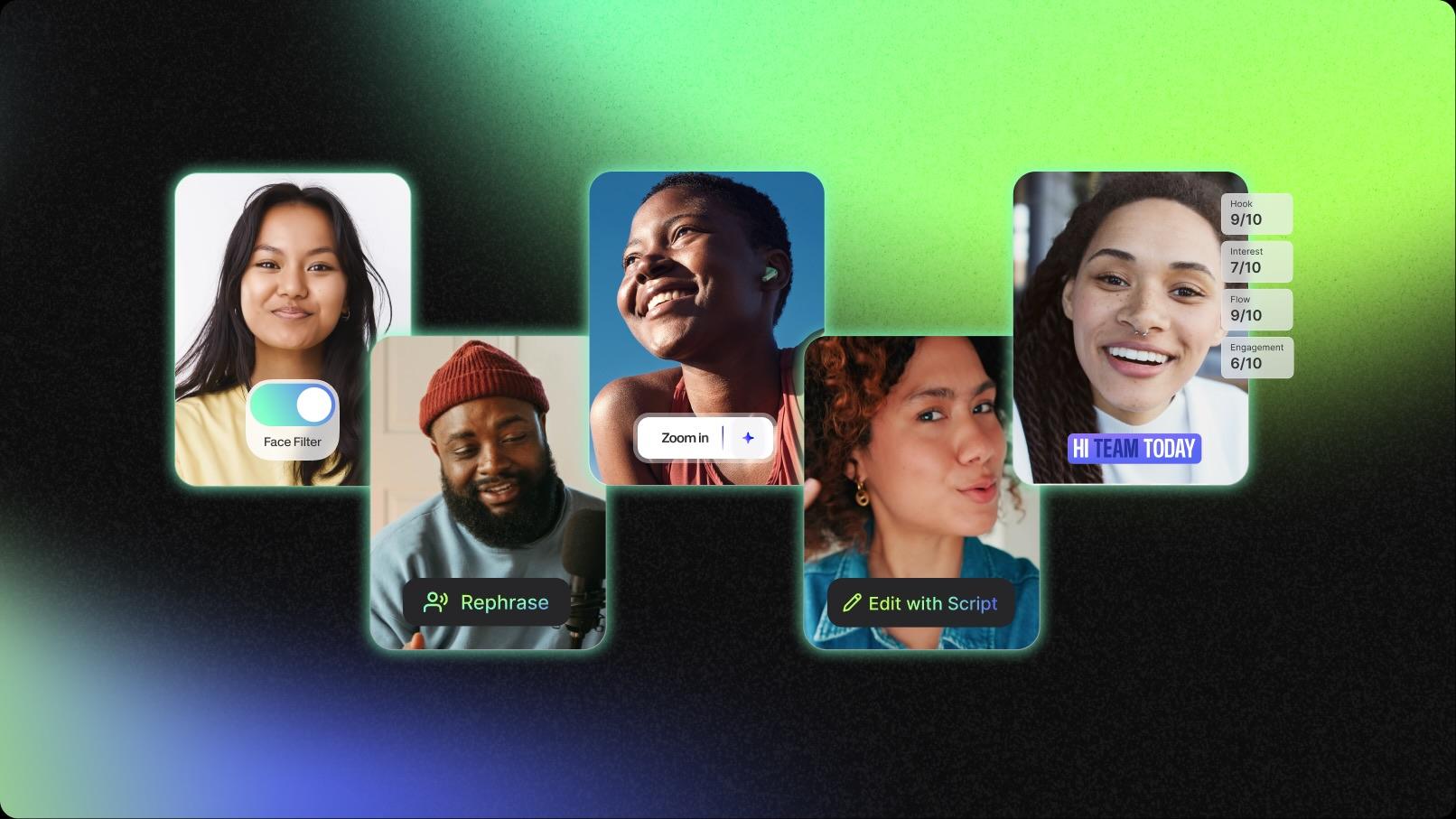
VEED.io functions as an AI short video generator designed for quick, browser-based editing. It combines features such as auto-subtitles and text-to-video with ready-made templates, simplifying short-video creation without installing software.
- Auto subtitle generation with quick styling for social media readability
- Text-to-video builder for generating short clips from prompts or scripts
- One-click resizing and formatting for vertical short-form platforms
- Template-based short video creation with editable scenes
- Browser-based editing with instant previews for quick results
- Easy to use, no installation required
- Clean interface for beginners
- Fast subtitle generation
- Limited advanced editing
- Performance depends on the browser
Free plan available (with limits)
Paid plans start around $18/month
Creators who want a simple, no-install solution for quick, short videos.
5. InVideo AI – Best for Script-to-Short Video Creation
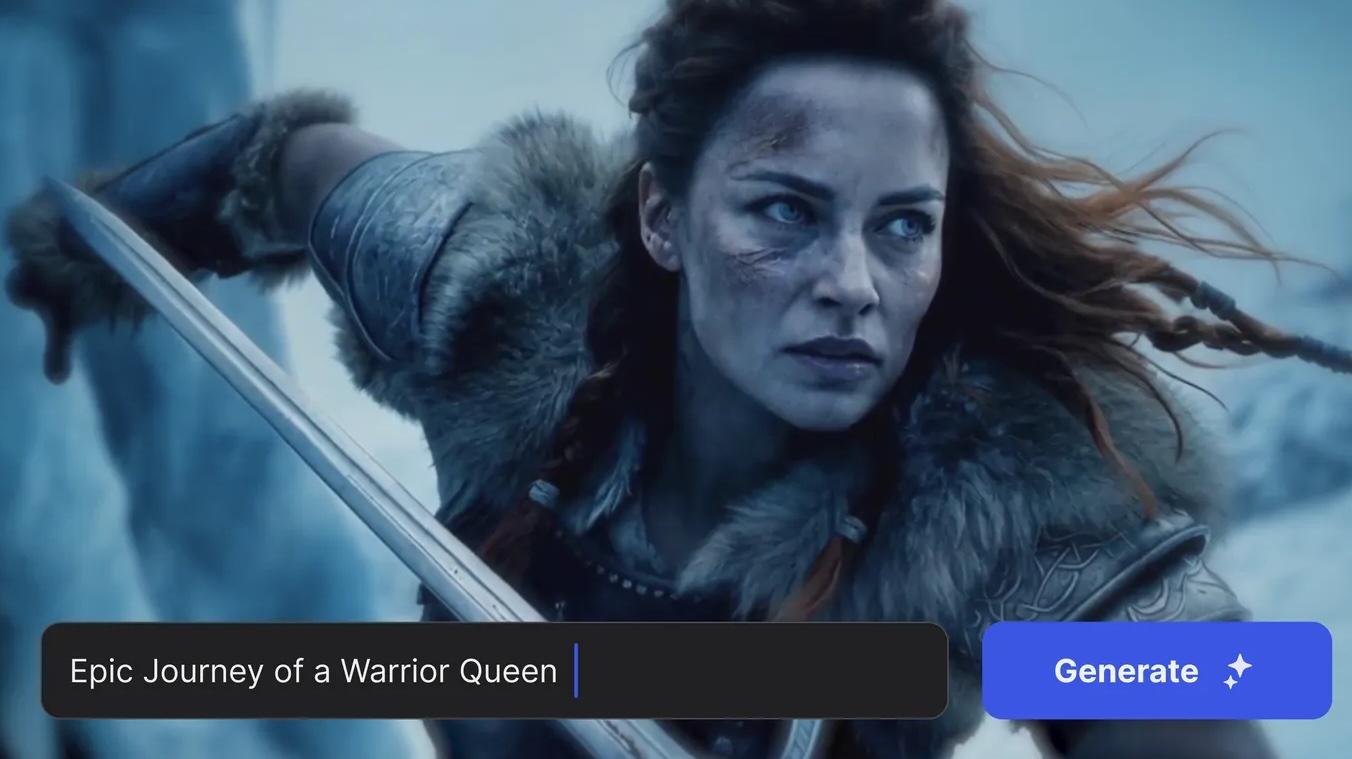
InVideo AI is an AI short video generator that turns prompts into complete videos. It generates scenes, visuals, voiceovers, and captions automatically, which works well for creators who want fast output without filming.
- Prompt-to-video generation that builds full short videos with scenes and voiceovers
- AI script generation combined with automatic scene matching
- Multi-clip generation from a single idea or prompt
- Pre-structured short-form templates designed for TikTok-style pacing
- Automated voiceover syncing with visual transitions
- Fast content generation from ideas
- Good for faceless videos
- Beginner-friendly
- Limited control over final output
- Visuals may feel repetitive and cookie-cutter
Free plan available
Paid plans start around $20/month
Creators who want to produce short videos quickly without filming.
6. Opus Clip – Best for Viral Clip Detection
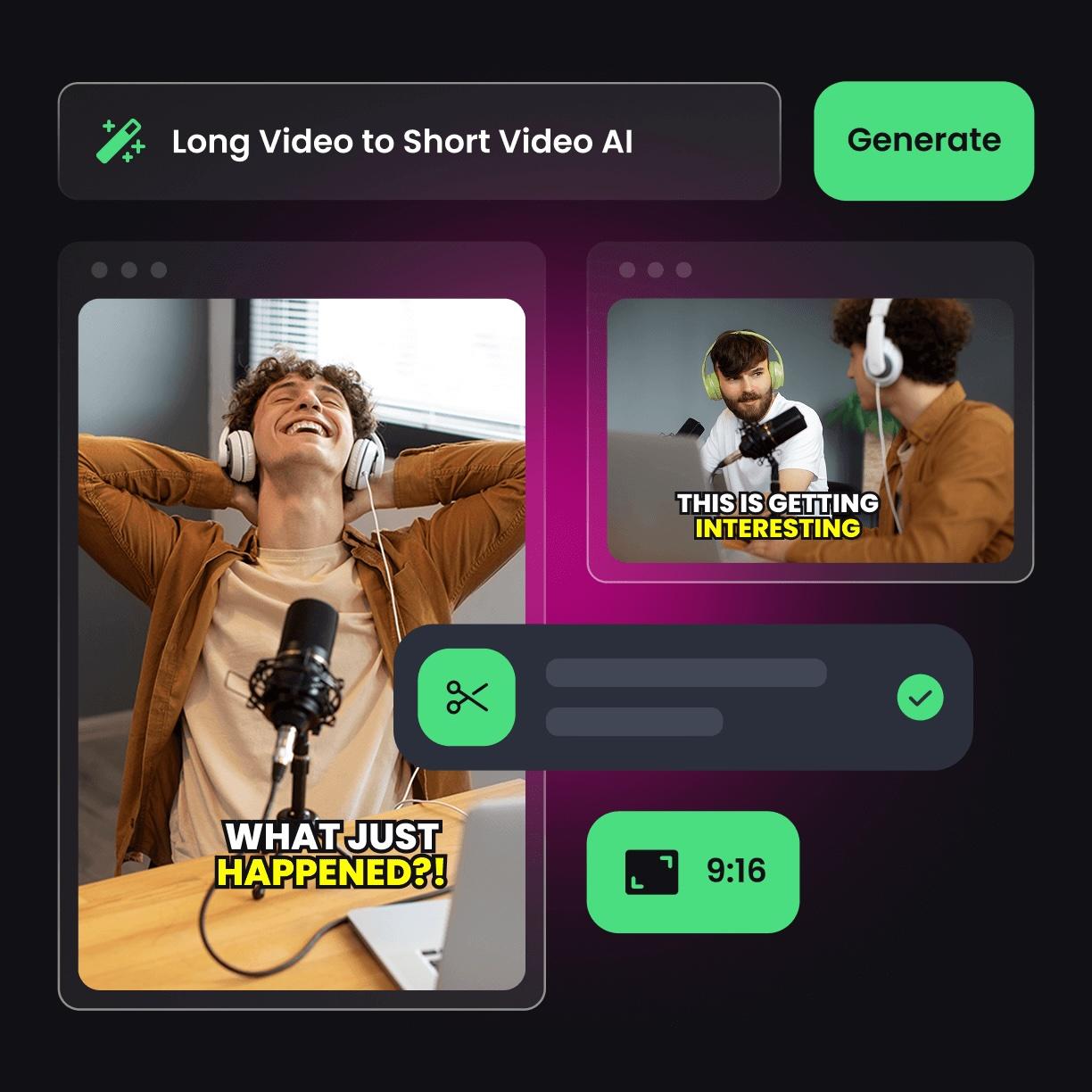
Opus Clip is a short-form content-creation tool focused on extracting clips from long videos. It identifies moments likely to perform well, then formats them with captions and reframing for short-form platforms.
- AI “viral moment” detection based on speech patterns and engagement signals
- Automatic clipping and restructuring of long videos into multiple shorts
- Dynamic caption generation with emojis and emphasis styling
- Face detection with auto-framing for vertical viewing
- Hook-focused clip trimming to prioritize the first few seconds
- Excellent for repurposing long content
- Editing designed to boost engagement
- Minimal manual work required
- Not a full video editor
- Limited creative control
Free plan with limits
Paid plans start around $15/month
Creators are turning podcasts, interviews, or YouTube videos into short clips.
7. Kapwing – Best for Collaborative Short Content Creation
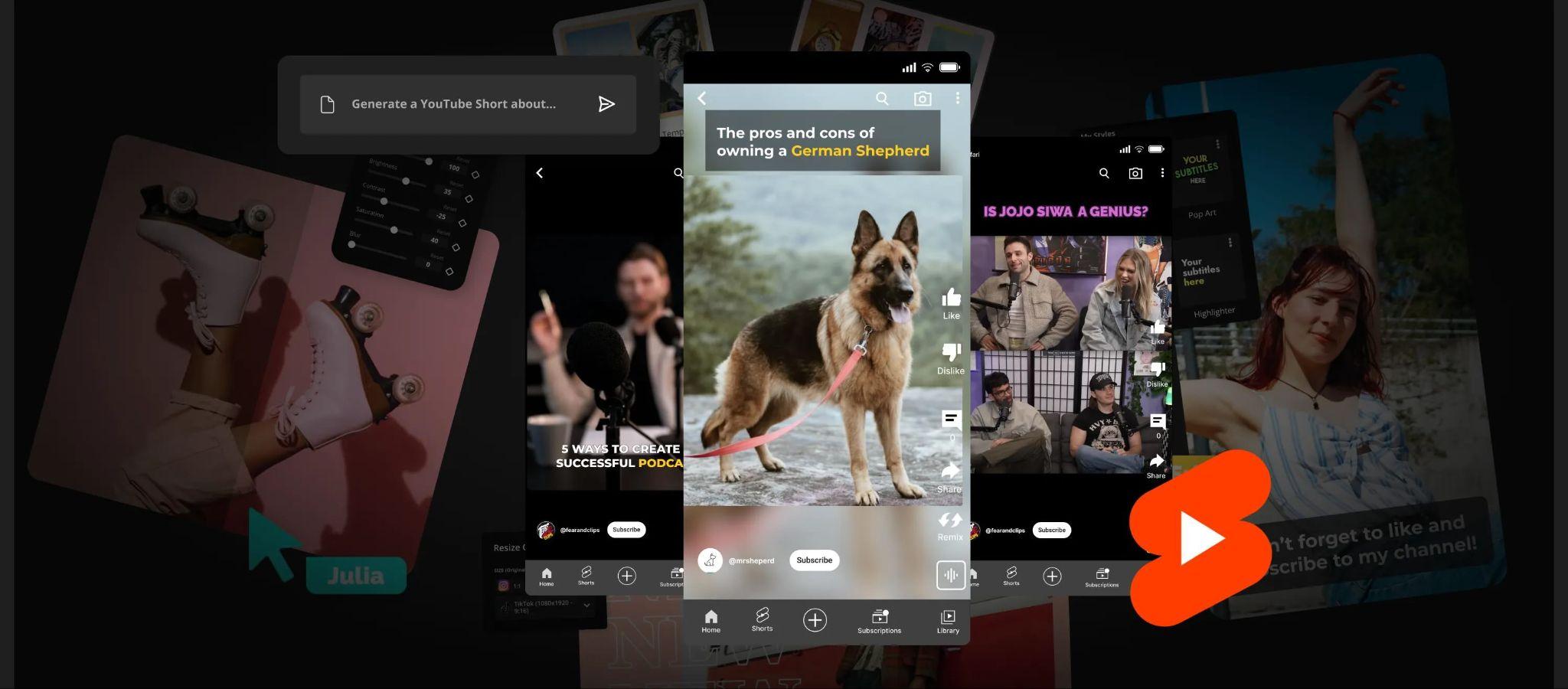
Kapwing is an AI-powered short video generator focused on collaboration. Kapwing allows teams to create, edit, and share short videos in one workspace, with built-in AI features like subtitles and smart cuts.
- AI-powered silence removal and smart cuts for tighter short videos
- Auto subtitle generation with editable styles for branding consistency
- Collaborative editing workspace for team-based content production
- Multi-platform resizing and export presets for short-form formats
- Timeline editing with lightweight AI assistance (not fully automated)
- Ideal for teams and social media managers
- Easy sharing and collaboration
- Clean interface
- Slower with large projects
- Limited advanced AI generation
Free plan available
Paid plans start around $16/month
Teams managing short-form content across multiple platforms.
8. Descript – Best for Editing Videos Like a Document
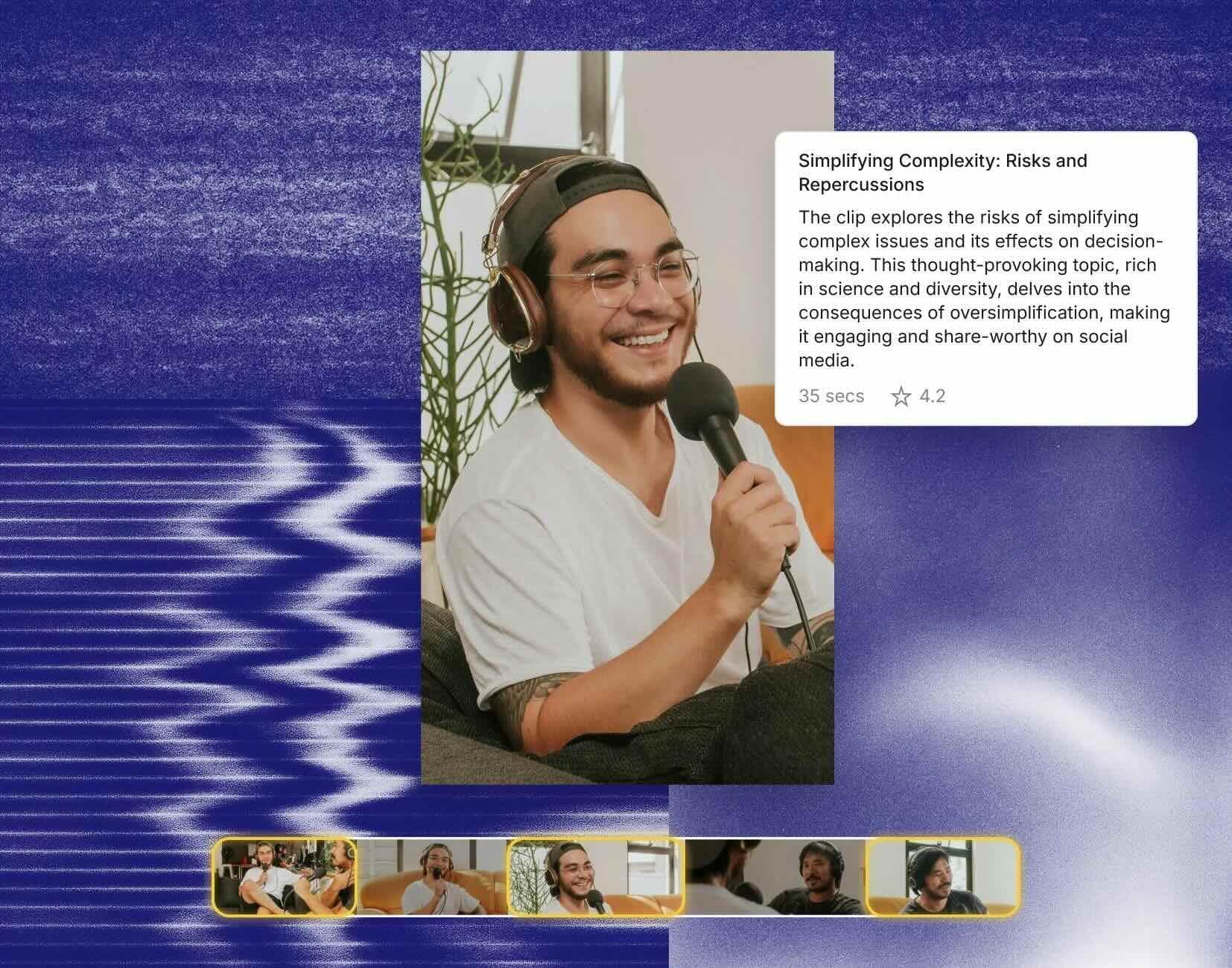
Descript offers a unique approach to creating AI-powered short videos by using text-based editing. You can edit videos through transcripts instead of a timeline, which is useful for dialogue-driven content like podcasts or talking-head videos.
- Transcript-based editing for cutting and restructuring short videos through text
- AI filler word removal to tighten pacing for short-form content
- Overdub (AI voice cloning) for quick voice corrections or additions
- Scene-based editing tied to dialogue structure
- Screen and webcam recording optimized for talking-head short videos
- Extremely intuitive editing workflow
- Polished, content-focused output
- Strong for talking-head videos
- Not specifically designed for viral short formats
- Limited visual effects
Free plan available
Paid plans start at around $24/month to $65/month (Business)
Creators who prioritize scripting, narration, and dialogue-based content.
Part 3. How to Create Short Videos Using AI (Real Workflow)
Most AI tools promise fast results, but the process itself stays fairly simple. Once you get used to it, creating short videos becomes more about consistency than effort.
1. Start with a clear idea or hook
A direct statement, a surprising fact, or a strong opinion tends to grab attention far better than a slow intro. Before you open any tool, know what your video is about and what you want viewers to take away from it.
For example:
- ✅ You've been wasting 3 hours editing videos that AI can cut in 10 minutes.
- ❌Hey guys, so today I wanted to talk about AI video editing and how it can help you...

2. Generate or prepare your script
With your idea ready, expand it into a script. Keep it concise and easy to follow. Short sentences work best since most short videos run under 60 seconds, which translates to roughly 100 to 150 words of spoken content.
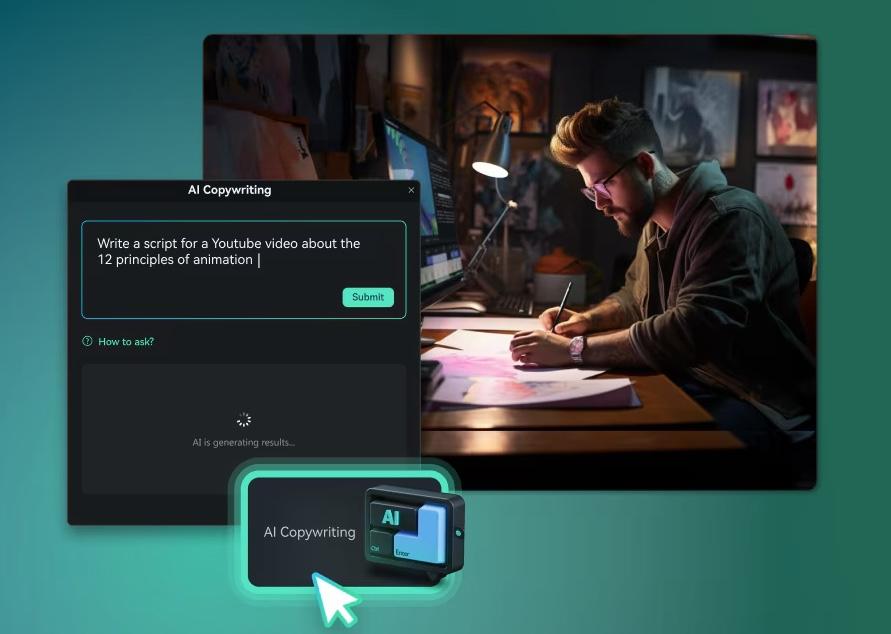
If you're starting from scratch or struggling with the copy, Filmora's AI Copywriting tool can generate a ready-to-use script based on your topic, tone, and target length, so you're not staring at a blank page.
3. Turn the script into a video
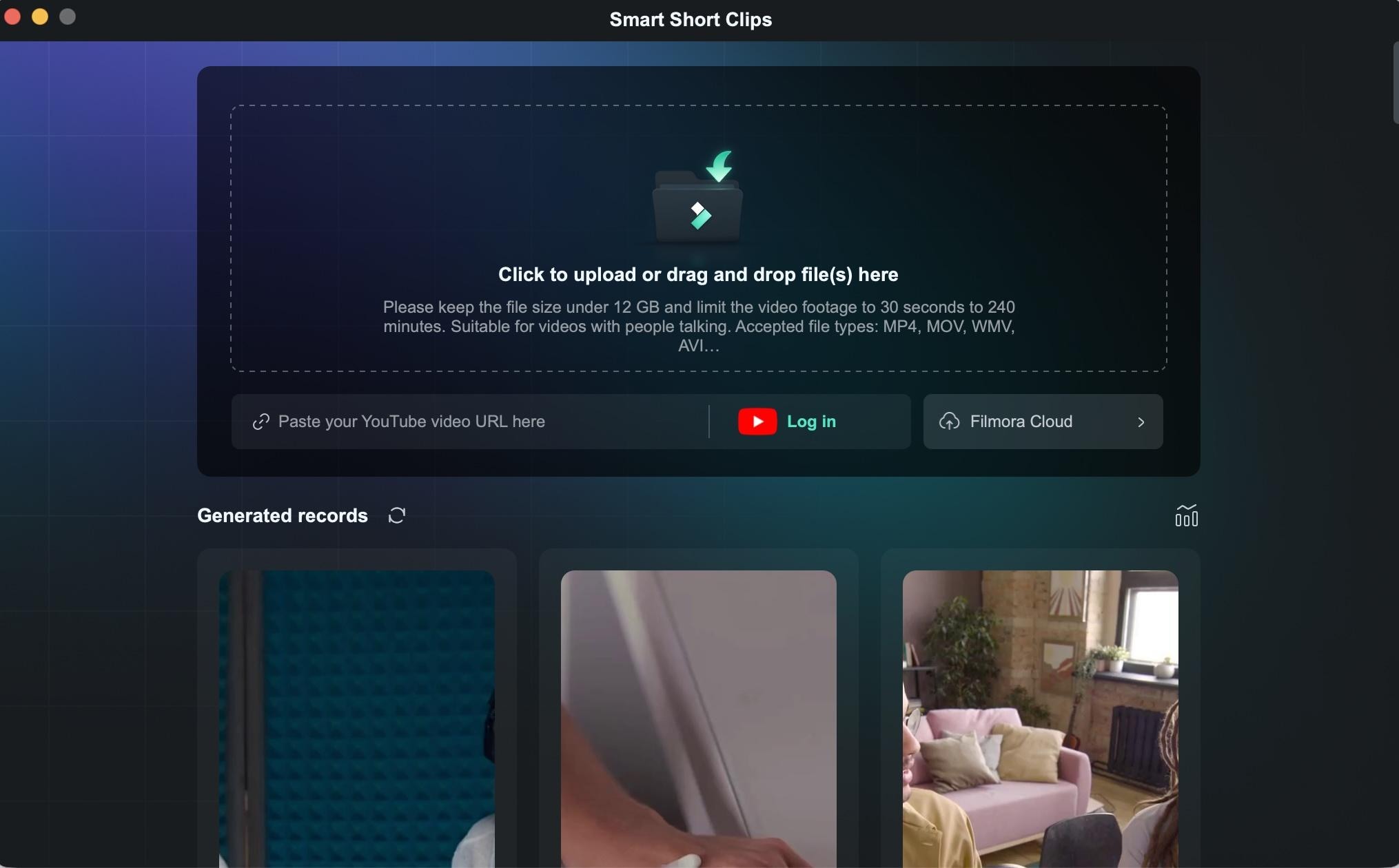
An AI short video generator can convert text into visuals, voiceovers, and structure. Filmora's Script-to-Video feature does exactly that: Paste in your script, and it builds out a video with matched scenes and narration that you can edit from there.
If you want to turn a long video into short content for YouTube instead, features such as AI Smart Short Clip can automatically detect highlights and turn them into shorter segments. You can still refine clips, visuals, and timing on the timeline afterward.
4. Add captions and refine pacing
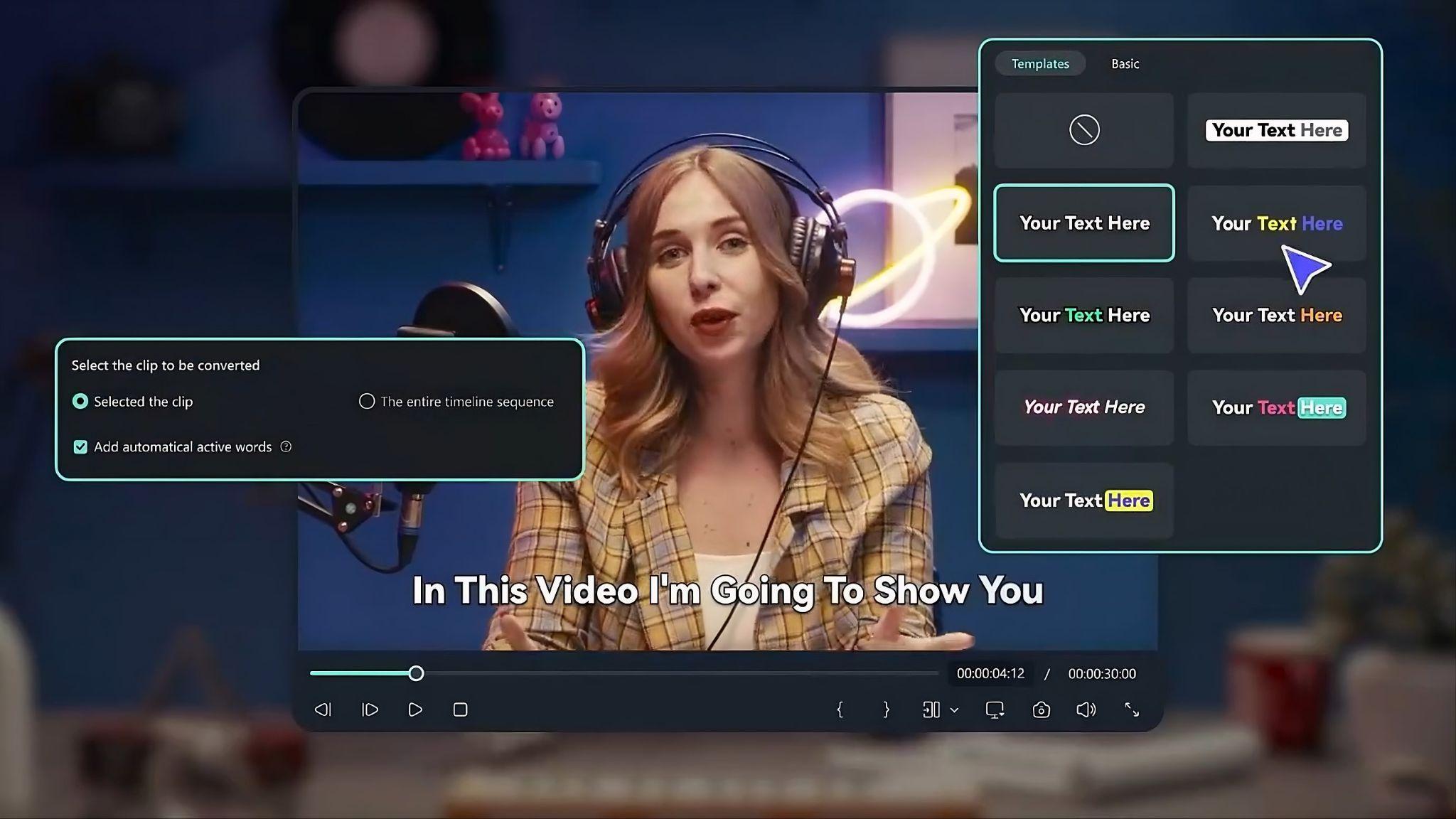
Auto captions save time, but small edits make a real difference in how polished the final video feels. Focus on timing, readability, and making sure key phrases are easy to read at a glance. Most short-form content uses a dynamic word-by-word caption style, where each word highlights as it's spoken.
5. Format for the platform
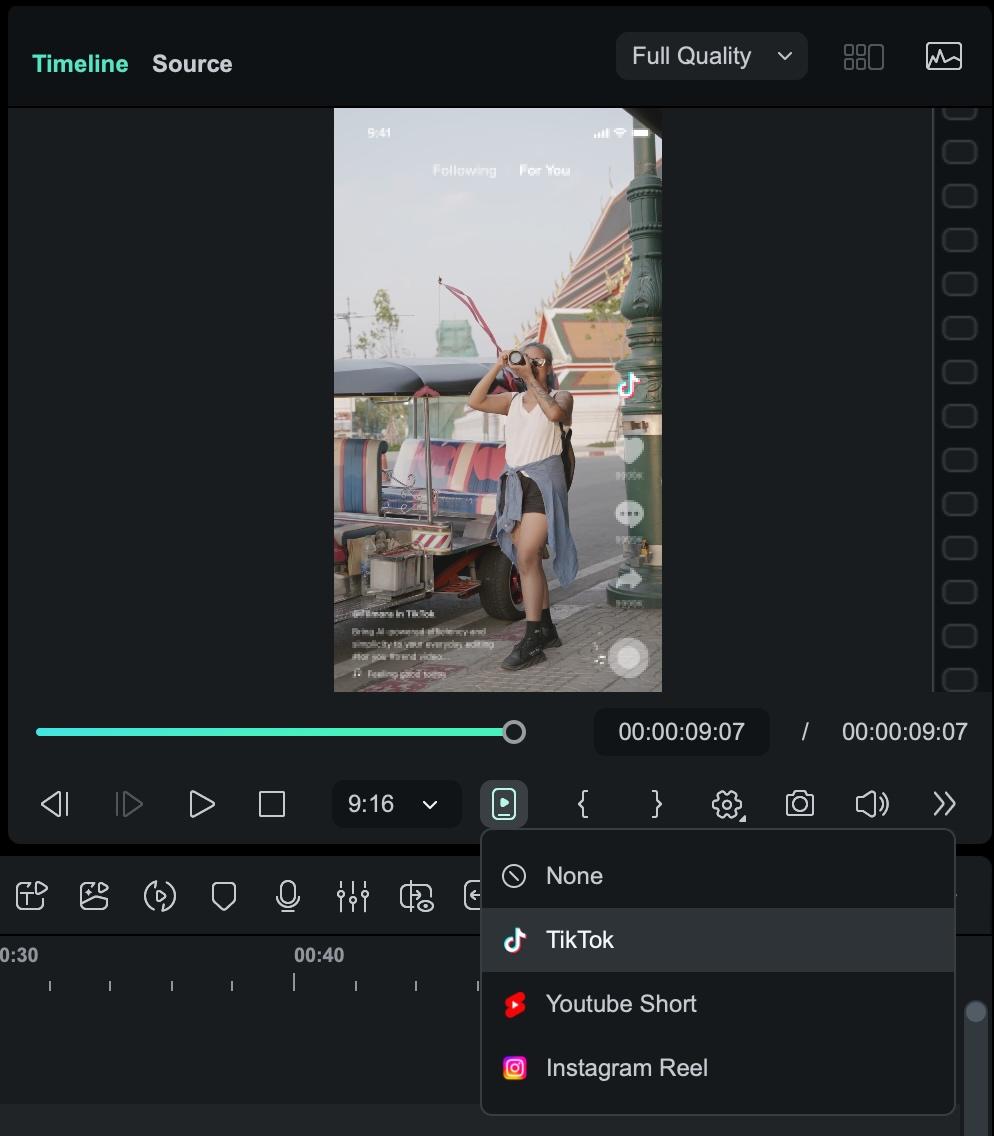
Vertical video is the standard for short-form content like TikTok, Instagram Reels, and YouTube Shorts. Using the wrong aspect ratio means your video gets cropped or letterboxed, which hurts both watch time and reach.
| Platform | Aspect Ratio | Resolution | Max Length |
| TikTok | 9:16 | 1080 x 1920 | 10 min (in-app recording) / 60 min (uploaded video) |
| Instagram Reels | 9:16 | 1080 x 1920 | 90 seconds |
| YouTube Shorts | 9:16 | 1080 x 1920 | 3 minutes |
| Facebook Reels | 9:16 | 1080 x 1920 | 90 seconds |
In Filmora, you can check how the video will look for each platform before exporting. The preview and aspect ratio settings let you frame your content properly.
6. Export and stay consistent
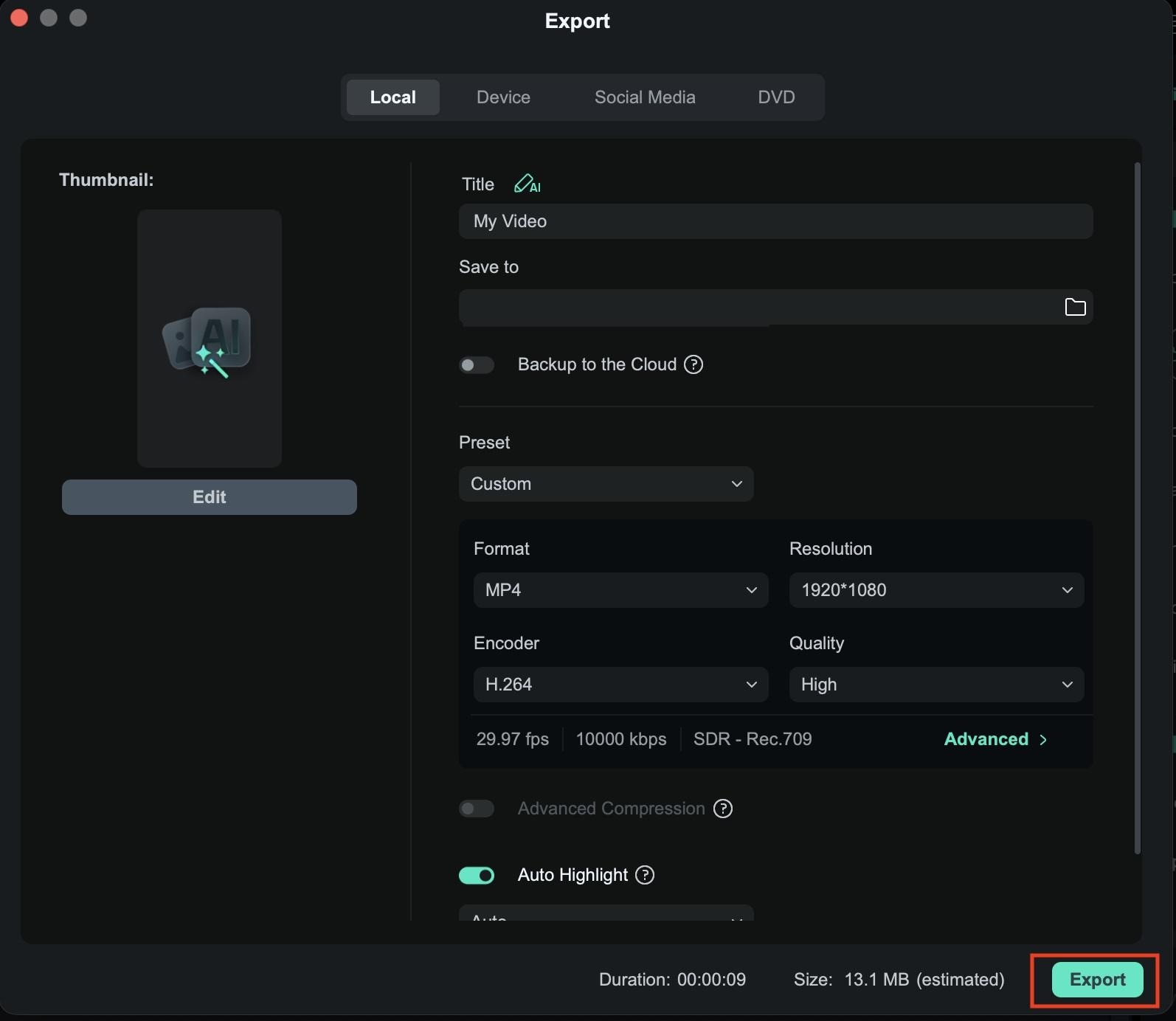
Once your format is set, export in the highest resolution your platform supports, and keep your project files organized so you can repurpose footage for future videos.
 Secure Download
Part 4. TikTok vs YouTube Shorts: What Your AI Tool Should Support
Not all short-form video generators work the same way, and that affects how your content performs. Tools that work well on one platform may need to be adapted for another, particularly regarding pacing, captions, and overall structure.
Differences in format & algorithm
- Short-form content TikTok heavily relies on discovery through its For You feed, where watch time and replays drive reach. A video from an account with zero followers can go viral on day one. This means your hook has to land in the first second, not the first three.
- YouTube Shorts pulls from your existing YouTube presence, search history, and subscriptions, so content with strong keywords and clear topics tends to compound over time rather than spike immediately. Writing a descriptive title and using relevant terms in your caption matters here in a way it largely doesn't on TikTok.
Caption styles
On TikTok, captions are often more dynamic, bold, and styled to match fast-paced content. Shorts tend to work better with cleaner, more minimal captions that don’t distract from the video. Your AI tool should let you easily adjust styles, not just auto-generate text.
Video length optimization
TikTok content often performs well between 7 and 30 seconds, especially for trends and quick hooks. Shorts can stretch slightly longer while still holding attention, particularly for educational or storytelling content. A good tool should help you trim or extend clips without breaking the flow.
Conclusion
Short-form content moves fast, and the tools you choose can either keep up or slow you down. An AI short-video generator shapes how consistently you can create and publish. Some tools prioritize speed, others give you more control, and the right choice depends on how you prefer to work.
The most important thing is to find a setup you can rely on long term, not just for a few videos. As platforms like TikTok and YouTube Shorts continue to evolve, consistency will matter more than chasing trends.
FAQs
-
1. What is an AI short video generator?
It’s a tool that helps you create short videos using AI. You can turn scripts, ideas, or long videos into short clips with captions, visuals, and basic edits done automatically. -
2. Can AI create viral short videos automatically?
Not exactly. AI can help you create videos faster, but whether the video goes viral still depends on your idea, hook, and timing. -
3. What is the best AI short video generator?
It depends on your workflow. Wondershare Filmora works well if you want both AI features and editing control, while other tools focus more on speed or automation. -
4. Are AI-generated short videos allowed on TikTok and YouTube?
Yes, as long as they follow the rules. Platforms like TikTok and YouTube Shorts allow AI content if it’s original and not misleading.
