


 TL;DR:
Aivvid AI is a unified, credit-based content creation platform starting at $9.90 per month that allows creators and marketers to generate, animate, and compare visuals across major models like Veo 3.1, Sora 2, and Kling without managing multiple subscriptions.
● The platform is optimized for users who need varying visual styles, with testing showing that Veo 3.1 excels at cinematic scenes, Kling is better suited for short-form content, and Nano Banana Pro produces the most photorealistic images.
● While all paid plans include commercial usage rights and watermark-free downloads, the 150-credit basic quota depletes rapidly when using heavy video models, and achieving the desired result often requires multiple trial-and-error generations.
● Because raw generations usually lack final polish, users must rely on external video editors like Wondershare Filmora to add subtitles, merge multiple AI clips, and adjust audio before the content is ready for publication.
Ask AI for a summary
 ChatGPT
 Perplexity
 Gemini
 Claude
 Grok
Grok
It's not always easy to find the right AI tool. One platform might produce better videos, while another generates higher-quality images, forcing creators to manage multiple subscriptions and workflows.
Aivvid AI aims to simplify this process by combining several popular AI models into a single platform. From video and image creation to photo animation, this platform allows users to experiment with various models without constantly switching between tools.
This review will take a closer look at what Aivvid AI offers, how it works, its pros and cons, and whether it’s a worthy option for creators looking to streamline their content creation process.
Part 1. What Is Aivvid AI?
Aivvid AI is a web-based content creation platform that provides users with access to several popular AI models from a single dashboard. It supports a variety of creative tasks, including video generation, image creation, photo animation, and visual enhancement, with access to multiple AI models.
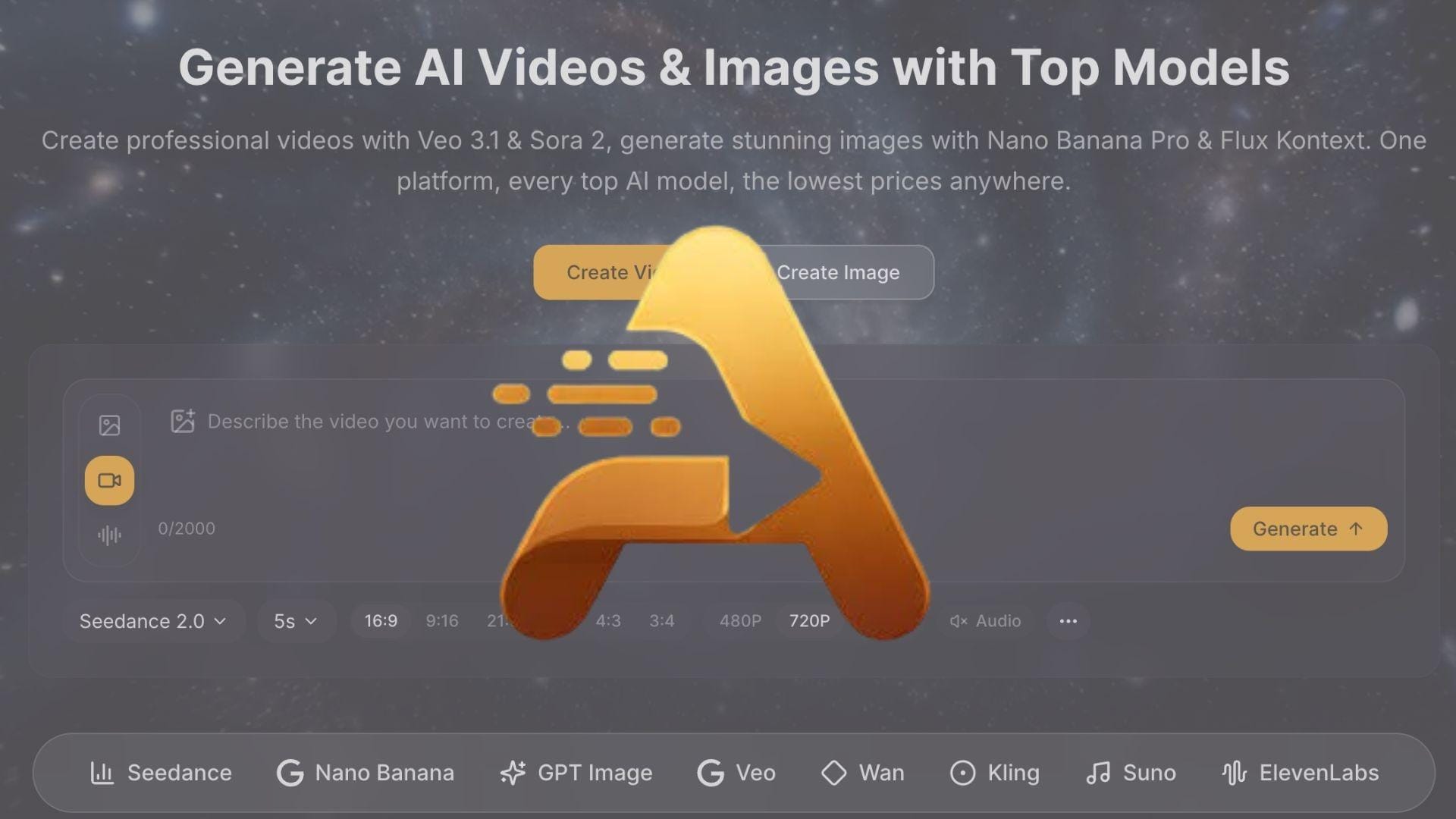
Supported AI Generation Tools
| Tool | What it does |
| Text-to-Video | Generate videos from text prompts |
| Text-to-Image | Create images from written descriptions |
| Image-to-Video | Turn static images into animated videos |
| AI Editing | Modify and enhance generated visuals |
| 4k Upscaling | Improve image quality and resolution |
| Model Switching | Compare results across different AI models |
Featured AI Models
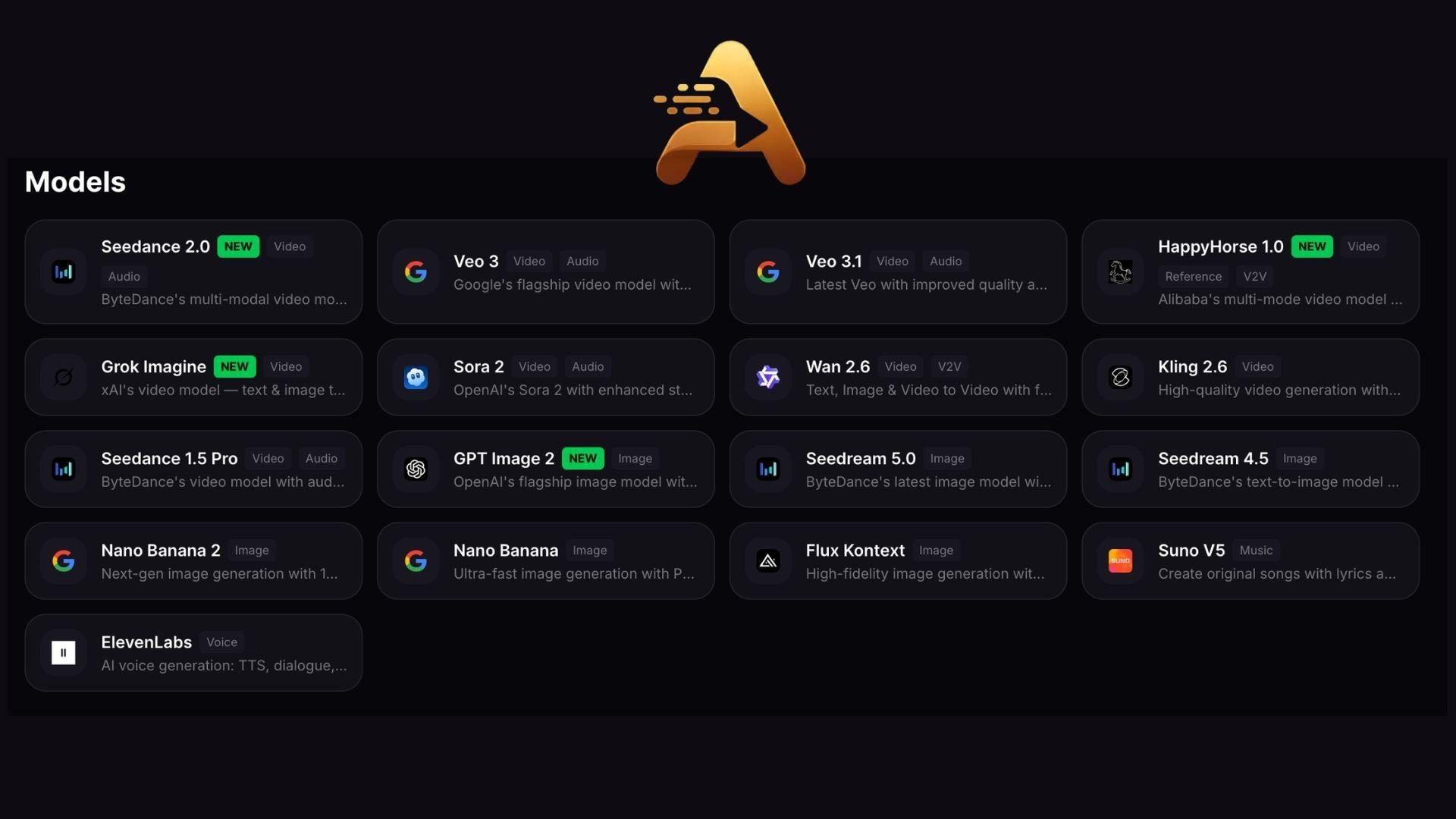
Aivvid AI currently provides access to several popular AI models, including:
- Veo 3.1
- Sora 2
- Kling
- Flux Kontext
- Nano Banana Pro
- DALL·E
- Stable Diffusion
The selection may change as new models are added and existing integrations are updated.
Why Aivvid AI Is Different
One of Aivvid AI's biggest selling points is convenience. Many creators rely on various AI tools for their projects, which often means managing multiple subscriptions, websites, and credit systems at the same time.
Aivvid simplifies this process by providing several leading AI models through a single account. You can switch between models, compare results, and manage projects from one place. Everything is handled through the same interface and credit system, resulting in a more streamlined workflow.
Who Is Aivvid AI Best Suited For?
- Content creators producing short videos and social media videos
- Freelancers managing projects for multiple clients
- Marketing teams that create promotional content and ads
- Small businesses looking to produce content more efficiently
- Content creators who want access to multiple AI models without having to pay for multiple subscriptions
- Users who like to compare results from various AI models before choosing a final version
Part 2. Key Features of Aivvid AI
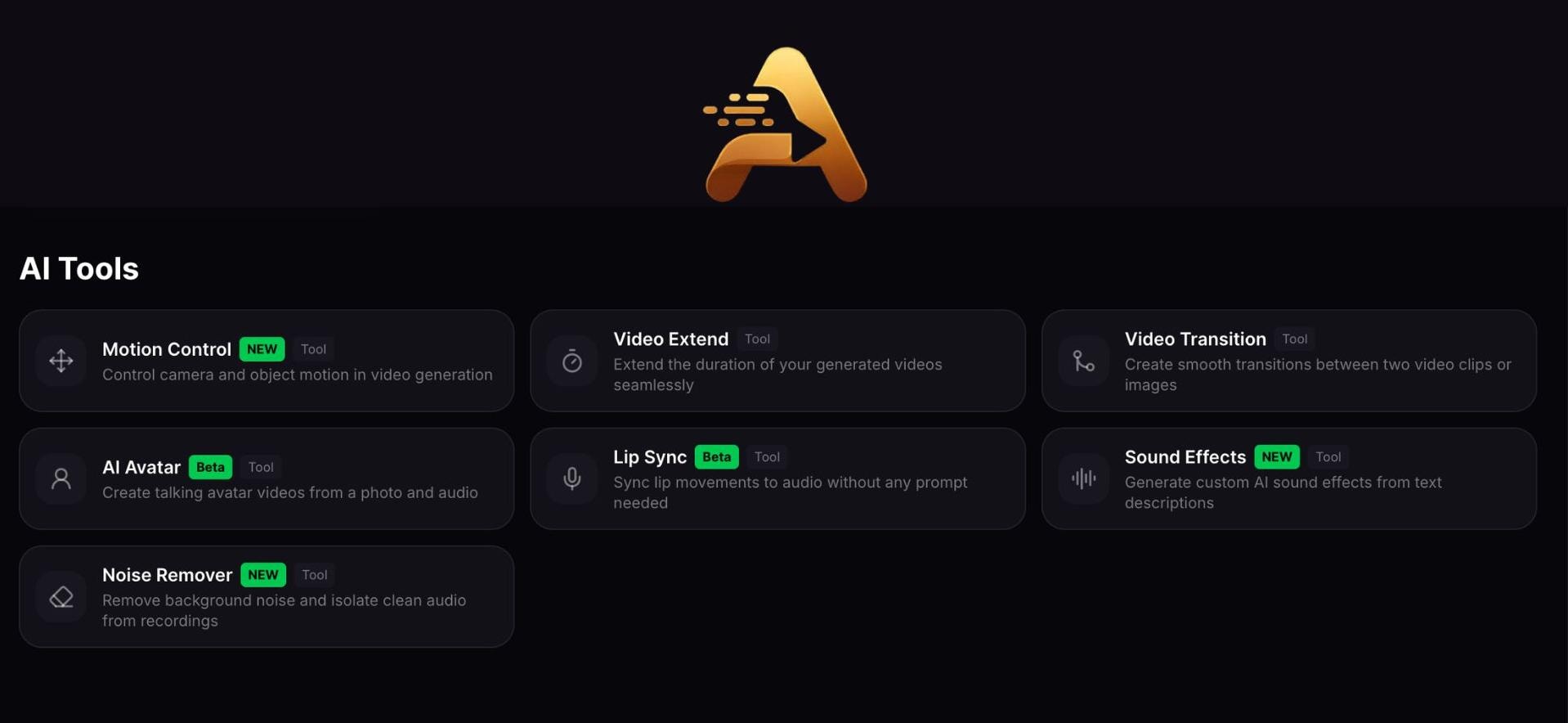
After understanding what Aivvid AI is, the next step is to explore the tools available on the platform. From video generation to image creation and enhancement, Aivvid offers a range of features designed to support all kinds of creative projects.
Access Multiple AI Models in One Dashboard
- Choose from popular AI models such as Veo, Sora, Kling, Flux Kontext, Nano Banana Pro, Seedance, and more
- Select different models based on project requirements
- Compare visual styles and output quality
- Experiment with different creative approaches
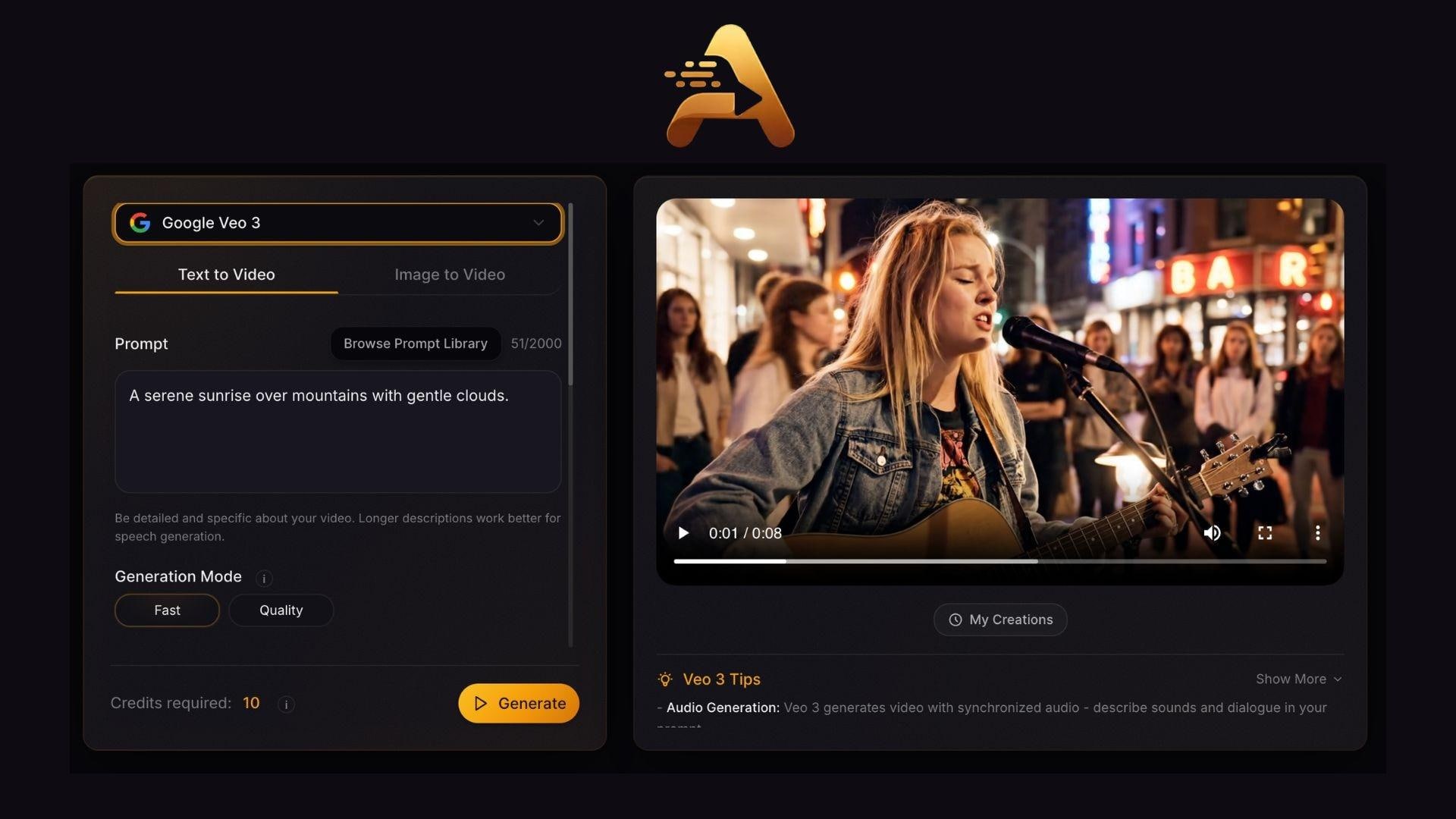
Generate Videos From Text Prompts
- Create videos using simple text descriptions
- Produce content for social media, marketing, and storytelling
- Generate scenes without traditional filming equipment
- Explore different video styles depending on the chosen model
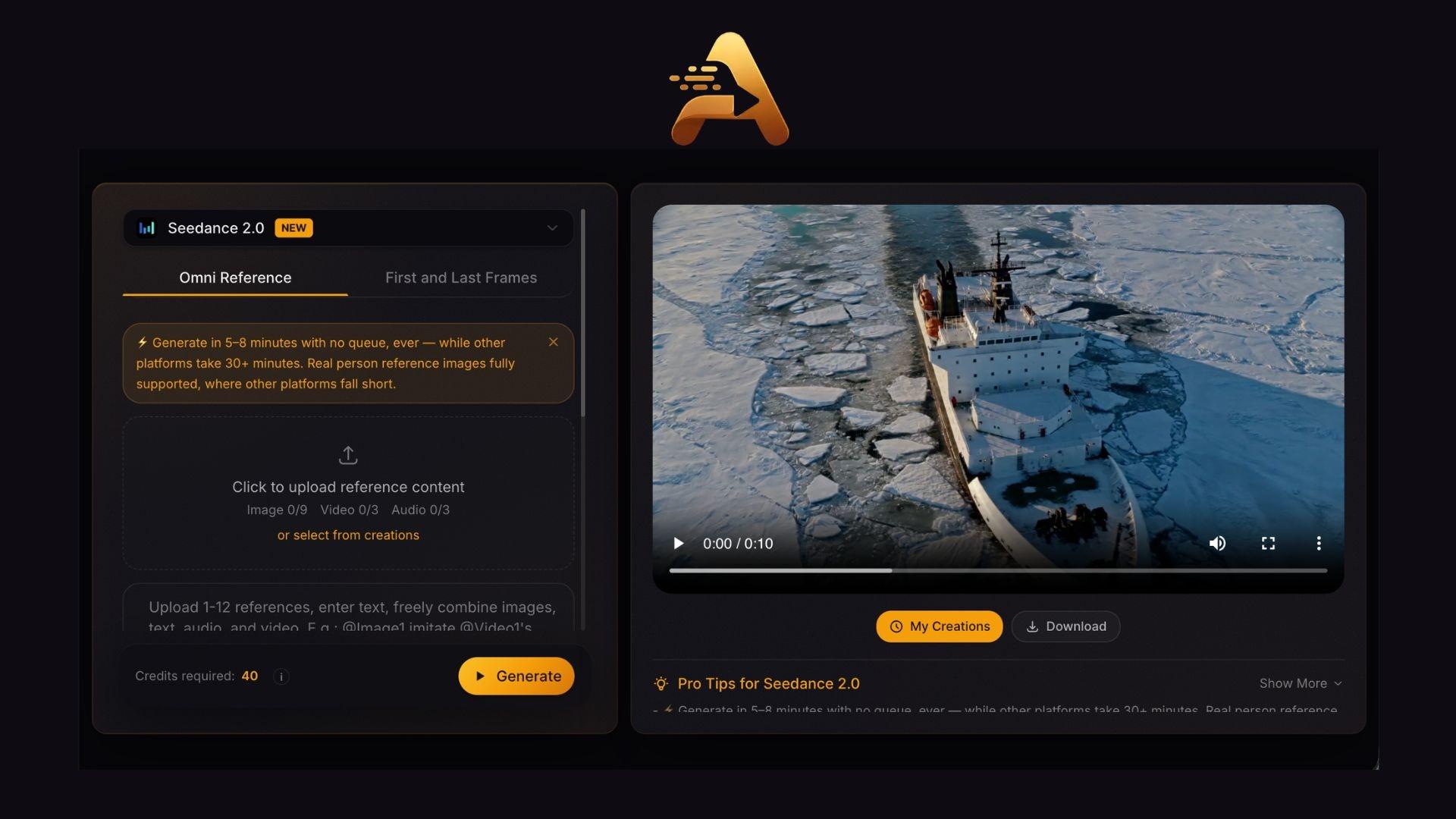
Turn Images Into Videos
- Add motion to static images
- Animate portraits, artwork, and product photos
- Create engaging visual content from existing images
- Produce short video clips from still visuals
Create AI Images for Different Projects
- Generate images from text prompts
- Create marketing assets and social media graphics
- Produce concept art and creative illustrations
- Explore realistic and artistic image styles
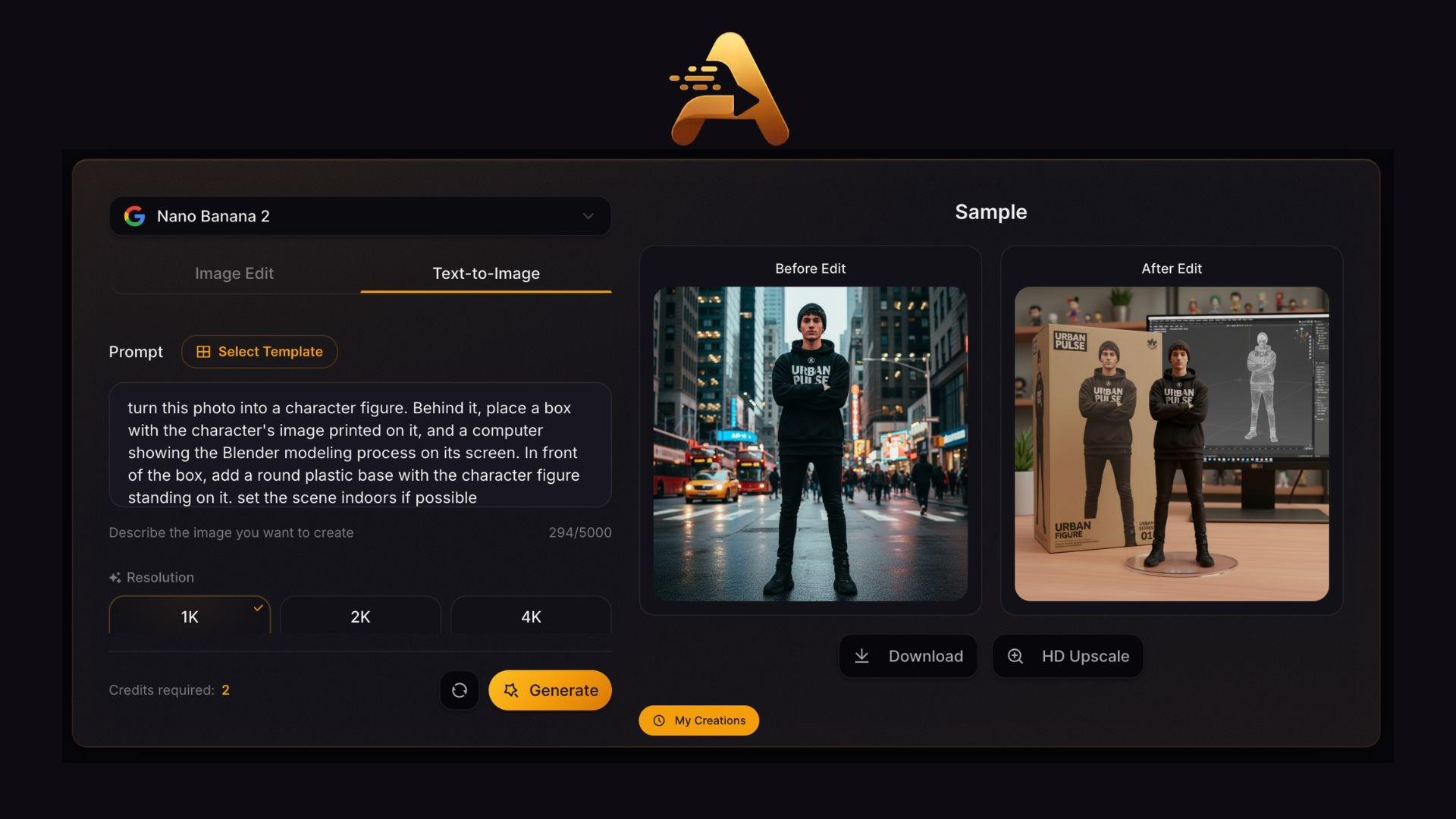
AI Editing and Enhancement Tools
- Refine AI-generated images
- Improve image quality with 4K upscaling
- Enhance details and overall sharpness
- Prepare visuals for sharing or publishing
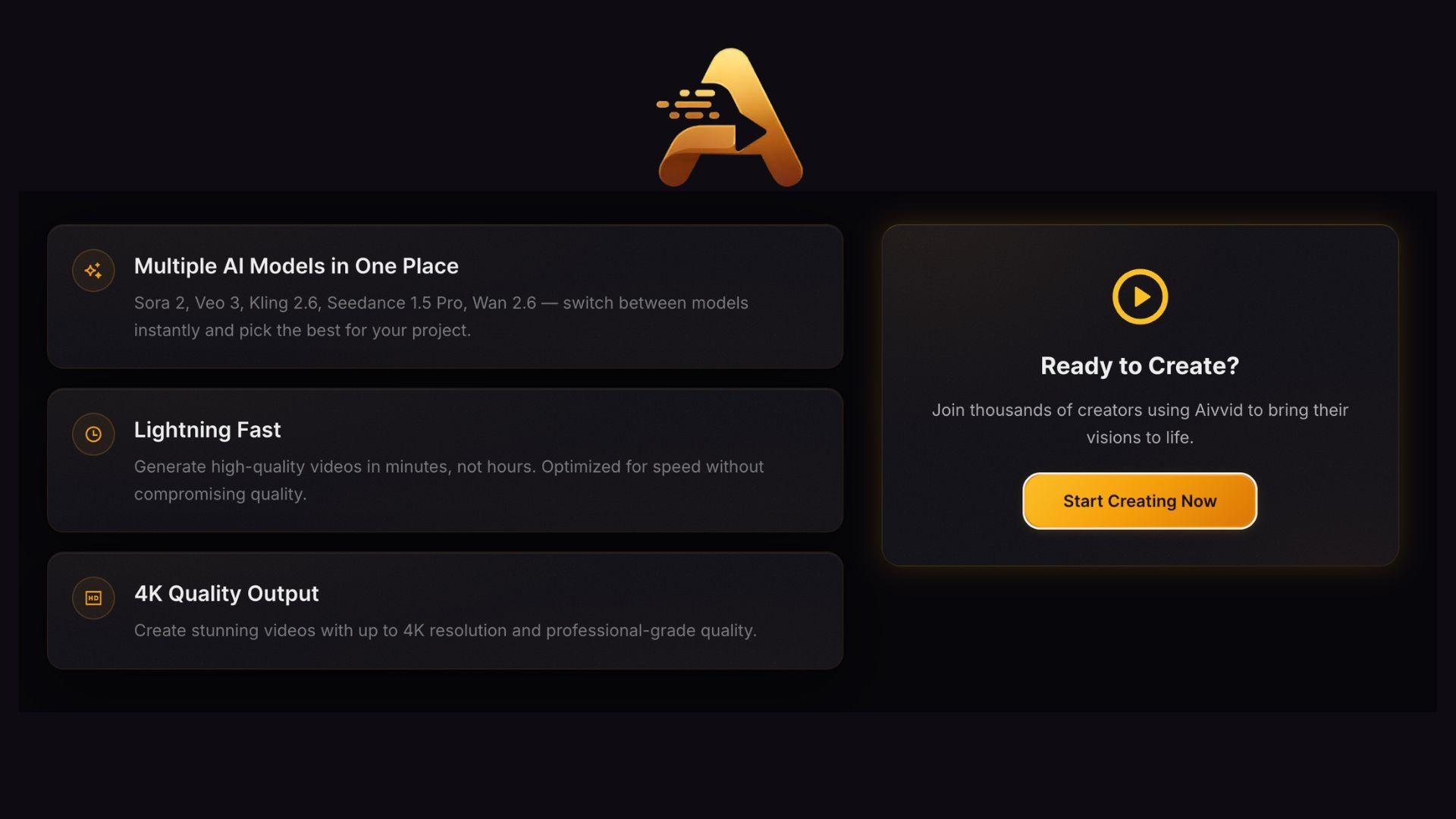
Credit-Based Workflow and Project Management
- Purchase and use credits as needed
- Access multiple tools through the same credit balance
- Track generation usage more easily
- Manage projects and outputs from one place
Part 3. Aivvid AI Pricing: How Much Does It Cost?
Aivvid AI uses a credit-based pricing system. You can pay separately for various AI tools and receive a monthly credit quota that can be used across the platform's available models and generation features.
| Plan | Price | Credits |
| Basic | $9.90/month | 150 credits |
| Pro | $19.90/month | 350 credits |
| Max | $34.90/month | 750 credits |
| Pro Max | $54.90/month | 1,500 credits |
All paid plans include commercial usage rights, watermark-free downloads, priority generation, and access to supported AI models. New users can also claim free credits to explore the platform before upgrading to a paid plan.
Is Aivvid AI Worth the Cost?
Overall, the pricing is quite accessible, especially at the lower tiers. At $9.90/month, you're not getting a lot of runway. 150 credits go fast if you're generating longer videos with heavier models like Veo 3.1 or Sora 2. But for casual users or anyone just exploring the platform, it's a low-risk way in. The right plan for you will depend on which models you're actually using.
Part 4. How to Use Aivvid for Quick AI Video Creation
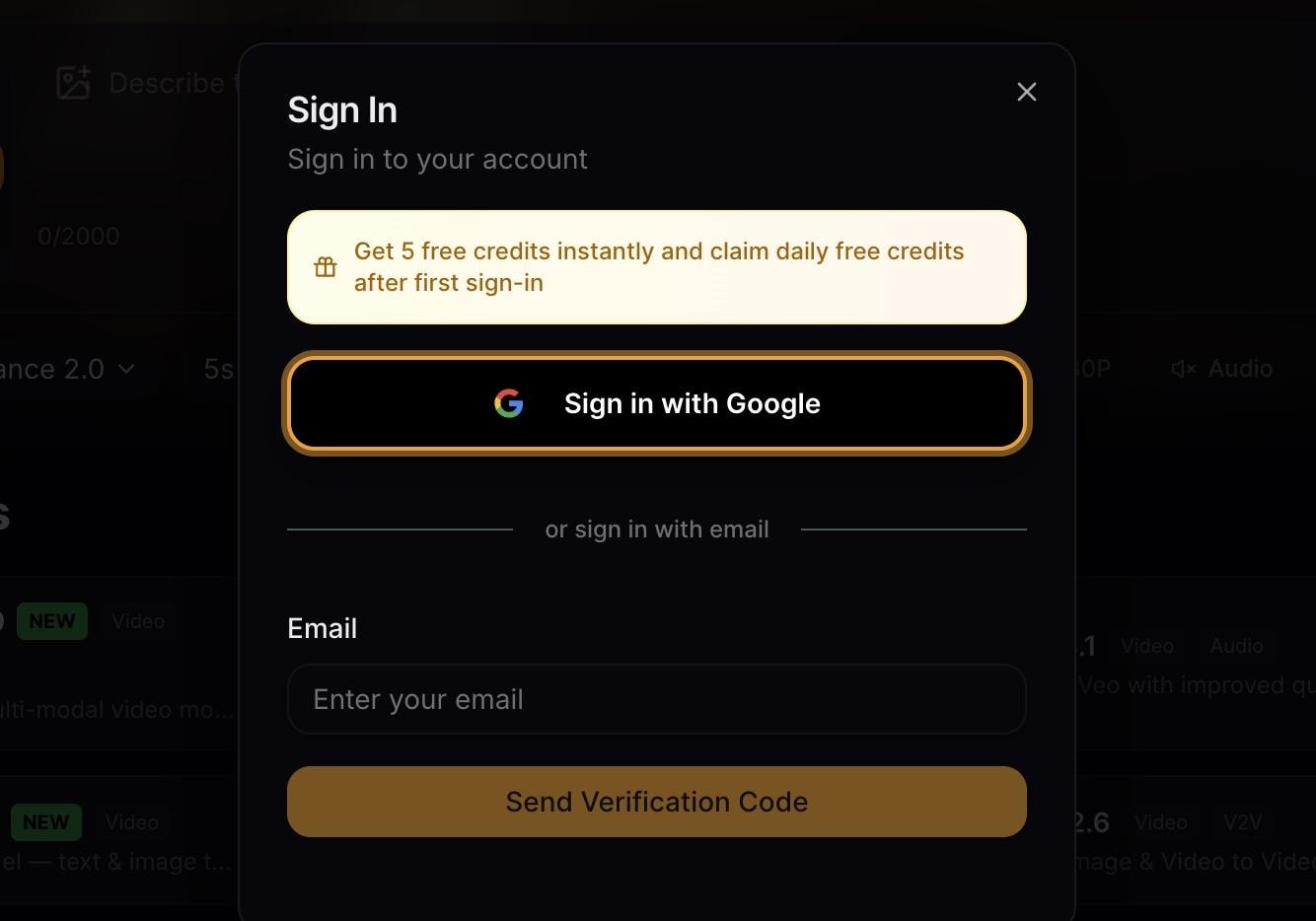
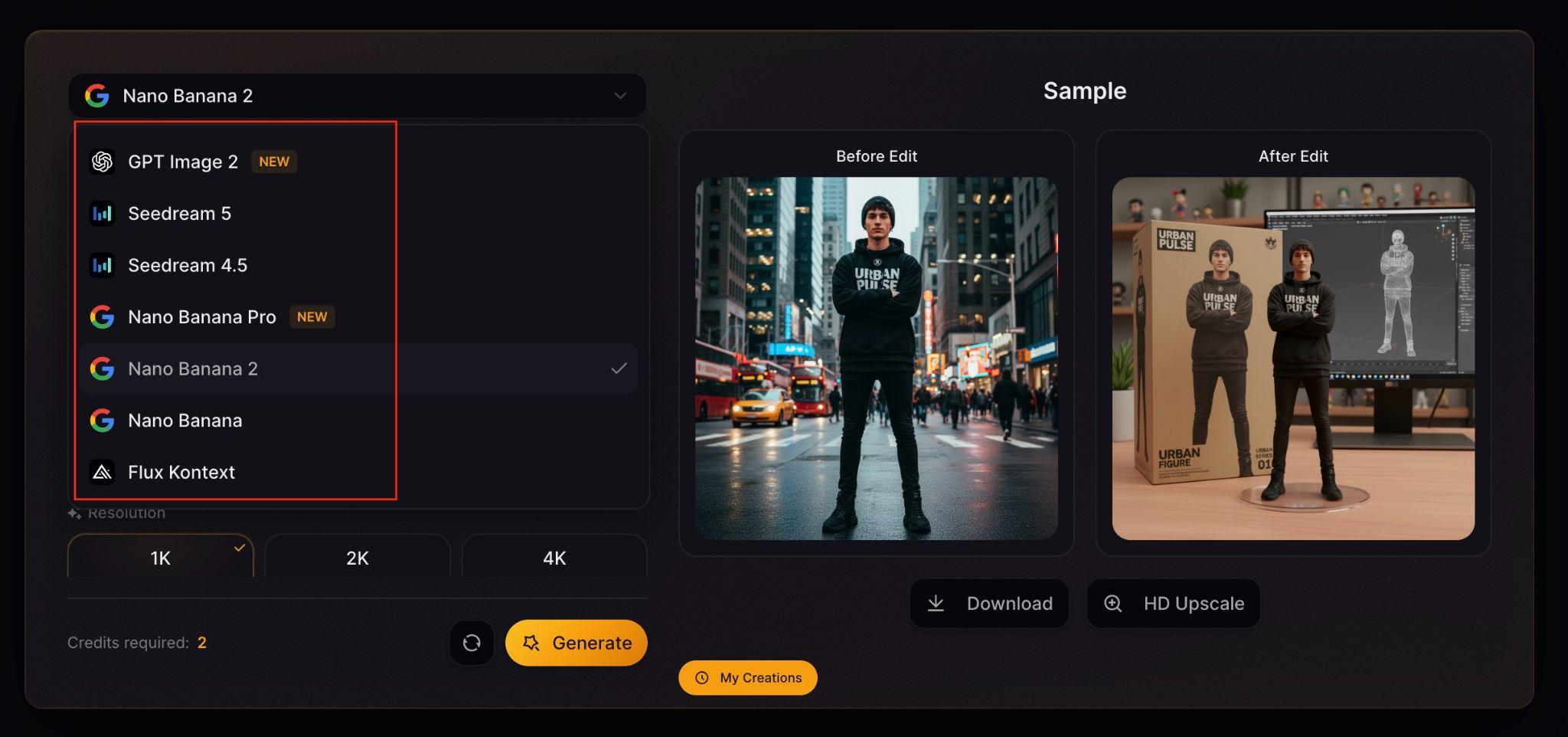
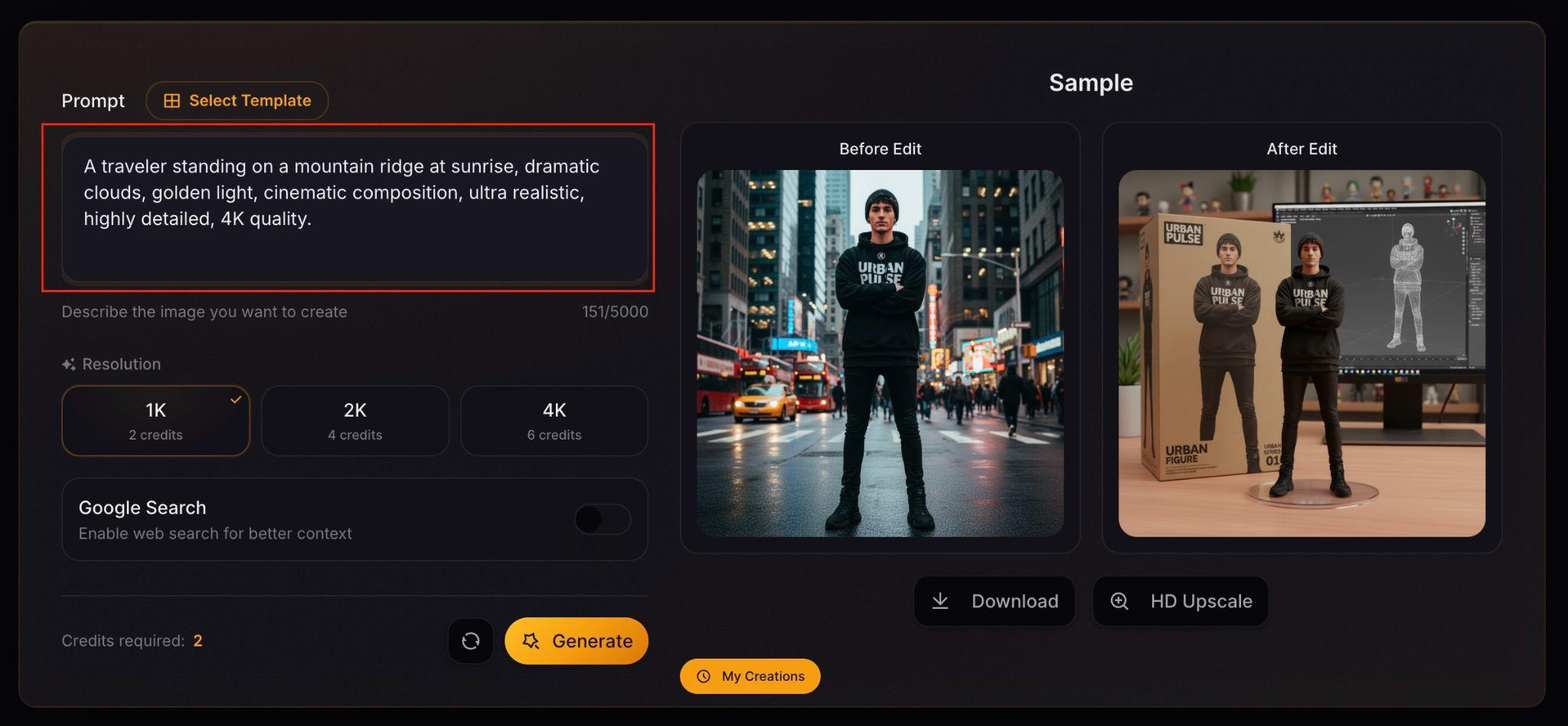
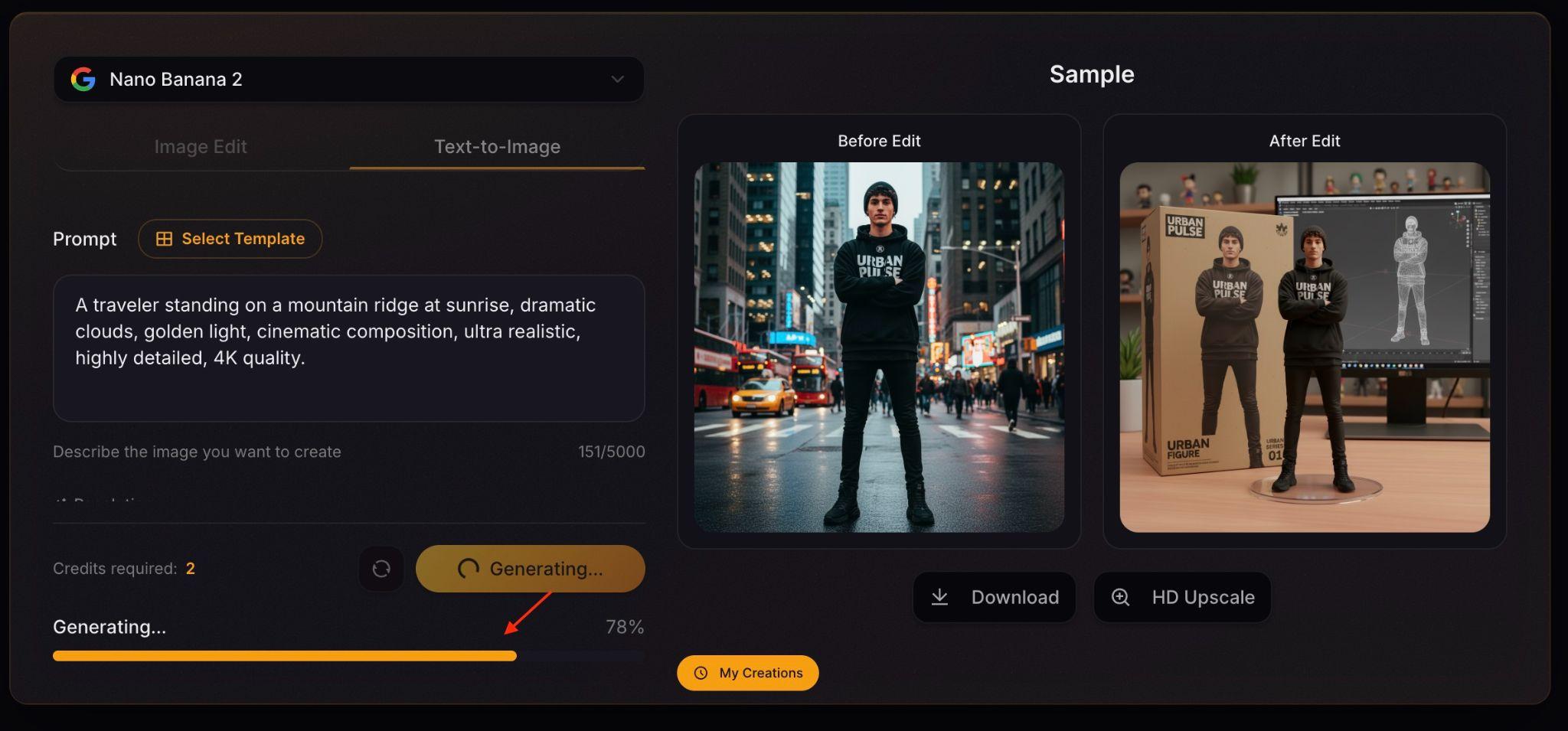
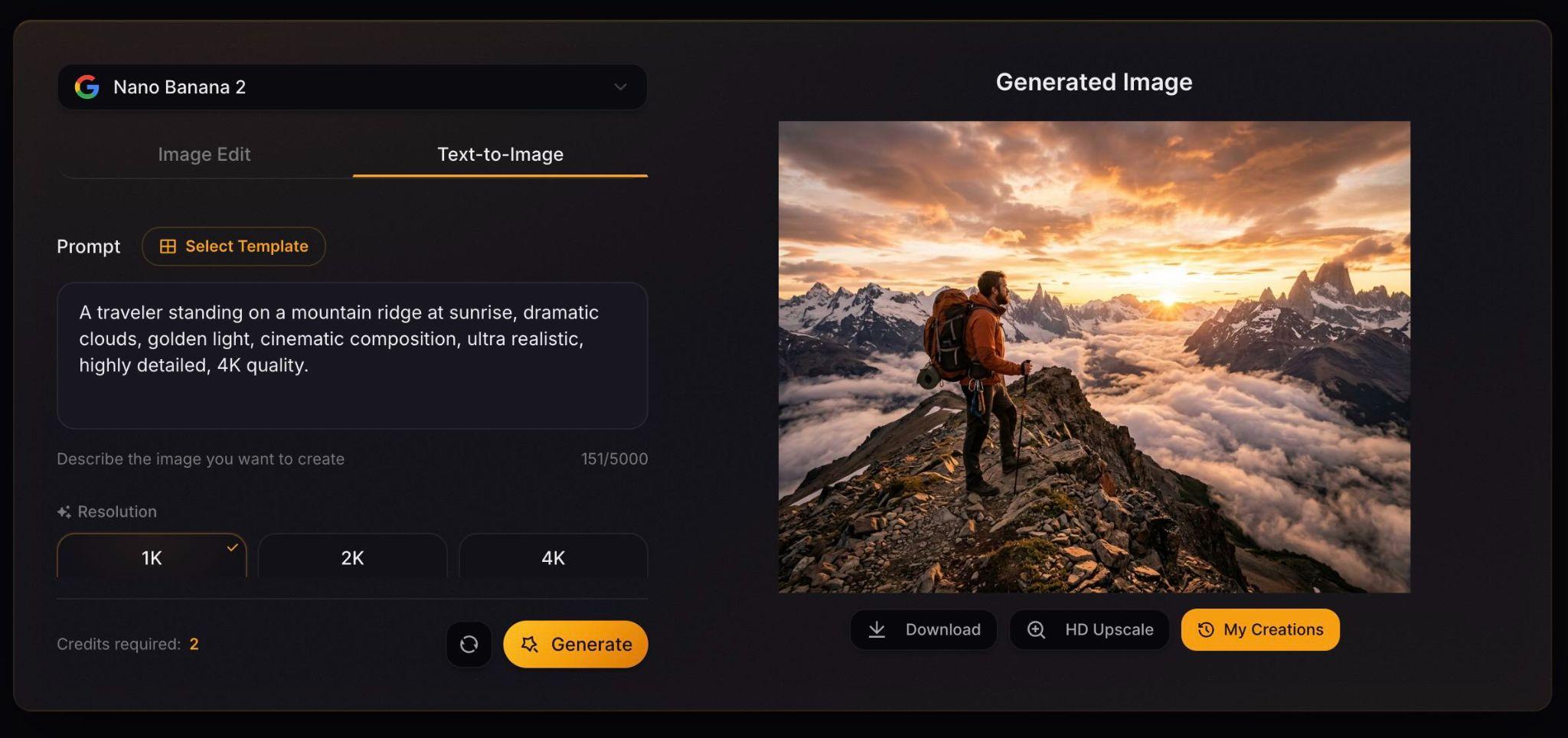
Once you’ve selected a plan, you’re ready to start creating content. The process is fairly straightforward, allowing beginners to create videos without any prior editing or animation experience.
Part 5. Our Take After Testing Aivvid AI
To see how Aivvid AI performs in practice, we tested some of its key tools, including text-to-video generation, image-to-video conversion, and AI-powered image generation.
Text-to-Video Results

Our takes:
- ✅ Videos were generated fairly quickly
- ✅ Detailed prompts generally produced better results
- ✅ Motion appears smoother on some models compared to others
- ✅ Veo produces stronger cinematic scenes, while Kling felt better suited for short-form content
- ❌ Multiple generations were sometimes needed to get the desired output
Overall, the results were good for concept videos, social content, and creative experiments without requiring filming or animation skills.
Image-to-Video Results

Our takes:
- ✅ Static images could be turned into short animated clips with minimal effort
- ✅ Portraits and character artwork responded particularly well to motion prompts
- ✅ Higher-quality source images usually produce better animations
- ⚠️ Some results feel more natural than others, based on the model chosen
AI Image Generation Results
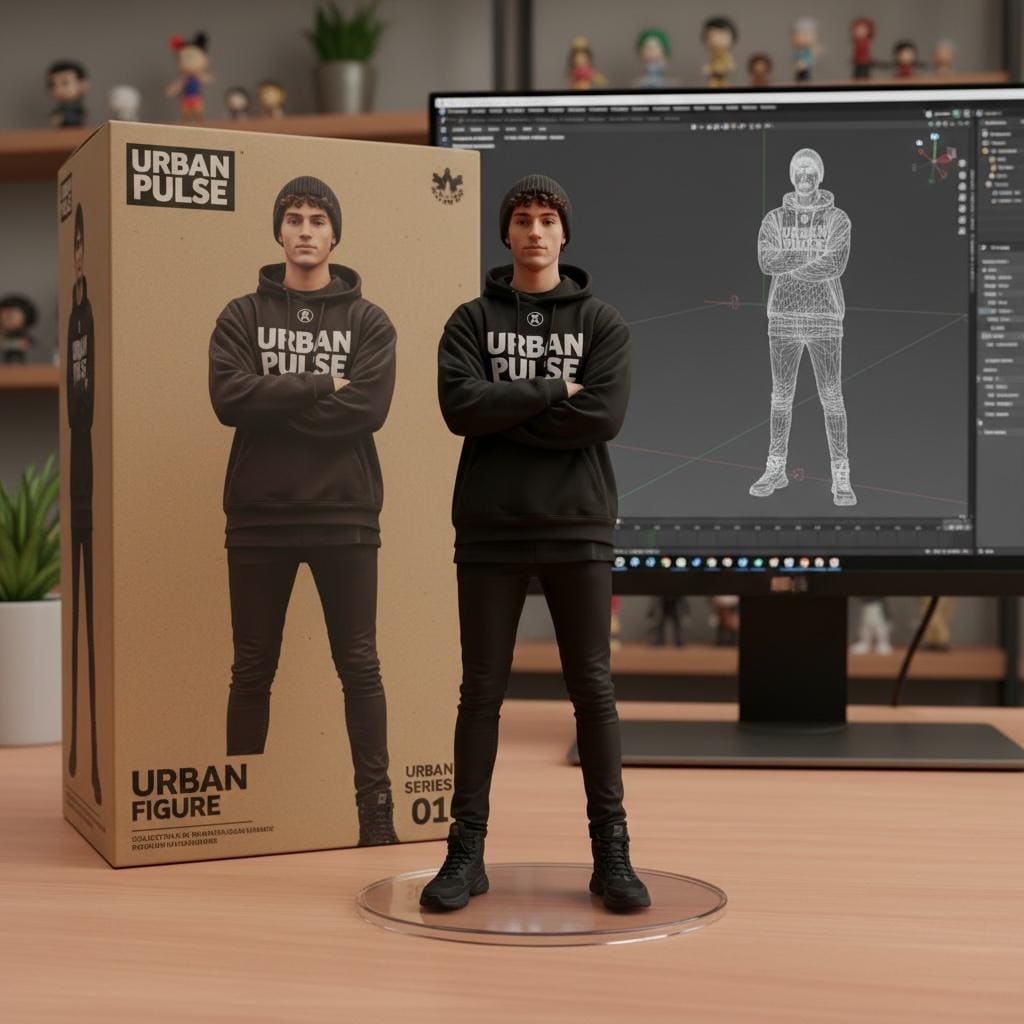
Our takes:
- Different models produced noticeably different visual styles, with Nano Banana Pro being the most photorealistic of the bunch
- Realistic images contained strong detail and lighting
- Stylized artwork offered plenty of creative variety
- Generating multiple versions made it easier to refine ideas
For marketing visuals, social media graphics, and concept art, the image generation tools offer high flexibility.
Pros and Cons of Using Aivvid
- Access to several popular AI models
- Supports video and image creation
- Includes image-to-video conversion feature
- Easy to learn and navigate
- Suitable for a wide range of creative projects
- Output quality varies between models
- Finding the best result may require several generations
- Credits can be consumed quickly during testing
- Generated assets may still need final editing before publication
Although Aivvid AI can generate videos and images quickly, some projects may require additional editing before they’re ready for publication. Depending on your needs, you may want to add captions, combine multiple clips, adjust colors, enhance audio quality, or optimize content for various social media platforms.
If you want to take your AI-generated content a step further, you can use Wondershare Filmora to enhance AI-generated videos and images into polished final projects before sharing them with your audience.
 Secure Download
Part 6. Taking Aivvid AI Creations Further With Filmora
Aivvid AI gets you most of the way there. For that last stretch, Filmora picks up where it leaves off. Available on both Windows and Mac, Filmora is a video editor built for creators who want professional results without a steep learning curve.
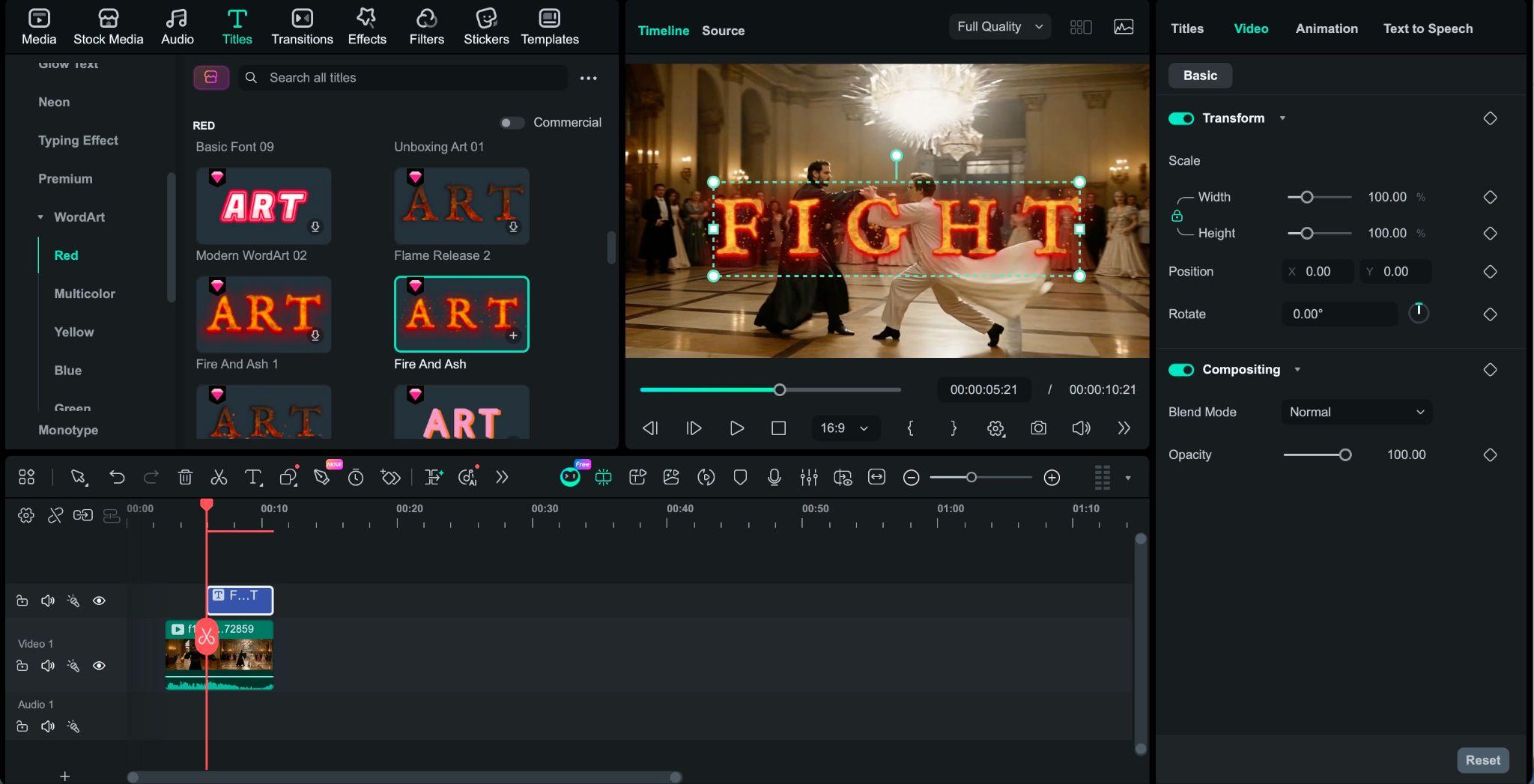
Filmora provides a range of editing tools to help you prepare your content for various platforms and projects:
- Add Captions and Subtitles: Generate, edit, and customize captions to improve accessibility and viewer engagement.
- Trim or Combine Clips: Remove unwanted sections, rearrange scenes, or merge multiple AI-generated clips into a single video.
- Add Transitions and Effects: Create smoother scene changes and enhance videos with visual effects.
- Adjust Colors and Visual Style: Fine-tune color, lighting, and contrast for a more consistent look.
- Add Music and Sound Effects: Enhance videos with background music, sound effects, or voiceovers.
- Resize for Different Platforms: Optimize content for TikTok, Instagram Reels, YouTube Shorts, and other social media platforms.
- Create Longer Videos: Combine multiple AI-generated scenes with titles, audio, and transitions to build a more complete project.
From short-form content to marketing videos or creative projects, Filmora offers additional editing flexibility even after the creation process is complete.
Secure DownloadConclusion
Aivvid AI stands out by giving creators access to multiple popular AI models without the hassle of switching between different platforms. From text-to-video and image-to-video generation to AI image creation, it offers a versatile set of tools for a wide range of creative projects. The ability to compare models and experiment with different outputs is useful for users who value flexibility.
Although some creation processes may require trial and error, the platform remains accessible to both beginners and experienced creators. For those looking to explore multiple AI models in one place, Aivvid AI is definitely worth considering.
FAQs
-
Which AI models are available on Aivvid AI?
Aivvid AI provides access to several popular AI models, including Veo, Sora, Kling, Flux Kontext, Nano Banana Pro, DALL·E, and Stable Diffusion. The available lineup may change as new models are added to the platform. -
Can Aivvid AI generate videos and images?
Yes. Aivvid AI supports text-to-video, image-to-video, and AI image generation capabilities, giving users access to a wide range of visual content creation tools in one place. -
Does Aivvid AI offer free credits?
Yes. New users can claim free credits to explore the platform and test its features before upgrading to a paid plan. -
Can I use Aivvid AI content commercially?
Yes. According to Aivvid AI's pricing information, paid plans include commercial usage rights, allowing users to create content for business, marketing, and professional projects.
