


 TL;DR:
Akool AI is a web-based video generation platform that accelerates production for marketers and faceless channels through high-quality face swaps, talking avatars, and lip-synced translations, but heavily relies on automation at the expense of granular creative control.
● The platform operates on an expensive credit-based pricing model where generating a 10-second face swap video costs up to 10 credits, while the free tier is strictly limited to watermarked, 5-minute maximum videos at 720p resolution.
● Because Akool is exclusively accessible via web browser without any official mobile application, third-party websites offering an "Akool AI mod APK" for unlocked premium features are illegitimate and pose direct security risks.
● While Akool is optimal for generating quick initial drafts, creators who need to fine-tune pacing, sequencing, and specific visual nuances are better suited for Wondershare Filmora, which integrates AI models like Veo 3.1, Sora 2, and Seedance 2.0 directly into a full timeline editor.
Ask AI for a summary
 ChatGPT
 Perplexity
 Gemini
 Claude
 Grok
Grok
Professional video production is becoming a high-speed race. And with 80% of all internet traffic now driven by video (Fortune Business Insights), editors are under massive pressure to deliver at scale. That’s part of why all-in-one platforms are getting attention, especially as AI adoption keeps growing.
Akool steps into that space by putting everything in one place, from Akool AI video generator features to Akool face swap tools. The idea is simple: fewer steps, faster results. But does it actually make things easier, or just bundle everything together without solving the real problem? Let's find out!
Part 1. What is Akool AI?
Akool AI is a web-based platform that brings multiple video creation tools into one place. Instead of jumping between apps, you can handle everything in a single workflow. It includes:
- Face swap tools.
- Talking avatars.
- AI video generation.
- Multilingual translation with lip sync.
It’s built for creators and teams who need to produce content quickly, especially for social media and global audiences.
How Does It Feel to Use Akool AI
At first glance, Akool’s interface feels clean and modern, but that simplicity doesn’t last long. Once you start exploring, it can be a little overwhelming to see just how many features are packed into the dashboard, especially if you’re unsure which tool to start with.
Here are some important takeaways to consider:
- Feature-heavy dashboard: All features are available in one place, including face swapping, avatars, video creation, and translation. It’s convenient, but not always immediately clear where to begin.
- Not fully plug-and-play: You still need to choose settings, upload assets, and adjust inputs before getting usable results. The process is fast, but it still requires some setup.
- Fully web-based platform: Nothing needs to be installed, so it’s accessible on any device. It also explains why “Akool AI mod APK” searches can be confusing, since there’s no official mobile app.
Overall, Akool feels fast when you’re generating content, especially for quick projects. As you work on longer or more detailed videos, the workflow can feel less intuitive, with more back-and-forth needed to get the right results.
Part 2. Akool AI Features That People Love
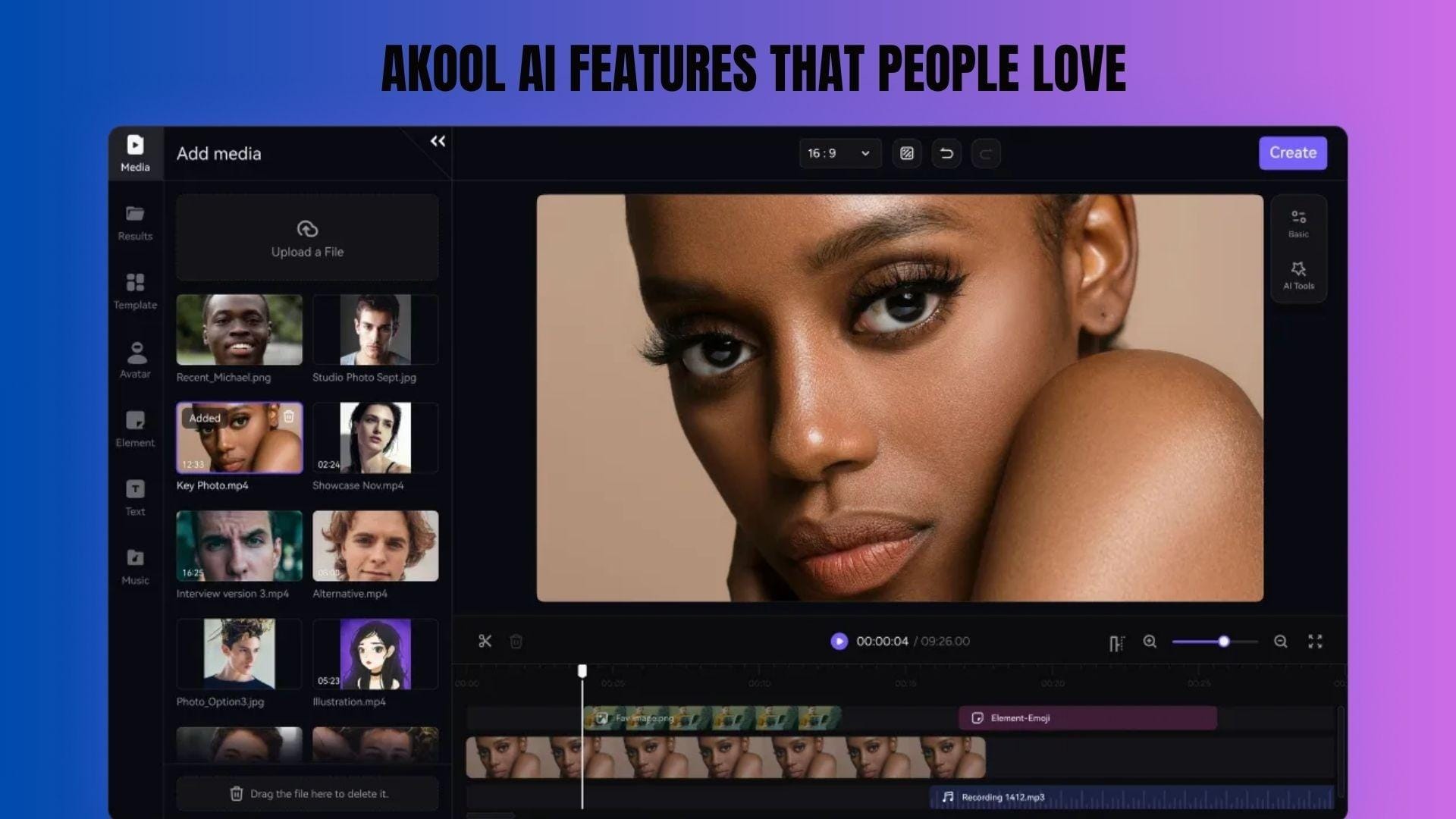
Akool packs a wide range of AI tools into one platform, but not every feature is equally useful. Some feel useful in real workflows, while others are more situational, depending on how you create content.
Face Swap
This is definitely one of Akool’s best features. Akool AI face swap works for both images and videos, often producing results that look more natural than expected, especially in short clips.
From user feedback on Reddit, “the algorithm seems to handle lighting transitions much better.” Plus, the tool handles lighting transitions better than many alternatives, which makes face swaps in Akool feel less noticeable when in motion.
This feature is great for:
- Marketing and advertising content.
- Social media content.
- Large-scale personalized visuals.
Video Generator & Avatars
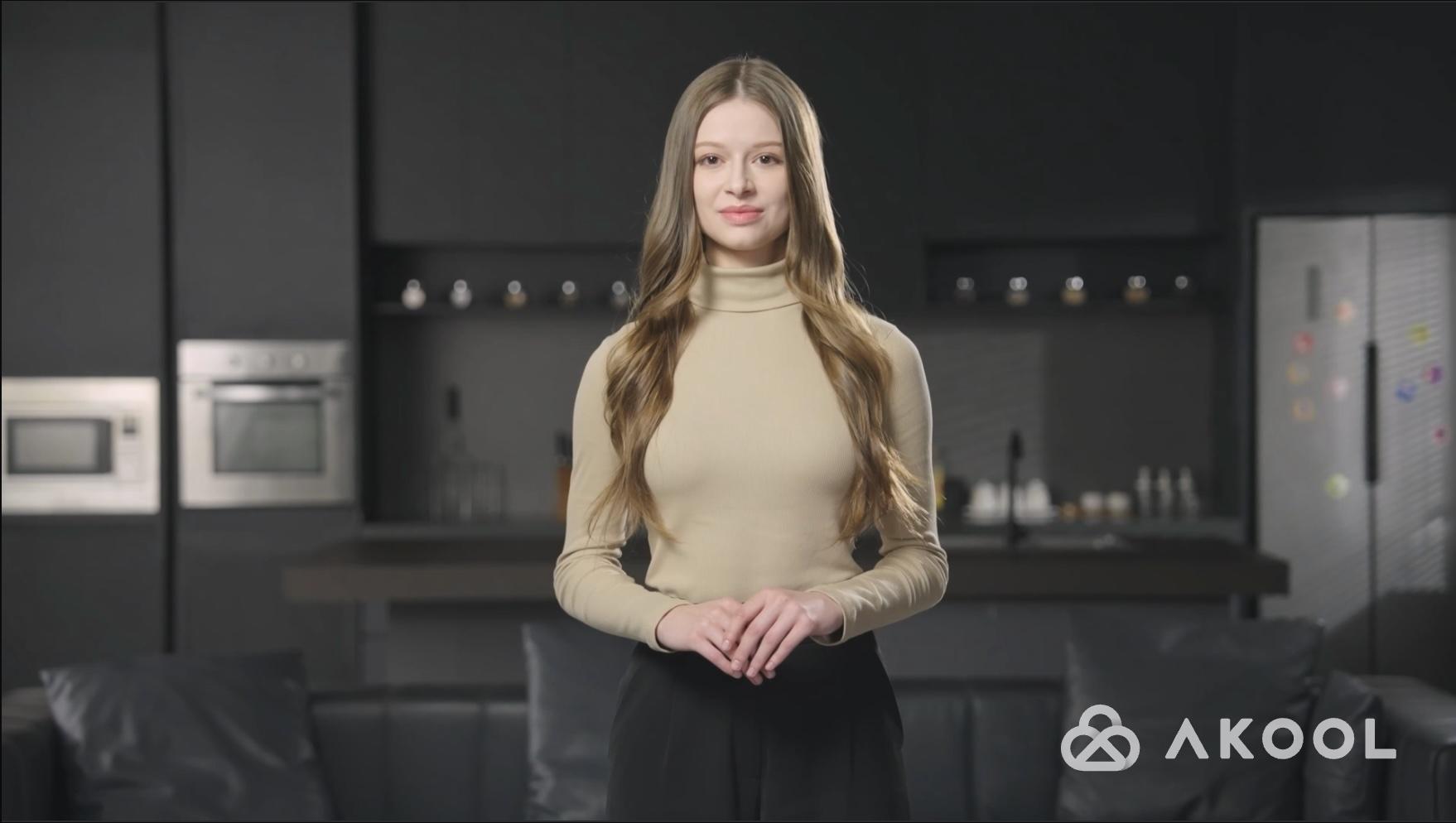
Akool’s video generator focuses on turning scripts into talking avatar videos. You can create content without filming anything, so it’s ideal for quick production. Users often highlight the convenience of having multiple tools in one place, where you can use multiple powerful AI models in one platform, which is super convenient.
It works well for:
- Explainer videos.
- Training content.
- Faceless YouTube channels.
Image-to-Video
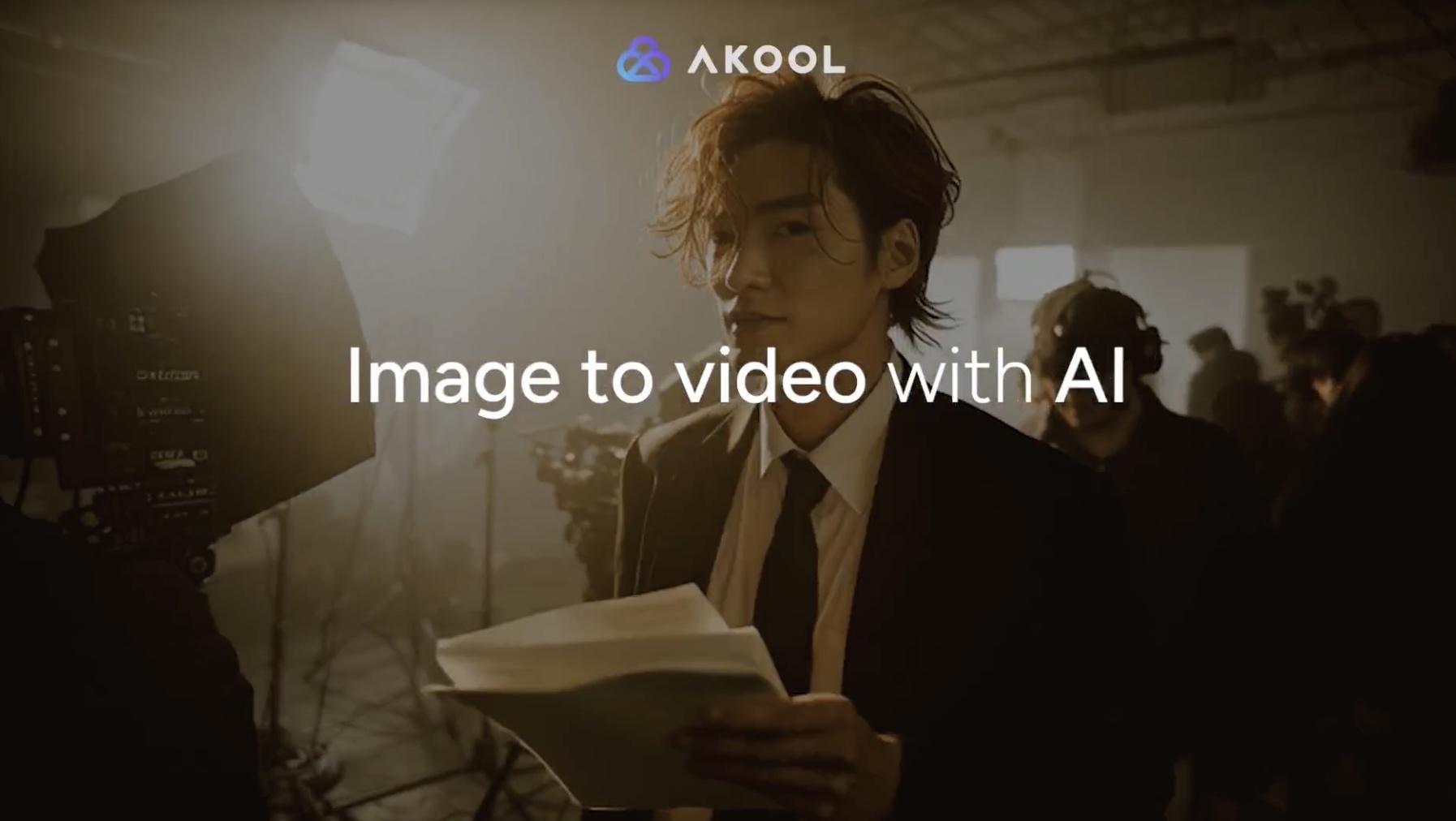
As its name suggests, Akool AI image-to-video allows you to turn static images into short animated clips. It’s simple and quick, which makes it useful for lightweight content.
It works best for:
- Social media snippets.
- Product highlights.
- Quick visual posts.
Limitations:
- Feels too basic for longer videos.
- Limited creative control.
Video Translation
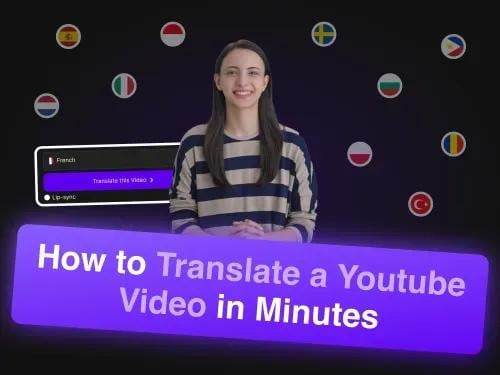
If you’re creating content for different regions, Akool AI video translator can translate videos into multiple languages while keeping the lip sync aligned, so it feels more natural to watch. Based on user testing, the lip sync can feel surprisingly accurate: “The lip-sync was surprisingly tight… matched the phonemes.”
This makes it useful for:
- Expanding YouTube audiences.
- Localizing marketing videos.
- Creating multilingual educational content.
Voice & Image Tools
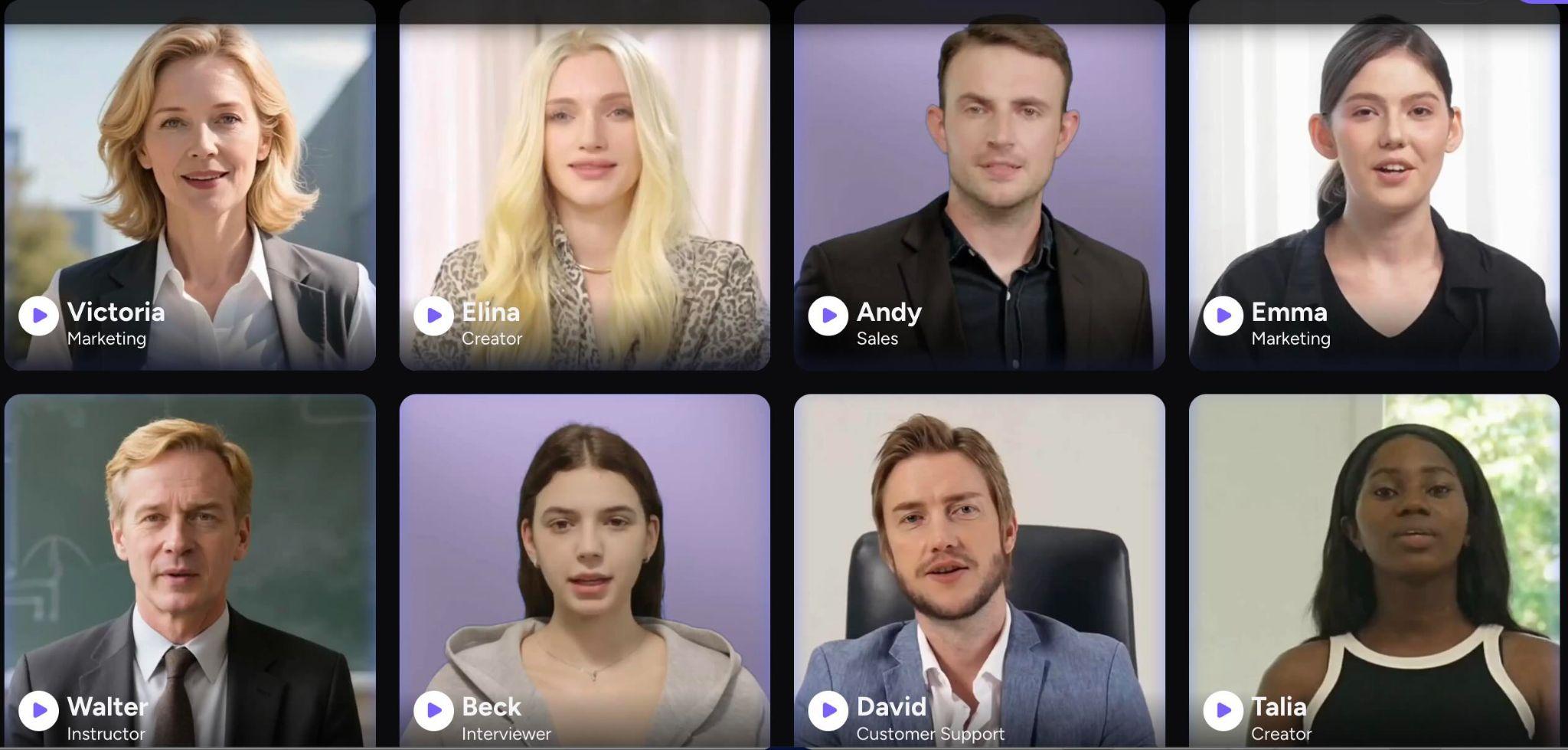
There are also Akool AI voice generators as well as Akool AI image generators. However, keep in mind that these feel more like supporting features rather than the main reason to use the platform. So, the quality may not be the best. Customization is limited, and output quality can be inconsistent.
Nonetheless, they’re helpful for:
- Quick voiceovers.
- Streamlining the production process.
- Generating simple visuals.
Overall takeaway:
Akool is most effective when used as a fast production system, rather than as a perfect all-in-one solution. The face swap and translation features are the most valuable, while the other features help speed up the process without completely replacing specialized tools.
Part 3. The Hidden Trade-Off: Speed vs Control
Akool makes the entire video creation process feel faster from the start. With Akool AI text-to-video, you can turn a script into a finished clip in minutes, which is a big shift from traditional editing workflows.
However, after a few projects, the trade-off becomes more noticeable. The same automation that speeds things up also limits how much control you have over the final result.
- Limited timeline editing: There’s no full editing timeline, so adjusting pacing, cuts, or sequencing isn’t as flexible as in dedicated video editors.
- Restricted fine-tuning: Small details like transitions, timing, and visual nuances are harder to customize, especially once the video is generated.
- Template-driven outputs: Many results follow similar patterns, especially when using the same avatars or voices repeatedly.
- Generic feel without post-editing: Videos can appear “AI-generated” if you don’t refine them further outside the platform.
- Speed over depth: You save time during creation, but sacrifice creative control when trying to polish the final output.
Part 4. Pricing, Free Access, and the MOD APK Myth
After using Akool for a while, pricing becomes hard to ignore. Basically, it runs on a credit-based system. Meaning:
- Every action costs credits: Video generation, face swap, and translation all consume credits.
- Usage adds up fast: For example, generating a 1080p avatar video can cost around 5 credits per 10 seconds, while face swap video can go up to around 10 credits per 10 seconds.
- Experimentation gets limited: Trying multiple variations quickly drains your balance.
Akool Pricing Overview
Akool AI's free plan is available, but it’s quite limited. You only get access to basic models, lower resolution, and shorter video length, so it works more like a trial than something you can rely on long-term.
Check out the table below for a more thorough pricing plan:
| Plan | Price | What You Get |
| Basic | Free | 720p Max, Watermarked, 5-min limit |
| Pro | $30/month | 4K Resolution, No Watermark, Fast Processing |
| Pro Max | $59/month | 8K Resolution, API Access, All AI Models |
| Business | $249/month | 16K Resolution, 60-min videos, 10 concurrent renders |
| Enterprise | Custom | Scaled usage, custom setup |
The MOD APK Myth
You may see sites promising an Akool AI mod APK with "unlocked credits" or "premium features for free." Avoid these entirely. Akool is a fully web-based platform, so there’s no official APK or mobile app to download.
Most sites offering “unlocked” versions are not official and can lead to unsafe downloads or security risks. If you want to use Akool properly, the only safe option is through its official website.
Part 5. User Review: Akool’s Pros and Cons
After looking at both hands-on use and real user feedback, a pattern starts to appear. Akool does a lot of things well, especially when it comes to speed and convenience, but there are also consistent trade-offs that show up across reviews and real workflows.
Akool’s Pros and Cons:
- Easy to use, even for beginners: Many users highlight how quickly they can get started without a steep learning curve.
- High-quality visuals (avatars & face swap): Outputs often look realistic, especially in short-form content and marketing visuals.
- All-in-one workflow: You can handle avatars, voice, face swap, and translation in one place, which saves time switching between tools.
- Fast content generation: Compared to traditional editing, it significantly reduces production time.
- Strong multilingual capabilities: Video translation with lip sync makes it easier to scale content globally.
- Good for scaling content production: Highly useful for marketers, agencies, and faceless content creators.
- Limited creative control: Compared to full video editors, customization and fine-tuning options are more limited.
- Credit-based pricing can feel expensive: Users often mention costs adding up quickly, especially when testing or generating multiple versions.
- Inconsistent results across generations: Some outputs may vary even with similar inputs, which slows down workflow refinement.
- Rendering can be slow for complex videos: Higher-quality outputs or longer videos may take more time to process.
- Feels repetitive over time: Using the same avatars or templates can make content look similar.
- No mobile app (web-only): Some users find it inconvenient that everything runs in a browser.
Part 6. Want More Features? Akool Alternative with Full Timeline Editing
If Akool starts to feel limiting, especially when you want more control over how your video turns out, a full editor becomes an option you can’t ignore. Wondershare Filmora is often the next step for creators who want both speed and flexibility in one place.
 Secure Download
Filmora includes a wide range of AI tools, but what makes a difference is how they connect directly to a full timeline editor. You’re not stuck with a generated result. You can adjust, refine, and build on top of it without starting over.
- AI Video Generator: Turn ideas into video drafts, then edit them immediately on the timeline.
- AI Image Generator: Create supporting visuals without leaving the editor.
- AI Video Element Editing (Add, Swap, Remove): Adjust specific elements inside a clip instead of regenerating the whole video.
- Text to Speech / Speech to Text: Generate voiceovers or turn dialogue into subtitles you can edit.
- AI Voice Cloning: Maintain narrative consistency throughout the video.
- Video Translation: Localize content while keeping timing aligned.
- Supported AI Models: Includes Veo 3.1, Sora 2, Seedance 2.0, ToMoviee, Nano Banana 2, and Nano Banana Pro.
What stands out is how all features are integrated into a single workflow. You can move from idea to final export without switching tools, which makes a noticeable difference once your projects get more detailed.
Secure DownloadConclusion
Akool feels impressive the first few times you use it. You can quickly turn an idea into a video, experiment with different formats, and move on without getting stuck in a long editing process. That speed is what makes it appealing, especially for creators working with tight timelines or high content volume.
However, over time, the videos can start to feel repetitive, and making small adjustments isn’t always as easy as you might expect. Akool works best as a starting layer, not the final step. The real difference lies in what you do after, shaping the output into something that feels more intentional rather than just a direct output from a template.
FAQs
-
Is Akool AI free to use?
Yes, but only to a limited extent. There’s a free plan with basic features, lower resolution, and watermarks, so it's more suitable for testing than regular use. -
Does Akool have a mobile app or APK?
No, Akool is fully web-based. There’s no official mobile app or APK available. Some users mention that they couldn’t find it in app stores and had to use it via a browser. -
Is Akool's face swap actually good?
For short-form content, yes. It’s one of the platform’s strongest features, with realistic blending and decent handling of lighting. User feedback often highlights how effective this feature is for social media and creative projects, though it can struggle with fast movement or complex scenes. -
Can Akool replace video editing software?
Not completely. It’s great for quickly generating videos, but it lacks detailed editing control, such as timeline adjustments and fine-tuning. Most creators still rely on editing tools to refine the final output and make it feel more polished.
