


 TL;DR:
MiniTool MovieMaker is a beginner-focused, watermark-free video editor exclusively for Windows users making simple projects, but its strict track limitations make it unsuitable for professional multi-layer workflows.
● The free tier permits only three unrestricted exports up to 4K resolution, after which all future video exports are permanently capped at a two-minute maximum duration.
● Installation requires Windows 10 or Windows 11, as there are no official releases for Mac, Android, or online platforms, and the workspace limits editors to a maximum of 9 video and 2 audio tracks.
● Creators requiring cross-platform availability, complex timeline editing, or advanced AI audio and video generation tools will find Wondershare Filmora to be a more capable alternative.
Ask AI for a summary
 ChatGPT
 Perplexity
 Gemini
 Claude
 Grok
Grok
Are you just getting started with video editing or simply want an easy tool to create a quick video? You might want to take a look at MiniTool MovieMaker. It often comes up as a free Windows video editor, and many users like how easy it is to use even with no editing experience. It currently holds an 89 out of 100 score on Crozdesk and a 4 out of 5 rating on Capterra.
But do those ratings really reflect what it’s like to use? That’s what we’re here to find out. In this guide, we review MiniTool Movie Maker, its features, strengths, and limitations, so you know what to expect before installing it. We also include how to download MiniTool Movie Maker for Windows safely.
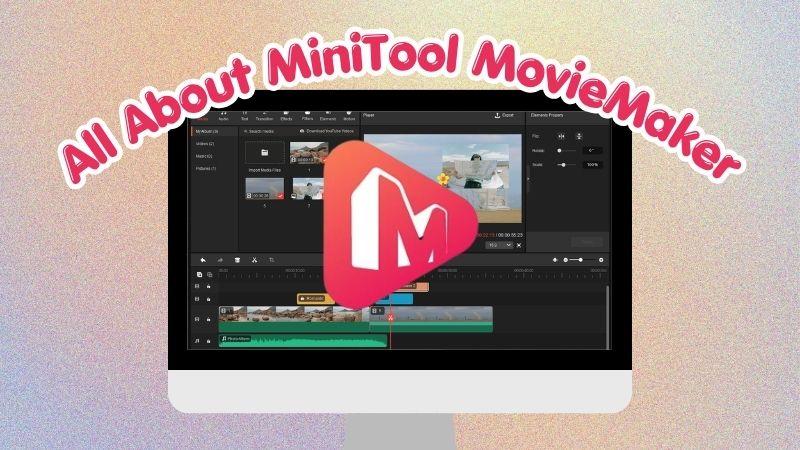
Part 1. What Is MiniTool MovieMaker
Back in 2020, MiniTool introduced a video editor called MiniTool Movie Maker. It’s a simple and easy-to-use editor that lets you create creative videos with minimal effort and almost no learning curve. MiniTool Movie Maker for PC also gives you a more comfortable editing experience on a bigger screen.
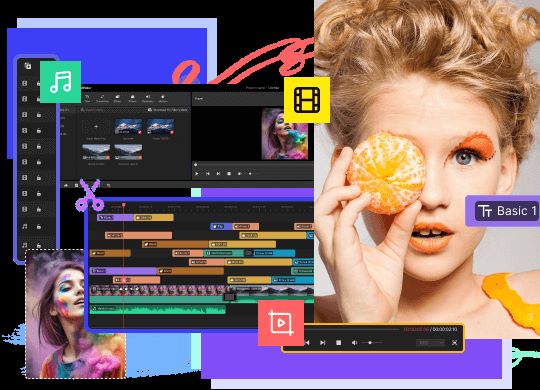
You may wonder, from all the video makers out there, what makes this Movie Maker by MiniTool stand out? Here are some things that make it worth trying:
- Free entry-level video editor: If you’re just starting or want to get a feel for video editing, MiniTool Video Editor is a great place to begin. MiniTool designed it to be easy to use and not overwhelming, so users don’t get confused before even starting.
- Timeline-based editing with drag-and-drop workflow: MiniTool Video Maker is simple to operate. You can drag and drop clips, move layers easily, and perform basic edits like trimming or cutting without any hassle.
- Designed mainly for beginners and casual creators: It suits users who want something fast, simple, and not packed with advanced controls.
Does MiniTool Movie Maker Software Update Regularly?
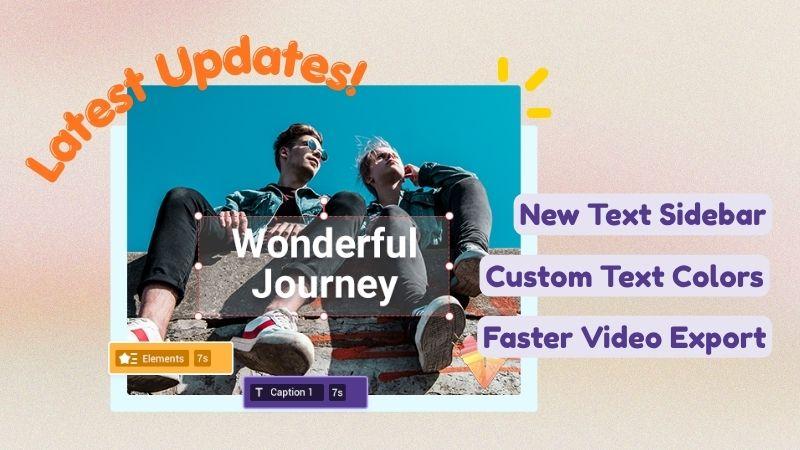
You don’t need to worry about the app feeling outdated because MiniTool Editor continuously improves their software. They fix bugs, enhance existing features, and even introduce new tools from time to time.
The newest version, MiniTool MovieMaker 8.5, released in January 2026, includes:
- You can now customize text colors.
- Exporting videos is now faster when using GPU-based filters, effects, panning, zooming, or rotation edits.
- The "Default" text option has been moved to the top of the Text panel for easier access.
Part 2. How to Download MiniTool MovieMaker Safely
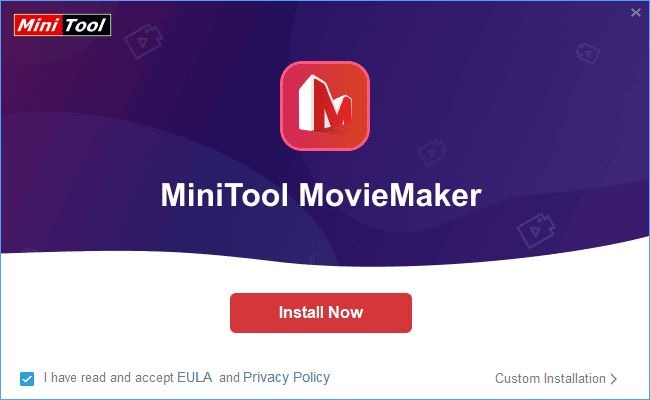
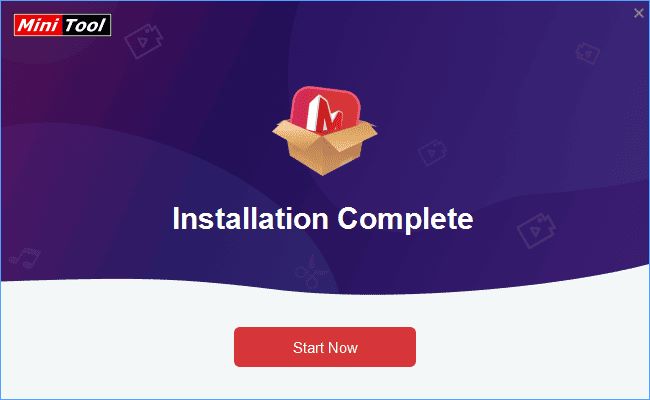
If you’re looking for a safe and legal way to download MiniTool Movie Maker, you’re in the right place. Until today, MiniTool Movie Maker is only for Windows devices. Below are the steps you can follow.
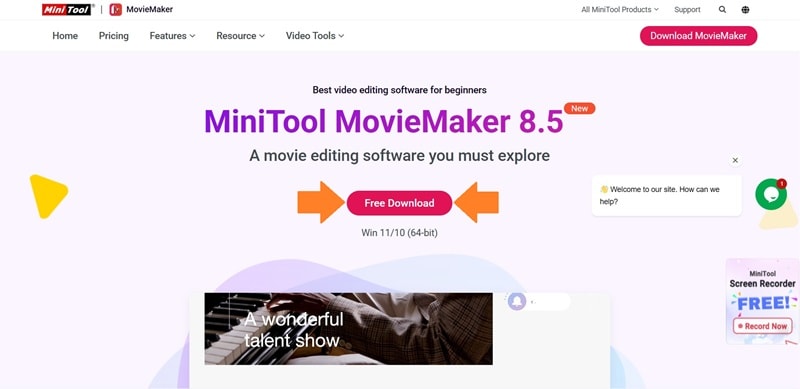
Are MiniTool MovieMaker Downloads Available on Other Platforms?
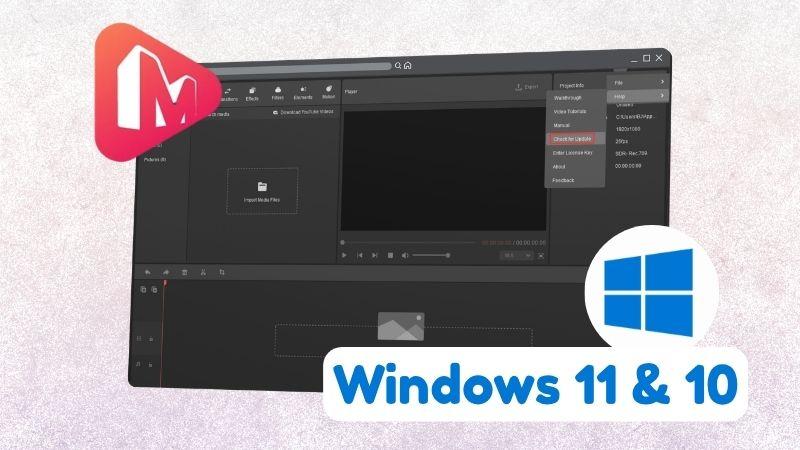
A lot of users try to look for MiniTool Movie Maker for Mac or MiniTool Movie Maker for Android. Unfortunately, you won’t find any official free download of MiniTool Movie Maker version for those platforms.
Instead, you may come across MiniTool Movie Maker Mod APKs online. However, never click or download from those sketchy sites that offer MiniTool Movie Maker full download with promises of premium access without paying. It is not recommended, not safe, and illegal to use.
MiniTool MovieMaker Free and Paid Plans
We’re down to one of the most important questions: is MiniTool MovieMaker free? Yes, you can download MiniTool Movie Maker for free from its official website. But, you only get three exports with no time limit. After that, your videos are restricted to two-minute exports.
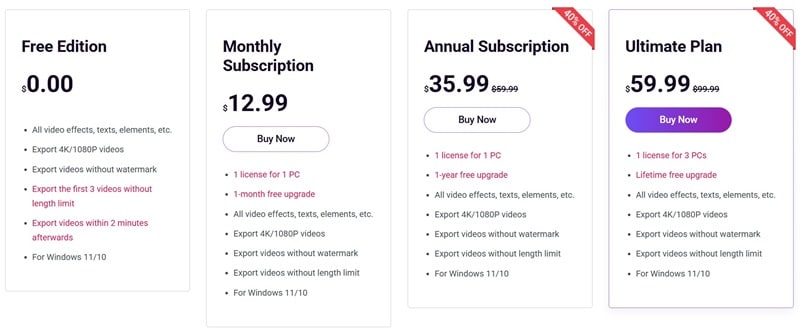
From the table, you can see that the MiniTool Movie Maker app offers three paid plans you can pick based on what you need. There are monthly and yearly subscriptions, or you can choose a one-time payment for lifetime use. What separates each plan is the number of PC licenses and access to free upgrades.
Part 3. What You Can Do With MiniTool MovieMaker
It would not be a full review without talking about the features available in MiniTool Movie Maker. Free users also get a good set of tools to work with. These features usually become the deciding factor when choosing a video editor, so take a look at what MiniTool MovieMaker offers.
Multi-track Video Editing
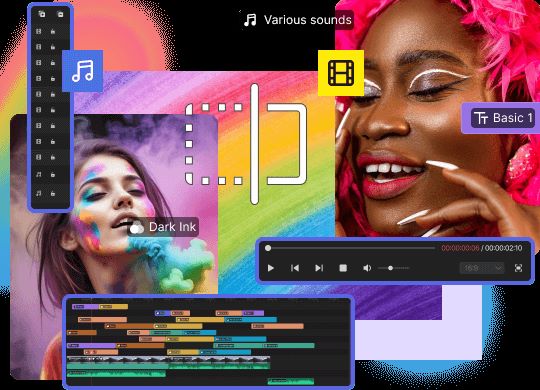
With support for 9 video tracks and 2 audio tracks, MiniTool MovieMaker gives you enough room to build simple videos. You can mix voice-overs, background music, and multiple clips at once. Adding text, effects, and transitions also becomes much easier.
Video & Audio Effects
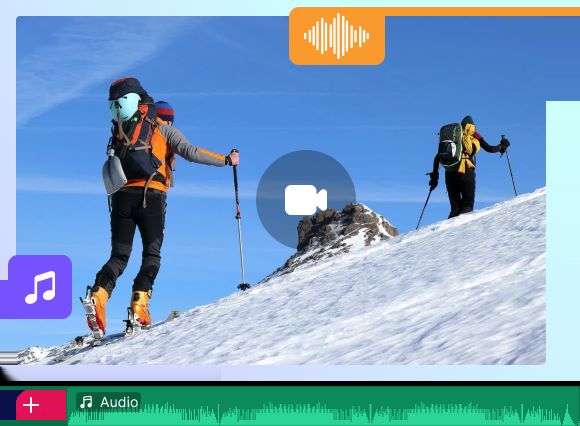
MiniTool Video Editor provides built-in video filters to improve the look of your footage and make it more appealing. It also offers popular songs and sound effects to make your video feel more lively and complete.
Speed Adjustments and Reverse
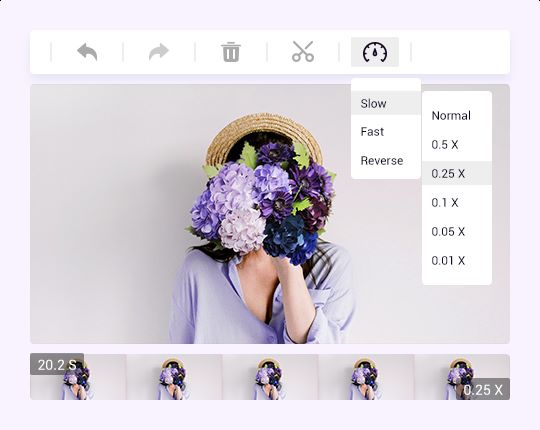
Give your video a twist using MiniTool Editor’s speed controls. You can slow it down for a dramatic feel or speed it up for a cooler, energetic look. You can even reverse the clip to create a fun backward motion effect.
Video Color
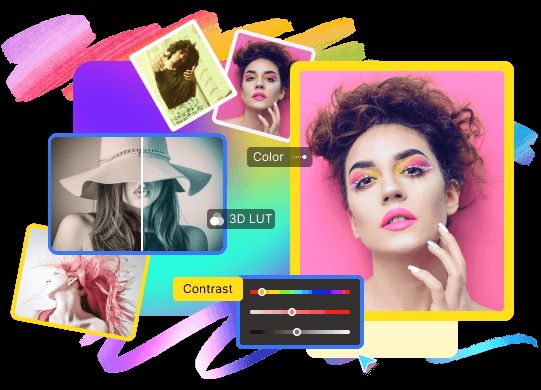
Beyond filters, you can adjust the color settings manually. Set the saturation, brightness, and contrast to create the tone that fits your video. This helps you achieve the exact color mood you’re aiming for.
Part 4. MiniTool MovieMaker Review: User Experience, Interface, & Performance
Now that we’ve explored how MiniTool MovieMaker works, let’s move on to the complete review. We break it down into three categories, so you can clearly see how it handles user experience, interface, and overall performance.
Ease of Use
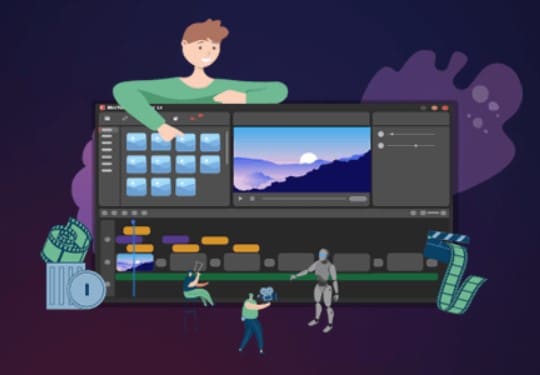
MiniTool MovieMaker is easy to pick up, even if you have zero editing experience. The tools are simple, and everything feels familiar right away. You can learn the basics just by clicking around because the functions are not confusing.
Interface & Workflow
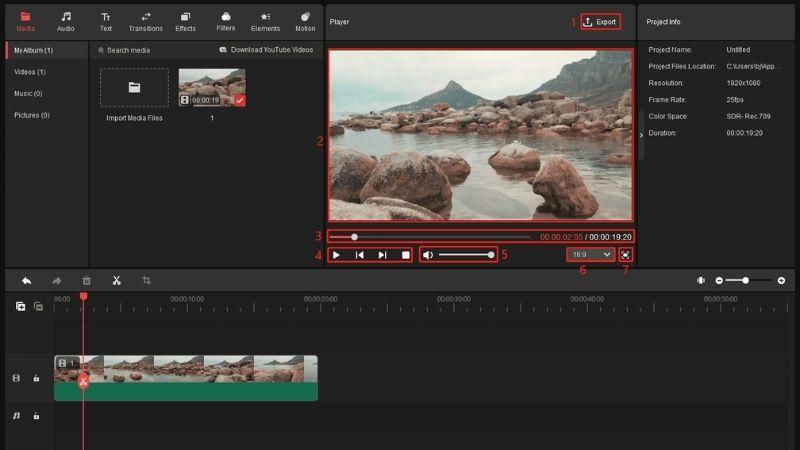
The layout of MiniTool Video Editor keeps things tidy with a clear preview window and an easy timeline below it. You can find effects, text, and trimming tools quickly because the panels are neatly organized. It helps you stay focused on the timeline while editing.
Performance & Export Quality
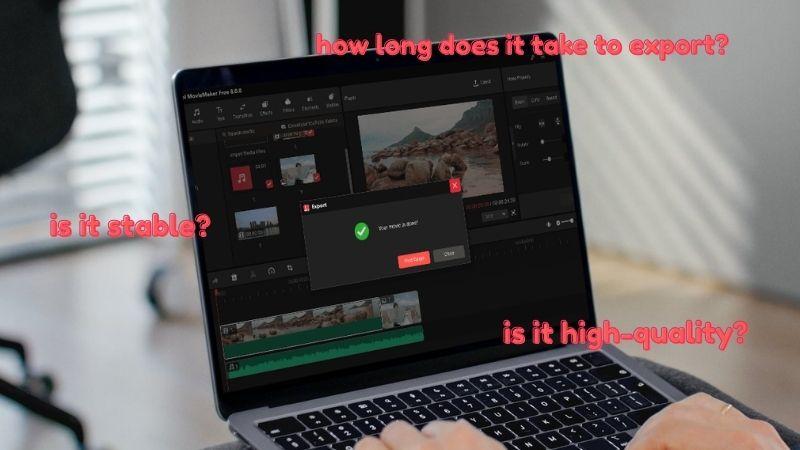
For lightweight editing, the performance is stable and responsive. You can preview your edits with minimal delay. Exporting is also fairly quick, and the video quality stays clear.
Part 5. Pros and Cons of MiniTool MovieMaker
Just like any other tool, MiniTool Movie Maker comes with its own pros and cons. It does a good job as a basic video editor, but there are still areas where it falls short.
- The official website provides complete tutorials and user guides, from basic steps to editing tricks, which is very helpful for beginners and first-time users.
- You can export high-quality videos up to 4K, even with the free version.
- Exported videos from MiniTool Movie Maker are watermark-free.
- With the track limit, the MiniTool Editor is mainly for essential edits. You cannot stack many clips, add too many layers, or mix several audio elements.
- You cannot use the mouse wheel to move along the timeline, and the workspace feels more limited compared to Pro Tools.
- The editor is not available for Mac or mobile, making it less flexible for people with different devices.
Should You Use MiniTool Movie Maker?
We’ve reviewed MiniTool MovieMaker in detail, and now we can figure out who it’s really made for. Are you one of them? Let’s find out.
It’s ideal for:
- Students who need to create simple presentation videos or school project videos.
- Creators who make quick tutorials using only a few clips with voice-overs or background audio.
- Professionals who only need to produce basic presentation, pitching, or report videos.
Not ideal for:
- Professionals who are used to working with more advanced video editors.
- Filmmakers who need full creative control with detailed adjustments.
- Content creators who produce complex videos with many layers, effects, and advanced audio work.
Part 6. Upgrade Your Editing with a More Advanced Alternative
If you only need quick edits and simple tools but start to feel limited when your projects become a bit more complex, it might be time to switch to something more capable.
Wondershare Filmora is the perfect upgrade after MiniTool MovieMaker. It offers a wider set of features while staying beginner-friendly. Also, it supports both Mac and Windows devices.
 Secure Download
What Makes Filmora Worth the Switch
1. Powerful AI Generation Tools
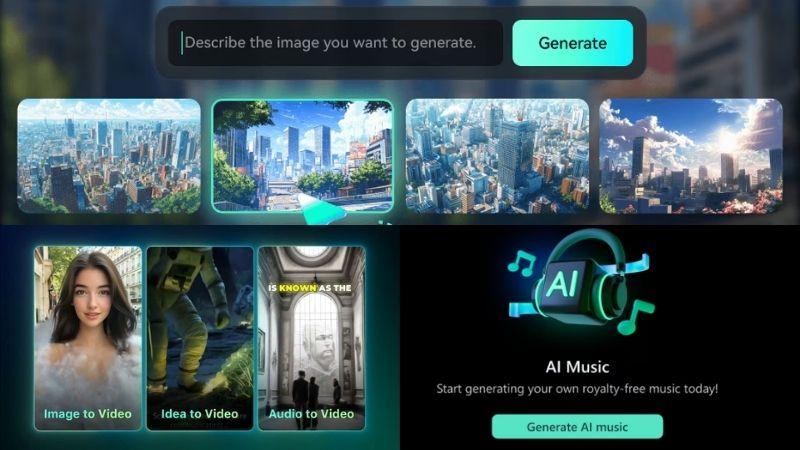
Filmora comes with a complete set of AI generation tools for images, videos, and music. With these features, you will never run out of materials to edit, because you can even create visuals or audio that feel impossible.
2. AI Tools for a Smoother Editing Flow
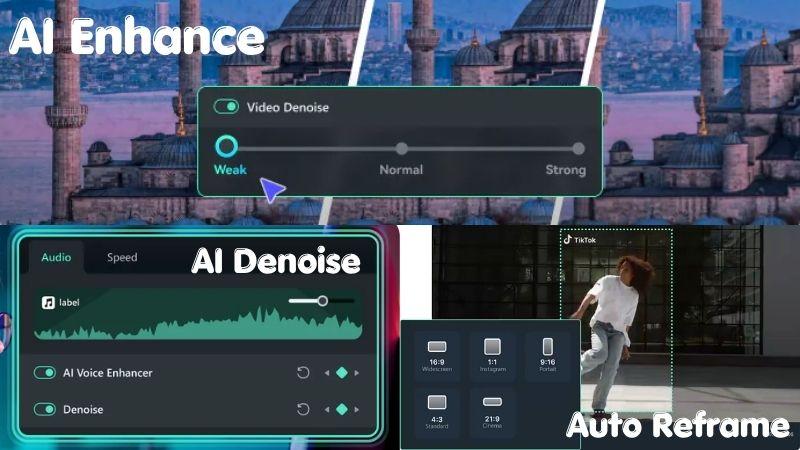
Besides generation tools, Filmora comes with AI features that make the editing process smoother. AI Denoise cleans up background sounds, AI Enhance improves and sharpens your footage, and Auto Reframe helps you switch to the correct aspect ratio for any social media platform in seconds.
3. Work Easily Across Languages
Filmora helps you save time since you no longer need to record voice-overs for each video. The Speech to Text feature lets you generate narration that matches your voice. You also get AI Translation that supports up to 23 languages, so your videos can reach a wider audience.
4. Improve Your Aesthetic with Filmora Effects
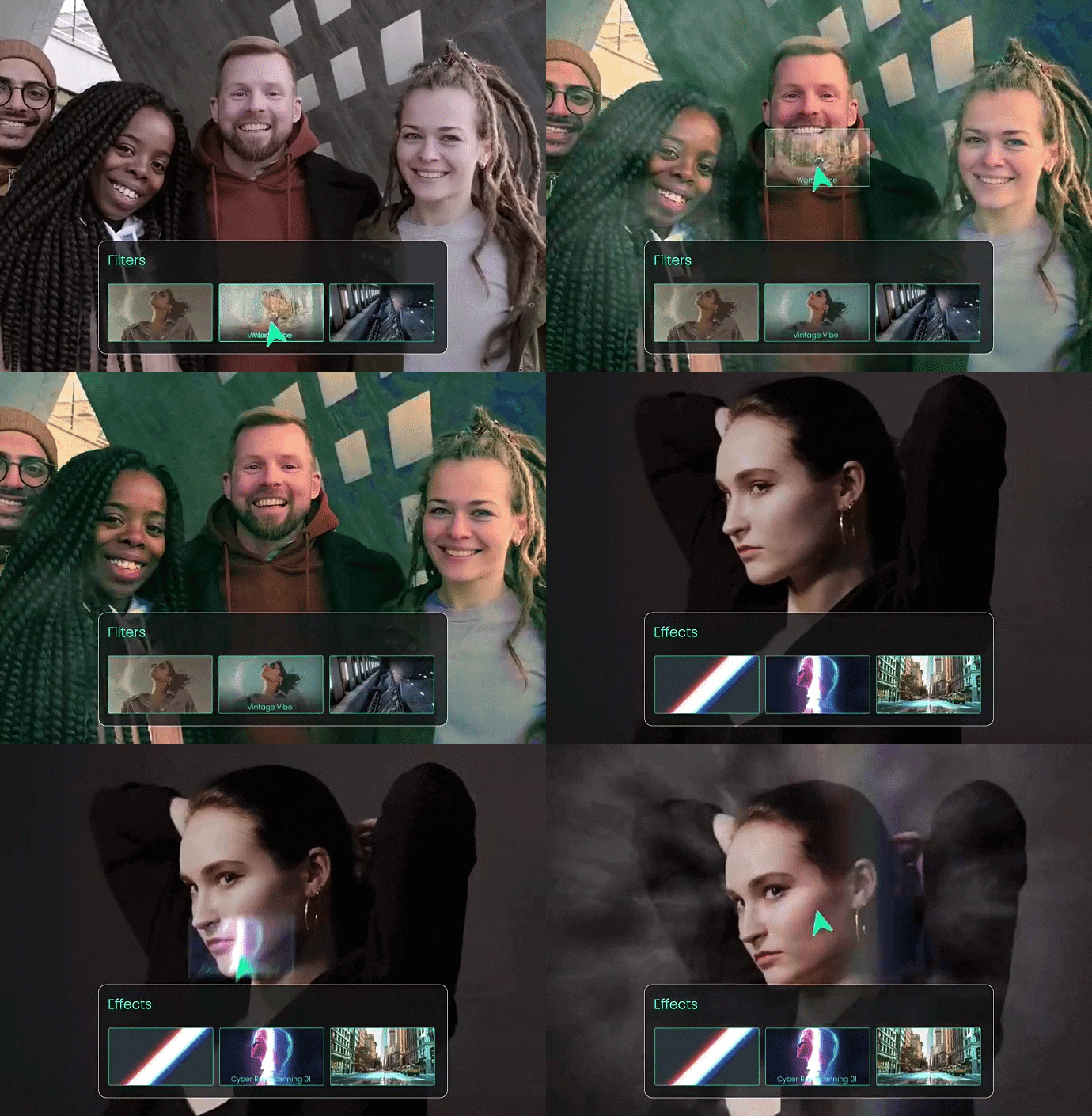
Filmora has thousands of filters and effects you can apply to your videos. Whether you want a cinematic look, something more aesthetic, or a clean, minimal vibe, you can switch styles in one click. You can also customize the colors and details to make it feel more personal.
Never Run Out of Stock Footages
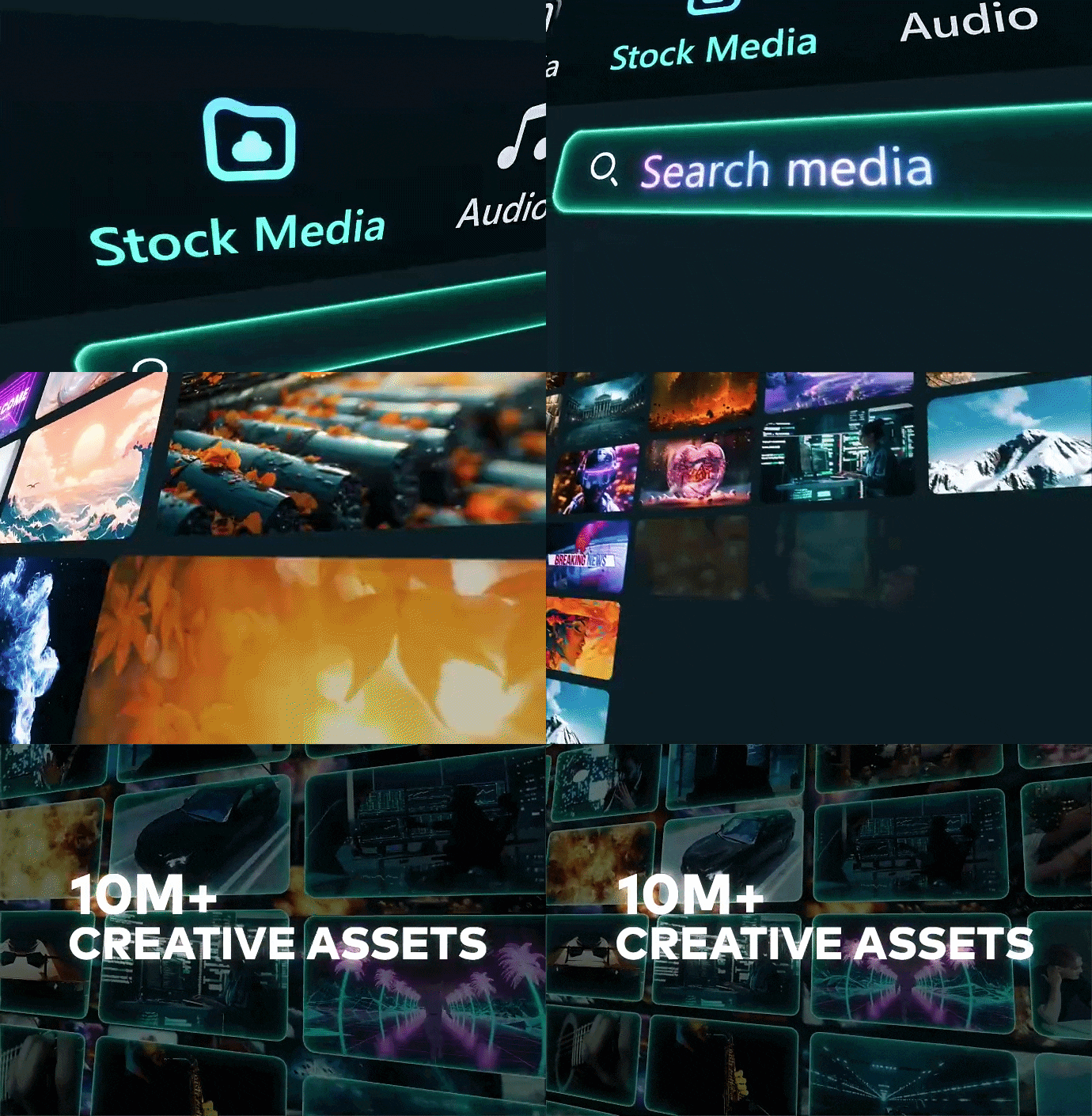
Filmora gives you access to millions of high-quality, royalty-free stock assets. Plus, the integration with Giphy makes it even easier to find supporting visuals. This ensures you always have the right visuals for every video topic.
Secure DownloadConclusion
After going through MiniTool MovieMaker and how it works, it’s clear that the editor is basic and straightforward, but that is exactly what beginners and occasional video editors need. The tools and presets are enough to create short and simple video projects.
If you reach a point where the features feel too limited, Filmora gives you more room to grow. It comes with advanced AI features that make the editing process smooth and fast. You also get access to a large library of effects and stock footage for your project.
FAQs
-
1. Does MiniTool MovieMaker have a watermark?
All videos exported from MiniTool Movie Maker are without a watermark, even for free users. You can use them right away for social media posts. -
2. Can I use MiniTool MovieMaker online?
No. You can only download MiniTool Movie Maker for PC, and it only works on Windows. There is no official MiniTool Movie Maker Mac or MiniTool Movie Maker Android version. -
3. Which Windows versions does MiniTool MovieMaker support?
The system requirements for MiniTool Movie Maker work on Windows 10 and Windows 11.
