


 TL;DR:
Novi AI is a credit-based storytelling video generator that automates visuals, narration, subtitles, and music into a single workflow, making it ideal for faceless channel owners and short-form creators who need fast multi-scene production without complex editing skills.
● The web and Android platforms aggregate premium generation models like Kling, Runway, Veo, and Sora to produce narrative-driven formats, though official downloads should be strictly prioritized over third-party APKs to avoid malware risks.
● The free tier limits users to roughly 80 one-time credits and enforces watermarks, while paid plans starting at $14.99 per month are required to unlock premium models that heavily consume credits during long-form video generation.
● Multi-scene generations frequently struggle with visual continuity and character consistency, requiring creators to export the raw output into external software like Filmora to manually fix subtitle timing, smooth transitions, and refine overall pacing.
Ask AI for a summary
 ChatGPT
 Perplexity
 Gemini
 Claude
 Grok
Grok
Novi AI is an AI video generator built mainly for storytelling content. It can turn a written prompt into a multi-scene video with visuals, narration, subtitles, transitions, and background music in minutes.
It is best for YouTube storytellers, faceless channel owners, TikTok creators, and beginners who want faster video production without complex editing. In addition to story videos, Novi AI also supports text-to-image, image-to-image, text-to-video, and image-to-video generation.
In this review, we’ll explain what Novi AI is, how it works, how much it costs, its pros and cons, and whether it is worth using for AI storytelling videos.
Part 1. What is Novi AI?
Novi AI is an AI-powered storytelling video platform that converts a written idea or script into a finished video. It automatically combines AI visuals, voice narration, subtitles, music, and scene transitions into one generation workflow.
Unlike many basic text-to-video tools, Novi AI is designed for structured story videos rather than isolated short clips, which makes it more relevant for creators producing narrative content, faceless videos, and YouTube Shorts.
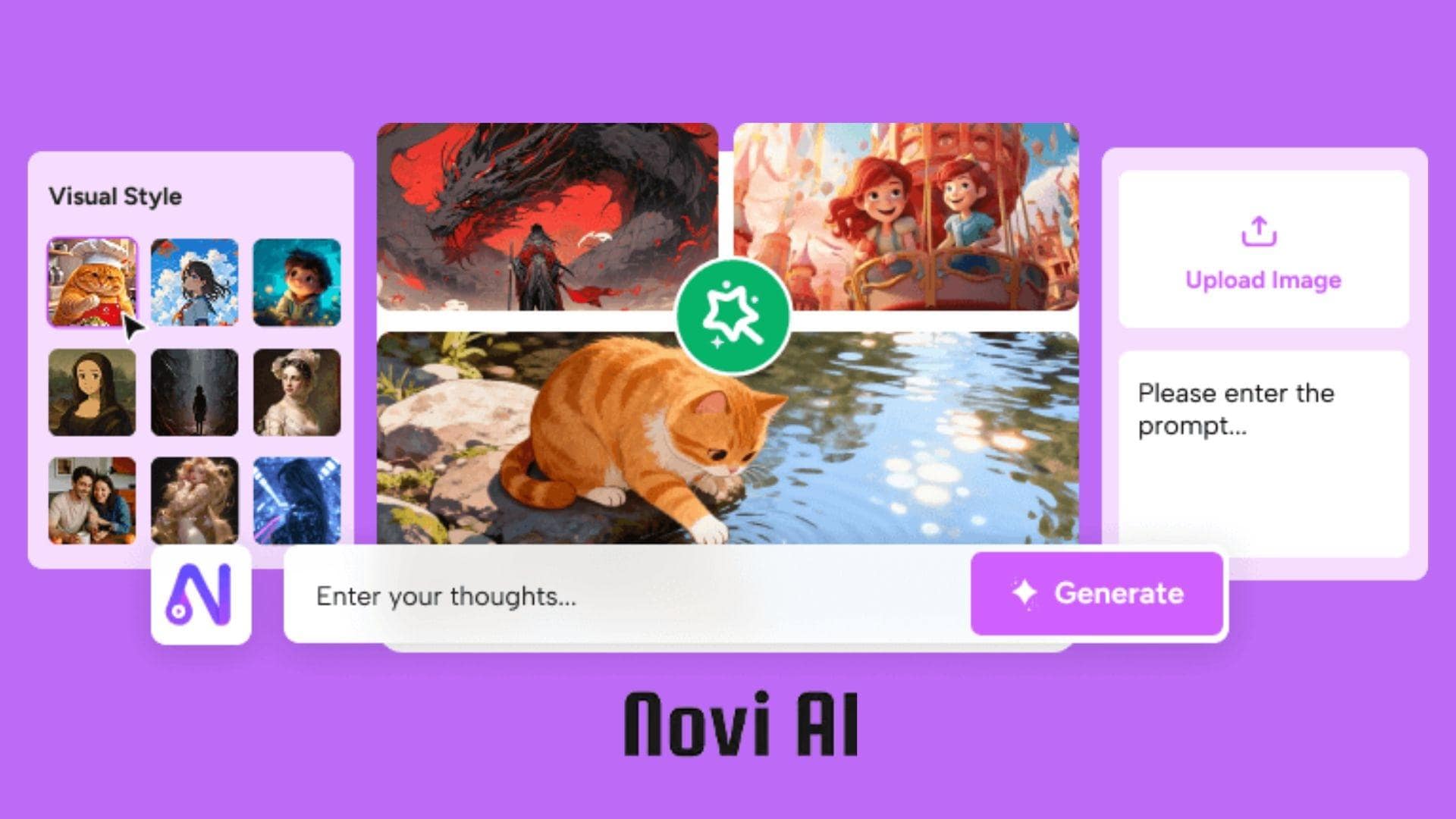
That emphasis on storytelling is what sets Novi AI video generator apart from many other AI video generators today. While most AI tools specialize in either short visual clips or basic text-to-video generation, Novi AI is designed to create videos that actually feel structured and narrative-driven.
The platform supports several creation formats, including:
- AI Story to Video
- AI Text to Video
- AI Image to Video
- AI Text to Image
- AI Image to Image
Who Is Novi AI Made For?
Novi AI is best suited for creators who want to produce content quickly without dealing with complex editing timelines or advanced video software. The platform is useful for:
- YouTube storytellers
- TikTok creators
- Faceless channel owners
- Short-form content creators
- AI anime creators
- Digital marketers
- Educators
- Beginner creators with no editing experience
If you need fast story-based content rather than frame-by-frame editing, Novi AI is a strong fit.
Platform Availability
- Novi AI Website (https://www.noviai.ai/). The web version gives you access to AI story generation, image and video tools, project management, and account features in one dashboard.
- Novi AI app (Android). For mobile creators, Novi AI also offers an Android app that lets you generate and manage AI videos directly from your phone.
⚠️Safety Tip: You may come across searches for “Novi AI APK” that promise Novi AI unlimited coins, but it’s best to avoid unofficial APK downloads from third-party websites. Modified APK files can expose your device to malware, security risks, or account issues.
To stay safe, download the Novi AI app only from the official website or the Google Play Store.
Part 2. How Novi AI Turns Stories Into Videos
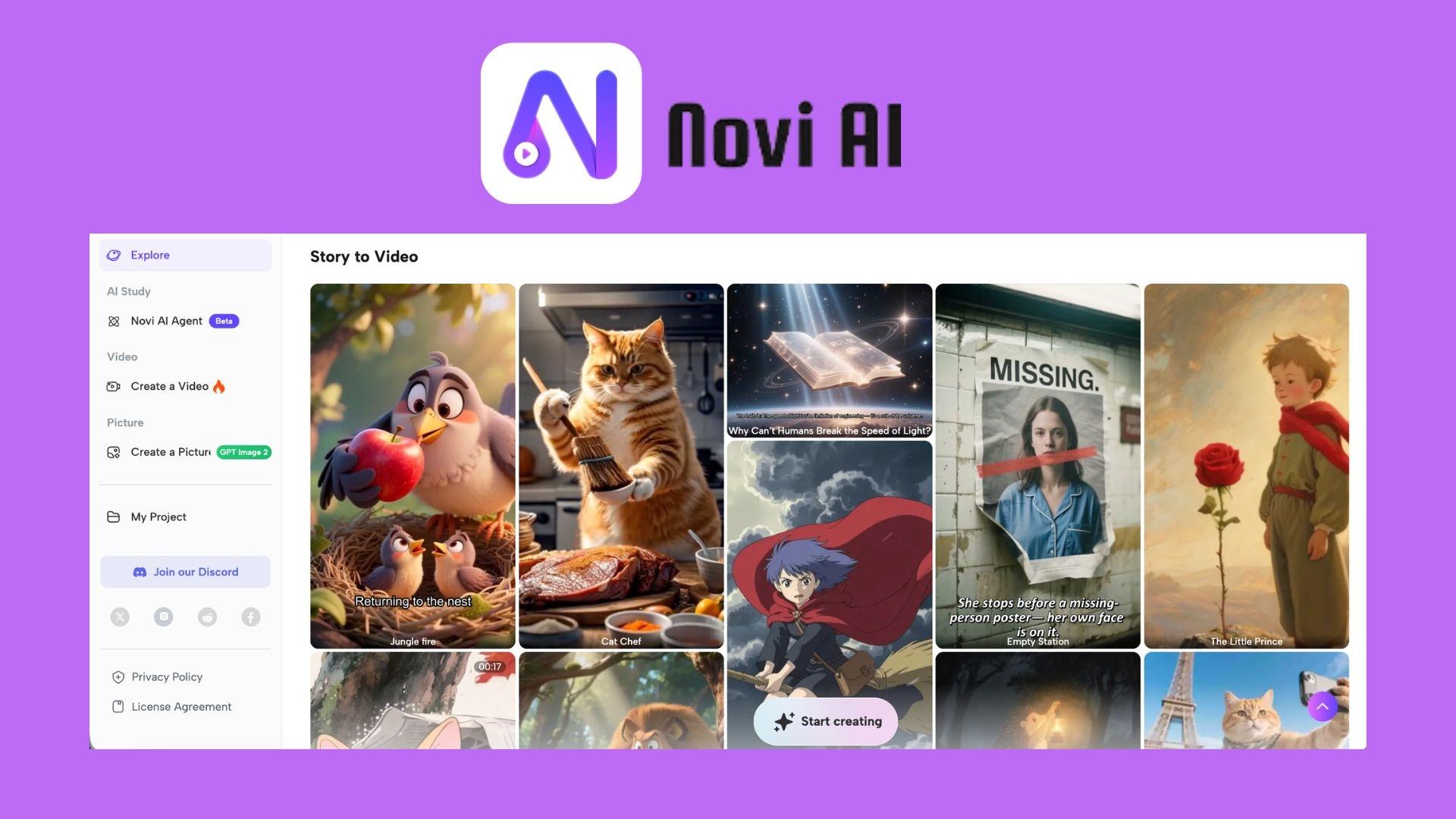
Novi AI’s main workflow is story-to-video generation. You enter a written story or prompt, choose a model and output settings, and the platform generates a multi-scene video with visuals, subtitles, narration, music, and transitions already assembled.
Types of Videos You Can Create
Animation Videos

With Novi AI video generator, you can generate stylized animated content with anime-inspired visuals, cinematic scenes, or fantasy environments. These are commonly used for short films, fan-fiction content, and social media storytelling edits.
Story Videos
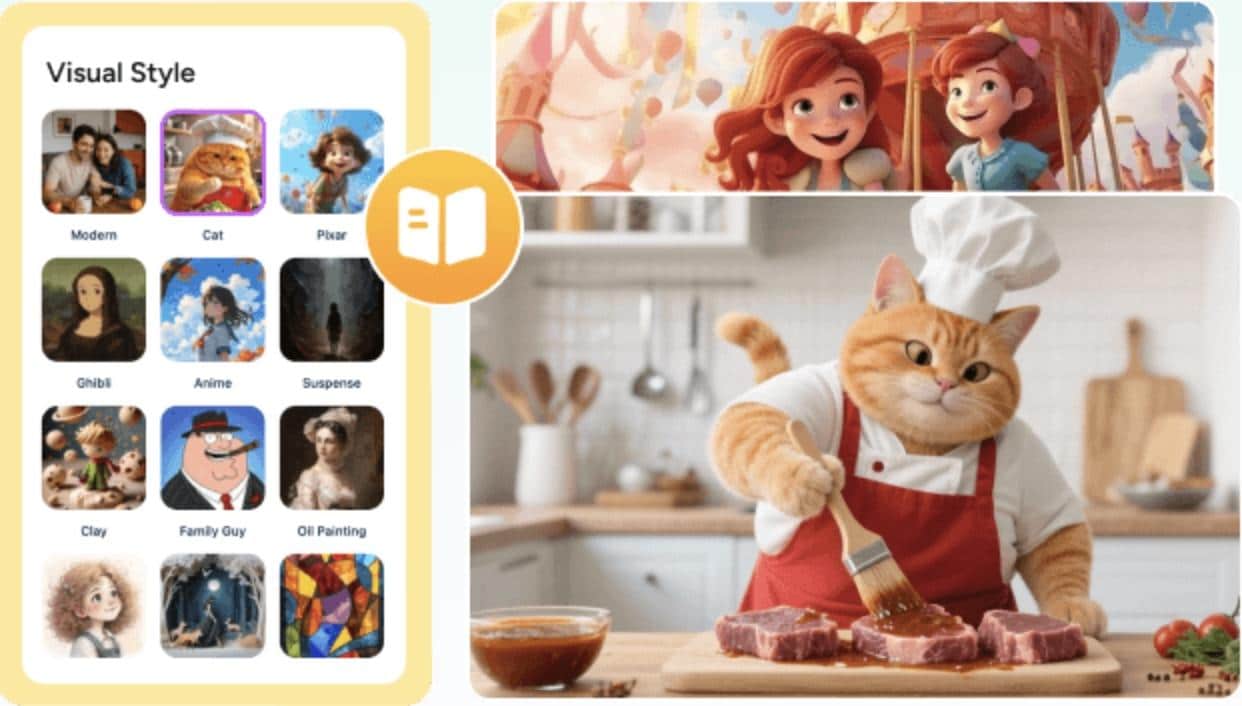
Storytelling is clearly the platform’s strongest category. Novi AI can generate videos for different story niches, including:
- Horror stories
- Romance videos
- Kids’ bedtime stories
- Emotional storytelling clips
- Fantasy adventures
- Cat story videos and pet-themed content
Since subtitles and narration are generated automatically, creators can produce story videos much faster compared to traditional editing workflows.
YouTube Shorts and Faceless Videos
Support for vertical video is especially useful for mobile-first platforms, where short-form storytelling content is in high demand. For creators running faceless YouTube channels, Novi AI eliminates several time-consuming steps, such as searching for stock clips, syncing text, recording narration, and manually editing scenes.
AI Characters and Story Personalities
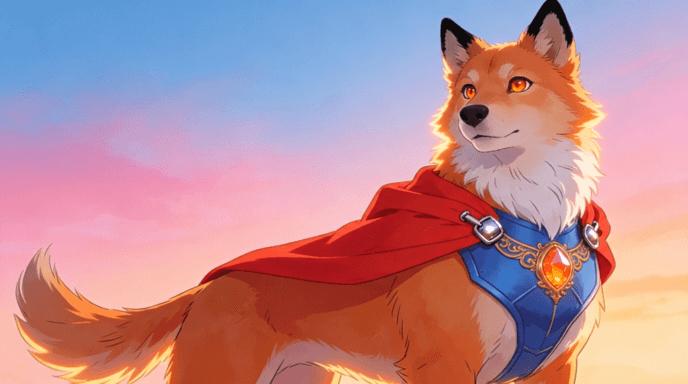
Another feature that makes Novi AI stand out is its large variety of AI-generated character styles and personas. Depending on the prompt and model selection, users can create characters such as:
- AI girlfriend
- AI boyfriend
- AI furry characters
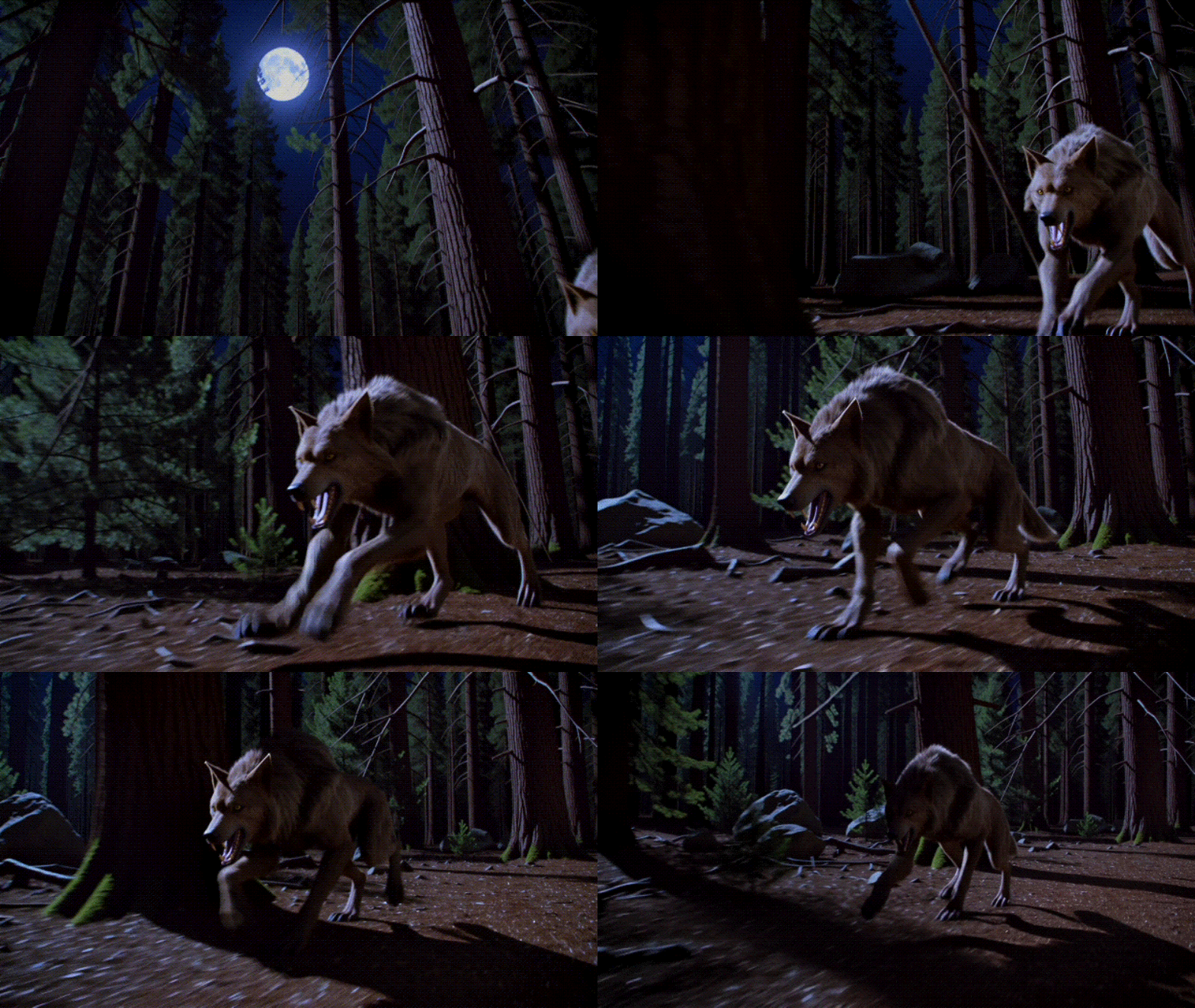
- Werewolves
- Fantasy creatures
This flexibility gives you more freedom to experiment with different storytelling genres without advanced animation skills. And since the platform combines script generation, visual creation, and narration into one workflow, Novi AI feels more creator-focused than many standalone AI video generators currently on the market.
Part 3. Beyond Story Videos: Novi AI’s Image and Video Tools
Although story creation is the platform’s main feature, Novi AI also includes standalone AI tools for images and videos designed for creators who want greater control over individual scenes, visuals, and clips.
Novi AI Image Generator

The Novi AI Image Generator allows users to create AI-generated artwork from text prompts or uploaded reference images. It supports multiple visual styles, including:
- Anime-style illustrations
- Fantasy characters
- Realistic portraits
- Cartoon visuals
- AI concept art
For image generation, Novi AI supports several AI image models and style engines, including FLUX, GPT Image, Seedream, and other style-focused generation models available inside the platform dashboard.
How to generate images
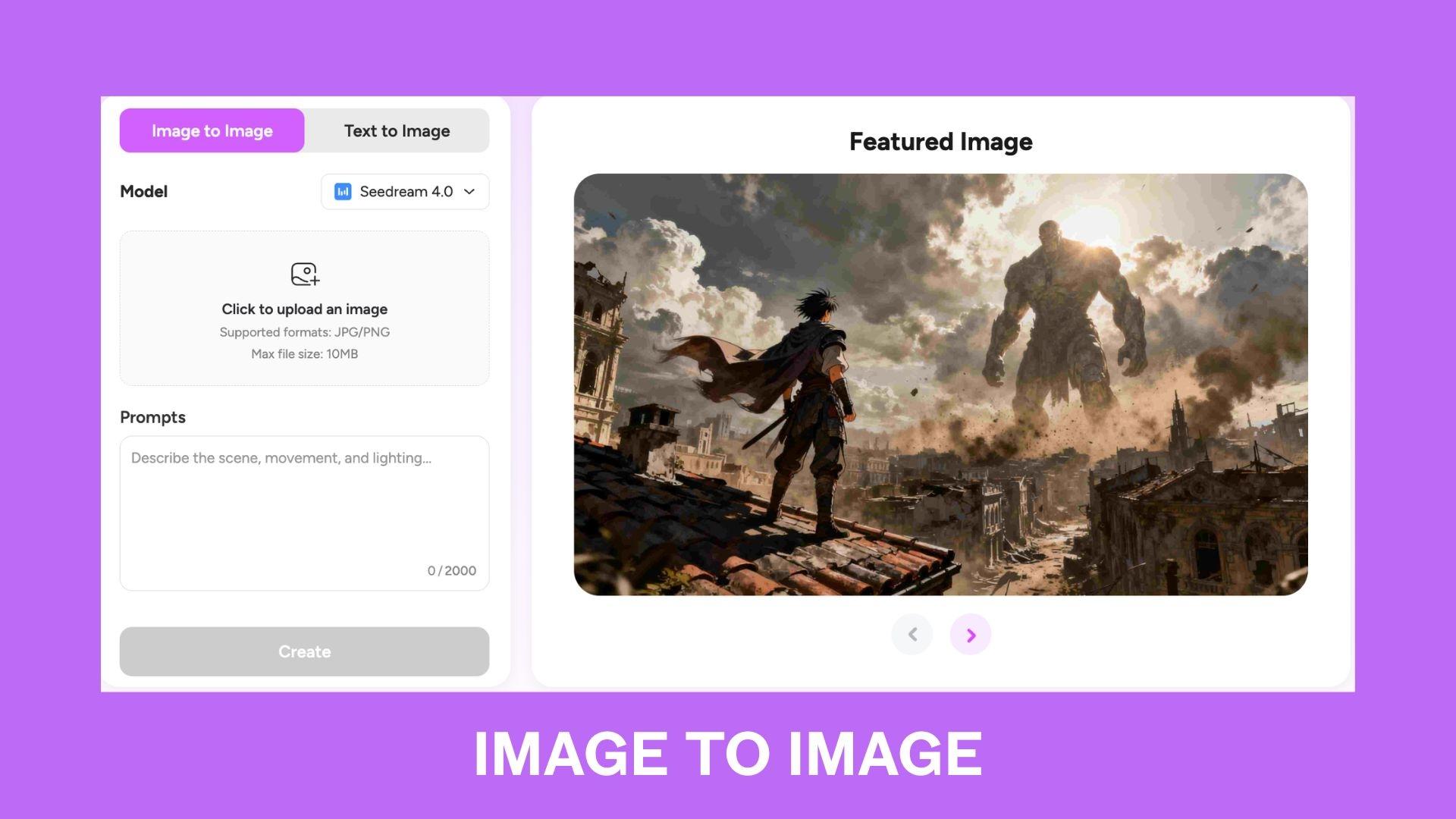
Text to Image: You type a description of the scene, character, or concept you want to create. Novi AI then generates artwork based on your prompt.
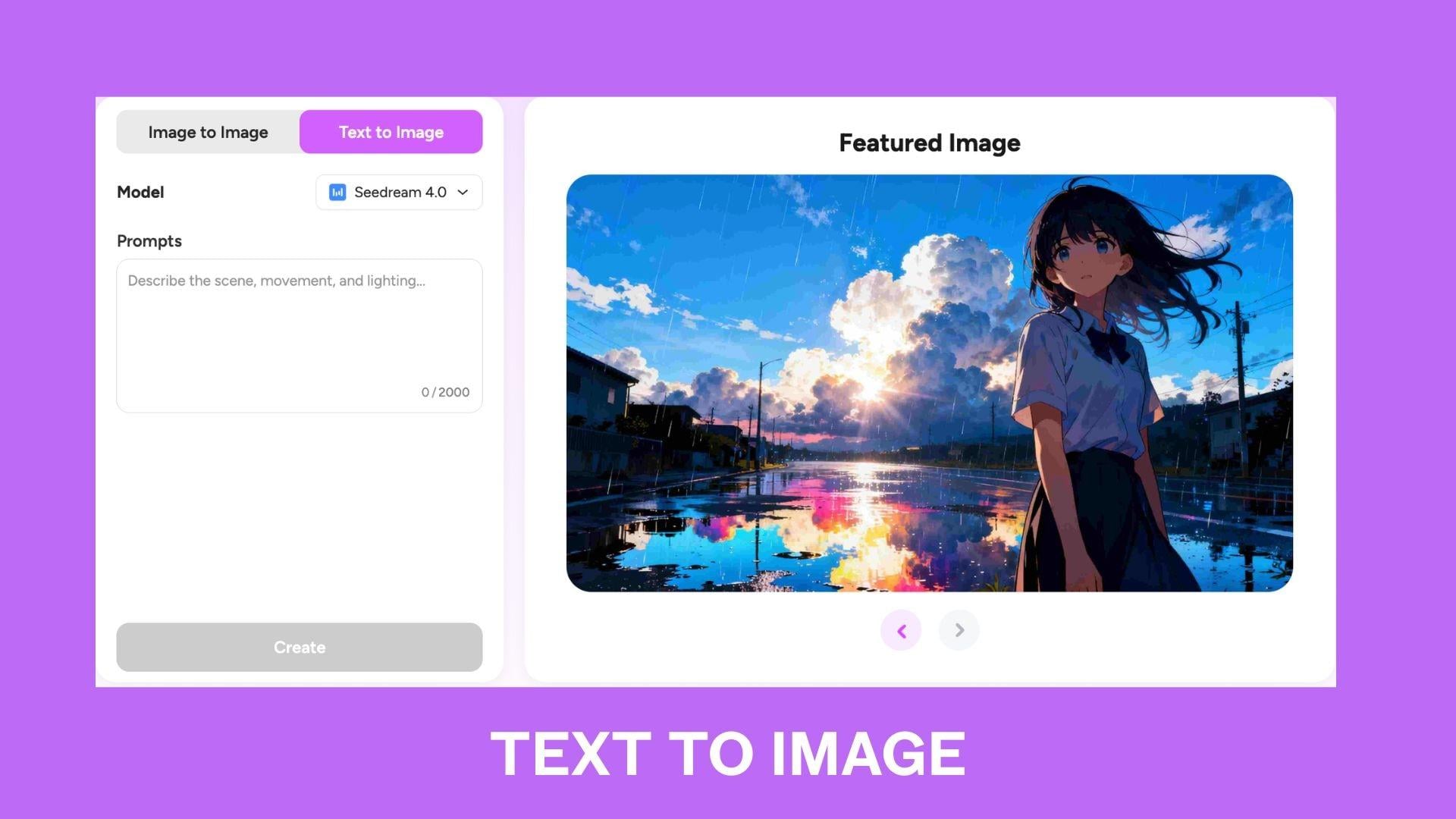
Image to Image: You can also upload an existing image and use AI to transform the style, mood, or appearance.
Novi AI Video Generator
Beyond static images, Novi AI also features a dedicated AI video generator for creating animated clips from prompts or reference images. The platform supports several video generation models, including Kling AI, PixVerse, Runway, Veo, Vidu, Hailuo, Seedance, and Sora.
How to generate videos
Text to Video: Enter a written prompt describing a scene, action, or cinematic idea. Novi AI then generates an animated video clip based on that description.
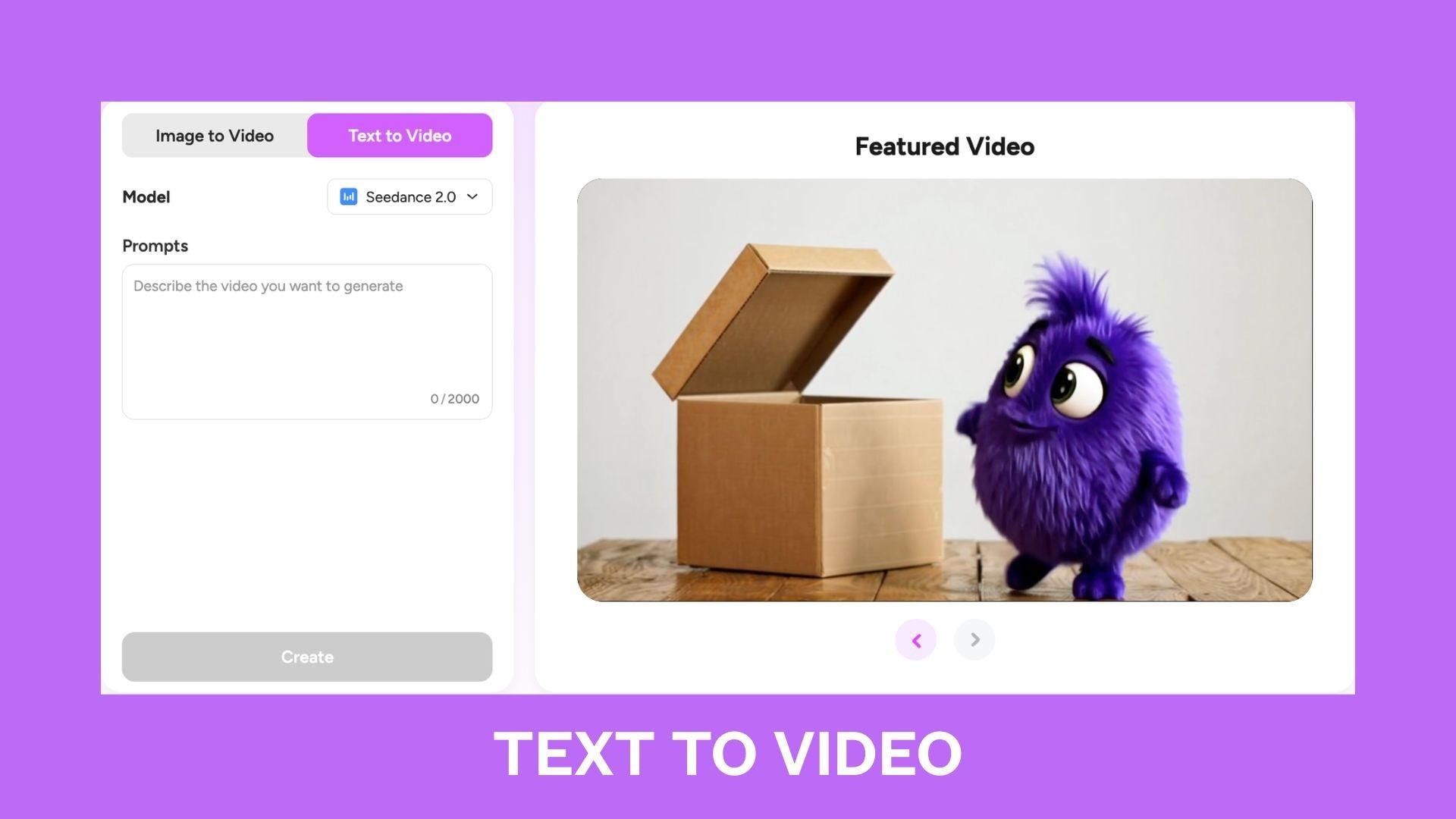
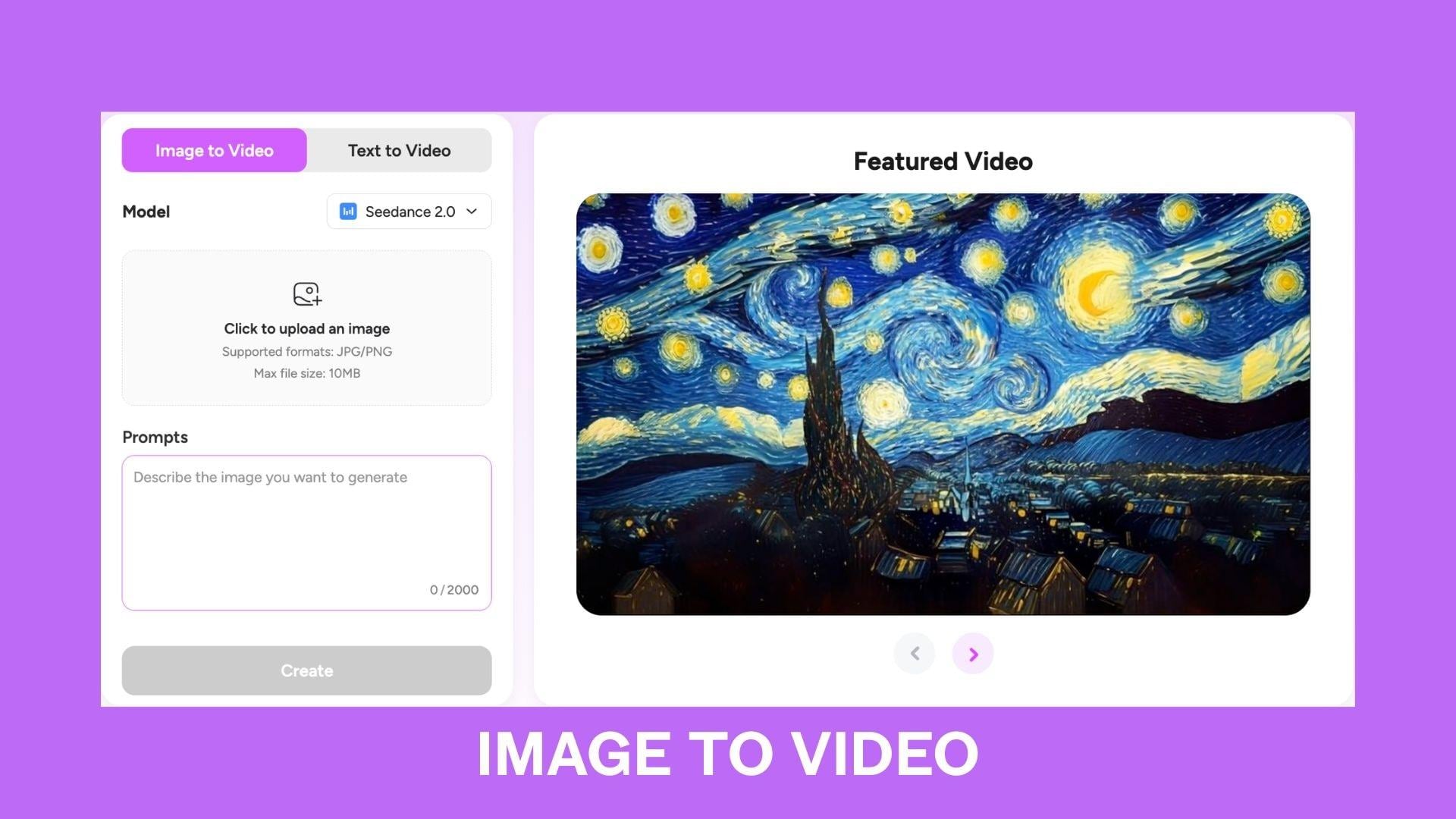
Image to Video: If you already have an image you want to use as the starting point, you can upload it and add a prompt to turn the still image into a moving video clip.
Part 4. How Much Does Novi AI Cost?
p>Novi AI uses a credit-based pricing system. The free plan includes around 80 one-time credits, while paid plans start at $14.99 per month. More expensive plans unlock more credits, longer videos, premium AI models, and watermark-free exports.
Is Novi AI free?
After you log in to Novi AI, you get around 80 free credits. Novi AI offers a Free plan alongside paid Monthly, Yearly, and Lifetime options. Higher-tier plans unlock access to more AI models, additional generation credits, longer video outputs, and watermark-free exports.
| Free | One-month Plan | One-year Plan | Life-time | |
| Pricing | Free | Starts at $14.99/month | Starts at $89.99/year | Starts at $119.99 |
| Long Videos | ||||
| Credits | 80 one-time credits | 500 to 3000 credits/month, depending on tier | 1000 to 6000 credits/month, depending on tier | 1000 to 6000 credits/month, depending on tier |
| Video Models | Limited access | Kling, PixVerse, Veo, Runway, Vidu, Hailuo, Sora, Seedance, Wan, more | Same as monthly plans | Same as yearly plans |
| Image Models | Limited access | Seedream, GPT Image, Nano Banana, more | Same as monthly plans | Same as yearly plans |
| Long Videos | Limited | |||
| Watermark Outputs | Watermarked | No watermark | No watermark | No watermark |
Note: Pricing and included models may change over time as Novi AI continues adding new AI models and features.
Simpler image models usually cost fewer credits, while premium video models like Kling, Veo, Runway, and Sora consume more per generation. For your reference, 500 monthly credits can generate around:
- 20 PixVerse videos
- 5 Kling videos
- 16 Veo 3.1 videos
- 50 Seedream images
Long-form story videos also consume more credits because they combine multiple scenes, narration, subtitles, transitions, and rendering into a single generation workflow.
Part 5. Novi AI Review: The Good and the Not-So-Good
After testing the platform and reviewing user feedback online, Novi AI stands out as a strong AI storytelling tool for creators who want fast video production with minimal editing. With a combination of story generation, AI visuals, subtitles, narration, and multiple AI models in one dashboard, it’s a practical tool for creators of short-form content and faceless content channels.
However, the platform still has some limitations related to credit usage, rendering consistency, and premium model costs, especially for users who frequently generate longer AI videos.
- Combines AI story writing, visuals, subtitles, narration, and editing in one workflow
- Access to premium models like Kling, Veo, Runway, PixVerse, and Sora from a single dashboard
- Generates multi-scene story videos faster than traditional editing workflows
- Useful for faceless YouTube channels, TikTok storytelling, and AI Shorts content
- Supports stylized outputs, including anime, fantasy, cinematic, and animated visuals
- Character-based storytelling works well for AI girlfriend, horror, furry, and fantasy content
- Vertical and horizontal video formats support multiple social media platforms
- Image-to-video generation makes static artwork easier to animate for content repurposing
- Beginner-friendly prompt workflow with minimal editing skills required
- Mobile app support allows quick video generation without desktop software
- Premium video models can consume credits surprisingly fast over longer generations
- Story videos with multiple scenes may produce inconsistent characters or visual continuity
- Output quality depends heavily on prompts and selected AI models
- Rendering times can become slow during high server traffic periods
- Some cinematic models prioritize visuals over natural motion consistency
- The free plan feels restrictive for users who frequently test advanced video features
- Certain AI models and features are locked behind higher subscription tiers
- Realistic human motion and facial expressions can still look artificial in some outputs
- Export failures and generation errors occasionally appear in user feedback online
- Subscription and coin usage may feel confusing for first-time users unfamiliar with credit systems
Part 6. Edit, Refine, and Complete Novi AI Videos in Filmora
Novi AI can quickly generate impressive story videos, but AI-generated content still needs post-editing before publishing. Small refinements such as fixing captions, improving pacing, adjusting colors, or adding smoother transitions can make the final video feel much more professional and less like a complete AI creation.
One of the simplest ways to refine a Novi AI video is to import it into Wondershare Filmora, as this editor combines traditional video editing tools with built-in AI features, all within the same timeline workflow.
First, generate and export your video from the Novi AI website or app. Then, bring your creation to Filmora to start editing just as you would a regular video project. With Filmora, you can:
- Edit captions — Fix subtitle timing, change text styles, or rewrite captions for better readability.
- Add transitions, effects, or filters — Smooth out scene changes and enhance the overall visual style.
- Color grade your footage — Balance lighting, correct colors, and achieve a more cinematic look.
- Extend or combine clips — Extend, add extra scenes, or merge multiple AI-generated clips into longer, cohesive content.
- Improve your audio — Layer in background music, sound effects, or a cleaner voiceover for a more polished finish.
Filmora also has a built-in AI Image Generator and Video Generator tool that supports several newer AI models, including Nano Banana 2, Nano Banana Pro, Seedance 2.0, Veo 3.1, and other AI generation tools integrated into the platform.
Filmora is available on both desktop and mobile, and can be downloaded for free. You can get started right away without a subscription, then decide whether to upgrade to a paid plan for access to premium features, additional effects, and watermark-free exports.
 Secure Download
Conclusion
Novi AI is an AI-powered video tool designed specifically for content creators who work on story videos, Shorts, and faceless content. Its workflow is simple enough for beginners, yet the variety of models and styles gives more room for creative experimentation.
Although there are still some drawbacks, particularly with credit usage and generation consistency, for creators focused on fast storytelling content, Novi AI is definitely a platform worth trying. Integrating it with Filmora also makes the final video feel much more polished and complete.
FAQs
-
What types of videos can Novi AI create?
Novi AI can generate multiple types of AI videos, including animation videos, horror stories, love stories, kids’ bedtime videos, faceless YouTube content, YouTube Shorts, anime-style videos, cinematic clips, and social media content. It also supports both text-to-video and image-to-video generation. -
Can I edit Novi AI videos after they're generated?
Yes. You can export your Novi AI videos and continue editing them in tools like Filmora. This makes it easier to adjust captions, add effects, improve colors, extend scenes, or add music and transitions. -
How long does it take Novi AI to generate a video?
The generation time depends on the selected model and video length. According to Novi AI, turning a 1,000-word story into a video usually takes about 5 minutes. -
Does Novi AI support multiple languages?
Yes. Novi AI supports multiple languages, including English, Indonesian, Japanese, Korean, Chinese, Spanish, French, German, and more. -
Can I add my own voice to Novi AI videos?
Novi AI includes built-in AI narration options, and users can customize voice settings during video creation. You can also export the video and add your own voiceover later using video editors like Filmora.
