Creating social media content often involves juggling multiple AI tools for images, videos, and audio. This is more common than you might think. Metricool's 2026 report found that among social media professionals using AI, 37% rely on more than four different tools.
SocialSight AI aims to make this process simpler. It brings multiple AI models and creative tools together in one platform. You can use it to generate and enhance different types of content without constantly switching between apps. But how well does it work, and is it worth the cost? In this review, we'll explore its features, pricing, strengths, and limitations.
Part 1. SocialSight AI at a Glance
SocialSight AI wants to make content creation accessible to everyone. You don't need to be an experienced designer, video editor, or music producer to get started. With its AI-powered tools, you can turn your ideas into images, videos, and audio without having to create everything from scratch.
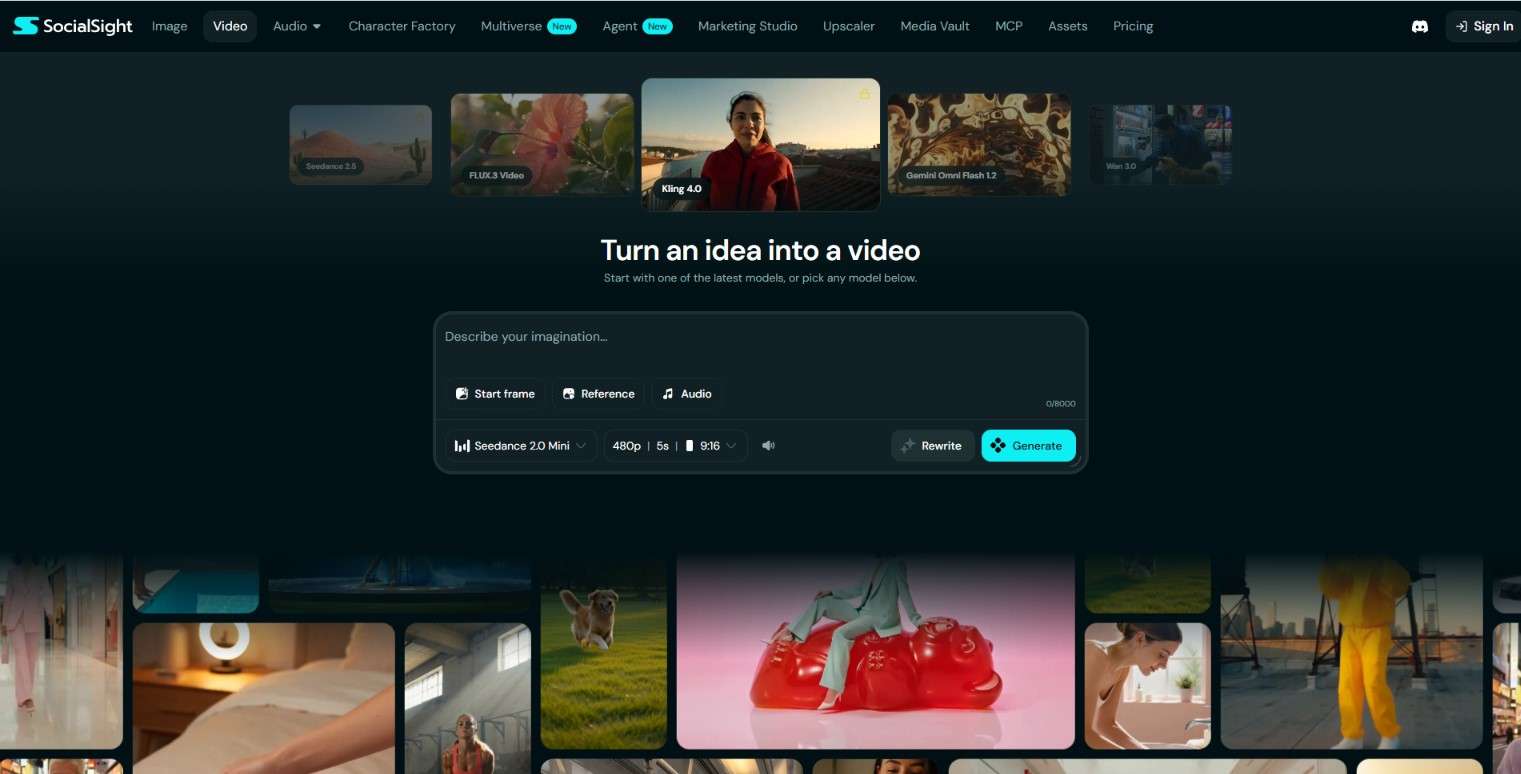
What makes SocialSight AI even more versatile is its collection of AI models. You can explore different models and find the ones that work best for your creative needs. This also gives you more room to experiment instead of sticking to a single generation approach.
How to Access SocialSight AI
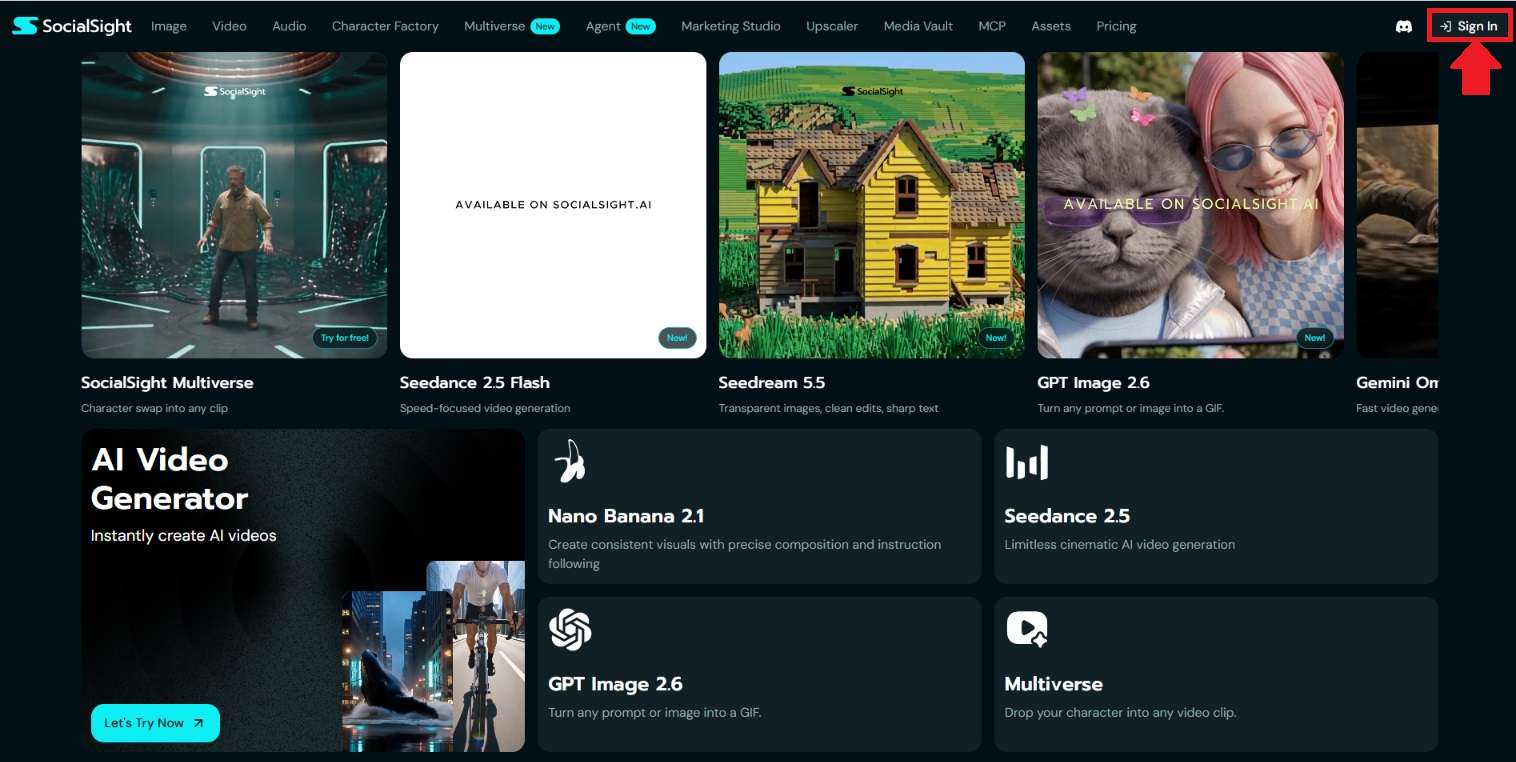
Since there's no SocialSight AI app available at the moment, the only way to use it is to visit their official site. Next, select Sign In in the top-right corner. Then, complete the SocialSight login process to start exploring its tools.
Make SocialSight AI Part of Your AI Workflow
SocialSight AI also gives you the option to connect its tools with compatible AI assistants through MCP. This means they can use SocialSight AI to generate content, retrieve the results, and incorporate them into the conversation as you continue working on your ideas.
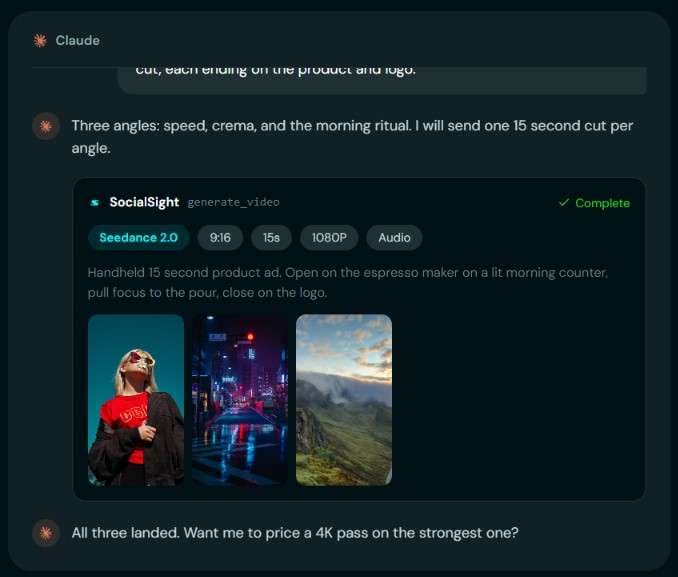
You can connect SocialSight AI with several AI assistants, including ChatGPT, Claude, Cursor, and Grok. Once integrated, simply describe what you want to create in your conversation. Your assistant will check the latest model catalog and select a suitable option based on your instructions, unless you specify which model to use.
Part 2. Can I Use SocialSight for Free? Pricing Explained
For content generation, SocialSight AI uses a token-based system. But does SocialSight AI offer free tokens? Yes! When you first log in to SocialSight AI, you'll receive 200 tokens to try out the platform. That's enough to experiment with a few image generations before deciding whether you want to upgrade.
Once you've used up your free tokens, you'll need a paid subscription to continue generating content. SocialSight AI offers three pricing plans: Starter, Plus, and Ultra. Each comes with a different token allowance and set of benefits, as summarized below.
| Category | Starter | Plus | Ultra |
| Price | $15/month or $180/year | $39/month or $468/year | $85/month or $1188/year |
| Monthly Tokens | 8,000 | 30,000 | 90,000 |
| AI Model Access | Limited Access | All Access | All Access |
| Concurrent Tasks | 2 videos & 4 images | 6 videos & 8 images | 15 videos & 15 images |
| Digital Assets | 10 | 50 | 1,000 |
| Queue Priority | Standard | Standard | Priority |
| Cloud Storage | 500 GB | Unlimited | Unlimited |
| Customer Support | Standard | Priority | Dedicated |
|
Show More
Show Less
|
|||
Part 3. SocialSight AI Features and Capabilities
Now, it's time to see what SocialSight AI can really do. We'll walk through its main features, explore the available creative tools, and see how they can fit into your workflow.
1. Generate Images and Improve Their Quality
With SocialSight AI's Image Generator, you can create visuals from text prompts or reference images. Describe what you want to see, upload a visual reference if needed, and let the AI generate up to four image variations at once. You can also choose from over 10 supported AI models, including Seedream and Nano Banana.
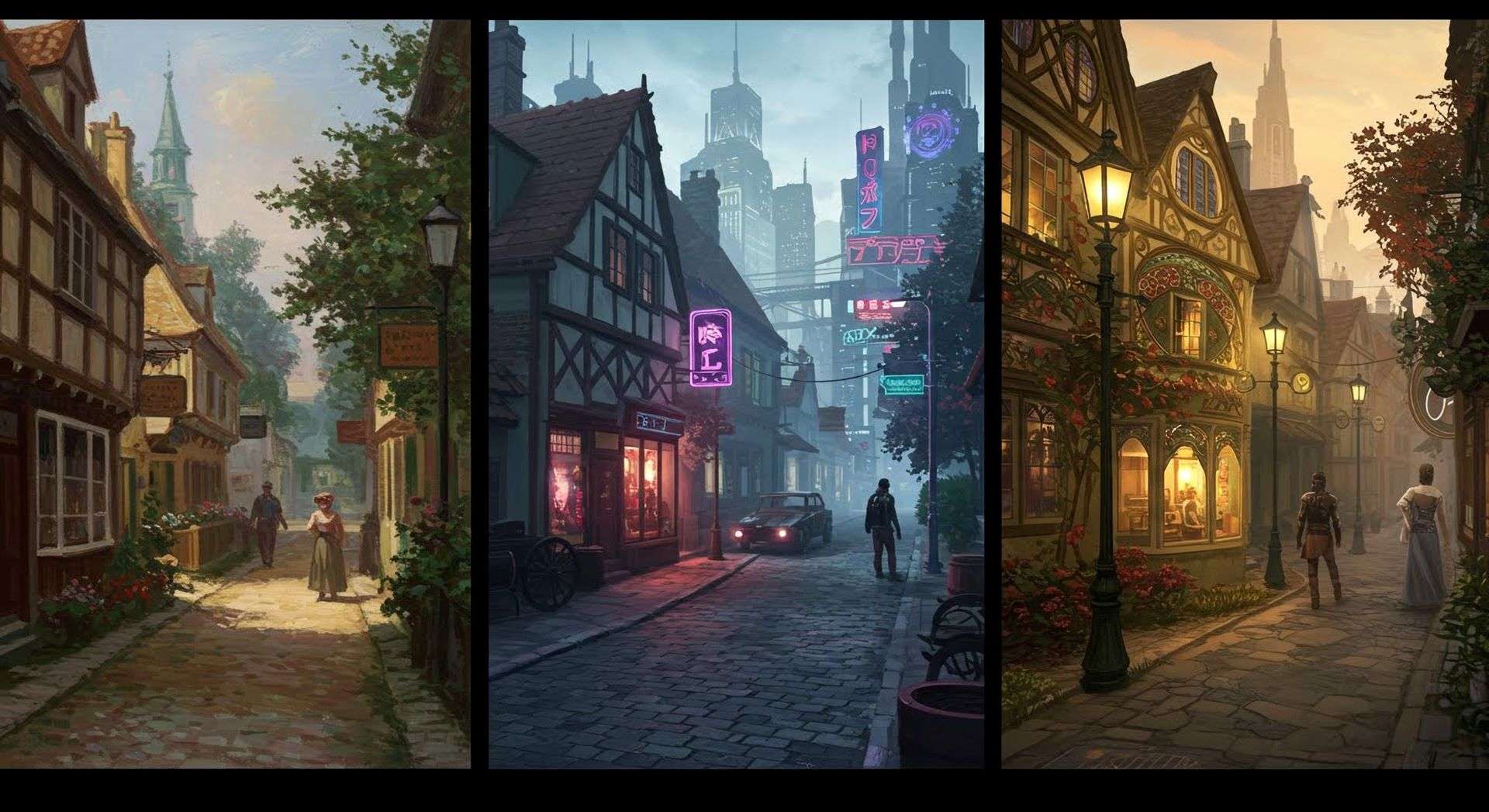
The platform also offers SocialSight AI Image Editor. If you have an image that looks blurry or lacks detail, you can use it to improve its resolution and clarity. The tool supports upscaling to 2K or 4K.
2. Create Videos from Your Imagination

Another highlight is SocialSight AI's Video Generator. It lets you turn your ideas into videos using text prompts, reference images, or even a starting frame. You can also provide audio as part of your generation process. The platform supports over 12 AI models, with various model versions to choose from.
3. Create the Perfect Sound for Your Project
Need audio for your creative project? SocialSight AI lets you generate it without having to record everything from scratch. Just describe what you need, and the AI will create audio based on your prompt.
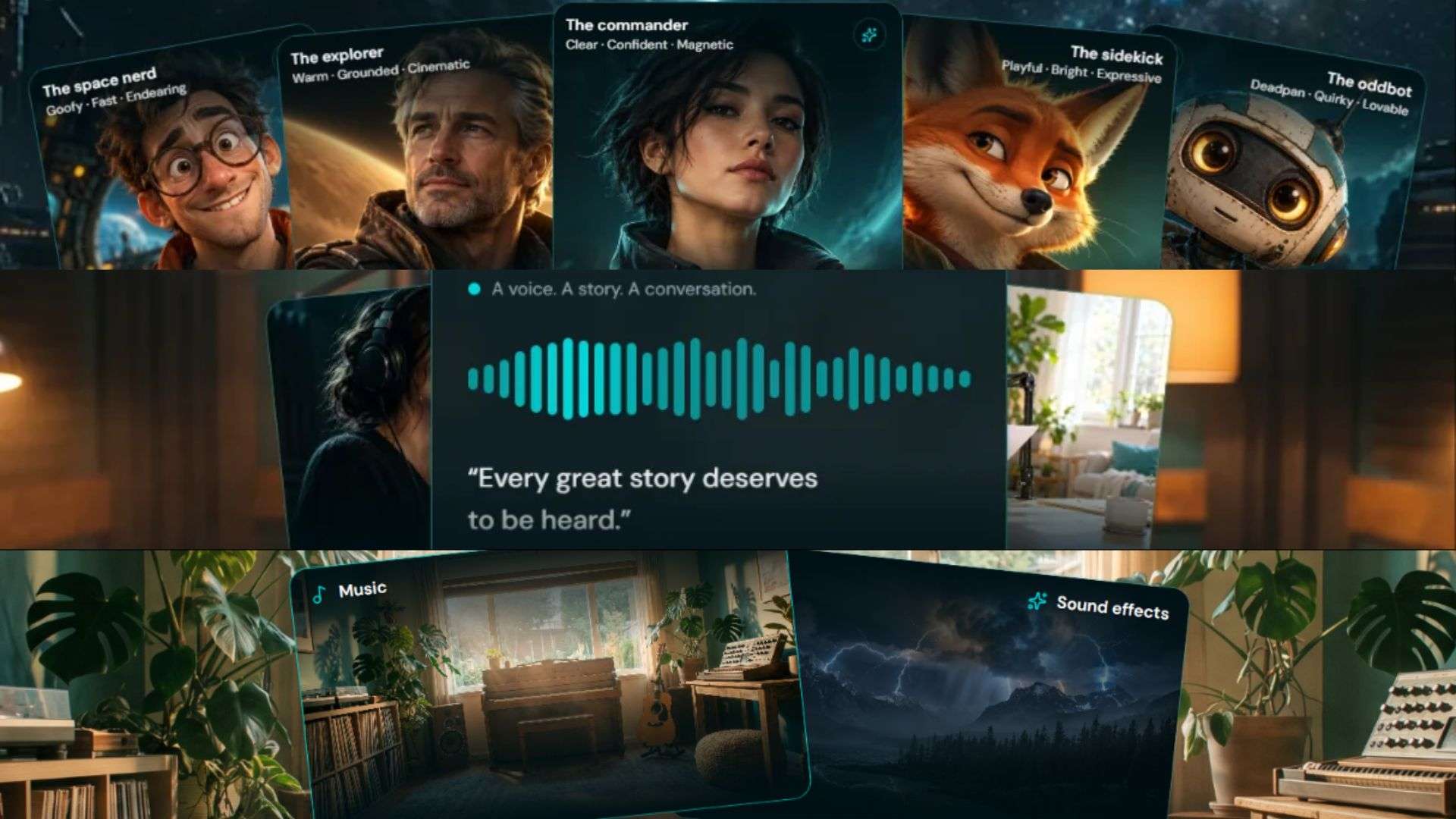
There are several audio options to explore.
- Voices: Generate new voices for your characters or clone an existing voice.
- Speech and Dialogue: Turn scripts into voice-overs, speeches, or podcast audio.
- Music and Sound Effects: Create custom music and sound effects to match your project's mood or theme.
4. Bring Your Characters into Any Story
If you're not comfortable appearing on camera, why not create a character to represent you instead? SocialSight AI's Character Factory lets you design your own characters and customize their appearance down to the details. You can go for a realistic look or cartoon-inspired characters.

Once your character is ready, you can use SocialSight AI's Multiverse feature. It lets you place your customized character into existing video clips, making it easier to create your own take on popular trends.
5. Transform Basic Product Photos with AI

Need fresh visuals to promote your products? SocialSight AI has a Marketing Studio feature. Upload a product photo, pick a preset you like, and let the AI create new variations. You can use the results to refresh your social media feed or prepare visuals for your next marketing campaign.
6. Automate Multiple Steps with AI Agent

SocialSight AI Agent helps automate content creation from start to finish. Just describe what you want, and it will handle the necessary generation steps. Let's say you want to create a product teaser. It will start by preparing image prompts for the video. After you approve the prompts, it generates the visuals and then combines them into a complete teaser video.
Part 4. SocialSight AI Review: What Works and What Doesn't
So, is SocialSight AI really worth trying? We've already explored what it offers, but there's more to consider before making a decision. Looking at both our experience and SocialSight AI Reddit discussions can help us understand its strengths and limitations. Let's break them down.
- Simple to Get Started: SocialSight AI keeps things simple with an interface that's easy to understand.
- Good Output Quality: Supports image and video generation at up to 4K resolution.
- Ongoing Improvements: The platform continues to receive updates, with new features being introduced over time.
- No More Daily Free Tokens: Some Reddit users noted that SocialSight AI no longer offers free tokens through daily check-ins, so you'll have to manage your free allowance more carefully.
- Trial and Error Uses More Tokens: Getting the desired results may take several prompts, using up more tokens in the process.
- Limited for Complex Editing Projects: You'll likely need a separate video editor to bring everything together and get the finished video ready for publishing.
Who Can Get the Most Out of SocialSight AI?
So, who can actually benefit from using SocialSight AI? While the platform offers tools for different creative needs, some people may find it more useful than others. If you fit into one of these categories, SocialSight AI might be worth trying.
| If You're a.. | You Can Use It to... |
| AI Content Creator | Trendy clips, talking videos, and social media content |
| Brand Owner or Seller | Product concepts, product photos, and marketing videos |
| Digital Artist | Art concepts, digital characters, and illustrations |
| Video Producer | B-roll footage, original soundtracks, and video clips |
| Marketing Team | Brand characters, product campaigns, and promotional videos |
|
Show More
Show Less
|
|
Bonus: Take Your AI-Generated Content Further with Wondershare Filmora
SocialSight offers various tools for generating images, videos, and audio. You can explore different AI models, create product visuals, and make video clips for social media. However, generating individual assets is only part of the process. You'll still need an editor to arrange clips, adjust timing, and refine the final video.

Wondershare Filmora helps you bring everything together. Its multi-track timeline gives you control over your video, while its AI features offer additional ways to enhance your edits. This capability makes it easier to turn your SocialSight creations into polished videos ready to share.
1. Edit Videos with a Flexible Timeline
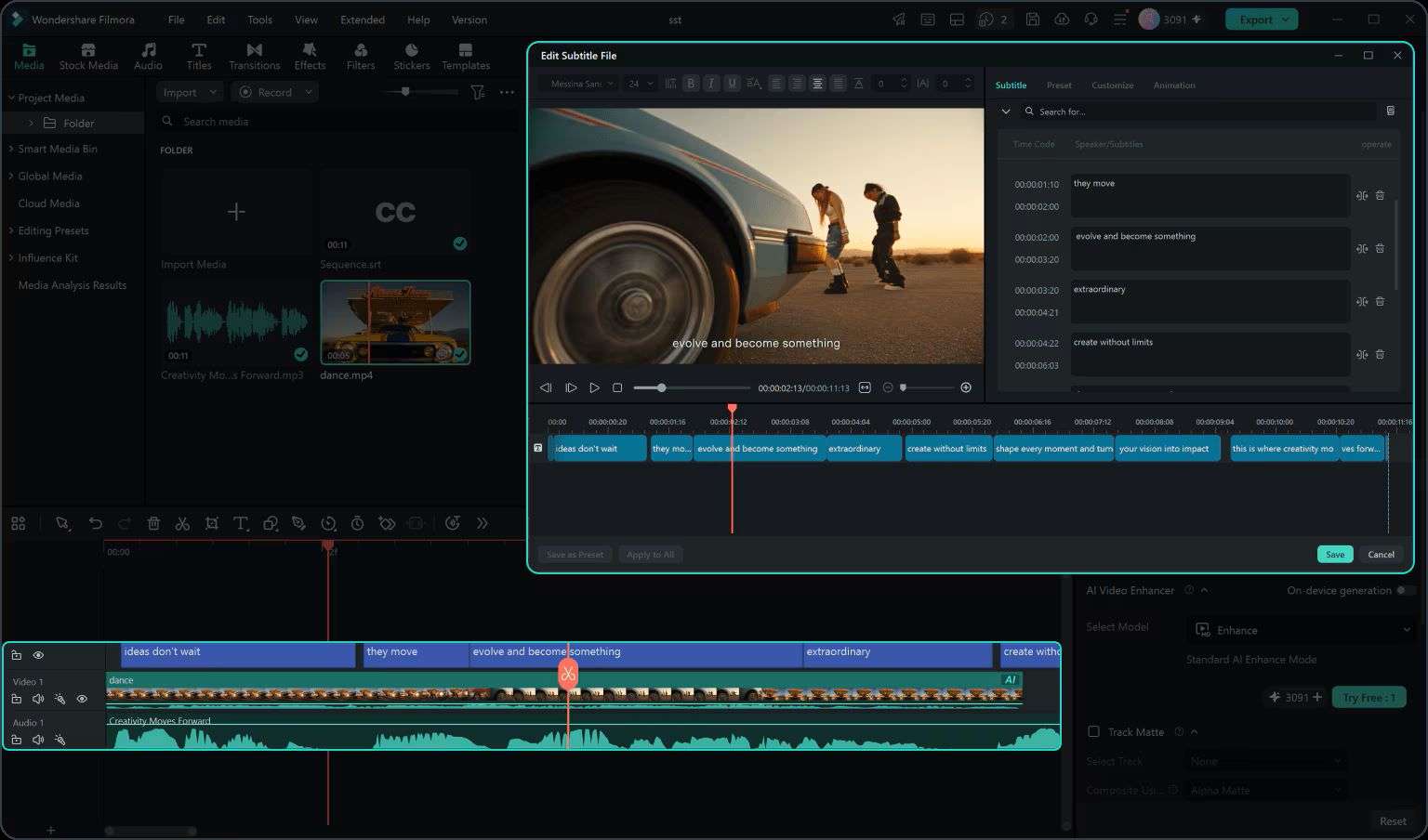
Filmora's Timeline Video Editing lets you arrange and layer video clips, audio, text, filters, and effects. You can adjust each element separately for a more organized editing process.
2. Access Thousands of Creative Assets
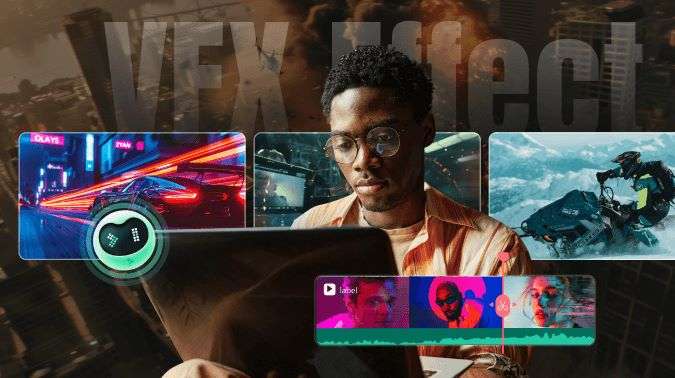
Filmora gives you access to thousands of creative assets for your video projects. You can mix and match different assets to find a look that suits your content.
3. Work on Your Projects Across Devices
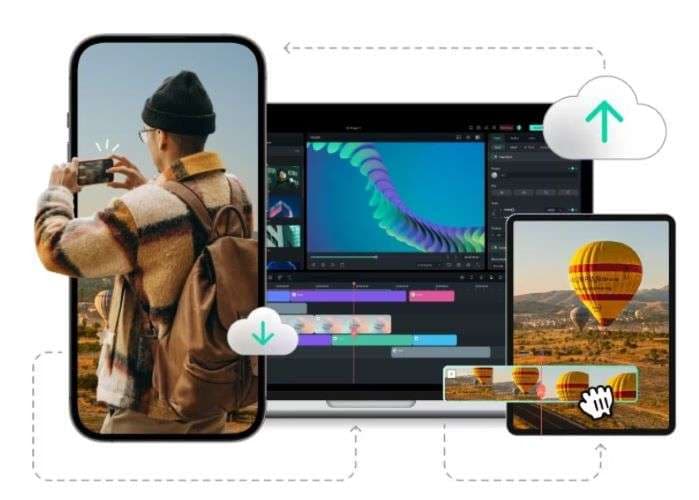
Filmora is available on iOS, Android, Windows, and macOS. You can save your projects to the cloud and pick up where you left off on another supported device.
4. Keep Your Social Media Content on Track
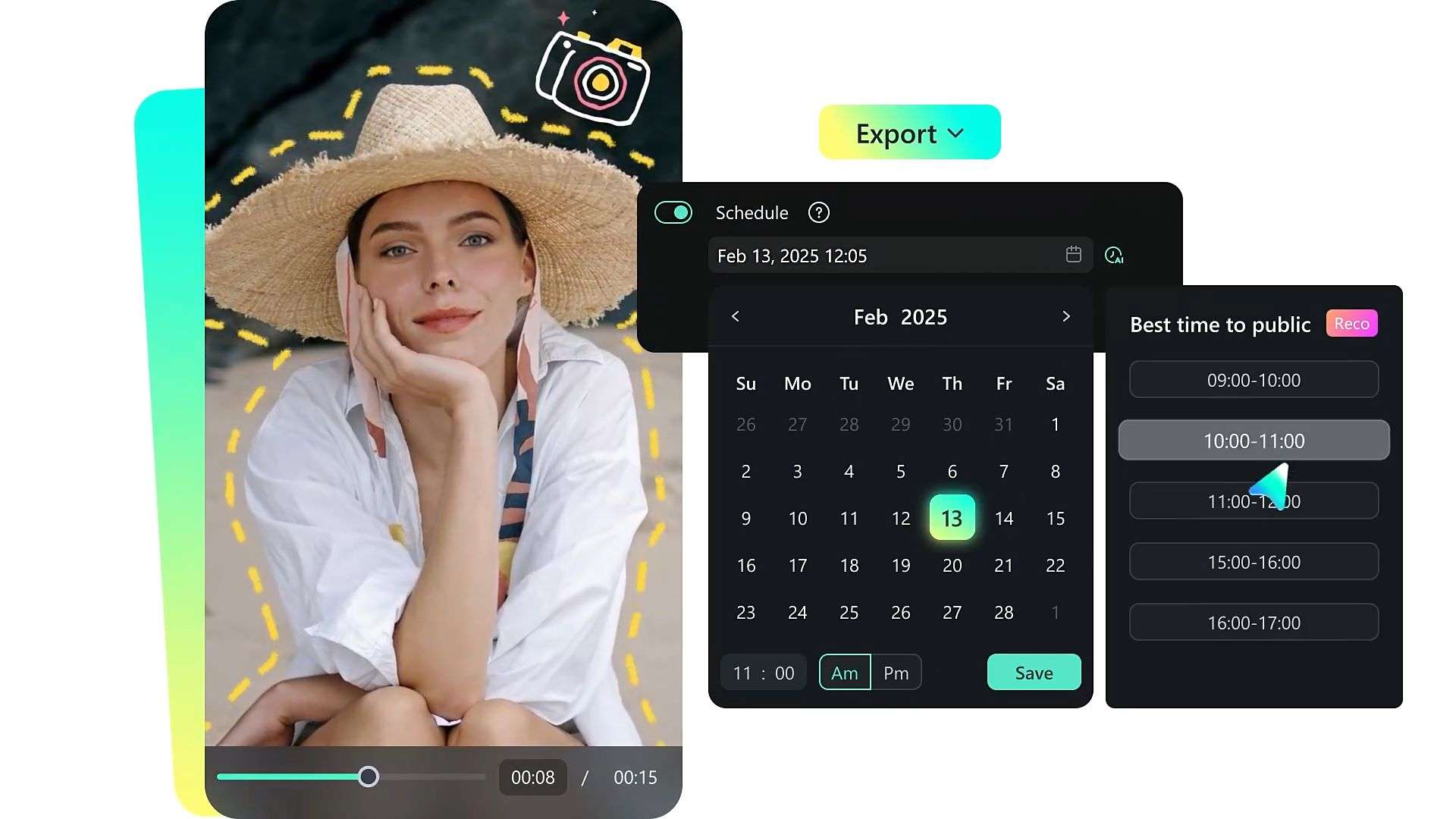
After editing your video, use Filmora's Social Content Planner to schedule and publish posts across different social media platforms. You can also track views, likes, shares, and comments to monitor your content's performance.
 Secure Download
Conclusion
SocialSight AI is a handy tool for creating AI-generated content. It brings image, video, and audio generation together, with a wide selection of AI models to explore. The output quality is also worth noting, making it a useful option for content creators and marketers.
To get more out of your generated content, you can use Filmora alongside SocialSight AI. While SocialSight handles content generation, Filmora gives you more control over how everything comes together. You can arrange your assets on the timeline, trim clips, add transitions, and apply effects before exporting your video. It also lets you plan and schedule social media posts.
FAQs
-
1. Is SocialSight AI legit?
Yes. SocialSight AI operates under the registered company name SocialSight Inc., based in New York, USA. -
2. Is SocialSight AI censored?
SocialSight AI may apply content restrictions depending on the AI model you use. Some prompts or generated content may be blocked if they violate its content policies. -
3. Is SocialSight AI private?
Not entirely. Other users generally can't see your generations, but the platform still collects various personal details and usage data, which may be shared with third parties. -
4. Is SocialSight AI safe?
SocialSight AI is generally safe to use as an online creative platform. Still, avoid uploading sensitive personal information or confidential files. -
5. Is there any SocialSight AI promo code?
Yes. SocialSight has recently advertised promo codes, including BFCM for 50% off eligible new plans. Discounts and eligibility may change, so check the terms before you apply for it.