


AI has transformed not only how people create videos but also how they edit and restore them. If you're struggling with blurry clips, low resolution, or shaky recordings, tools like TensorPix AI promise to enhance them with just a few clicks. There are plenty of AI video enhancers online, but TensorPix AI video enhancer stands out since they offer AI-powered upscaling, restoration, frame interpolation, and more without requiring a powerful computer.
But does it actually deliver the quality it claims? Let’s find out through our TensorPix review. We'll take a closer look at its features, pricing, performance, pros and cons, and whether it's worth your time and money.
Part 1. Getting to Know TensorPix (What Exactly Is It?)
TensorPix is a cloud-based AI enhancement platform built by TensorPix d.o.o., a company based in Zagreb, Croatia. While many people first discover it as a TensorPix AI video upscaler, the platform has gradually evolved into a much larger creative toolkit.
The platform says it's trusted by more than 2 million users, and its client list name-drops some recognizable names like the BBC, CNN, Adobe, and Meta, so it's clearly gained some real traction beyond just casual hobbyists.

Basically, TensorPix is built around fixing footage, such as upscaling low-resolution video, sharpening blurry frames, stabilizing shaky recordings, denoising grainy night shots, and smoothing out choppy playback through frame interpolation.
Part 2. What You Can Do With TensorPix (Features Explained)
While most people peeking at the platform are searching for a TensorPix free video upscaler, this online engine actually packs a complete suite of creation and cleanup tools. Here's a rundown of its most distinctive tools.
1. Restore Videos and Images with AI

This is the heart and soul of TensorPix AI. If you have old home movies, low-resolution clips, or noisy night shots, this feature acts like a visual time machine. Things you can improve include:
- Upscaling low-resolution videos to higher resolutions.
- Sharpening blurry footage.
- Reducing video noise and grain.
- Restoring old recordings.
- Increasing frame rate through AI frame interpolation.
- Enhancing old or low-quality photos.
- Improving image sharpness and clarity.
2. Real Estate Video Maker

TensorPix also offers a dedicated Real Estate Video Maker, a tool built specifically for agents, brokers, and property marketers. It takes plain listing photos and automatically stitches them into cinematic visual walkthroughs in minutes. It adds natural pan movements, fixes lighting, and generates high-energy clips ready to post on Instagram Reels or TikTok.
3. TensorShots

Among all the tools inside TensorPix, TensorShots is probably the most unique. You feed it existing photos, clips, or brand assets, and it assembles them into a structured first draft, complete with captions, voiceover, and timing, that you can then tweak before publishing.
4. AI Video & Image Generator

Beyond fixing existing footage, you can also build visual assets from scratch:
- Text-to-Video & Image-to-Video: Type in a detailed prompt or upload a static image, and watch the TensorPix AI video generator turn it into a high-definition video sequence.
- Text-to-Image & Image-to-Image: Need stock art or visual concepts? Use the built-in generator to craft images up to 4K resolution.
- Anime & Cartoon Enhancements: Functions exceptionally well as a TensorPix AI cartoon video generator or TensorPix AI animation generator, sharpening animated vector lines and boosting colors without creating ugly digital artifacts.
Part 3. TensorPix Access & Cost
Moving on, let's talk about access and money.
How To Access TensorPix
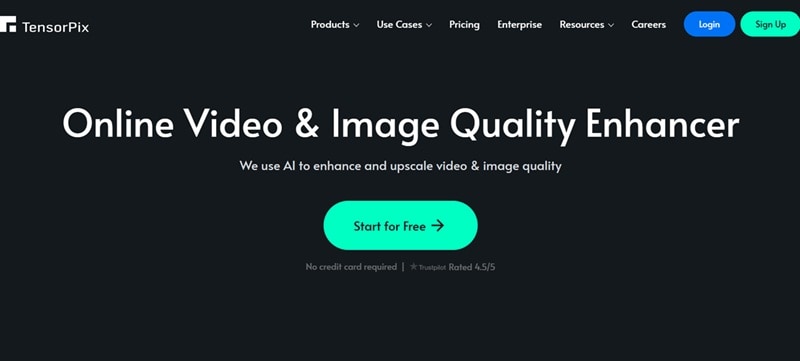
TensorPix is entirely browser-based (available at https://tensorpix.ai/), and that's genuinely the only supported way to use it. So, you won't find either desktop software or a TensorPix app for mobile.
Any claims of app TensorPix AI like "TensorPix AI mod APK" are false. Steer well clear of those. They're not affiliated with TensorPix in any way, and sideloading a modded APK from a random site is a well-known way to end up with malware on your device rather than a free upgrade.
Pricing Breakdown
As for the pricing, TensorPix AI uses a credit system. Fortunately, when you complete your TensorPix login, you get 0.50 free credits upfront to test things out. You can also pick up extra TensorPix free credits just by logging in once a week (which adds up slowly over time).
But if you need to process full-length projects or multiple archives, you'll want to look at their subscription tiers: Standard, Premium, and Elite.
| Feature | Free | Standard | Premium | Elite |
| Price | $0 | $12/month | $27/month | $66/month |
| Monthly Credits | Weekly login credits only | 10 + weekly | 35 + weekly | 110 + weekly |
| Max Resolution | 720P | 4K | 4K | 4K |
| Storage | 1GB | 10GB | 100GB | 500GB |
| Concurrent Videos | 1 | 3 | 5 | 7 |
| Best For | Trying it out | Casual creators | Growing teams | Agencies at scale |
Part 4. TensorPix Pros & Cons: Is It Good?
So, how does the TensorPix AI ecosystem hold up when you actually feed it real footage? We put the platform through its paces, and while the upscale results are impressive, there are a few clear trade-offs you should know about.
Part 5. Another Way to Enhance Your Videos: Wondershare Filmora
TensorPix AI genuinely does a solid job at what it's built for, no argument there. But that free plan really only stretches to one or two generations before you're stuck, and TensorPix focuses mainly on enhancement and AI generation. If you also need to trim clips, add subtitles, create transitions, edit audio, or export a polished video, you'll still need another editor.
If that trade-off doesn't sit right with you, it's worth looking at Wondershare Filmora instead. This all-in-one video editor packs a dedicated AI Video Enhancer directly into its workspace, so you're not just fixing footage; you're editing, enhancing, and exporting all in the same place.

 Secure Download
What Makes Enhancing Videos with Filmora So Much Better?
Here is why switching to Filmora can take your video projects to a whole new level:
1. Super Advanced AI Video Enhancer
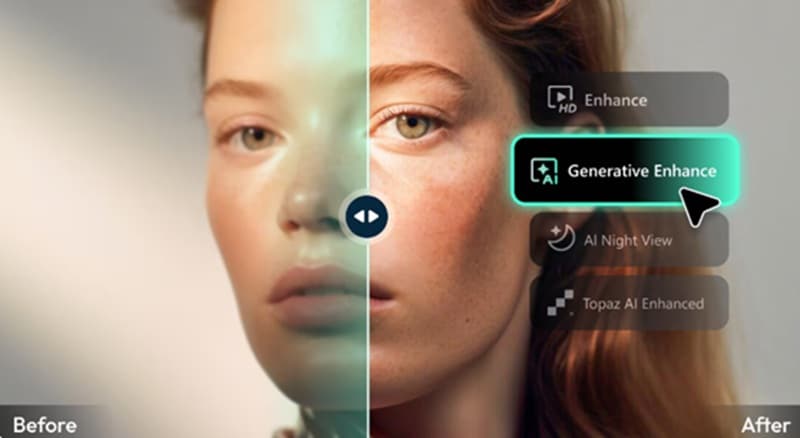
Filmora's enhancer includes a dedicated AI Night View mode built specifically for dark or grainy footage. Plus, it integrates with the Topaz Starlight model, widely regarded as one of the strongest engines available for video enhancement, right on your editing timeline.
2. Dedicated AI Video Denoiser

Filmora also includes a standalone AI Video Denoiser. So, your typical workflow looks like this:
- Import your video.
- Apply AI Video Denoiser.
- Use AI Video Enhancer.
- Continue editing as needed.
By separating these processes, you often end up with cleaner and more natural-looking results.
3. Extensive File Format Support
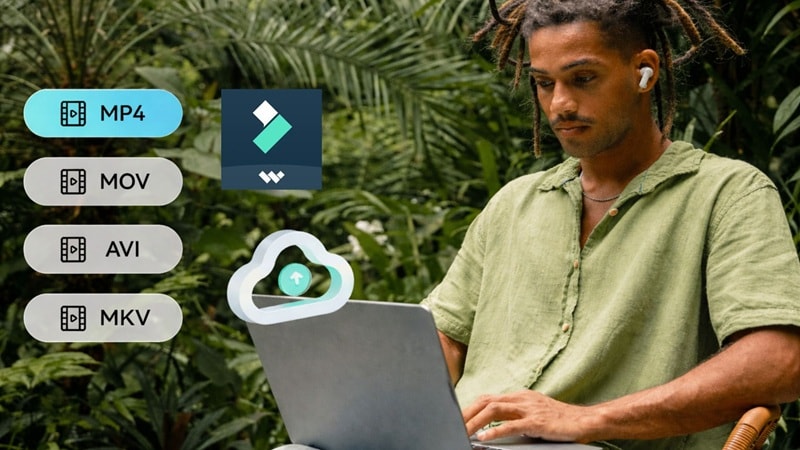
Filmora seamlessly accepts almost any media format you toss at it. Whether you're working with MP4, MKV, AVI, WebM, GoPro Cineform, JPG, PNG, or GIF files, you can import, enhance, and export without worrying about conversion headaches.
4. Available on Mobile
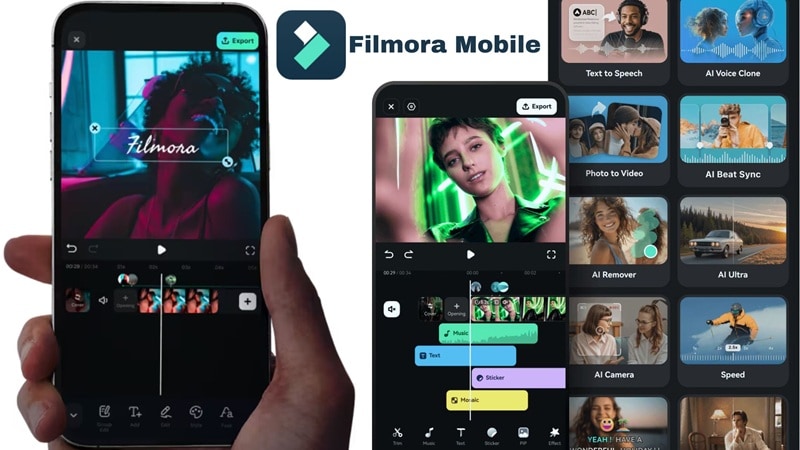
Unlike TensorPix's browser-only setup, Filmora's enhancement tools are also available through Filmora Mobile on both Android and iOS, so you can touch up footage without needing to be at a desktop.
5. More Creative AI Video Generations
While TensorPix AI video generators limit you to simple text-to-video and image-to-video, Filmora pushes creative boundaries further. It also offers: AI Audio-to-Video, which creates visuals based on an audio track, as well as AI Idea-to-Video, helping you turn a simple concept into a complete video draft.
Secure DownloadConclusion
TensorPix earns its spot among the better AI video enhancers out there. The restoration quality genuinely holds up, the blog does a great job walking you through how to use everything, and TensorShots is a clever bonus if you need quick social content. Just go in aware that the free plan won't get you far, and the paid tiers can climb once you start buying extra credits.
If you'd rather have your enhancing and your editing under one roof, Wondershare Filmora brings a comparable AI Video Enhancer, backed by the Topaz Starlight model, a dedicated denoiser, mobile support, and a broader set of AI generation tools, all inside a single, more complete editing workspace.
FAQs About TensorPix
-
Is TensorPix safe to use?
Yes. It's an established company with a legitimate corporate identity, standard HTTPS encryption, and a rating of 4.3. Just avoid downloading fake app TensorPix or any APK claim files, as these may contain malware or violate the platform's terms of service. -
Does TensorPix work without a high-end GPU or powerful computer?
Yes. Since TensorPix processes videos on its cloud servers, you don't need a dedicated graphics card or a powerful desktop. A modern web browser and a stable internet connection are enough to use the platform. -
How long does TensorPix take to enhance a video?
It depends on the length and resolution of your upload, but as a rough guide, a minute of standard-definition video typically takes somewhere around 5 to 10 minutes to process. Heavier 4K files or a busy queue can stretch that further. -
Can TensorPix improve old VHS, DVD, or low-resolution home videos?
Yes, this is genuinely one of the platform's strongest use cases. TensorPix's restoration tools are specifically designed to handle old VHS, 8mm, and early digital camera footage, pulling out detail, correcting color, and reducing artifacts that time (and old formats) tend to leave behind.
