


 100% Security Verified | No Subscription Required | No Malware


 ChatGPT
 Perplexity
 Gemini
 Claude
 Grok
Grok
Research has proven that a good logo gives a brand a clear voice, and this is why many private and commercial firms have one to their name. And to get this done, businesses would consult graphic designers, which could take days or even weeks and cost hundreds to thousands of dollars. But with the emergence of AI text logo generators, creating business logos happens in minutes.
AI text-to-logo generators are tools that use artificial intelligence to transform written text into professional-looking logos automatically. Users simply enter a brand name, slogan, or keywords, and the AI generates multiple logo options, often complete with icons, colors, fonts, and layout variations. So, if you are looking to create your own business logo, this article will show you the best text to logo generator AI tools and how to use them in creating a clear brand mark.
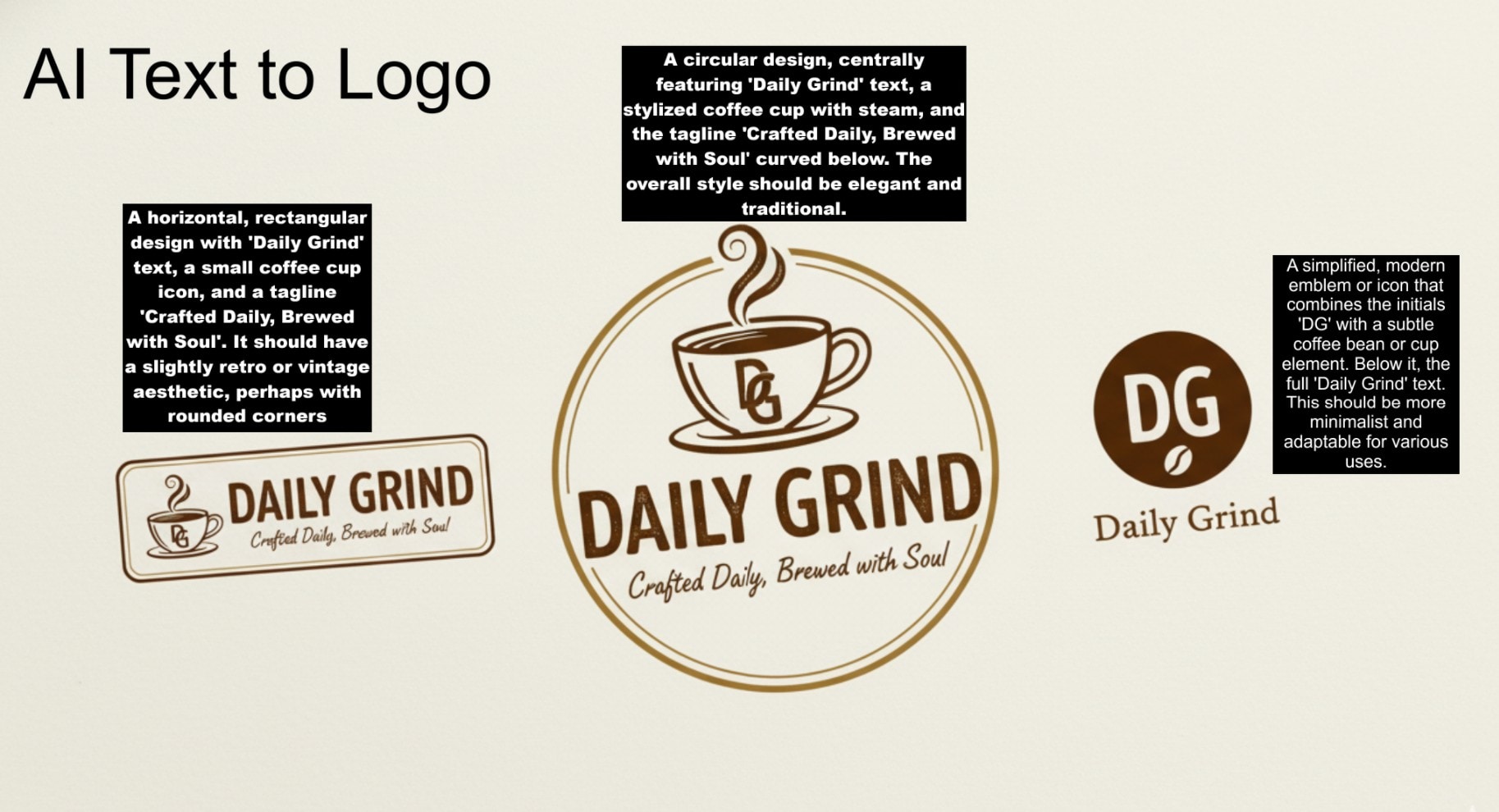
Part 1: Best AI Text Logo Generator Tools for Fast and Professional Branding
The growth of AI text to logo platforms also indicates that many people desire designs that appear ready for print or video without requiring extensive editing. These tools provide a clear starting point and help them establish a strong identity more quickly than older methods. Below is one of the AI text to logo generators that integrates the latest image creation model.
Wondershare Filmora
Wondershare Filmora stands out as a top AI text to logo generator because it integrates the latest AI image-creation technology (e.g., the Nano Banana model). The Nano Banana model in Filmora’s desktop version is an advanced multimodal AI designed for generating and editing high-quality visuals with consistent characters, detailed textures, and creative scene blending. It is popular because it enables users to create unique, professional-looking logos and graphics without needing deep design skills, while maintaining flexibility and creative control.

How to Create Logo From Text with Filmora
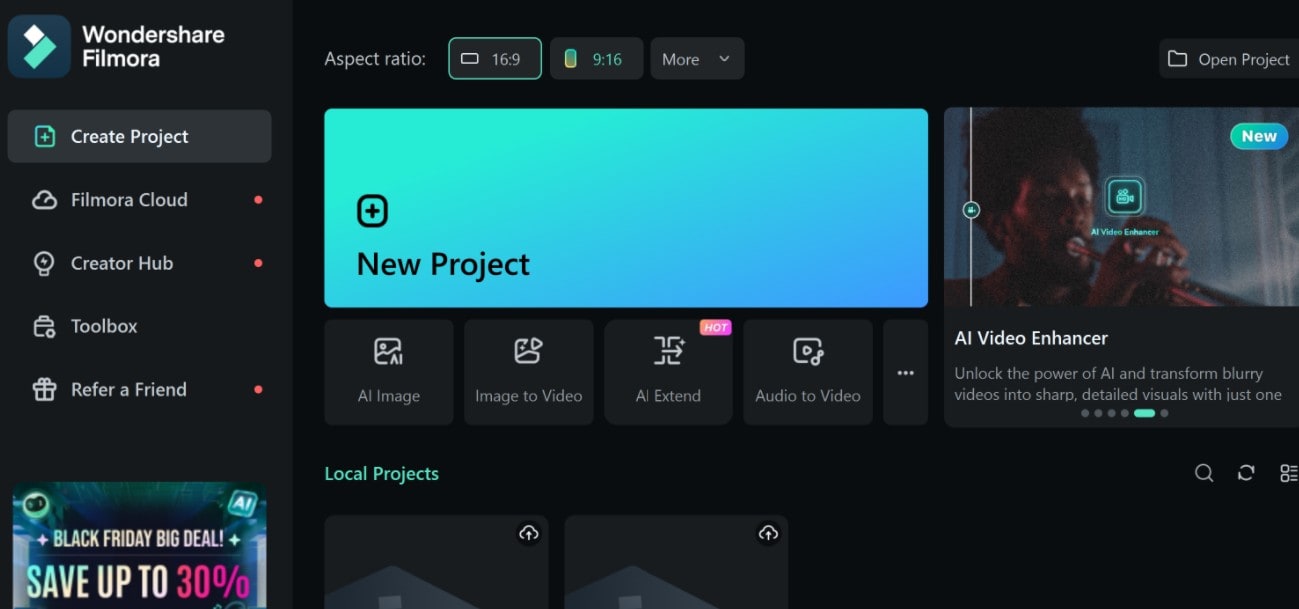
 Secure Download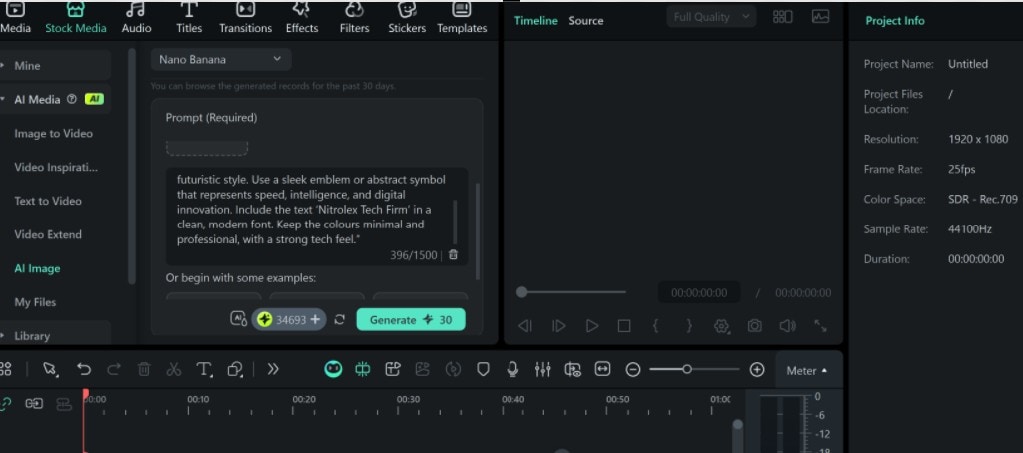
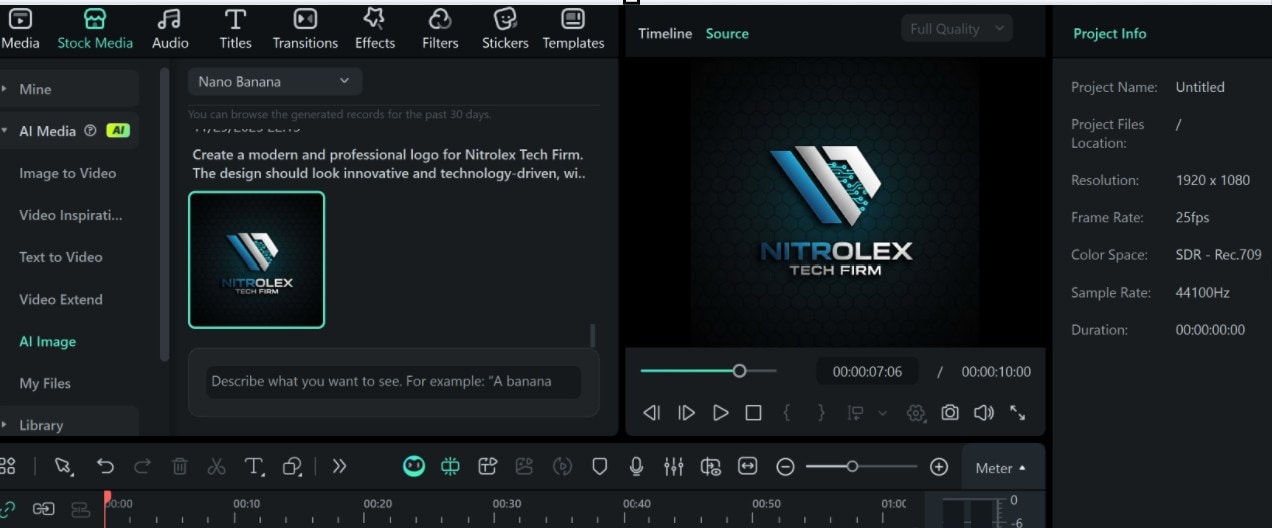
Preview
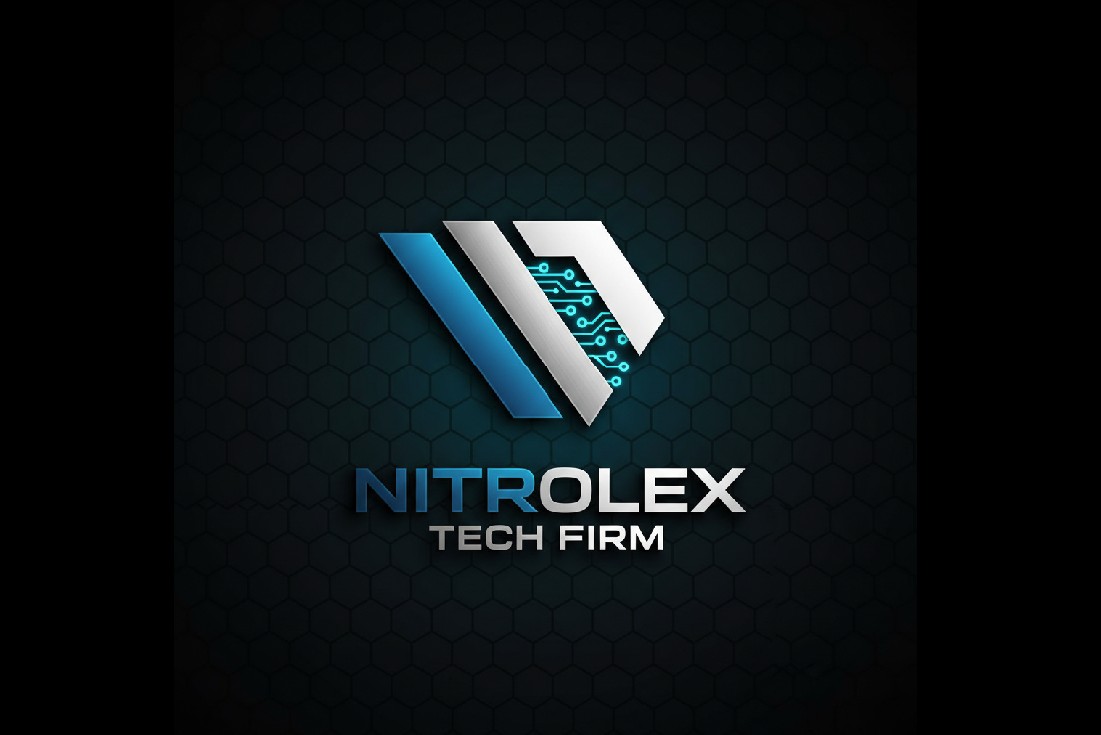
Note: While the Nano banana model integrated in Filmora can get the AI text to logo done excellently, there is an upgraded version called Nano Banana Pro, built on Gemini 3 Pro and launched in November 2025. This new model expands Nano Banana’s capabilities, delivering higher-quality images. The Pro version supports high-resolution generation (up to 4K), improved text rendering (useful for mockups, designs, ads, and infographics), and more creative control, making it suitable for professional and commercial use.
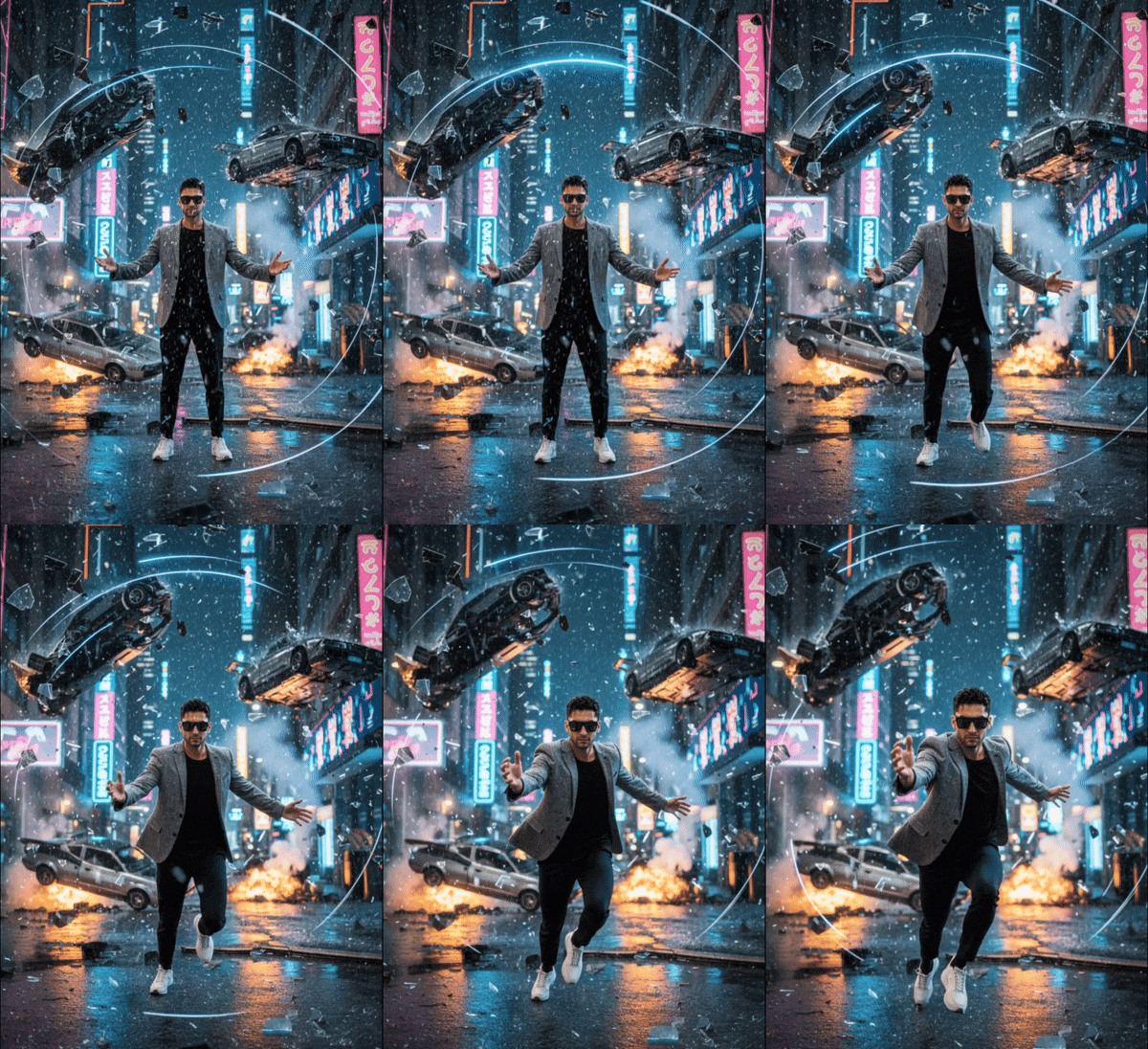
Why this is still a new model and is still settling in the image-creating space: most tools are yet to integrate it, but an aspect of it is available in the Filmora Mobile app. But this is not a text to logo AI but a way to animate images using templates designed with Nano Banana Pro. Below is an example showing what you can create with the Nano Banana Pro available on the Filmora mobile app.
Secure Download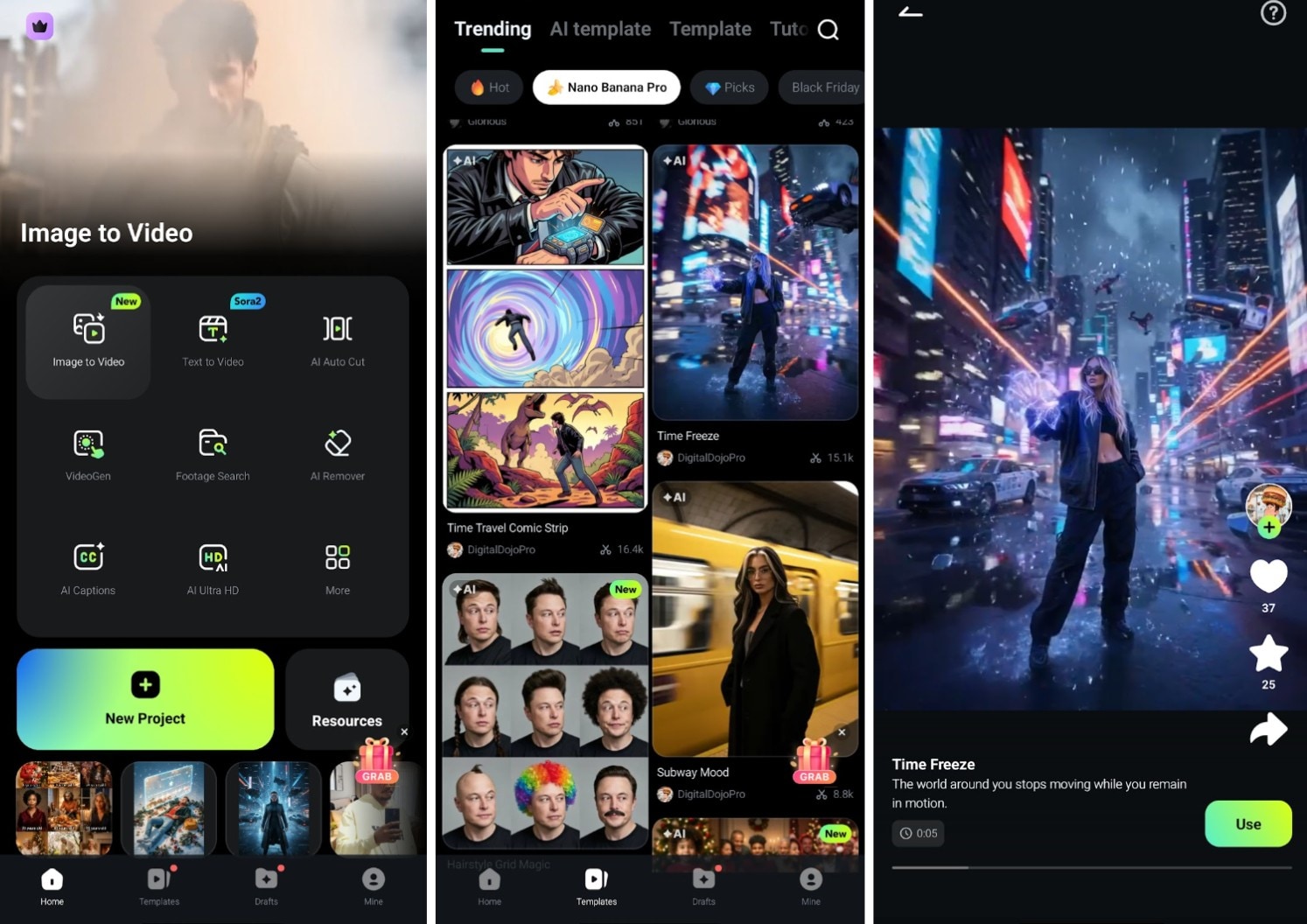
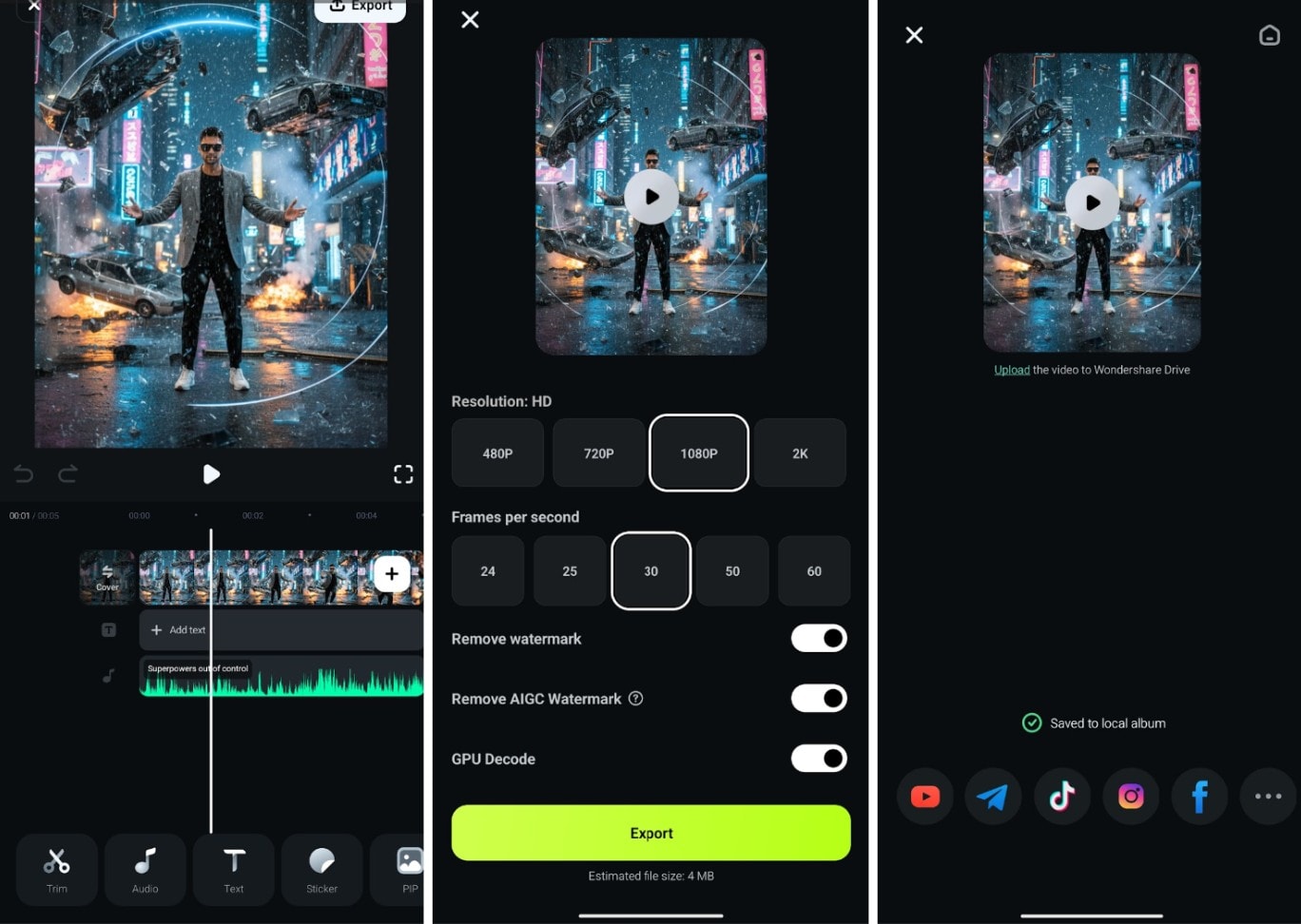
Preview
Part 2: Other Top Text-to-Logo Generator AI Tools to Try
Since there are many text to logo generator AI tools, it is essential to try other tools as well. Each tool transforms words into shapes in its own way, providing users with more room to pick a result that matches the brand tone. It is in the user's best interest to test more than one AI text-to-logo generator, as each platform reads prompts with its own style. Below are other top AI text-to-logo generators.
AILogoMaker
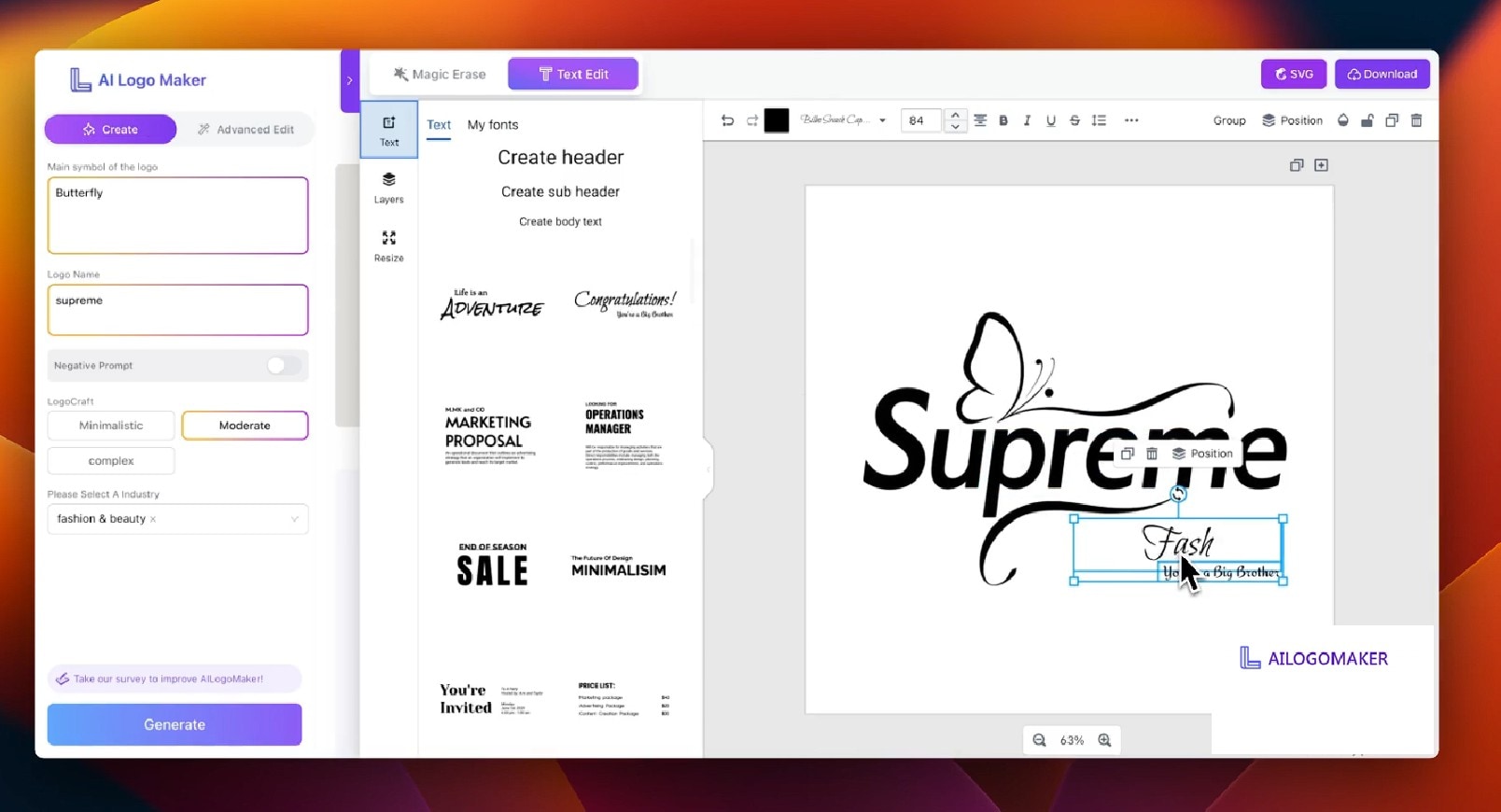
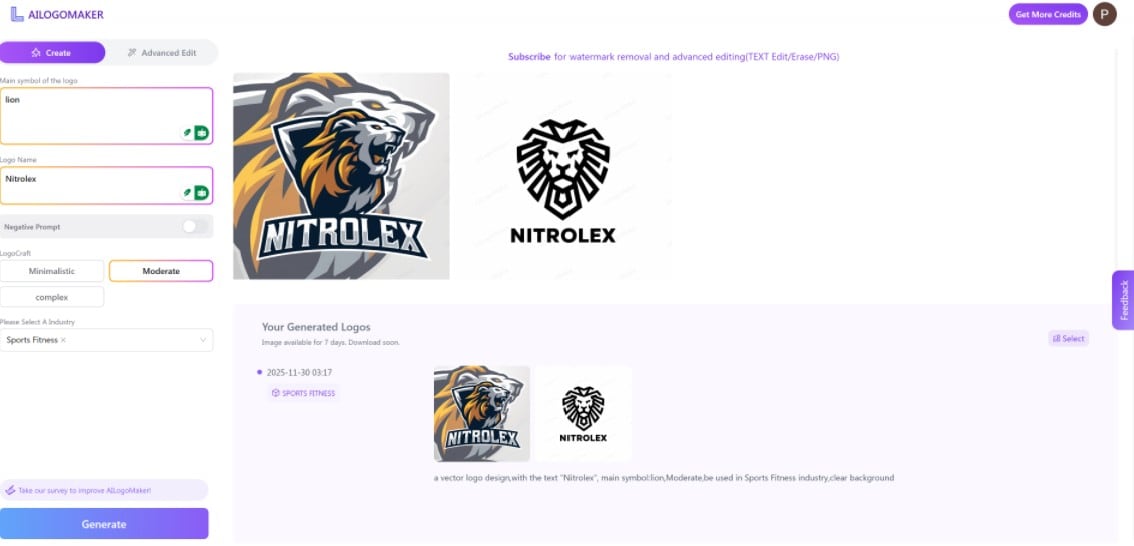
AILogoMaker stands out among AI text logo generators because it focuses on quick results that still feel refined. The tool works with short prompts and generates logo drafts in one run, which helps them create a logo from text with less stress. This layout allows them to move from text to logo AI results without feeling lost.
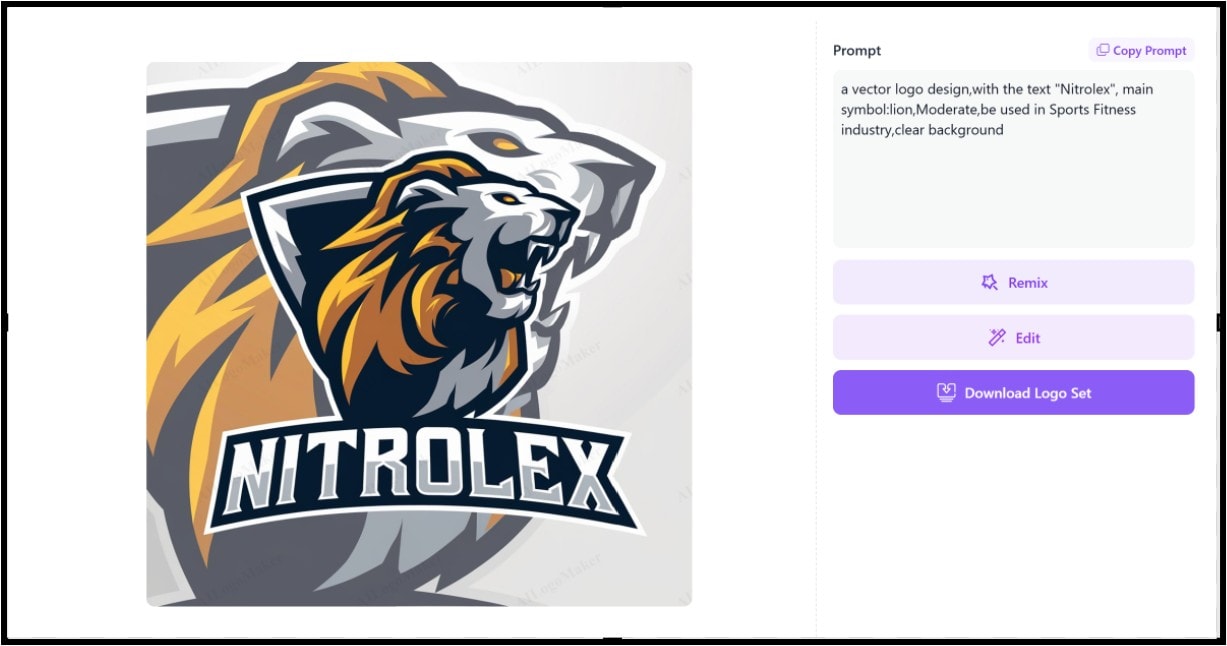
How to Create Logo From Text with AILogoMaker
LogoMaker
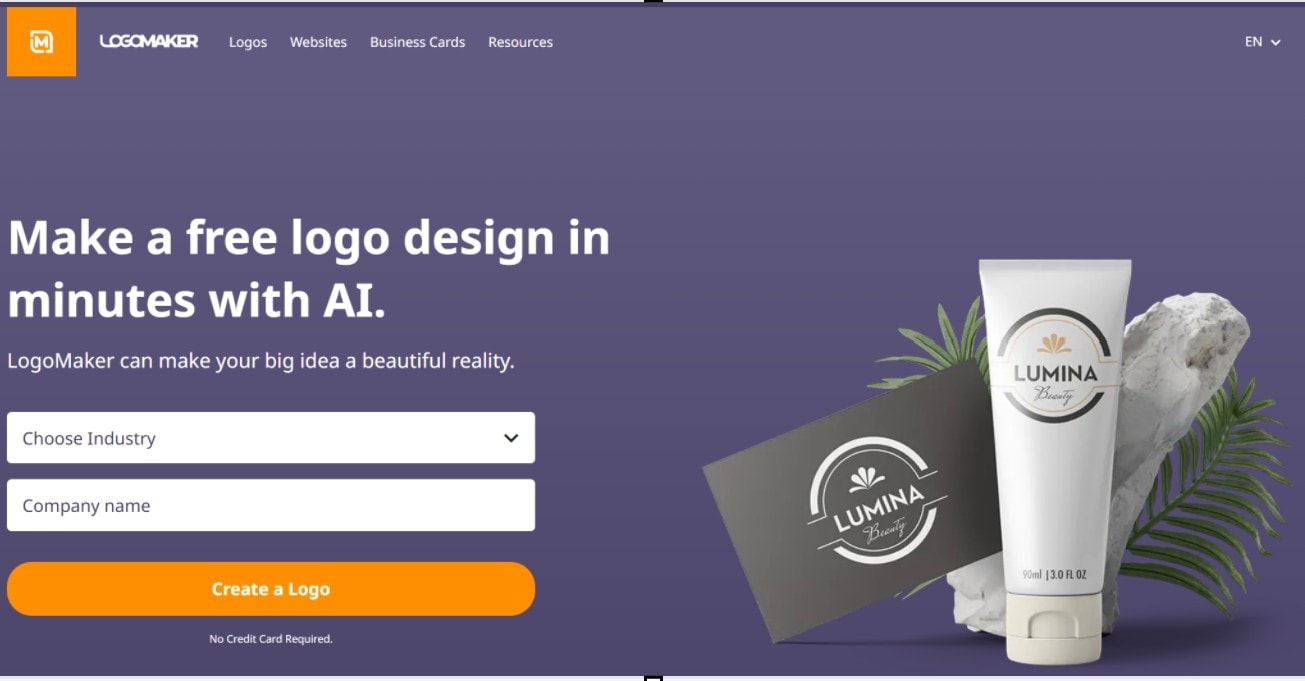
LogoMaker AI text to logo tool offers users a wider set of preset styles, which helps them find a clean look before making further edits. It combines templates with prompt-based generation, allowing people to create a logo from text with more structure. This blend makes LogoMaker a strong text to logo AI generator option for those who need a simple starting point with room for edits.
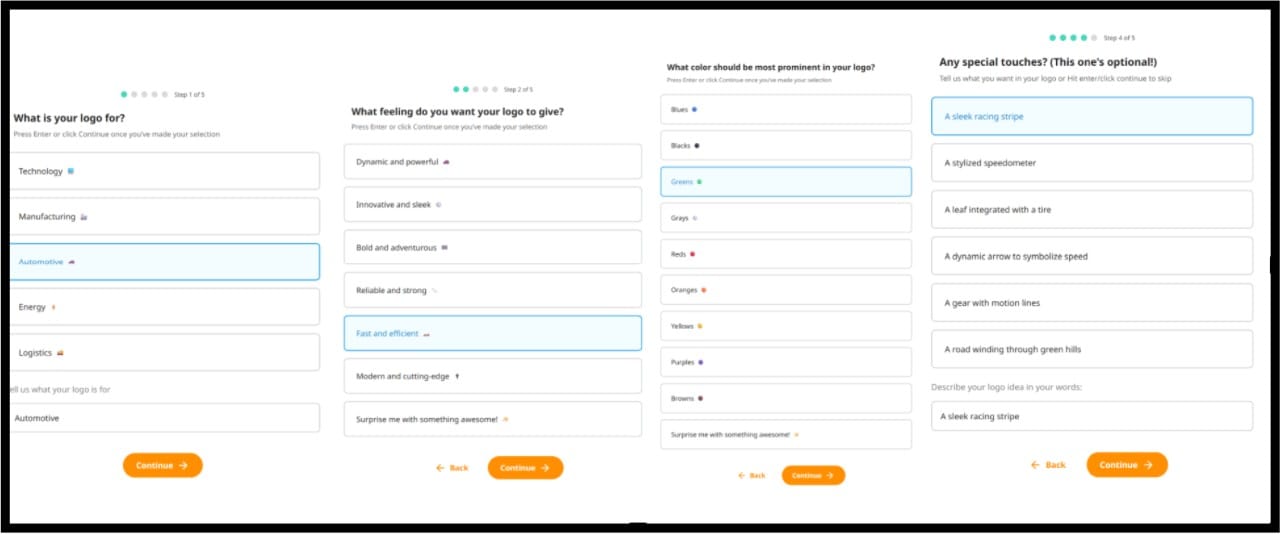
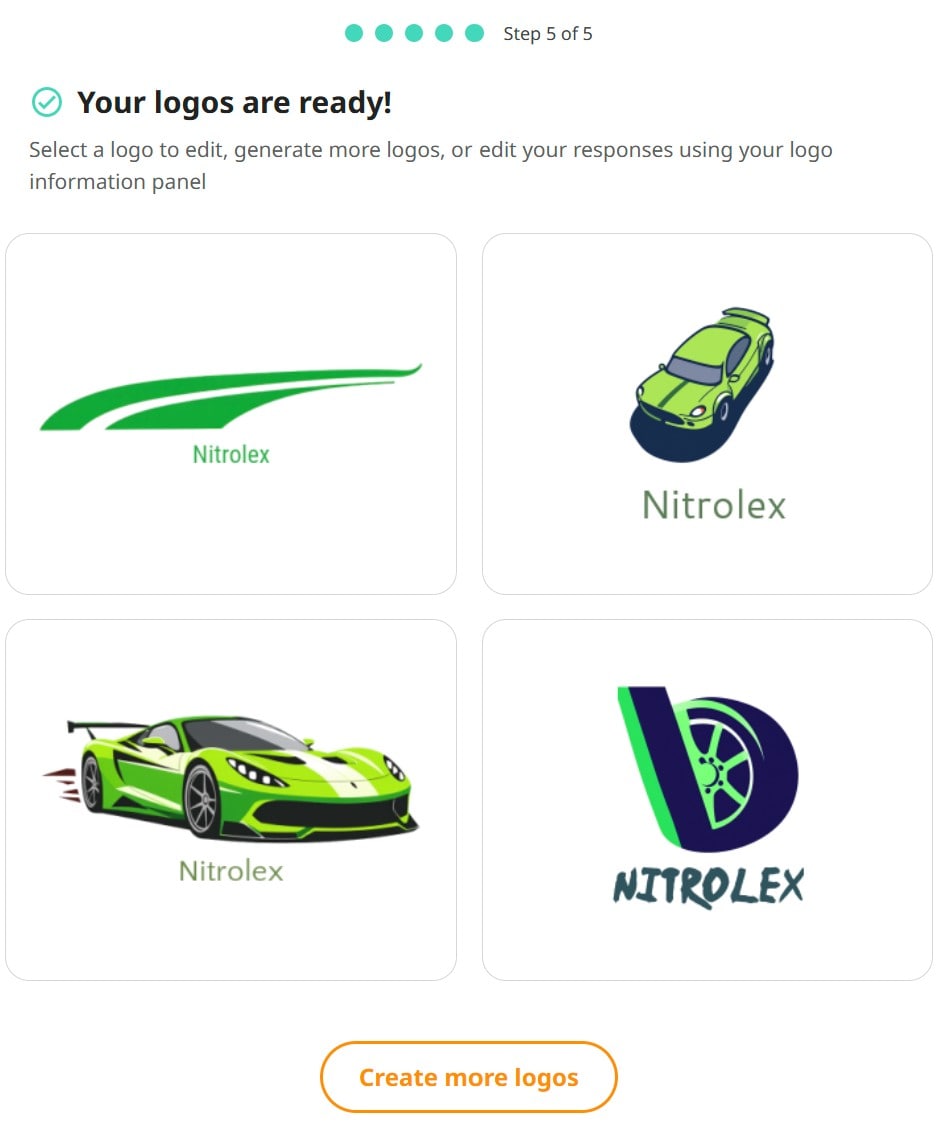
How to Create Logo From Text with LogoMaker
Looka
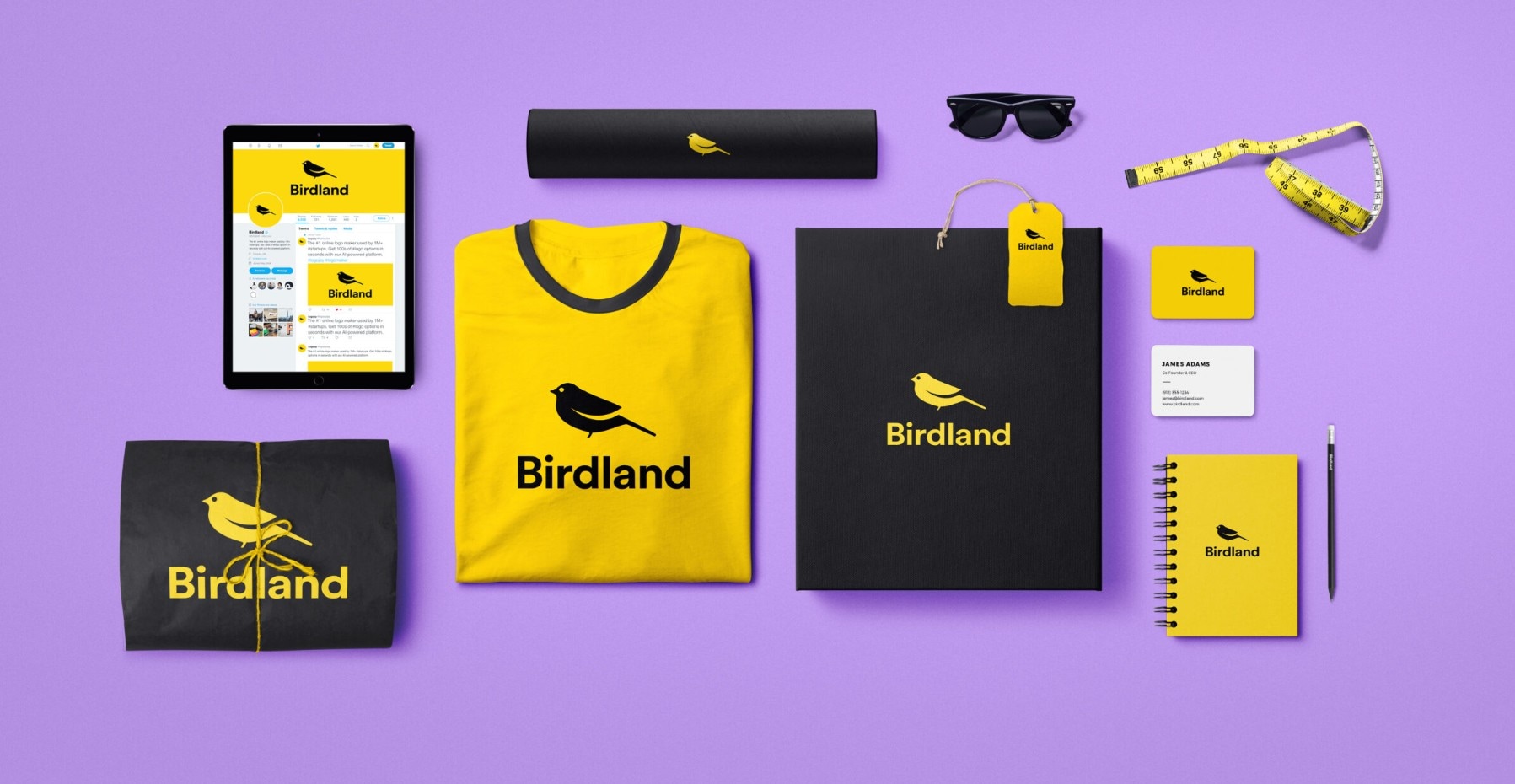
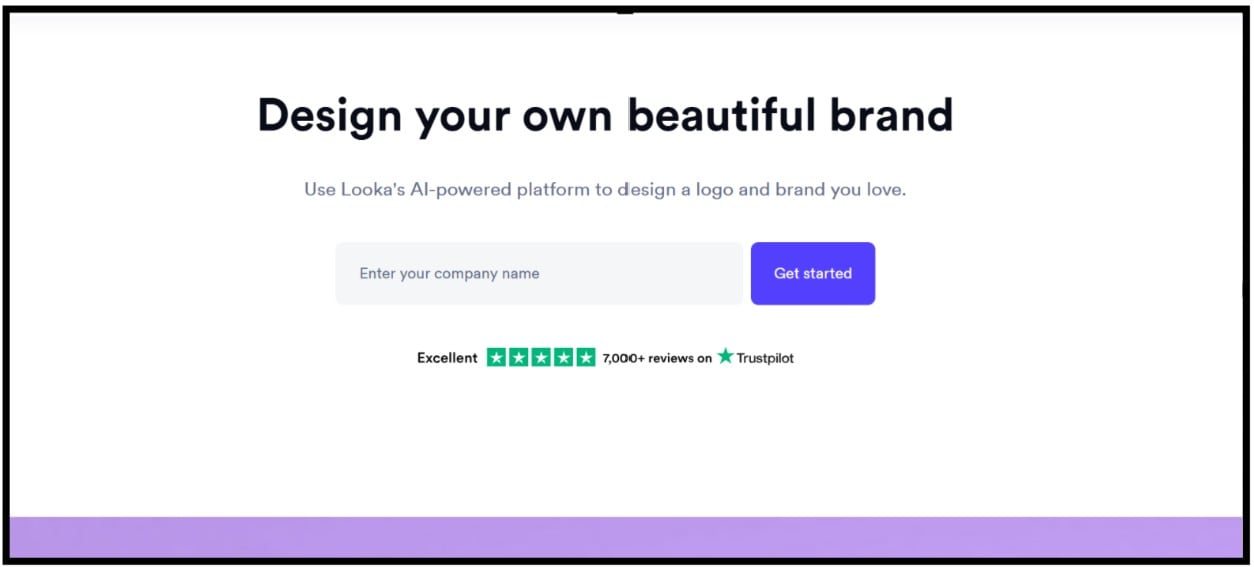
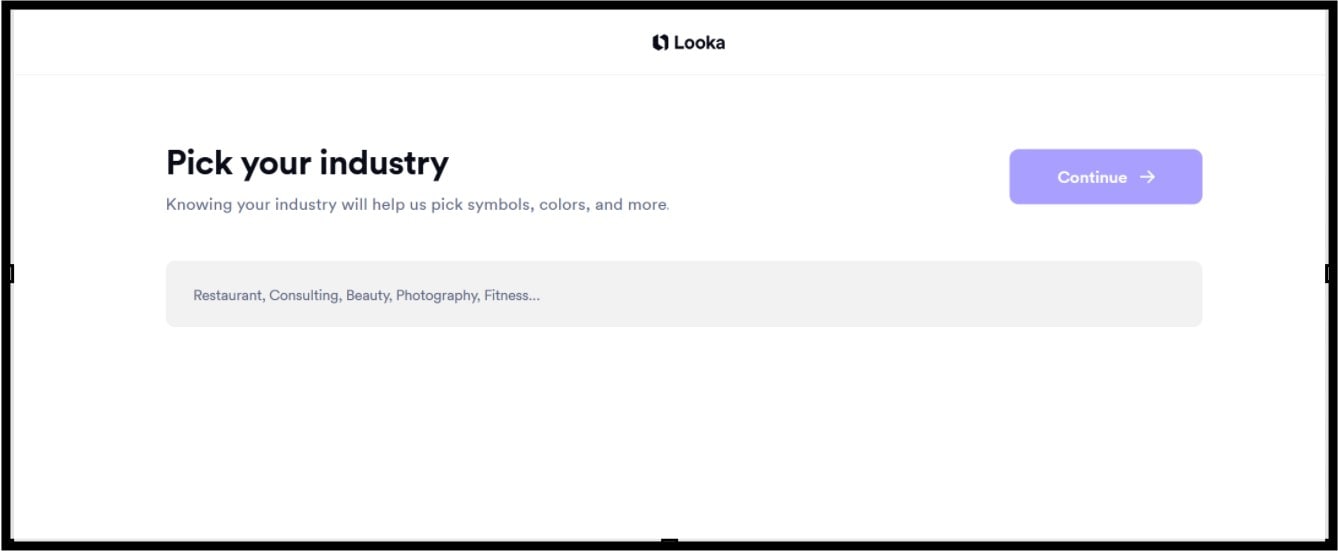
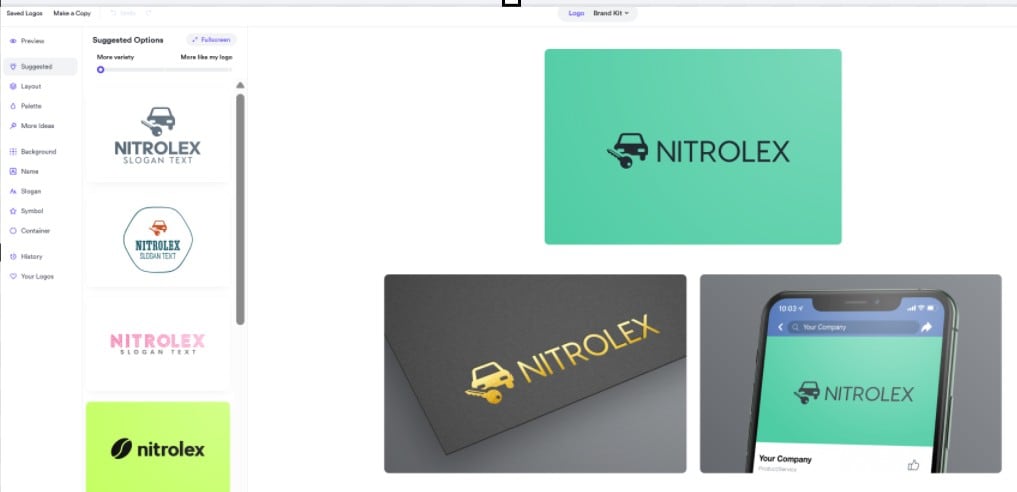
Looka offers more comprehensive text to logo AI tools, so users often choose it when they want more than a single logo. You are provided with options to decide the style and how your logo looks. This allows users to create a logo that reflects their perception while also building a wider brand identity. People who want a full kit often choose Looka because the platform provides mockups and ready packs that fit many formats.
How to Create Logo From Text with Look
Part 3: Which is the Best Tool for Professional Logo Creation?
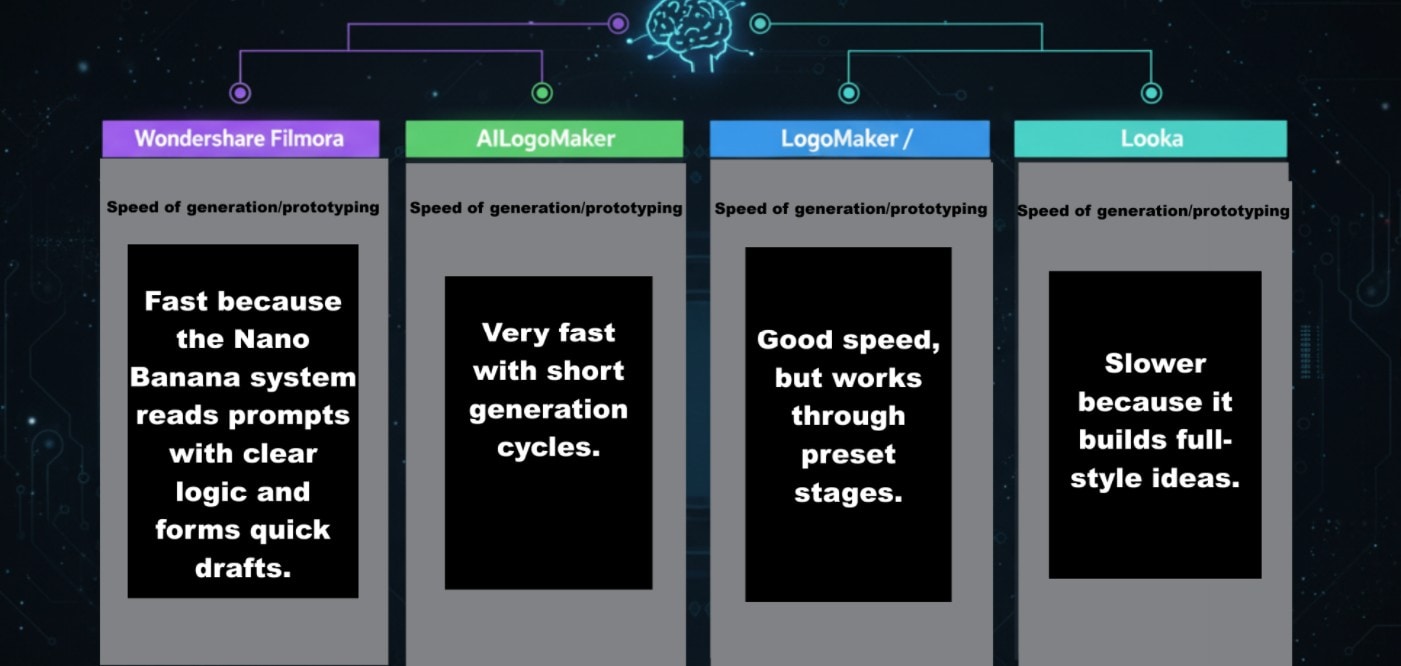
Choosing the best text to logo generator AI might seem confusing, considering the numerous tools available. Each platform in this list works well, yet each one treats prompts, icons, and type shapes distinctly. This is why it helps to compare how each AI text to logo generator handles speed, depth, and final output.
You also need to check how each system builds brand assets, as some tools only create a static logo, while others make full kits. With that in mind, the table below provides a clear view of how these options differ when you create logos from text for business or personal use.
| Factor / Feature | Wondershare Filmora (with AI / Nano Banana Pro) | AILogoMaker | LogoMaker / “LogoMakerr.AI” | Looka |
| Logo creation method | Uses AI text to logo flow with Nano Banana models that respond to short prompts and refine type weight and icon shape. Works well for users who want a cleaner canvas. | Turns short prompts into fast icon drafts and uses a simple preview grid. | Mixes presets with text-to-logo AI generation for users who want structure. | Uses AI logo generator from text and builds a wider brand set through the same prompt. |
| Speed of generation/prototyping | Fast because the Nano Banana system reads prompts with clear logic and forms quick drafts. | Very fast with short generation cycles. | Good speed, but it works through preset stages. | Slower because it builds full-style ideas. |
| Customization depth (fonts, layout, icons, spacing, style) | Strong editing tools with type shaping, color picks, and clean spacing control. | Good range with simple sliders. | Medium depth with icon swaps and color picks. | Deep control with wide brand sets and style themes. |
| Export formats / Scalability (vector, print-ready, transparent, high-res) | Supports clean files for video, print, and web work. Helps users build animated marks, too. | Works well for PNG and JPG. | Good for small brand tasks, but limited vector use. | Offers vector, print packs, and full kits. |
| Brand-kit / Additional Assets (mockups, business cards, social media, stationery, etc.) | Gives users motion options because Filmora can build logo reveals and intro scenes. | Focuses on logo exports alone. | Offers light add-ons for small tasks. | Gives users mockups, cards, and social packs. |
| Suitability for animated / video branding (intros, logo reveal, social media video) | Works best for animation because Filmora offers video effects and motion tools. | Not ideal for animated logos. | Light motion is used only through simple presets. | Not built for motion work. |
| Trade-offs / Limitations | Needs some time for new users to learn the Nano Banana model flow. | Light editing tools may limit complex ideas. | Presets can feel strict at times. | Full brand kits cost more. |
| Ideal use cases / Best For | Best for users who want both a logo and a clean video intro. | Best for fast tasks and quick drafts. | Best for structured prompts and simple brand marks. | Best for full brand kits and rich identity sets. |
Conclusion
Every AI text to logo generator is designed uniquely, so the best pick depends on how you plan to use your AI text-to-logo. AILogoMaker works well when you need fast drafts from simple prompts. LogoMaker fits users who want preset paths with room for edits. Looka stands out when you want a full identity pack that matches your text to logo AI designs across prints and screens.
Filmora offers the broadest range because it mixes clean generation with tools that help you shape motion scenes, logo reveals, and intro clips. This makes it ideal for users who want more than a static mark and want to create a logo from text that can move with their brand.

