

 100% Security Verified | No Subscription Required | No Malware


 ChatGPT
 Perplexity
 Gemini
 Claude
 Grok
Grok
Even though it’s been around since 2022, the Bing generator AI has recently been making rounds online, and for good reason. However, most people still don’t know what it is, where it originated from, or how they can even use it to get perfect images with well-designed prompts.
Well, in this article, we will show you how this bling AI Image generator works and who it's best suited for. We’ll also be demonstrating with different prompts to show you how your words can affect the output image you get. Keep reading to learn all about this!
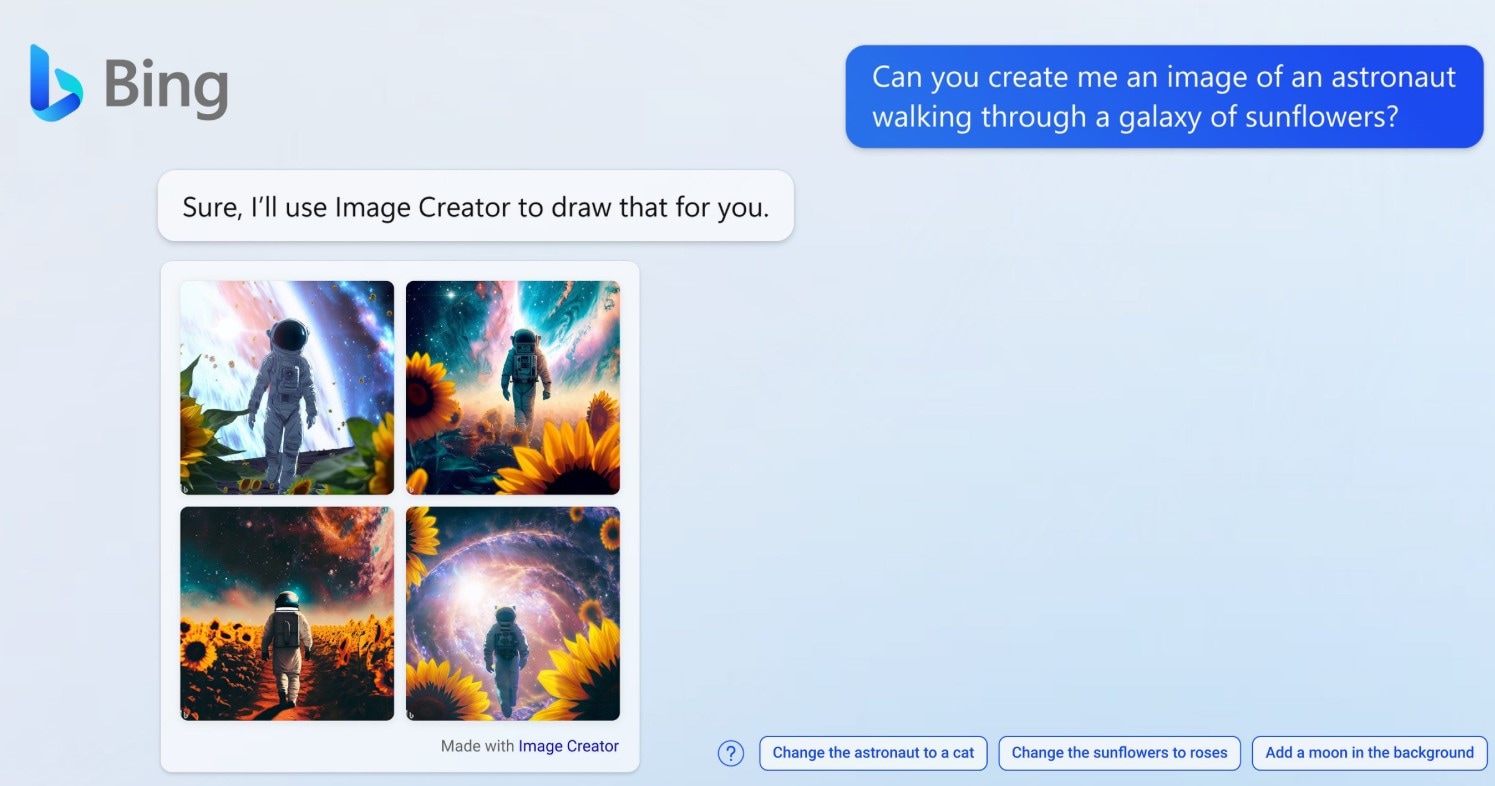
Part 1: What is Bing AI Image Generator?
Bing AI image generator prompts the technology behind it to create images based on your text. Ideally, it is a free tool that creates images for you based on the prompts you provide. This tool was created by Microsoft and thus is available to all Microsoft users, so you’d have to create an account with them to access Bing.
Basically, Bing works with three AI models: DALL-E3, MAI-Image-1, and GPT-4o. DALL-E3 allows you to generate multiple images with one prompt, which would count as one generation process. GPT-4o generates only one picture per process. MAI-Image-1 generates more realistic pictures with great lighting and detailing, which makes it great for generating pictures of nature and food.
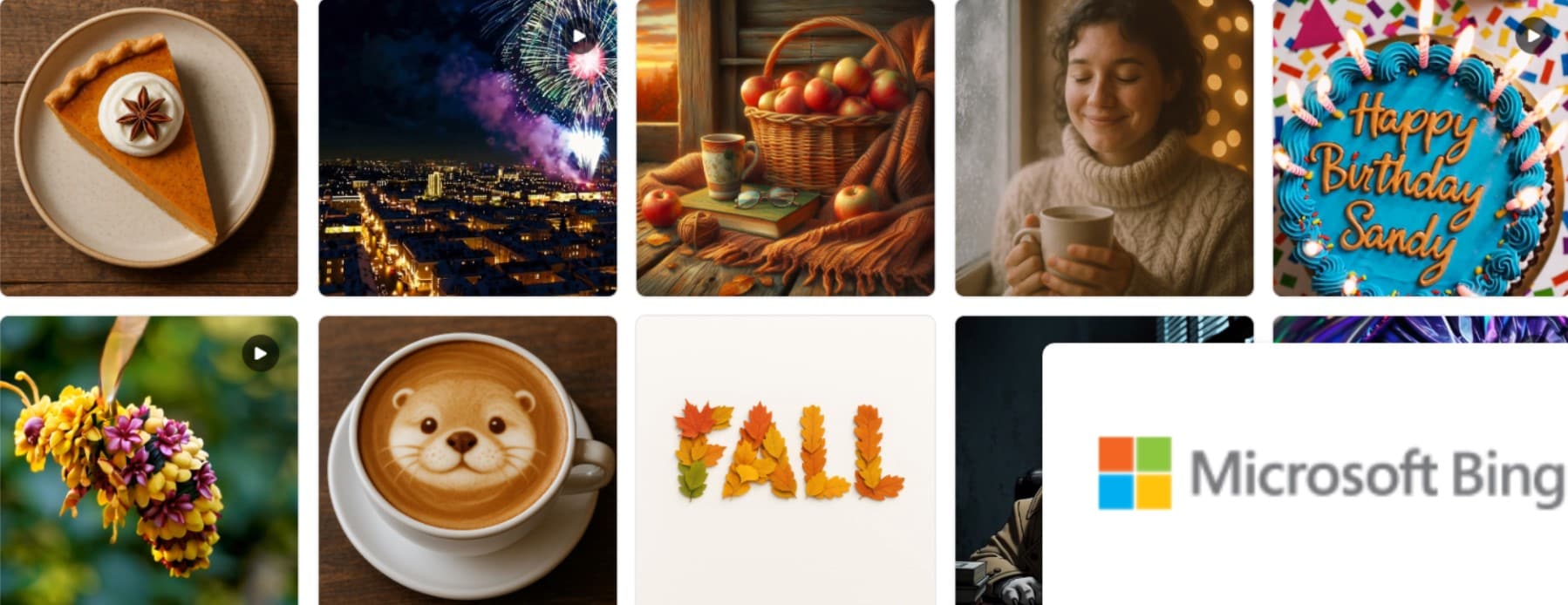
Here’s a quick rundown of this bling AI image generator’s features:
- It offers fast AI image generation with the DALL-E model
- You get up to 15 free generations on Bing's fastest AI image generation model.
- The entire image generation process is prompt-based, so that you can get quality images out of just text.
- Before generating your actual images, Bing lets you test this tool with the Surprise me button at the bottom of its chat.
- You can set the aspect ratio and image quantity you want to generate using this tool.
Part 2: Who Can Use Bing AI Image Generator?
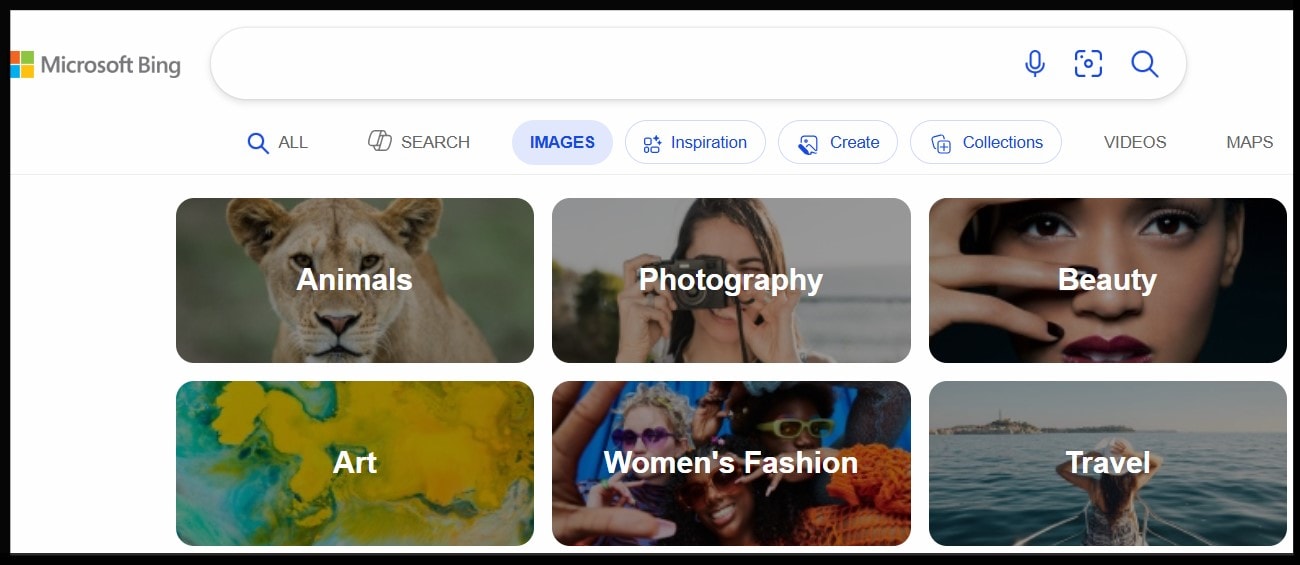
As we’ve mentioned earlier, only those who have a Microsoft account can use the Bing image generator for 3D, 2D, or any other realistic images. But beyond this general classification, the people who can use this tool include:
- People who want to experiment with AI either for fun or for a specific project.
- Content creators who need an image for inspiration for their next video or who want to show their audience what their content is about can use a picture reference.
- Professionals who want to generate images, mood boards, or campaigns quickly.
- Anyone who wants to visualize an image or create an illustration, whether it's 3D or 2D.
Essentially, this bling generator AI is suited for almost anyone who has an idea of a picture they want to bring to life. However, it’s not a good fit for people who want to sell the images because all the pictures generated on the free version are marked as for personal use only and not commercial.
Part 3: How to Use Bing AI Image Generator
To use Bing to generate images, you first have to download Microsoft and create an account, or you can access it online. Once your account is set, follow the steps below to create unique images with this bling AI image generator:
Step 1: From the AI chat page, set the AI model you want to use. Select DALL-E3 for four images at once, GPT-4o for illustrations, and MAI-Image0-1 for realistic scenes with clean lighting.
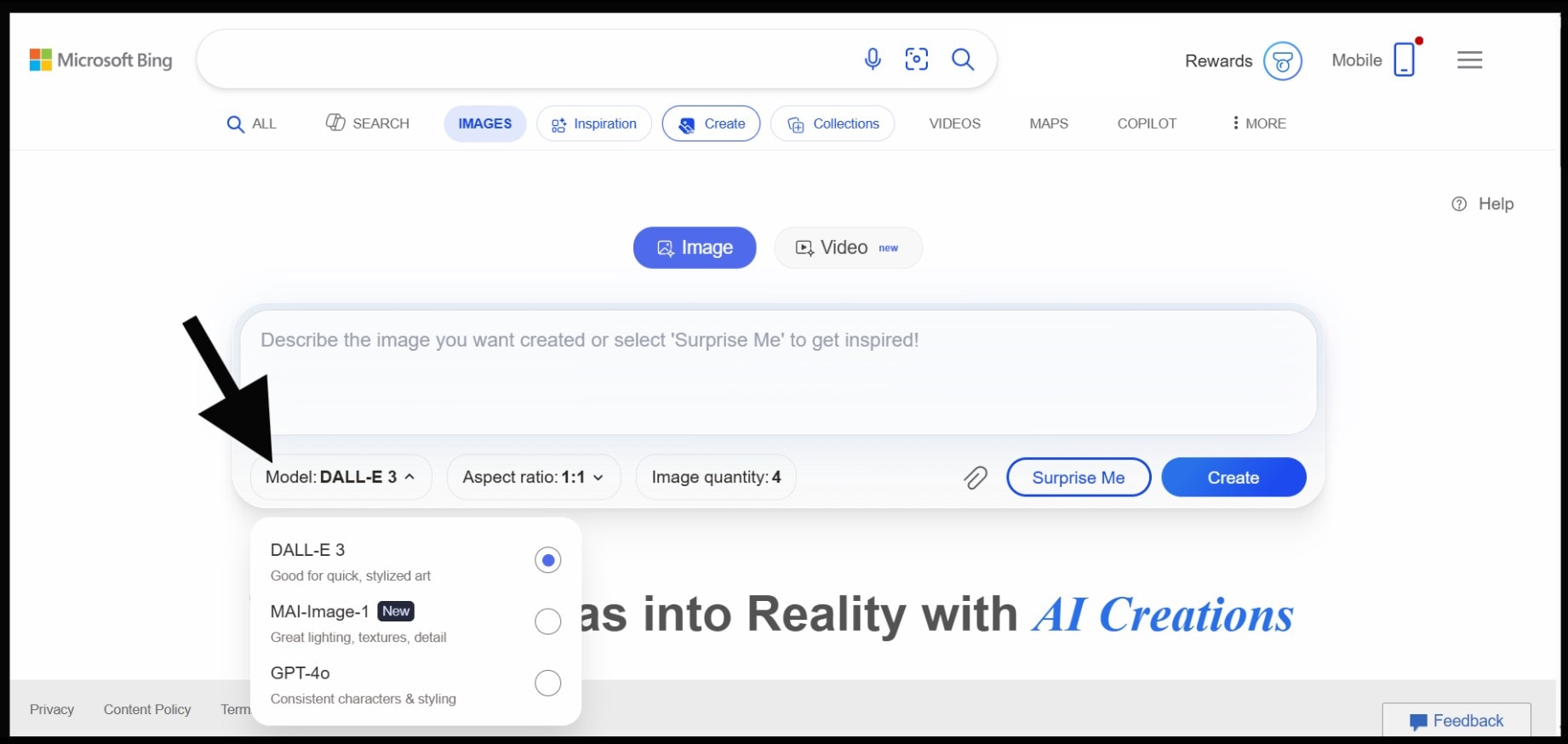
Step 2: Set the aspect ratio to your preferred size.
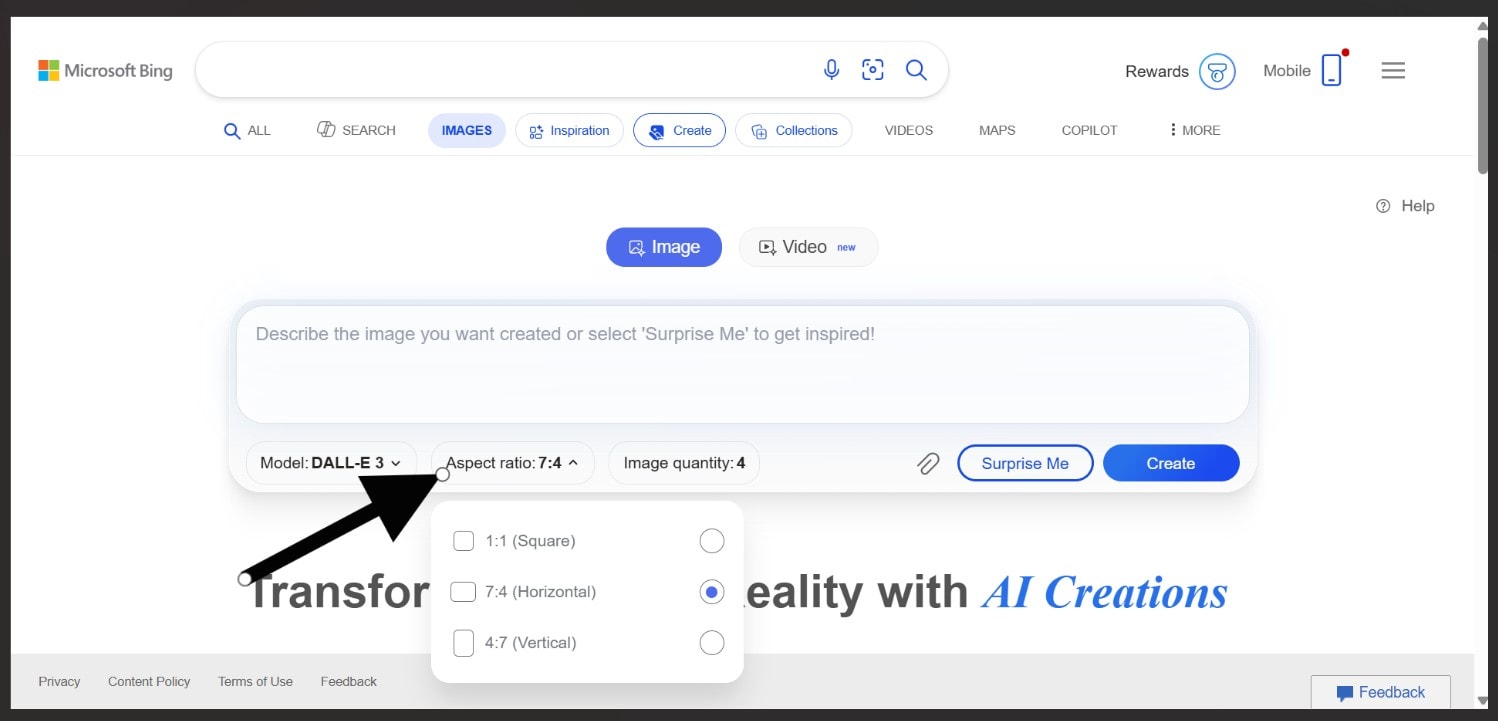
Step 3: Enter your prompt and tap Create to get your image. If it’s not to your taste, you can regenerate. You have 15 generations per day, so use them well!
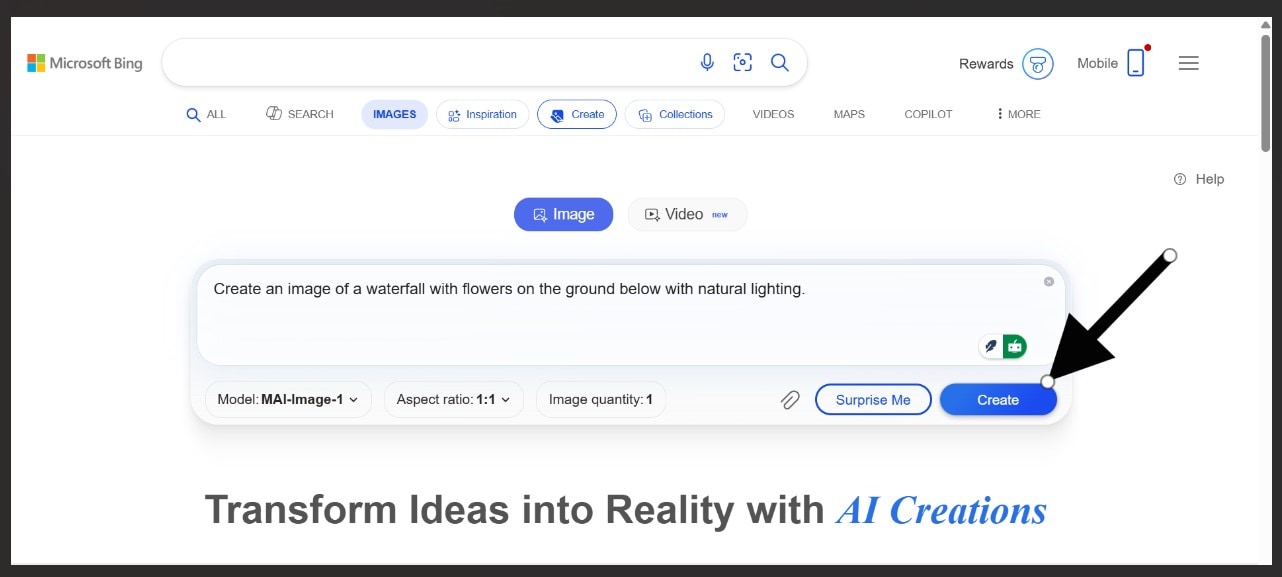
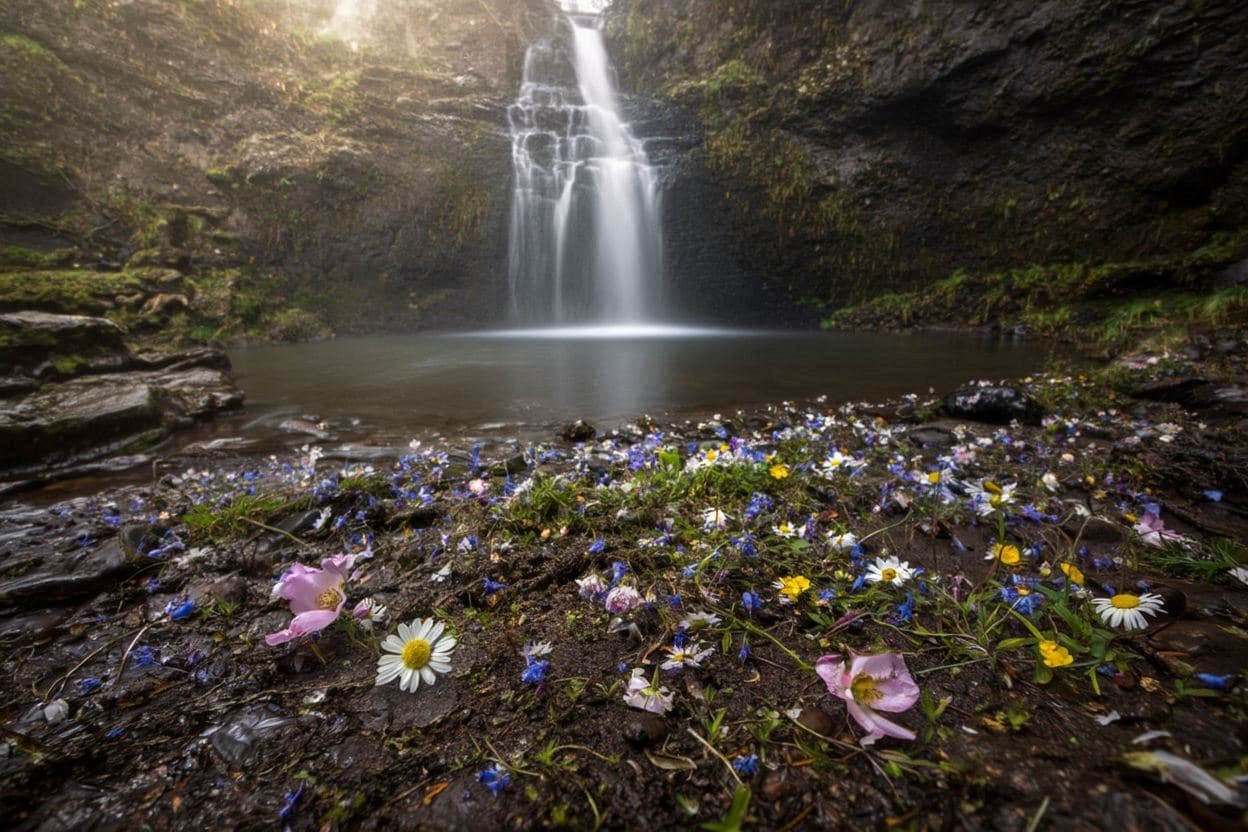
Here’s the final result we got:
Top Prompts to get the Best Results with Bing AI Image Generator
Before you try it out for yourself, here are some examples of images generated with different prompts and the models we used for each one:
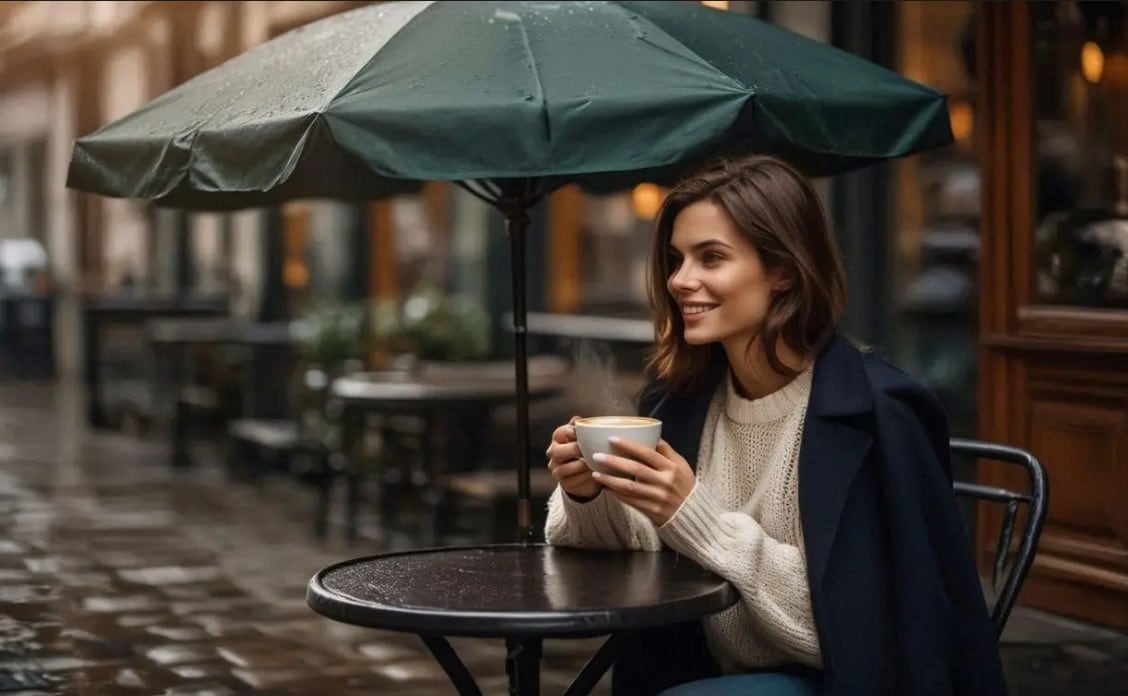
Prompt 1. Create an image of a smiling woman drinking coffee under an umbrella outside a coffee shop - (GPT-4o)
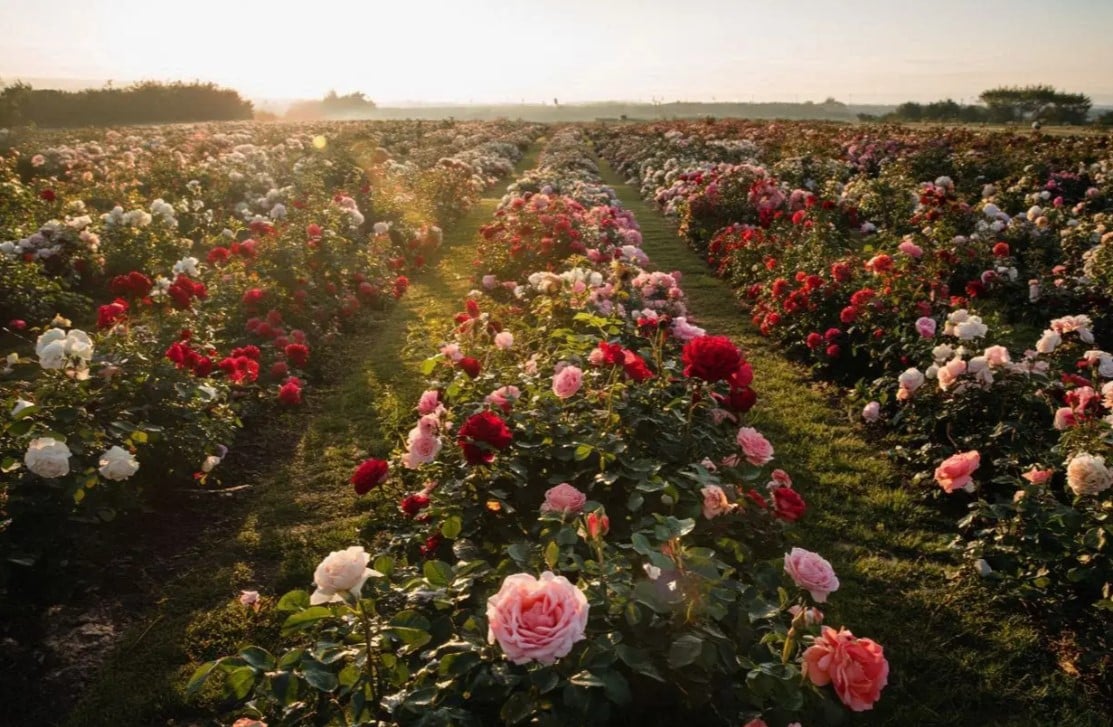
Prompt 2: Create an image of a rose garden with ridges of rose bushes extending into the horizon with natural lighting.
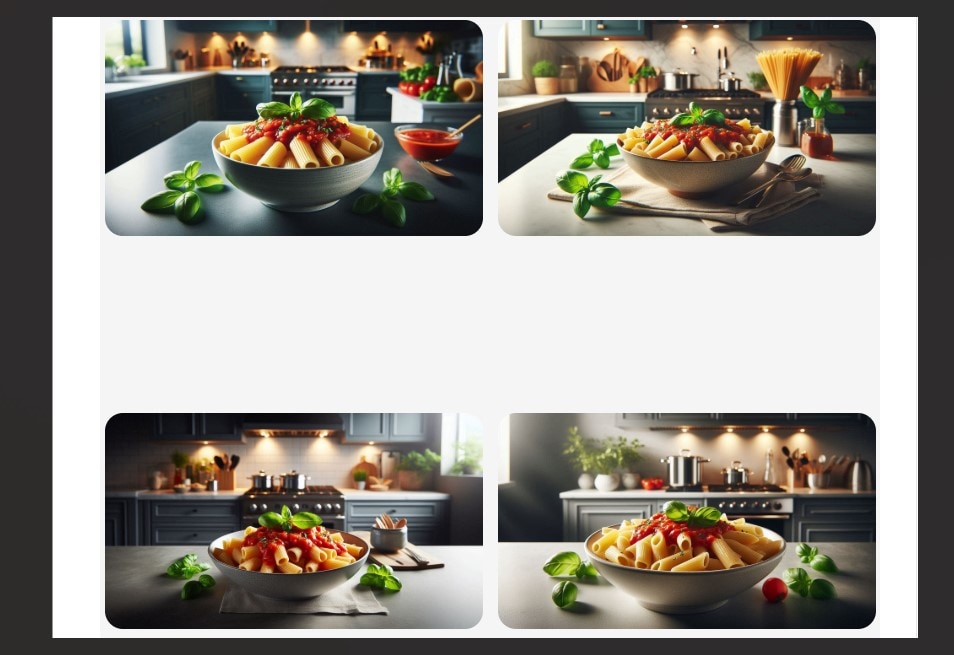
Prompt 3: Create an image of a bowl of rigatoni pasta in a modern-themed kitchen.
Part 4: Pros and Cons of Using the Bing AI Image Generator
Although it has notable benefits, you should also be aware of the potential cons of using the Bing AI Image generator for 3D, 2D, or any kind of images at all. Below is a table outlining the pros and cons of using the Bing AI image generator, which we noticed while trying it out:
| Aspect | Pros | Cons |
| Image quality | The images generated have a high quality of around 1080 pixels, especially with the new MAi-Image-1 model | The output is inconsistent. Some images are excellent, while others have issues |
| Resolution | The quality is sufficient for everyday use, like on social media or for beginners. | For more advanced designers, it can be limiting to generate high-resolution images. |
| Media generation capabilities | The different models allow you to generate practically any image according to any style | The bling AI image generator itself cannot produce videos or motion graphics. You have to switch to the video tool, which is still new and only creates videos up to five seconds. This can be problematic for advanced users. |
| Accessibility and number of generations | It offers a free, online version, which means you can access it from any device. | It only offers 15 generations per day. If you use them up, you have to wait until the next day to try again. |
| Speed | The image generation feature can design your images quickly. | In high online traffic, it takes time to process images. |
Bonus: An All-in-One Image and Video Generator for All Your Needs!
Here’s the thing: while this bling generator AI is great for image generation, its limitations can be an issue, especially in times of high online traffic or if you’re an advanced user who needs longer videos generated. As such, it’s important that you secure a tool that allows you to generate both images and videos without limits.
 secure download

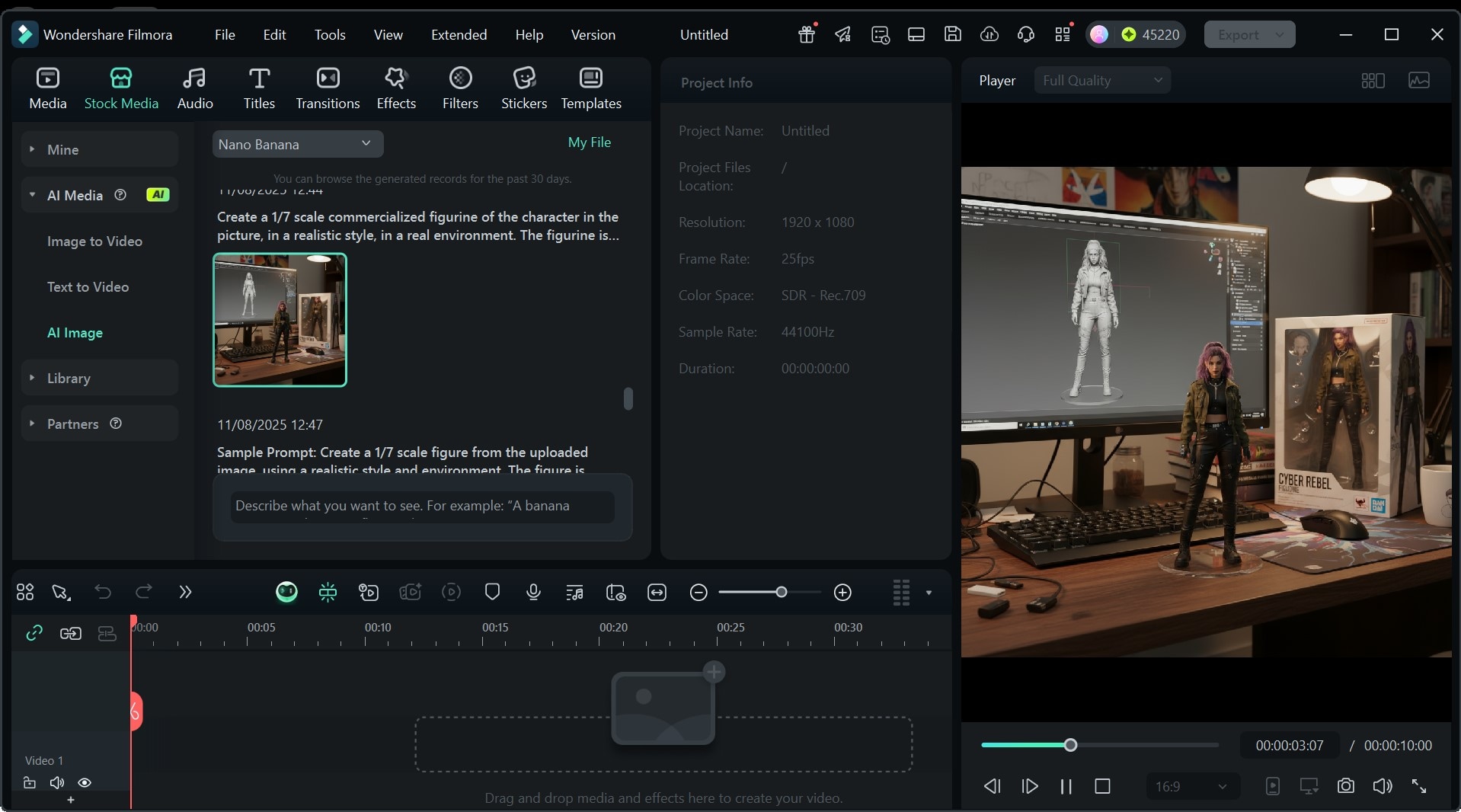
Wondershare Filmora is an all-in-one image and video generator that takes away these issues and provides you with a platform to create without boundaries. Specifically, our text-to-image and text-to-video tools are exactly what you need to unleash your creativity. Here’s a breakdown of the features that make Filmora perfect for all your media creation needs:
- The Nano Banana model allows you to create amazing images with just text or with a reference photo and a prompt.
- Veo 3 is our advanced AI video generation tool that generates high-resolution videos with prompts and image-to-video.
- With both tools, you get fully customizable media tailored exactly to your taste.
- Veo 3 allows for video generation up to 8 seconds, with provisions for voiceovers and sound effects.
So, if you’re ready to take your media generation game to the next level, we recommend using Filmora to get high-quality images and videos every time.
 secure download
Conclusion
Bing AI image generator with prompts delivers some amazing images, especially considering you can access it for free. However, while it's a great option for beginners, advanced image and video creators might have some limitations using it.
For this reason, we recommend trying out Filmora, which is suited for both beginners and advanced users. With our Veo 3 and Nano Banana media generation models, you can create both images and videos quickly and effectively!
The content is too scattered. You need to categorize and summarize the specific pros and cons of this AI model yourself, like in terms of resolution, speed, image quality, etc; otherwise, this table serves no purpose.
