Explore AI Constructivism Poster Prompts
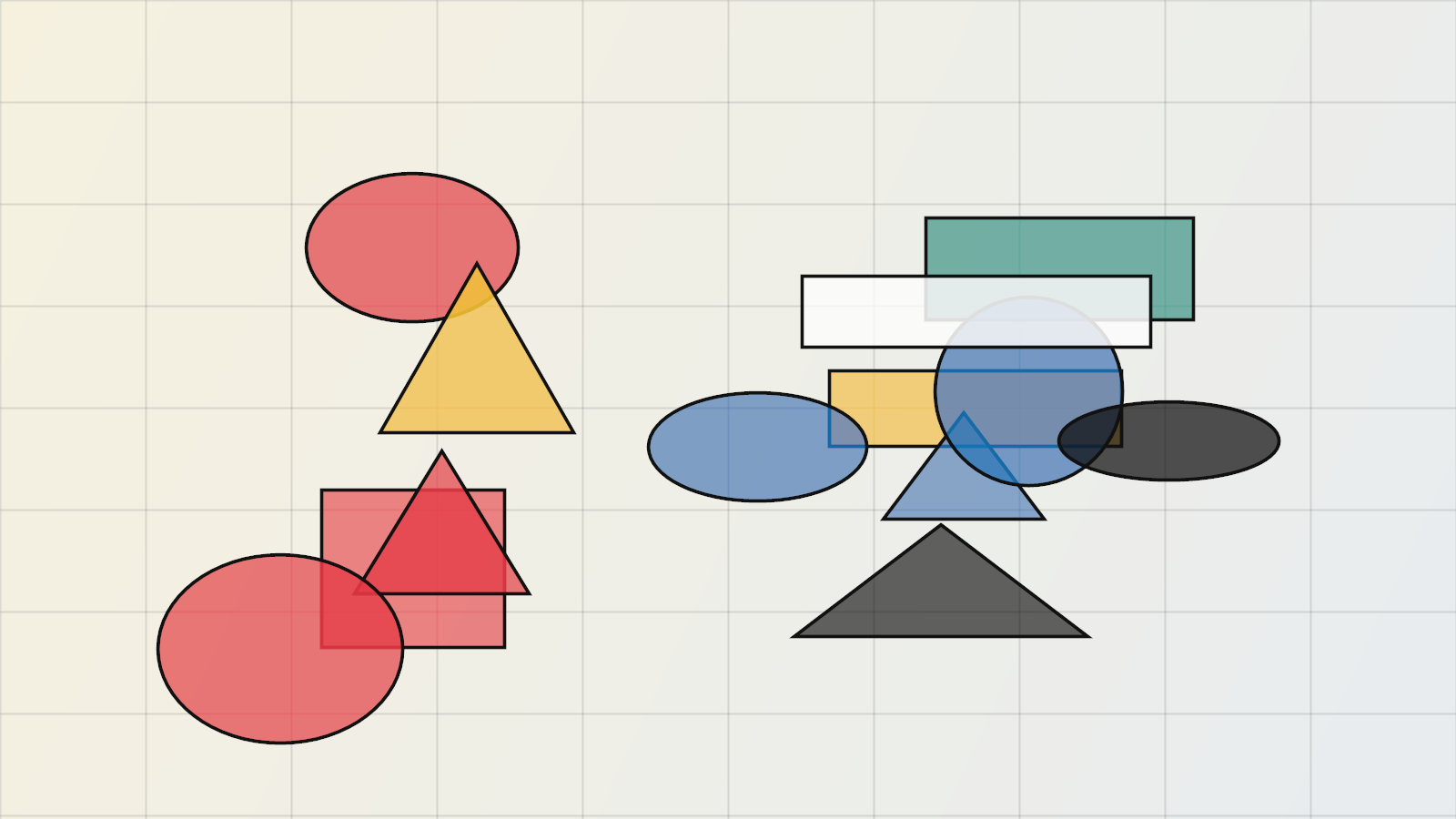
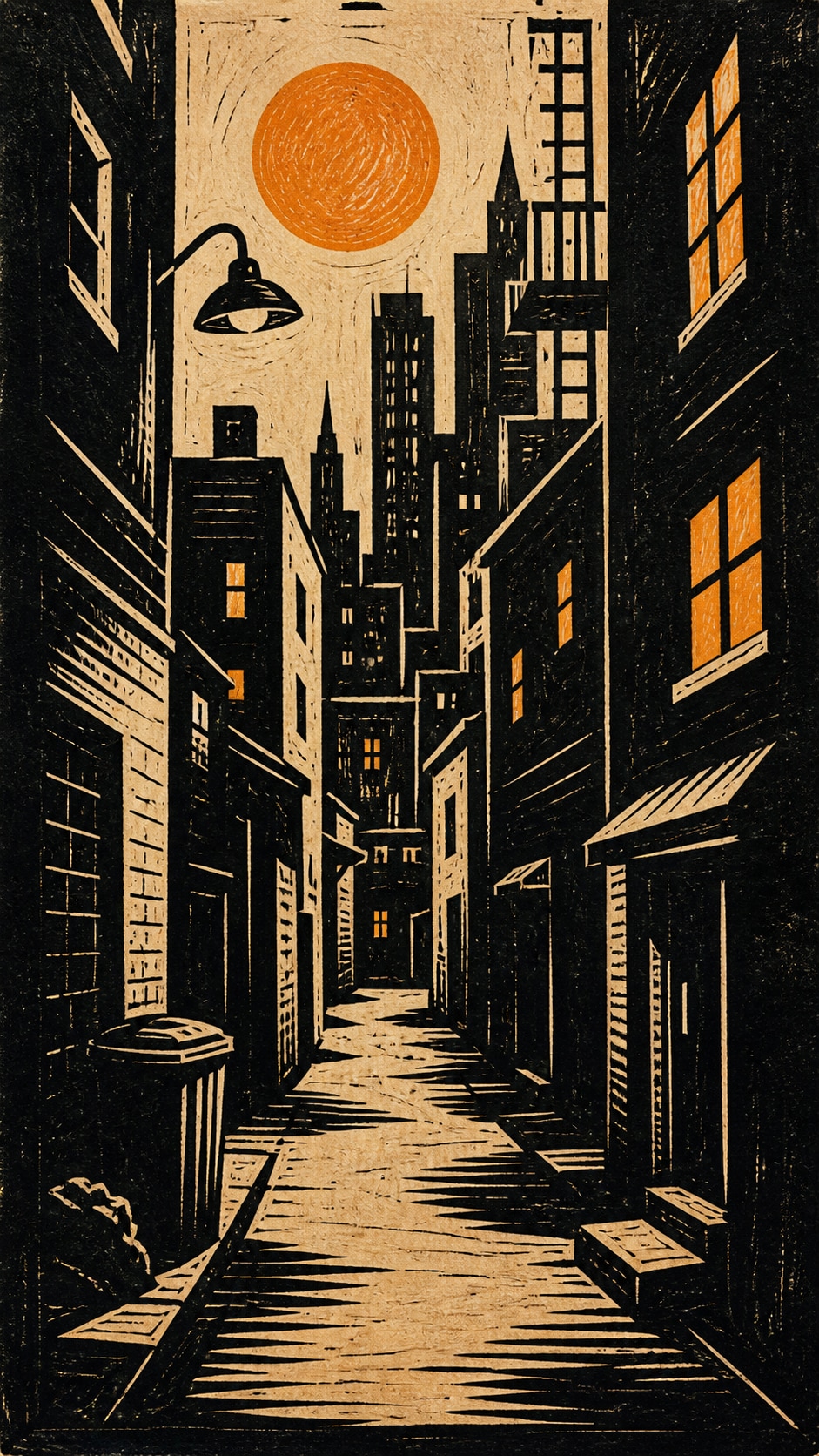
Browse AI constructivism poster prompts for Soviet-inspired geometry, photomontage panels, brand-launch covers, and open typography space. Use each still for video templates, campaign posts, or motion-ready reveals.
Loading more AI constructivism poster prompts...
 Category:
 Duration:
 Aspect Ratio:
Why Build Constructivist Posters With Filmora?
Constructivist posters need diagonal force, limited red-black-beige color, and a quiet band for later type. Filmora helps you generate the still, compare model geometry, add overlays, and export a launch clip.
Turn Geometry Into Launch-Ready Stills
Turn Geometry Into Launch-Ready Stills
Start with a precise constructivism poster prompt, then use Filmora's AI image generator to keep wedges, bars, and silhouettes sharp enough for later headlines.
- Diagonal Force - Hold a red wedge, rising arrow, or crossing bars as the visual engine.
- Empty Type Band - Leave a quiet beige or black zone so real launch copy can be added in Filmora.
- Industrial Options - Compare factory silhouettes, photomontage, and modular brand covers before you commit.
Lock Diagonal Structure With GPT Image 2
Lock Diagonal Structure With GPT Image 2
When shapes start to smear, Filmora's GPT Image 2 helps restore hard geometry, limited color, and photomontage edges.
- Prompt Control - Describe circles, bars, palette, and empty headline space in one pass.
- Edge Follow-Through - Keep cut-paper sharpness and overlapping planes without turning into noise.
- Edit-Ready Margins - Hold clean outer edges for stickers, type, and social safe zones.
Test Bold Color Blocks With Nano Banana
Test Bold Color Blocks With Nano Banana
Use Filmora's Nano Banana when one launch idea needs a hotter red, a flatter beige field, or a tighter social crop.
- Style Range - Explore propaganda-style silhouettes, factory views, and brand covers from one grid.
- Variant Testing - Generate several geometric directions before locking a campaign still.
- Fast Creative Loop - Stay inside Filmora from prompt to finished launch poster.
Animate Poster Reveals Into Video
Animate Poster Reveals Into Video
After the still is generated, use Filmora's AI Image to Video to add bar slides, wedge reveals, captions, and audio.
- Motion Ideas - Use sliding bars, rotating circles, or a hard cut-in to the red wedge.
- Social Crops - Recut one poster into 16:9, 9:16, and 1:1.
- Final Export - Finish with type, music, and platform-ready output in Filmora.
Frequently Asked Questions About Constructivism Poster Prompts
How to Generate Constructivist Posters For Launch Art
Choose a geometric launch scene, lock the diagonal structure, generate the still, then add type and motion in Filmora.
Step 1 Choose a Geometric Launch Scene

Step 2 Lock Diagonals and Color Blocks

Step 3 Generate, Layer, and Export

-
1: Choose a Geometric Launch Scene
Pick a red wedge, worker silhouette, factory perspective, or brand-launch cover. -
2: Lock Diagonals and Color Blocks
Paste the prompt into Filmora's AI Image tool, choose GPT Image 2 or Nano Banana, then refine bars, circles, and title space. -
3: Generate, Layer, and Export
Generate the poster, add type or motion if needed, then export a campaign still, reel, or cover.
AI Constructivism Poster Prompts for Geometric Launch Art
Use AI constructivism poster prompts to generate geometric launch posters, industrial silhouettes, and motion-ready brand covers for Filmora editing.