Explore AI Egon Schiele Art Prompts
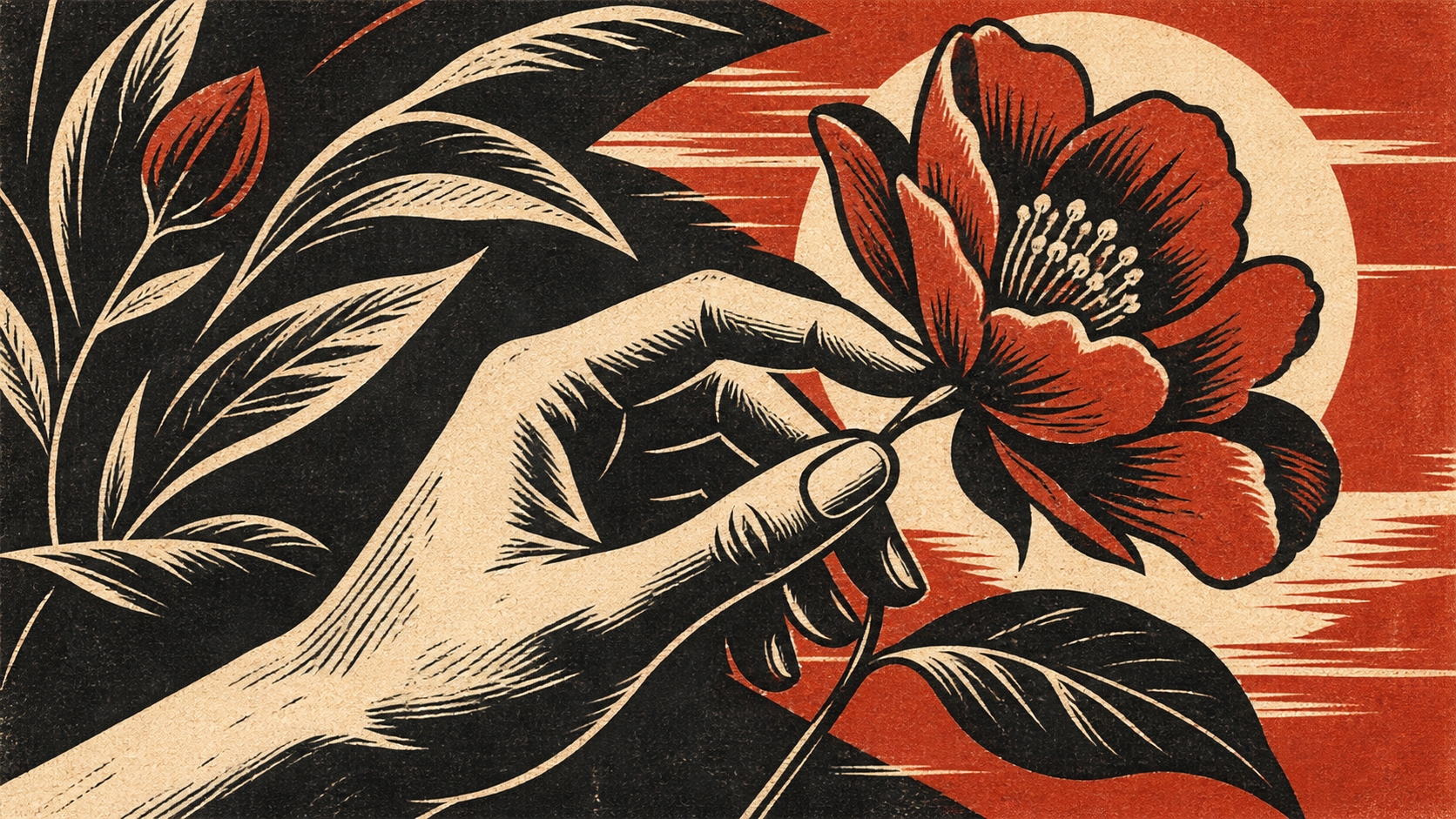
Browse AI Egon Schiele art prompts for contour portraits, seated figures, hand studies, brown-paper sketches, and watercolor washes. Use each still for video templates, gallery posts, or line-reveal motion covers.
Loading more AI Egon Schiele art prompts...
 Category:
 Duration:
 Aspect Ratio:
Why Sketch Schiele-Style Portraits With Filmora?
Schiele-style sketches need taut contour lines, off-balance poses, and paper that still looks handmade. Filmora helps you generate the study, compare model line quality, add overlays, and export a gallery still or reel.
Turn Contour Prompts Into Sketch Stills
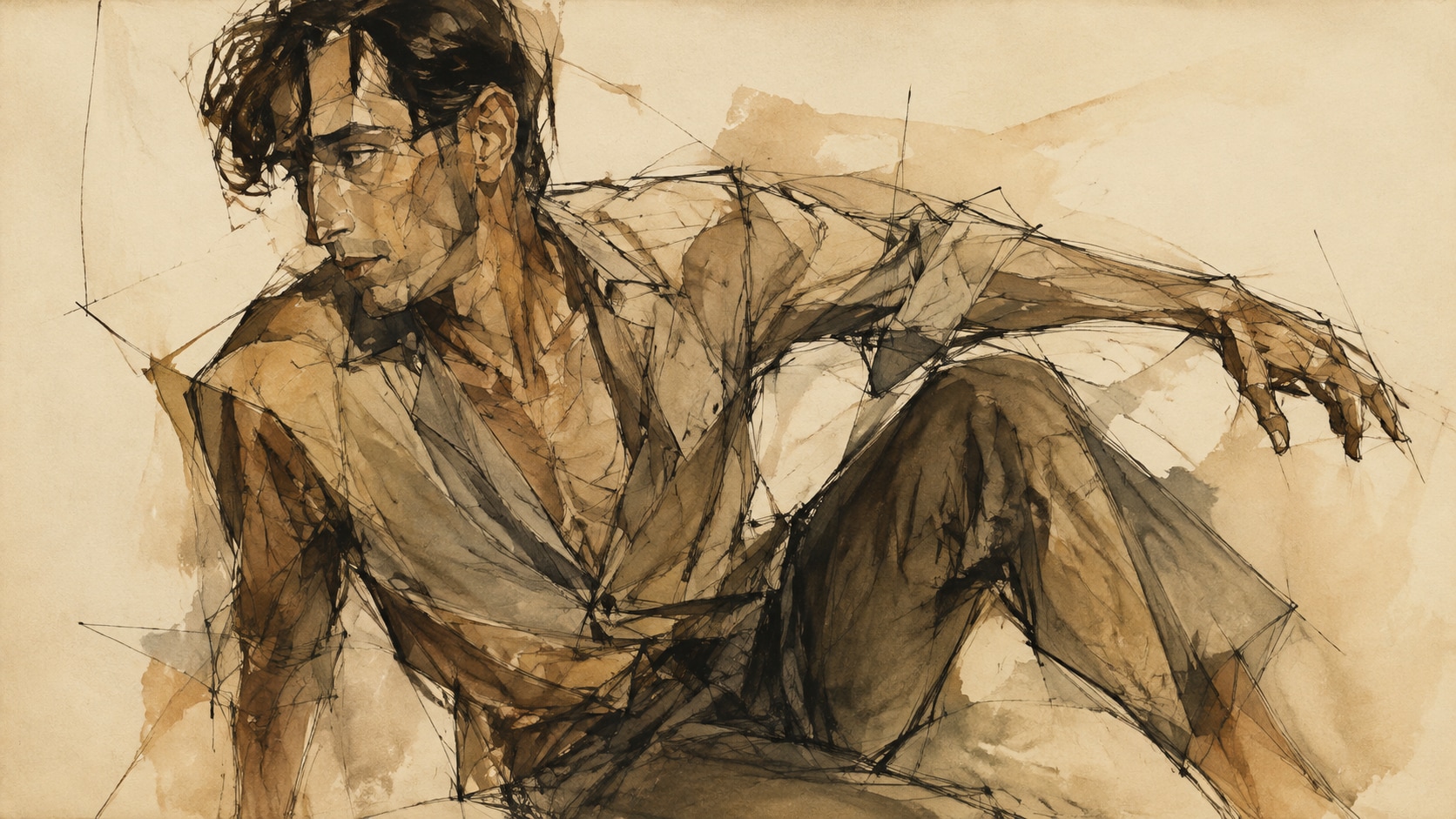
Turn Contour Prompts Into Sketch Stills
Start with a precise Egon Schiele art prompt, then use Filmora's AI image generator to keep angular contours, bony hands, and paper grain ready for later titles.
- Taut Poses - Hold off-balance seated or standing poses so the drawing feels tense.
- Visible Line - Keep contour, cross-contour, and unfinished edges on the paper.
- Handmade Paper - Let cream or brown paper show around the figure.
Keep Nervous Lines With GPT Image 2
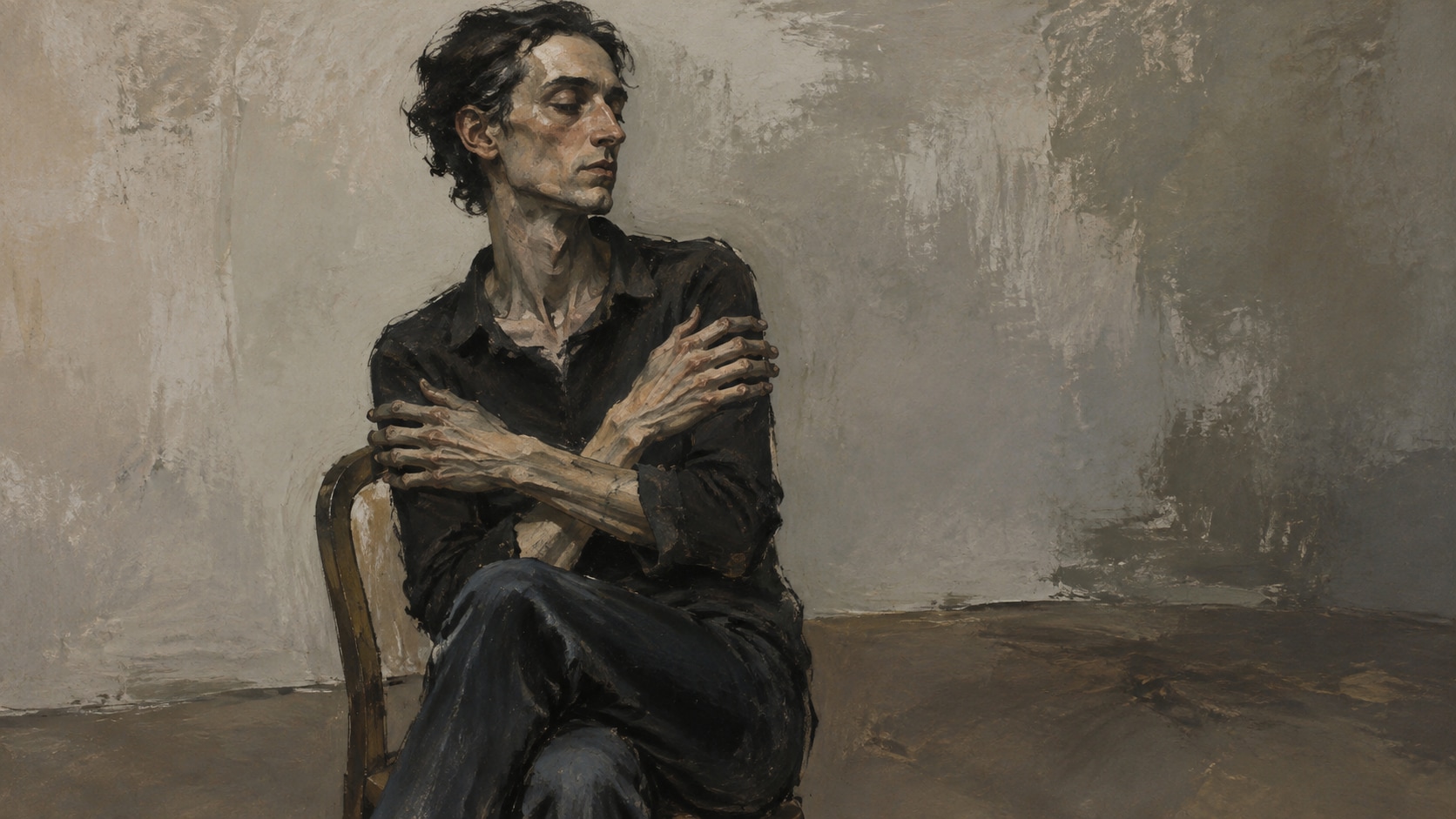
Keep Nervous Lines With GPT Image 2
When the sketch turns too smooth, Filmora's GPT Image 2 helps restore contour bite, joint angles, and wash bloom.
- Line Control - Describe contour color, dry brush, and where the drawing should stay unfinished.
- Hand Emphasis - Keep elongated fingers and wrists as the emotional focus.
- Quiet Paper - Leave empty sheet space for later type or crop.
Shift Wash Color With Nano Banana
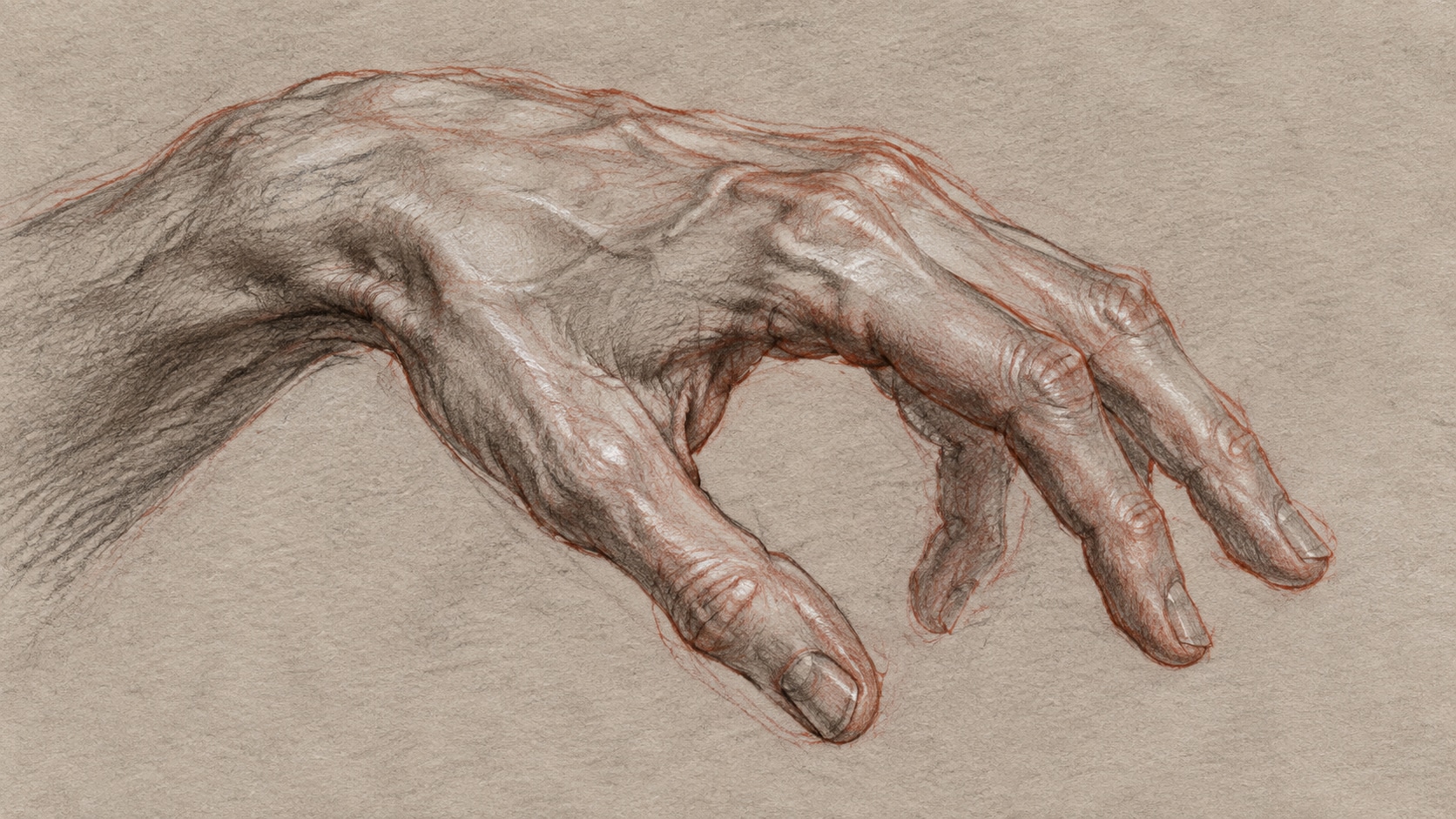
Shift Wash Color With Nano Banana
Use Filmora's Nano Banana to try redder contours, drier earth washes, or a tighter face crop from the same study.
- Palette Range - Explore brown paper, cream sheet, red contour, and sparse watercolor.
- Study Variants - Generate portrait, hand, and full-figure versions quickly.
- One Sketch Loop - Stay in Filmora from prompt to finished expressionist still.
Reveal The Drawing In Filmora Video
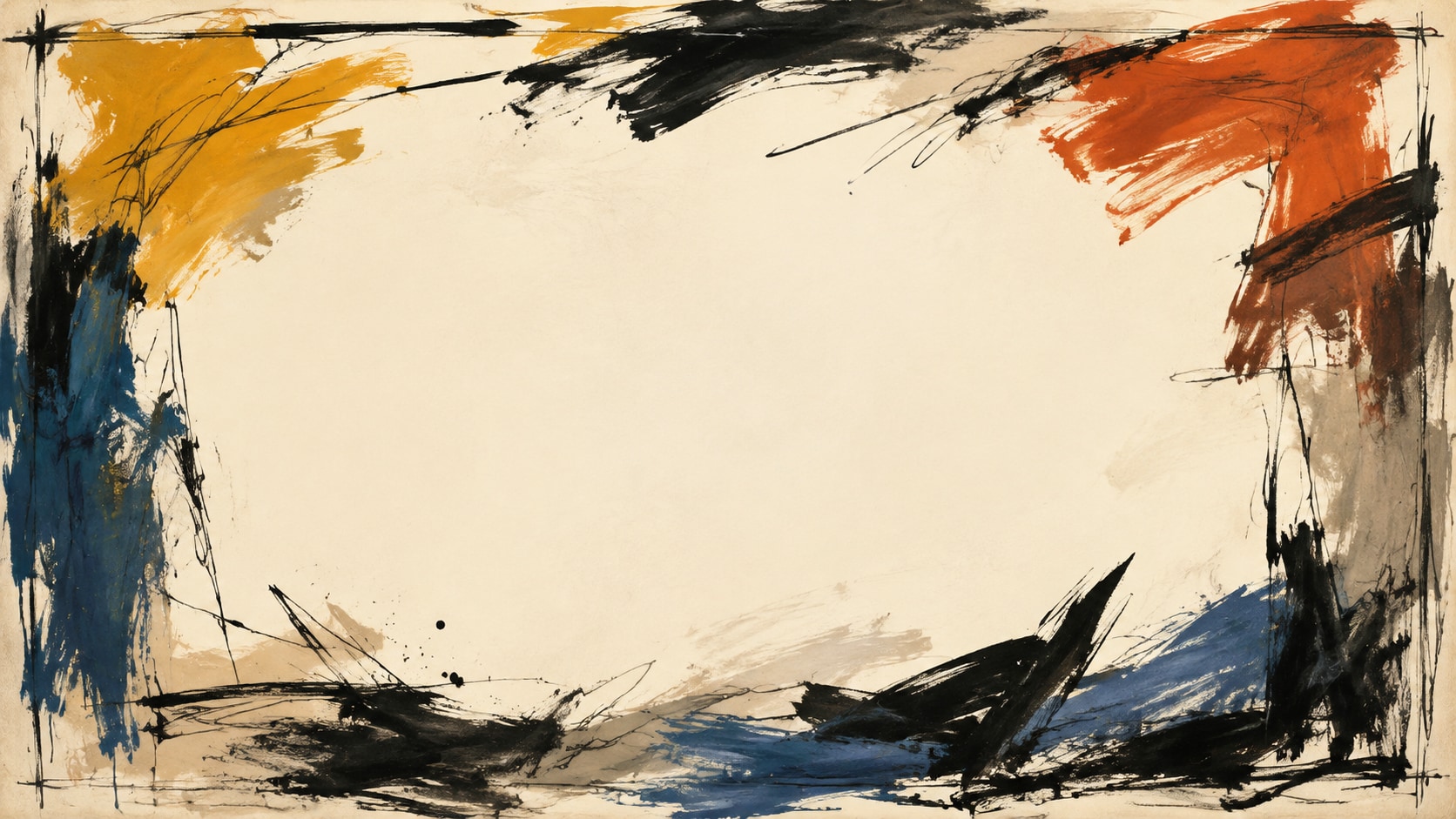
Reveal The Drawing In Filmora Video
After the study is generated, use Filmora's AI Image to Video to add line reveals, wash blooms, captions, and sparse audio.
- Motion Ideas - Use contour draws, paper fiber drift, or a slow push into the eyes.
- Social Formats - Recut one sketch into 16:9, 9:16, and 1:1.
- Final Export - Finish with type, music, and platform-ready output in Filmora.
Frequently Asked Questions About Egon Schiele Art Prompts
How to Generate Schiele-Style Line Portraits
Choose a contour pose, set the line weight and paper, generate the sketch, then add motion in Filmora.
Step 1 Choose a Contour Pose

Step 2 Set Line Weight and Paper

Step 3 Generate, Reveal, and Export

-
1: Choose a Contour Pose
Pick an angular portrait, seated figure, hand study, or brown-paper studio sketch. -
2: Set Line Weight and Paper
Paste the prompt into Filmora's AI Image tool, choose GPT Image 2 or Nano Banana, then refine contour color, wash, and empty paper. -
3: Generate, Reveal, and Export
Generate the sketch, adjust paper tone, add motion if needed, then export a study, banner, or reel.
AI Egon Schiele Art Prompts for Expressionist Sketches
Use AI Egon Schiele art prompts to create angular portraits, wash studies, and motion-ready sketch covers for Filmora editing.