Explore AI Hokusai Wave Style Prompts
Browse AI Hokusai wave style prompts for crest close-ups, harbor boats, lightning seas, snow Fuji, and tattoo crops. Use each print for video templates, posters, or rolling-wave motion covers.
Loading more AI Hokusai wave style prompts...
 Category:
 Duration:
 Aspect Ratio:
Why Print Hokusai-Style Waves With Filmora?
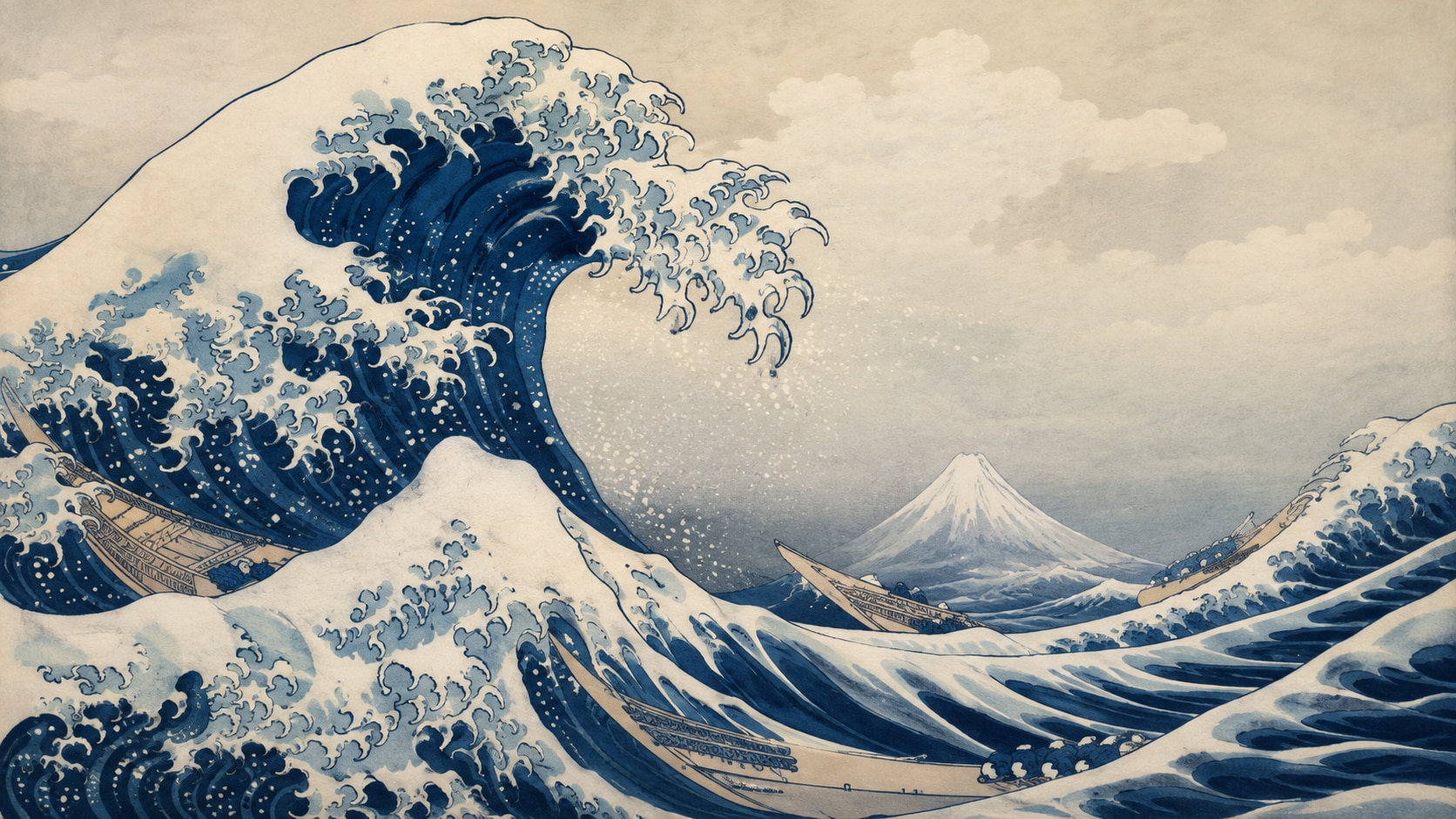
Hokusai-style waves need claw-like foam, layered Prussian blue, and a stable horizon for Fuji or boats. Filmora helps you generate the print, compare model linework, add overlays, and export a poster or reel.
Turn Wave Prompts Into Ukiyo-e Stills
Turn Wave Prompts Into Ukiyo-e Stills
Start with a precise Hokusai wave prompt, then use Filmora's AI image generator to keep foam claws, boats, and Fuji readable as print shapes.
- Claw Foam - Ask for hooked foam fingers instead of soft photoreal spray.
- Layered Blue - Stack Prussian bands so the swell has woodblock depth.
- Quiet Horizon - Leave a pale band for Fuji, boats, or later titles.
Carve Cleaner Linework With GPT Image 2
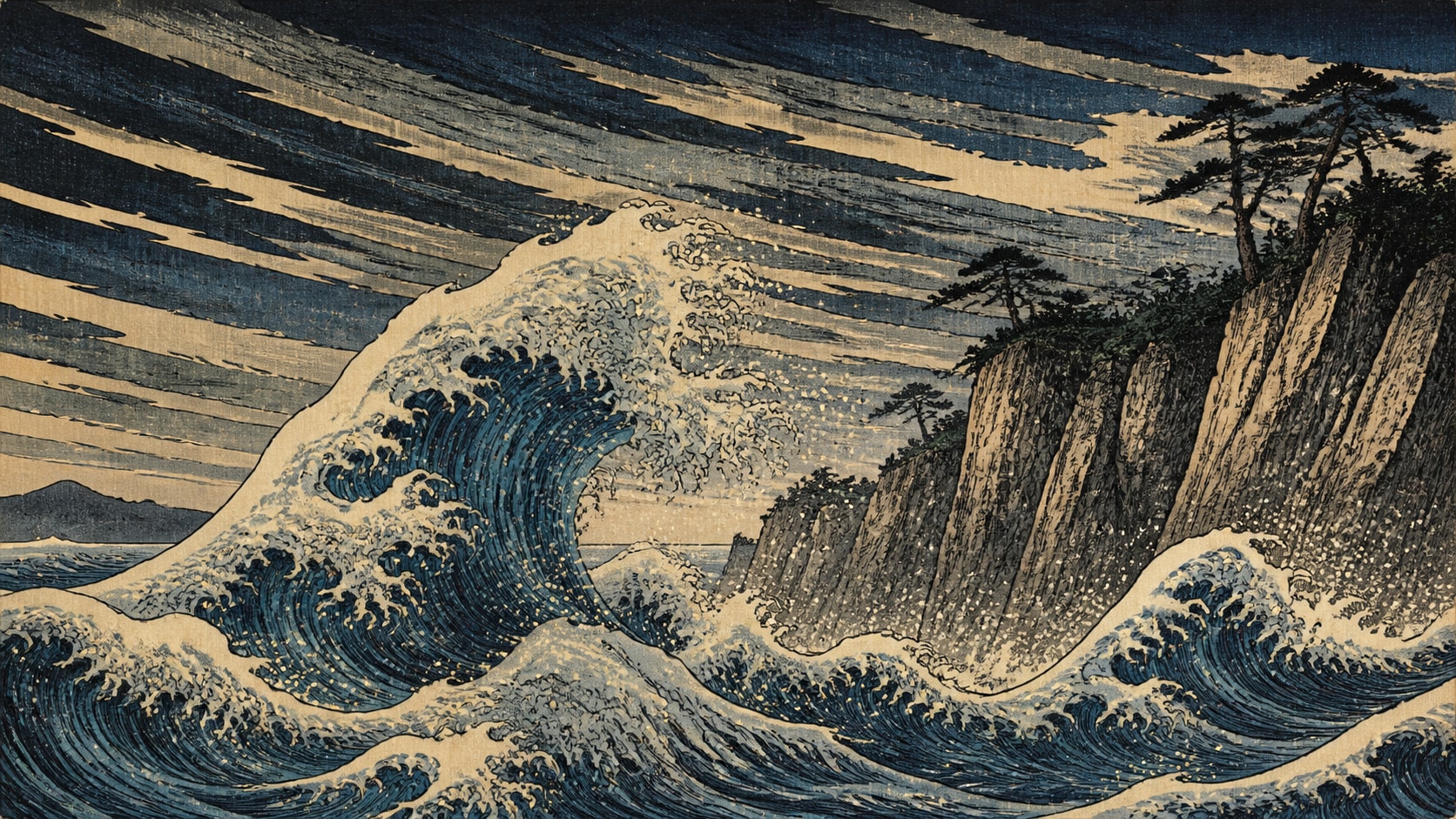
Carve Cleaner Linework With GPT Image 2
When the wave turns into generic water, Filmora's GPT Image 2 helps restore carved line, paper grain, and boat scale.
- Print Logic - Describe woodblock outlines, foam hooks, and paper texture in one prompt.
- Scale Control - Keep fishing boats tiny against a towering crest.
- Poster Edges - Hold a clean outer margin for later type or crop.
Shift Storm Color With Nano Banana
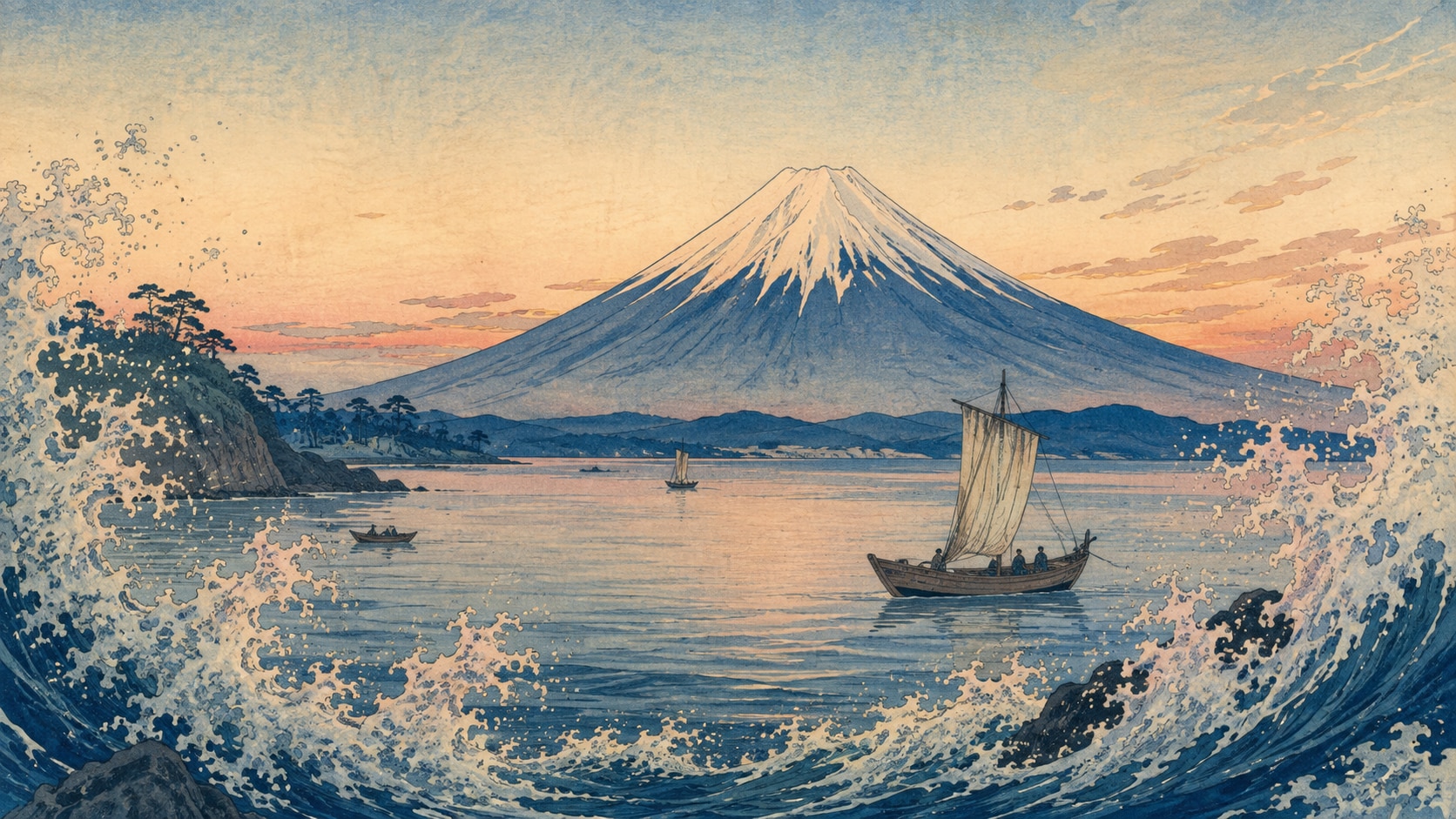
Shift Storm Color With Nano Banana
Use Filmora's Nano Banana to try a blacker storm sea, a calmer dawn print, or a tighter crest tattoo crop.
- Mood Range - Explore lightning seas, snow Fuji, moonlit waves, and harbor foam.
- Crop Tests - Generate poster, tattoo, and banner variants from one swell.
- Fast Print Loop - Stay in Filmora from prompt to finished ukiyo-e still.
Roll The Wave Into Filmora Video
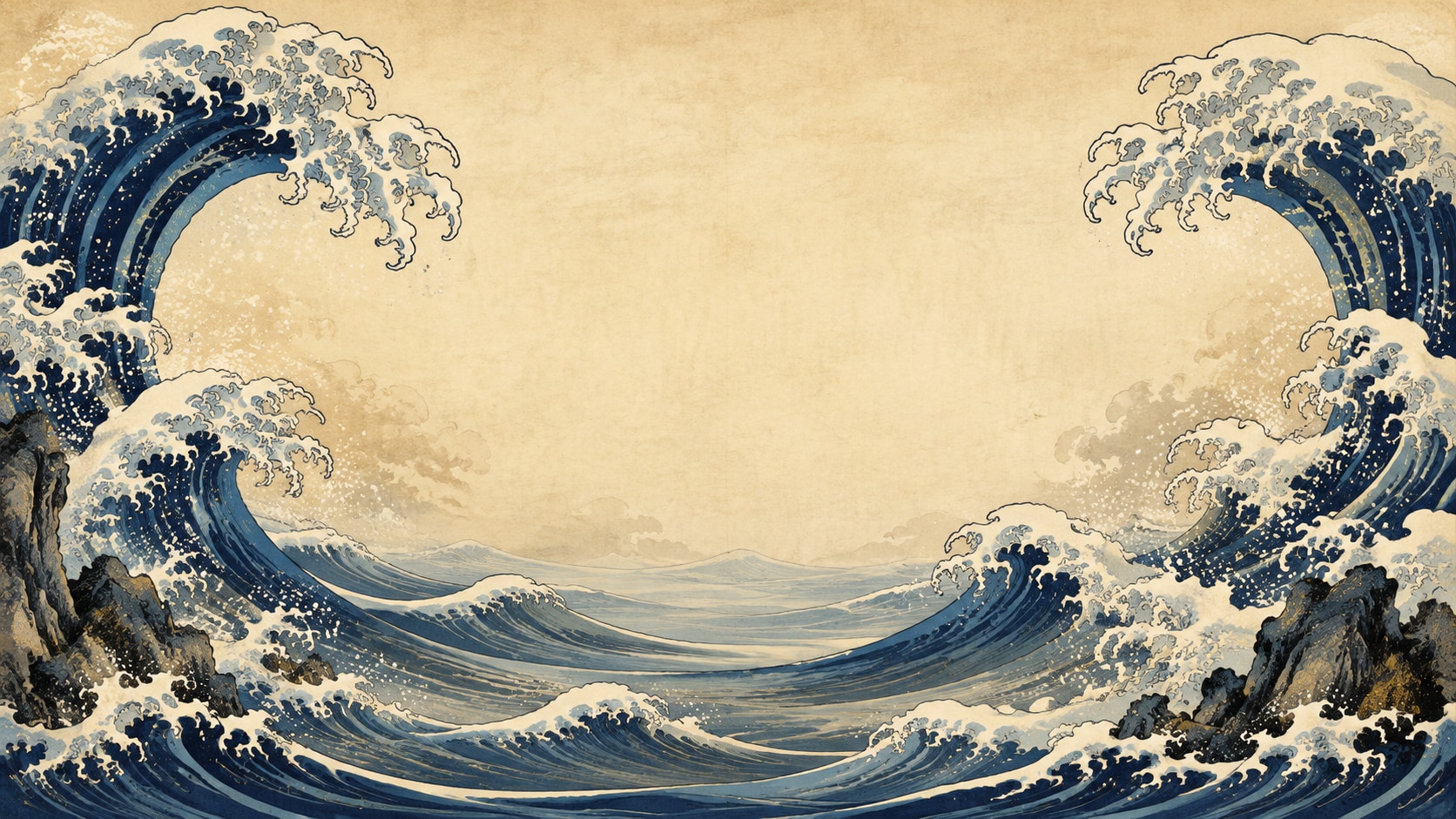
Roll The Wave Into Filmora Video
After the print is generated, use Filmora's AI Image to Video to add rolling foam, rain, titles, and audio.
- Motion Ideas - Use crest rolls, boat drift, rain streaks, or a slow push toward Fuji.
- Social Formats - Recut one print into 16:9, 9:16, and 1:1.
- Final Export - Finish with type, music, and platform-ready output in Filmora.
Frequently Asked Questions About Hokusai Wave Prompts
How to Generate Hokusai-Style Wave Prints
Choose a wave or Fuji scene, set the blue layers and foam, generate the print, then add motion in Filmora.
Step 1 Choose a Wave or Fuji Scene

Step 2 Set Blue Layers and Foam

Step 3 Generate, Roll, and Export

-
1: Choose a Wave or Fuji Scene
Pick a crest close-up, fishing-boat swell, cliff hit, or dawn Fuji print. -
2: Set Blue Layers and Foam
Paste the prompt into Filmora's AI Image tool, choose GPT Image 2 or Nano Banana, then refine foam claws, boat scale, and title space. -
3: Generate, Roll, and Export
Generate the print, adjust blue density, add motion if needed, then export a poster, tattoo crop, or reel.
AI Hokusai Wave Style Prompts for Ukiyo-e Posters
Use AI Hokusai wave style prompts to create Great Wave crests, Fuji views, and motion-ready ukiyo-e covers for Filmora editing.