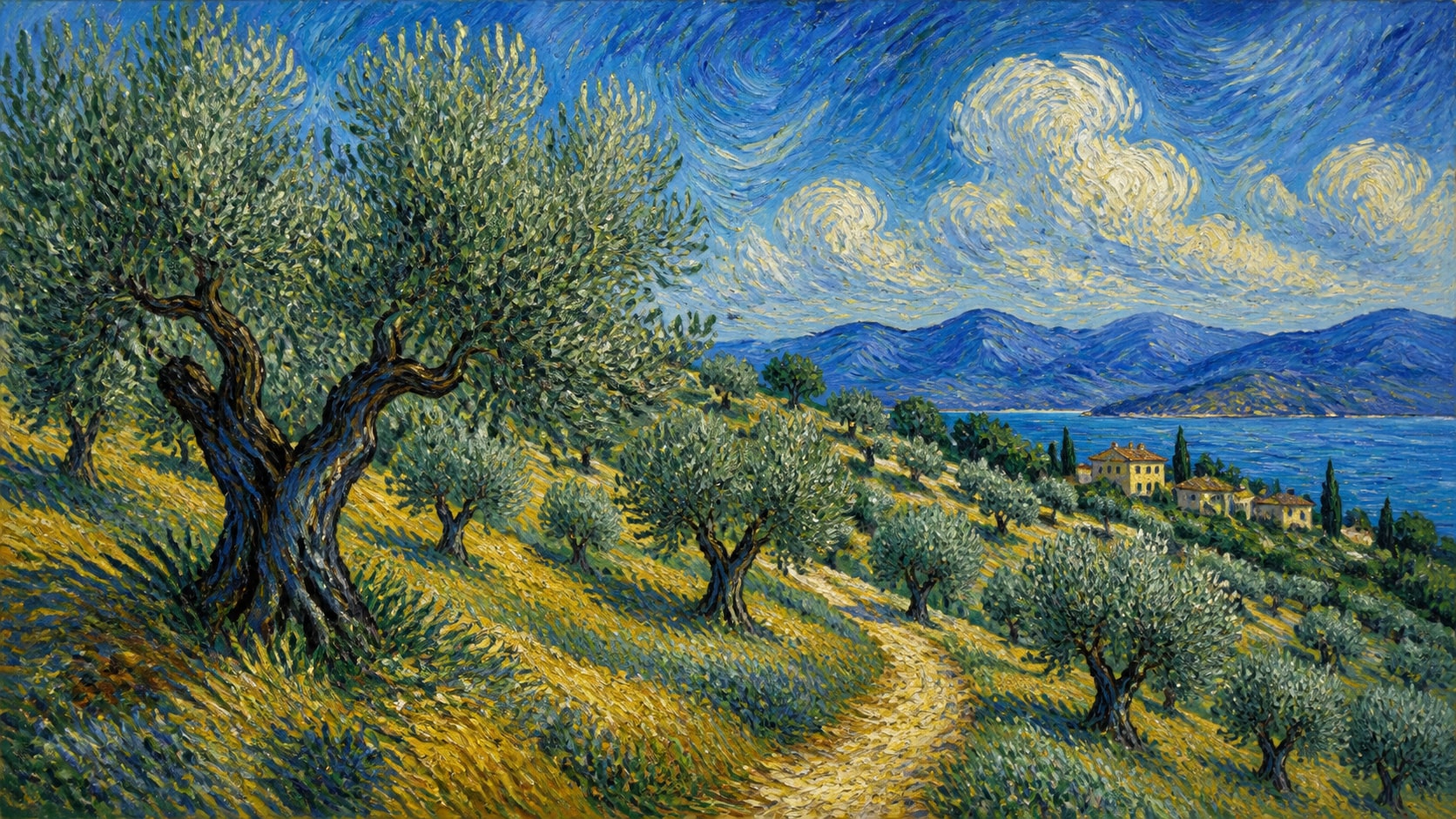
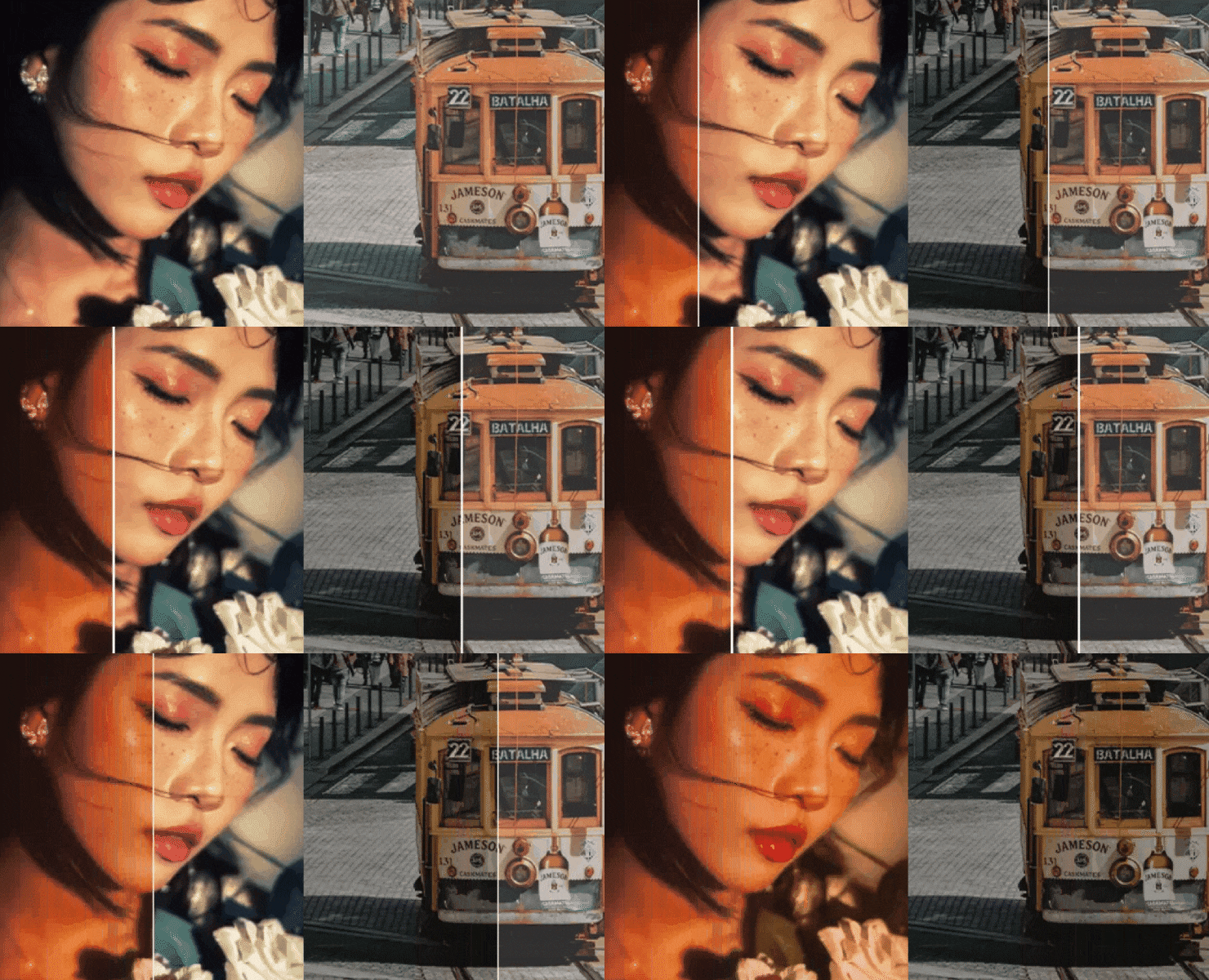
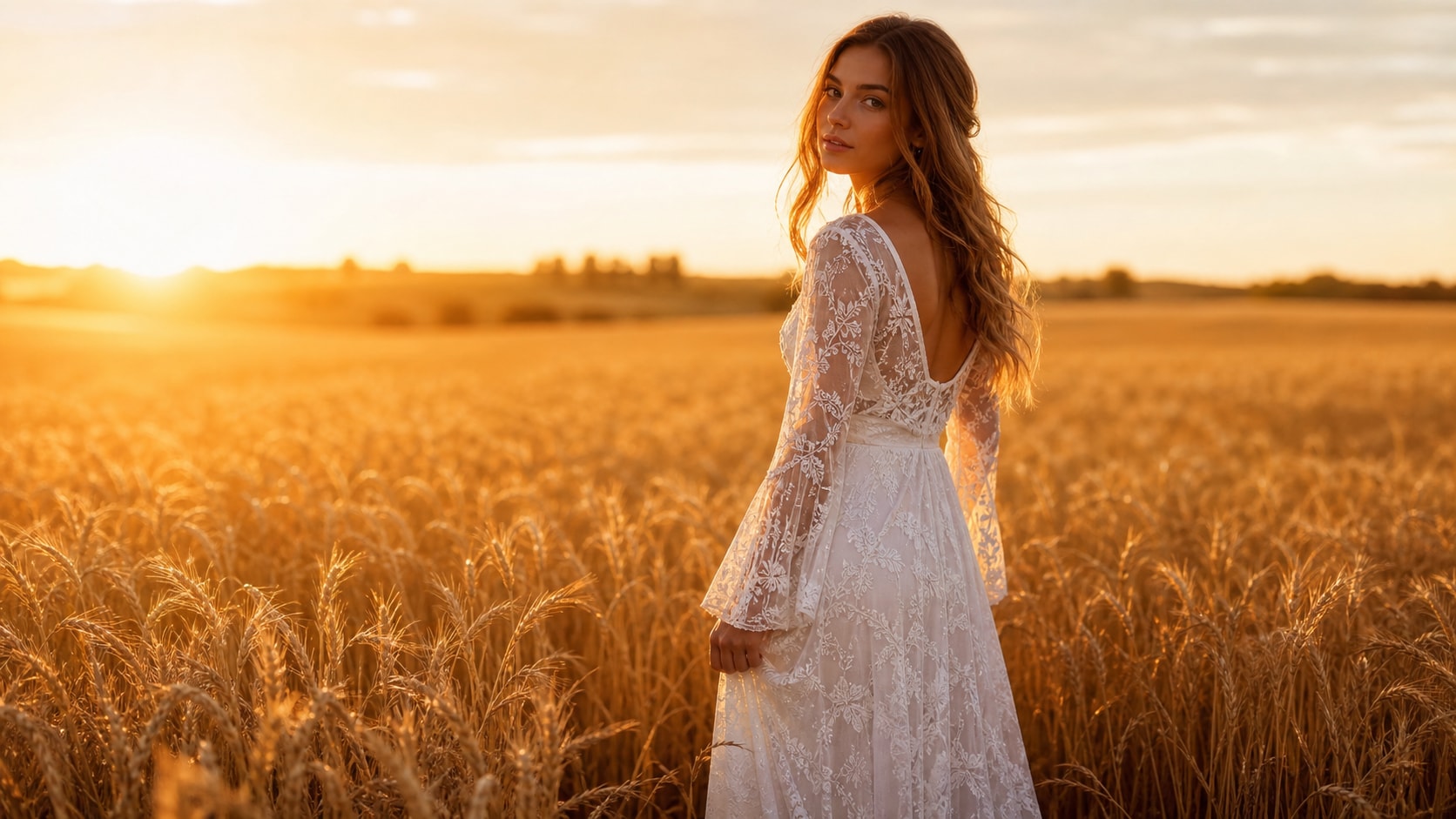
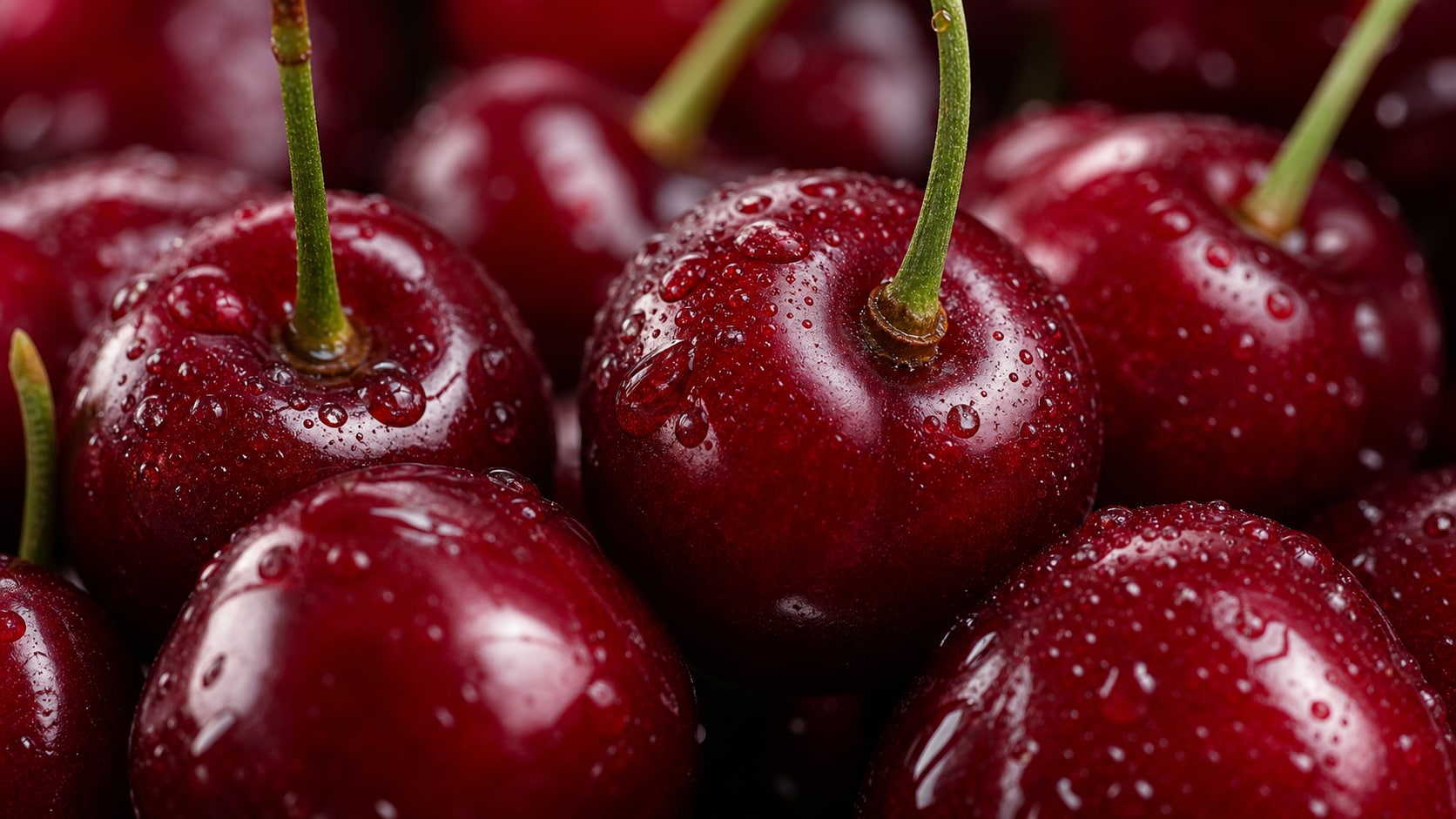
Explore Isometric Illustration AI Prompts
Browse ai isometric illustration prompts pack for isometric cities, app onboarding scenes, miniature offices, data dashboards, game worlds, and clean 3D vector-style compositions. Use each idea for video templates, reels, social posts, covers, and export-ready visuals.
Loading more isometric illustration prompts...
 Category:
 Duration:
 Aspect Ratio:
Why Create Isometric Illustration Images With Filmora?
Isometric imagery benefits from consistent scale, clear hierarchy, readable depth, and repeatable object language. Filmora helps convert these systems into explainers, pitch visuals, and animated design stories.
Generate Isometric Illustration With Filmora
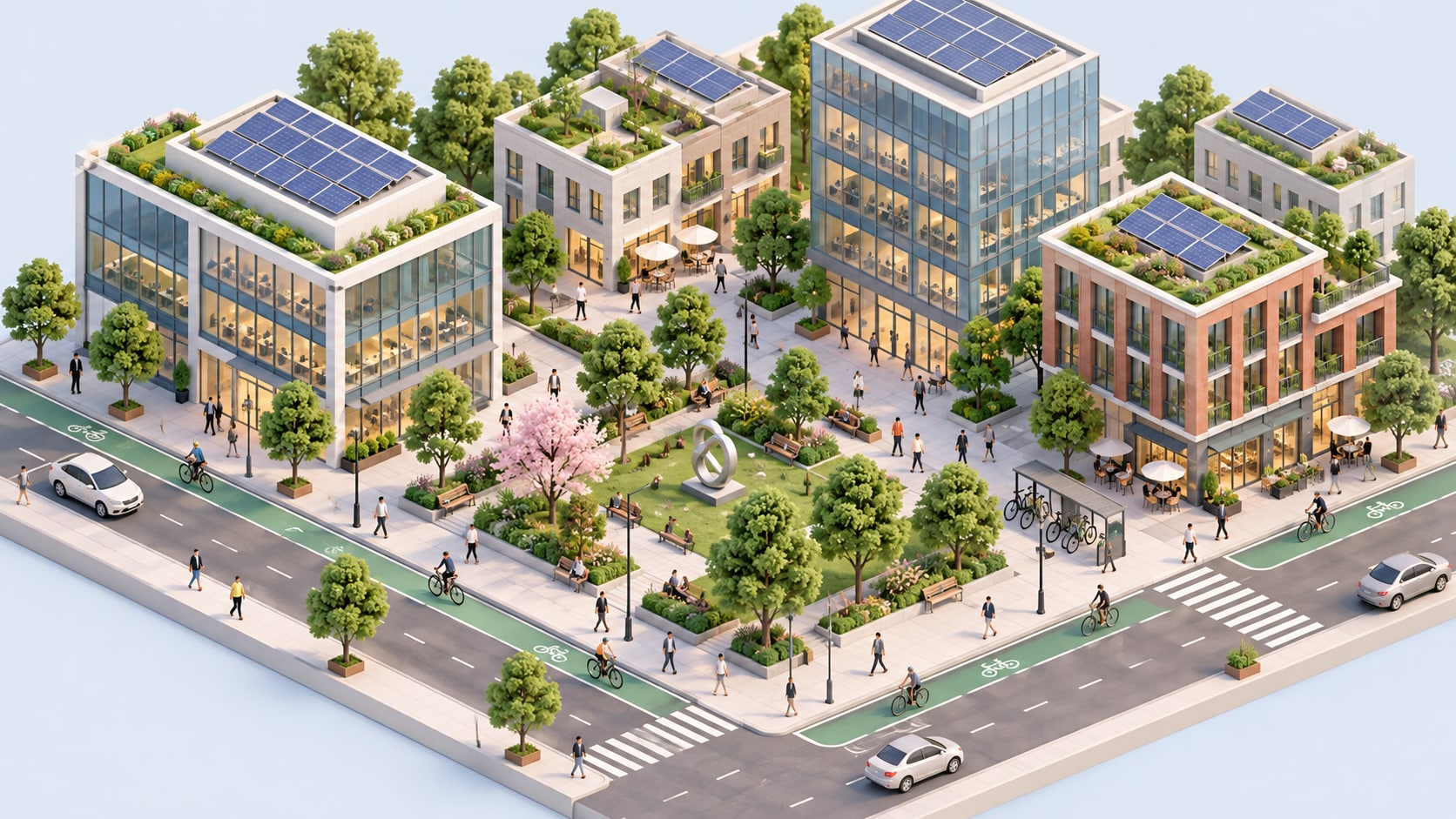
Generate Isometric Illustration With Filmora
Start with a precise isometric illustration prompt, then use Filmora's AI image generator to turn isometric cities, app onboarding scenes, miniature offices, data dashboards, game worlds, and clean 3D vector-style compositions into clean, edit-ready stills. Use it for isometric cities, app onboarding scenes, miniature offices, data dashboards, game worlds, and clean 3D vector-style compositions, then refine crop, color, overlays, and motion in Filmora.
- Prompt to Image - Turn a visual idea into a clear composition with a strong focal point and usable negative space.
- Clean Visual Structure - Filmora's AI Image Generator helps test multiple directions before the final edit.
- Fast Iteration - Compare editorial, product, poster, and social treatments without rebuilding the brief.
Use GPT Image 2 for Controlled Detail and Prompt Following
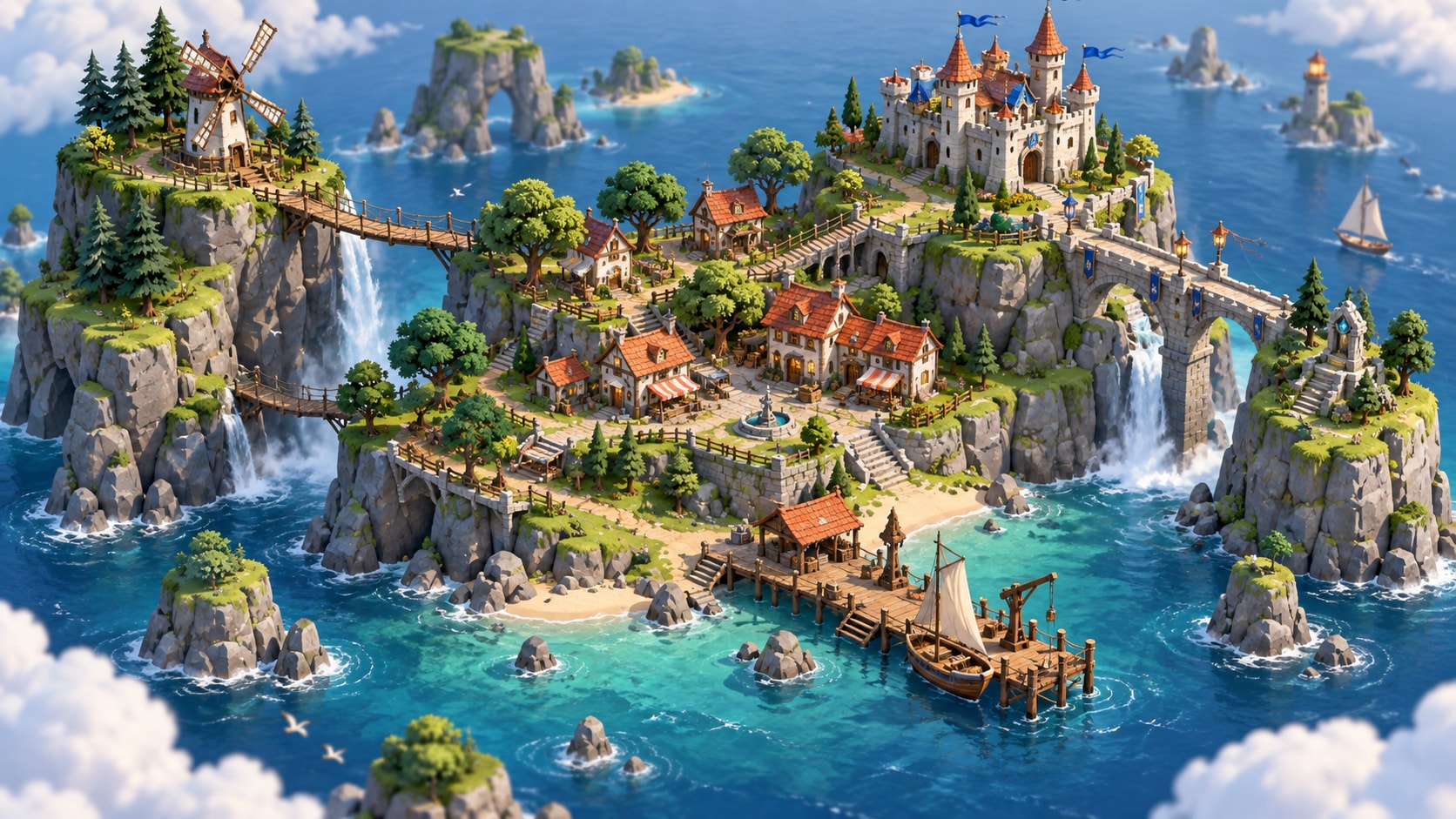
Use GPT Image 2 for Controlled Detail and Prompt Following
When the scene needs dependable subject detail, texture, or background control, Filmora's GPT Image 2 helps follow a structured prompt. GPT Image 2 helps organize the subject, composition, materials, lighting, and clean space for later design.
- Prompt Following - Describe the subject, setting, camera distance, palette, texture, and mood in one focused request.
- Detail Control - GPT Image 2 helps preserve small details while Filmora keeps final copy, stickers, and overlays editable.
- Edit-Ready Results - Keep generated text abstract so accurate titles can be added later in the timeline.
Try Nano Banana for Fast Style Variations
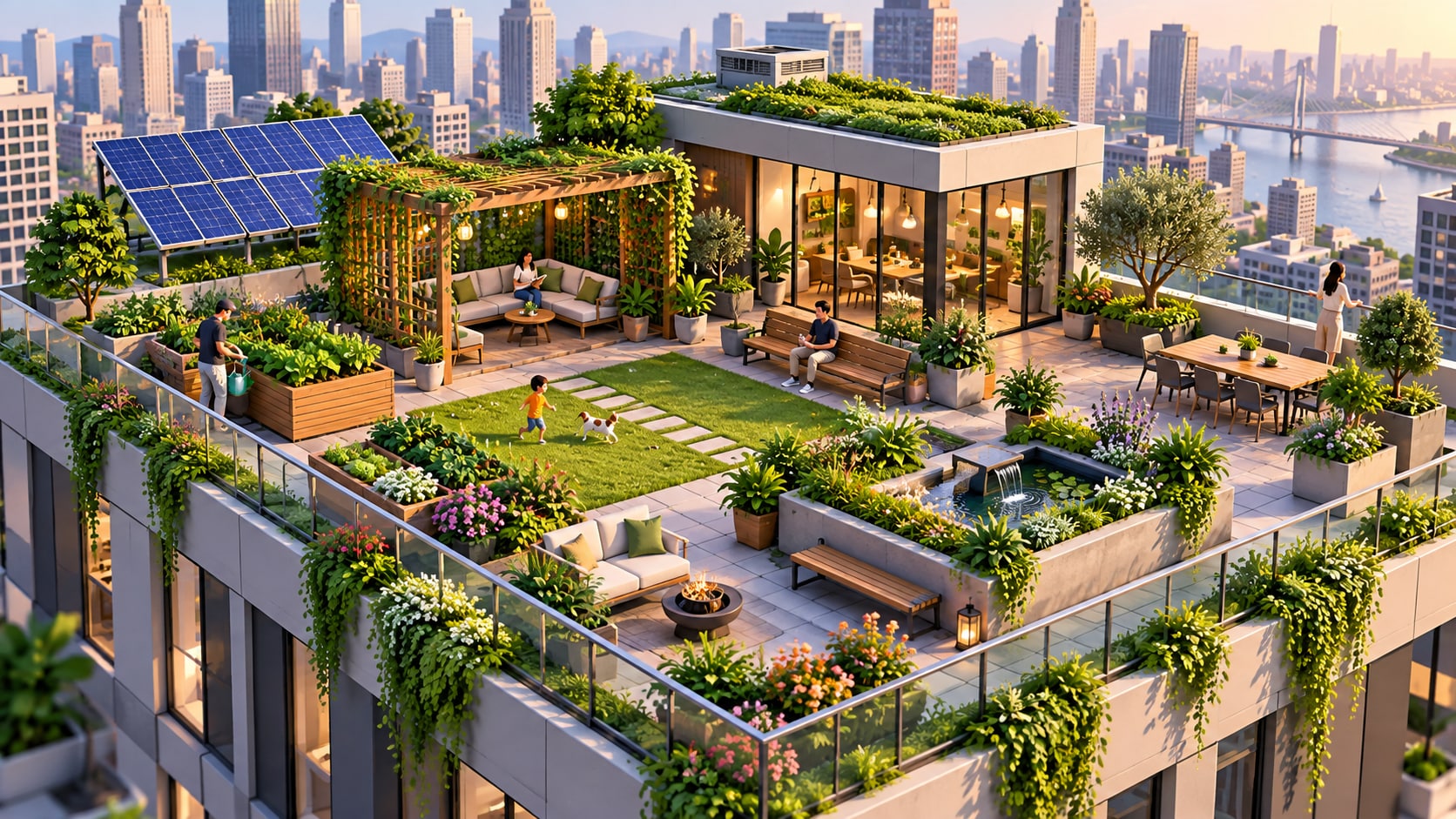
Try Nano Banana for Fast Style Variations
Use Filmora's Nano Banana when one idea needs another palette, mood, composition, or social treatment. Nano Banana helps test alternate palettes, backgrounds, eras, and treatments while keeping the main idea coherent.
- Style Range - Try alternate color systems, locations, eras, and compositions from the same creative concept.
- Variant Testing - Nano Banana makes fast visual revisions practical when a scene needs another palette or arrangement.
- Creative Flow - Move from prompt exploration to crop, layout, and platform exports in one workflow.
Turn Isometric Illustration Into Video

Turn Isometric Illustration Into Video
After generating the still, use Filmora's AI Image to Video workflow to add camera movement, overlays, effects, sound, and social-ready exports. Animate a camera move, layered depth, light change, texture shift, or a restrained reveal for short-form content.
- Motion Ideas - Animate a camera push, parallax layer, light shift, steam, fabric movement, or a gentle reveal.
- Social Formats - Filmora's AI Image to Video tools turn a strong still into motion-ready social content.
- Final Export - Finish with music, transitions, text, and 16:9, 9:16, or square exports.
Frequently Asked Questions About Isometric Illustration Prompts
How to Generate Isometric Illustration Images With AI
Choose a isometric illustration setup, define the visual mood, generate the still, then personalize or animate it in Filmora.
Step 1 Choose a Isometric Illustration Prompt

Step 2 Set Style, Model, and Ratio

Step 3 Generate, Edit, and Export

-
1: Choose a Isometric Illustration Prompt
Pick a isometric illustration setup such as a tiny isometric studio, a miniature city block, a product workflow, or a colorful digital workspace. -
2: Set Style, Model, and Ratio
Paste the prompt into Filmora's AI Image tool, choose GPT Image 2 or Nano Banana, select a ratio, and refine subject detail, lighting, and framing. -
3: Generate, Edit, and Export
Generate the still, adjust crop and color, add motion or overlays if needed, then export it for app landing pages, explainer videos, infographics, pitch decks, and social design assets.
Isometric Illustration AI Prompts for Premium Visuals
Use ai isometric illustration prompts pack to create isometric cities, app onboarding scenes, miniature offices, data dashboards, game worlds, and clean 3D vector-style compositions and motion-ready visuals for Filmora editing.