Explore Elegant Geisha AI Prompts
Use these geisha prompt examples to create refined AI portraits, futuristic kimono concepts, lantern-lit scenes, and vertical motion posters. Generate your favorite direction with Filmora's AI image generator, then animate and edit it for social video.
Loading more geisha prompts...
 Category:
 Duration:
 Aspect Ratio:
Create Geisha-Inspired Visuals with Filmora
Filmora connects prompt generation, model refinement, image-to-video animation, timeline editing, and export presets so a single geisha prompt can become a polished image, short clip, or campaign-ready visual.
Generate Refined Geisha-Inspired Portraits
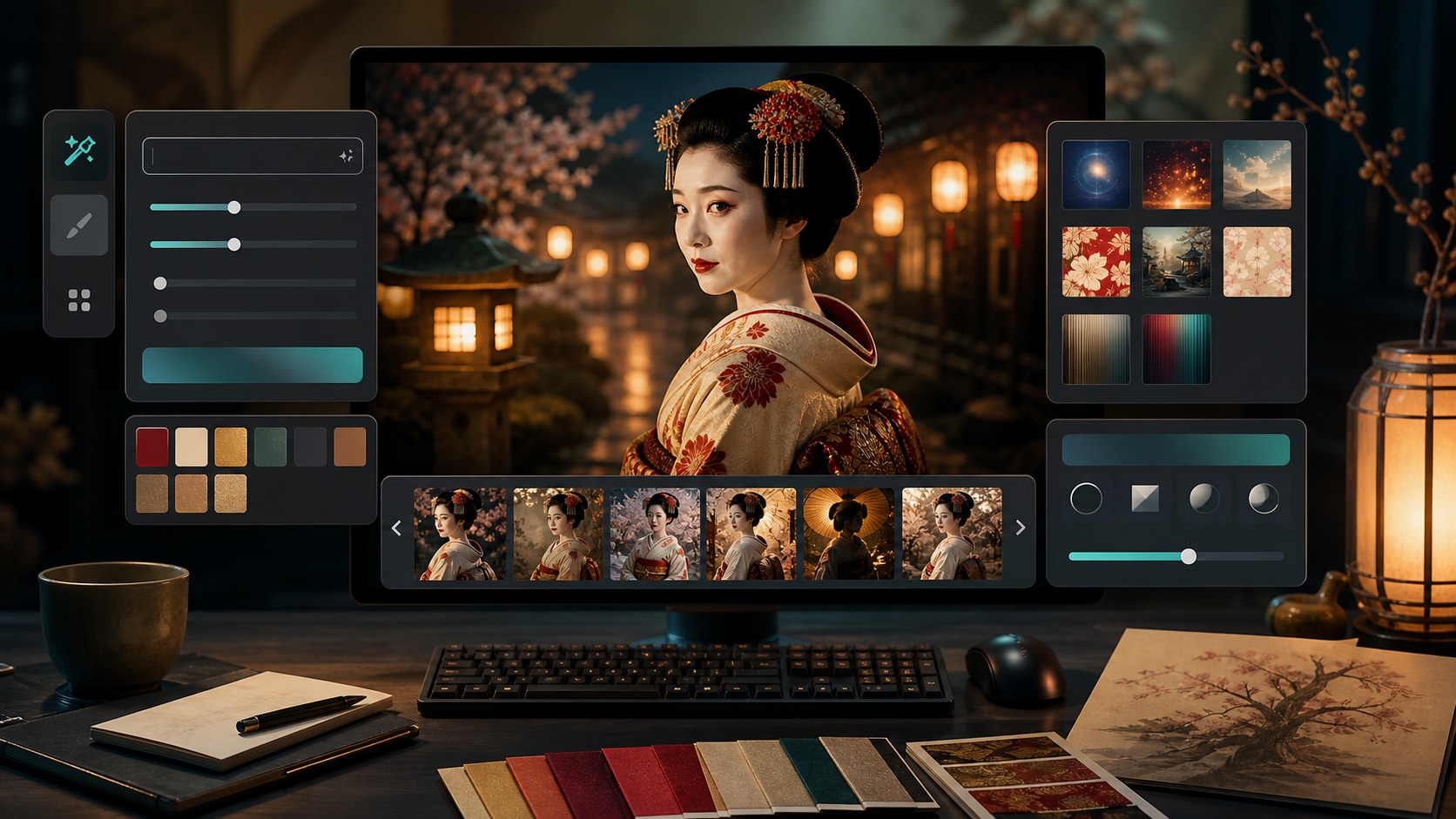
Generate Refined Geisha-Inspired Portraits
Start with Filmora AI Image Generator to turn geisha prompt ideas into polished portrait references before you animate or edit them.
- Prompt Control - Describe adult subject, kimono layers, hair ornaments, lantern light, and camera framing in one place.
- Visual Comparison - Generate multiple versions and choose the cleanest face, hands, fabric, and background space.
- Creator Ready - Use the selected image as a poster, thumbnail, or first frame for a short video.
Refine Kimono Details with Versatile AI Models
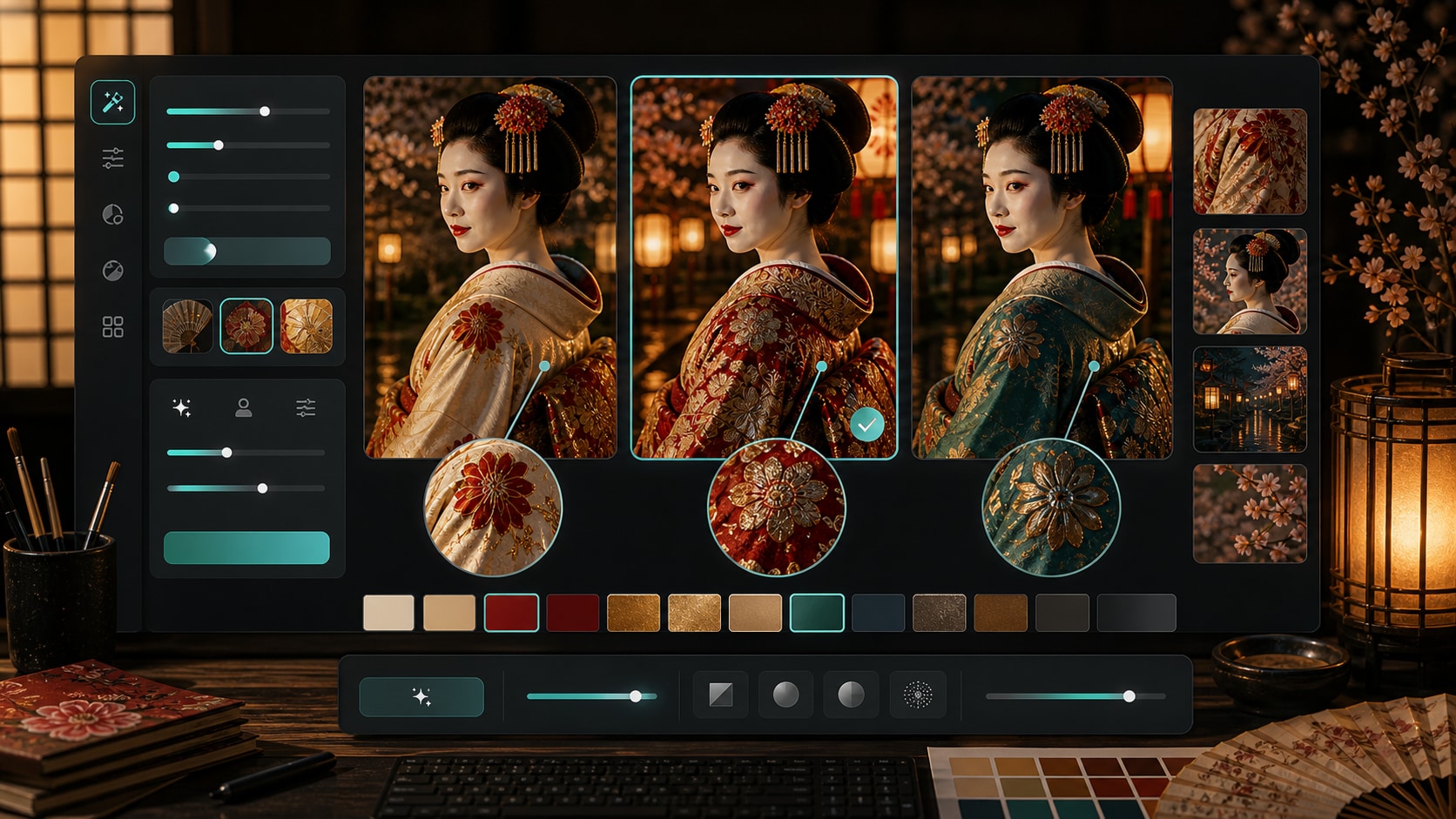
Refine Kimono Details with Versatile AI Models
When fabric texture, kanzashi ornaments, and lighting balance matter, compare results with GPT Image 2 and Nano Banana workflows inside Filmora.
- Model Flexibility - Try cinematic realism, futuristic fashion, soft studio portraiture, and neon editorial looks.
- Detail Refinement - Iterate on fabric folds, collar shape, face lighting, and background atmosphere.
- Consistent Workflow - Move from generation to timeline editing without rebuilding the project elsewhere.
Animate Lantern Light and Fabric Motion
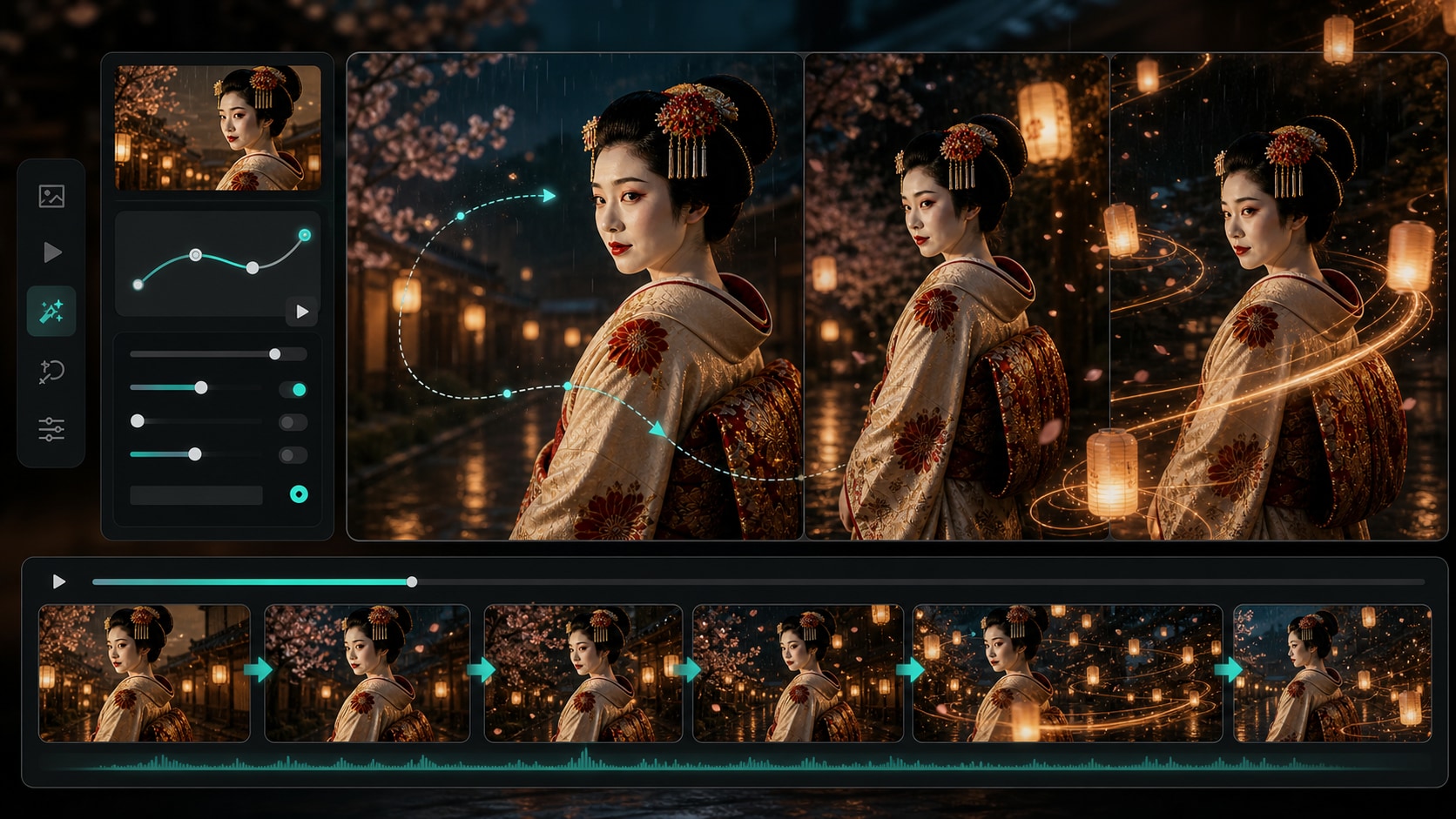
Animate Lantern Light and Fabric Motion
A strong still can become a cinematic clip with Filmora AI Image to Video. Add a slow camera push, drifting lanterns, rain shimmer, and subtle sleeve movement for social video.
- Motion From Stills - Turn portrait prompts into short clips for Reels, Shorts, intros, and mood boards.
- Atmosphere Controls - Use lantern drift, rain haze, bokeh, and color grading to create depth.
- Fast Iteration - Keep the best still image and test motion treatments without starting over.
Finish Social Edits with Filmora
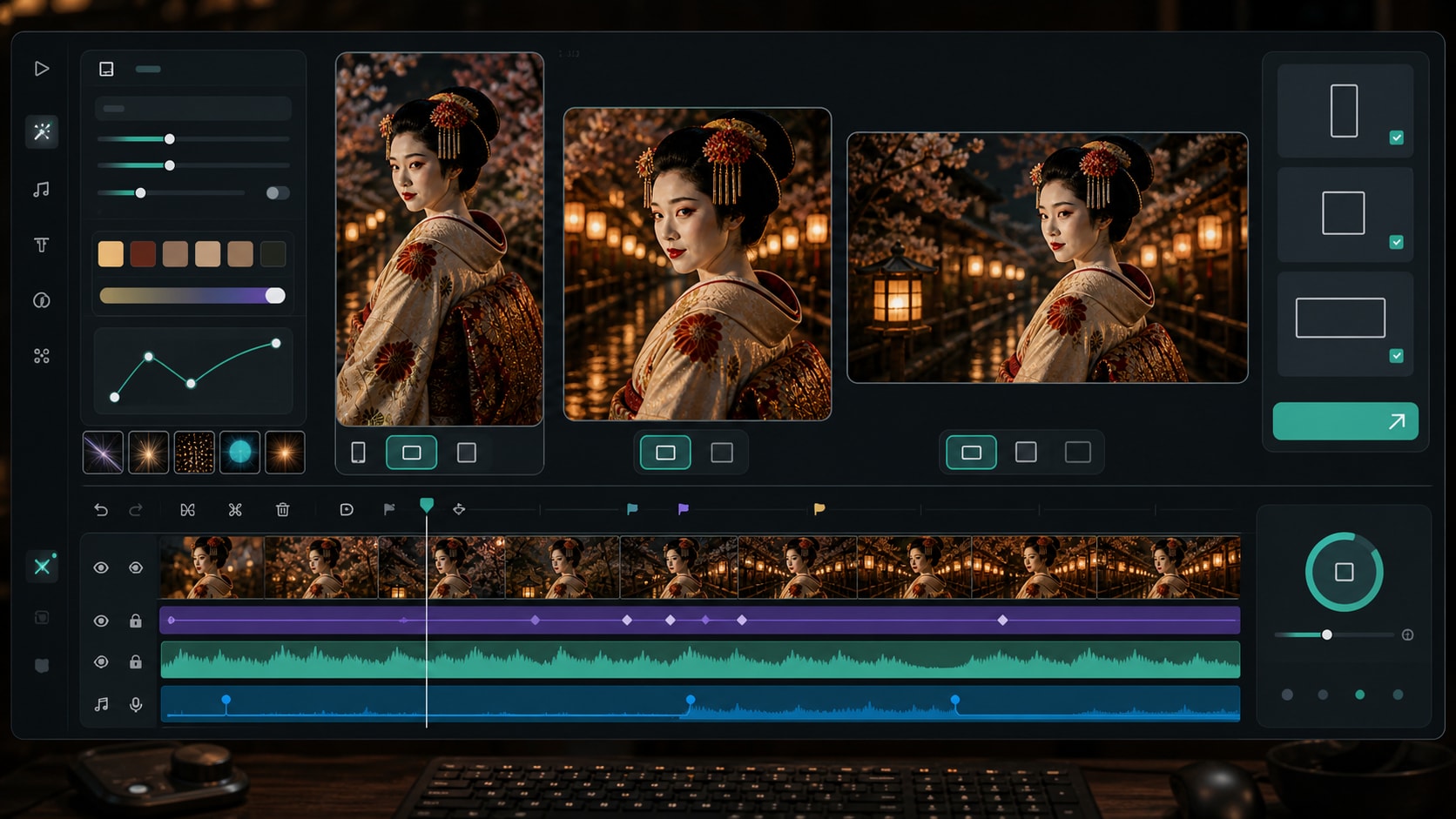
Finish Social Edits with Filmora
After generation, Filmora helps you finish the same geisha prompt artwork with video templates, effects, overlays, stickers, audio, timeline edits, and export presets.
- Multi-Format Output - Create vertical clips, square posts, widescreen intros, and website banners from one concept.
- Creative Polish - Layer tasteful video effects, music, and captions after the image is generated.
- All-in-One Editing - Generate, animate, edit, and export in one creator workflow.
Frequently Asked Questions About Geisha AI Prompts
How to Use a Geisha Prompt in Filmora
Follow these steps to turn a respectful prompt idea into a polished AI image and motion-ready social edit.
Step 1 Access the AI Image Generator

Step 2 Enter Your Geisha AI Prompt

Step 3 Generate, Animate, and Export

-
1. Access the AI Image Generator
Launch Filmora and open the AI Image module to choose a generation model and ratio. -
2. Enter Your Geisha AI Prompt
Paste a detailed prompt with kimono styling, lighting, camera framing, background mood, and negative constraints. -
3. Generate, Animate, and Export
Choose your favorite result, add motion or effects, then export for Shorts, Reels, thumbnails, or website banners.
More AI Prompt Ideas for Cinematic Visuals
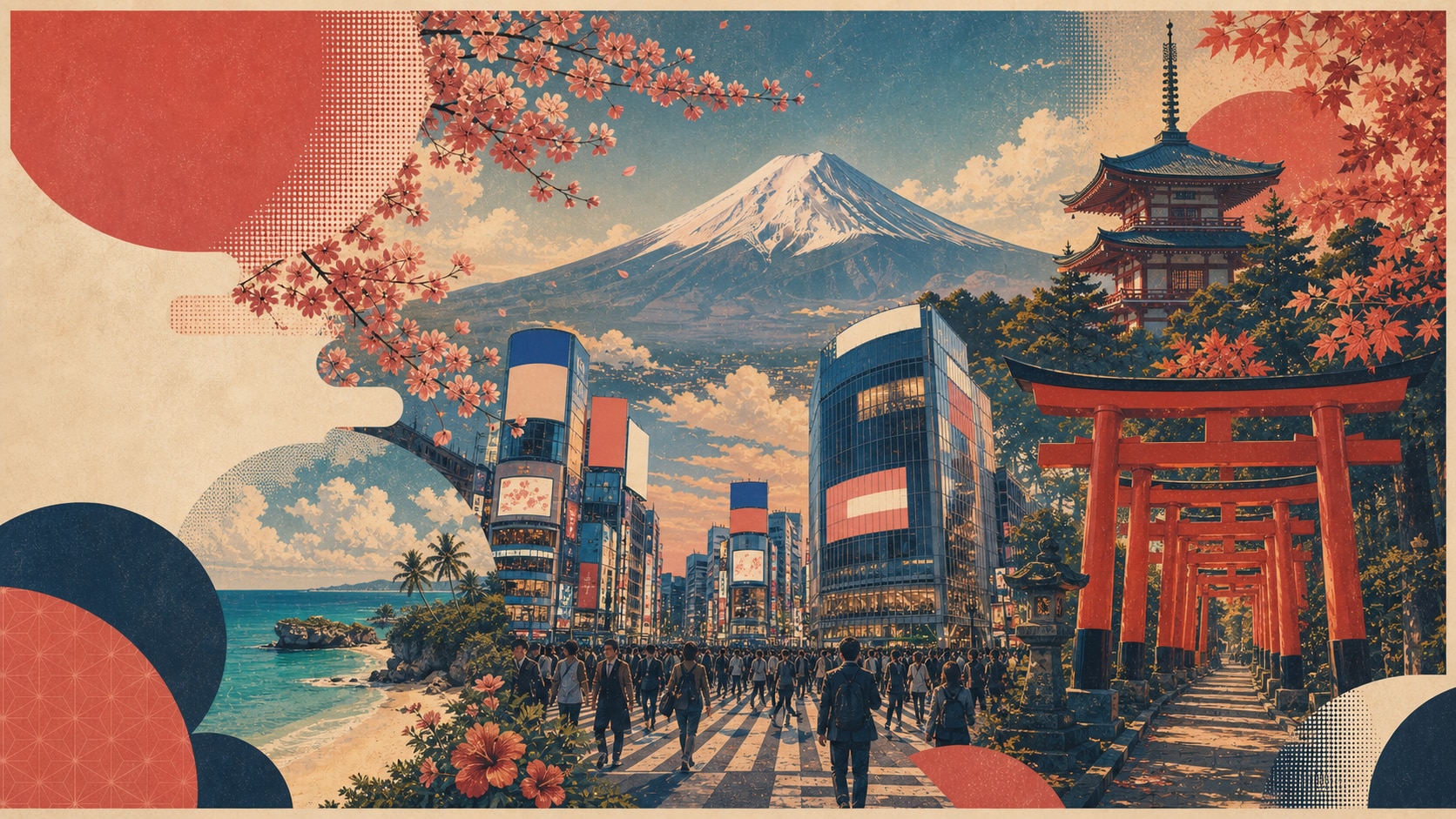
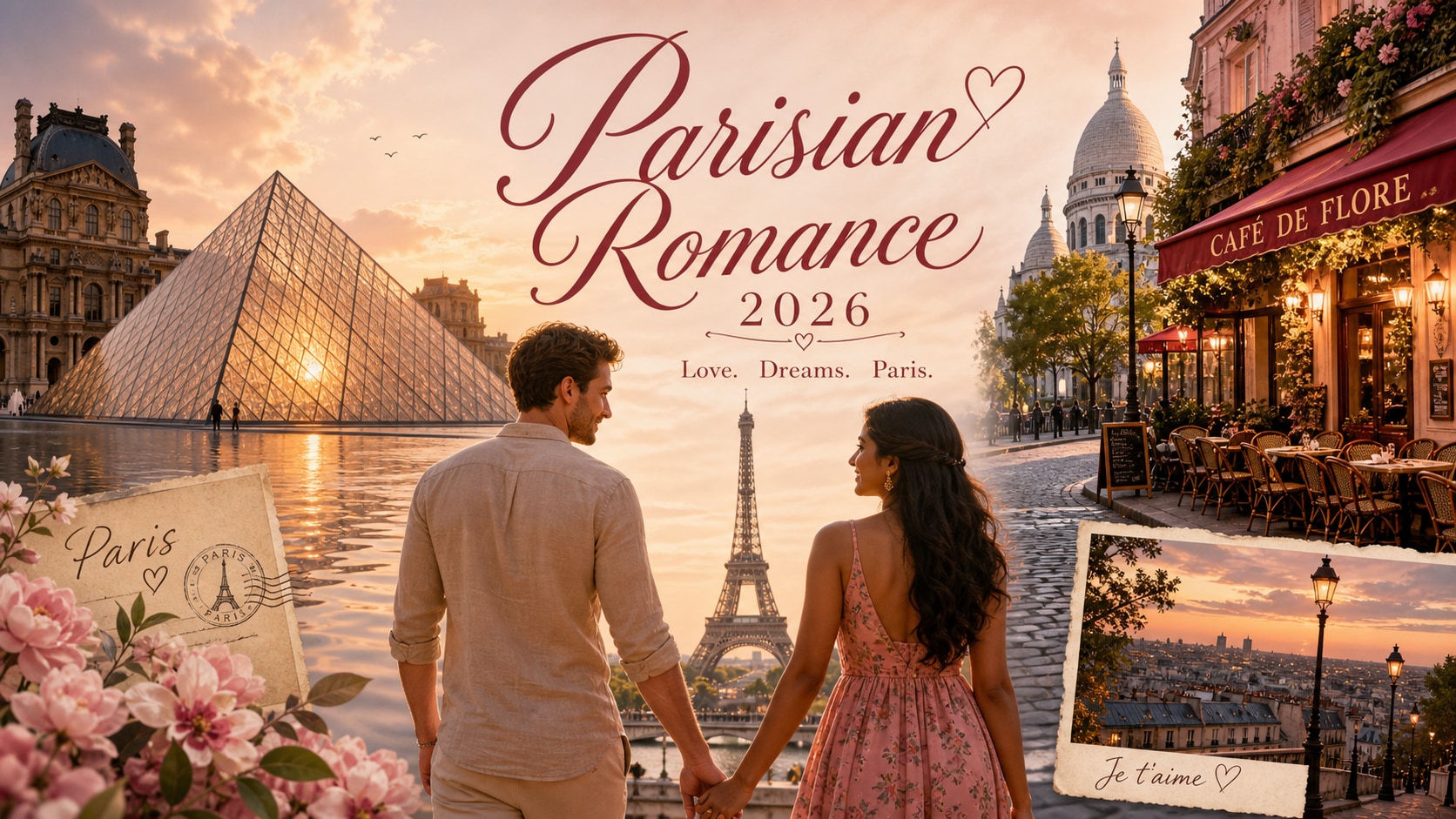
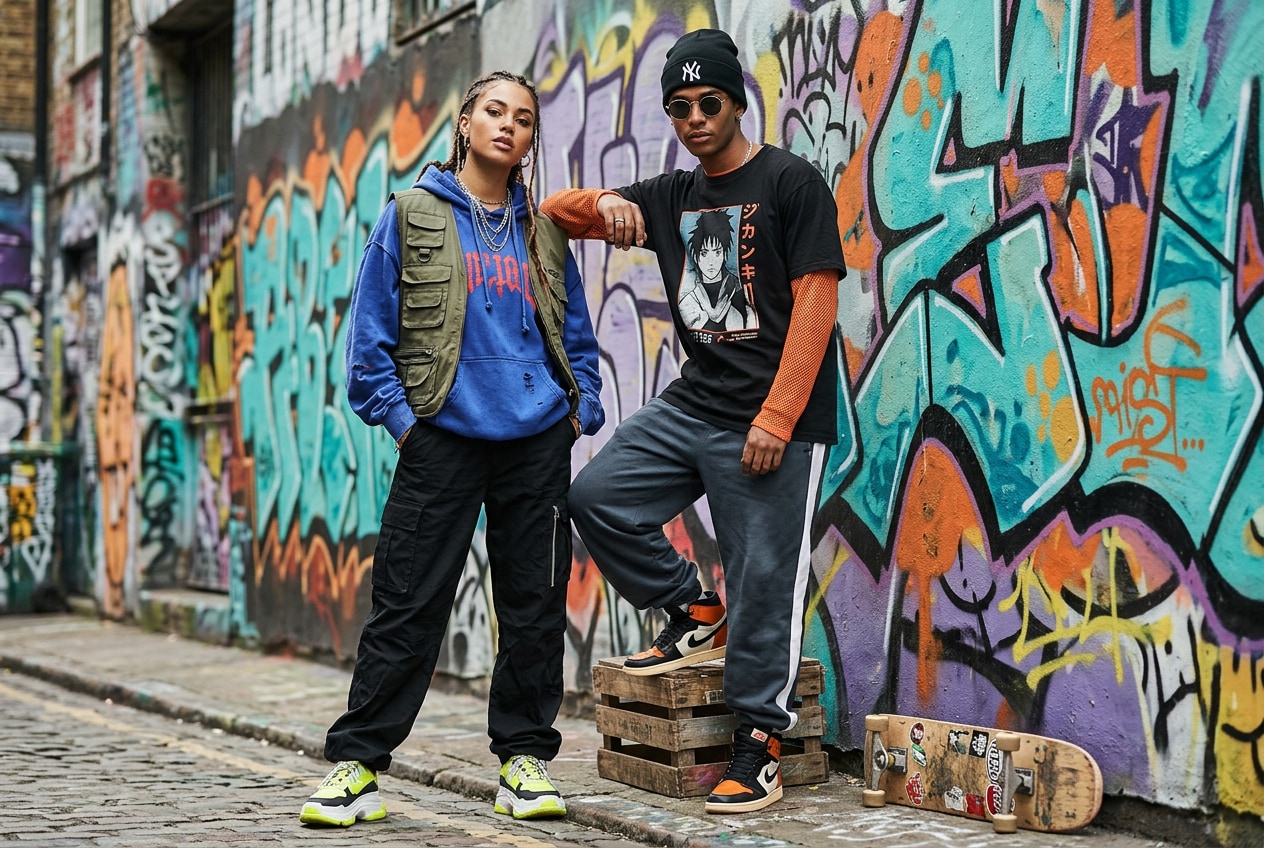
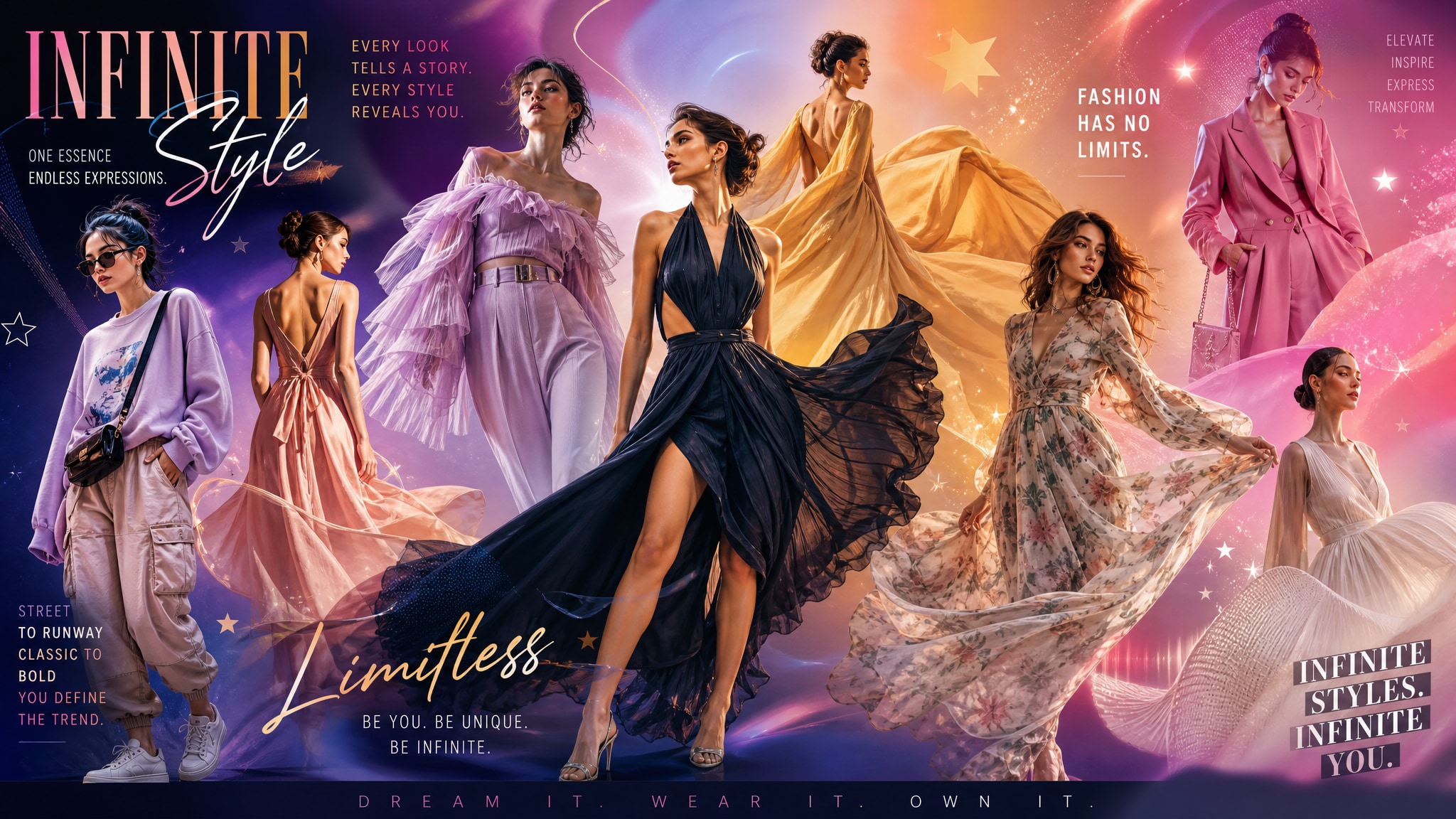
Explore related Filmora AI prompt pages for travel posters, fashion concepts, elegant outfits, and Japanese-inspired visual storytelling.