
Cat Video Templates & Prompt Ideas
Browse animated cat resources for memes, pet accounts, fantasy edits, holiday clips, and reaction posts, then build the final cut with Filmora templates.
Loading more animated cat video resources...
 Category:
 Duration:
 Aspect Ratio:
Turn Cat Photos Into Shareable Stories
Filmora helps you animate cat images into short videos that feel expressive, funny, and easy to edit, whether you are making a meme, a pet channel intro, or a fantasy character moment.
Give the Cat a Clear Role
Give the Cat a Clear Role
Start with a cat pose that already suggests attitude, curiosity, chaos, or charm, then use AI Image to Video to add motion. A simple action, like turning, blinking, floating, dancing, or reacting, usually lands better than an overloaded scene.
- Write prompts around the cat's expression, action, setting, and camera movement.
- Keep the first frame clean so viewers understand the joke or character instantly.
- Use themed resources for holiday cats, superhero cats, music cats, and fantasy edits.
Edit the Cat Moment for Social Rhythm
Edit the Cat Moment for Social Rhythm
After generation, shape the clip with Filmora templates, short captions, sound effects, and quick cuts. You can also mix in cat stock videos when the AI clip needs extra context or a reaction beat.
- Use expressive cats for quick visual impact in the first seconds.
- Adapt the same resource into vertical, square, or widescreen edits.
- Let the caption deliver the punchline while the animation carries the personality.
Finish With Personality and Polish

Finish With Personality and Polish
Use creative assets, music, titles, and prompt-driven ideas like superhero cat cartoon to expand one pet photo into a fuller character scene. The goal is a clip that feels edited, not just generated.
- Add readable text for reactions, fantasy scenes, or short dialogue.
- Match transitions and music to the cat motion instead of overpowering it.
- Save polished cat videos for repeated posting across pet channels and creator accounts.
Cat Video FAQs
How to Animate Cat Images with Filmora
Create a playful AI cat video in three quick steps, then keep editing with captions, music, templates, and effects inside Filmora.
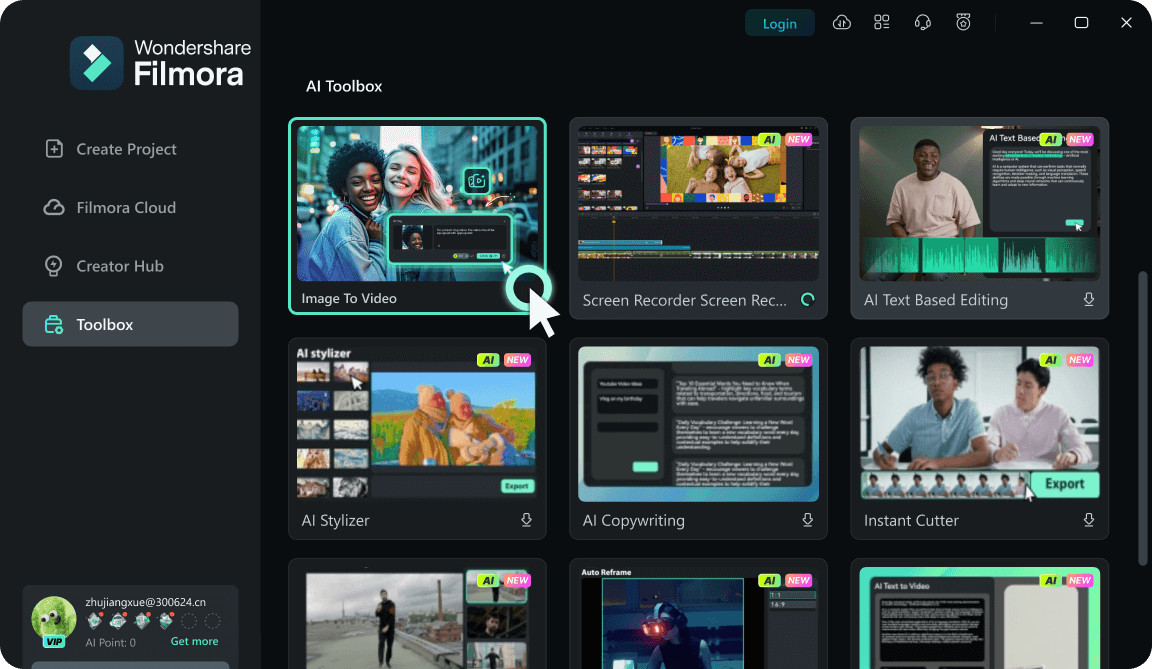
Step 1Upload Your Cat Image
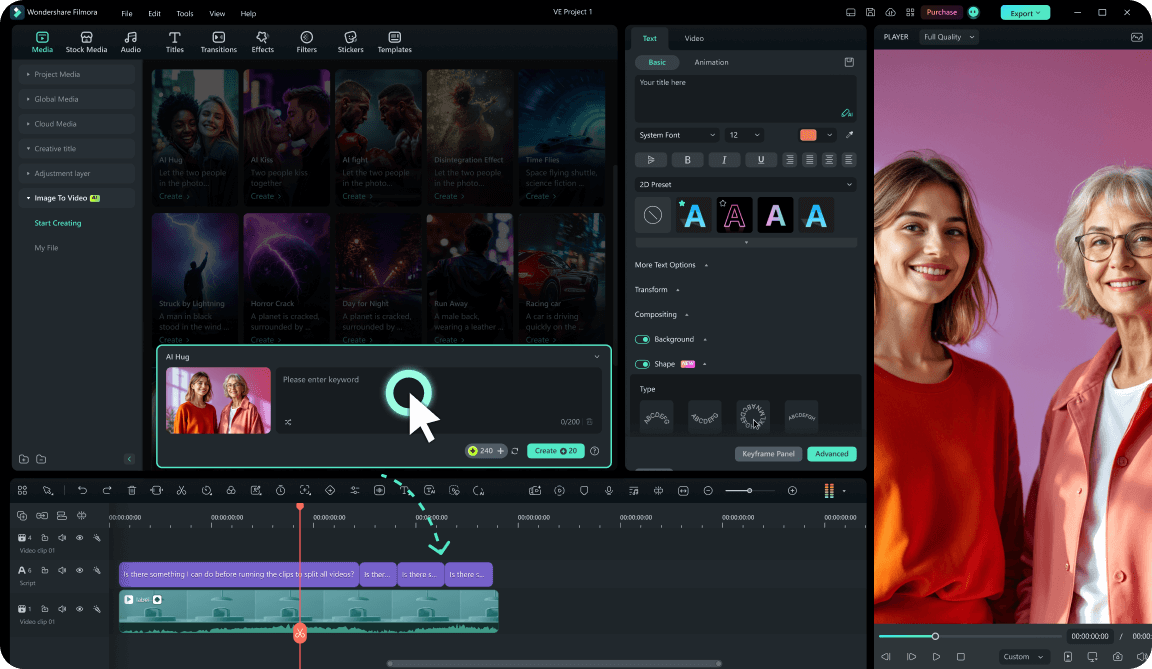
Step 2Generate Cat Motion
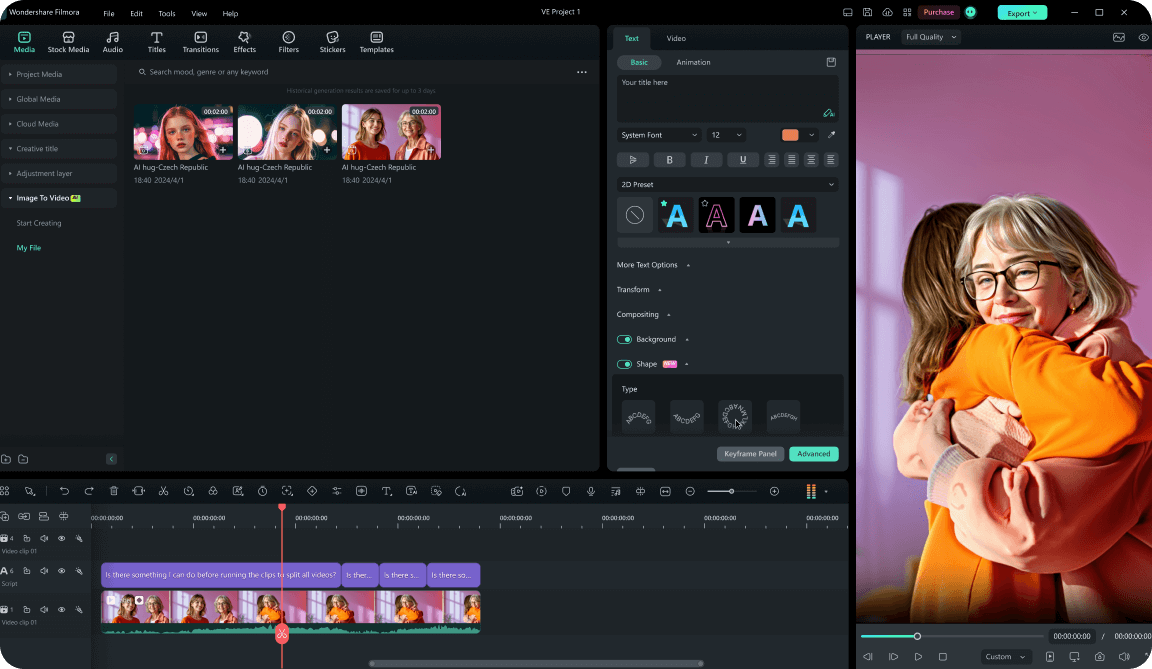
Step 3Edit and Export
1: Upload Your Cat Image
Open Filmora's AI video workflow and upload a clear cat photo. Choose a portrait, full-body pose, or funny expression that can become a strong motion hook.2: Generate Cat Motion
Enter a short prompt for the cat action, mood, or camera movement, then generate an AI video clip that keeps the scene playful and easy to edit.3: Edit and Export
Trim the result, add captions, music, stickers, or templates, then export the animated cat video for TikTok, Instagram Reels, YouTube Shorts, or pet channels.




