

 TL;DR:
Netflix is a paid streaming service strictly for watching professionally curated movies and full-length TV series, whereas YouTube is an open platform ideal for watching and uploading user-generated videos, Shorts, and tutorials.
● Netflix requires a paid monthly subscription through Basic, Standard, or Premium plans supporting up to 4K quality and six devices, while YouTube is free to use but requires paid memberships like YouTube Premium or Premium Lite to remove ads and enable background play.
● Netflix restricts its library to licensed and original productions that vary by country due to distribution rights with zero user upload capabilities, whereas YouTube allows anyone to freely create a channel and upload their own videos.
● Creators choosing YouTube can use Wondershare Filmora to edit footage across mobile and desktop devices, apply AI generators, and schedule direct video uploads using the integrated Social Content Planner.
Ask AI for a summary
 ChatGPT
 Perplexity
 Gemini
 Claude
 Grok
Grok
Who hasn't heard of Netflix or YouTube? They're two of the most popular platforms for watching videos. YouTube is known for its huge variety of user-created videos, while Netflix focuses on movies, TV shows, and original productions.
Both platforms have built massive audiences over the years. By the end of 2025, Netflix had more than 325 million paid memberships worldwide, while YouTube reached around 2.7 billion users.
So, between Netflix vs YouTube, which platform comes out on top? Let's take a closer look at what each one offers.
Part 1. Netflix vs YouTube: A Side-by-Side Look
Before getting into the Netflix versus YouTube comparison, let's look at the basics first. The table below breaks down the main differences so you can quickly see what each platform has to offer.
| Category | Netflix | YouTube |
| Content Model | A streaming service with a curated catalog of movies and shows | An open video platform where creators, brands, and other channels can upload content |
| Content | Movies, TV shows, series, documentaries, and Netflix Originals | Creator videos, Shorts, music videos, podcasts, news, tutorials, gaming, and more |
| Price | Requires a monthly subscription, with plan prices varying by country | Free to use, with YouTube Premium available as a paid option |
| Ads | On the Standard with ads plan | Yes |
| Offline Viewing | Available on supported plans | Available with YouTube Premium |
| Live Content | No | Yes |
| Best For | Movie nights and binge-watching | Quick entertainment |
|
Show More
Show Less
|
||
Part 2. Get to Know Netflix and What It Offers
Above is only a quick glance at what both platforms have to offer. Now, it's time to start the Netflix vs YouTube comparison, and let's start with Netflix. Netflix is a streaming service with a large, curated catalog that you browse and watch through a subscription. Unlike YouTube, Netflix doesn't have videos uploaded by individual creators. Its catalog mainly features professionally produced and licensed content.
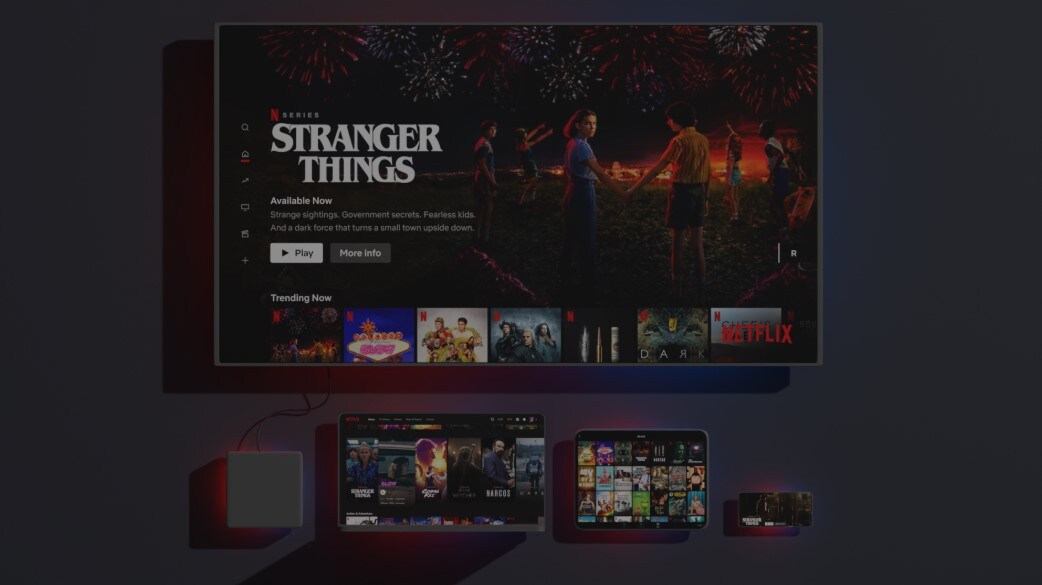
Key Features of Netflix
Netflix comes with several features designed to make it easier to find, watch, and manage your content. Some of the main ones include:
- Personalized Recommendations: Netflix suggests movies and shows based on your viewing history and preferences.
- Multiple Profiles: You can create separate profiles so different people using the same account can have their own recommendations and watch history.
- Offline Downloads: Download supported movies and shows to watch later without an internet connection.
- My List: Save movies and shows you want to watch later in one place.
- Continue Watching: Pick up where you left off without having to search for the title again.
- Parental Controls: Manage what children can watch with profiles and viewing restrictions.
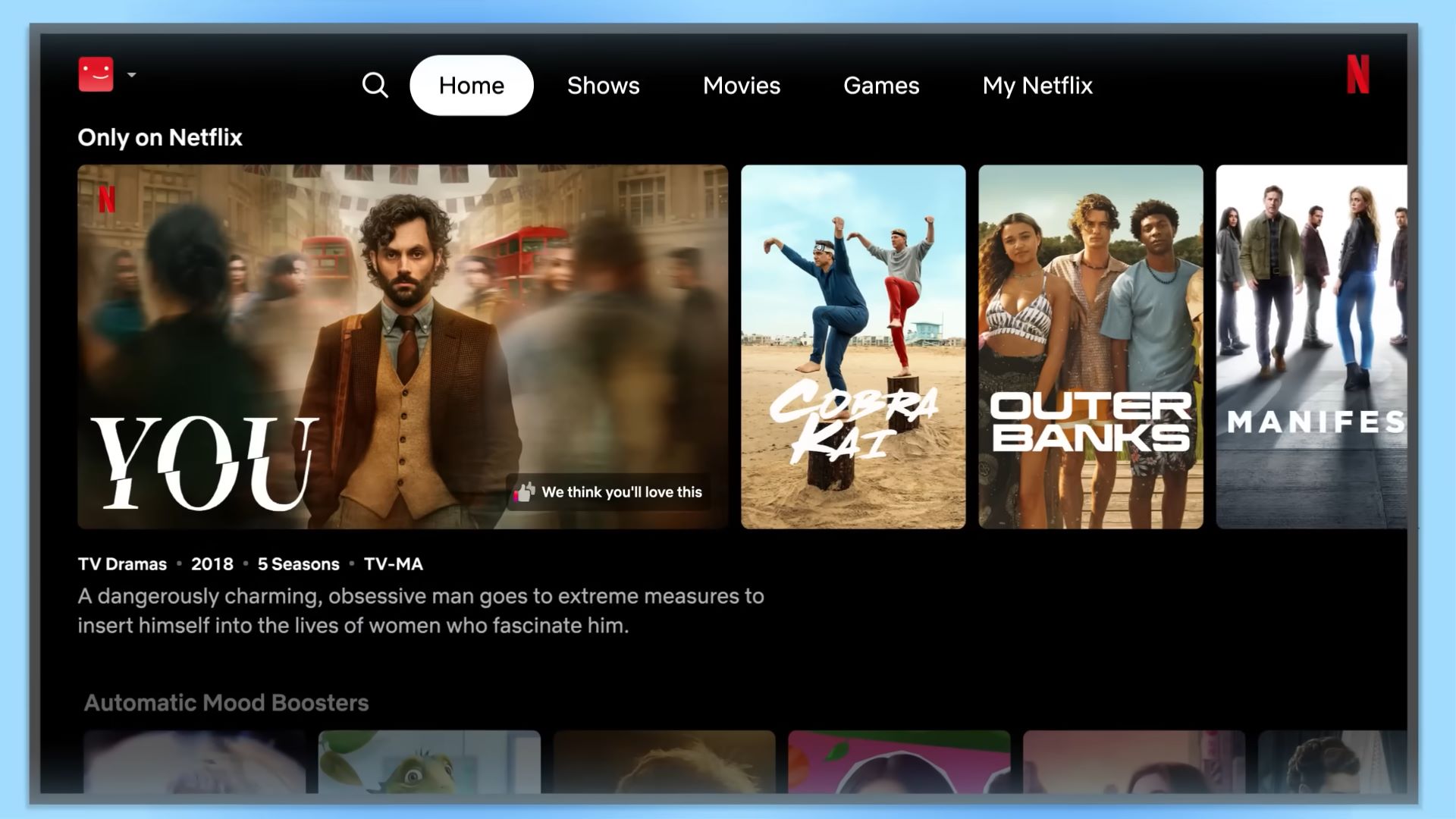
What Can You Watch on Netflix?
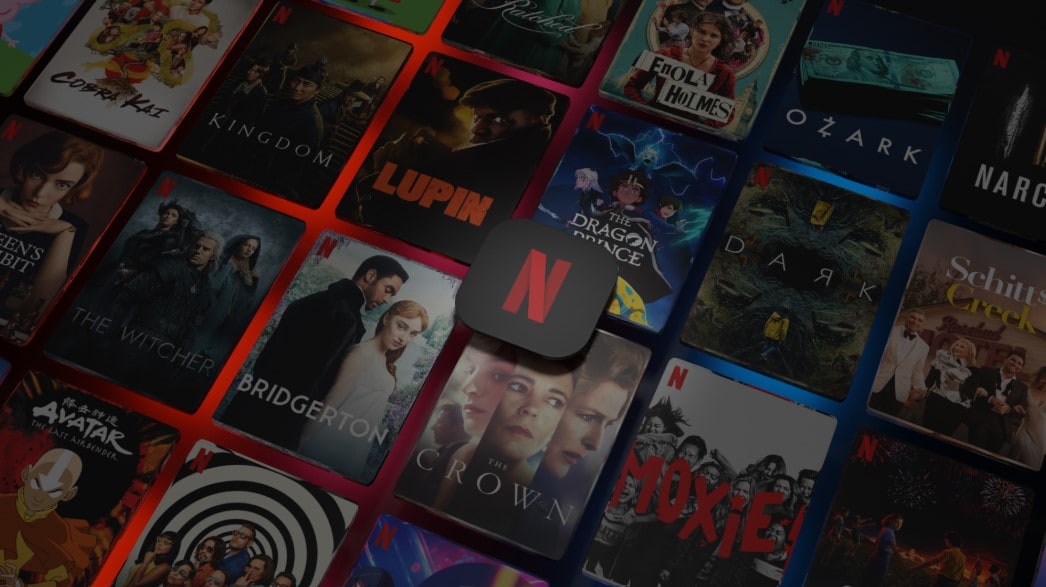
If you're looking at Netflix vs YouTube, the content library differs so much. Netflix offers a wide range of movies and shows, from popular series to original productions. Its library also covers different genres and audiences, such as:
- Movies.
- TV shows and series.
- Documentaries.
- Netflix Originals.
- Anime.
- Kids and family content.
- Reality shows.
- Stand-up comedy.
Netflix Pricing: How Much Does It Cost?
When it comes to pricing, Netflix follows a subscription-based model, with no free plan available. It offers monthly subscription plans with different features and viewing options. The available plans and prices can vary by region, so it's best to check Netflix's official pricing page for the latest information. Here's how the plans compare.
| Basic | Standard | Premium | |
| Supported Devices | 1 | 2 | 6 |
| Video Quality | Up to 720p | Up to 1080p | Up to 4K |
| Simultaneous Viewing | 1 | 2 | 4 |
| Spatial Audio | Not Available | Not Available | Available |
Part 3. Understanding YouTube and Its Content
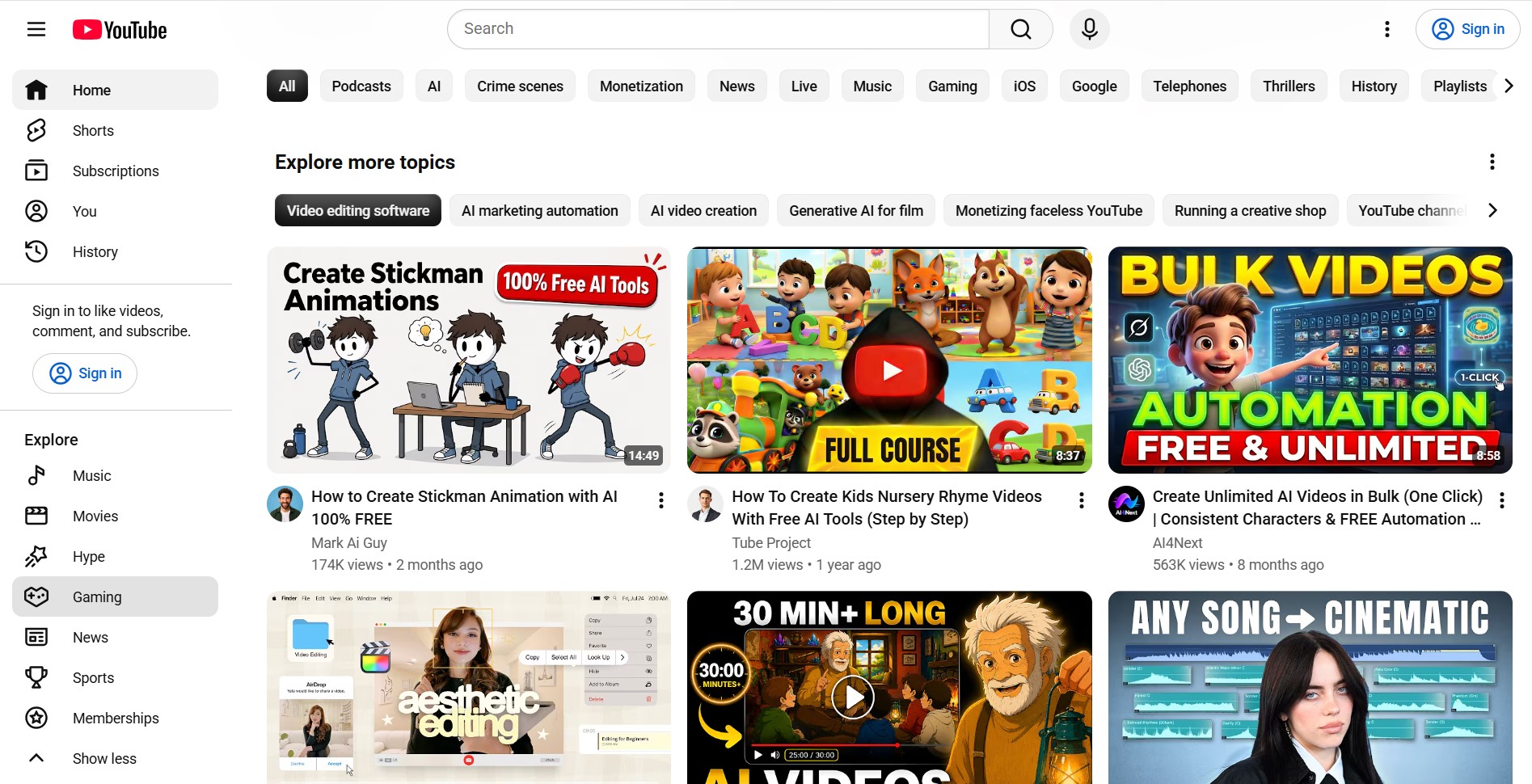
Next up in the Netflix vs YouTube comparison is YouTube. It's a video-sharing platform where you can find videos from all kinds of creators and channels. More than just a place to watch videos, YouTube also lets you create your own channel, upload content, and build an audience over time.
Key Features of YouTube
YouTube comes with a range of features that make browsing and watching videos more convenient. It also includes tools that help you keep up with creators and organize the content you want to watch. Let's look at the key features:
- Personalized Feed: YouTube suggests videos based on your watch history, searches, and interactions.
- Subscribe to Channels: Follow channels you like and get updates when they publish new content.
- Playlists: Organize videos into playlists so you can find and watch them again later.
- Watch Later: Save videos you want to watch at another time.
- Live Videos: Watch live broadcasts and interact with other viewers during the stream.
- YouTube Shorts: YouTube includes a dedicated feed for short-form vertical videos.
What Does YouTube Offer?
When looking at Netflix vs YouTube, it's easy to see how different their content libraries are. YouTube brings together videos across a wide range of topics, formats, and interests. You can find:
- User-generated videos.
- Music and music videos.
- Tutorials and how-to videos.
- YouTube Shorts.
- Livestreams.
- Podcasts.
- News and educational content.

Is YouTube Free? A Look At Its Pricing
One of the biggest differences in Netflix vs YouTube pricing is that YouTube has a free option. You can watch and upload videos without paying first. However, the free experience includes ads.
If you want fewer ads and additional features, YouTube also offers paid memberships. These include YouTube Premium, Premium Lite, and YouTube Music Premium. The available memberships and their prices can vary by country, so check YouTube's official Premium page for the latest options. Here's a quick look at what each membership offers:
| YouTube Music Premium | Premium Lite | YouTube Premium | |
| Main Focus | Music and podcasts | Most YouTube videos | YouTube videos and music |
| Ads | No ads on music | Ads may still appear on music, Shorts, and while browsing | No ads |
| Downloads | Yes, for music and podcasts | Yes, for most non-music videos | Yes |
| Background Play | Yes | Yes, for most non-music videos | Yes |
| High-Quality Audio & Video | Available | Not Included | Available |
|
Show More
Show Less
|
|||
YouTube TV: A Quick Overview
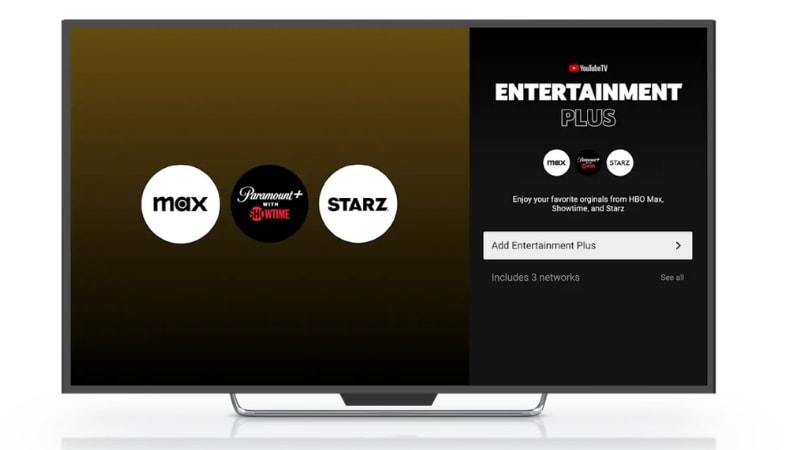
If you're comparing Netflix vs YouTube TV, there's one thing to clear up first. YouTube TV is a separate service from YouTube. You can access live TV channels and some on-demand shows. So, it's basically a way to watch TV through the internet.
Part 4. YouTube vs Netflix: Which Is Better?
So, is YouTube better than Netflix? It depends on what you're looking for. Netflix is centered around movies and TV shows, while YouTube has a broader range of content that anyone can upload and share.
Here's a simple way to help you see which one fits your viewing habits.
| Choose Netflix If You... | Choose YouTube If You... |
| Looking for a dedicated platform to watch movies, TV shows, and series | Looking for a wider mix of videos from creators, brands, and other channels |
| Prefer watching longer content such as full-length movies, episodes, or complete seasons | Prefer shorter content that you can finish in a few minutes or watch in between activities |
| Comfortable paying for a subscription to access a larger library of movies and shows | Prefer having access to a large amount of content without committing to a monthly subscription |
| Interested in genres like action, thriller, comedy, drama, horror, and romance | Interested in daily videos, news, podcasts, music videos, gaming, and tutorials |
| Mainly use streaming platforms to sit back and enjoy entertainment | Interested in both watching videos and creating or managing your own channel |
|
Show More
Show Less
|
|
Bonus: The Best Video Editor for Making Your Own Movies
Now you know what Netflix and YouTube are about. When it comes to Netflix versus YouTube, the better choice depends on what you want to watch. And if you are interested in making your own movies, you'll need a good video editor to get started.
 Secure Download
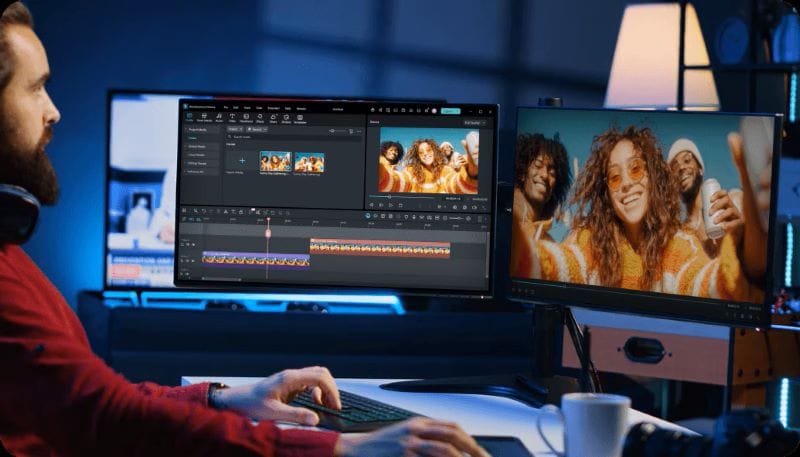
One solid option is Wondershare Filmora. It gives you a dedicated workspace for arranging clips, making cuts, adding effects, and refining your video. The interface is simple enough for beginners to get started, while its more advanced tools give experienced editors more room to work. You can use it for anything from short social media clips to full-length movies.
Let's see how Filmora can help you create your own movies.
1. Use Filmora on Any Device
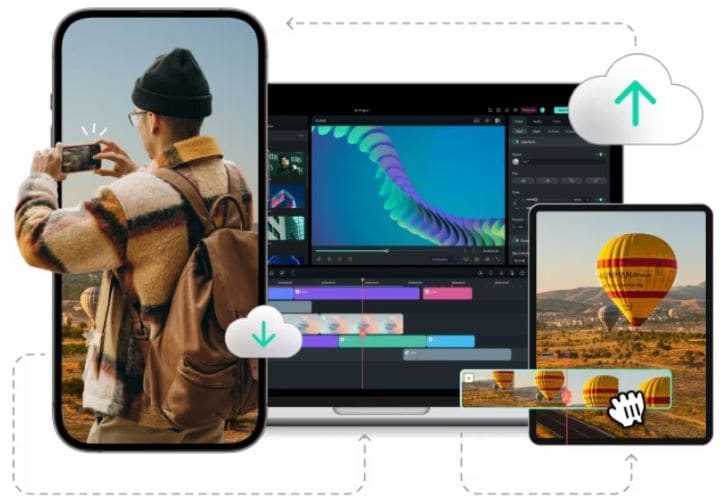
Filmora gives you the flexibility to edit on both mobile and desktop. You can use the iOS or Android app for quick edits, then switch to Windows or macOS when you want more space to work. Your projects can also sync across devices, so you can continue where you left off.
2. Keep Your Edits Organized
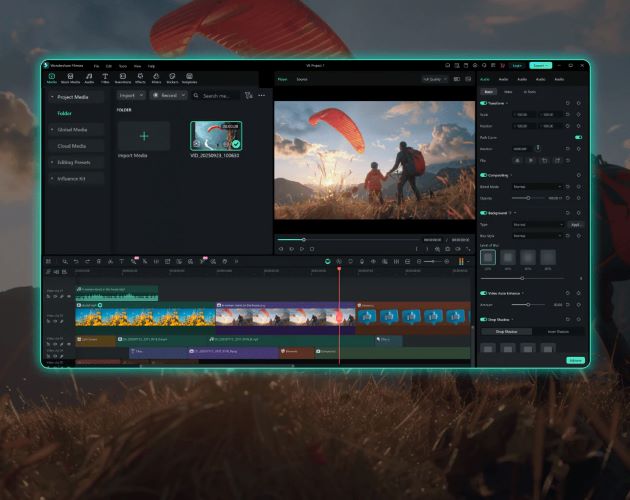
Filmora puts your main editing tools in one organized workspace. You can arrange video, audio, text, and other elements on the timeline. Also, the preview window lets you see your changes in real time.
3. Creative Assets for Your Videos
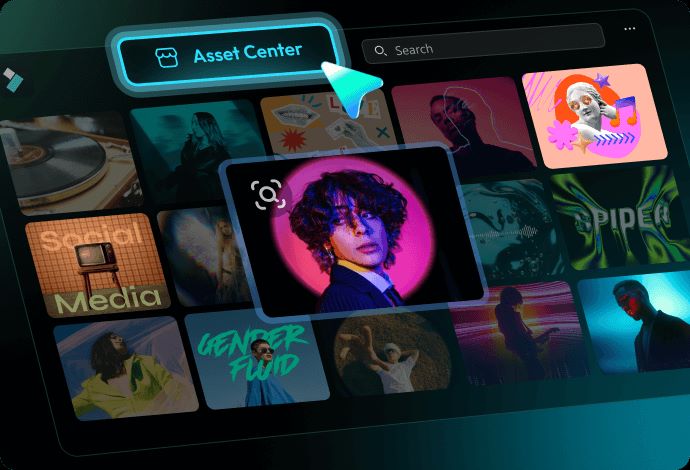
Filmora comes with a broad selection of assets that you can use while editing. Add filters, transitions, or stickers to your footage, then use stock B-roll, sound effects, and music to fill out the rest of your video.
4. AI Tools to Build Your Video
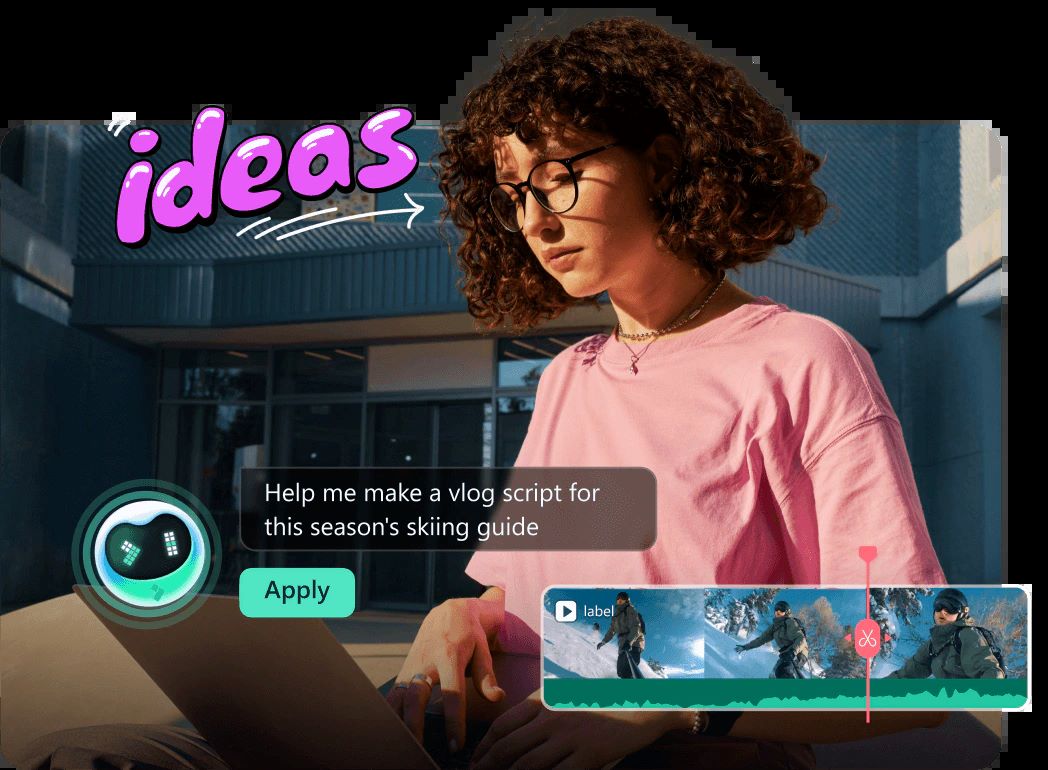
Filmora gives you access to a wide range of AI tools. You can generate images and videos with its AI Generators. Also, create background music and sound effects to match your project. The Auto Reframe can automatically adjust your footage for different screen formats.
5. Plan and Post Your Videos
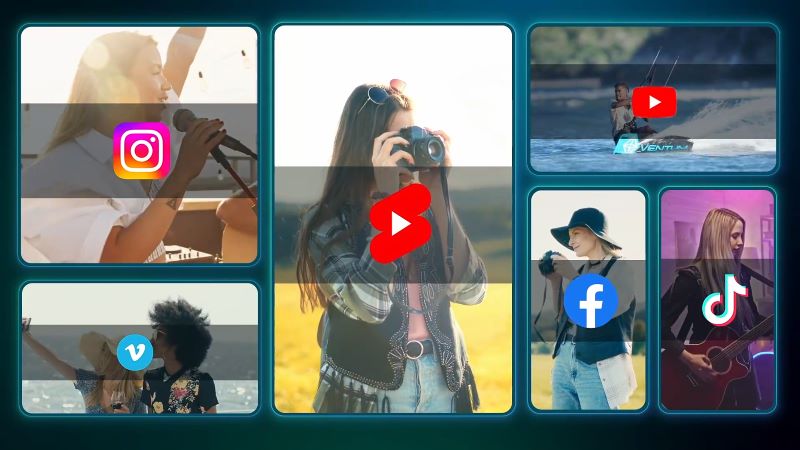
Filmora's Social Content Planner can help manage your video posts after editing. You can schedule videos to be published on YouTube in advance. Plus, track their performance to see how your videos are doing and use those insights to plan future content.

Conclusion
The Netflix vs YouTube comparison comes down to how you want to enjoy video content. Netflix is a better fit if you want full-length movies, with plenty of well-known titles across different genres. On the other hand, YouTube is more suitable if you want to watch content made by individual creators.
If you want to create videos yourself, Wondershare Filmora gives you the tools to do that. You can edit footage, add effects, and use AI tools to generate images, videos, and audio. Then, put everything together into a finished video ready to share on social media.
Secure DownloadFAQ
-
Can I upload videos to Netflix?
No. You can't upload your own videos to Netflix. The platform only offers content available through its service. -
Why can't I watch some Netflix movies in my country?
Netflix's library varies by country because of licensing and distribution rights. -
Can I edit and upload my own videos to YouTube?
Yes. You can edit your videos in Filmora and use its Social Content Planner to schedule and publish them directly to YouTube. -
Do I have to pay to upload videos to YouTube?
No. You can create a YouTube channel and upload videos for free.
