


 TL;DR:
You can safely save public Facebook videos directly to your device as MP4 files without software installation or account registration by pasting the video URL into browser-based tools like SnapSave, FBDown, or Getfvid.
● SnapSave is optimized for extracting high-quality Reels and Watch content, FDown provides a stable and lightweight interface for basic standard or HD downloads, and SaveFrom or Ssyoutube are best for users requiring multi-platform downloading capabilities.
● These URL-based downloaders cannot access private videos, content from closed groups, or region-restricted media, and legitimate services will never require your Facebook email or password to process a link.
● Because downloaded clips are saved as standard MP4 files, repurposing the content for vertical platforms like TikTok, Instagram Reels, or YouTube Shorts requires importing the file into a dedicated video editor like Wondershare Filmora to apply specific aspect ratio presets, trim footage, and generate AI captions.
Ask AI for a summary
 ChatGPT
 Perplexity
 Gemini
 Claude
 Grok
Grok
Many Facebook videos are so useful and entertaining that we often want to save them for offline viewing or use them later. But since Facebook does not provide a built-in download option, many people turn to online Facebook video downloader tools to save their favorite clips on their devices. These tools can be used directly in the browser, without requiring any installation.
If you’ve been looking for a reliable and easy way to download Facebook videos, we’ve put together a list of recommended tools to help you get started. After downloading videos, you can also edit or enhance their quality before sharing them elsewhere.
When creating this list, we assessed each online Facebook video downloader based on its practical and real-world use. The goal was to identify tools that are not only easy to use but also reliable and safe for all users.
Each tool was tested using public Facebook videos and standard download methods to ensure consistent results, with criteria as follows:
- Ease of use: A simple copy-paste link process with a clear interface
- Download success rate: Ability to process Facebook video links without errors
- Supported formats: MP4 and HD download options available
- Speed and stability: Fast link processing and stable downloads
- Device compatibility: Works on iPhone, Android, and desktop browsers
- Ads and pop-ups: Minimal, non-intrusive ads or misleading download buttons
- Security and privacy: No login required and secure HTTPS access
Our Top 3 Picks of Online Facebook Video Downloaders
Based on testing, these three tools stand out for their reliability, ease of use, and overall performance as Facebook video downloaders online.
SnapSave is a fast and reliable Facebook video downloader online, known for high-quality MP4 downloads and works smoothly on both mobile and desktop browsers.

FBDown is a lightweight download Facebook videos via URL tool that focuses on simplicity, making it ideal for users who want quick downloads without extra options.
Getfvid is a flexible online Facebook video downloader that supports multiple quality choices and works well on both mobile and desktop browsers.
Important Note on Copyright and Safe Use
Before using any online Facebook video downloader, it's crucial to understand the rules regarding copyright and responsible use. Although these tools may allow you to save videos from Facebook, not all content is free to download or reuse.
Facebook videos are often created and owned by individuals, brands, or media publishers, and downloading them without permission may violate copyright laws or platform policies. This section is intended to help you use these tools safely, ethically, and within appropriate limits. Keep the following key points in mind:
- Facebook videos may be protected by copyright
- Only download videos you have permission to save
- Use downloaders for personal, educational, or otherwise allowed purposes
- This article is for informational purposes and does not encourage misuse
- Private videos may not be accessible due to privacy and permission settings
Part 1. Best Online Facebook Video Downloader Tools
Considering there are so many tools available, choosing the right online Facebook video downloader can feel confusing. For your convenience, we have tested and compared popular options that allow you to download Facebook videos via links, convert them to MP4 format, and save them online.
Below, you will find a comparison table and a detailed list of the best tools you can use right now.
Facebook Video Downloader Comparison Chart
| Direct URL Upload | Customization | Intrusive Ads | Video Quality | Export Formats | |
| Snapsave | Basic | Banner ads, pop-up ads | SD, HD | MP4 | |
| FDown | Limited | Banner ads, pop up ads | SD, HD | MP4 | |
| Getfvid | Limited | Banner ads, pop up ads | SD, HD | MP4 | |
| SaveFrom | Moderate | Click-through ad | SD, HD | MP4 | |
| KeepVid | Moderate | Click-through ad | SD, HD | MP4 | |
| Y2Mate Facebook Downloader | Moderate | SD, HD | MP4 | ||
| Ssyoutube Facebook Downloader | Limited | Click-through ad | SD, HD | MP4 | |
| SaveAs.co | Limited | Banner ads, pop-up ads | SD, HD | MP4 | |
|
Show More
Show Less
|
|||||
1. SnapSave
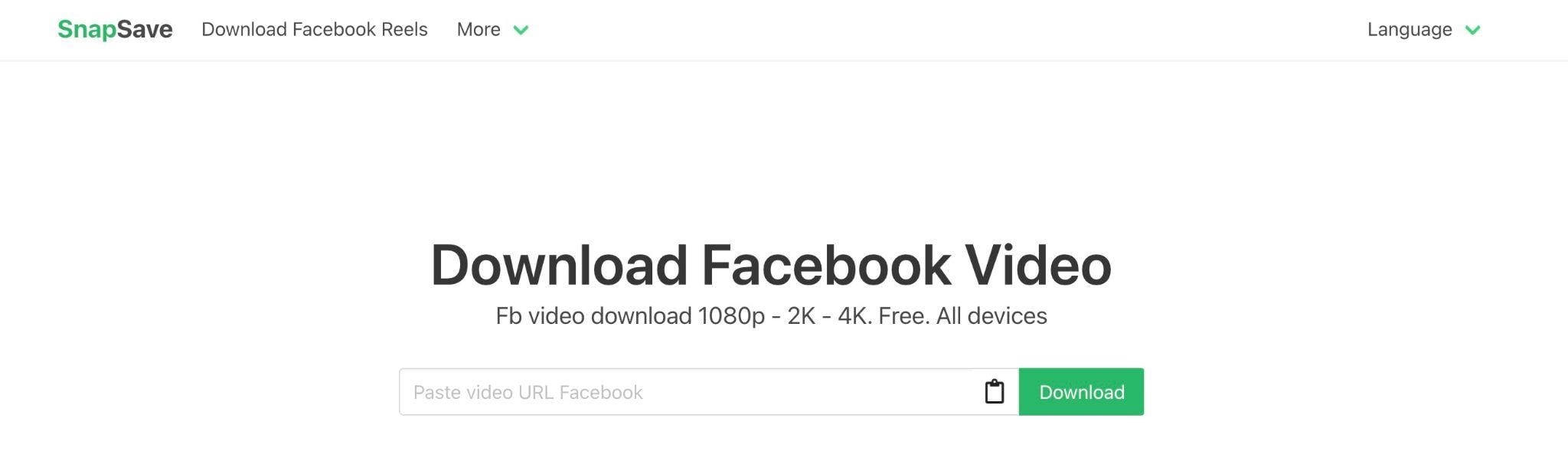
SnapSave is a quick and modern online Facebook video downloader, designed for users who want to download high-quality MP4 videos with minimal steps. It's widely used to download Facebook videos, including Reels and Watch content, directly from copied links.
- Download directly via the Facebook link
- Supports HD and Full HD video quality
- Clean and minimalist interface
- Runs smoothly on mobile and desktop browsers
- Excellent video quality compared to many competitors
- Simple paste-and-download workflow
- No account or login required
- Works well for Reels and short videos
- Limited advanced settings for format customization
- Occasional ads may appear during peak traffic
MP4 (SD, HD, Full HD)
2. FDown
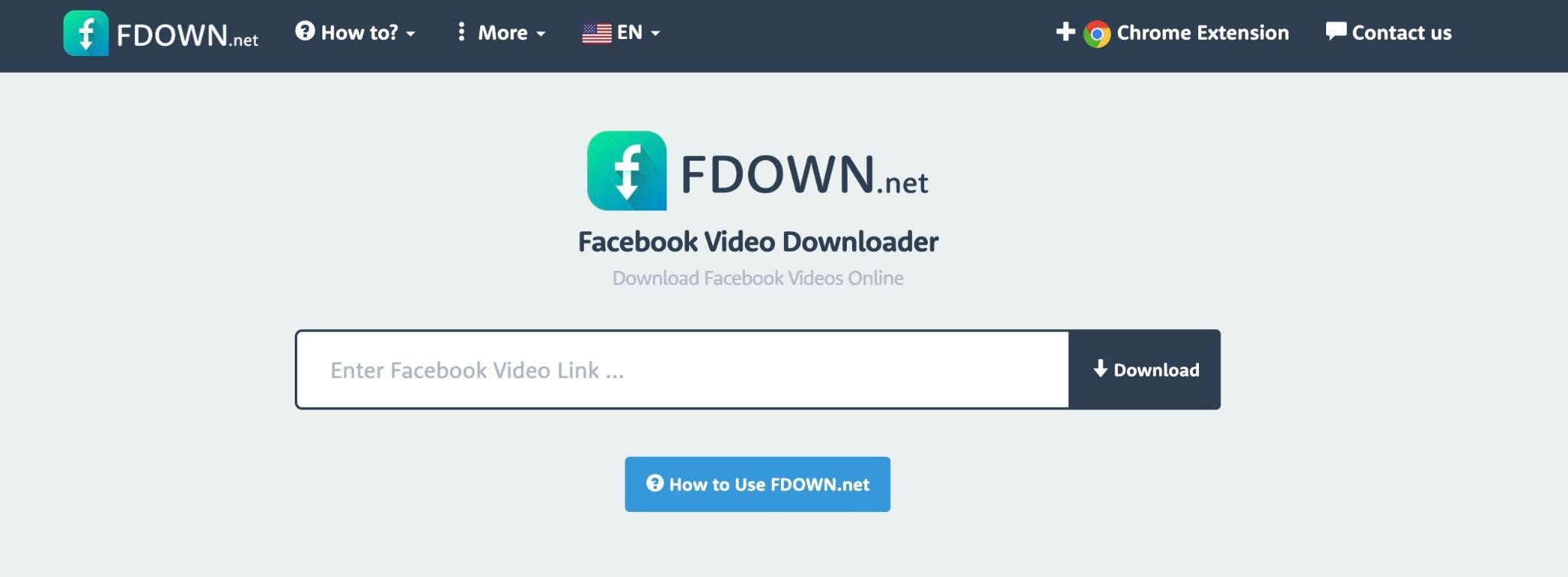
FDown is an online Facebook video download tool that has been operating for a long time, focusing on reliability and ease of use. It's popular among users who want a simple way to download Facebook videos without complex options.
- Facebook link-based downloads
- Browser-based tool with optional extension
- Clear quality options
- Compatible with most main browsers
- The performance is stable even for longer videos
- The layout is simple and easy to use for beginners
- A good balance between speed and quality
- The interface feels outdated compared to newer tools
- Fewer options for newer Facebook video formats
MP4 (standard and HD)
3. Getfvid
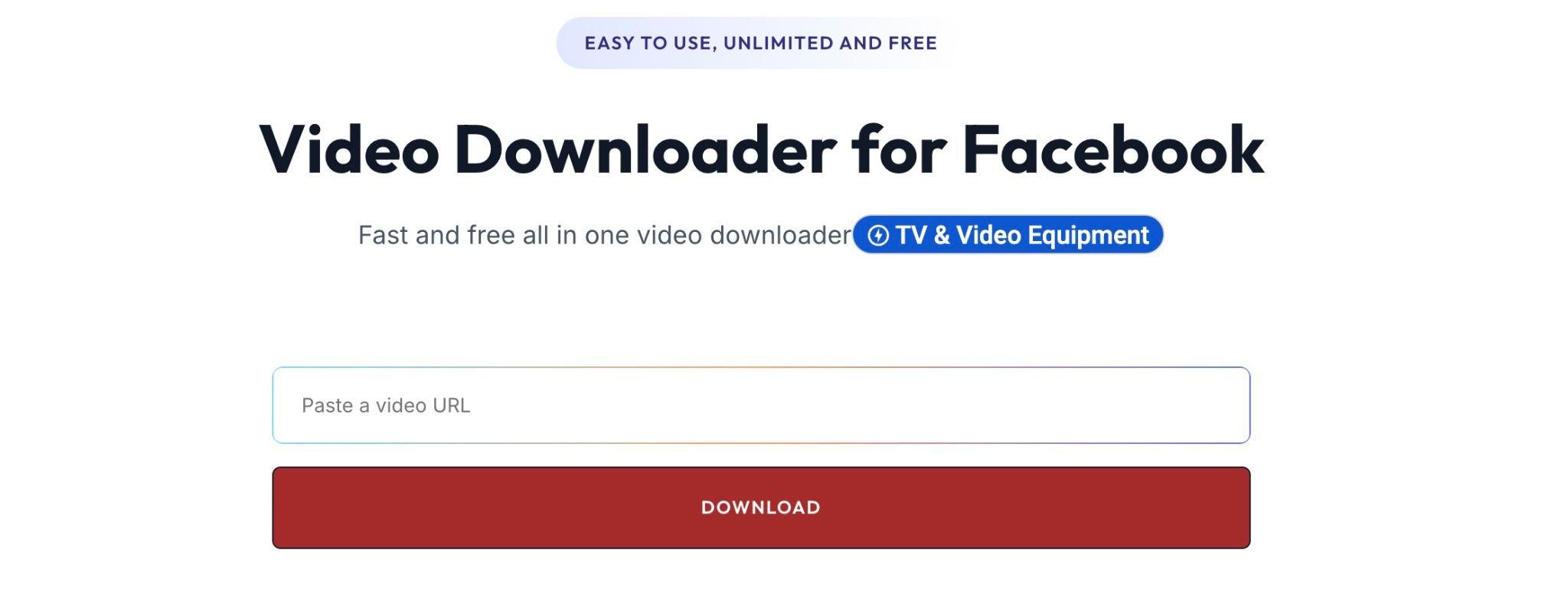
Getfvid is a light, online Facebook video downloader that prioritizes fast access and efficient processing. This tool is recommended for users who want to download Facebook videos quickly without any interruptions or unnecessary features.
- Download Facebook videos using URLs
- Supports SD and HD options
- No registration required
- Works well on mobile browsers
- Highly efficient conversion and download speeds
- Clean and uncluttered interface
- Easy to use on iPhone and Android
- Limited support for extremely high-resolution videos
- Fewer updates compared to larger platforms
MP4 (SD and HD)
4. SaveFrom
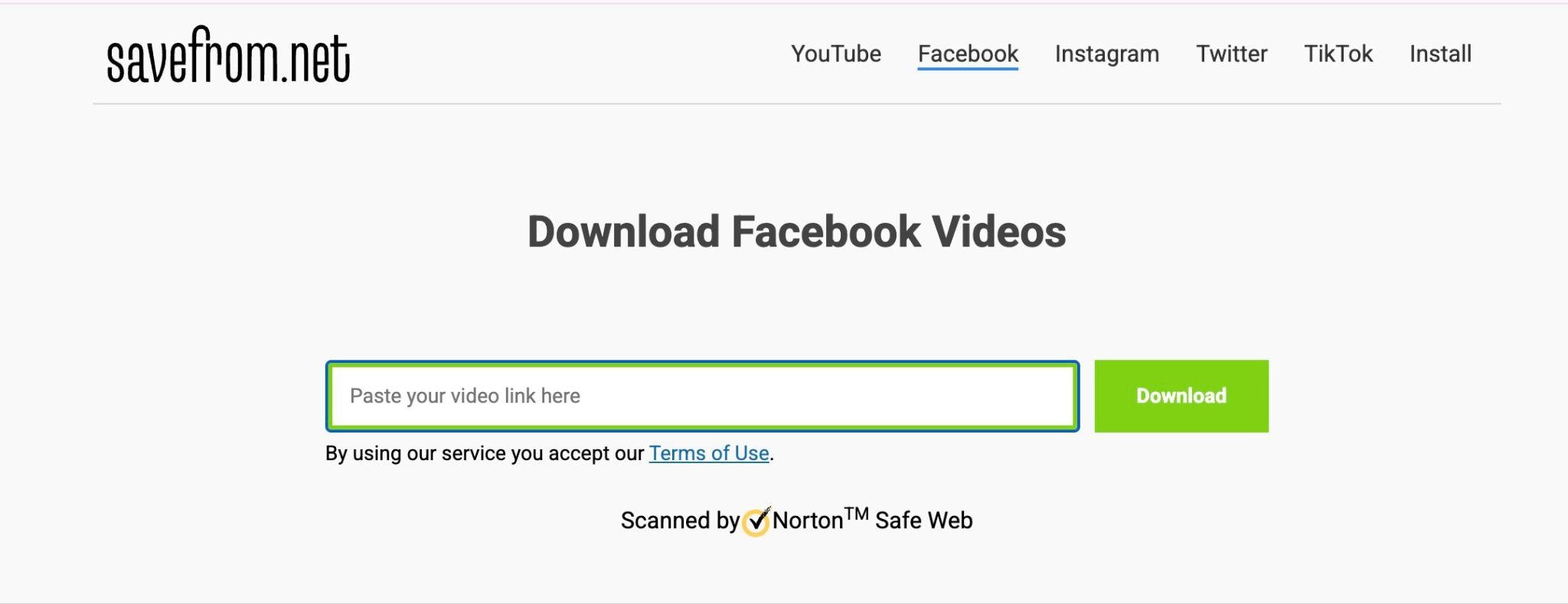
SaveFrom is a well-known online Facebook video downloader that supports various platforms besides Facebook. It's often chosen by users who want a versatile downloader for various social media sites.
- Download Facebook videos via links
- Multi-platform video support
- Browser extension option
- Clear format selection
- It supports many websites, not just Facebook
- Stable download performance
- Useful for users who frequently download videos
- The interface includes noticeable ads
- Some features may redirect to extensions
MP4 (various quality levels)
5. KeepVid
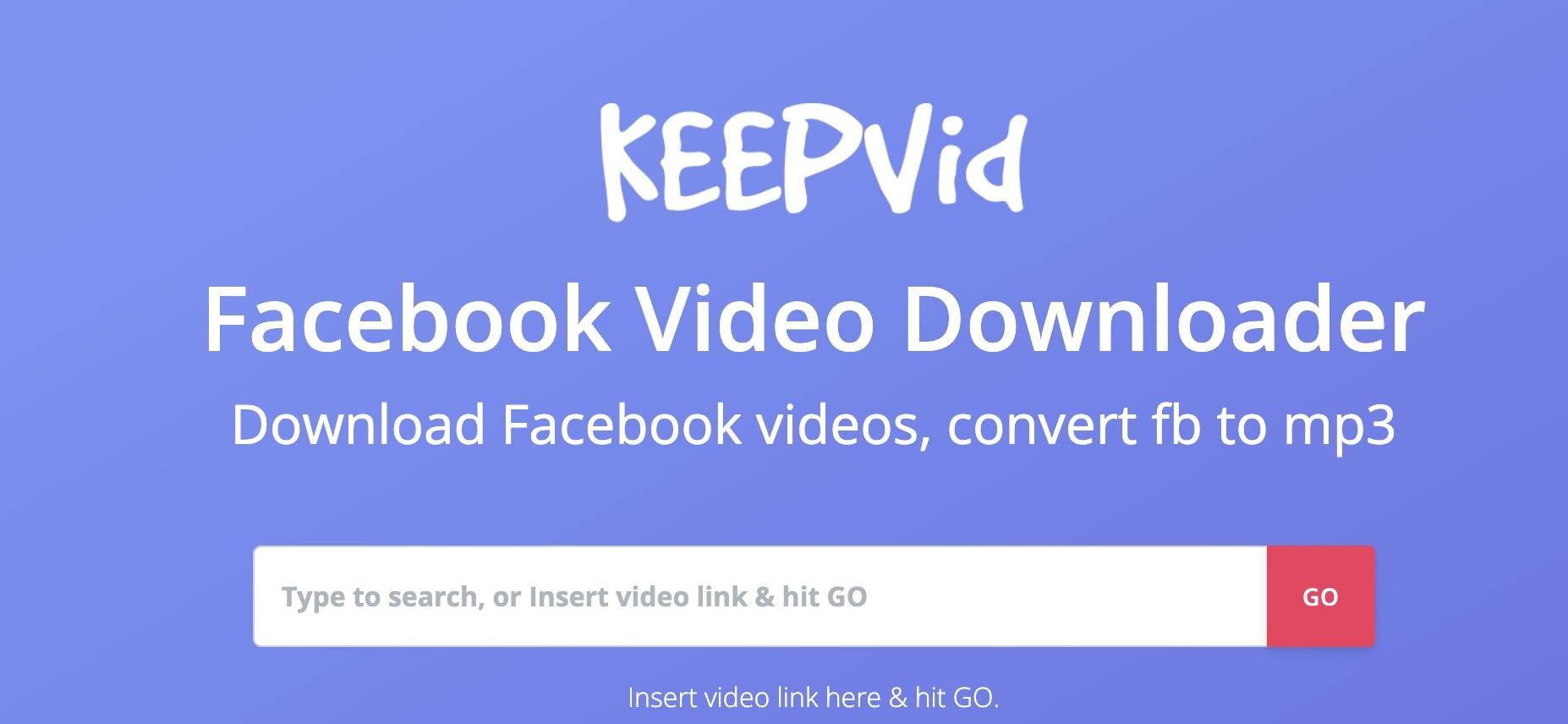
KeepVid is a flexible online Facebook video downloader that also functions as a video converter. It fits those who want to download videos and manage basic formats in one place.
- Facebook URL-based downloads
- Video quality selection
- Converter-style workflow
- A good choice for long-duration Facebook videos
- Stable download links
- A straightforward conversion process
- The interface is more functional than modern interfaces
- Occasional redirections may confuse new users
MP4 (SD and HD)
6. Y2Mate Facebook Downloader
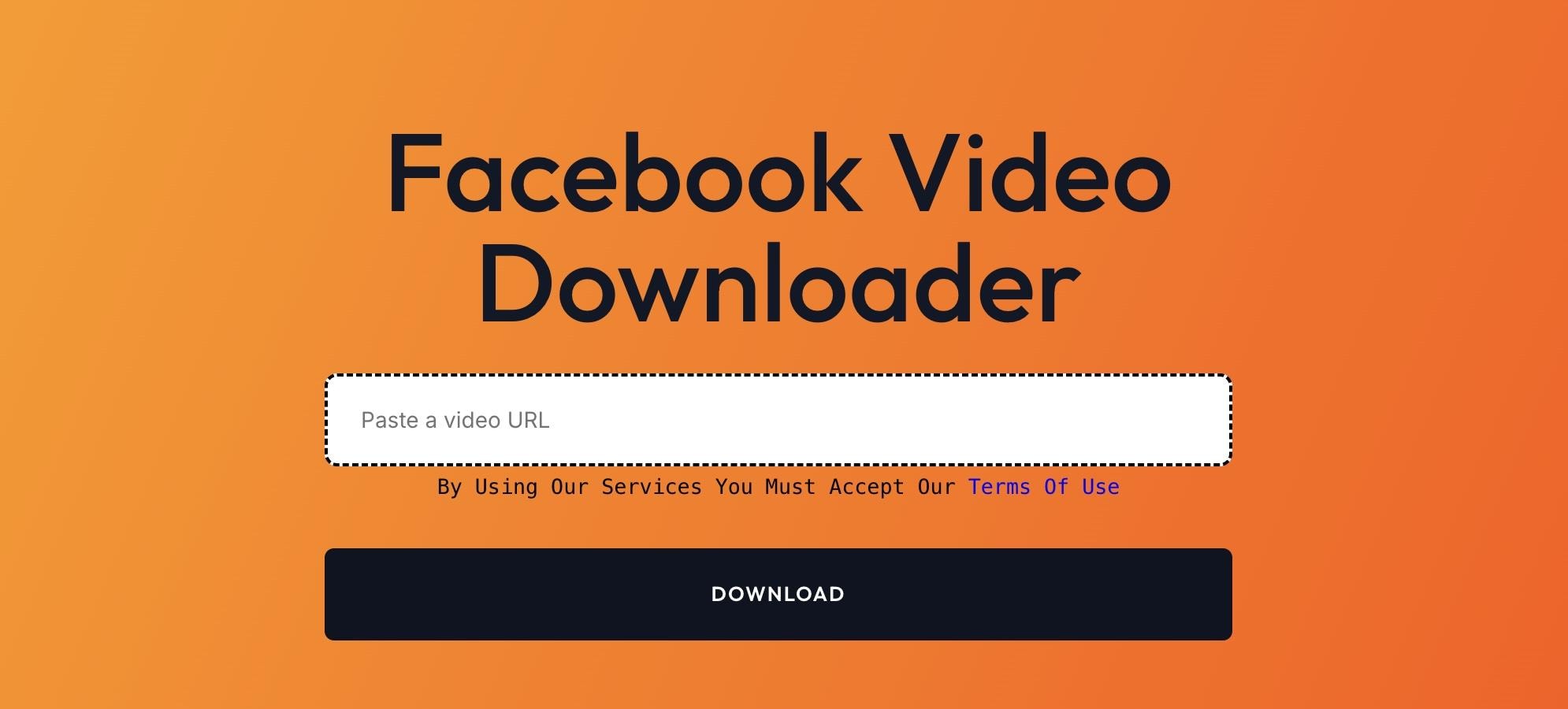
Y2Mate Facebook Downloader is a popular online Facebook video downloader, known for its fast processing speed and wide format support. This tool is mostly used by users who prioritize speed over extensive settings.
- Download Facebook videos via URL
- Quick conversion process
- Mobile-friendly interface
- No account required
- Quick response time
- Suitable for short and medium-length videos
- An interface that's easy to understand
- Limited customization options
- Download quality is basic
MP4 (standard and HD)
7. Ssyoutube Facebook Downloader
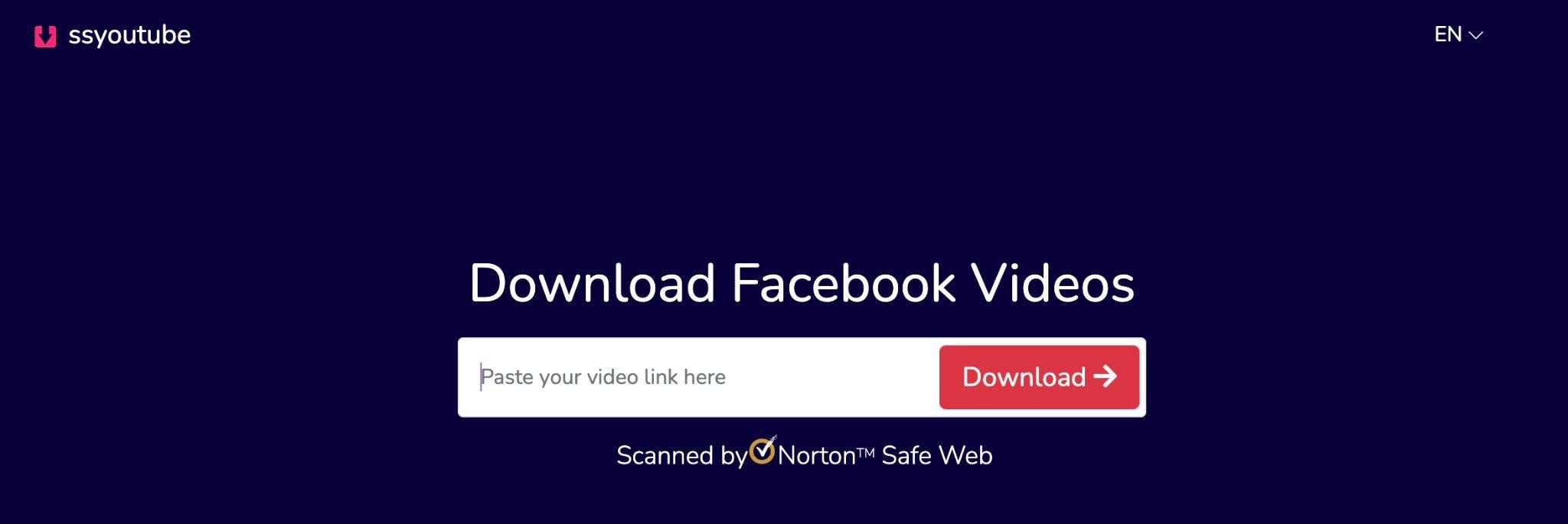
Ssyoutube is a multipurpose online Facebook video downloader that also integrates with various video platforms. The Ssyoutube tool is suitable for users who frequently download videos from multiple sources using similar steps.
- Download Facebook videos via links
- Multi-platform compatibility
- Simplify the conversion process
- Browser-based access
- Consistent download performance
- Supports various video resolutions
- Performs well on various devices
- The interface prioritizes function over design
- Advertisements may appear during the process
MP4 (SD and HD)
8. SaveAs.co
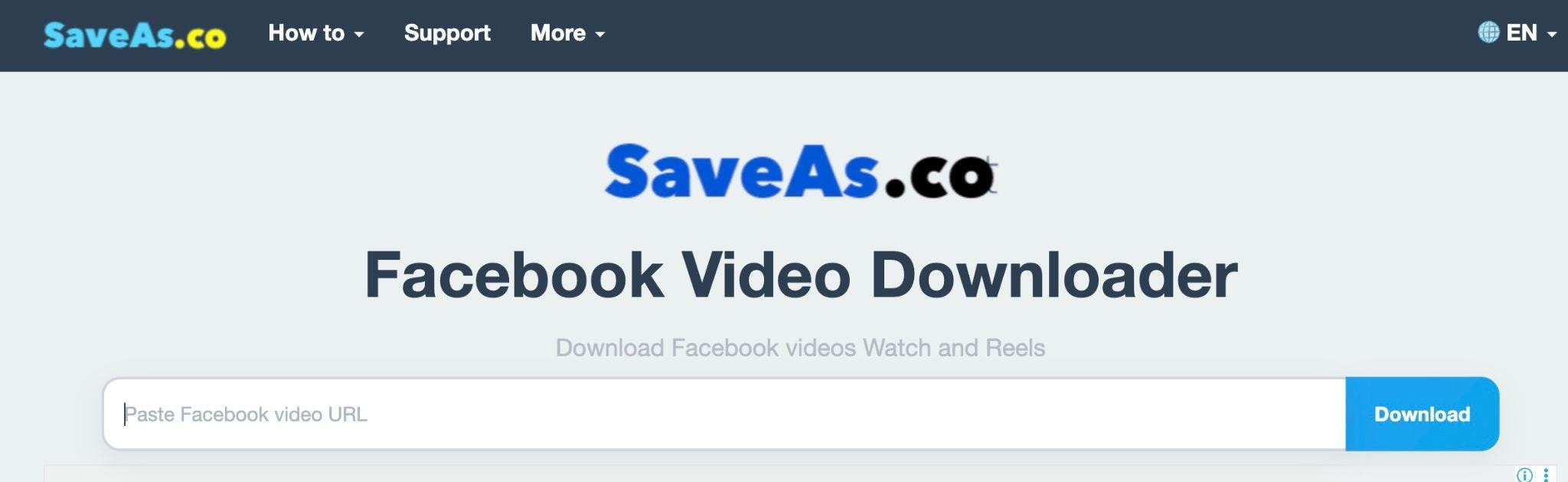
SaveAs.co is a clean and user-friendly online Facebook video downloader that focuses on simplicity and ease of access. For casual users who want to quickly download MP4 files without complicated technical steps, this tool is a great fit.
- Facebook link-based downloads
- The interface is both clean and straightforward
- Support for both mobile and desktop devices
- No registration required
- Friendly for new users
- Minimalist interface with no visual distractions
- Reliable MP4 output
- Fewer advanced quality options
- Limitations on customization features
MP4 (standard quality)
Part 2. Enhance Your Downloaded Facebook Videos with Filmora
Online Facebook video downloaders may be a practical solution when you need to save videos from Facebook quickly. But if you want to edit the saved clips before sharing them on other platforms, you need a video editor like Wondershare Filmora.
With Filmora, you can trim unwanted parts, resize videos for other platforms, add text or subtitles, and enhance videos with background music. Filmora supports all these features while it remains easy to use.
Why Filmora Works Well for Editing Facebook Videos
- Works smoothly with downloaded videos. Most Facebook video downloaders save clips as MP4 files, and Filmora handles MP4 seamlessly. Even if you need to save it in a different format, you can also use Filmora as a reliable converter.
- Built for social media sharing. Filmora makes it easy to resize videos for Facebook Reel, TikTok, Instagram Reels, and YouTube Shorts using built-in aspect ratio presets and the Auto Reframe feature. This saves time and helps your videos look right on each platform without manual adjustments.
- AI tools that save time. Features like AI captions and automatic video enhancement help speed up common tasks. Instead of manually typing subtitles or tweaking settings, you can get clean results in just a few clicks.
- Flexible across devices. Whether you prefer editing on a desktop or your phone, Filmora is available on both. This is especially useful if you download a video on mobile but want to polish it later on a larger screen.
 Secure Download
Quick Steps to Edit Facebook Videos in Filmora:
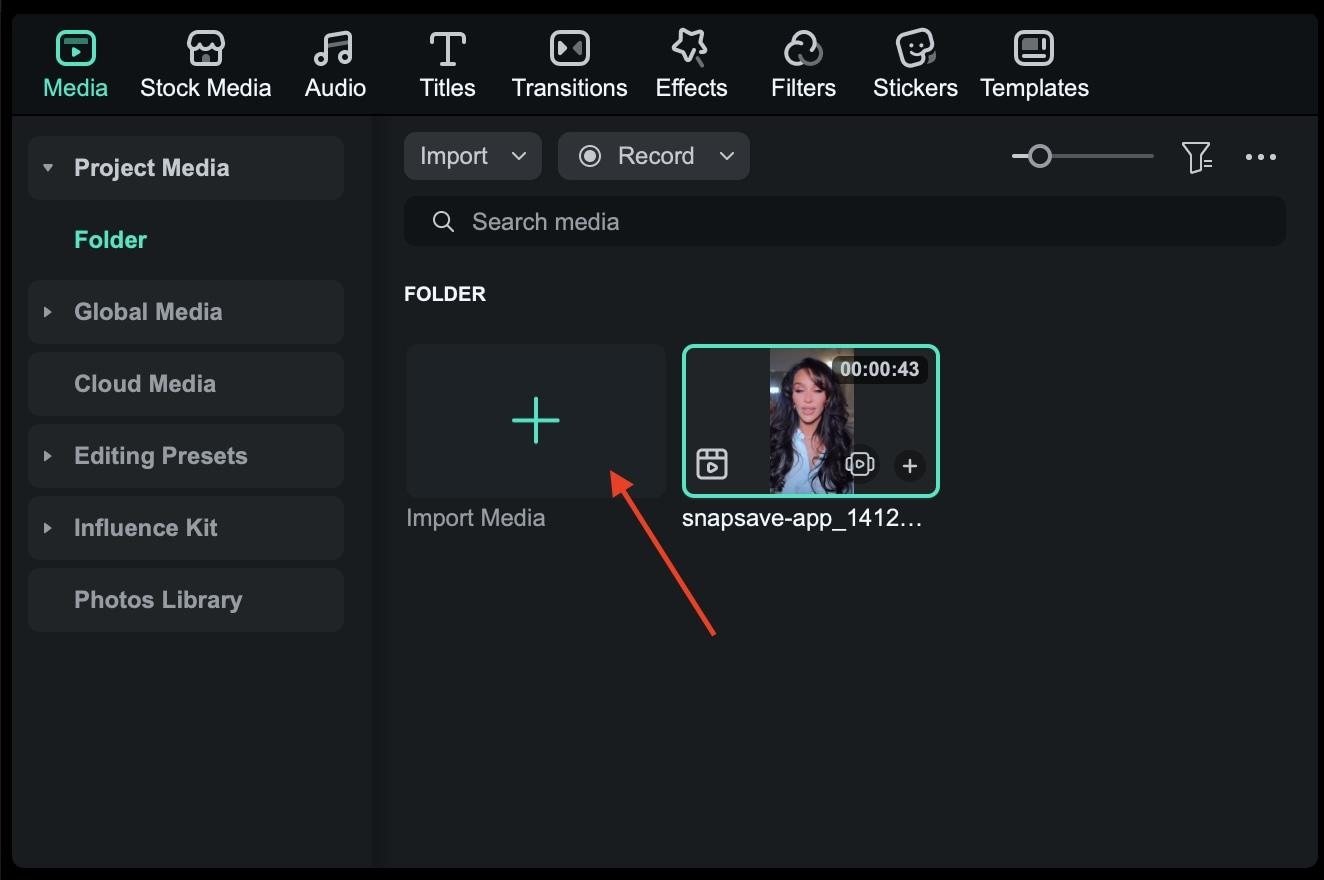
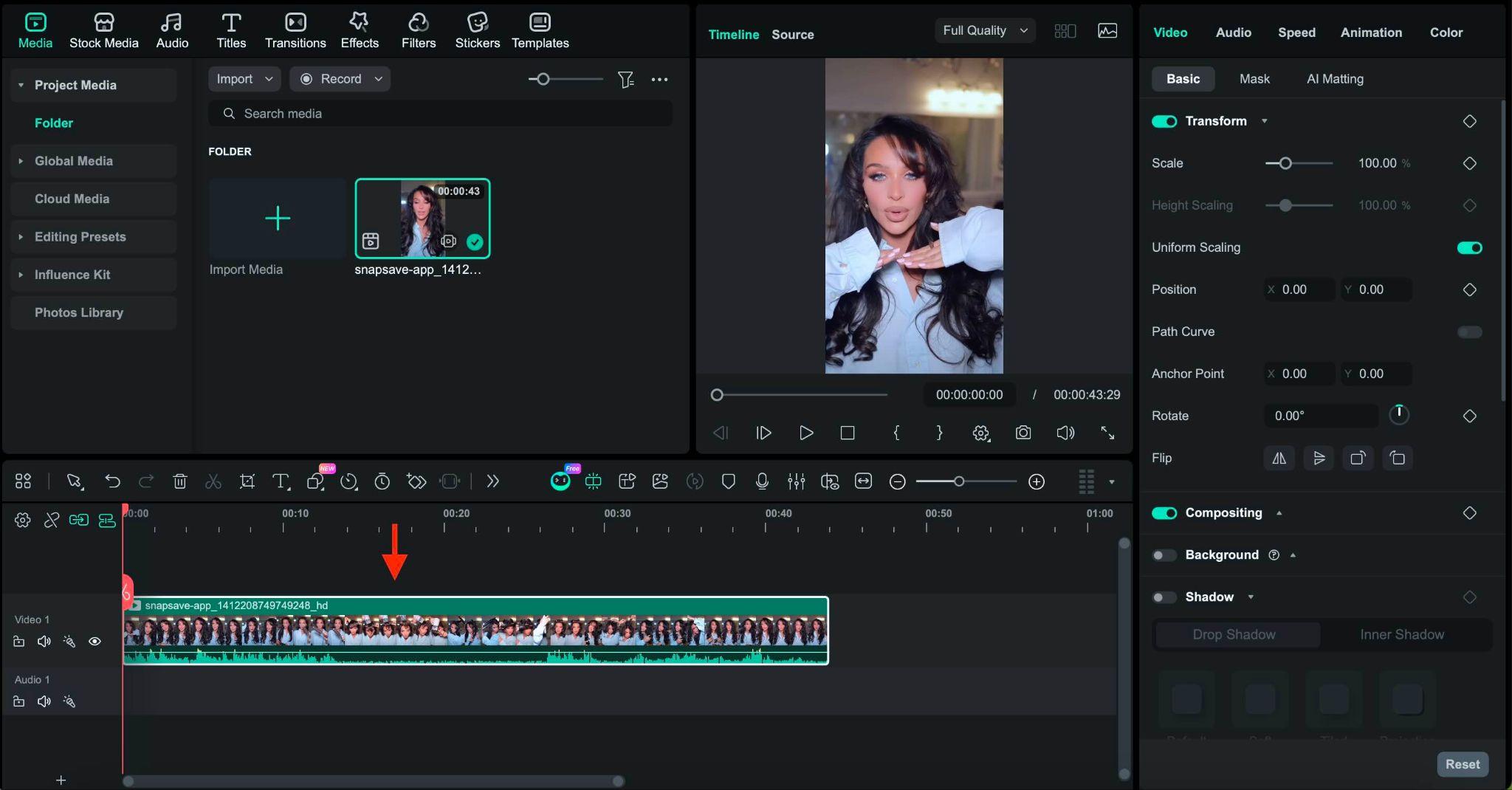
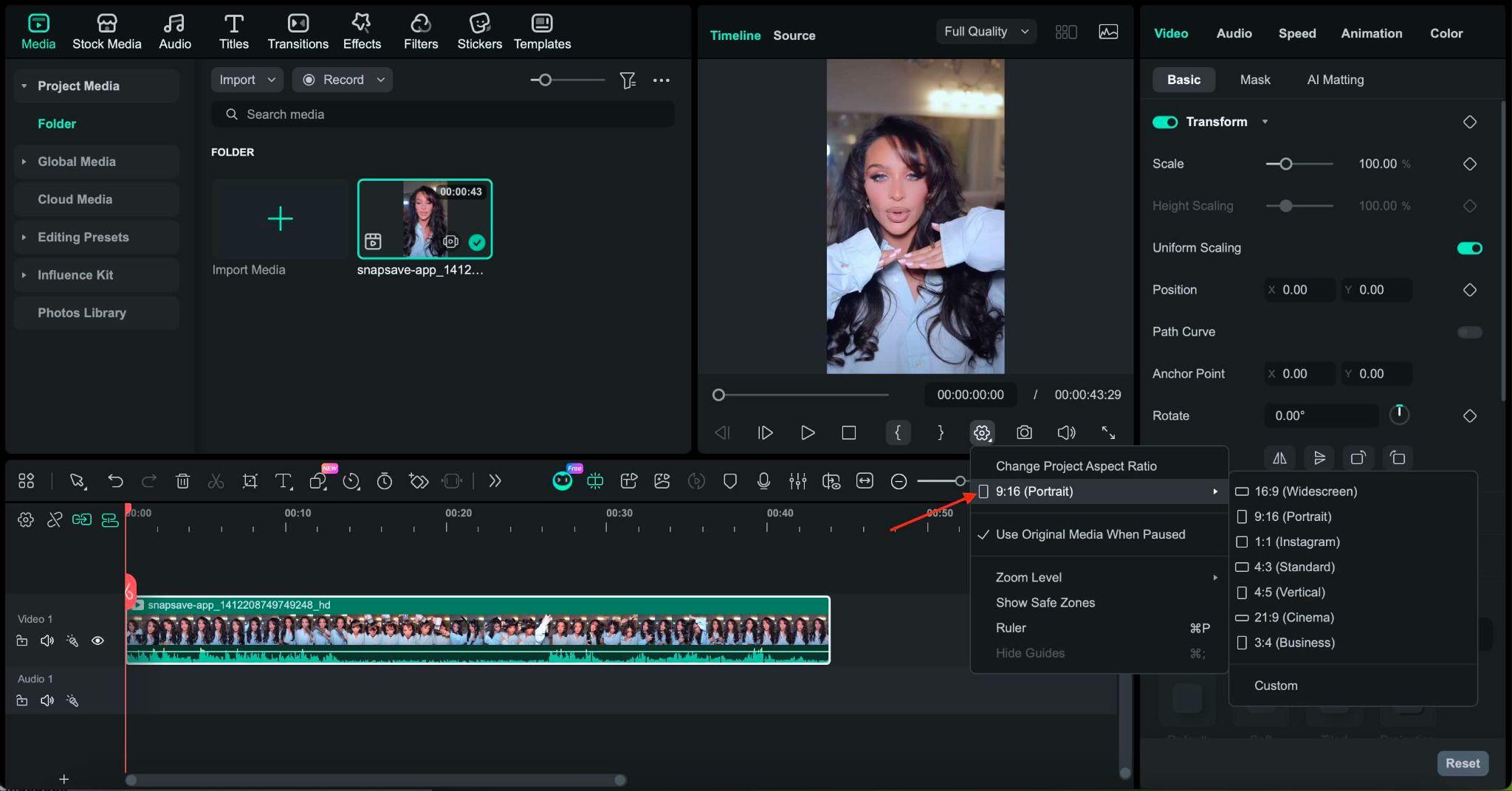
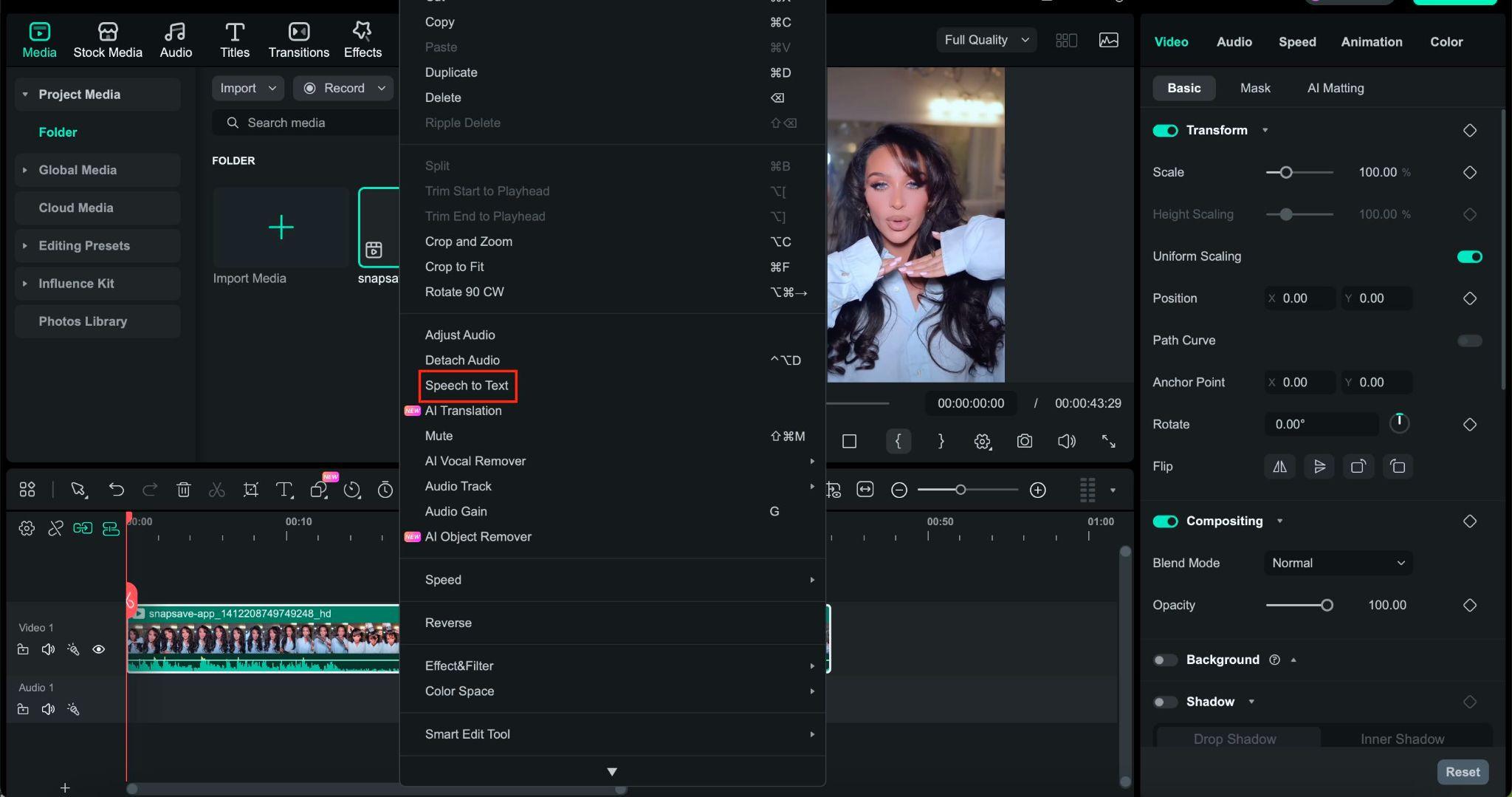
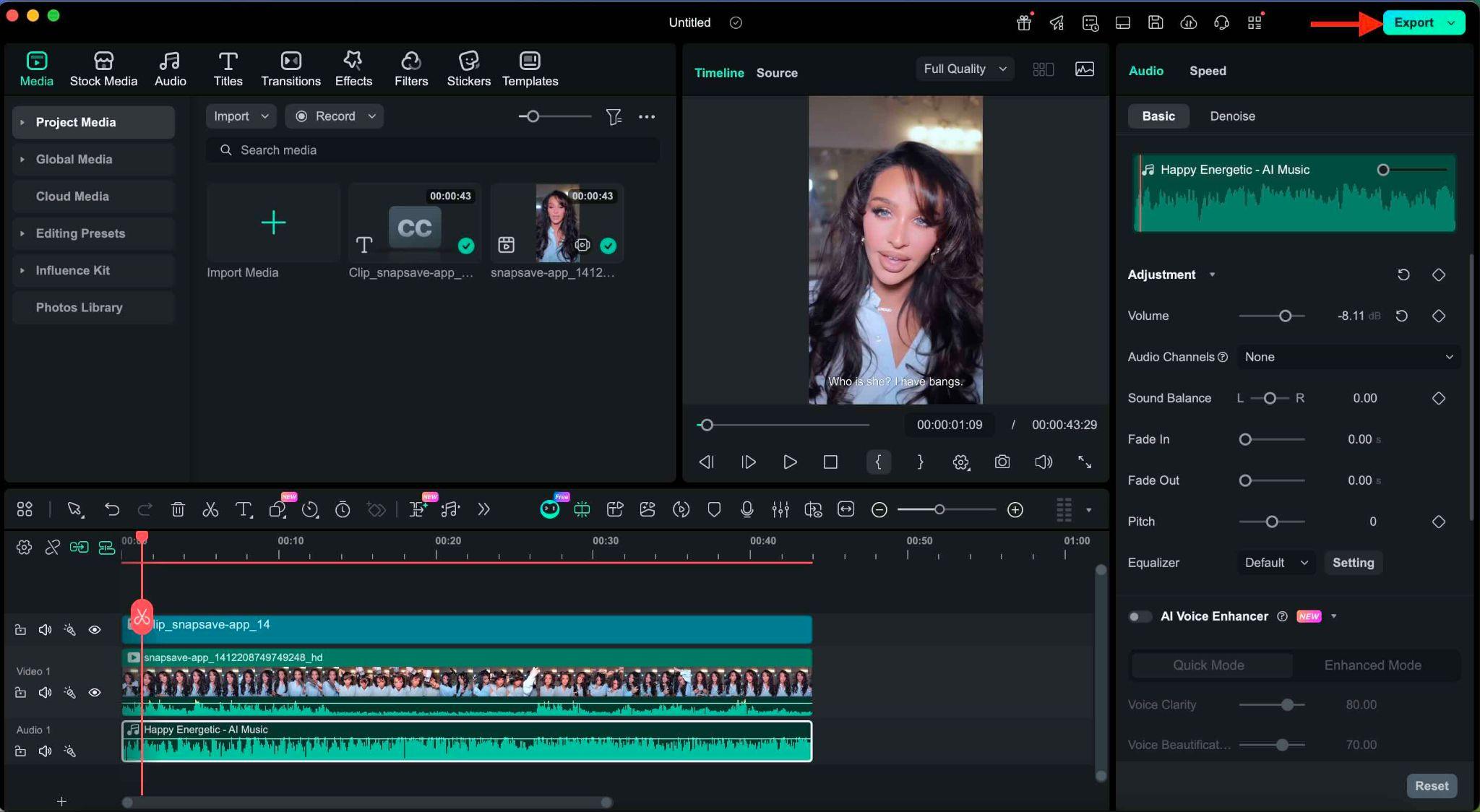 Secure Download
Part 3. Safety Tips for Using Online Facebook Downloaders
It may seem convenient to use an online Facebook video downloader, but it's important to stay cautious when browsing and downloading videos.
Many free tools rely on ads, redirects, or third-party servers, potentially posing security or privacy risks. Following some basic security practices can help you download Facebook videos more safely and avoid common issues.
Security Tips to Note:
- Avoid tools that ask for Facebook login details. Legitimate online Facebook video downloaders only require the video link or URL. Never enter your Facebook email address or password.
- Beware of pop-up ads and fake download buttons. Some sites display multiple download buttons. Make sure you click the correct button and close any suspicious pop-ups.
- Use secure websites with HTTPS. A secure connection helps protect your data when using online downloaders.
- Don't download private or restricted videos. Videos from private accounts or closed groups may violate permissions and often cannot be downloaded safely.
- Use trusted and well-known tools. Popular downloaders with a long track record are generally safer than new or unknown websites.
Conclusion
An online Facebook video downloader makes it easy for you to save useful, entertaining, or inspiring videos directly from Facebook using just a link. Choosing the right online tool can ensure better quality, faster downloads, and a safer experience for downloading tutorials, Reels, or watching videos.
After downloading, editing your video can improve the original, especially if you plan to share it on other platforms. Using tools like Filmora, users can quickly trim clips, resize videos, add text, or enhance visuals without complicated steps. As always, download content responsibly, respect copyright rules, and use trusted tools to keep your workflow smooth and secure.
FAQs
-
Why is the Facebook link not working in the downloader?
The video may be private, restricted, or downloaded incorrectly. Some users also have trouble with content restricted by region. -
Can I download Facebook Reels online?
Yes, many online Facebook video downloaders support Reels, depending on the video's privacy settings. -
Is it legal to download Facebook videos?
It depends on the content. Only download videos that you own or have permission to save. -
How do I convert Facebook videos to MP4?
Most online Facebook video downloaders automatically convert videos to MP4 format during the download process.
