AI has become a regular part of our creative projects. According to Adobe's 2025 Creators' Toolkit Report, 60% of creators used more than one creative generative AI tool in the past three months. With so many tools available for different creative tasks, switching between platforms takes extra time.
What if you could create images, videos, and music without switching between multiple platforms? That's what Flyne AI aims to offer. It brings several AI-powered creative tools into one place. Let's take a closer look at its features, pricing, and what you should know before using it.
Part 1. What You Can Expect from Flyne AI
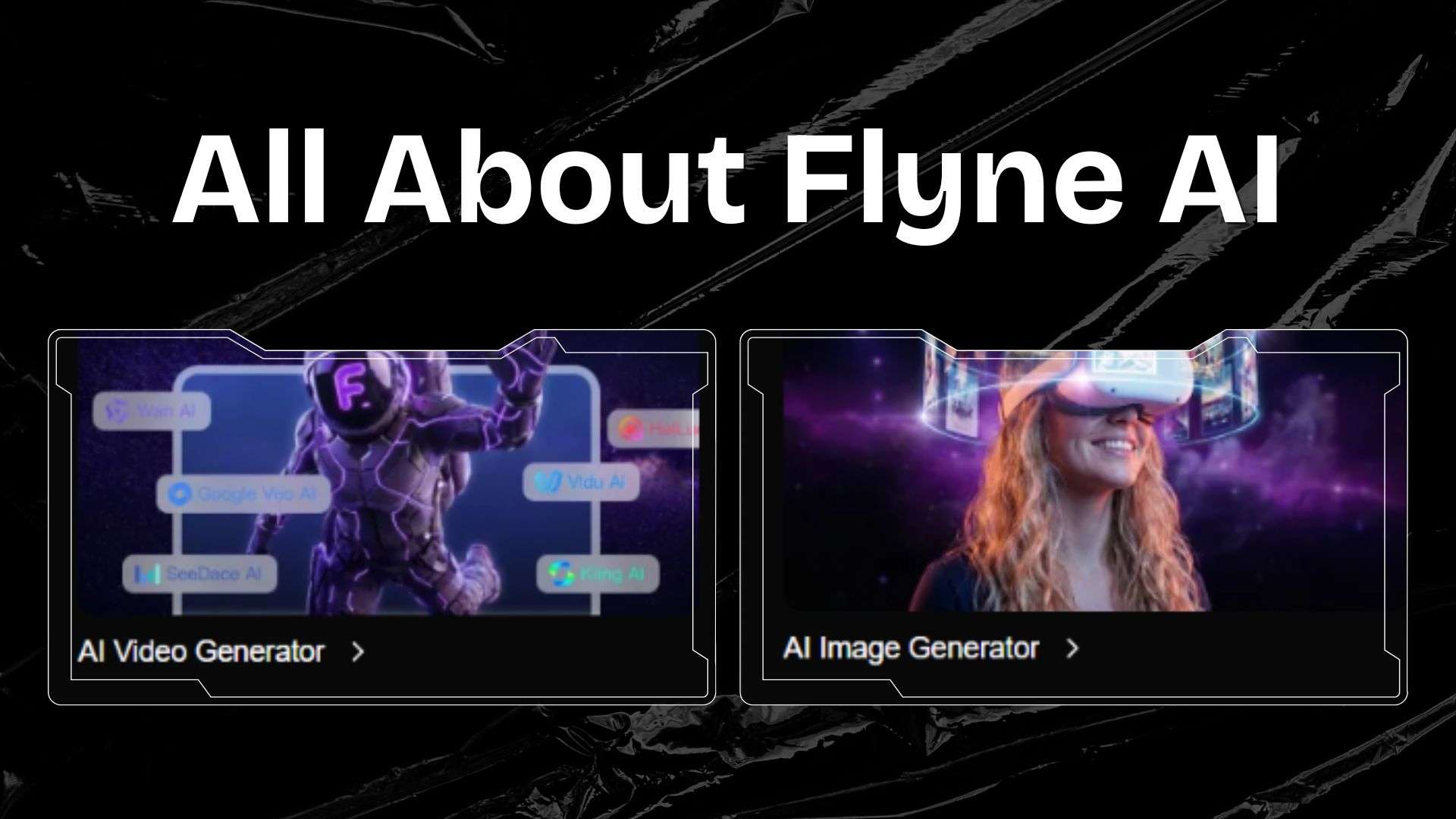
Creating images, videos, and music often means using different AI tools. Flyne AI offers a more convenient approach by bringing these creative features together in one place. You can explore its tools to generate different types of content based on your ideas.
| Category | Overview |
| Platform Type | AI content generation platform |
| Primary Focus | Generating images, videos, and music from different inputs |
| Image Generation Models | Nano Banana, GPT Image, Seedream |
| Video Generation Models | Kling, Sora, Veo, Hailou, Grok, Seedance, Pixverse, Vidu |
| Music Generation Models | Suno AI |
| Platform | Web-based |
| Ease of Use | Simple and intuitive interface |
| Best For | Short-form videos, social media content, and marketing videos |
|
Show More
Show Less
|
|
Part 2. What Does Flyne AI Have to Offer?
At first glance, Flyne AI might look like many other AI platforms out there. But what can you actually do with it? Let's take a closer look at its features and see whether they offer what you need for your creative projects.
Explore Your Ideas with AI Canvas
Flyne AI comes with AI Canvas. It’s a large workspace where you can create, arrange, and edit visual content. You can generate images and videos, edit them with text prompts, and connect different elements to create a visual flow. It gives you room to experiment with different concepts as your project develops.

Say you're working on a product video for an upcoming campaign. You can use AI Canvas to sketch out the concept, create a moodboard, and experiment with different visual directions. After that, connect your ideas and generate the images and video clips that match your chosen concept.
Create Videos for Any Project
Flyne AI comes with a video generator that lets you create videos based on your instructions. With text prompts, you can describe your idea in detail, including how each scene should look. Also, you can upload multiple reference images with Flyne AI Image to Video. You can choose the start or ending frame to guide the generation.
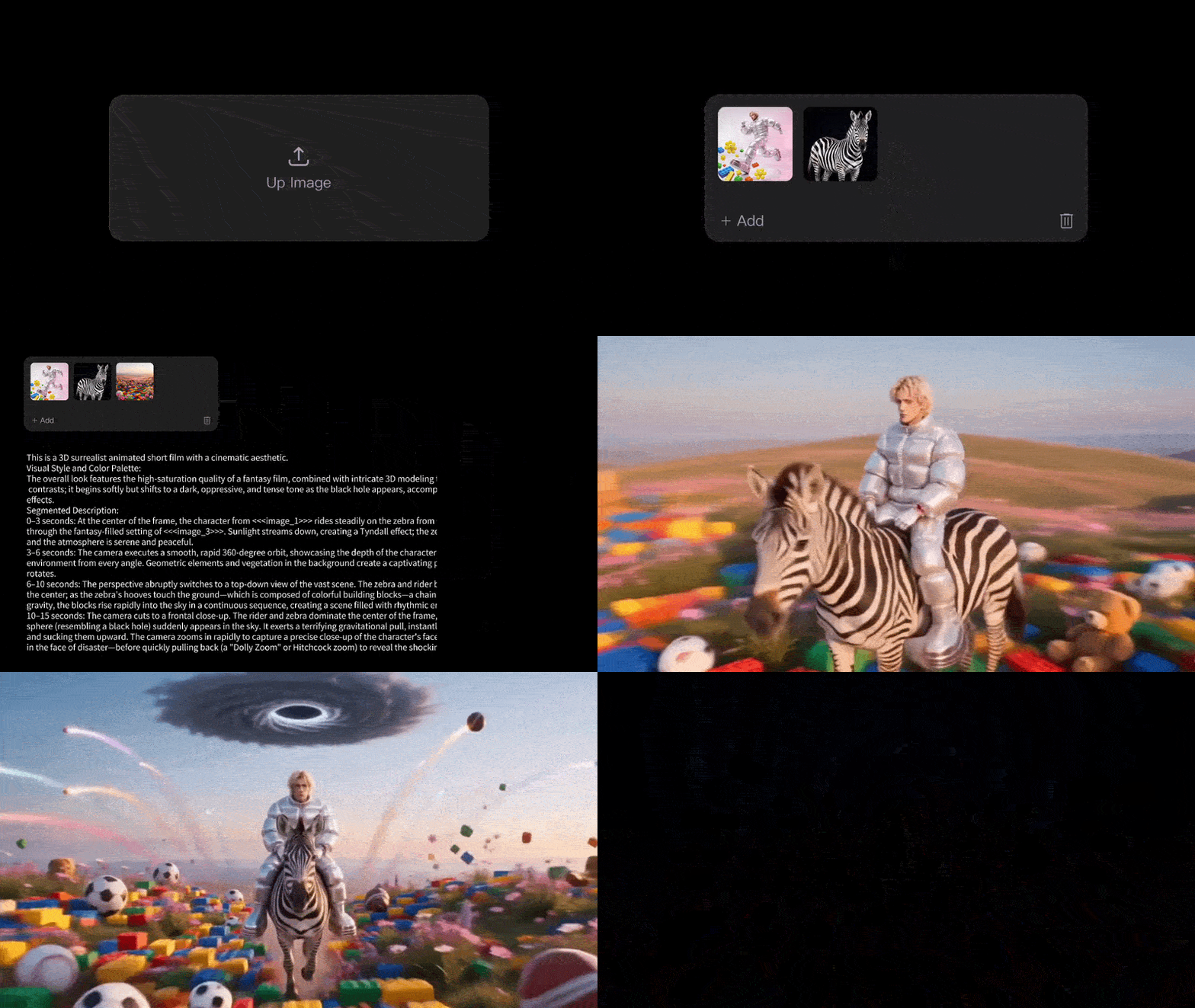
If you'd rather test the feature before exploring the full generator, there's also Flyne AI Free Image to Video. It supports prompts of up to 2,000 characters and lets you upload a reference image to guide the result.
Explore Different Visual Styles with AI
Next up is Flyne AI's Image Generator. This feature lets you create visuals from text prompts or use an existing image as a reference. Describe what you have in mind, choose a style or model that suits your idea, and you're ready to generate.

Flyne AI Image Generator also gives you more freedom to experiment. For example, a photo of a cream-colored cat in a bedroom can become something entirely different. You could place the cat in a garden, give it a new outfit, add accessories, or change its fur color. You can even transform the photo into an entirely different visual style, such as anime or cartoon.
Turn Your Ideas into Original Music
If you've ever wanted to make your own music but weren't sure how to begin, Flyne AI offers a way to get started. Its Text to Music feature turns written descriptions into original music. You can specify the genre, mood, and other musical preferences to guide the result.
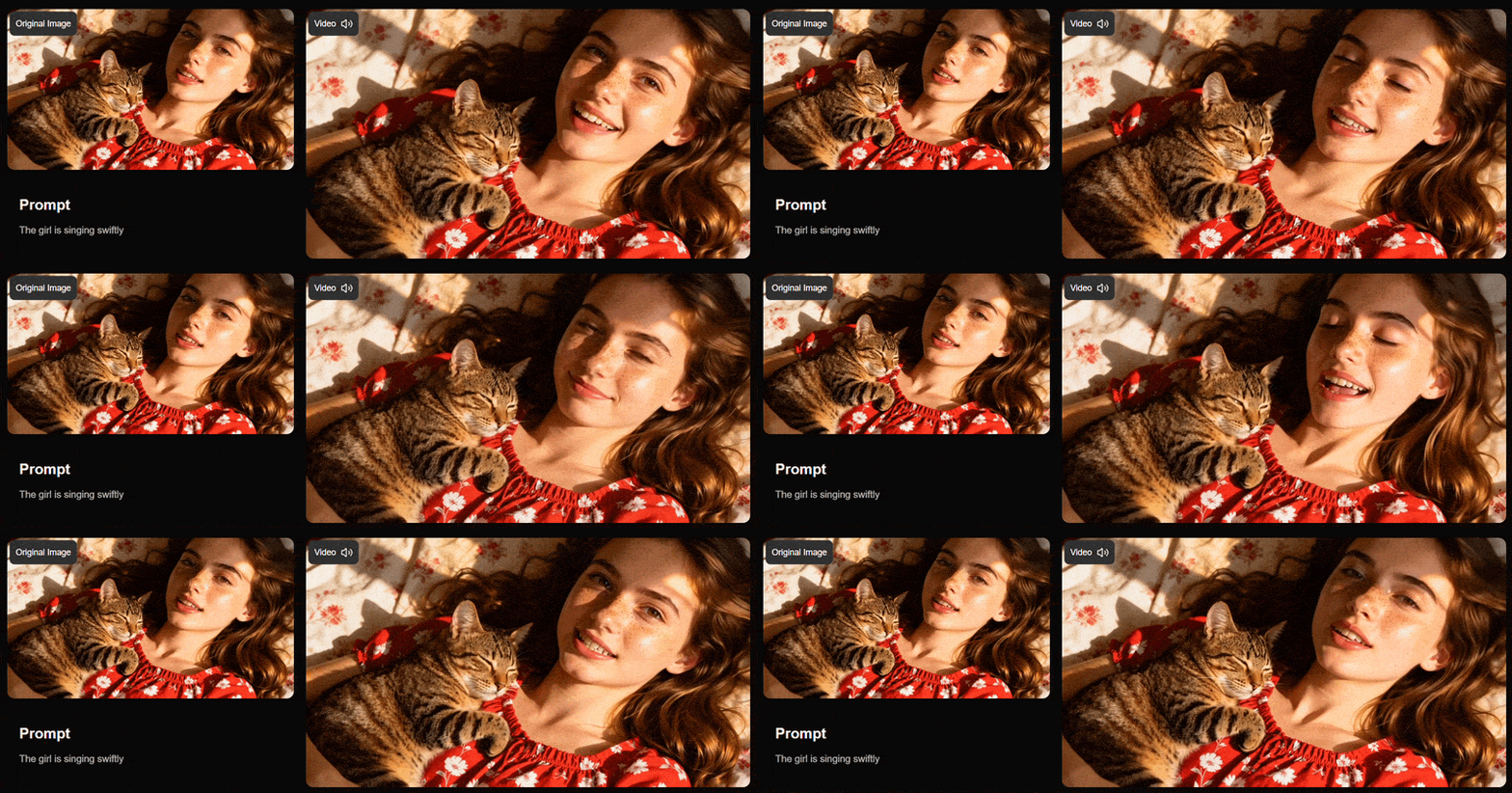
Once your music is ready, you can take things a step further with Flyne AI's music video generator. You can generate scenes featuring a singer performing the song, visuals that tell a story, or imagery that captures the atmosphere of your music.
Additional Tools Worth Exploring
On top of its main generation features, Flyne AI provides a few other AI tools for more specific needs. For image editing, Flyne AI offers a background remover that automatically separates the main subject from its background. Once the background is gone, you can place the subject against a different setting that better suits your needs.

Flyne AI also provides a Music Checker that helps you determine whether an audio track was made by a human or generated using AI. It works by examining how the music sounds and how its different elements come together.
Part 3. Who Can Get the Most Out of Flyne AI?
We've explored what Flyne AI can do, so you probably have a few ideas about what you could create with it. But who would benefit the most from having these tools in one place? Let's look at some people who might find Flyne AI useful.
| Ideal For | What You Can Create |
| Content Creators | Trendy social media videos, lifestyle content, short-form videos |
| Digital Artists and Designers | Moodboards, digital artwork, visual concepts, character designs |
| Marketers and Businesses | Product showcases, promotional videos, campaign visuals, social media ads |
| Musicians | Original songs, music videos, promotional videos |
|
Show More
Show Less
|
|
Part 4. How to Access Flyne AI and Its Pricing
Before exploring its pricing, let's first see how you can get started with Flyne AI. You can access the platform in two ways: through its website or its iOS app.
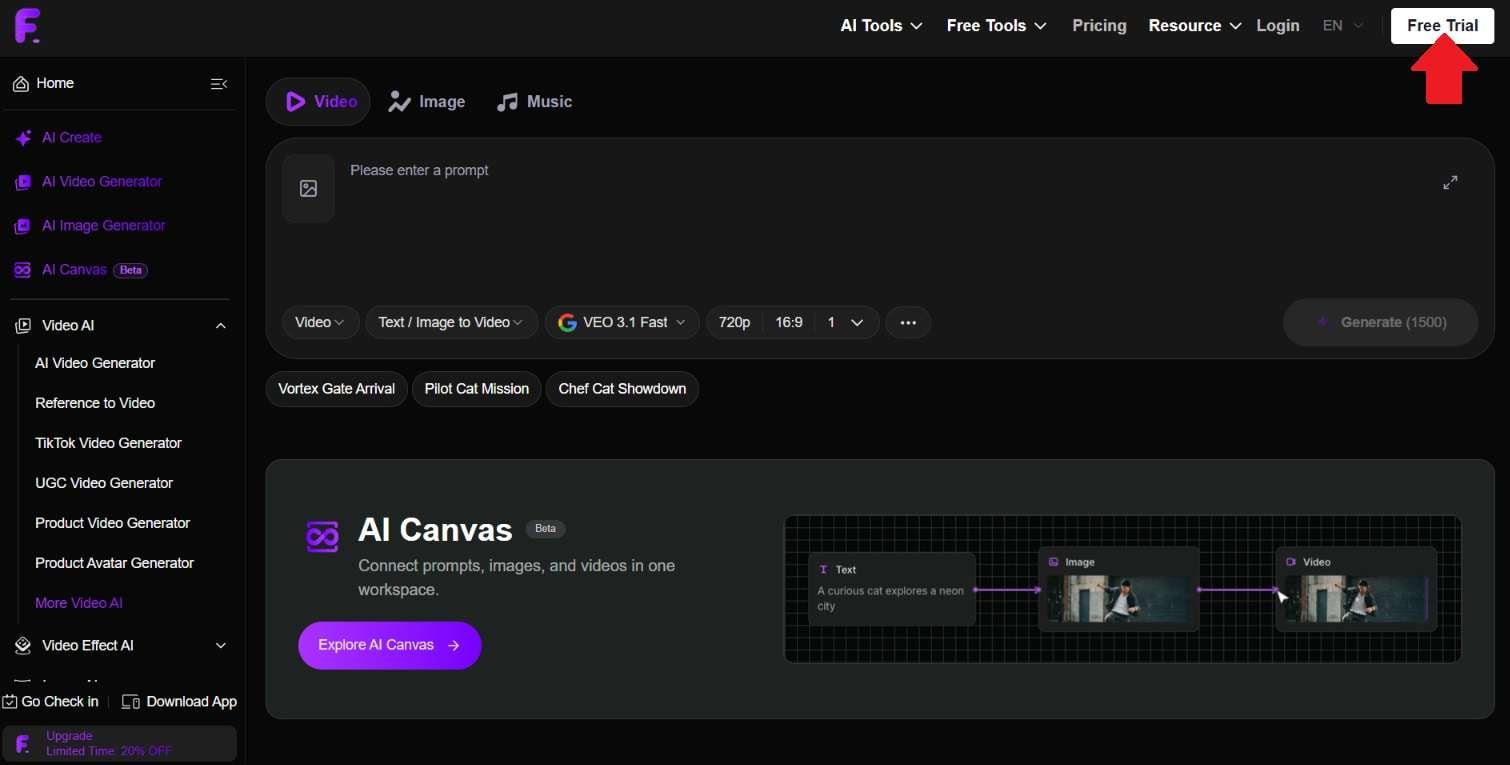
For the web version, there's no need to install anything. Just open your preferred browser, head to https://flyne.ai, and click Free Trial to create an account. After signing up, you'll be ready to explore its AI tools.
Can I Use Flyne AI for Free? Pricing Explained
Fortunately, Flyne AI offers a free plan to get you started. When you first sign up, you'll receive 40 free credits. You can also collect 20 additional credits through daily check-ins. The free plan also comes with a few extra perks:
- Use AI tools for free up to 5 times a day
- Keep a 15-day history of your activities
If you plan to use Flyne AI regularly, the free plan may not be enough to cover your needs. In that case, upgrading to a paid subscription is worth considering. Flyne AI offers three paid plans:
- Standard: $9.99/month or $95.88/year, with 5,000 credits per month
- Popular: $19.99/month or $191.88/year, with 13,000 credits per month
- Professional: Starting at $29.99/month or $287.88/year, with 21,000 credits per month
Regardless of the plan you pick, you'll get access to these benefits:
| Feature | Benefit |
| Credit Validity | 100 days |
| Private Generation | Available |
| Generation Quality | High quality |
| Generation Queue | Fast |
| AI Video Effects | Full access |
| Free Tools Access | Full access throughout the subscription period |
| Project History | 1 year |
| Commercial Usage | Allowed |
| Watermark | No watermark |
|
Show More
Show Less
|
|
Part 5. Where Flyne AI Shines and Where It Could Improve
By now, you probably have a better idea of what Flyne AI can do. Having different AI tools in one place is certainly convenient, but does it get everything right? Let's go over its strengths and weaknesses to see what you can expect from the platform.
- Provides access to various AI models through a single subscription.
- Offers plenty of useful free tools for testing different features and exploring their results.
- Gives you the opportunity to earn extra credits by referring Flyne AI to others.
- Generation can take quite a while when using the free plan or free tools.
- You may need to regenerate or adjust your prompts several times to get the results you want, which can consume credits faster than expected.
- Not ideal for users who need precise control over image and video editing.
Part 6. Bring Your Flyne AI Creations Together with Filmora
Flyne AI lets you generate images, videos, and music with AI. It also includes some editing options, but these are mainly for simple adjustments. If you want to do more with your creations, you may need a separate video editor.
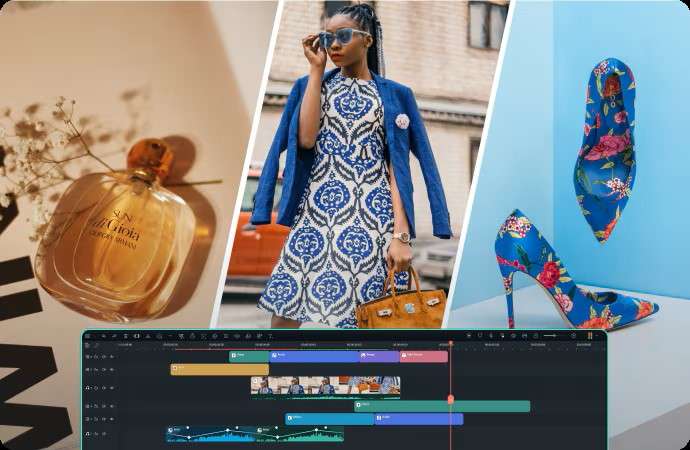
To get more control over your final video, you can bring your Flyne AI creations into Wondershare Filmora. It offers a flexible timeline for arranging clips, along with creative effects and AI features to help you refine the result. You can make further adjustments before exporting your finished video.
1. Organize Your Footage with Timeline Editing
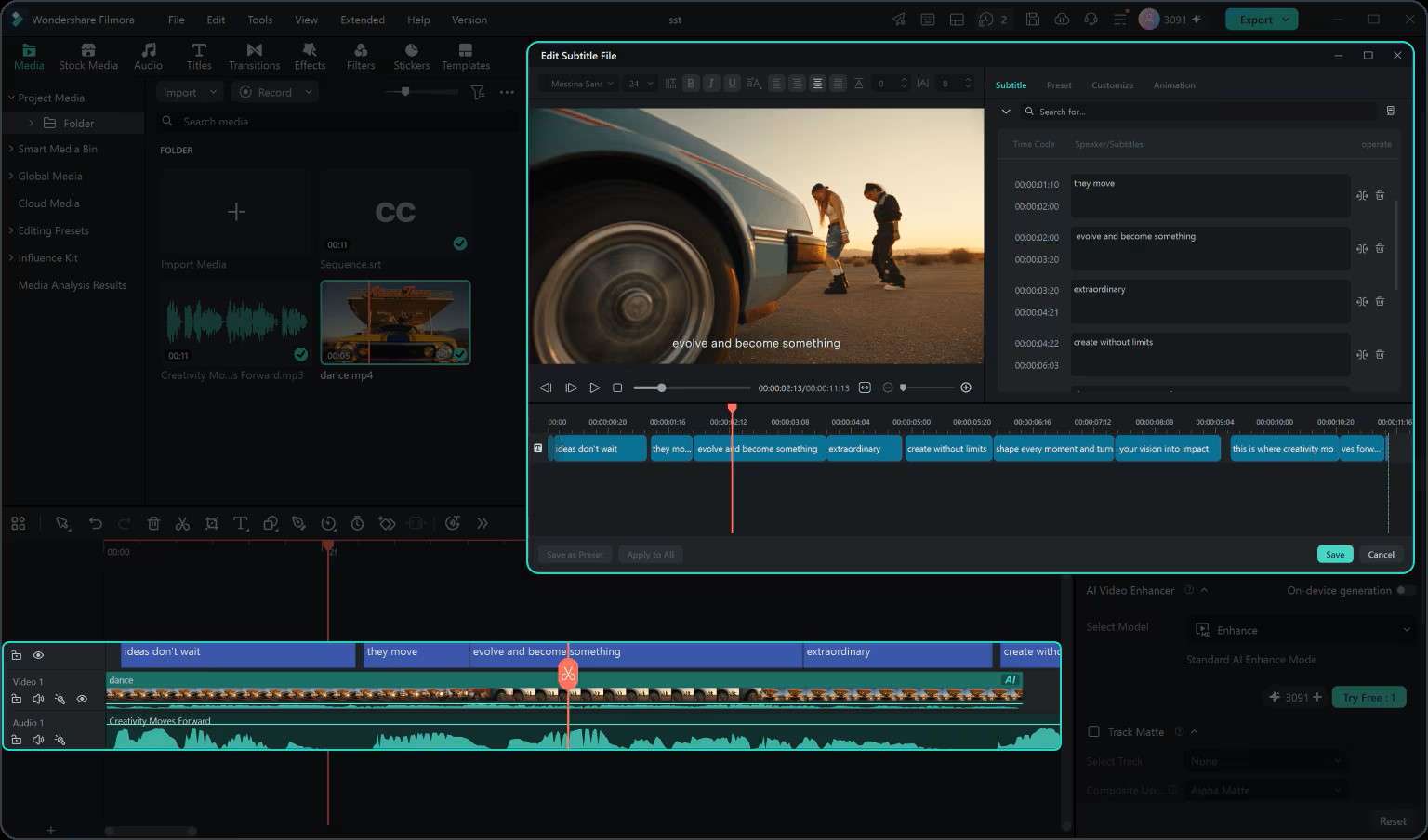
Filmora gives you a timeline where you can arrange clips, trim footage, and adjust audio and video timing. You can also create split-screen videos and group related clips to keep everything organized.
2. A Wide Selection of Stock Media
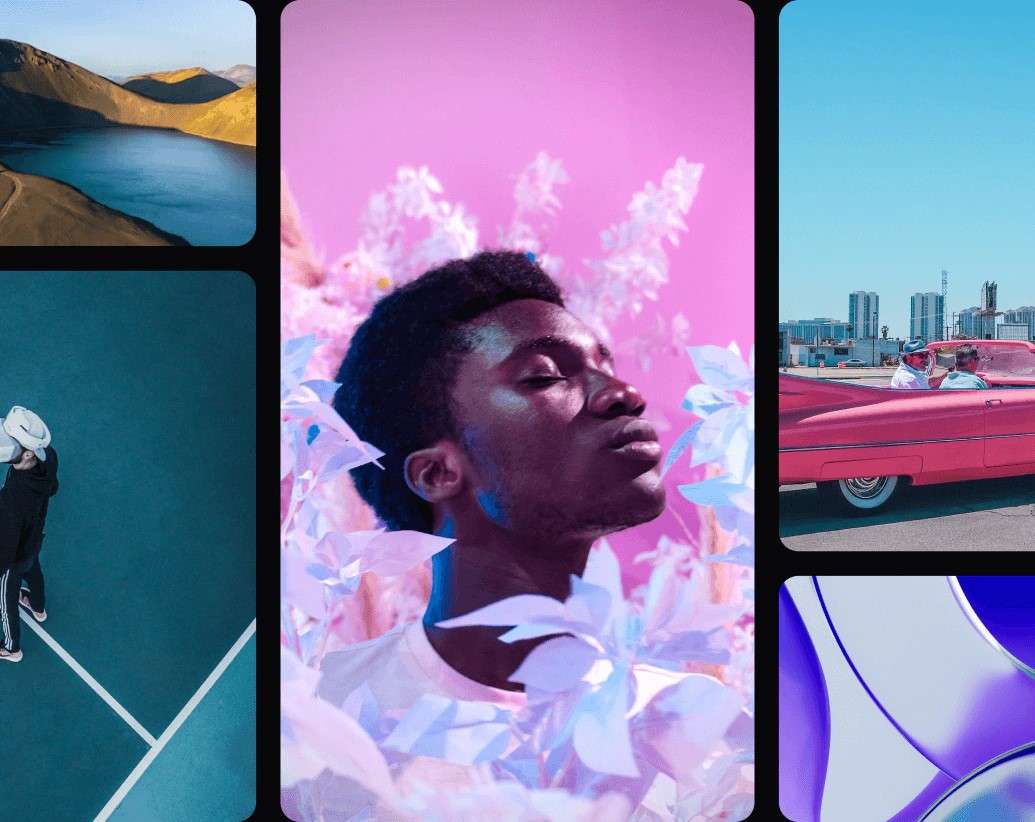
Filmora offers a collection of stock footage, images, and royalty-free music you can use in your projects. Whether you need extra visuals for a scene or background music to match the mood, you can find them directly in the editor.
3. Add and Style Captions for Your Videos
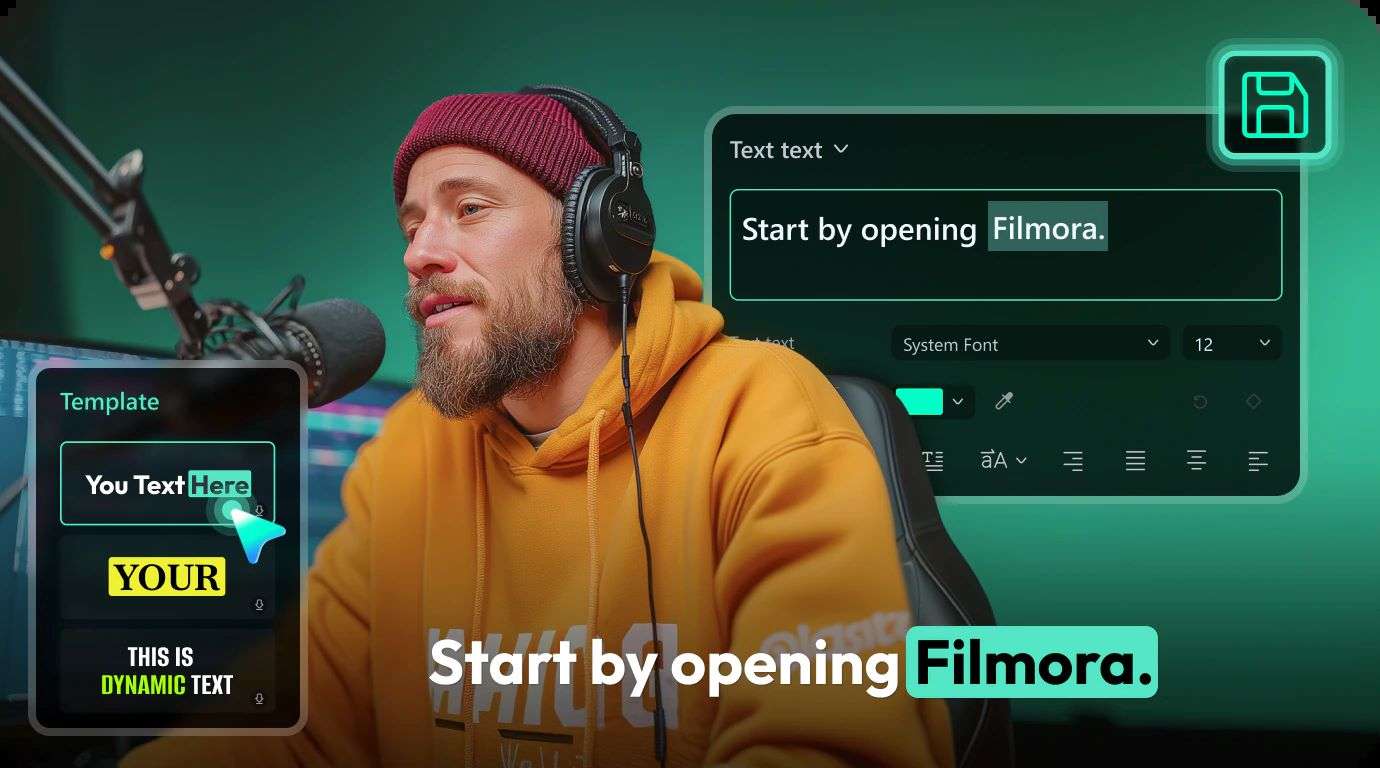
Save time adding subtitles or lyrics with Filmora's Auto Caption Generator. It can recognize speech and generate captions in up to 30 languages. You can then customize the text using dynamic styles, highlights, templates, and animations to make it fit your video.
4. Switch Between Desktop and Mobile
Whether you prefer editing on a computer or your phone, Filmora has you covered. It's available for Windows, macOS, iOS, and Android. Also, it offers project syncing that helps you pick up where you left off.
 Secure Download
Conclusion
Flyne AI is a convenient platform for creating different types of content. Flyne AI Image Generator lets you create or edit images. The Flyne AI Image to Video tool turns visuals into moving clips. You can also generate music and videos. However, the editing capabilities are limited. You may need extra tools to combine everything into one project.
For that, Wondershare Filmora can be a useful option. This editor allows you to arrange your visuals on the timeline and add B-roll footage or audio from its built-in library. You can also use Auto Caption Generator to create subtitles automatically.
FAQs
-
1. Is Flyne AI legit?
Yes. Flyne AI is an active platform with an official website and channels. -
2. Is Flynas safe to use?
Yes. Flyne AI provides a privacy policy outlining how it handles user data and uses Stripe for payment processing. -
3. Can I use Wan 5 in Flyne AI?
Unfortunately, Wan 5 isn't currently available on Flyne AI. However, you can use Wan 3.0 for AI video generation.