


Personalized videos form a great way to engage the audience and boost sales. According to Gan.AI, brands using the personalised videos driven by its AI have seen an uptick of 150% in conversions. Meanwhile, the platform can create 1 million unique videos in 3 hours at scale.
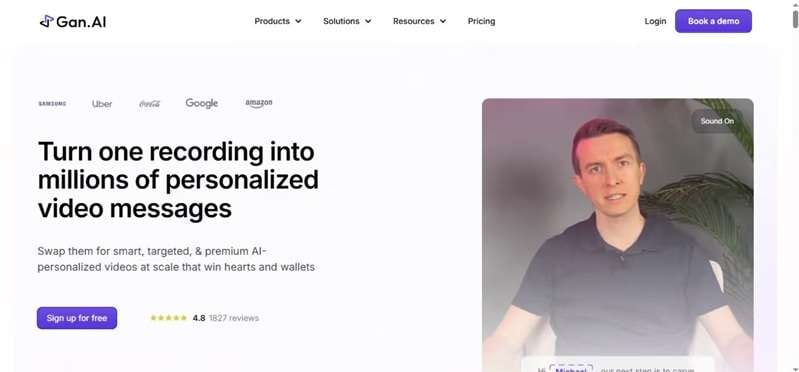
This growing demand has made platforms like Gan AI stand out. Instead of creating one generic video, Gan Studio helps businesses personalize a single recording for thousands of viewers using AI. In this Gan AI Review, we'll explore its features, pricing, strengths, and limitations to help you decide whether it's the right AI video personalization platform for your workflow.
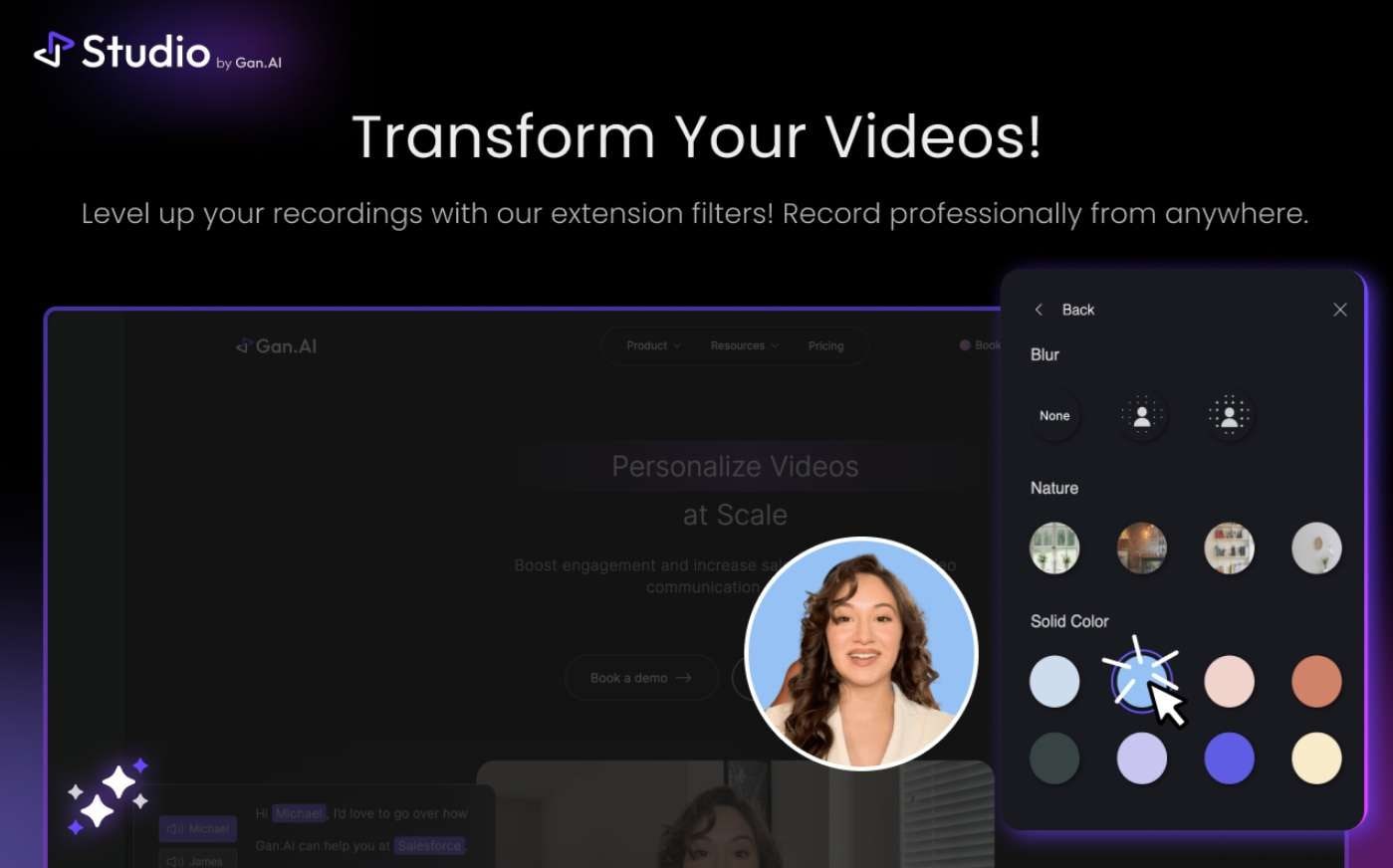
Part 1. What Is Gan AI?
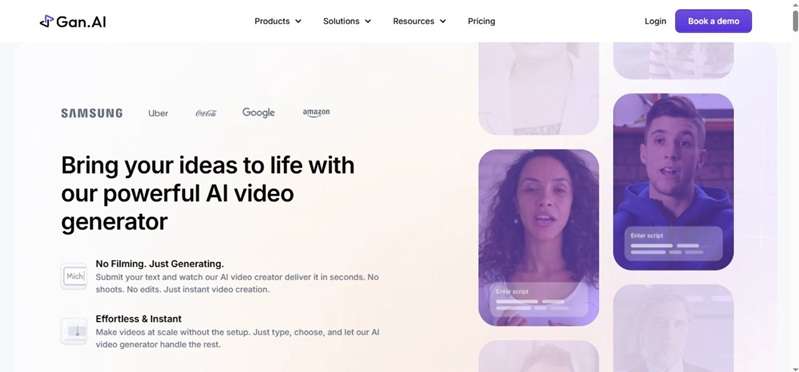
Videos made just for you help companies reach out to their audience. However, it takes time to develop them one by one. This process is made easier by Gan AI. The Gan Studio lets users create AI avatar videos, clone voices, translate videos into other languages, and personalize messages at scale; all from a single platform.
A short recording can become a reusable avatar that delivers new scripts with a matching voice and lip sync. This allows sales teams to address each prospect by name without recording every message again. The platform can also produce cinematic and UGC-style product ads while keeping logos, fonts, and on-screen text consistent. Now let’s see how it works.
How Does Gan Studio Work?
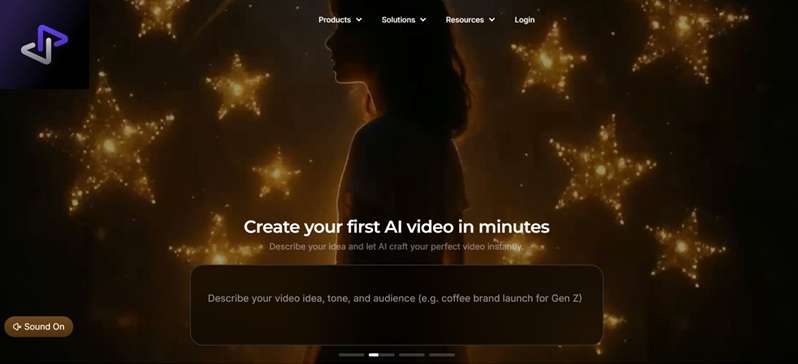
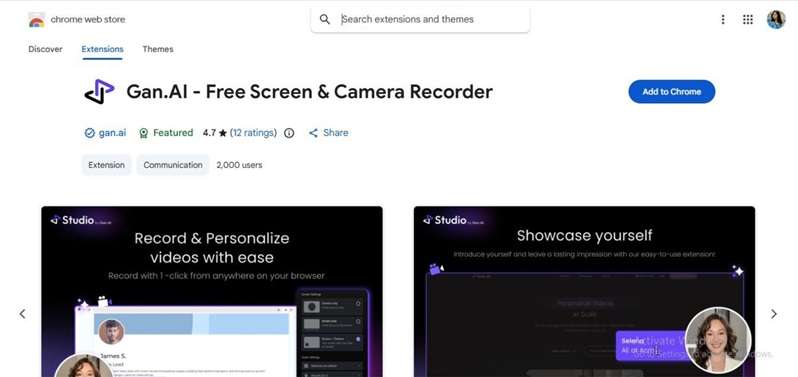
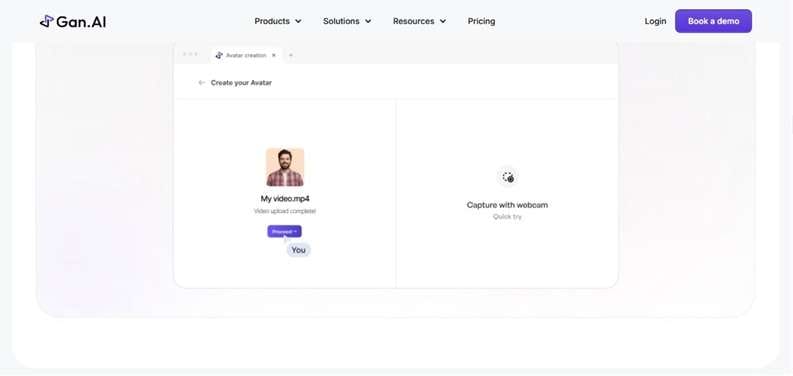
Gan AI is accessible through its website at https://www.gan.studio/ or via its Chrome Extension. On the website, you can simply enter a script or upload a video to Gan Studio. The platform uses its Gan AI model to generate AI videos and personalize content with minimal manual editing. The Chrome extension, on the other hand, is built for quick recording straight from your browser.
Who Is Gan AI Best For?
Gan AI caters to various businesses that produce videos at scale. This includes marketing teams, salespeople, customer support teams, agencies, recruiters, educators, and enterprises. It is useful for product demos, personalized outreach, training videos, and marketing campaigns. Now, let’s look at the features that make Gan.AI useful in practice.
Part 2. Features Explained: What Gan AI Can Do
The Gan AI generator combines avatar creation, voice cloning, personalization, and campaign delivery in one platform. Here are the key features available in Gan Studio.
1. AI Avatar Creation and Voice Cloning
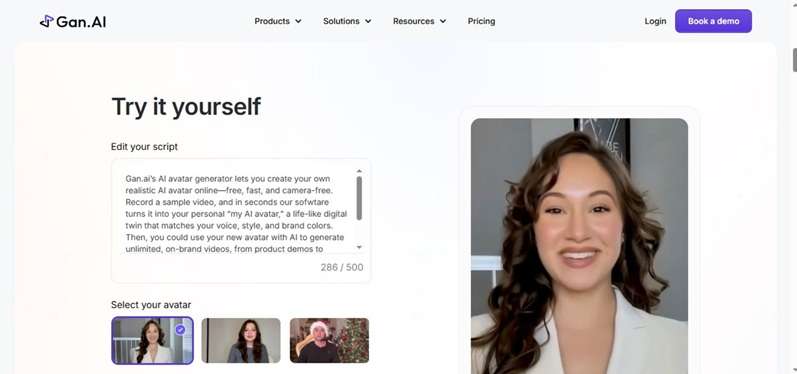
Users record a short face and voice sample to create a custom avatar. It can then deliver new scripts while keeping the speaker’s appearance, tone, and style. Creator supports one custom avatar, Growth supports up to five, and Enterprise offers custom limits.
2. Personalized Video Generation
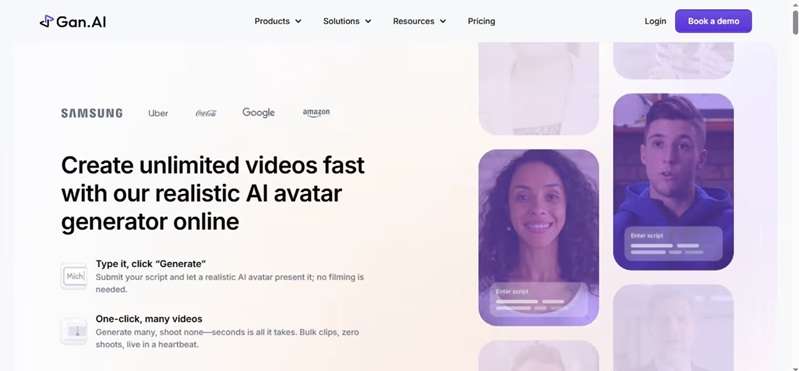
Users create one base video and select details that should change for each recipient. These may include names, company details, text overlays, or website backgrounds. The Gan AI model adds these variables so each video feels individually recorded.
3. Lip-Syncing Technology
Gan AI matches the avatar’s mouth movements with the cloned voice. It can handle names, custom phrases, and language-specific sounds. This produces a more natural result than placing new audio over a face with fixed lip movements.
4. Website Video Overlay
Gan AI’s Creator and Growth users can display an avatar over a prospect’s website. The sender appears to speak while the recipient’s own site remains visible in the background. This works well for sales pitches, product demos, and website reviews.
5. Video Landing Pages
Each video can be shared on a personal landing page that uses the recipient’s name, company logo, branding, and call to action. The dashboard can help decide the follow-ups based on opens, watch time, and view activity.
6. Integrations on Growth and Above
Gan AI’s Growth and higher-tier plans unlock native integrations with HubSpot, Salesforce, Zapier, and Make. This lets prospect data flow straight into your video workflow, while engagement data (opens, clicks, watch time) flows back into your CRM automatically. API access for custom integrations is also included.
Part 3. Gan.AI Pricing Breakdown
Gan AI offers four plans for different levels of video creation:
- Studio Free is suitable for testing the platform
- Creator adds a custom avatar.
- Growth unlocks automation and integrations
- Studio Enterprise supports large-scale business workflows
Gan AI Pricing (2026)
| Studio Free | Creator | Growth | Studio Enterprise | |
| Price | $0/month | $30/month or $24/month billed annually | $249/month or $199/month billed annually | Custom pricing |
| Avatar and Video Access | Stock avatars and 10 avatar videos per month | One custom avatar or personalized project, plus unlimited avatar videos | Five custom avatar slots and unlimited avatar videos | Custom avatar limits and production-grade videos |
| Monthly Credits | 100 generative credits and 10 personalization credits | 6,000 generative credits and 20 personalization credits | 60,000 generative credits and 1,000 personalization credits | Unlimited generative credits and custom personalization credits |
Part 4. Pros & Cons: Is It the Right Tool For You?
Now, what's left is weighing what it does well against where it falls short. But one important thing to note is that, as of this writing, Gan Studio itself is barely functional. There's no way to log in, create an account, or generate a video. Because of that, the pros and cons below are drawn from user feedback rather than hands-on testing.
- Natural AI lip-sync creates realistic and professional avatar videos.
- Scales personalized videos quickly from a single recording.
- Global campaigns made easy with multilingual capabilities.
- Compatible with HubSpot, Salesforce, Zapier, and other business tools and APIs (Growth plan).
- Creator plan has limited monthly credits for regular business use.
- Large pricing jump between the Creator and Growth plans.
- CRM integrations require the Growth plan, increasing the overall cost.
- AI avatar quality depends on your initial recording, so good lighting and audio are important.
Part 5: Need More Than AI Personalization? Edit Videos with Filmora
Gan AI handles the core work of personalized outreach. It can turn one base recording into many avatar-led videos with voice cloning, lip-syncing, and viewer-specific details. This saves teams from filming every message again. The produced video still may require more impactful visuals, clearer audio, labeled captions, improved pacing, or extra product footage before it is ready for a campaign.
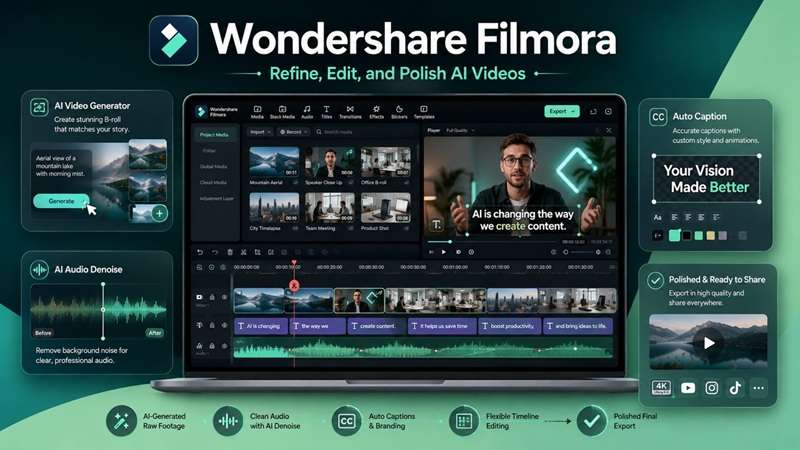
An effective approach is to build the customized message in Gan Studio and finalize the post-production in Wondershare Filmora. Filmora offers a multi-track editor that allows users not just to publish a fixed AI-generated output but to change each part of the video. Its latest AI Video Generator supports text, image, and audio inputs, with generated video, sound, and text placed on separate tracks for further editing.
5.1 Why Filmora Complements Gan AI
1. Expand Your AI Videos with AI Text to Video & AI Image to Video
Filmora can create B-roll, product shots, animated backgrounds, and short visual inserts from text, images, or audio. These extra scenes can support the Gan AI presenter and make the message more engaging.
2. Improve Voice Quality Automatically
Your sales video can lose sales when background noise, wind, echo, hum, or hiss is present. With Filmora’s AI Audio Denoise and AI Voice Enhancer tools, you can clear the voice track without involving audio editing.
3. Add Professional Captions and Branding
Many viewers watch videos without sound. Filmora’s Dynamic Captions turn speech into synchronized, animated text. Users can review the wording, change the style, and place captions where they remain easy to read.
4. Edit with Full Creative Control
You can use Filmora’s multi-track timeline to assemble any combination of these assets. A professional video editor can easily cut out the weak parts, rearrange the scenes, stabilize the sound, and fine-tune various elements of the whole video without having to recreate the entire video.
5. Export for Every Platform
Creators can customize the format, resolution, frame rate, and quality on export. The finished video will then be suited for YouTube, TikTok, Instagram, landing pages, email, and more marketing.
5.2 Gan AI vs. Filmora: Which One Should You Choose?
Gan.AI and Filmora share a few AI features, including voice cloning, captions, and video generation. However, they solve different problems:
- Gan AI creates avatar videos that can be personalized at scale and linked with sales workflows.
- Filmora is a complete video editor. It is used to create, arrange, improve, and export the finished content.
| Feature | Gan AI | Wondershare Filmora |
| Main Purpose | Personalized AI videos at scale | Complete AI video creation and editing |
| AI Avatars | Stock and custom avatars | Not its main focus |
| Mass Personalization | Names, companies, visuals, and other recipient details | No CRM-based bulk personalization |
| Voice Cloning and Lip-Sync | Core tools for avatar and multilingual outreach | Voice cloning and lip-sync for creative editing |
| AI Video Generation | Avatar videos and product ads | Text-, image-, and audio-based video creation |
| Audio and Captions | Basic captions and AI-generated speech | Audio denoising, voice enhancement, styled captions, and more |
| Editing Control | Limited editing for generated videos | Full multi-track timeline with effects and branding |
| Business Automation | CRM integrations and API access on Growth | No matching sales automation workflow |
| Best For | Sales teams, recruiters, agencies, and outreach campaigns | Creators, marketers, businesses, and video editors |
 Secure Download
Conclusion
Gan AI is a great option for teams that require customized avatar videos at scale. With voice cloning, accurate lip-syncs, multilingual support, landing pages, and CRM integration, outreach is faster & more personal. Nevertheless, its higher Growth pricing, credit limits, and lighter editing tools may not suit all workflows.
A practical setup is to build the personalized message there, then refine it in Filmora. Filmora adds cleaner audio, stronger captions, B-roll, branding, timeline control, and flexible exports. Used together, Gan Studio and Filmora can turn efficient personalization into a polished, campaign-ready video that feels complete for wider distribution across channels.
FAQs About Gan AI
-
1. What is Gan AI used for?
Gan.AI creates AI avatar videos and personalized messages at scale. Businesses use it for sales outreach, marketing, training, and customer communication through voice cloning, lip-sync, and recipient-specific content. -
2. What is Gan Studio?
Gan Studio is Gan.AI’s browser-based creation platform. Users can record or upload a base video, add personalization fields, and generate separate versions for different recipients. -
3. Is Gan AI suitable for small businesses?
Yes. The Free plan supports basic testing, while Creator suits lighter custom-video needs. Small businesses that require API access, CRM automation, or higher limits may need the more expensive Growth plan. -
4. Can I edit Gan AI videos in Wondershare Filmora?
Yes. Gan.AI supports video downloads, which can be imported into Filmora. Users can then trim footage, clean audio, create styled captions, add branding, and export the finished video.
