


AI avatar videos are quickly becoming part of everyday content creation. In fact, Morphed reports that 46% of corporate training programs already use AI-generated interactive videos. Instead of recording yourself on camera, AI can turn your script into a video in minutes.
One platform you can try is Jogg AI. It lets you create AI avatar videos for presentations, marketing, social media, and more. But with so many AI avatar generators available today, is it really worth trying? In this review, we'll take a closer look at what it offers and whether it's worth it.
Part 1. Meet Jogg AI: The Platform At a Glance
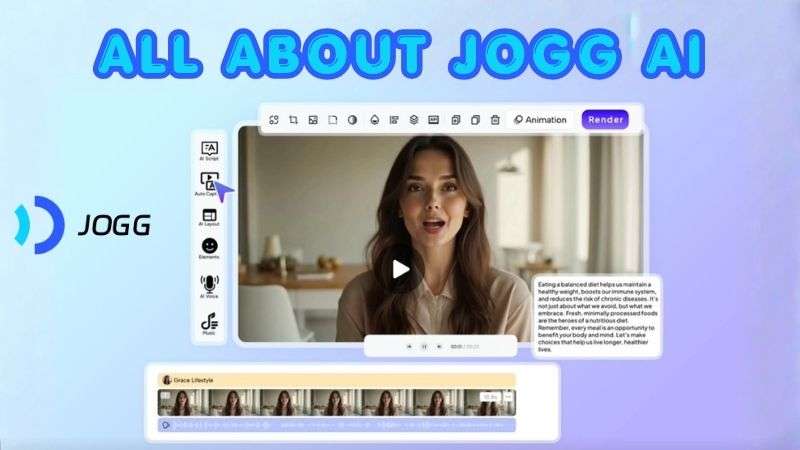
Essentially, Jogg AI is a platform that helps you create videos with AI avatars to present your content. Jogg AI Avatar videos can be used to create different types of videos, from product promotions and marketing ads to presentations and social media content.
| Category | Overview |
| Platform Type | AI avatar video generator |
| Primary Focus | Create videos with realistic AI avatars |
| Video Types | Product videos, presentations, ads, social media videos, promotional videos |
| Platform | Web-based |
| Ease of Use | Suitable for beginners |
| Best For | Businesses, marketers, creators, and e-commerce teams |
How to Get Started with Jogg AI
At the moment, Jogg AI is available as a web-based platform, so you don't need to install any Jogg AI app on your device. Simply visit the official https://app.jogg.ai website and sign in using your account.
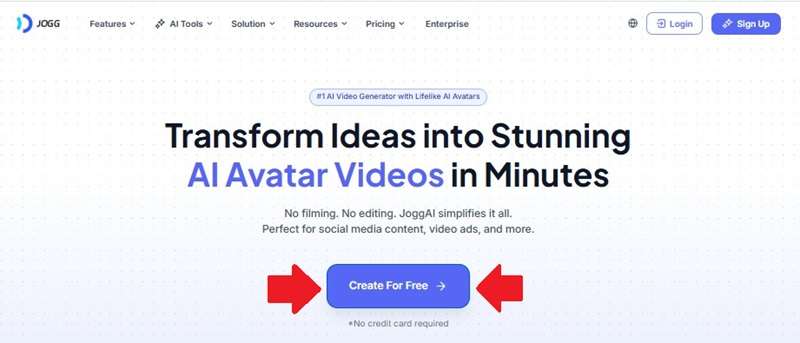
Once you log in to Jogg AI, you'll be able to access the platform's AI avatar, video generation, and editing tools directly from your browser.
Part 2. Jogg AI Pricing Breakdown
One of the first questions people ask is whether Jogg AI is free. The answer is yes. Jogg AI offers a free plan to let you explore the platform and see if it fits your workflow before committing to a paid subscription. The Jogg AI free plan includes:
- Receive 3 monthly credits
- Generate up to 3 AI avatar videos, with each video lasting up to 1 minute
- Create 1 custom AI avatar
However, the free plan comes with limited access to premium features, and exported videos include a watermark. If you need more credits and advanced tools, you can upgrade to one of Jogg AI's paid plans.
| Starter | Creator | Team | |
| Price | $29 / month | $69 / month | $89 per user/month |
| Users Included | 1 | 1 | Multiple users |
| Monthly Credits | 16 | 40 | 60 |
| AI Avatar Videos | 3 | 10 | 10 |
| Maximum Avatar Video Length | 3 minutes | 15 minutes | 30 minutes |
| Custom AI Avatar | 3 Videos & 8 Photos | 10 Videos & 20 Photos | 10 Videos & 30 Photos |
| AI Video Generation | Limited | Unlimited | Unlimited |
| Additional AI Tools | Includes Jogg AI Face Swap, Video Extender, Video-to-Text, and AI Screen Recorder | Includes Jogg AI Face Swap, Video Extender, Video-to-Text, and AI Screen Recorder | Includes Jogg AI Face Swap, Video Extender, Video-to-Text, and AI Screen Recorder |
| Rendering Speed | Standard queue | Faster processing | Priority processing |
Part 3. Jogg AI Key Features Explained
Now that you know what Jogg AI offers and how much it costs, it's time to explore the platform in more detail.
Generate AI Avatars for Any Project

One of Jogg AI's biggest highlights is its AI Avatar Generator. The platform includes more than a thousand ready-to-use avatars. The avatars are designed to look natural with expressive facial movements and support lip-sync in over 50 languages. You can use them for talking videos, presentations, tutorials, marketing content, and many other types of videos.
Generate Product Videos from a URL
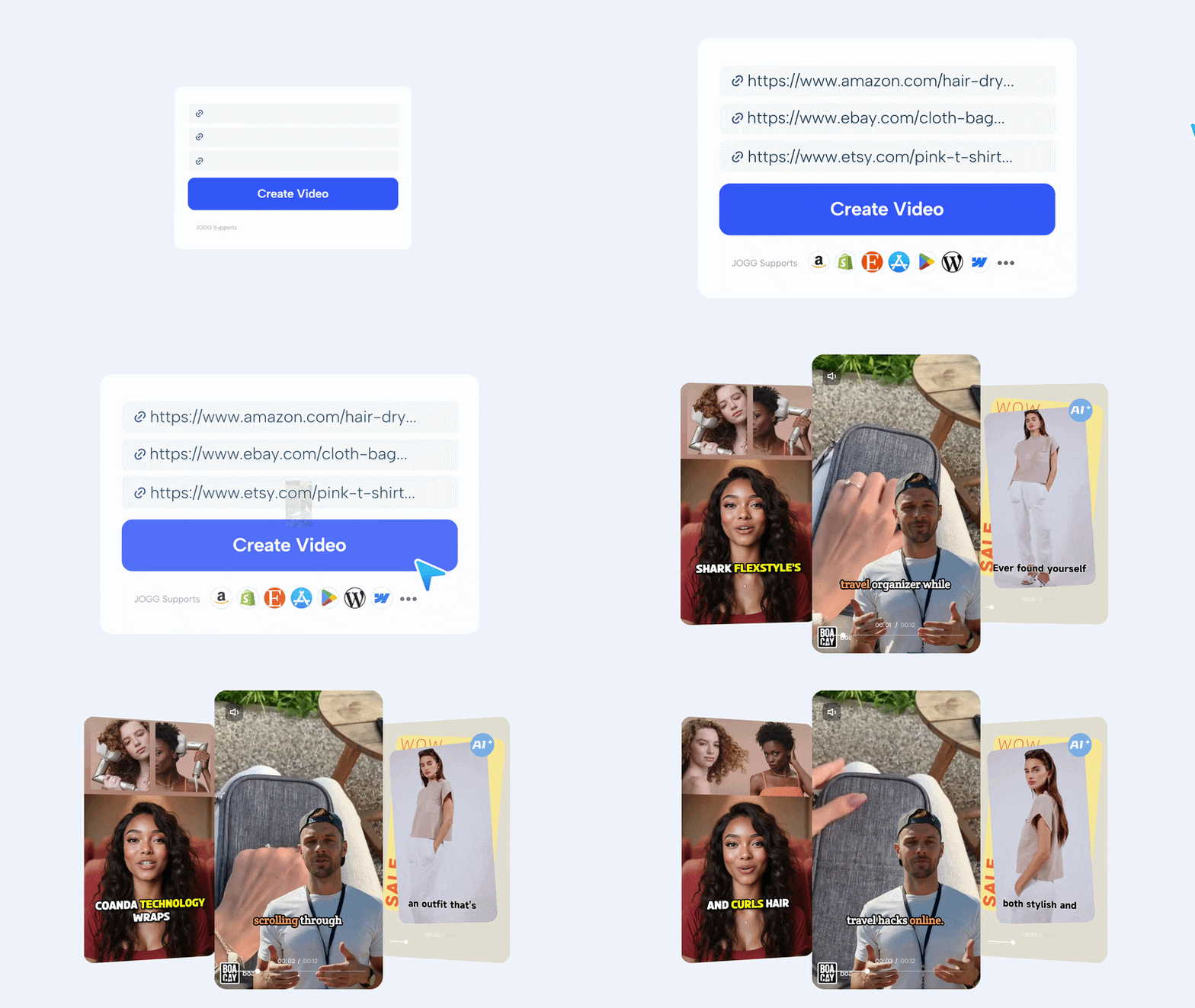
If you sell products online, Jogg AI includes a feature you'll probably use often: the Jogg AI video generator. With its URL-to-Video Generator, simply paste a product page from your e-commerce store and choose your preferred settings. The AI will automatically pull product images, descriptions, and other details to create an editable marketing video.
Create Podcast Videos Without Recording
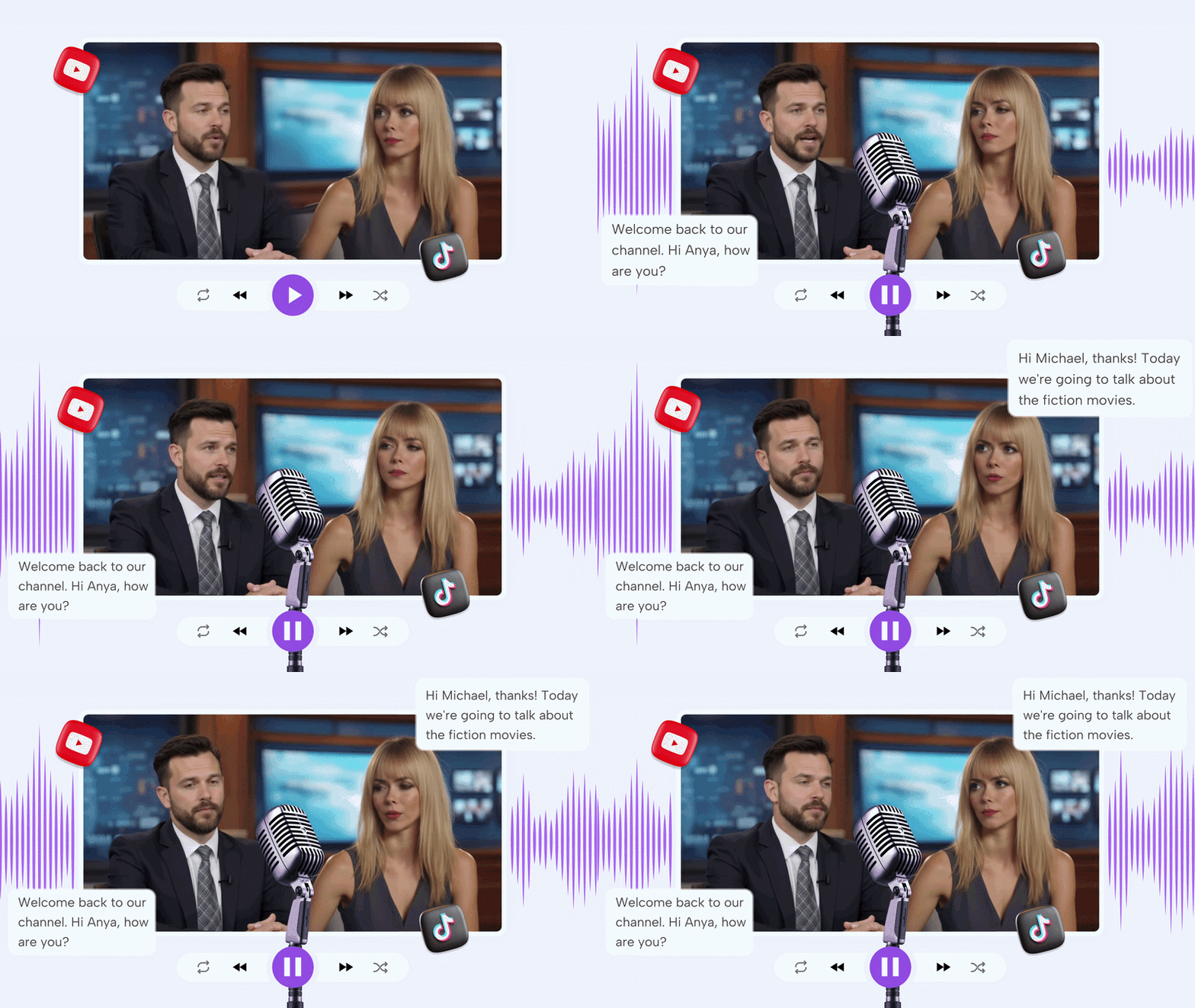
The Jogg AI Podcast Generator is designed for podcast and talk show content. Simply write a script, upload an existing script, or import an audio file. The AI then turns your content into a podcast video with virtual hosts.
Make Final Adjustments Inside Jogg AI
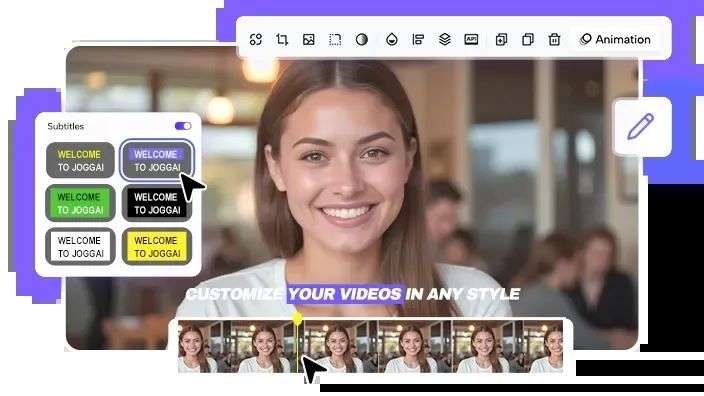
Generating a video is only part of the process. Jogg AI also includes a built-in video editor, so you can make changes without exporting your project to another application. You can trim clips on the timeline, rearrange scenes, edit text, and make other quick adjustments before publishing.
Transform Images into Talking Videos
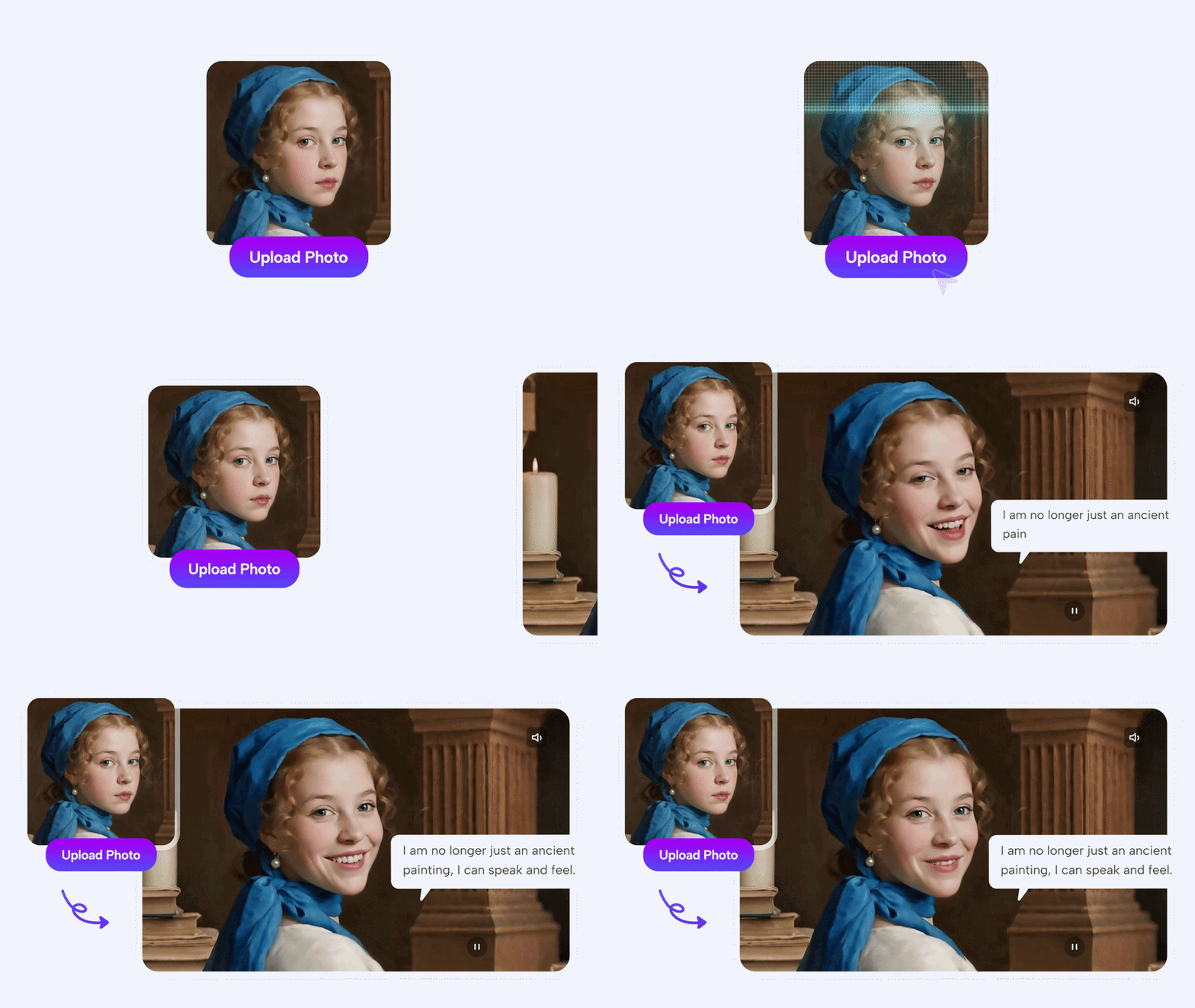
Another fun feature is the ability to transform a still image into a Jogg AI video. Simply upload an image, add a script or audio, and the AI will animate it with natural lip movements and facial expressions.
Part 4. Who Is Jogg AI Ideal For?
Jogg AI is flexible enough to support different types of creators and businesses, but some users will benefit from it more than others. Below are some roles and workflows that are the best fit for the platform.
Who Can Benefit the Most?
- Marketer: Create promotional content for products and campaigns in less time.
- Podcaster: Transform scripts or audio into podcast videos with virtual hosts.
- Sales: Build product demos and sales presentations with AI avatars.
- Influencer: Produce content even when you're off camera.

Popular Use Cases
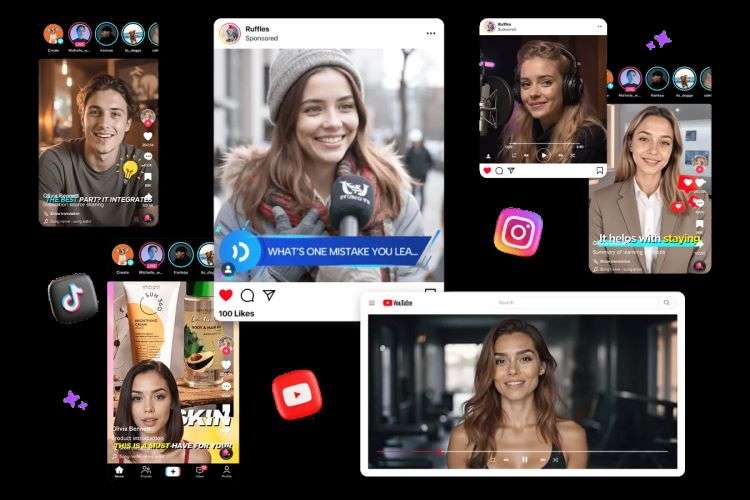
- Social Media: Create short-form videos optimized for TikTok, Instagram, and YouTube Shorts.
- Corporate Training: Produce onboarding materials, internal training videos, and employee tutorials.
- Explainer Videos: Break down products, services, or concepts using AI presenters.
- AI Video Ads: Generate advertising videos for products, brands, and marketing campaigns.
- E-Commerce: Turn product pages into promotional videos.
Part 5. Jogg AI Pros & Cons
Like any AI video platform, Jogg AI has its strengths and limitations. Some features can save you a lot of time, while others may not fit every workflow.
- Plenty of Avatar Options: Jogg AI offers a wide variety of AI avatars and talking photo styles. That makes it easier to fit the style with the project’s needs.
- Efficient Batch Video Creation: Batch generation saves time when creating multiple videos for different products or campaigns.
- Global Content Support: Supports translation and AI voiceovers in over 200 languages, making it easier to reach global audiences.
- Helpful Learning Resources: Jogg AI keeps its resources updated with guides, articles, and tips that can be useful when you need ideas or help with your projects.
- Limited Avatar Expressions: Some AI avatars can look stiff or repeat the same facial expressions.
- Inconsistent Lip-Sync Results: Lip-sync can become less accurate in some languages or accents.
- Limited Advanced Editing Tools: The editing tools are fairly basic for complex projects.
- Longer Rendering Times: Longer video projects may take a while to render, especially during busy periods.
Part 6. Creating AI Avatars on a Desktop: Wondershare Filmora
Jogg AI offers a convenient way to create AI avatar videos online. However, the limitations may affect the editing experience. The credit restrictions, processing time, and fewer timeline editing options cannot be ignored.
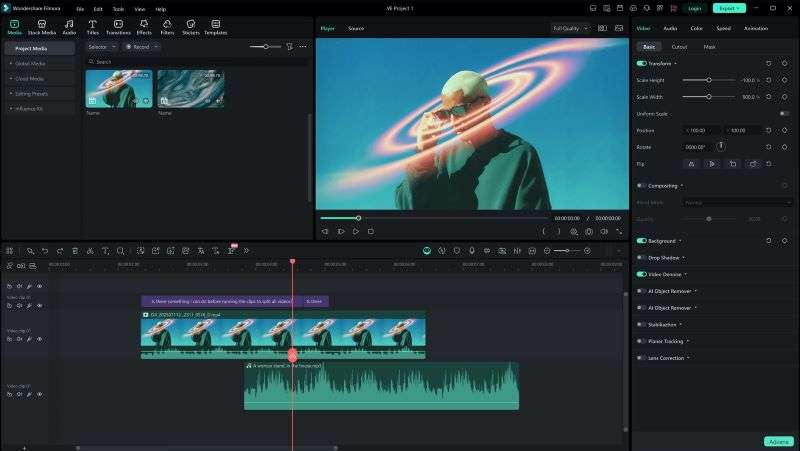
For creators who want more control over the entire production process, using a desktop video editor can be a more flexible approach. Wondershare Filmora provides a complete editing environment where you can create, customize, and refine AI avatar videos in one place.
 Secure Download
Why Choose Filmora for AI Avatar Videos?
Filmora is a versatile all-in-one video editor that brings AI avatar creation and video editing together in one platform. Here are the tools you can use to create AI Avatars in Filmora:
- AI Image-to-Video: This feature helps bring photos, characters, or visual assets to life with realistic movements and effects.
- AI Text-to-Video: Filmora can help generate visual content based on your ideas, making it easier to create videos from scratch.
- Extensive Template Library: Filmora offers a wide range of ready-made templates.
However, AI avatar creation is only one part of what Filmora offers. The platform also comes with a range of AI features designed to make video editing faster and more efficient.
1. Flexible Timeline Editing

Filmora's timeline editor gives you greater control over every part of your AI avatar video. You can easily trim clips, adjust timing, add effects, and fine-tune different elements in one workspace.
2. Generate Audio That Fits Your Video
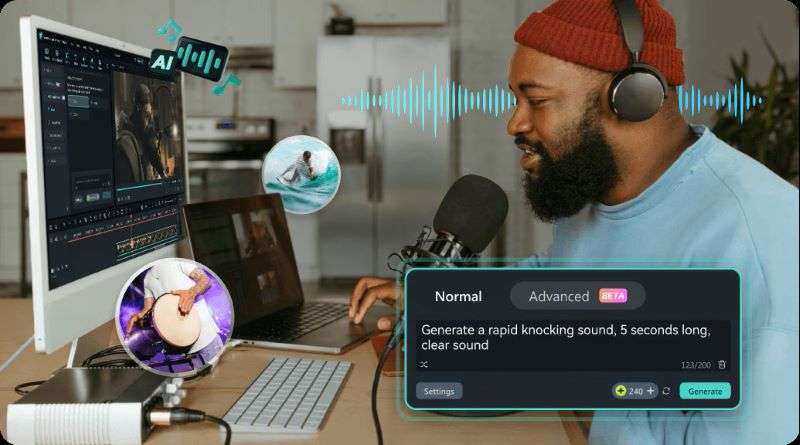
Filmora includes both AI Music Generator and AI Sound Effect Generator to help complete your videos with original audio. You can generate background music and sound effects without relying on third-party resources.
3. A Rich Library of Creative Assets
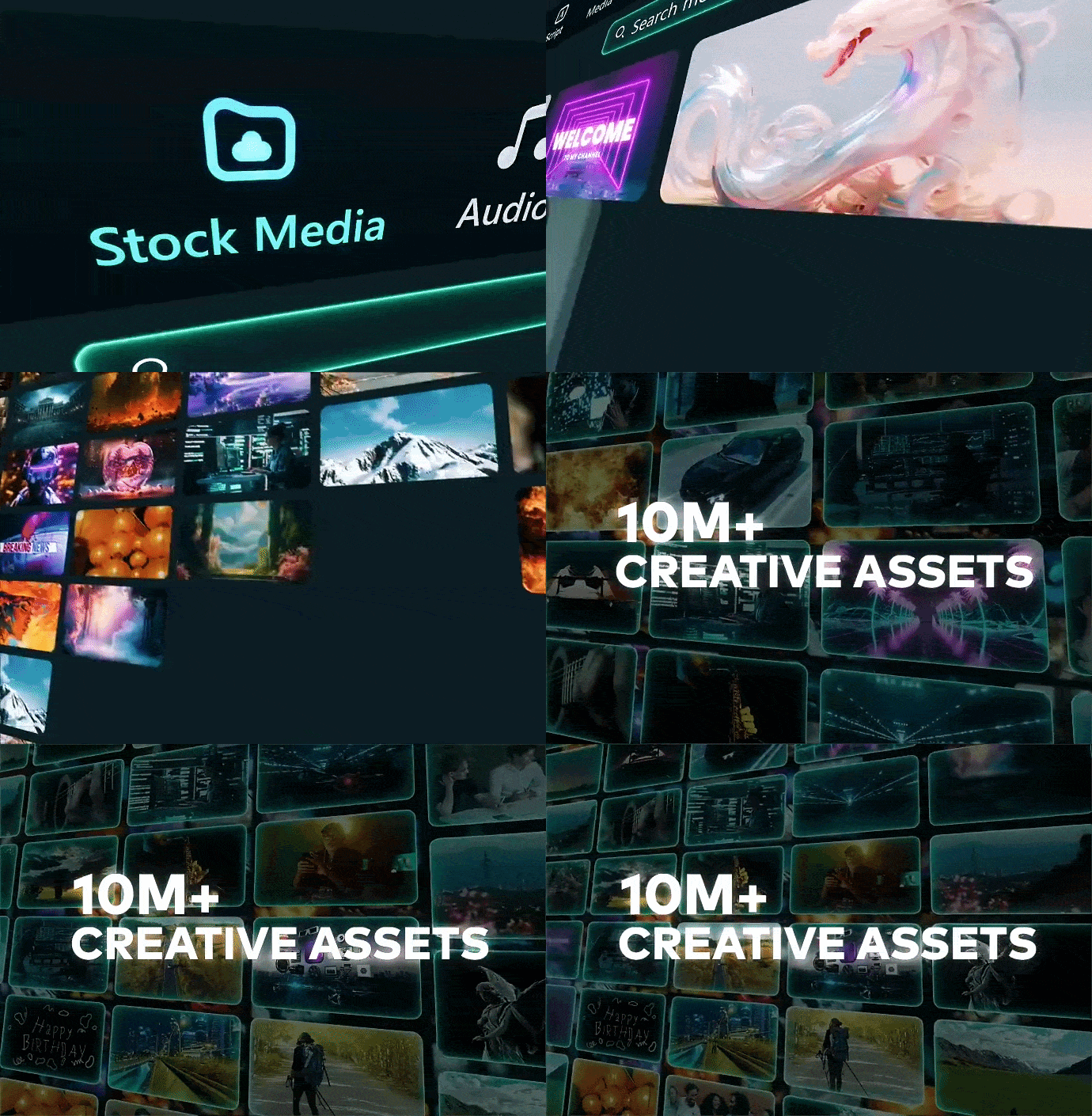
Instead of searching for assets across multiple websites, you can access a large collection directly in Filmora. The library includes stock media, visual effects, stickers, transitions, and more.
4. Adapt Content for Different Platforms
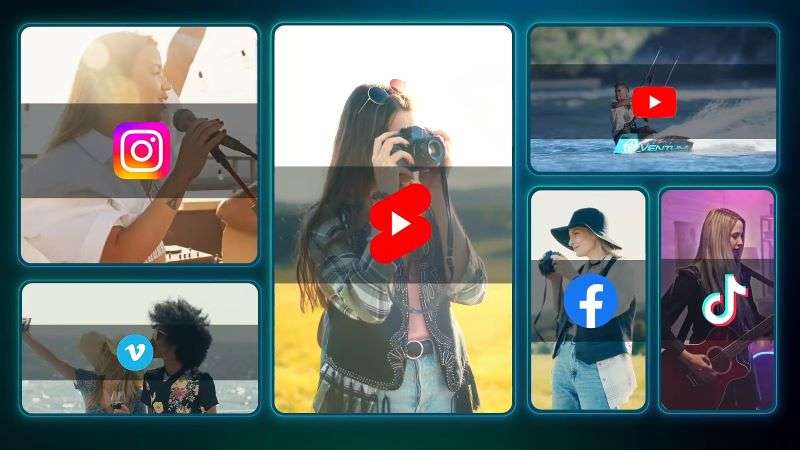
Filmora makes it easy to adapt your videos for different social media platforms. Auto Reframe automatically adjusts your video's aspect ratio for different screen sizes. Then, the Social Content Planner helps organize your publishing schedule.
Secure DownloadConclusion
Jogg AI simplifies the process of creating AI avatar videos. Instead of spending hours recording and editing, you can generate videos in just a few steps. They're suitable for any type of video. They range from product promotions to educational content and business presentations.
Filmora is another excellent option for you to consider, especially for desktop users. It supports AI avatar generation from both text and images. Filmora also comes with a set of powerful AI editing features. You can edit, enhance, and export your videos without switching between multiple applications.
FAQs
-
1. Does Jogg AI offer a lifetime deal?
No, Jogg AI does not currently offer a Jogg AI lifetime deal. The platform only provides recurring subscription plans, available through monthly or annual payments. -
2. Can I access premium features for free using Jogg AI Mod APK?
No, you should avoid using a Jogg AI Mod APK. These unofficial versions may contain security risks, fail to work properly, or put your account and personal data at risk. -
3. Can I use Jogg AI for commercial videos?
Yes, Jogg AI can be used for creating marketing videos, product videos, and other commercial content. However, make sure to check the plan details and usage rights before using generated content for business purposes.
