


 TL;DR:
Avoid downloading any Kling AI Mod APK claiming to offer free premium tools, as these unofficial files are typically non-functional scams that expose your device to severe security threats.
● Premium capabilities like watermark removal and unlimited video generation are strictly controlled by cloud-based server-side verification, making it technically impossible for a modified local app file to bypass subscription limits.
● Installing these unverified third-party files introduces specific hidden risks, including background malware infections, the secret collection of sensitive login credentials, and permanent account suspensions.
● For a secure creative workflow, Kling AI is best suited for generating raw video clips directly from text or image prompts, whereas Wondershare Filmora serves as a reliable alternative for timeline-based video editing, refining generated footage, and adding AI captions.
Ask AI for a summary
 ChatGPT
 Perplexity
 Gemini
 Claude
 Grok
Grok
Kling AI has quickly gained attention as a powerful AI tool for generating videos, images, and other creative content. Built by Kuaishou, the technology behind Kling AI allows users to turn simple text prompts into surprisingly realistic videos.
But as the platform's popularity grows, many people start searching for terms like "Kling AI Mod APK," hoping to generate more videos for free.
These modified Kling AI Mod APK files, however, rarely deliver on their promises. This article explores the reality behind Kling AI mod downloads, explains the potential dangers, and guides you toward safer and legitimate ways to use AI creative tools.
Part 1. What Is Kling AI?
Kling AI is an AI-powered platform that turns simple prompts into dynamic visual content. You can use it to generate short video clips and visuals using text descriptions or images, instead of spending hours editing videos or creating animations manually. Its ability to quickly generate cinematic visual quality and fluid, physics-aware motion makes it attractive to creators who want professional-grade results.
Some of the key features available in the official Kling AI APK include:
- Text-to-video generation: Users can type a prompt describing a scene, and the AI generates a short video based on that idea.
- Image-to-video animation: Static images can be turned into moving clips with added motion and visual effects.
- High-quality AI visuals: The system focuses on generating detailed scenes with smoother motion compared to earlier AI video tools.
- Content for social media and creative projects: Many users explore Kling AI for short-form content, concept visuals, or experimental storytelling.
- Free and premium feature access: The official version offers limited free usage, while additional tools and higher generation limits are available through paid plans.
Part 2. What Does "Kling AI Mod APK" Actually Mean?
Once people start exploring the Kling AI app, many eventually come across the term "Kling AI Mod APK." This phrase usually appears on third-party websites that claim to offer a modified version of the original app with additional perks.
In general, mod APKs are versions of Android apps modified by parties other than the official developers. The goal is typically to bypass certain restrictions or unlock features that normally require payment or usage limits.
Sites promoting a Kling AI mod APK often advertise benefits like:
- Premium features unlocked
- Watermark removed from generated videos
- Unlimited AI video generation
- Free access to Pro or premium tools
While these promises may sound appealing, it is important to understand that these files are not official versions of Kling AI. They are modified copies distributed by unknown third parties and are not released, verified, or supported by the Kling AI developer.
Part 3. Security Risks of Using Kling AI Mod APK
Although the Kling AI mod APK might promise free premium features, the bigger concern is security. Since these modified files come from unofficial sources, there is no reliable way to verify what has been added or changed inside the app. In many cases, the risks go far beyond simply using an unsupported version.
Some of the most common security concerns include:
- Malware and spyware infections: Modified APK files may contain hidden malware that runs in the background. This type of software may track device activity, display intrusive ads, or even damage system files.
- Privacy and data theft: Apps like Kling AI often require account logins or access to uploaded media. Unofficial versions can secretly collect sensitive data such as email addresses, login credentials, or personal content.
- Account suspension or permanent bans: Using unauthorized versions of an app can violate platform policies. If suspicious activity is detected, accounts associated with Kling AI could be temporarily suspended or permanently banned.
- No updates or security protection: Since mod APKs are not managed by the original developers, users miss official updates, bug fixes, and security patches.
Because unknown third parties distribute these files, users cannot be sure what the app is actually doing behind the scenes. In many cases, the promised "premium unlock" feature comes with hidden risks that could compromise both device security and personal data.
Part 4. Why "Premium Unlock" Mods Usually Do Not Work
Another important thing to understand is how modern AI platforms actually operate. Many tools today, including Kling AI, rely heavily on cloud-based systems rather than running everything directly on your device. When you generate a video or use an AI feature, the request is usually processed on a remote server where the model and computing power are hosted.
Because of this setup, premium features are typically controlled through server-side verification. In other words, the platform checks your account status online to confirm whether you have access to paid tools or higher generation limits.
This is why many so-called "premium unlocked" APKs and most Kling AI mod APKs don't actually work as advertised. Even if someone modifies the app file, they cannot bypass the platform’s servers that verify subscriptions and usage limits.
As a result, many of these downloads turn out to be fake, outdated, or completely non-functional, leaving users with an app that either fails to run properly or simply unable to access the promised features.
Part 5. Safe and Legitimate Ways to Use Kling AI
After understanding the risks and limitations of modified apps, the safest approach is to use Kling AI through its official channels. This ensures you receive the real features of the platform while keeping your device, data, and account secure.
Here are some official ways to use Kling AI without relying on unofficial downloads:
1. Download the official app from trusted stores
Install the official Kling AI APK from platforms like the Google Play Store. Official stores verify apps and provide safer updates compared to third-party download sites.
2. Explore the free features first
The official Kling AI app already offers limited free access. This allows users to experiment with AI-generated videos and creative tools before deciding to subscribe to a paid plan.
3. Upgrade through official subscriptions if needed
If you want higher generation limits or additional creative tools, the safest option is upgrading directly through the platform’s official subscription plans.
Choosing these legitimate options allows you to experience the full capabilities of Kling AI while avoiding the security risks often associated with Kling AI mod APK downloads.
Part 6. A Safe Alternative for Creative Projects
If you're exploring AI tools mainly for creative content, it can also be helpful to look beyond generation platforms like Kling AI and consider software specifically designed for editing and production. One popular option among creators is Wondershare Filmora, a video editing platform that combines traditional editing tools with AI-powered features.
Unlike unofficial apps or Kling AI mod APK files, Filmora is distributed through official channels and regularly updated by its developers. This makes it a safer and more reliable choice for creators who want powerful tools without the security risks that often come with third-party downloads.
Some of the key capabilities that make Filmora appealing include:
- AI-powered video editing tools: Features such as auto captions, AI copywriting, and smart scene detection help speed up the editing process.
- Creative effects and templates: Filmora provides a large library of transitions, filters, stickers, and motion elements that are useful for social media content.
- Beginner-friendly interface: The timeline layout is designed to be easy to learn while still offering advanced controls for more detailed editing.
- Flexible export options: Creators can export videos optimized for platforms like YouTube, Instagram, and other social media channels.
- Free version available: Users can explore many of Filmora’s features before deciding whether to upgrade to a paid plan.
For creators who want a secure and professional workflow, tools like Wondershare Filmora offer a legitimate alternative that supports both creativity and reliability.
 Secure Download
Part 7. Kling AI vs Filmora (Quick Comparison)
Kling AI APK and Wondershare Filmora are both used in creative workflows, but they serve slightly different purposes. Kling AI focuses on AI video generation from prompts or images, while Filmora is designed for editing and producing polished videos with AI-assisted tools.
For creators deciding which tool fits their needs, the comparison below highlights the key differences.
| Feature | Kling AI | Filmora |
| Primary purpose | AI video generation from text or images | Full video editing and content production |
| Key technology | Text-to-video and image-to-video AI models | Timeline-based editing with AI tools |
| Creative workflow | Generate scenes automatically from prompts | Edit, refine, and enhance recorded or generated footage |
| AI capabilities | Prompt-based video creation, motion generation, scene simulation | AI captions, AI copywriting, smart scene detection, creative effects |
| Ease of use | Simple prompt-based generation | Beginner-friendly editing interface with advanced controls |
| Free version | Limited free credits available | Free version with optional paid upgrades |
| Best for | AI-generated visuals and experimental videos | Editing, storytelling, and professional content creation |
|
Show More
Show Less
|
||
In simple terms, Kling AI is mainly used to generate videos, while Filmora focuses on turning raw ideas or clips into finished content. The Kling model can create videos from text and image prompts with realistic movements and detailed scenes.
For creators who want a safe and structured editing environment, Wondershare Filmora offers a reliable workflow with built-in AI tools and regular software updates. Many content creators even combine both approaches: generating visuals with AI tools like Kling AI and then refining the final video using Filmora's editing features.
Secure DownloadPart 8. How to Stay Safe When Downloading Apps
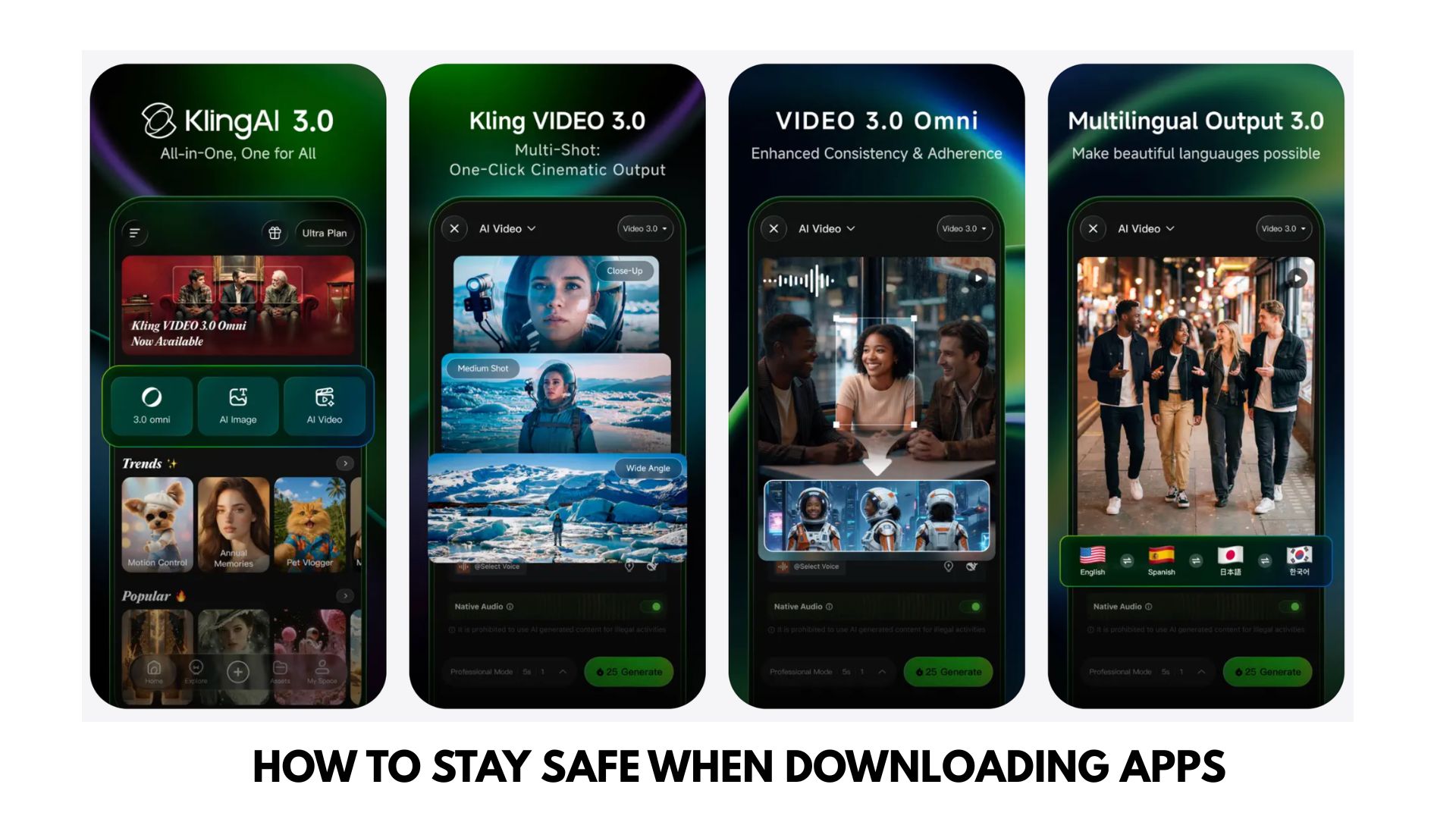
When searching for tools like Kling AI APK, it’s easy to encounter unofficial downloads that promise extra features or free premium access. However, downloading apps from unreliable sources can expose your device and personal data to unnecessary risks.
Following a few simple safety practices can help you avoid these problems.
- Download apps only from official stores. Use trusted platforms such as the Google Play Store (for Android) or the Apple App Store (for iOS) whenever possible. Apps on these platforms go through basic security checks.
- Avoid mod APK and cracked app websites. Sites offering modified versions of apps often distribute files that are altered, outdated, or bundled with hidden malware.
- Check the developer information. Before installing an app, confirm that it is published by the official developer and not by an unknown third party using a similar name.
- Review app permissions carefully. If an app requests unnecessary access to contacts, files, or device data, it may be a warning sign.
- Keep your apps and system updated. Regular updates from official sources often include security patches that help protect your device.
Conclusion
Searching for the Kling AI mod APK might seem like a quick way to unlock premium features, but the reality is often far more disappointing. Most modified apps come from unverified sources, and the promised benefits rarely work as advertised. Instead, users risk malware, privacy issues, or even losing access to their accounts. The safest way to explore the capabilities of Kling AI is through the official app and its legitimate features. For creators who want more control over their projects, tools like Wondershare Filmora offer a reliable and professional environment to turn ideas into polished content without compromising security.
FAQs
-
1. Is Kling AI Mod APK safe to use?
No. Most Kling AI mod APK files come from unofficial websites and may contain malware, spyware, or hidden scripts. Installing these modified apps can expose your device to security risks, including stolen data or harmful software. -
2. Can Kling AI Mod APK really unlock premium features?
Usually not. Features in Kling AI are controlled through cloud servers that verify your account and subscription. Due to this server-side system, modified APK files generally cannot unlock premium features or remove usage restrictions. -
3. What is the safest way to use Kling AI?
The safest option is to download the official Kling AI app from trusted stores like the Google Play Store and use its official features. This ensures regular updates, security protection, and reliable access to the platform.
