


Not every animated video needs professional animation software or hours of editing. Toonly proves that you can simplify the process with the help of its ready-made characters, backgrounds, and props, along with easy editing tools for creating cartoon-style explainer videos.
It's been around for years, but with AI video generators and newer animation platforms now available, how well does it keep up? This review covers Toonly’s animation features, pricing, download options, limitations, and an alternative for users who seek a more flexible video creation tool.
Part 1. What Is Toonly Animation Software?
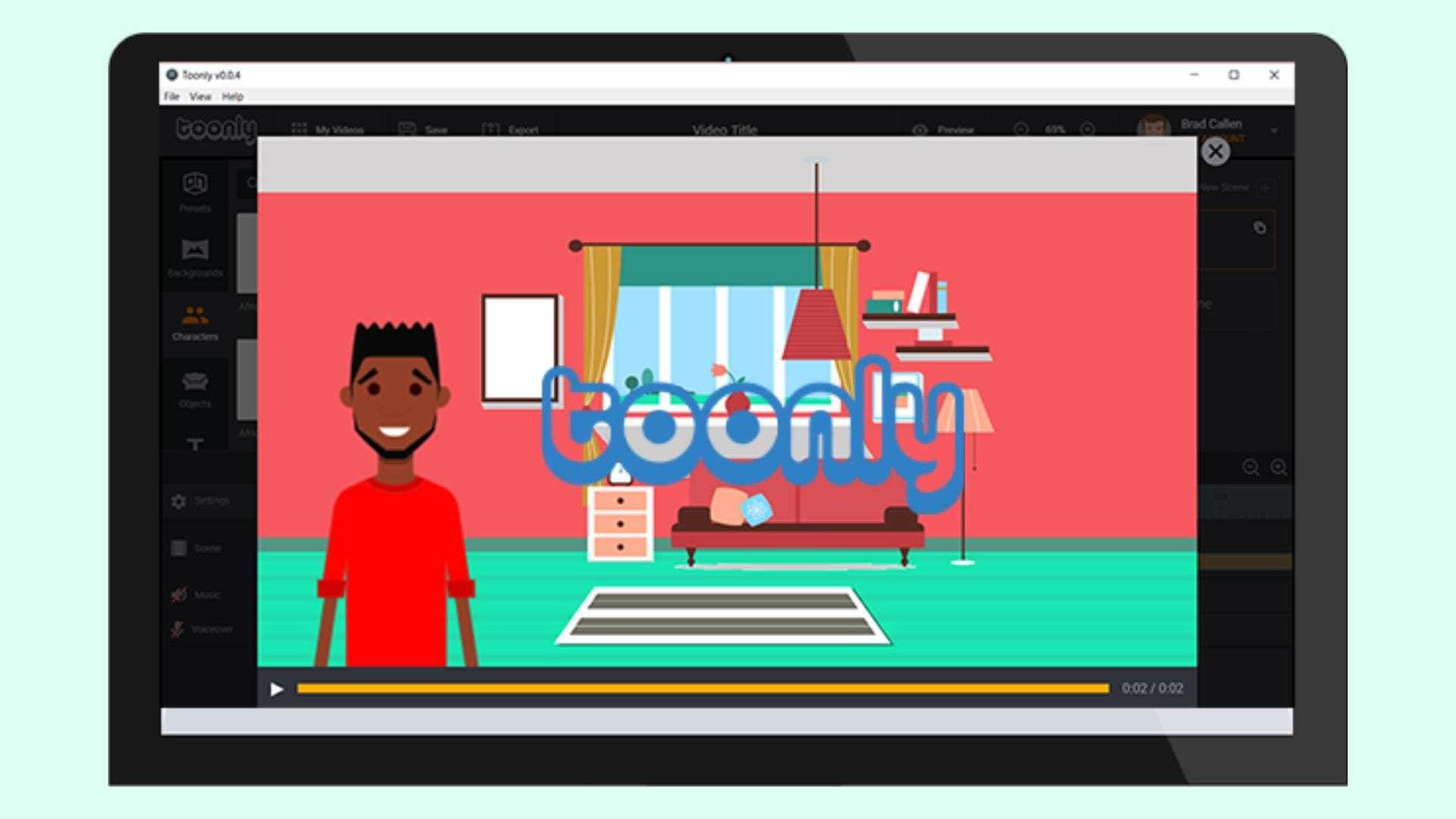
Toonly is a desktop animation software for creating cartoon-style explainer videos with animated characters, props, backgrounds, and pre-made scenes. You can combine these elements, customize each scene, and build videos through a visual editor. The look, timing, and flow of your animations are also customizable to match the story you want to tell.
How Does Toonly Work?
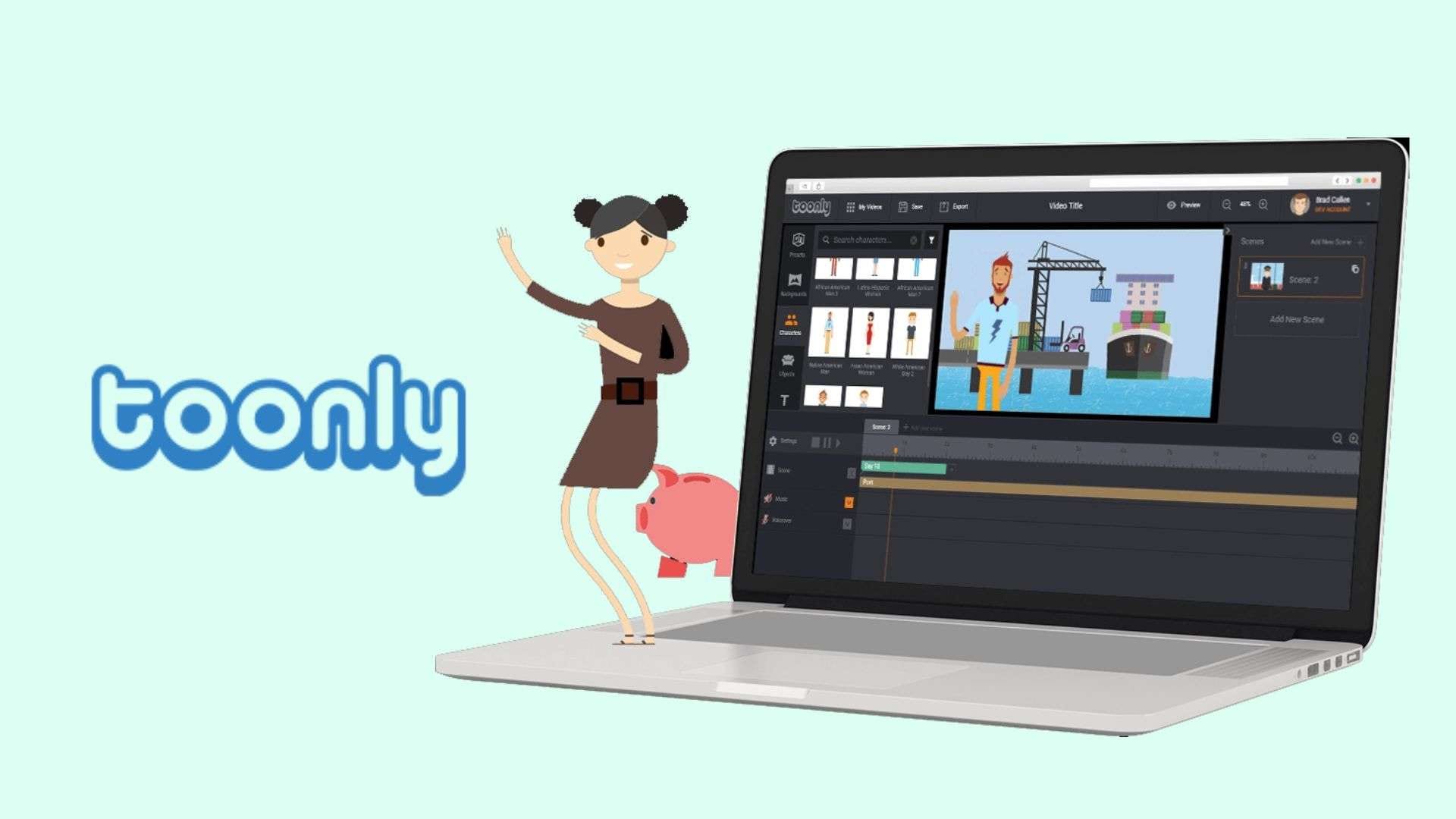
Toonly uses a scene-based editor in which you create animations by combining various visual elements. After choosing characters, backgrounds, and props, users can adjust their placement, add movements, insert text, and include audio such as voiceovers or background music.
Toonly software follows a traditional animation process, which means you can decide how each scene looks and flows from start to finish. It sets Toonly apart from AI-powered video creators that rely on text prompts to generate videos automatically.
Toonly vs AI Video Generators
| Toonly | AI Video Generator | |
| Video creation | Build scenes manually | Generate videos from prompts |
| Visual assets | Built-in characters and props | AI-generated visuals |
| Editing style | Scene-by-scene control | Automated generation |
| Customization | Adjust individual elements | Depends on the platform |
| Best for | Explainer and cartoon videos | Fast AI video creation |
|
Show More
Show Less
|
||
Who Should Use Toonly?
Toonly animation software is suitable for users who want to create cartoon-style videos quickly with a consistent visual style, including:
- Small businesses creating explainer videos, product introductions, and promotional content.
- Educators and trainers making animated lessons, tutorials, and training materials.
- Marketers producing simple branded videos for campaigns and social media.
- Content creators who need animated visuals for presentations, storytelling, or online content.
Part 2. Toonly Features Review
As you can tell, Toonly’s features focus on creating animated scenes from ready-to-use assets. The software provides the visual elements needed for cartoon-style videos, so you can place characters, props, and backgrounds onto the timeline and customize each scene as the story unfolds.
Character, Props, and Background Library
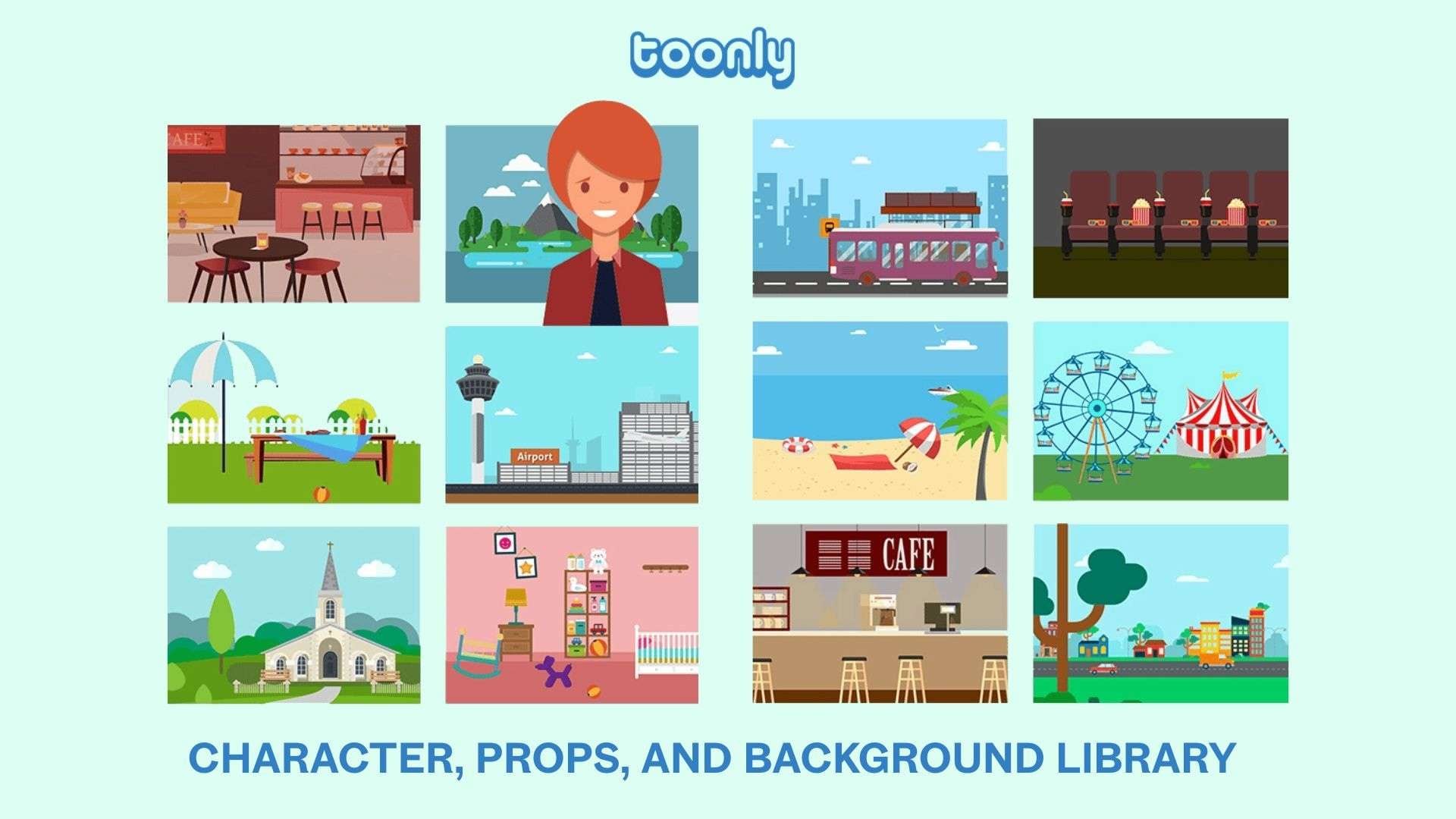
Toonly cartoon maker provides a built-in library of animation assets that you can mix and match when creating videos. This asset library is a key component in creating explainer videos without having to draw characters or manually design every visual element.
Key points:
- Add animated characters with different actions to fit the scene.
- Choose props and objects to support the message being explained.
- Switch between backgrounds to create different locations.
- Combine multiple assets to create branded or themed cartoon scenes.
Character Animation and Scene Editing
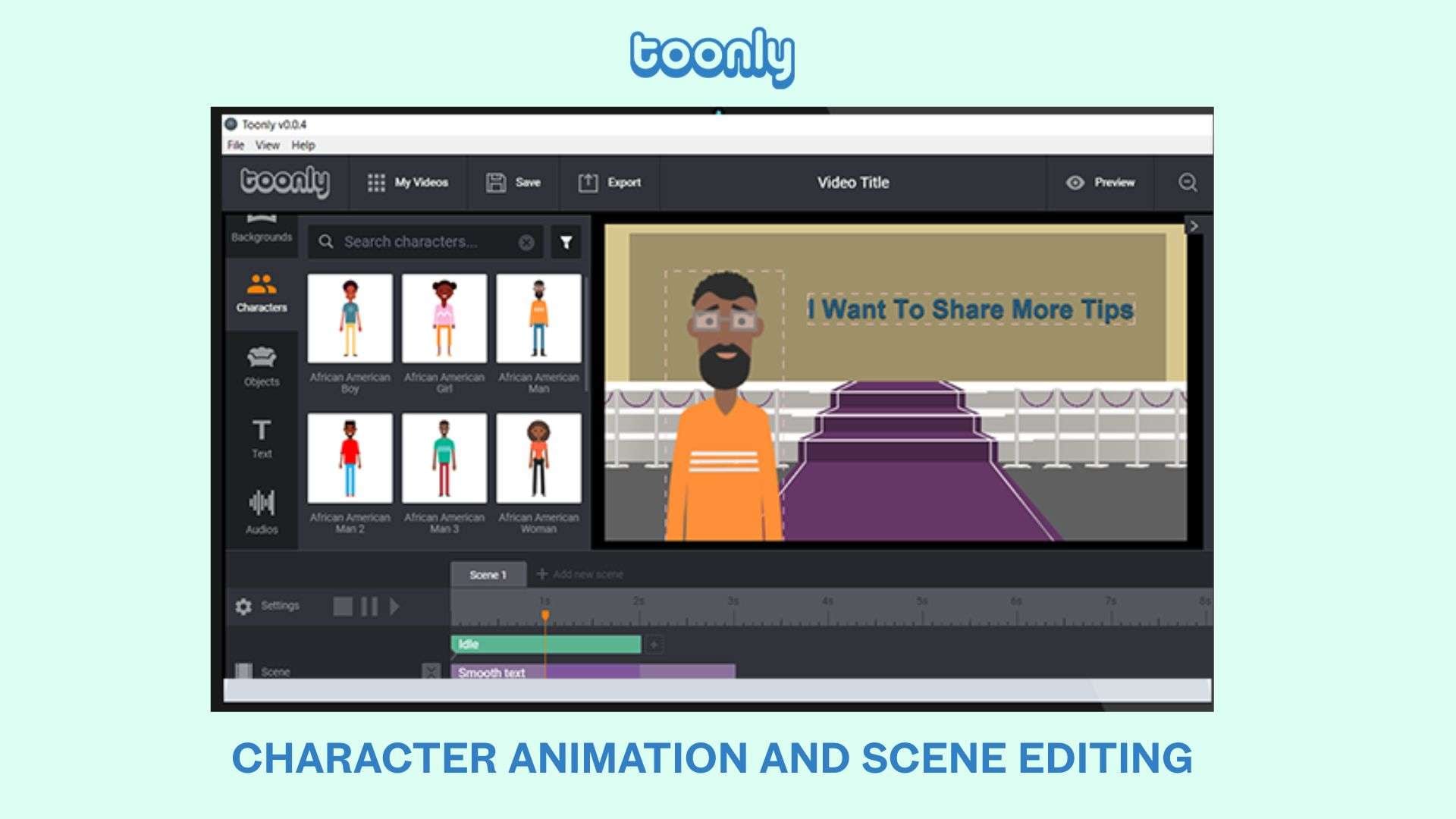
Toonly’s animation doesn't work through auto-generation. You're the one placing characters, moving elements around, and deciding how each scene plays out. It lets you combine multiple scenes into a complete animation sequence.
Voiceover and Audio Tools
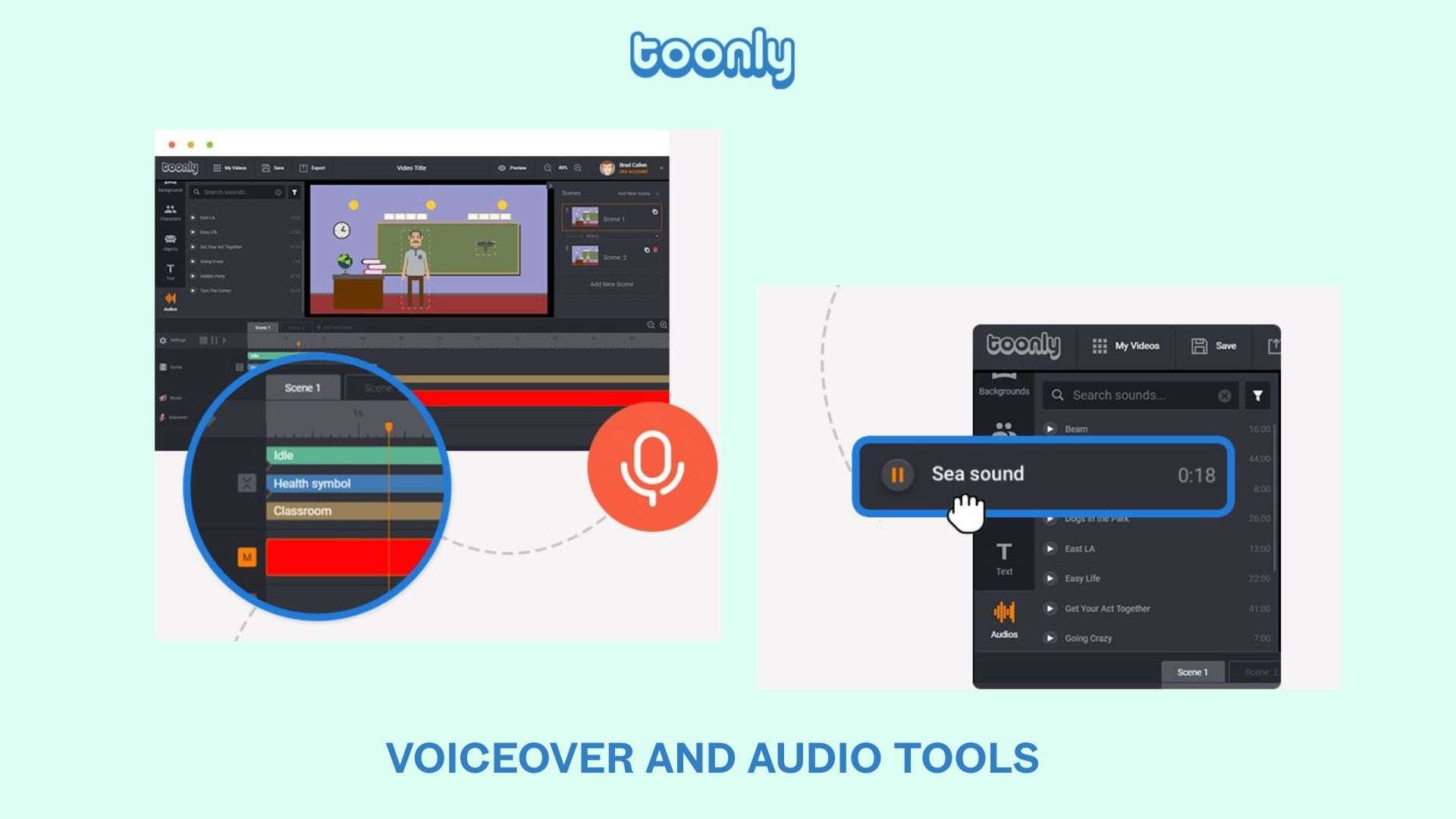
Every good explainer video needs a voice, and Toonly app includes audio options for users who want to add narration to their animations. Record your narration right inside the app, upload a file you already have, or toss in some background music, then line it all up with the right scenes.
Text Animations and Transitions
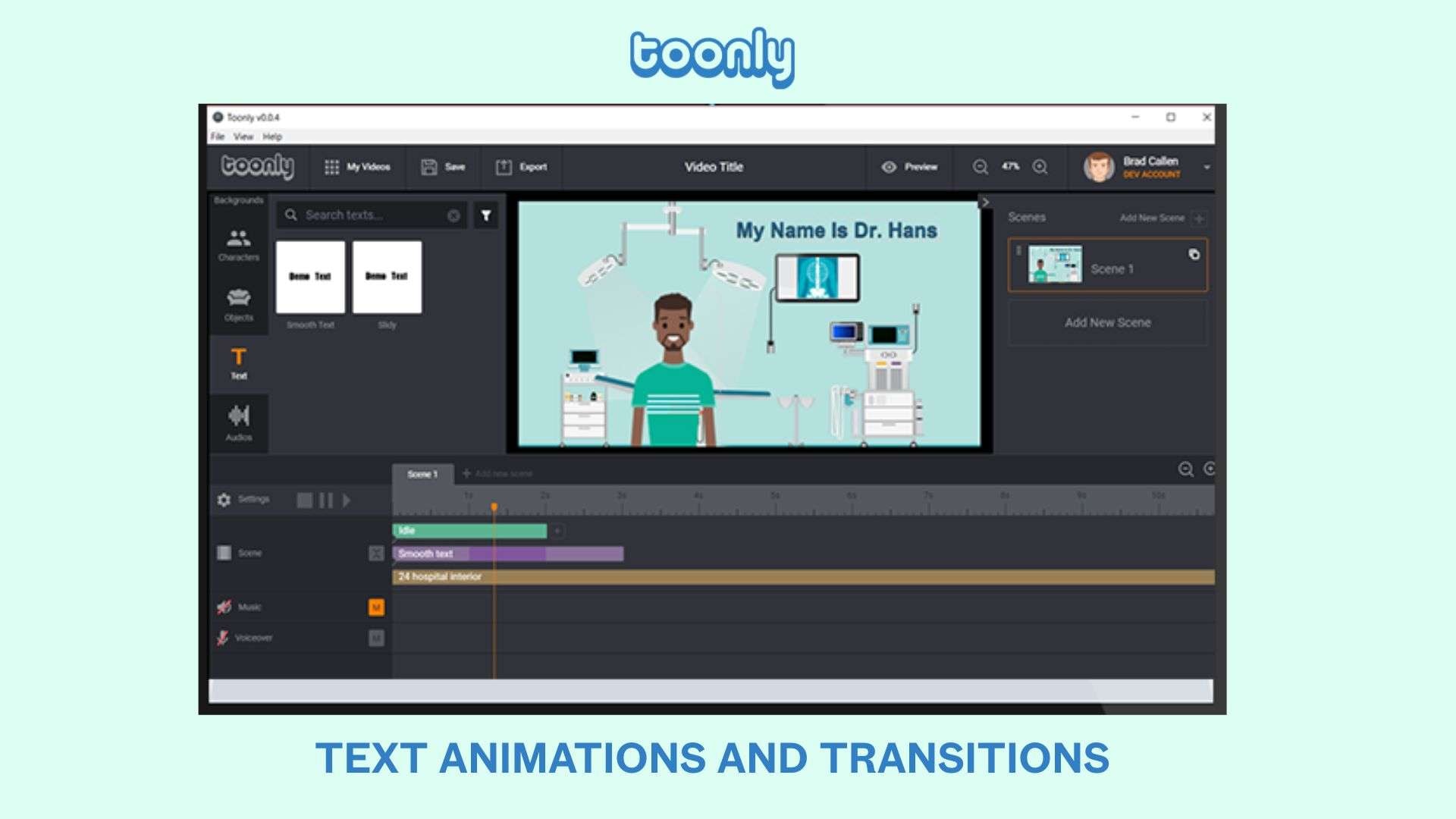
Text and transitions help organize information across different scenes. In this case, Toonly lets you drop in text to call out important points, then use transitions to move between scenes without things feeling choppy, keeping your video easy to follow start to finish.
Video Export Options
Once the animation is complete, exporting it with Toonly software is the easy part. Toonly spits out your finished animation as a shareable file you can drop straight onto a website, a course platform, a presentation, or your social feed.
Part 3. Toonly Pricing and Download Guide
Toonly pricing gives you a 14-day free trial. After the trial ends, you need to pay for the subscription to continue using it. The price depends primarily on the number of animation assets included, such as characters, props, backgrounds, scenes, and audio resources.
Toonly Pricing (2026)
| Standard | Enterprise | |
| Pricing | $49/month or $490/year | $79/month or $790/year |
| Character Images | 30 character images | 82 character images |
| Character Animations | 17 character animations | 30 character animations |
| Prop Images | 1,058 prop images | 2,024 prop images |
| Backgrounds | 71 backgrounds | 139 backgrounds |
| Premade Scenes | 10 premade scenes | 20 premade scenes |
| Scene Transitions | 21 scene transitions | 101 scene transitions |
| Background Audio | 20 audio tracks | 142 audio tracks |
| Text Animations | 3 text animations | 5 text animations |
| Unlimited Video Creation | ||
|
Show More
Show Less
|
||
If you’re someone who creates animated videos regularly, Toonly’s reusable assets can make the pricing more reasonable. The software is more suitable for projects that need a consistent cartoon style and repeated video production.
How to Download Toonly
The Toonly software is available for Mac and Windows 32bit or 64bit. After purchasing a plan, you can download the installer and set up the software on your computer.
Supported Platforms
| Windows | macOS | |
| Versions | Windows 7 or higher | OSX 10.10 or higher |
|
Show More
Show Less
|
||
Installation and Account Setup
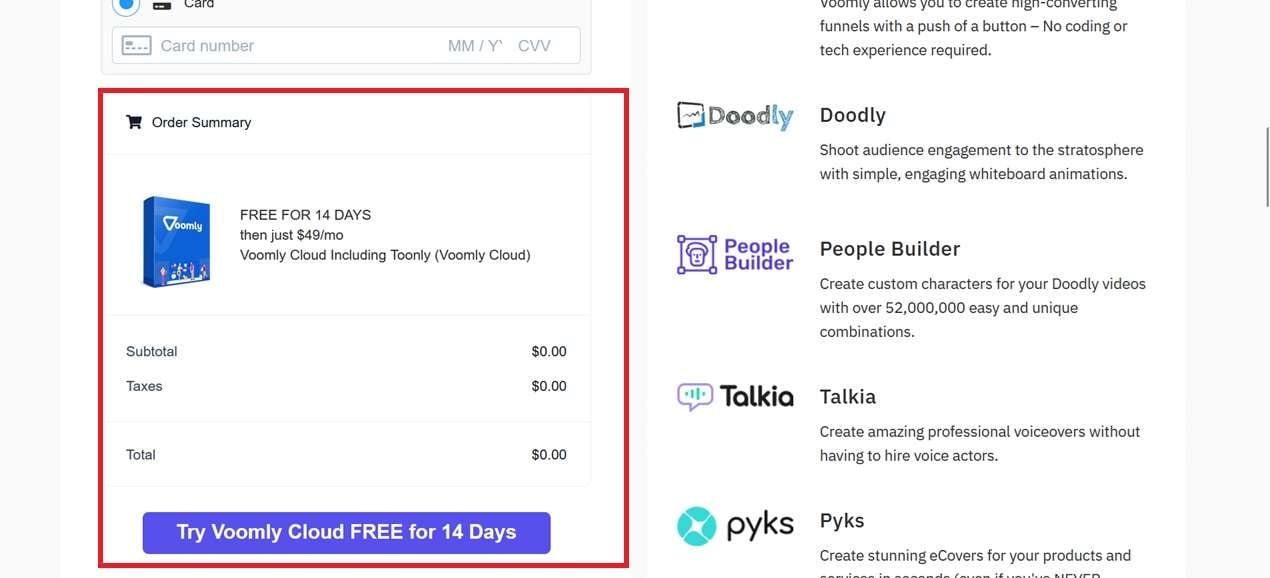
No matter which Toonly plan you go with, you’ll need to fill in your billing details before downloading the software. The subscription runs through Voomly Cloud, a video creation studio that packages Toonly together with Voomly, Doodly, People Builder, Talkia, and Pyks.
The basic Toonly download process includes:
- Choose a Toonly plan from the official website.
- Fill in your billing details and try Toonly free trial for 14 days.
- Download Toonly’s Windows or Mac installer after purchase.
- Install the software on your computer.
- Sign in using your Toonly account.
- Access the animation library and start creating videos.
⚠️ Avoid Toonly APK ⚠️
Toonly doesn't have an official mobile app, so if you're searching for a Toonly APK or an Android download, you're likely to land on unrelated products or unofficial files instead. The same goes for sites that claims for a Toonly free download crack. They're often outdated and come from sources you really shouldn't trust with your download.
Part 4. Our Verdict: Is Toonly Worth Trying?
Toonly video maker is the right choice if you need a simple way to create cartoon-style explainer videos with ready-made characters, props, and backgrounds. Its scene-based editor gives creators control over each part of the animation, making it useful for businesses, educators, and content creators.
Toonly software may not be the best fit if you are looking for AI-generated videos or advanced video editing features. Its subscription cost is also worth considering for those who only create animations occasionally.
Toonly Pros and Cons
- Large library of cartoon characters, props, and backgrounds.
- Scene-based editor gives users control over each part of the animation.
- Suitable for explainer videos, tutorials, presentations, and training content.
- Reusable assets can help users create multiple videos with a similar style.
- No AI video generation features for creating videos from prompts.
- Requires manual editing to create scenes and animations.
- Subscription pricing may feel expensive for occasional users.
- Limited compared with full video editors that offer advanced effects and AI-powered editing tools.
Part 5. Best Toonly Alternative with More Video Editing Options
Toonly works well when the goal is creating cartoon-style explainer videos with a consistent visual style. However, video projects often go beyond animated scenes. You may need to edit real footage, add AI-generated visuals, create social media content, or apply more advanced effects in the same workflow.
In that case, Wondershare Filmora offers a broader set of video creation tools if you need more flexibility. While Toonly focuses on creating animations with characters, props, and backgrounds, Filmora combines traditional video editing with AI-powered features.
Key Filmora features include, but are not limited to:
- AI Text-to-Video for generating video content, including animation, from text prompts.
- AI Image-to-Video for animating still images.
- AI-powered editing tools to speed up tasks such as subtitles, audio editing, and content adjustments.
- Effects, transitions, and audio tools for adding more creative control.
- Keyframe animation to fine-tune how elements move, scale, or fade over time for smoother, more custom motion.
- Motion Tracking to attach text, stickers, or effects to a moving object so they follow it through the shot.
Filmora is suitable for users who want to combine AI-assisted creation with traditional video editing.
| Tool | Main Focus |
| Toonly | Cartoon-style explainer animations with ready-made assets |
| Filmora | Flexible video editing with AI features and creative tools |
|
Show More
Show Less
|
|
 Secure Download
Conclusion
Toonly still has a place for users who prefer to create animated videos manually using ready-made characters, scenes, and visual assets. This software is best suited for explainer videos, tutorials, and educational content that prioritize a consistent cartoon style.
If you want more advanced video production tools, or you'd rather let AI handle the heavy lifting instead of building scenes by hand, Filmora is worth trying instead. It can turn text prompts or still images into video clips, handle traditional editing tasks like effects and transitions, and adapt content for different social platforms.
FAQs
-
Is Toonly free to use?
Toonly doesn’t have a free version that users can use permanently, but it does offer a 14-day free trial. -
Is Toonly an AI video generator?
No. Toonly is not a text-to-video AI tool. It works as a traditional animation editor where users build scenes by selecting characters, props, and backgrounds, then adjusting each element manually. -
Can I download Toonly on Windows and Mac?
Yes. Toonly is available for both Windows and Mac as a desktop application. After purchasing a plan, users can download the software, install it on their computer, and access the included animation assets through their account. -
Does Toonly have an APK version?
There is no official Toonly APK available for Android. The desktop version is the main Toonly software, so users looking for a mobile APK should be wary of third-party download sites claiming to offer it.
