

 100% Security Verified | No Subscription Required | No Malware


 ChatGPT
 Perplexity
 Gemini
 Claude
 Grok
Grok
Got ideas for time travel YouTube content but no budget for VFX, actors, or complex setups? Many creators love the concept, but it often feels intimidating and unrealistic for solo creators or small teams.
The process no longer requires the same resources. Time travel videos are now far more achievable thanks to AI tools like Wondershare Filmora. It can generate scenes, transitions, and visuals directly from text prompts, helping creators produce polished videos without heavy production work.
Let's learn how to create that today!
In this article
Part 1. Why Time Travel Videos Perform So Well on YouTube and Social Media
Time travel YouTube content performs well because it delivers an instant payoff. Viewers can understand the concept at a glance, then watch the transformation happen within seconds. This structure works across both short-form clips and longer videos.
Time travel videos are engaging for a few clear reasons:
- Strong before-and-after transformation: Time travel videos show a scene shift from one moment to another.
- Nostalgia combined with imagination: Recognizable time periods create familiarity, while future or alternate eras introduce curiosity.
- Storytelling conveyed through visuals: The story unfolds through imagery rather than narration or text. Viewers understand what happens just by watching the scenes.
Many videos on time travel theme follow visual structures that viewers already know. A scene establishes one moment in time, then shifts to another through a visible change on screen.
Because this structure relies on visual contrast rather than dialogue or plot, it fits AI-generated workflows. AI tools handle scene changes, transitions, and visual shifts well, which makes AI time travel videos easier to produce while still looking cinematic.
Part 2. How to Turn Time Travel Ideas into Videos Using AI
One moment you're writing a script. The next, you're standing in ancient Rome, a cyberpunk future, or the roaring 1920s. AI-powered tools now let creators turn simple text prompts or images into time travel scenes—no complex VFX pipelines, no 3D assets, no massive crews. What once took weeks can now happen in minutes.
 secure download

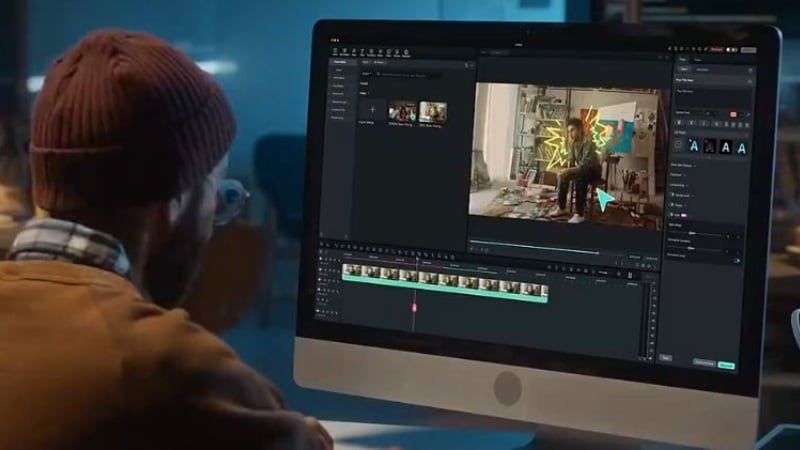
An AI time travel generator that supports this workflow is Filmora, which combines AI generation and video editing in one workspace. You can generate visuals, refine scenes, test ideas, and create multiple variations without rebuilding the project from scratch.
Below are Filmora's features that can help you create a time travel video:
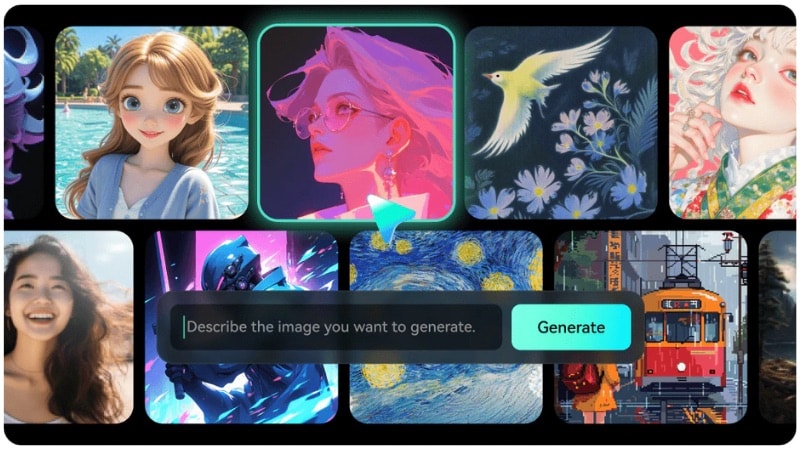
- AI Image Generation: Creates era-specific visuals from text prompts, such as historical settings or future environments. You can use generated images as starting frames for time travel scenes.
- Text to Video: Creates time travel video scenes from written prompts alone. The results depend on how you describe the era, setting, and transition, which gives you full creative control.

- Image to Video: It lets you use an image as a visual reference, then describe the time shift you want through a prompt. Filmora also offers AI templates that simplify time travel generation.

- Video Editing Tools: Arrange scenes on the timeline, add transitions, adjust pacing, and control color or sound.
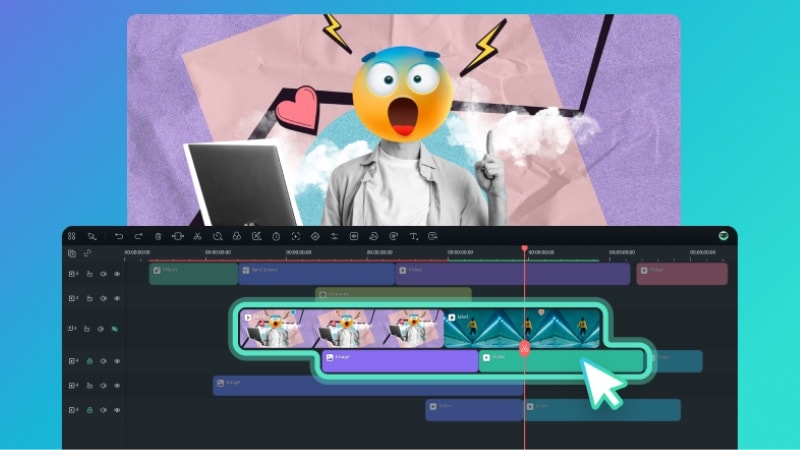
- Direct Export to YouTube: Publish your finished time travel video to YouTube, which speeds up the upload process.
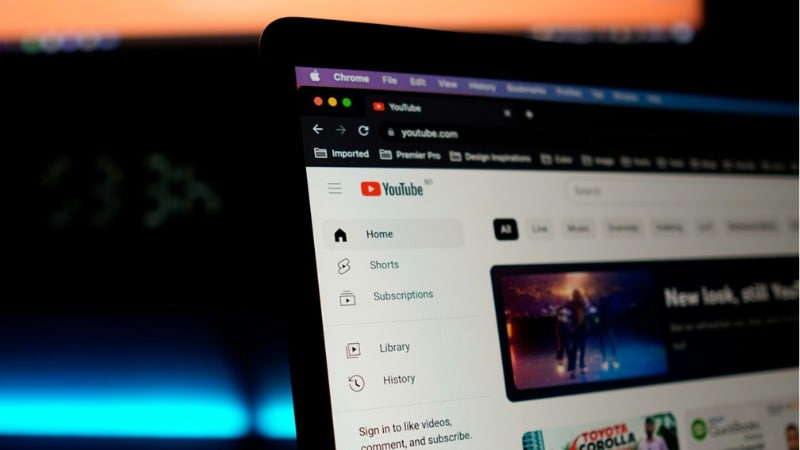
How to Create Time Travel Videos with Filmora
There's more than one way to create a time travel video with Filmora. You can start from generating a photo with AI Image feature and make it move with the Image to Video feature. Or, you can also generate scenes entirely from text.
A. Generate an Image with a Time Travel Concept with AI Image
Filmora's AI Image feature lets you generate time travel visuals directly from text prompts. You can use the generated image into your videos on time travel concept. It works well to create era-specific characters or environments, such as medieval, futuristic, or ancient settings.
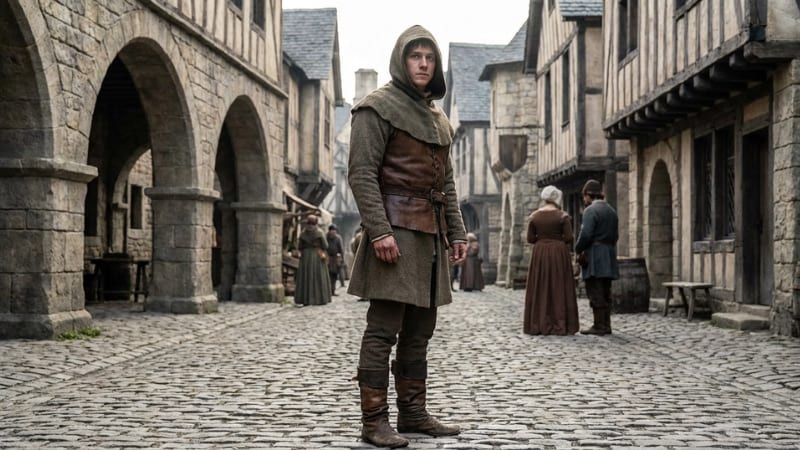
Follow the instructions below to generate image for AI medieval time travel concept:
Step 1. Start a new project in Filmora, and go to Stock Media > AI Media > AI Image.
Step 2. In the text prompt box, describe the time travel image you want to generate. For example, you can describe a character wearing medieval clothing, stone architecture, or a historical atmosphere.
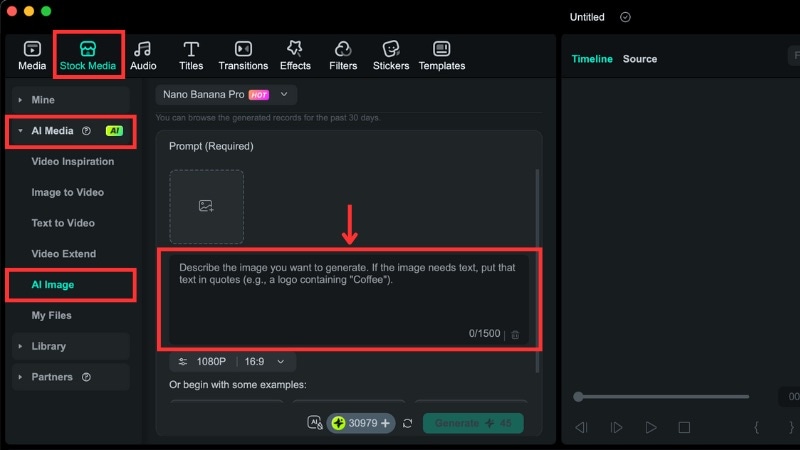
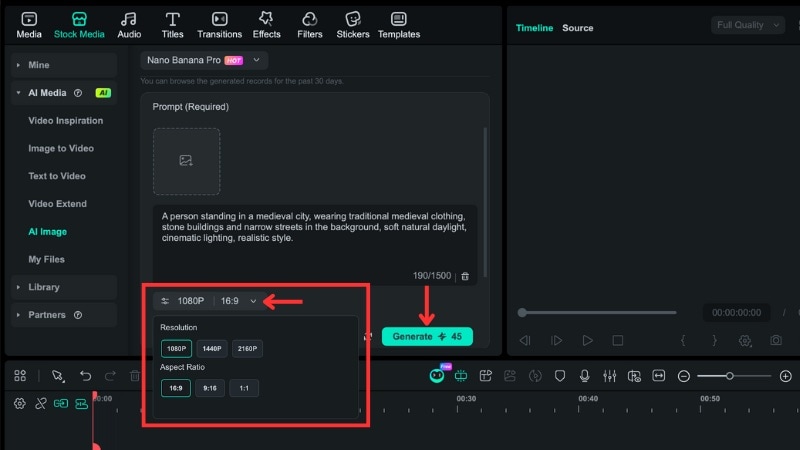
Step 3. Open the Settings button to adjust the Resolution and Aspect Ratio for your image. Then, click Generate to start the generation process.
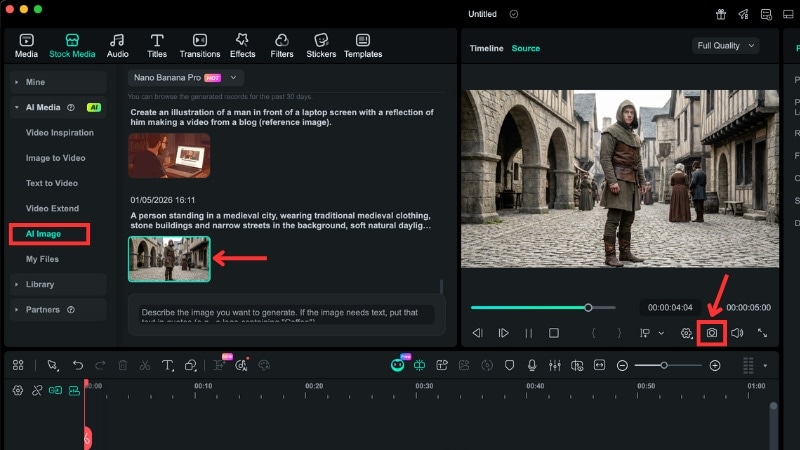
Step 4. Preview the result and click the Snapshot button to save the image to your device.
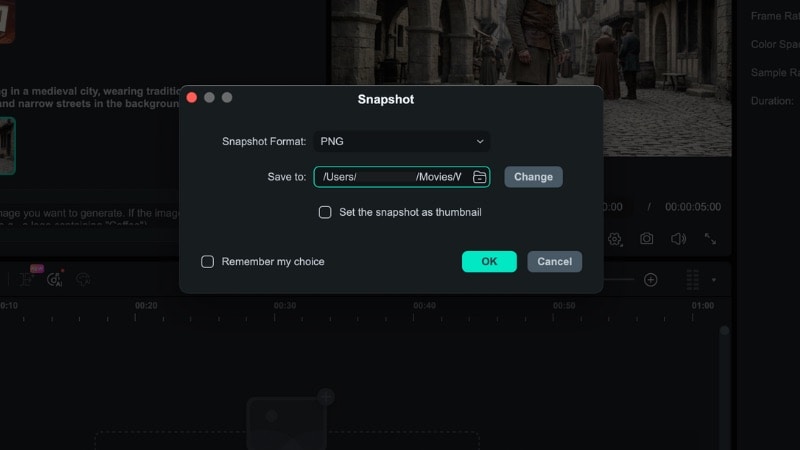
Step 5. A pop-up window will appear. Save the image to the folder that you can easily find.
B. Turn the Image into a Time Travel Video
If you want your concept image for time travel YouTube content to move, you can use Filmora's Image to Video feature. Follow the step-by-step guide below:
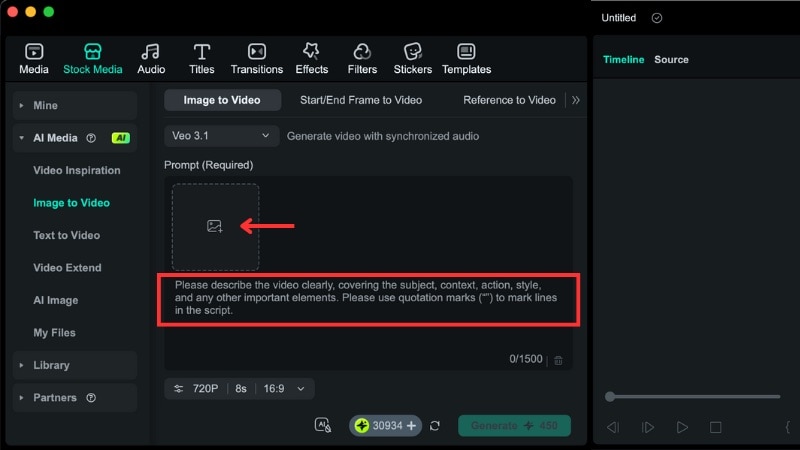
Step 1. In Filmora, go to Stock Media > AI Media > Image to Video, then select the AI mode you want to use.
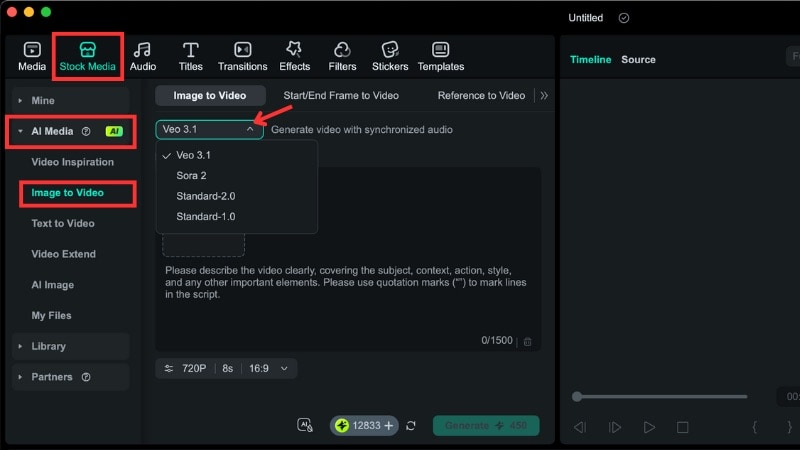
Step 2. Upload the image you want to animate. This can be the AI medieval image we generated earlier, or another concept photo you have.
Step 3. In the text prompt, describe how the scene should move or transform. You can mention motion, atmosphere changes, or subtle visual shifts that suggest time travel.
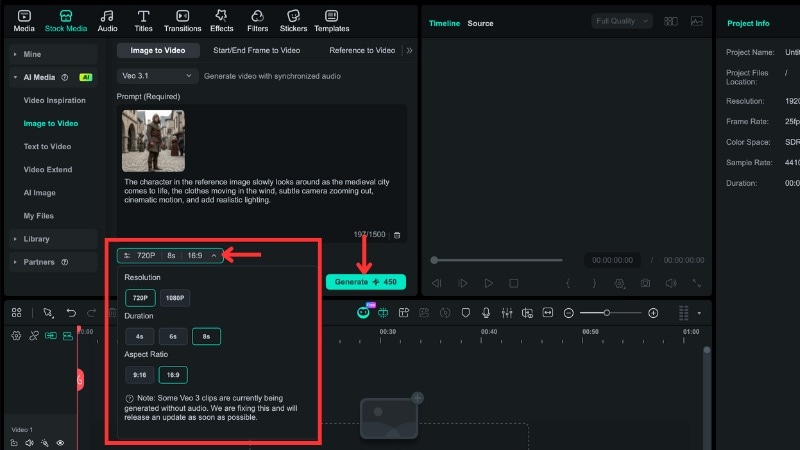
Step 3. Adjust basic settings such as resolution, duration, and aspect ratio, if needed. Then, click Generate to create the AI time travel video.
Step 4. Filmora will notify you once the generation finishes. You can go to Stock Media > AI Media > My Files panel to find the result.
Preview the result and click the Plus icon to add the clip to the timeline.
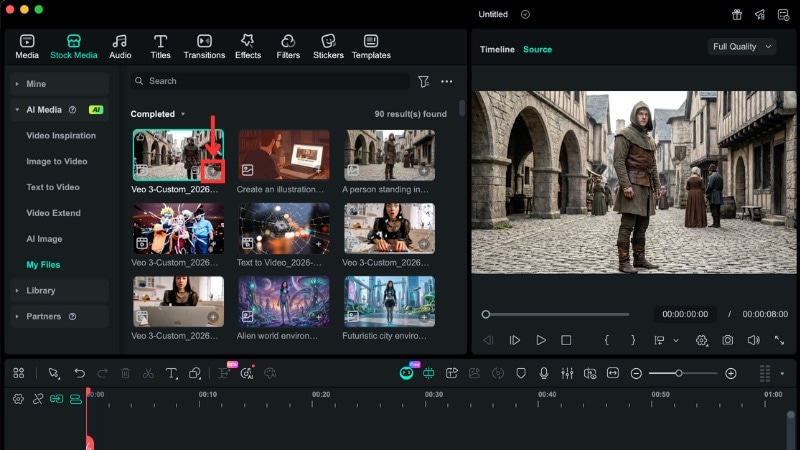
Here's the final result of time travel video we created in Filmora:
You can also create time travel scenes using Filmora's Text to Video feature with prompts alone. For more information about this feature, watch the video below:
Part 3. Popular Time Travel Themes That You Can Create with AI
Many time travel YouTube videos work because viewers understand the era shift through visuals alone. Clothing, environment, and lighting signal the time jump without the need for text or narration. AI handles these changes well in both images and video, which makes these themes practical to create.
With Filmora, you don't need to build everything from scratch. You can simply pick a template and let AI do the heavy lifting.
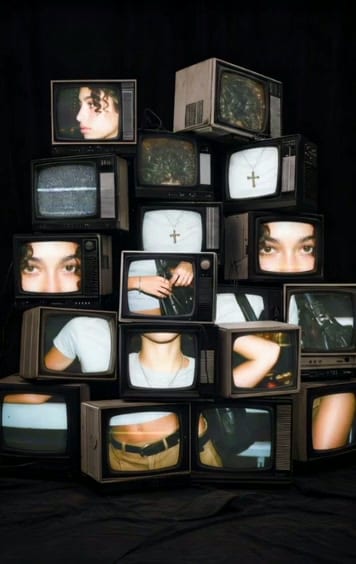


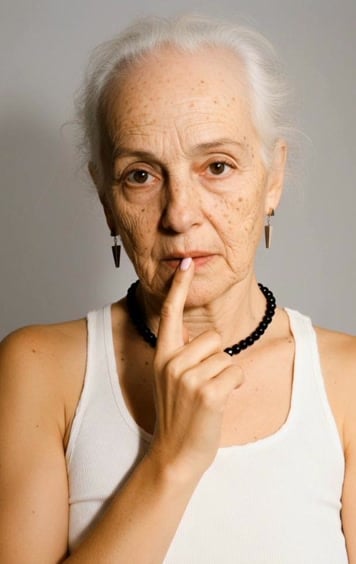
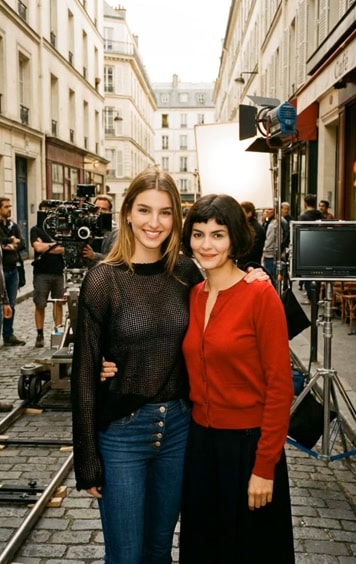
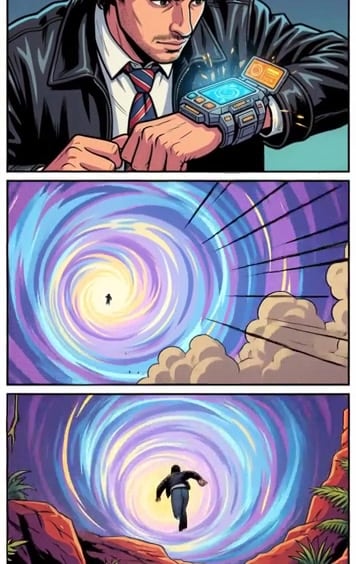
Check out some other popular time travel themes creators can make with AI:
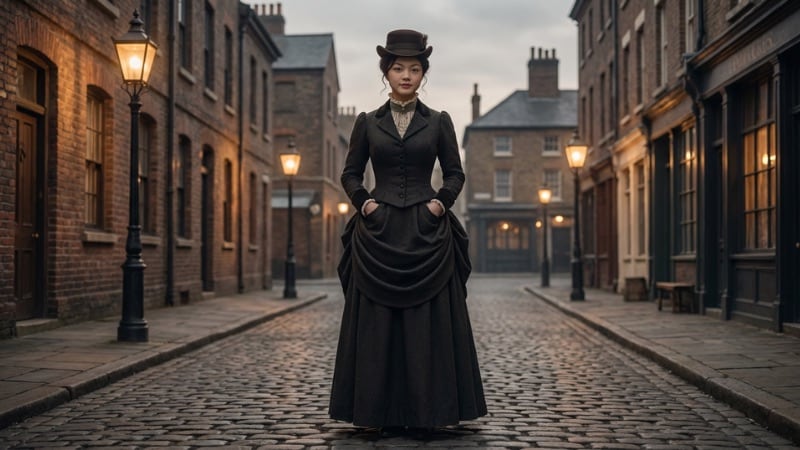
Victorian era
Period clothing, old city streets, and warm lamp light show a clear time travel into the past. AI handles cloth details and muted color tones well, which makes the era change clear.
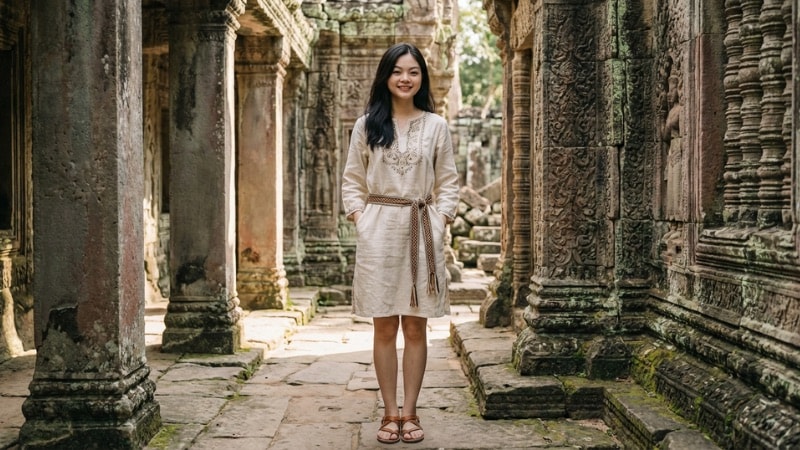
Ancient civilizations
Temples, stone structures, and traditional outfits create a strong contrast against modern scenes. AI can rebuild environments that no longer exist, which suits time travel themes.
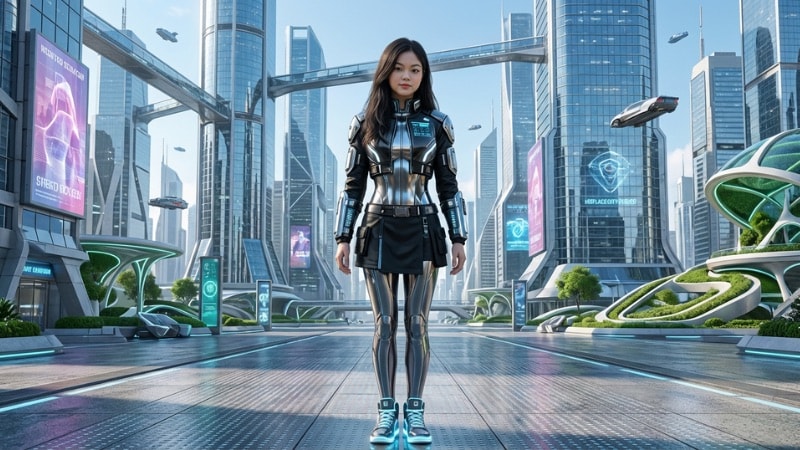
Futuristic timelines
Advanced cities, digital interfaces, and modern materials show a jump forward in time. An AI time travel generator can create clean structures that suit future settings.
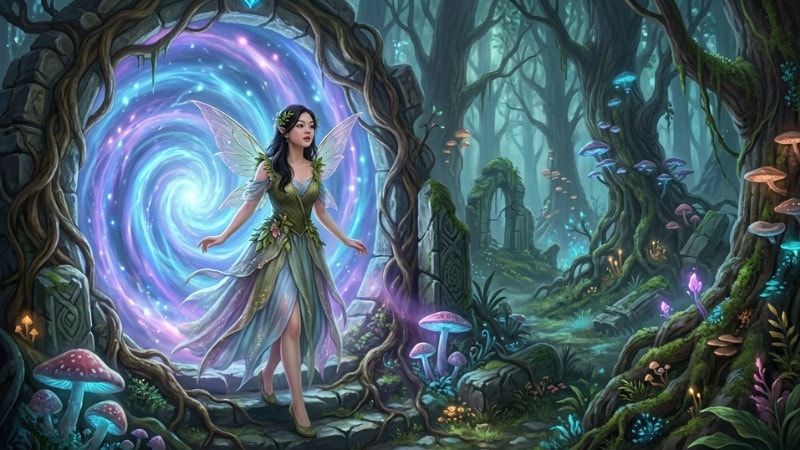
Fantasy and magical portals
Portals, glowing elements, and altered landscapes show the moment of time shift. AI supports these transitions through visual effects and scene changes.
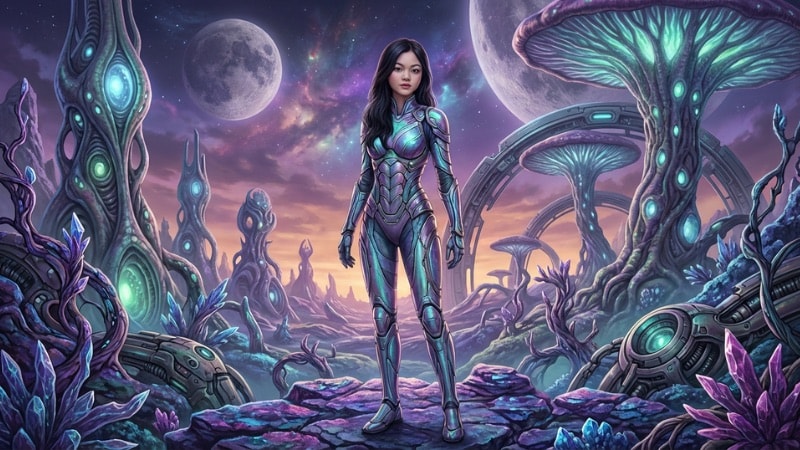
Alien or extraterrestrial timelines
Unfamiliar environments, non-human technology, and altered landscapes signal a shift beyond Earth's timeline.
Conclusion
Time travel YouTube content works because viewers understand the change on screen in seconds. With AI tools, creators can turn simple ideas into a time travel video without complex setups or production teams.
By using Filmora as an AI time travel tool, you can test concepts, create era shifts, and refine visuals in one place. Start with a simple idea, pick one theme, and build your next time travel video step by step.
 secure download