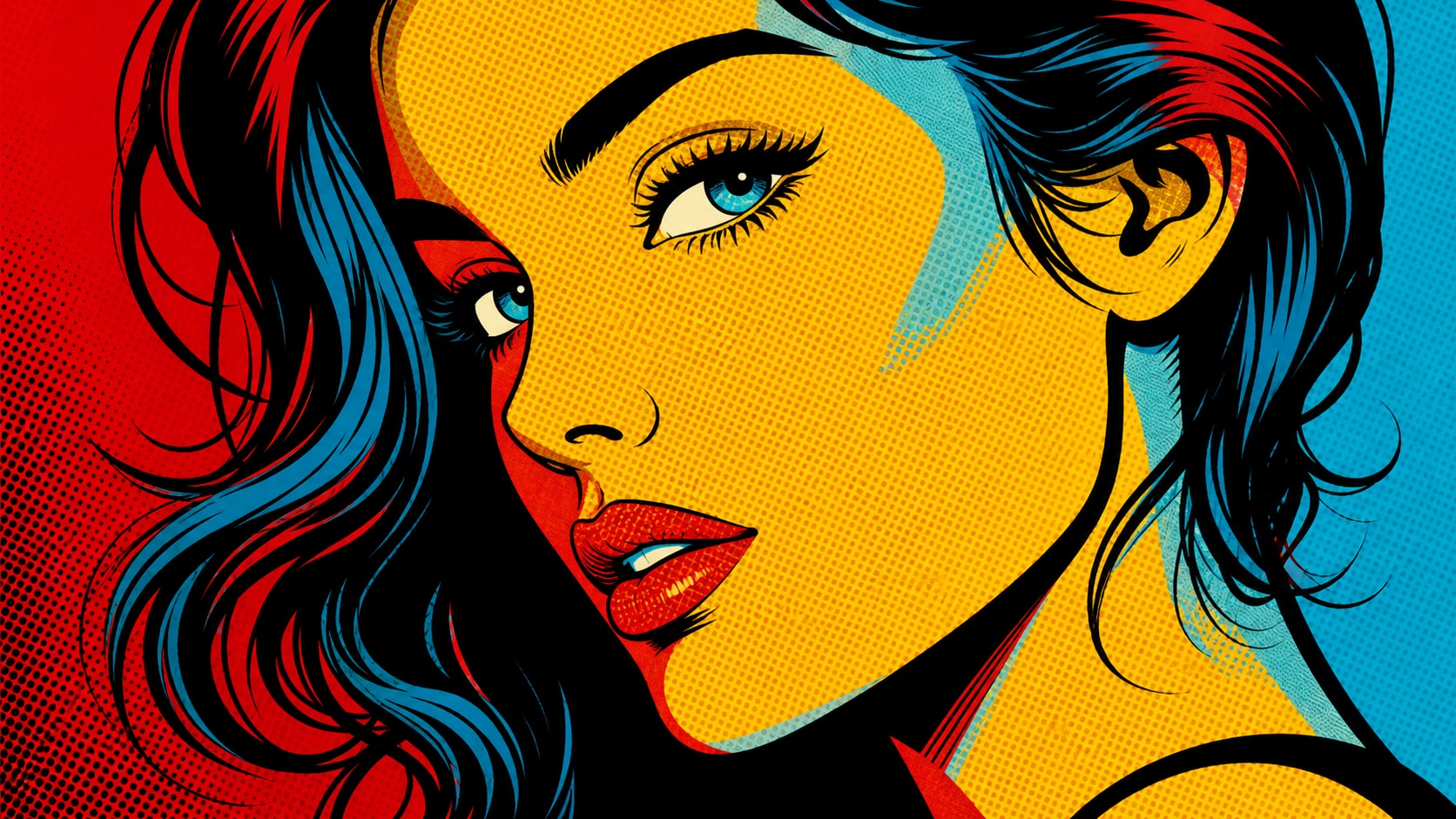
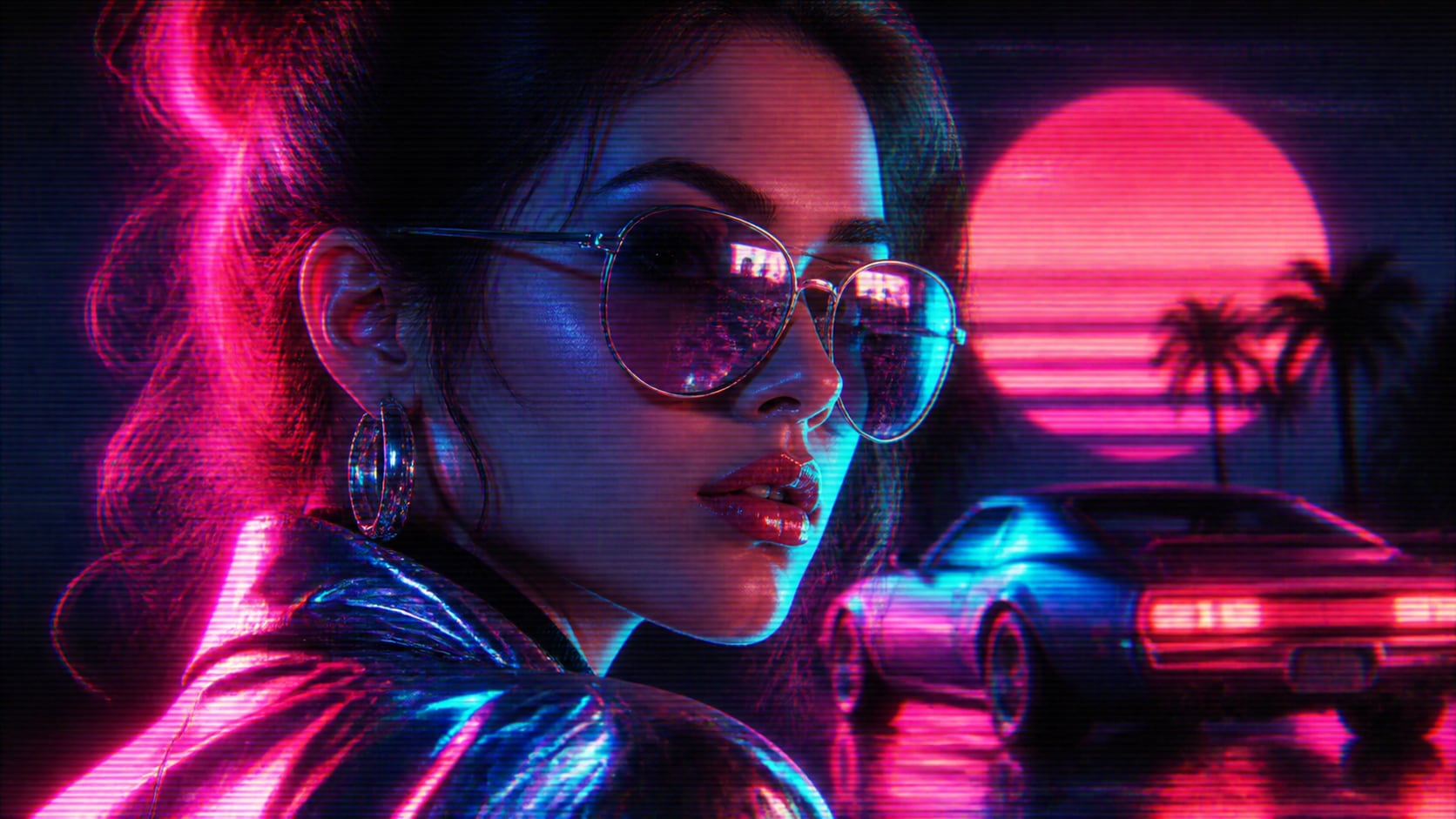
Explore AI De Stijl Mondrian Style Prompts
Browse AI De Stijl Mondrian style prompts for copy-paste posters, grid portraits, wallpapers, and album covers. Use each still for video templates, social tiles, or motion-ready neoplastic clips.
Loading more AI De Stijl Mondrian style prompts...
 Category:
 Duration:
 Aspect Ratio:
Why Build Mondrian Grids Inside Filmora?
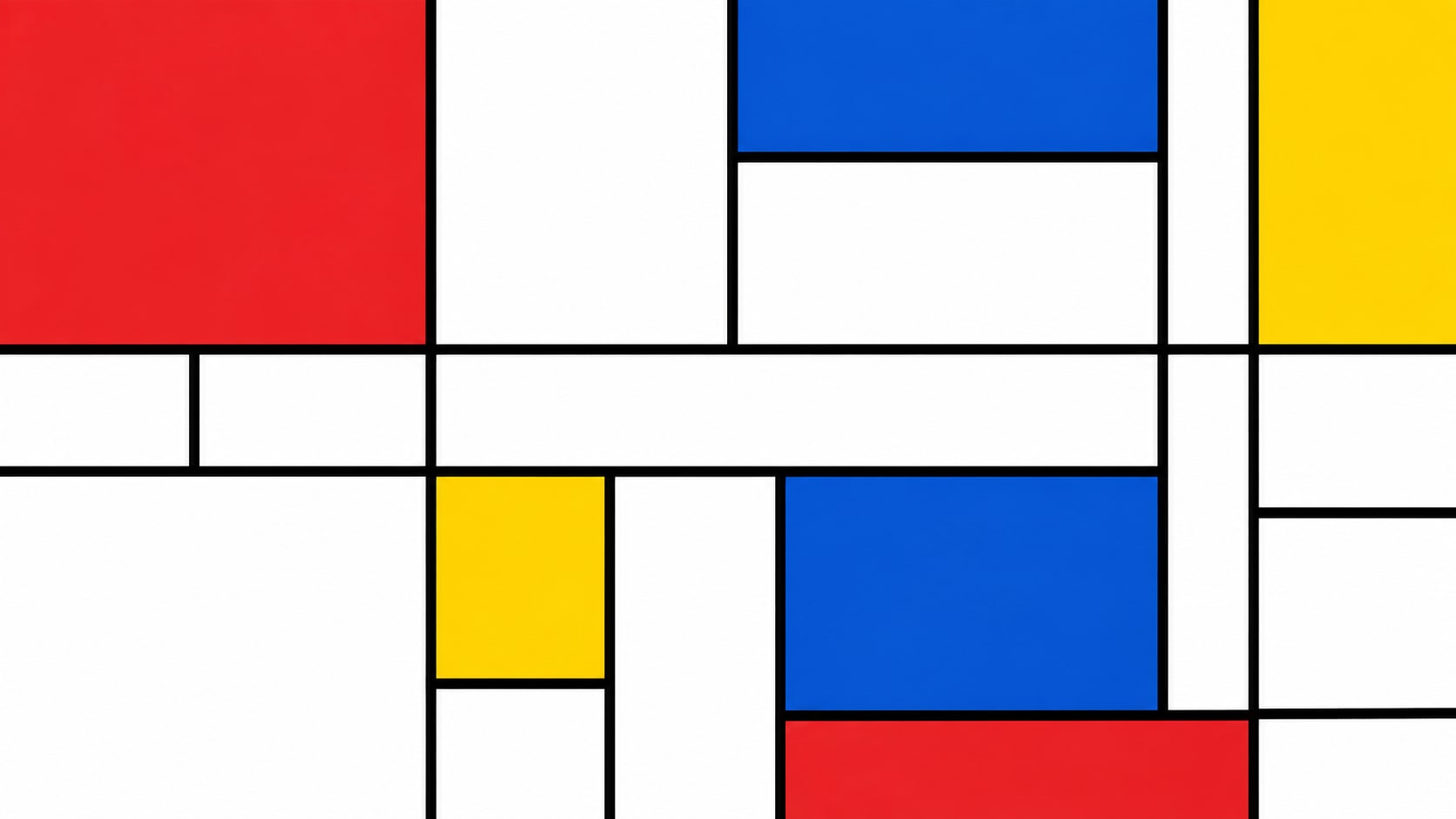
Mondrian-style images need thick black lines, irregular primary blocks, and white breathing room for later titles. Filmora helps you generate the grid, compare model precision, add overlays, and export a poster or reel.
Turn Grid Prompts Into Filmora Stills
Turn Grid Prompts Into Filmora Stills
Start with a precise Mondrian grid prompt, then use Filmora's AI image generator to keep black lines, primary blocks, and white intervals clean enough for later titles.
- Line First - Hold thick black partitions before filling red, blue, and yellow planes.
- Irregular Blocks - Avoid a perfect checkerboard so the composition stays neoplastic.
- Quiet White - Leave white intervals for later type, stickers, or album-cover space.
Keep Black Lines Crisp With GPT Image 2
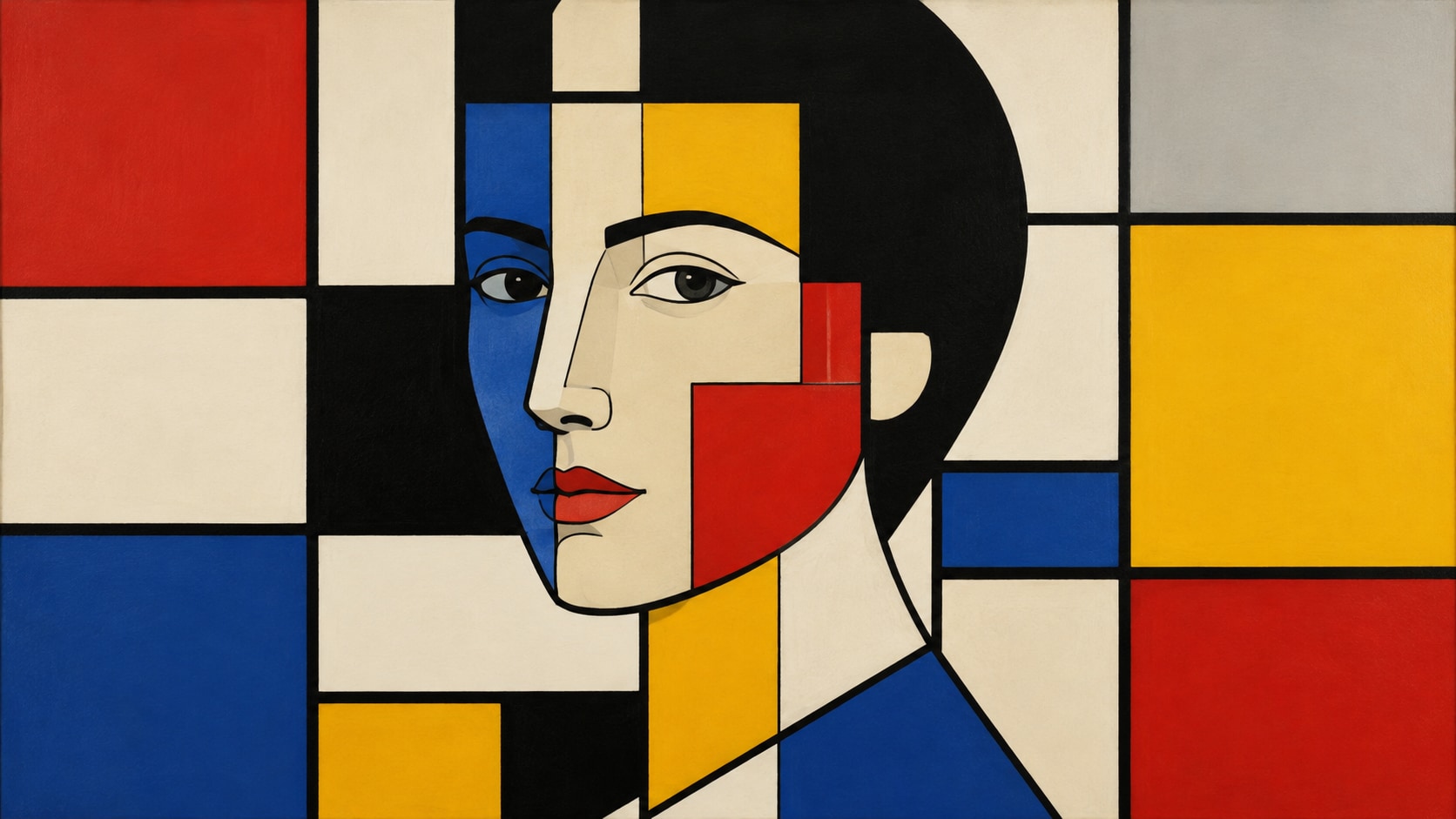
Keep Black Lines Crisp With GPT Image 2
When lines wobble or colors mix, Filmora's GPT Image 2 helps restore hard partitions and pure primary blocks.
- Prompt Control - Describe line weight, irregular rectangles, palette limits, and empty title space in one pass.
- Color Discipline - Keep only red, blue, yellow, black, and white without extra hues.
- Edit-Ready Edges - Hold clean outer margins for crop, type, and social safe zones.
Shift Primary Blocks With Nano Banana
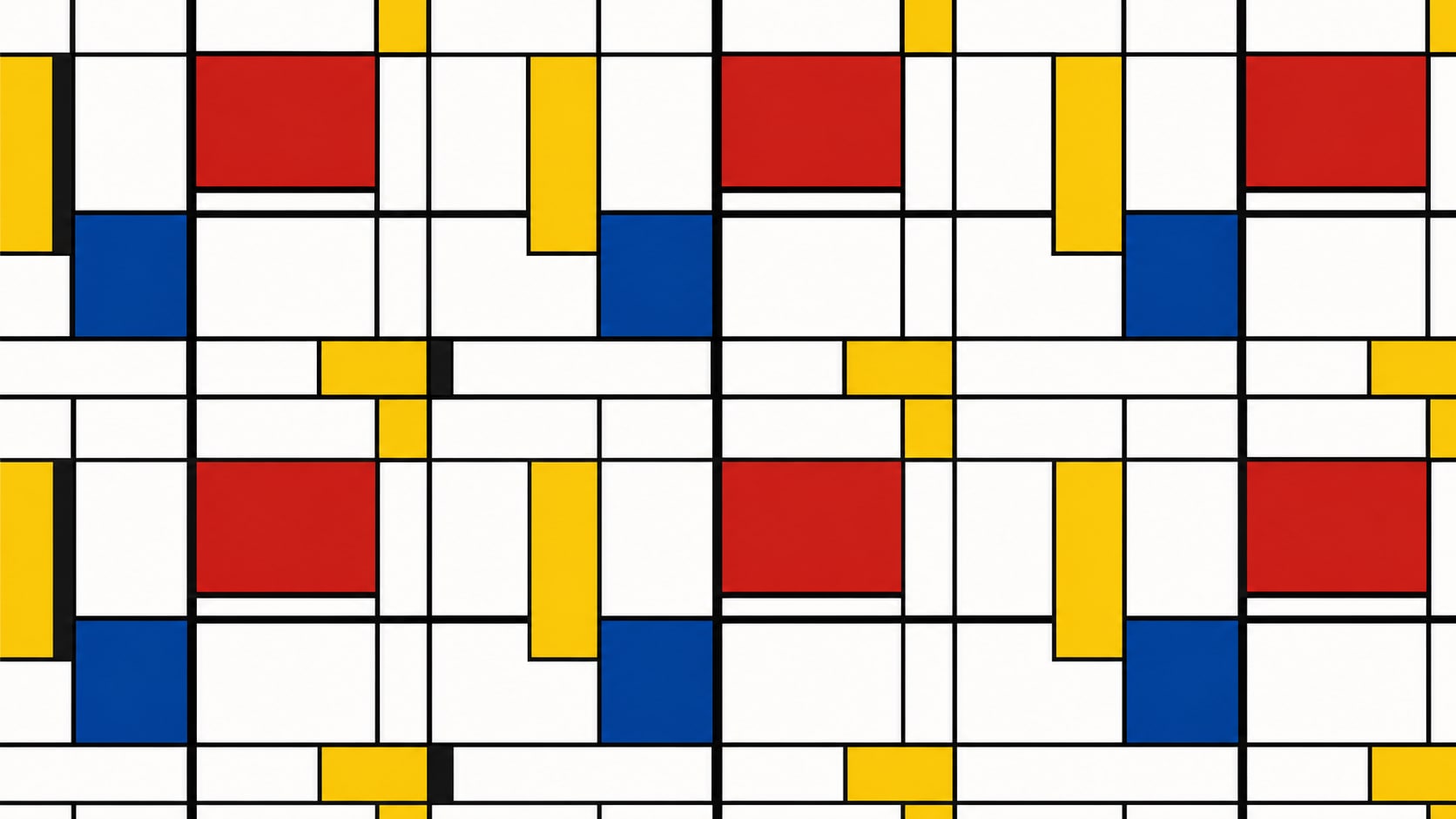
Shift Primary Blocks With Nano Banana
Use Filmora's Nano Banana when one grid needs a larger red square, a denser wallpaper, or a tighter album-cover crop.
- Style Range - Explore posters, portraits, wallpapers, and album covers from the same grid.
- Variant Testing - Generate several block arrangements before locking a campaign still.
- Fast Creative Loop - Stay inside Filmora from prompt to finished De Stijl still.
Animate Grid Motion Into Video
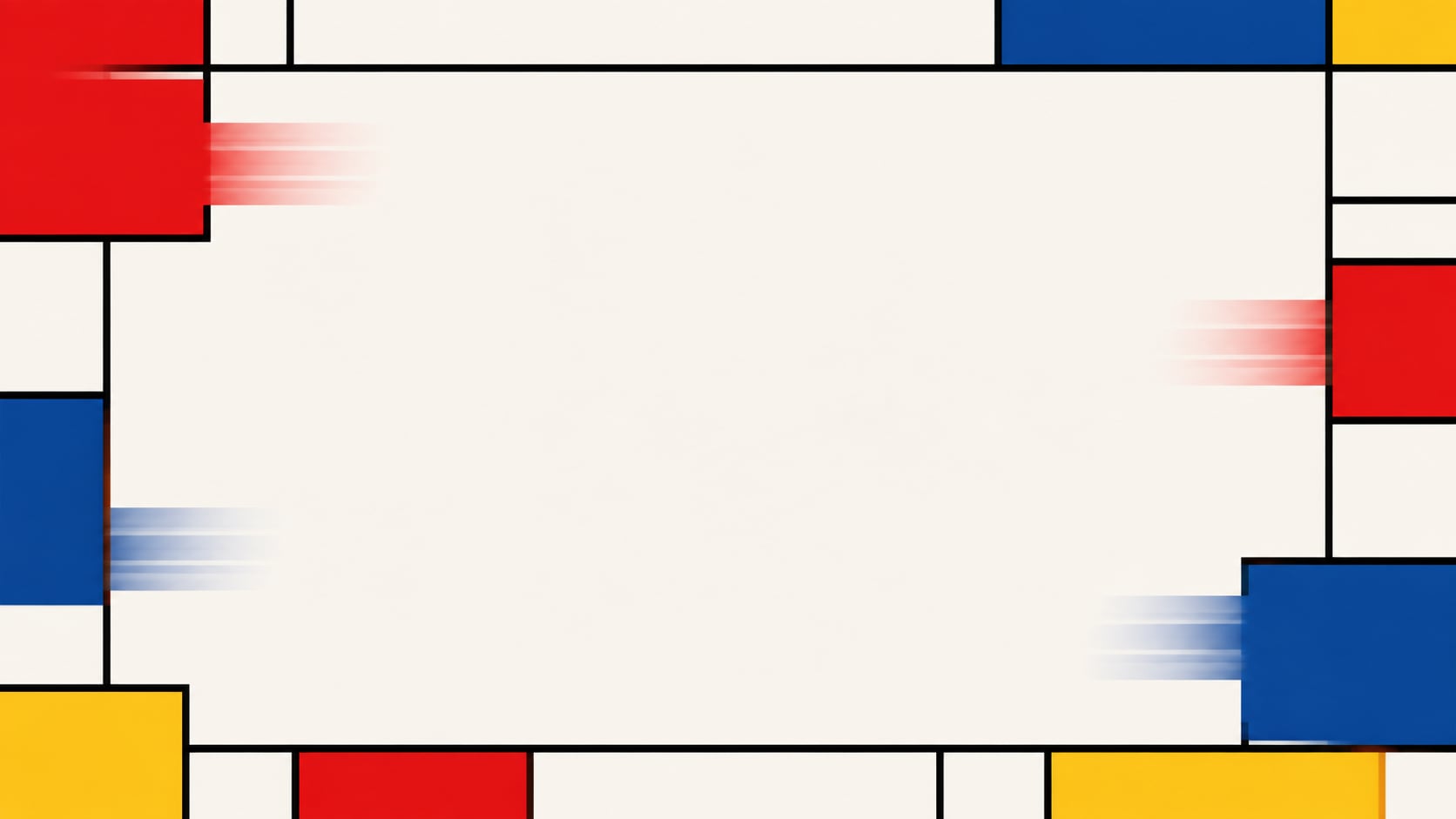
Animate Grid Motion Into Video
After the still is generated, use Filmora's AI Image to Video to add sliding blocks, line reveals, captions, and audio.
- Motion Ideas - Use block slides, line draws, or a slow push into a red square.
- Social Crops - Recut one grid into 16:9, 9:16, and 1:1.
- Final Export - Finish with type, music, and platform-ready output in Filmora.
Frequently Asked Questions About Mondrian Style Prompts
How to Use AI De Stijl Mondrian Style Prompts in Filmora?
Choose a grid, portrait, or album-cover scene, lock the black lines and primary blocks, generate the still, then add motion in Filmora.
Step 1 Choose a Grid or Cover Scene

Step 2 Lock Lines and Primary Blocks

Step 3 Generate, Balance, and Export

-
1: Choose a Grid or Cover Scene
Pick a poster grid, wallpaper field, neoplastic portrait, or album-cover layout. -
2: Lock Lines and Primary Blocks
Paste the prompt into Filmora's AI Image tool, choose GPT Image 2 or Nano Banana, then refine line weight, block size, and title space. -
3: Generate, Balance, and Export
Generate the still, adjust the white intervals, add motion if needed, then export a poster, wallpaper, or cover.
AI De Stijl Mondrian Style Prompts for Grid Posters
Use AI De Stijl Mondrian style prompts to generate primary-color grids, neoplastic portraits, and motion-ready album covers for Filmora editing.