Explore AI Frida Kahlo Style Prompts
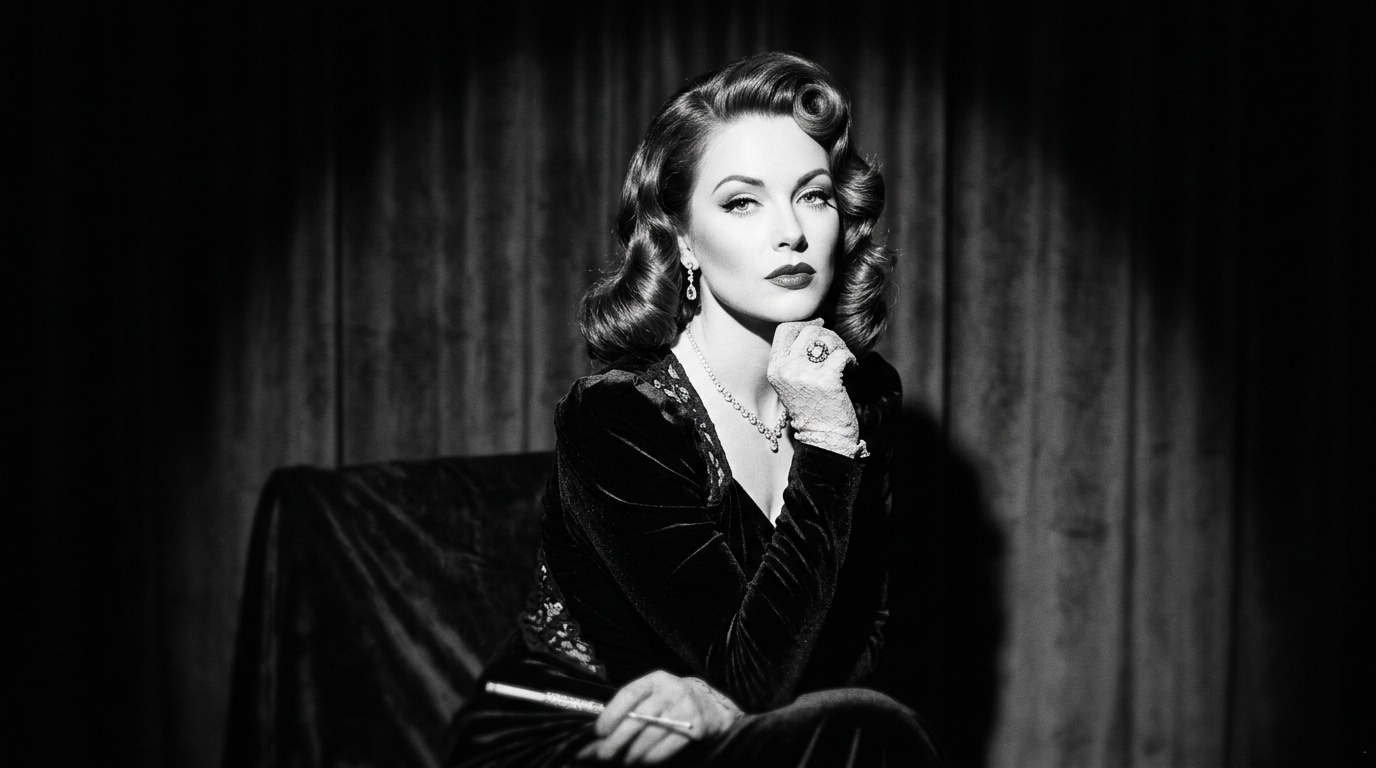
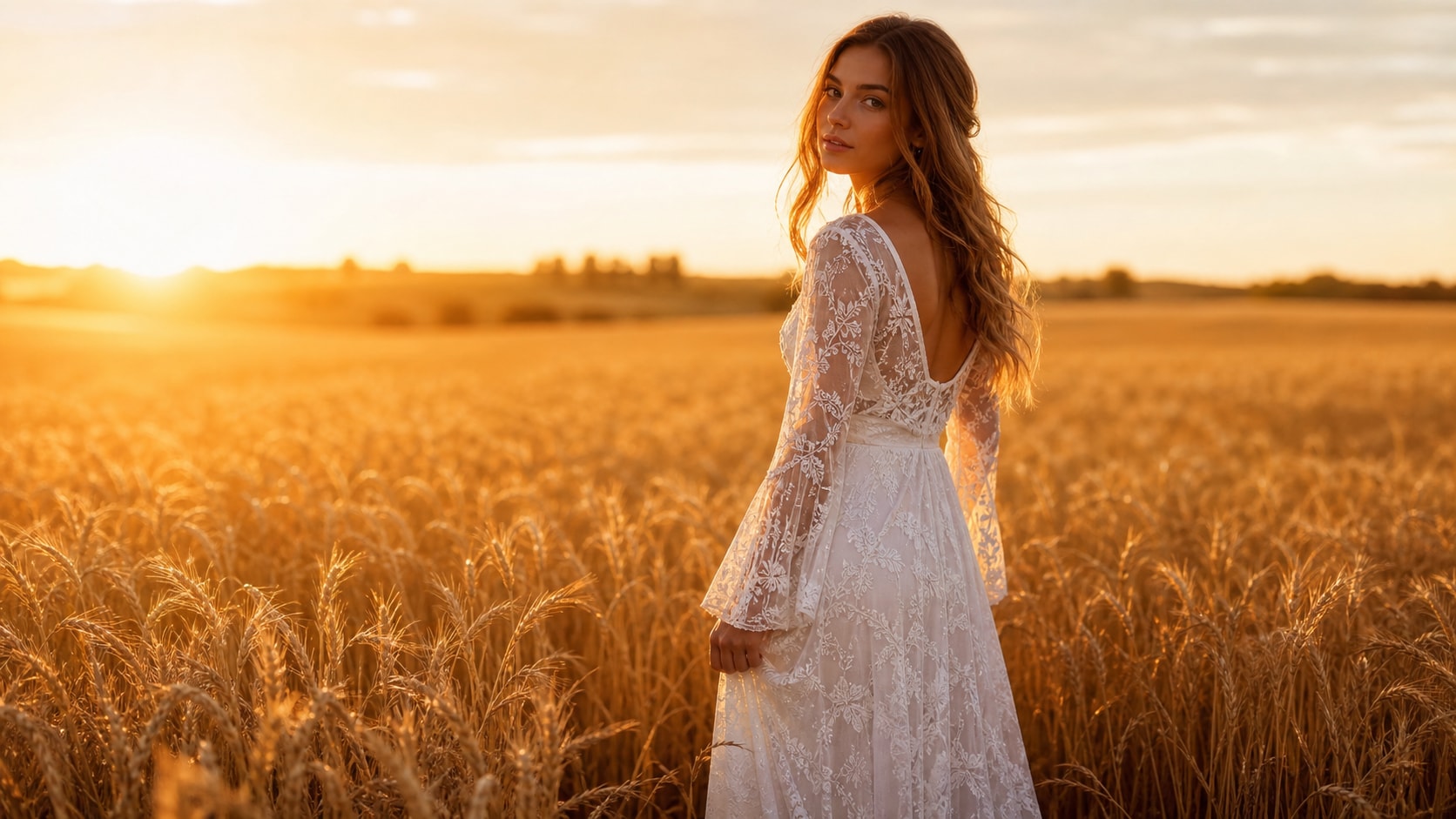
Browse AI Frida Kahlo style prompts for self portraits, monkey companions, cactus gardens, fruit tables, and Tehuana dress studies. Use each still for video templates, profile images, or folk-art motion covers.
Loading more AI Frida Kahlo style prompts...
 Category:
 Duration:
 Aspect Ratio:
Why Paint Frida-Style Portraits With Filmora?
Frida-style portraits need a direct gaze, a rich floral crown, and enough folk detail to feel handmade. Filmora helps you generate the still, compare model color, add overlays, and export a profile or reel.
Grow Floral Crowns Into Filmora Portraits
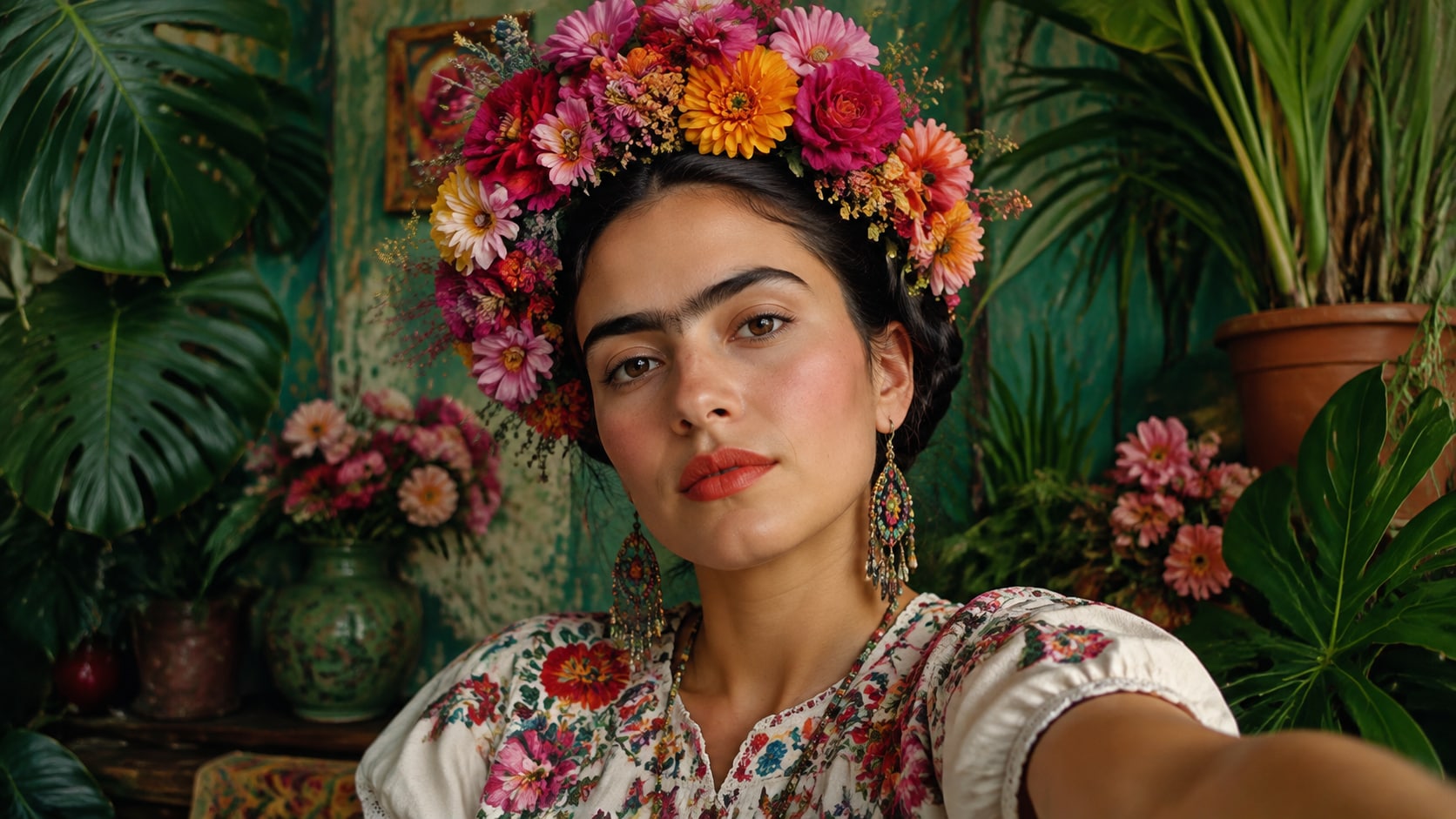
Grow Floral Crowns Into Filmora Portraits
Start with a precise Frida Kahlo style prompt, then use Filmora's AI image generator to keep the gaze, embroidery, and flower crown sharp enough for later type.
- Direct Gaze - Hold a calm, frontal portrait so the folk styling stays readable.
- Handmade Detail - Keep embroidery, beads, and native flowers from melting together.
- Symbolic Props - Add monkeys, parrots, cactus, or fruit without crowding the face.
Keep Embroidery Clear With GPT Image 2
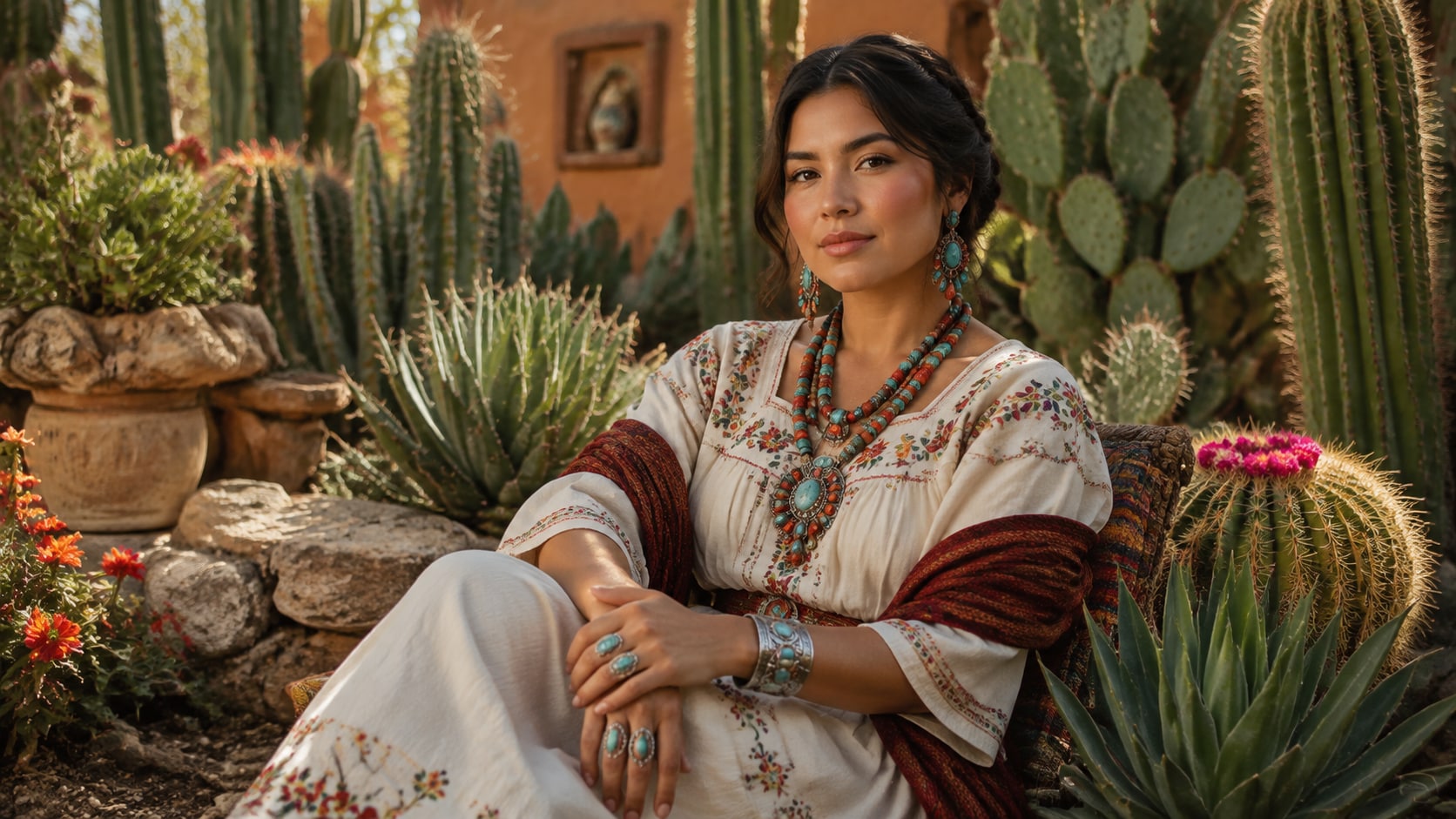
Keep Embroidery Clear With GPT Image 2
When flowers or blouse stitching start to smear, Filmora's GPT Image 2 helps keep the folk materials specific.
- Crown Control - Name flower types, leaf density, and how the crown sits on the hair.
- Textile Accuracy - Hold embroidery, lace, and jewelry as distinct materials.
- Soft Studio Light - Keep window light flattering without washing out color.
Shift Garden Color With Nano Banana
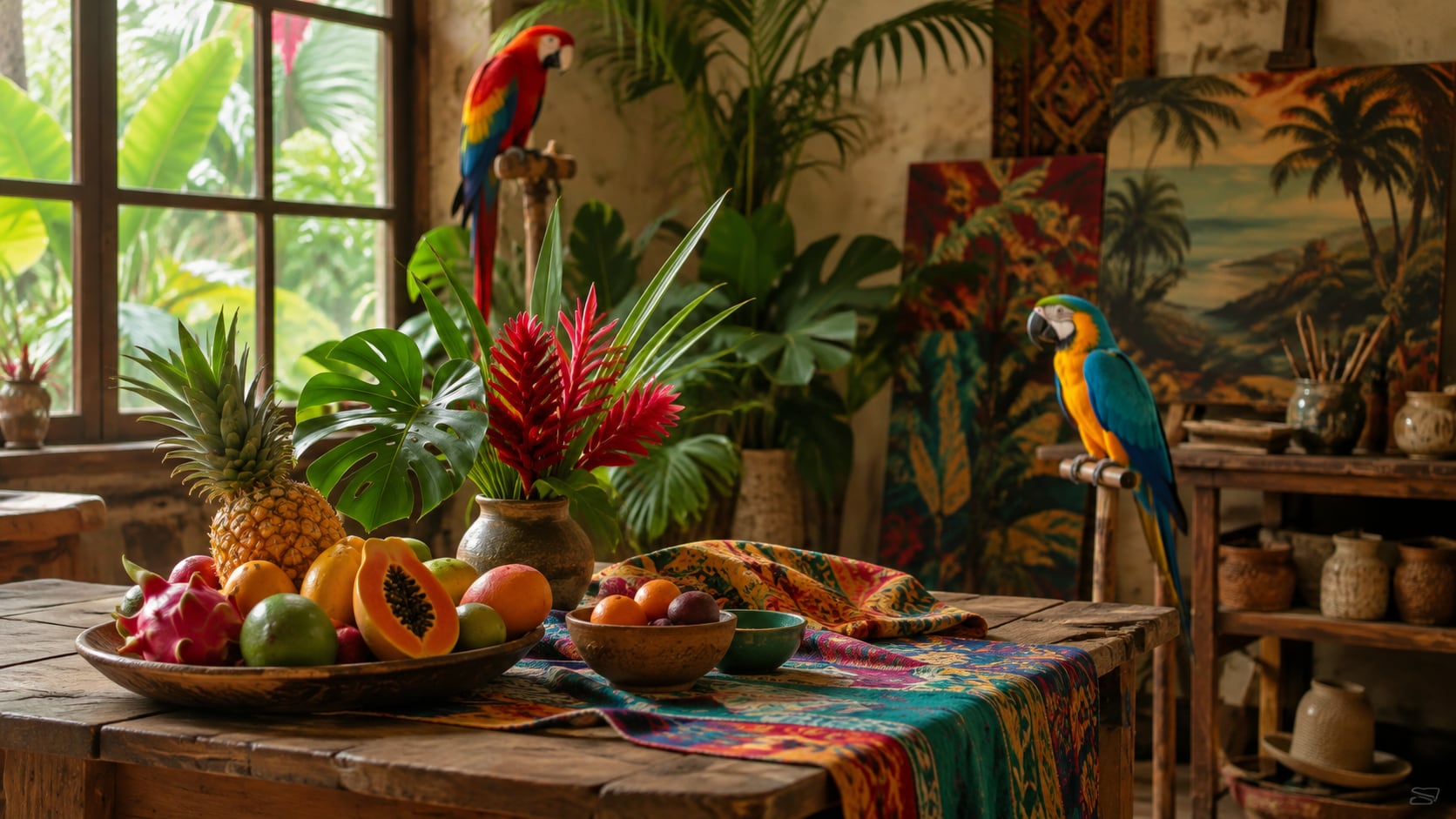
Shift Garden Color With Nano Banana
Use Filmora's Nano Banana to try denser jungle leaves, warmer studio gels, or a tighter social crop from the same portrait.
- Palette Range - Explore desert cactus, tropical studio, and night canopy moods.
- Crop Tests - Generate profile, banner, and still-life variants quickly.
- One Creative Path - Stay in Filmora from prompt to finished folk portrait.
Let Petals Move In Filmora Video
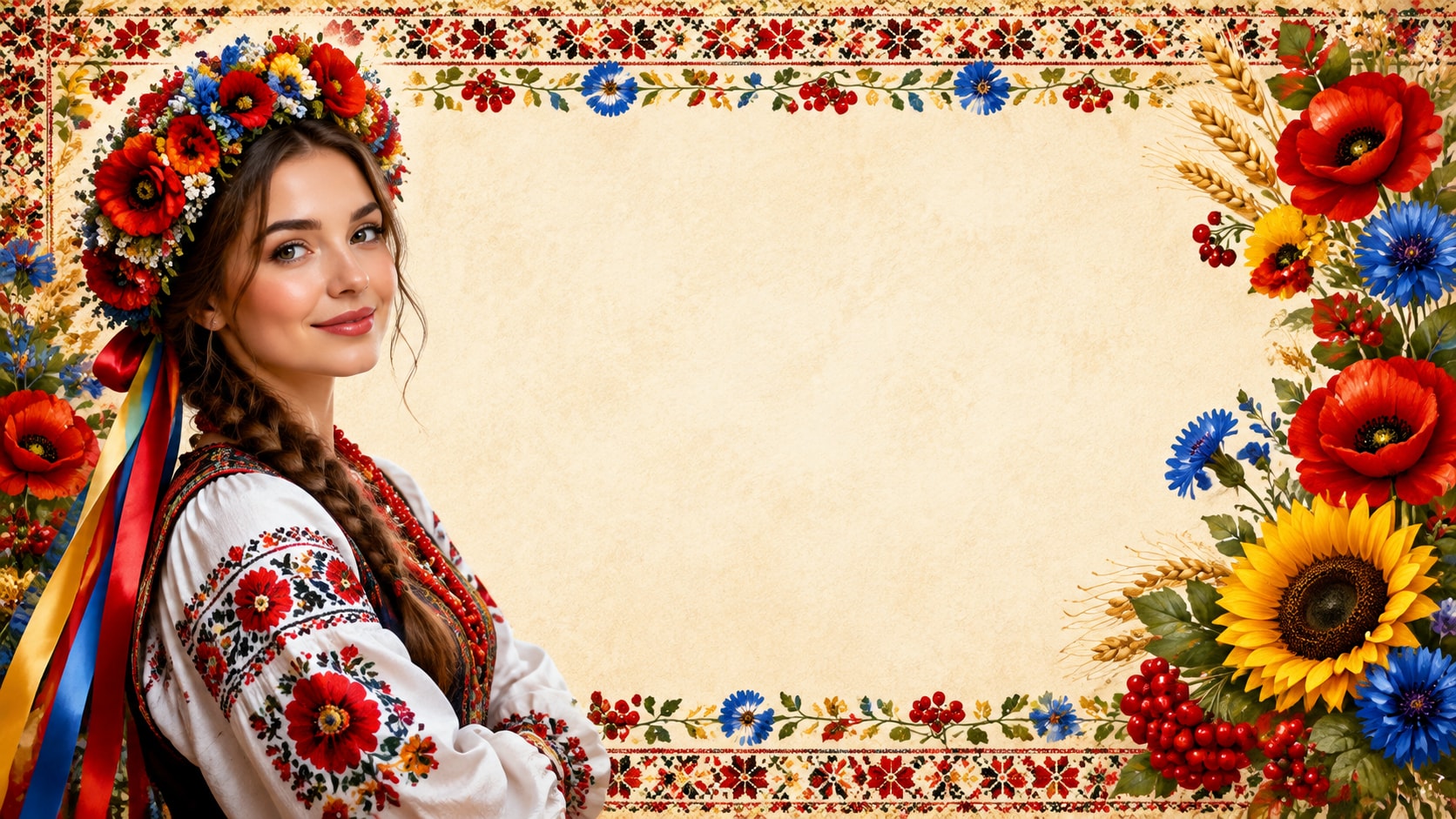
Let Petals Move In Filmora Video
After the portrait is generated, use Filmora's AI Image to Video to add petal drift, hummingbird motion, captions, and music.
- Motion Ideas - Use slow petal fall, textile shimmer, or a gentle push into the eyes.
- Social Formats - Recut one portrait into 1:1, 4:5, and 9:16.
- Final Export - Finish with titles, audio, and platform-ready output in Filmora.
Frequently Asked Questions About Frida Kahlo Style Prompts
How to Generate Frida-Style Folk Portraits
Choose a folk portrait idea, define the crown and dress, generate the still, then polish color or motion in Filmora.
Step 1 Choose a Folk Portrait Idea

Step 2 Set Crown, Dress, and Ratio

Step 3 Generate, Color, and Export

-
1: Choose a Folk Portrait Idea
Pick a floral-crown close-up, cactus garden sit, tropical studio, or fruit-table still life. -
2: Set Crown, Dress, and Ratio
Paste the prompt into Filmora's AI Image tool, choose GPT Image 2 or Nano Banana, then refine flowers, embroidery, and gaze. -
3: Generate, Color, and Export
Generate the portrait, adjust warmth and crop, add motion if needed, then export a profile image or reel.
AI Frida Kahlo Style Prompts for Floral Folk Art
Use AI Frida Kahlo style prompts to create floral-crown portraits, tropical interiors, and motion-ready folk covers for Filmora editing.