
Explore Popular AI Fruit Character Prompt Templates
Tap into endless creativity to craft an adorable ai fruit character for your next project. Use the Filmora AI ecosystem to generate the perfect fruit character instantly. Add video transitions and video effects for a seamless edit.
Loading more fruit character templates...
 Category:
 Duration:
 Aspect Ratio:
Why Use an AI Fruit Character Prompt?
A well-designed ai fruit character is perfect for engaging kids, enhancing food brand content, or just having fun. Use an intuitive AI video editing workflow to bring your fruit character to life easily and effectively.
Design Vibrant Food Mascots Easily
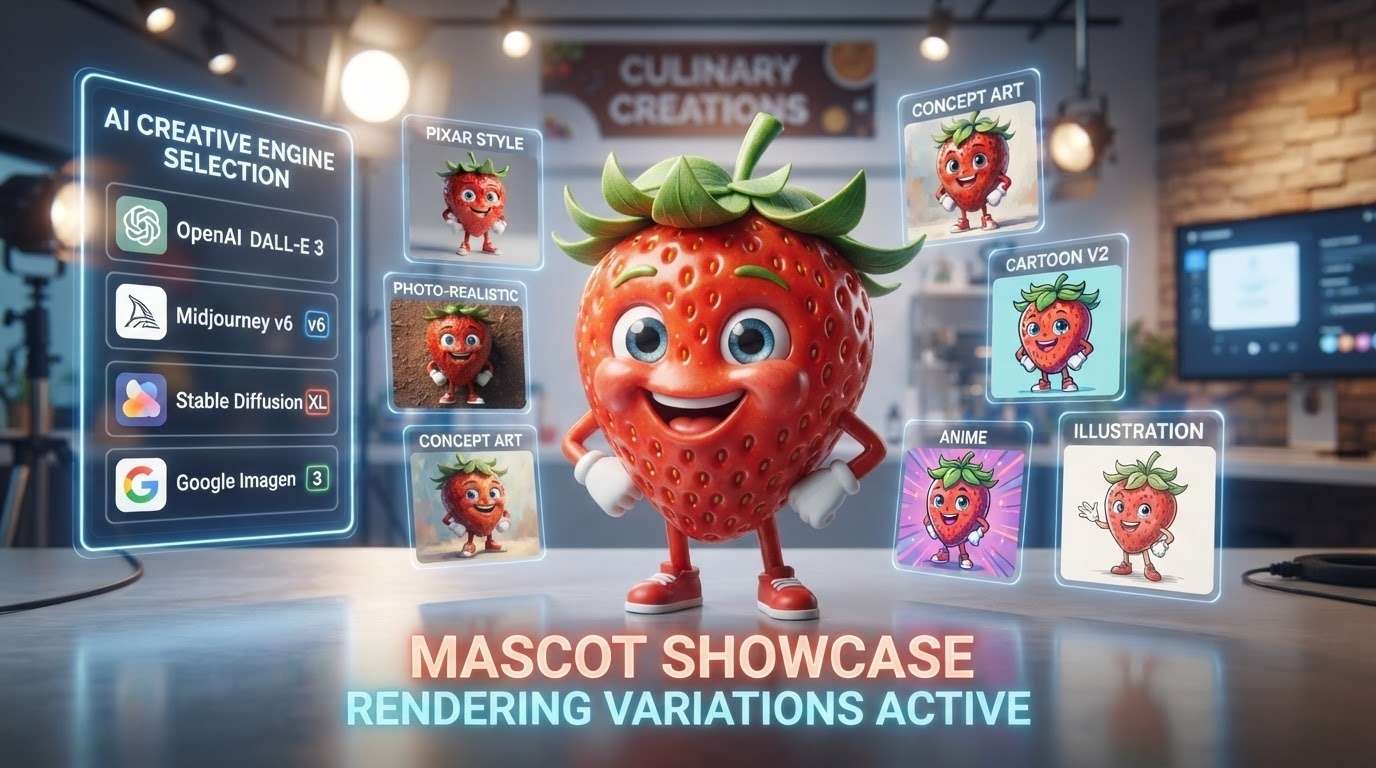
Design Vibrant Food Mascots Easily
Create a lively ai fruit character that serves as the perfect mascot for your culinary channel. Filmora's AI Image tools let you easily select from top models like ChatGPT/DALL-E 3, Nano Banana 2, and Nano Banana Pro to render incredibly detailed visuals.
- Custom Styles - Match your brand's unique aesthetic natively.
- High Resolution - Generate stunning, crisp images instantly.
- Endless Choices - Natively swap between premium AI models.
Bring Educational Content to Life
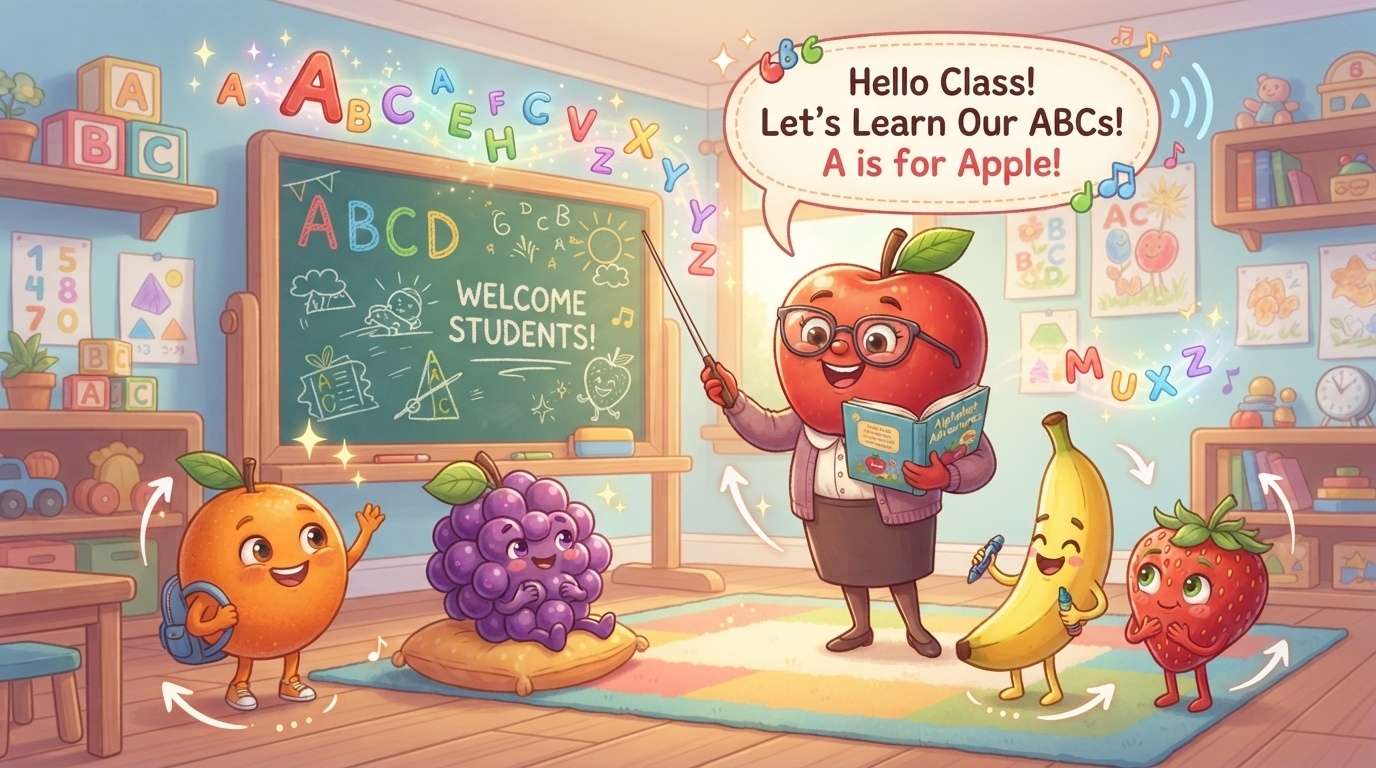
Bring Educational Content to Life
Teachers and creators can utilize a fun fruit character to capture children's attention. Animate these elements using motion tracking and narrate your lessons with the built-in Text to Speech feature for a comprehensive lesson.
- Engaging Visuals - Keep young viewers hooked easily.
- Dynamic Storytelling - Combine characters with lively animations.
- Clear Voiceovers - Instantly generate high-quality speech natively.
Produce Viral Social Media Campaigns
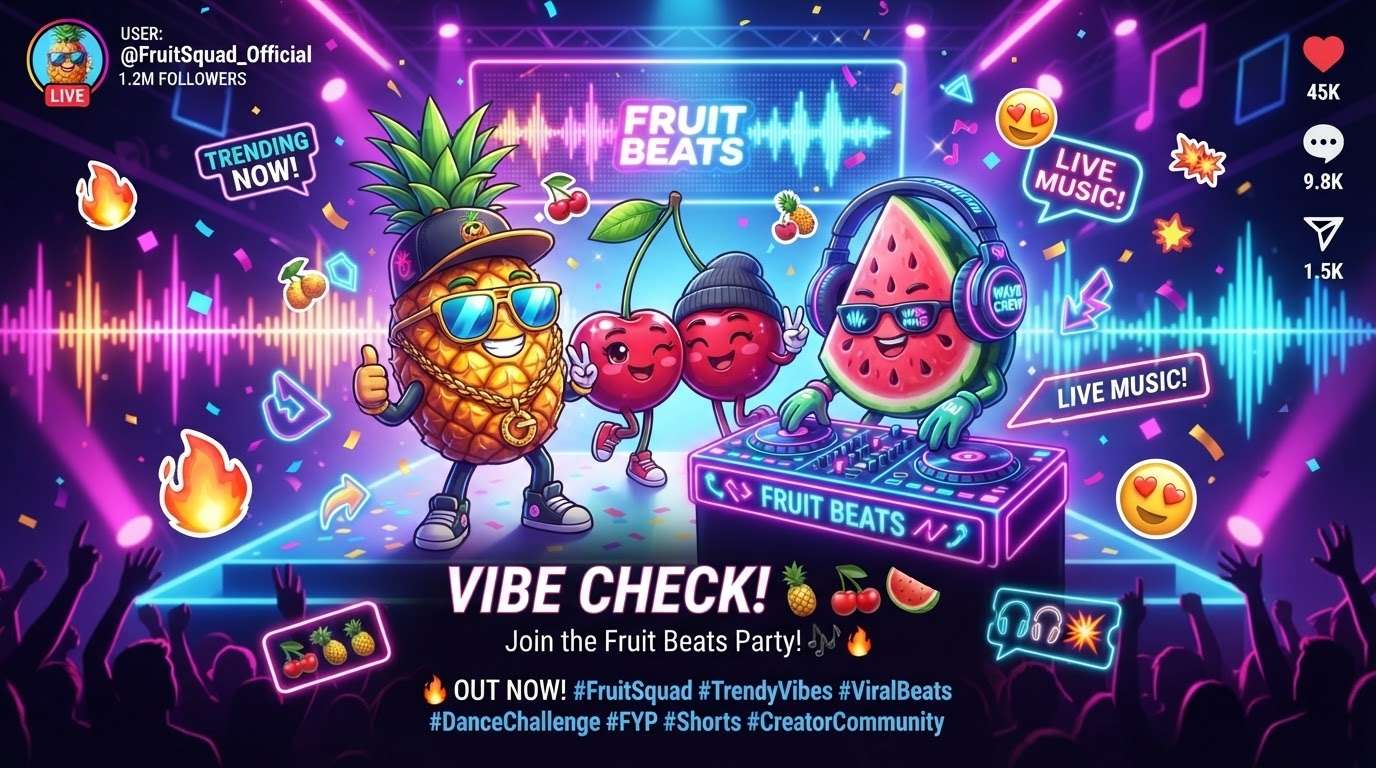
Produce Viral Social Media Campaigns
An eye-catching ai fruit character can stop the scroll on TikTok or Instagram. Supplement your visuals with an AI music generator track and polish your post using advanced creative assets to ensure it stands out.
- Trending Audio - Match your character with viral beats.
- Fast Editing - Streamline your workflow effortlessly.
- Standout Graphics - Use AI Stickers to add undeniable flair.
Turn Still Images Into Video Magic
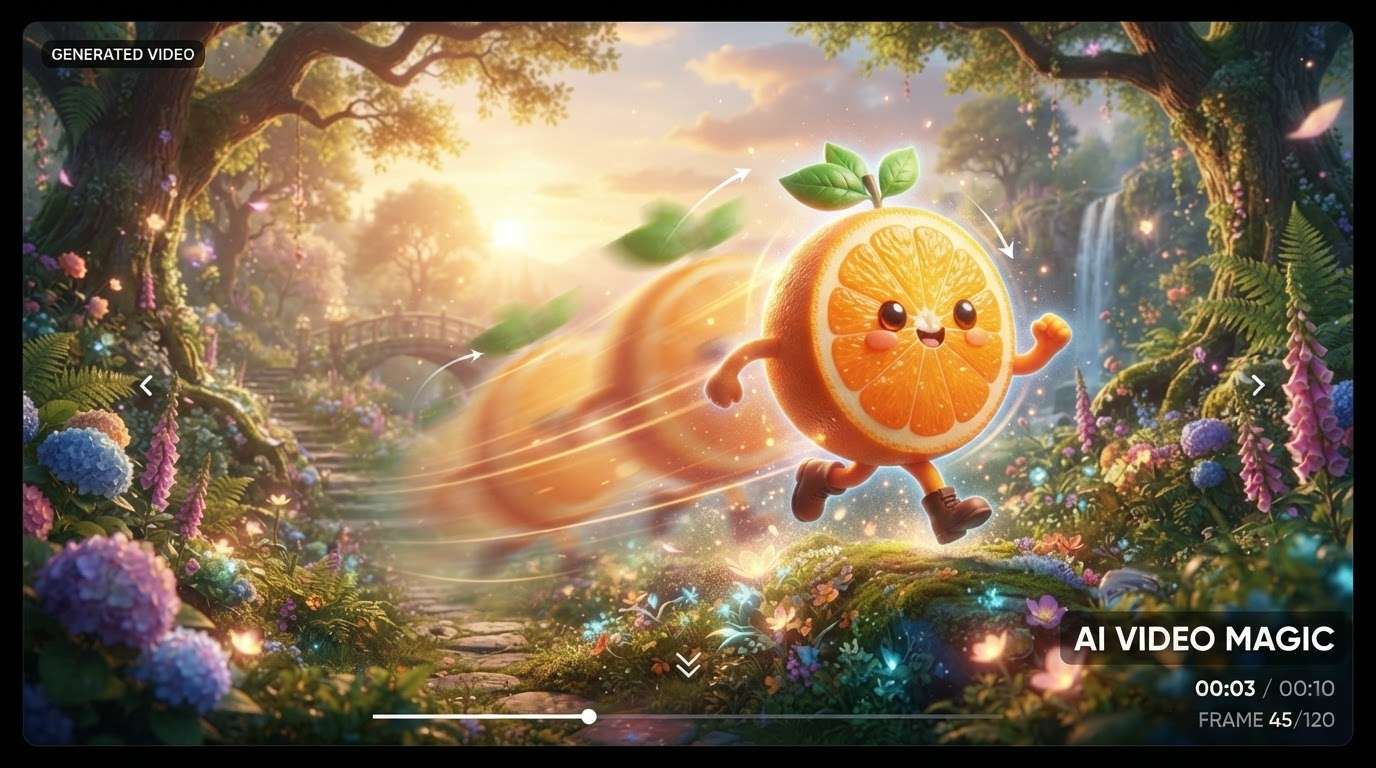
Turn Still Images Into Video Magic
Once you've generated the perfect fruit character, take it to the next level. Try the AI Image to Video tool to animate your prompt, or use Google Veo 3 integrations to create breathtaking cinematic shots effortlessly.
- Instant Animation - Watch your characters move naturally.
- Professional Tools - Leverage the full power of Filmora Video Editor.
- Rich Media - Mix your creations with premium stock media.
Frequently Asked Questions About AI Fruit Character Prompts
How to Generate an AI Fruit Character With Prompts
Transform text into a lively ai fruit character in just a few clicks using Filmora's versatile AI generation tools.
Step 1 Choose Your Fruit Character Prompt

Step 2 Select Your Preferred AI Model

Step 3 Generate, Edit, and Share

-
1: Choose Your Fruit Character Prompt
Type your detailed ai fruit character prompt into the generator. Specify colors, accessories, and artistic styles like "3D rendered cute strawberry wearing sunglasses." -
2: Select Your Preferred AI Model
Within Filmora, select the AI model that suits your needs best, whether it's DALL-E 3 or Nano Banana Pro, for the highest quality fruit character generation. -
3: Generate, Edit, and Share
Click generate to reveal your design. Add voiceovers with AI Text to Video capabilities or capture tutorials with a screen recorder to showcase your creative process!








