Coachella Costume AI Prompts:
Instant AI Copy & Paste
Bring boho-chic vibes, festival glamour, and personal style into one captivating image with Coachella Costume AI prompts. These tools focus on flowy outfits, fringe details, and flower crowns alongside statement jewelry, glitter accents, and festival makeup. With AI, you can generate costume prompts, test bold color palettes, and create dynamic photoshoots ready for social media sharing. Simply copy a prompt, paste it into Filmora's AI Image Generator, and generate breathtaking Coachella festival looks in seconds.
Loading more templates...
 Category:
 Duration:
 Aspect Ratio:
Bring Coachella Festival Fashion to Life with AI Prompts
AI prompts simplify creating authentic Coachella costume looks without manual sourcing. Whether you want a fully styled festival outfit, animated virtual look, or refined photoshoot-ready ensemble, AI makes it fast and easy. Transform your vision into high-quality festival content using the power of an AI video generator and professional editing tools.
🎨 Generate Coachella Costume Images from Text or Photos
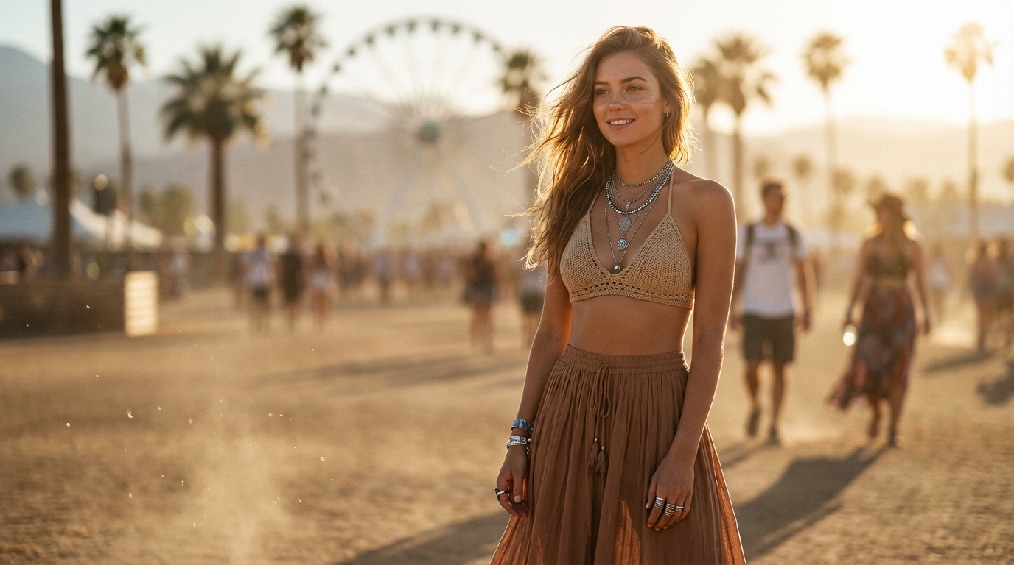
🎨 Generate Coachella Costume Images from Text or Photos
Create stunning Coachella Festival Costume visuals from text descriptions or uploaded portraits. AI supports both female Coachella outfit prompts and male festival costume ideas, exporting square posts, vertical Reels, and story-friendly formats. Generate everything from full-body festival ensembles to close-up accessory or makeup shots, capturing authentic festival vibes for Instagram, TikTok, Pinterest, and Facebook.
- Bohemian and psychedelic aesthetics - Capture the spirit of desert festivals with flowing maxi dresses, crop tops, fringe jackets, embroidered vests, wide-leg pants, and vibrant tie-dye or tribal patterns. Add layered textures, sunset-inspired color palettes, and subtle patterns to reflect authentic festival fashion.
- Fringe layers and floral crowns - Enhance outfits with detailed textures, flower crowns, headbands, layered necklaces, chunky bracelets, metallic belts, and beaded embellishments. AI can adapt these for both female and male festival-goers, creating unique boho-chic or eclectic combinations.
- Festival makeup and metallic accents - Add realistic glitter eye shadow, metallic highlighter, body shimmer, face gems, temporary tattoos, and expressive hair styling. Perfect for highlighting the playful, vibrant energy of festival looks in static posts or animated Reels.
🎬 Animate Coachella Costume Looks into Short Videos
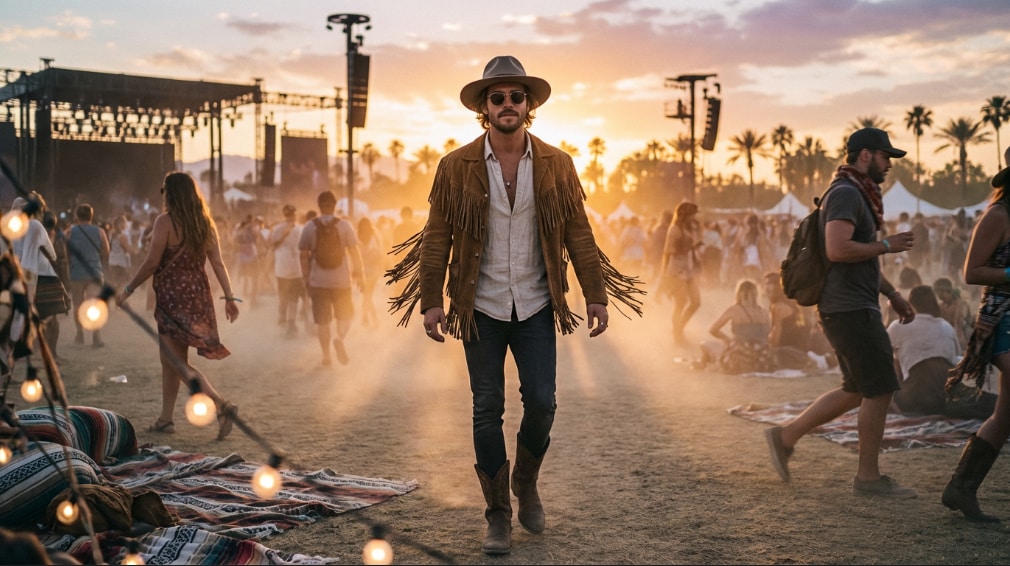
🎬 Animate Coachella Costume Looks into Short Videos
Turn static outfit visuals into engaging short-form videos for Reels, TikTok, and Shorts. This creates shareable, festival-ready content that stands out on social media using One-Tap Photo Animation. Animate both female Coachella outfits and male festival costume ideas with natural movement and dynamic scene effects.
- Subtle motion - Flowing skirts, fringe layers, scarves, or hair flips create realistic movement that brings each festival outfit to life.
- Platform-optimized - Generate native vertical 9:16 outputs perfectly suited for Instagram Reels, TikTok, YouTube Shorts, and story formats, ensuring your content is social-ready and highly engaging.
- Expressive poses - Animate dancing, spinning, or walking poses for both female and male festival looks, giving visuals a dynamic, cinematic feel.
- Customizable effects - Control glitter, lens flare, floating accessories, and ambient lighting to match the festival mood and enhance shareability.
✂️ Edit Coachella Costume Videos for Social Media
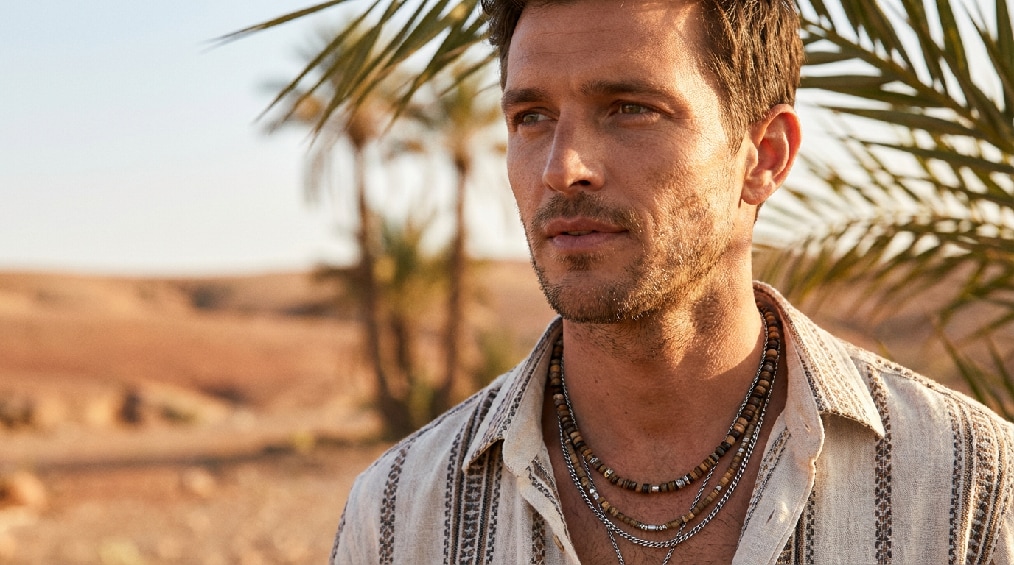
✂️ Edit Coachella Costume Videos for Social Media
Refine your AI-generated Coachella costume content with editing tools to make it fully ready for social media publishing. Enhance the mood and festival vibe with color grading, custom overlays, and cinematic lighting adjustments for both female and male festival looks.
- Text overlays and captions - Add festival slogans, hashtags, or lyrical captions with text overlays to highlight the outfit, mood, or festival theme.
- Mood-based filters and effects - Apply glitter, lens flare, neon accents, subtle bokeh, or floating confetti to enhance the energetic, boho-festival atmosphere of Coachella-style visuals.
- Dynamic social media export - One-click sharing optimized for Instagram Reels, TikTok, Pinterest Pins, YouTube Shorts, and Facebook Stories, keeping both female and male festival outfits visually engaging and platform-ready.
FAQs About Coachella Costume AI Prompts
How to Create Coachella Costume AI Images in 3 Steps
Popular on Instagram and TikTok, custom festival visuals let you share unique, trend-setting styles. This guide shows beginners how to generate a stunning Coachella costume look using AI tools—no fashion design skills required!
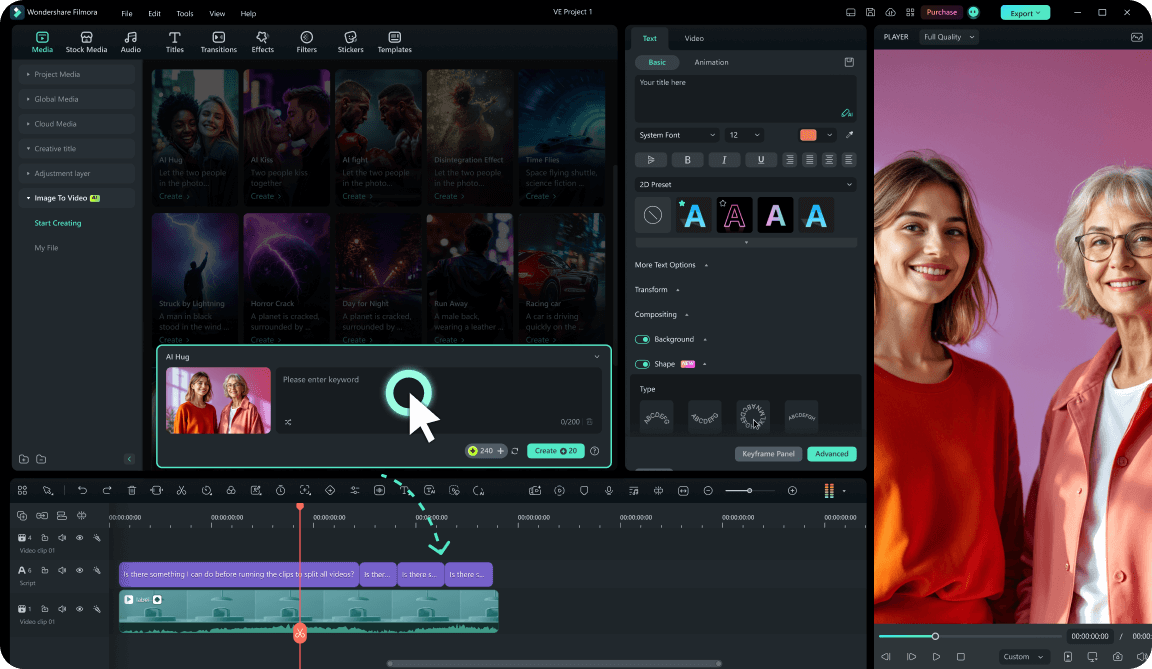
Step 1 Enter a Prompt or Upload Photos
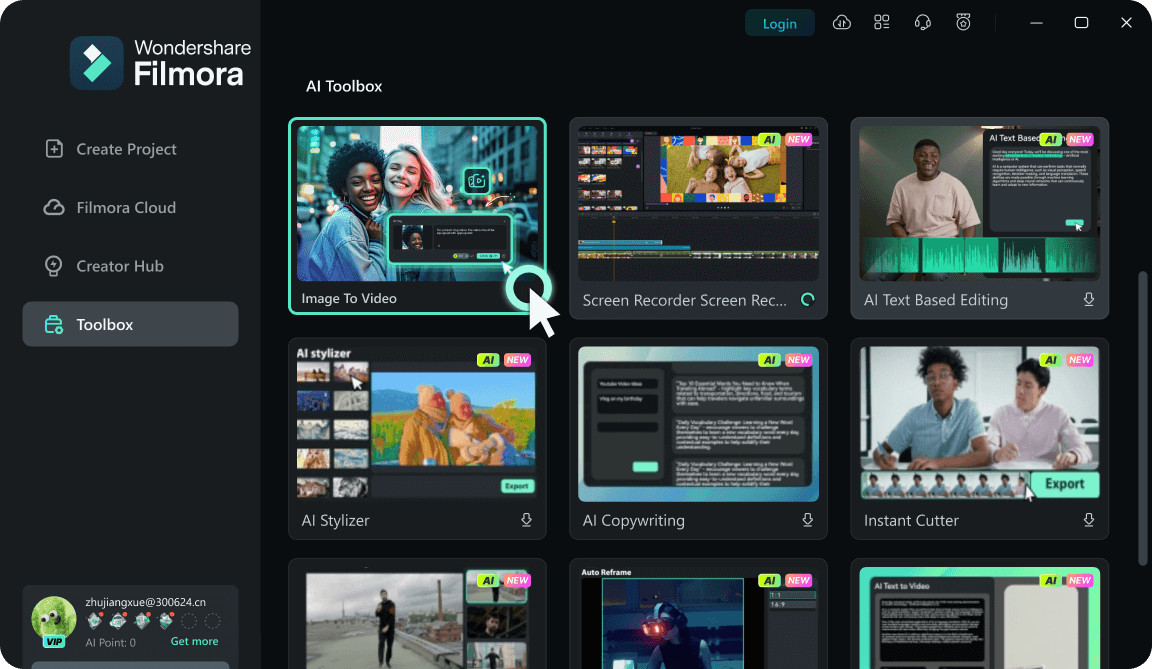
Step 2 Generate the AI Costume
Step 3 Animate or Edit for Social Media
-
1:Enter a Prompt or Upload Photos
Describe your desired festival outfit or upload a portrait. Include boho style, fringe, flower crowns, or festival makeup. -
2:Generate the AI Costume
Create your Coachella outfit image with layered textures, vibrant colors, and festival-ready styling instantly. -
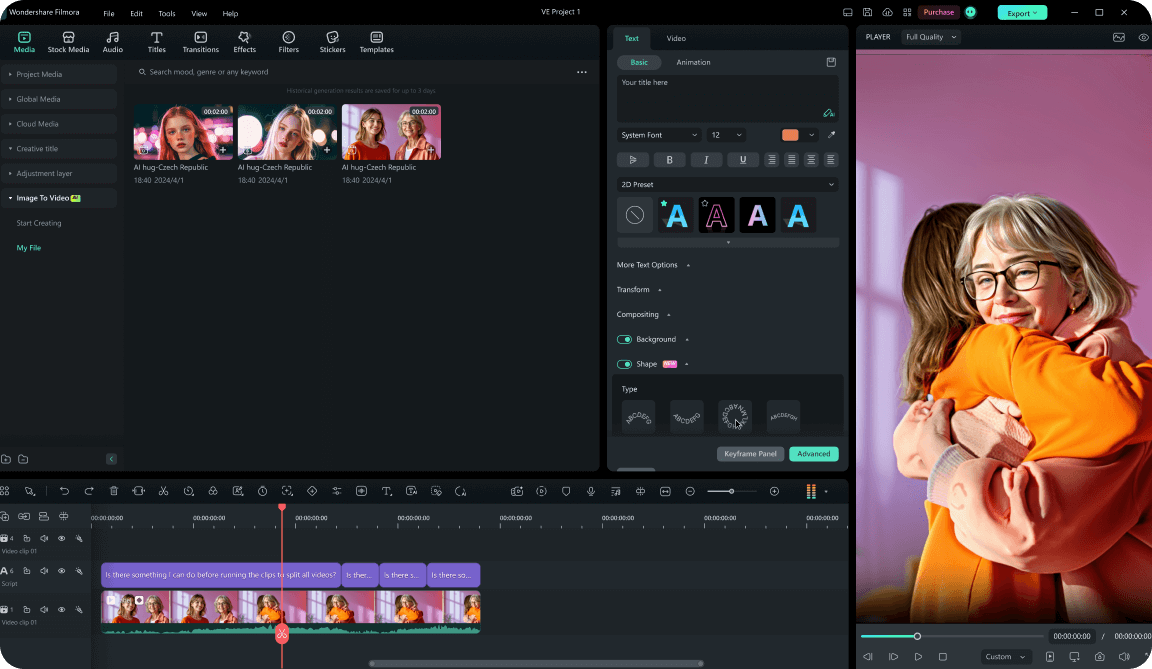
3:Animate or Edit for Social Media
Turn the outfit into short-form content with motion effects, captions, and platform-ready formats for Reels, Shorts, or Stories.