
20 AI Anime Prompts:
Copy, Paste & Get Instant Anime Results
Want to create anime characters, manga scenes, or viral anime-style videos? These anime ai prompt templates are perfect for TikTok edits, YouTube shorts, or standout Instagram posts.
Just browse all anime ai prompts, tap to copy, paste into Nano Banana Pro, and instantly generate your own AI anime artwork or content—no hassle.
Loading more templates...
 Category:
 Duration:
 Aspect Ratio:
Anime AI Prompt Generator: Turn Ideas Into Viral Anime Art in Seconds
Searching for an anime ai prompt you can use instantly? Easily create viral anime images and videos in your favorite anime style using Nano Banana Pro prompts, perfect for trending effects on TikTok, YouTube, and Instagram. AI image generator powered by Google's Nano Banana Pro model lets you type or paste your anime ai prompt and get manga, webtoon, or action scenes in one click.
The newest anime ai prompt trend lets you generate unique anime panels, perfect text, and consistent characters for sharing on social media, editing into comic books, or starting your own manga series.
Paste Your Anime AI Prompt: Get Top-Ranked Anime Art Fast
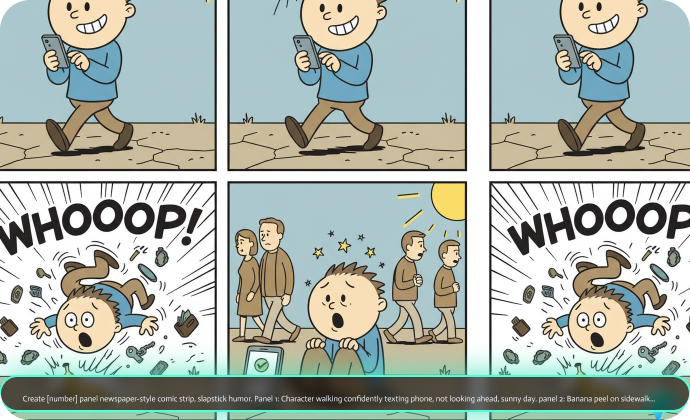
Paste Your Anime AI Prompt: Get Top-Ranked Anime Art Fast
Create anime ai prompt images in any layout—4-panel comic, manga spread, or social meme. Just enter or copy a trending anime ai prompt and Filmora's AI generator creates professional anime illustrations with matched characters and eye-catching colors.
- Copy-Paste Anime AI Prompt – Use 20 ready-to-use AI anime prompts for instant results.
- Multiple Anime Styles – Choose shonen, shoujo, webtoon, chibi, and more.
- Reference Image Support – Upload sketches or photos for perfect anime consistency.
Create Anime AI Prompt Videos Instantly With Templates
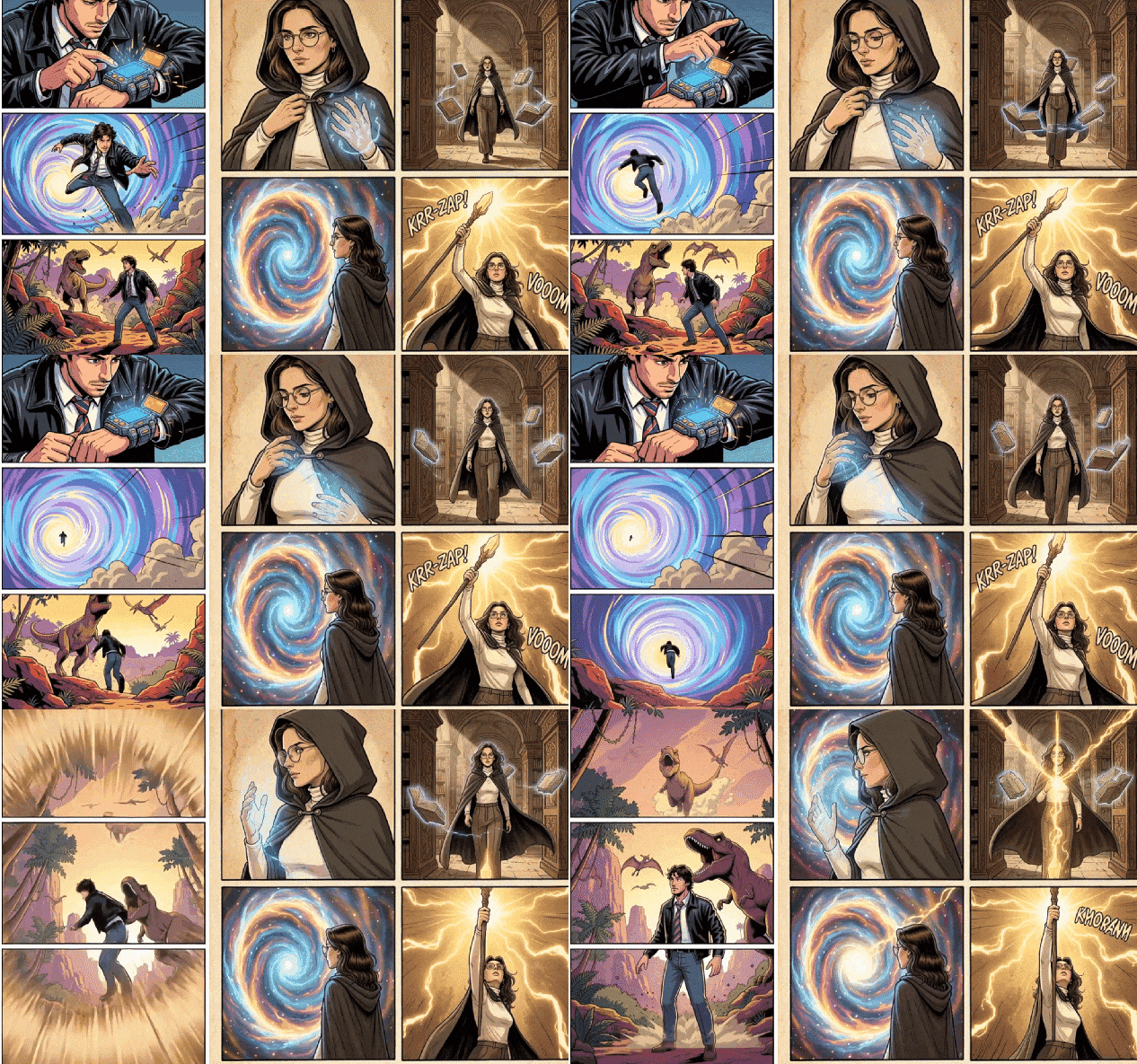
Create Anime AI Prompt Videos Instantly With Templates
The Filmora mobile app comes with anime ai prompt templates powered by Nano Banana Pro. Instantly turn selfies or cosplay photos into trending anime video edits that go viral on TikTok, Instagram Reels, or YouTube Shorts.
- Anime Video Templates – Use fast presets built for anime art prompts such as time travel, fantasy, or romance.
- No Manual Prompt Needed – Upload your image, pick a template, and auto-generate anime videos.
- Full Custom Prompts – Power users can write their own anime ai prompt for custom effects.
- Photo-to-Video Anime – Transform single images into animated anime scenes instantly.
- Sound FX & Music – Add manga SFX and original track in one tap.
Anime Speech Bubble & Text: Edit With Authentic Comic Tools
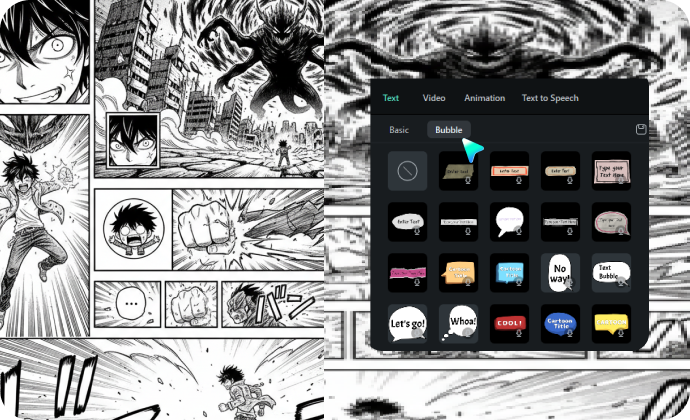
Anime Speech Bubble & Text: Edit With Authentic Comic Tools
Nano Banana Pro makes in-image anime lettering easy. For more control, Filmora's Comic Text toolkit gives you trending speech bubbles, captions, and manga-style fonts to make your anime ai prompt art look just like your favorite panel.
- 🗨️ Speech Bubbles– Add classic manga or anime-style bubbles, thought boxes, and captions.
- 🔤 Comic Fonts – Choose action, shoujo, or handwritten anime fonts; supports Japanese and more.
- 🎨 Typography Tools – Curve your text, use halftone manga textures, and get perfect panel emphasis.
FAQs for Anime AI Prompt Generator
- Go to your favorite AI generator that supports anime style, like Stable Diffusion, Midjourney, or a built-in tool in Filmora.
- Select the anime model or anime style mode.
- Paste or type your anime ai prompt into the prompt box—include details like character appearance, emotion, or scene.
- Click generate and wait for your anime images or clip to render.
- You can repeat, edit the prompt, or try trending prompt templates for new effects.
How to Use Anime AI Prompt in Filmora
Searching how to create viral anime ai prompt effects for trending short videos? Filmora now lets you generate anime-style photos and scenes from any anime ai prompt, perfect for TikTok, Instagram, or YouTube content. Even if you've never used AI art before, this quick guide will show you how to make anime images from prompts in under one minute.
Step 1 Open AI Image Generator

Step 2 Enter and Generate with Anime AI Prompt

Step 3 Export or Save Your Anime AI Image

-
1:Open AI Image Generator
Launch Filmora, create a new project, click "Stock Media", and pick "AI Image" from the Media panel to begin with anime ai prompts. -
2:Generate Using Your Anime AI Prompt
Select the anime model, enter your anime ai prompt, then press "Generate" to create an anime-inspired image or comic strip instantly. -
3:Download or Export Your Anime Artwork
Once the image is generated, preview, download, or drag your anime art to the timeline, edit if needed, and export to share or use as an anime PFP.
Anime AI Prompt: Beyond Just Comic Creation
Filmora isn't only for generating anime images from an anime ai prompt. You can make trending anime photos, create AI-driven anime videos from prompts or reference pictures, and use advanced editing tools in one place to level up your TikTok, Instagram, or YouTube content.







