
16+ Nano Banana Pro Comic Prompts:
Copy, Paste & Surprise
Whether you want to create Marvel-style superhero action sequences with explosive battle scenes, romantic manga moments with cherry blossoms and sparkle effects, modern webtoon strips with relatable slice-of-life humor, or vintage newspaper comics with classic halftone aesthetics — these Gemini Nano Banana Pro comic prompts make it effortless.
Simply browser all Gemini AI comic prompts, tap on the image, copy-and-paste to Nano Banana Pro, and you will get quality results soon.
Loading more templates...
 Category:
 Duration:
 Aspect Ratio:
Create Stunning AI Comics
With Nano Banana Pro Prompts
Have a comic idea and want to make it come true? Eager to transform your ideas into professional comic pages using battle-tested Nano Banana Pro prompts? Filmora's advanced AI image generator, powered by Google's Nano Banana model and Nano Banana Pro, makes it seamless to generate Marvel-style action, manga romance, webtoons, and educational comics.
Experience the breakthrough of AI comic generation that captures authentic storytelling, artistic diversity, and visual impact. Create comic pages with perfect text rendering and character consistency that stand out across platforms—from graphic novels to social media.
Transform Any Prompt Into Stunning Comic Art
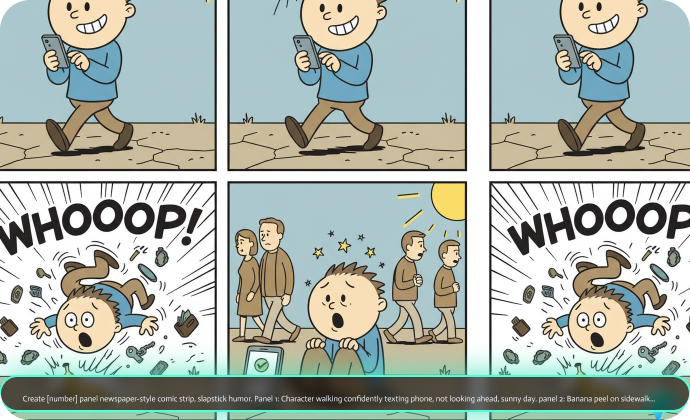
Transform Any Prompt Into Stunning Comic Art
Create any comic format your story demands—from viral 4-panel social media strips and classic 8-panel comic book pages to full-page manga spreads and educational 6-panel explainers. Just include your desired layout in the prompt, and Filmora's desktop AI Image Generator, powered by Google's Nano Banana model, generates professional-grade comic art with consistent characters and dynamic compositions.
- Copy-Paste Any Prompt - Use our 16+ professional and creative AI comic prompts instantly.
- Multiple Art Styles - Marvel superhero, shoujo manga, indie webcomic, educational infographic.
- Reference Image Support - Upload character sketches or photos to maintain consistency.
Create Instant Comic Videos with Filmora App's Nano Banana Pro Templates
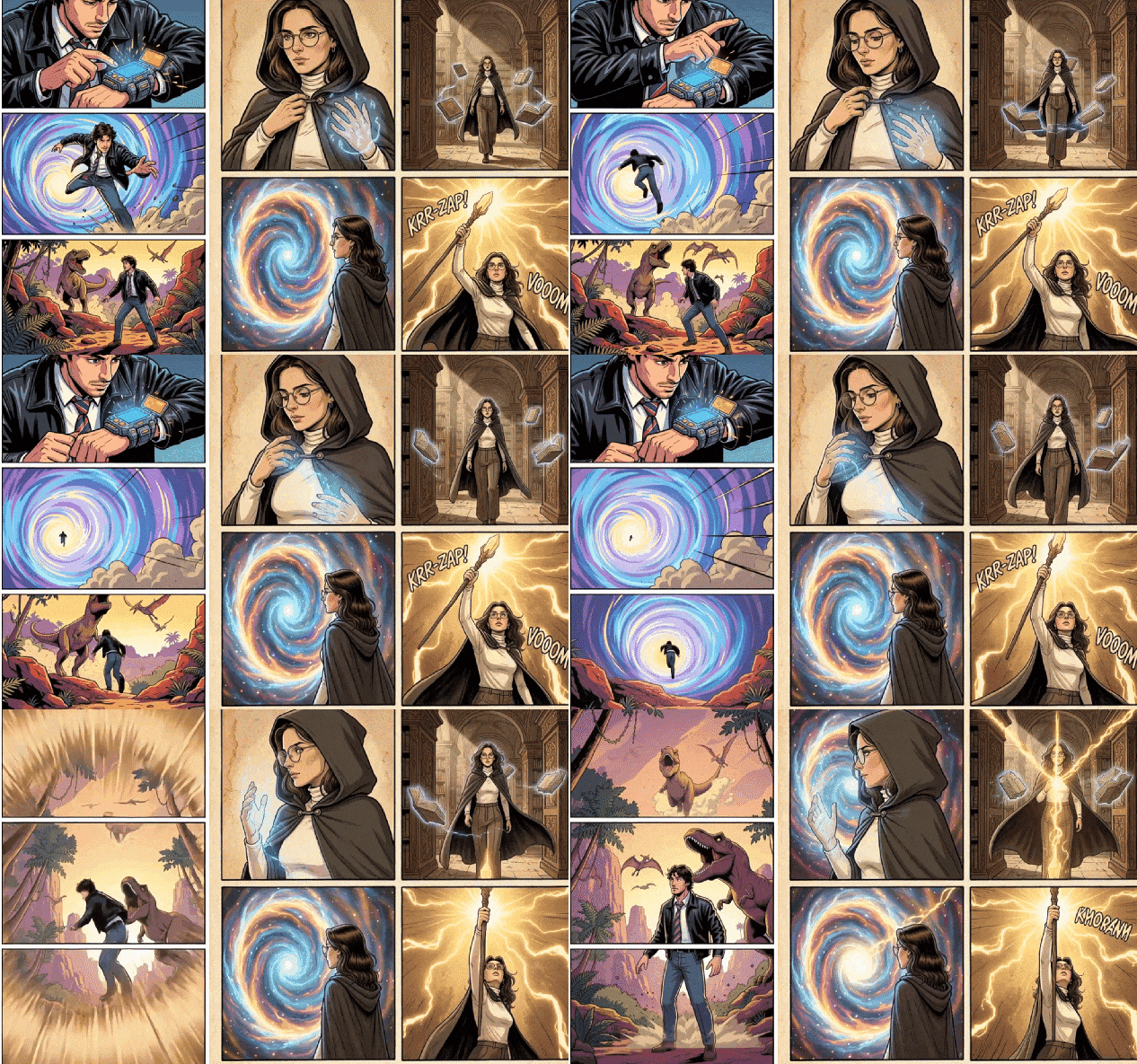
Create Instant Comic Videos with Filmora App's Nano Banana Pro Templates
The Filmora mobile app already features Nano Banana Pro integration with pre-designed comic templates that transform your photos into engaging video content—perfect for creators on the go.
- Pre-Built Comic Templates - Explore creative preset templates, specially for Nano Banana Pro, such as time travel comic strips, wizard comics, and more.
- Zero Prompt Writing - Upload photo → Choose template → Generate instantly.
- Full Customization Available - Advanced users can input custom prompts.
- Photo-to-Video Magic - Static comics become animated sequences automatically.
- Built-In Music & SFX - Comic sound effects library (POW! BOOM! WHOOSH!).
Add Professional Lettering with Comic Typography Suite
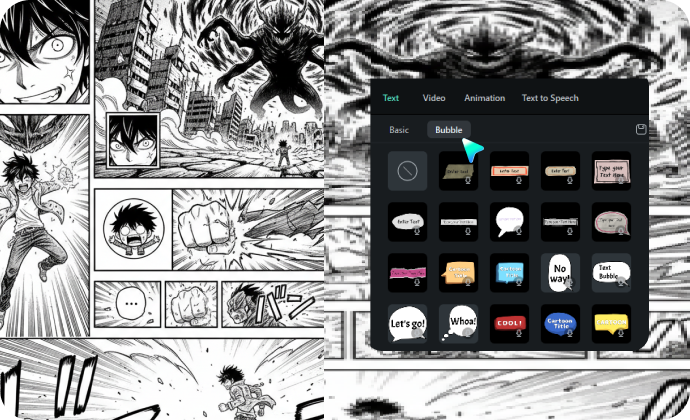
Add Professional Lettering with Comic Typography Suite
While Nano Banana Pro excels at generating in-image text, Filmora's Comic Text Tools give you ultimate control over speech bubbles, captions, and sound effects with authentic comic book fonts and styles.
- 🗨️ Speech Bubbles– White ovals, anger jagged edges, thought dashes, caption boxes. All with custom tails.
- 🔤 Comic Fonts – Bold action fonts, manga handwriting, sound effects (BOOM!), plus Japanese/Korean/Chinese support.
- 🎨 Typography Tools – Auto-sizing, curved text, shadows, color emphasis, halftone textures.
FAQs for Nano Banana Pro Comic Prompts
- Navigate to Google Gemini's offcial website. or you can pick any tools that integrated to Nano Banana Pro.
- Choose Nano Banana Pro model.
- Copy and paste the prompt from our library.
- Wait until it finishes generating AI comics.
- Download the AI comic photo you have generated.
How to Use Nano Banana Pro AI Comic Prompts in Filmora?
Filmora now fully supports Nano Banana Pro, allowing you to create high-quality AI comics directly inside the editor. You can easily generate AI comic strips using both Nano Banana Pro and Nano Banana, then compare the results side by side with the same prompt to see the difference in detail, style, and consistency.
Step 1 Activate AI Image Generator

Step 2 Generate Images From Text

Step 3 Download and Export Your AI-Generated Images

-
1:Activate AI Image Generator
Launch the latest version of Filmora, create a project, and click "Stock Media", choose "AI Image" from the Media panel. -
2:Generate Images From Text
Select the Nano Banana Pro model, then type in your Nano Banana Pro Comic Prompts , then click on the "Generate" to start making AI comics. -
3:Download and Export Your AI-Generated Images
After generating the photo, you can preview the image, tap on the download button, and drag it to the timeline, edit it if required, take a snapshot, or export to save the picture.
More Than Just an AI Comic Maker
Filmora is not just a Comic book maker from Nano Banana Pro AI prompts. You can also generate other style photos, create AI videos from prompts or pictures, and edit them with the most powerful editing features in the same tool.








