Explore Black Friday AI Ad Prompts and Examples
Browse a curated collection of Black Friday AI images, prompts, and advertising ideas for product photography, sale posters, social media ads, website banners, and Cyber Monday promotions. Open any example to view its format and copy the prompt for your own campaign.
Loading more Black Friday ad ideas...
 Category:
 Duration:
 Aspect Ratio:
Create Black Friday Ad Images and Videos with Filmora
A useful Black Friday resource goes beyond a list of prompts. Filmora helps you generate campaign visuals, compare creative directions, add accurate offer details, adapt assets for different channels, and turn static images into promotional videos.
Generate High-Impact Ad Visuals
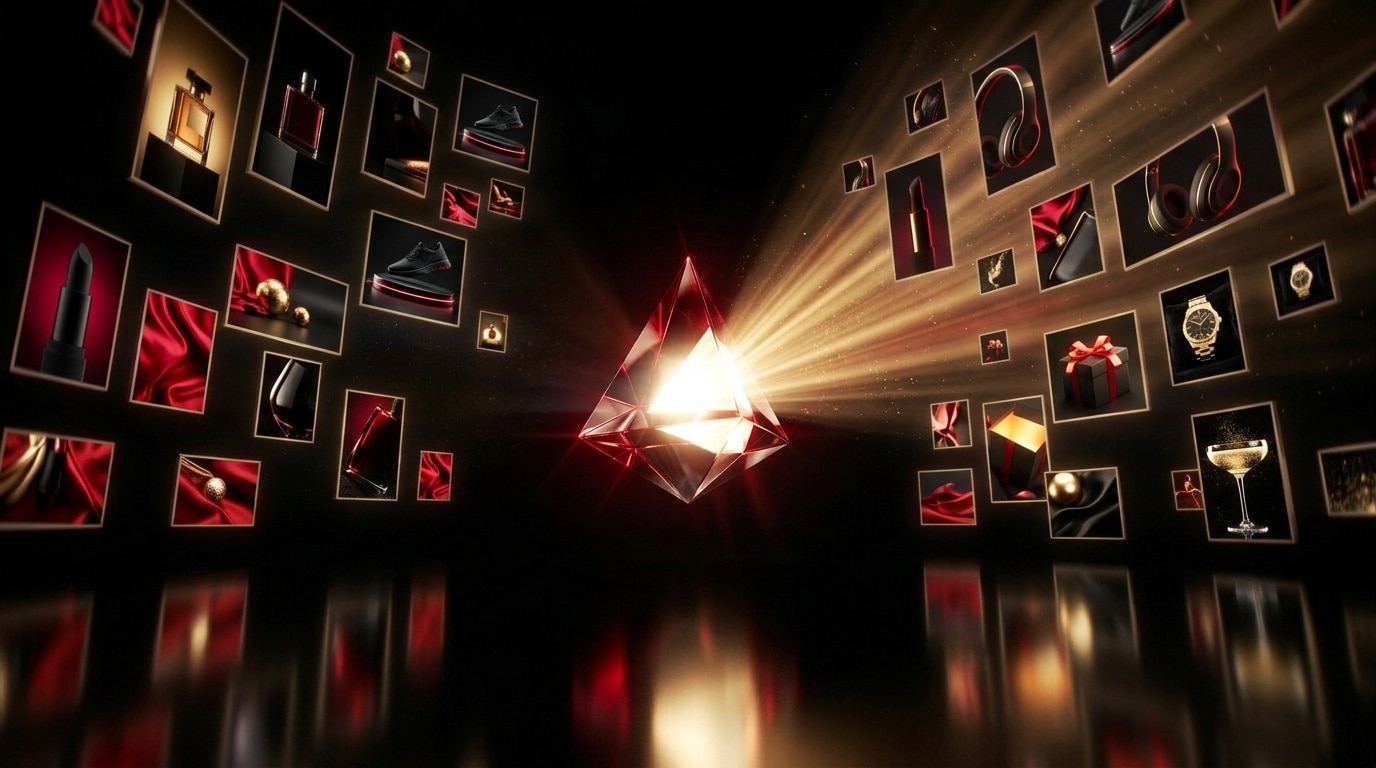
Generate High-Impact Ad Visuals
Detailed Black Friday AI ad prompts help you control the product, setting, color palette, lighting, layout, and copy space. Generate polished base images in Filmora for ecommerce promotions, seasonal campaigns, and social ads.
- Create product hero shots, sale posters, gift-guide flat lays, banners, and mobile-first ad creatives.
- Reserve clean negative space so you can add a verified discount, deadline, and call to action later.
- Adjust the subject, composition, background, and aspect ratio to produce meaningful campaign variations.
Explore Multiple AI Models and Styles
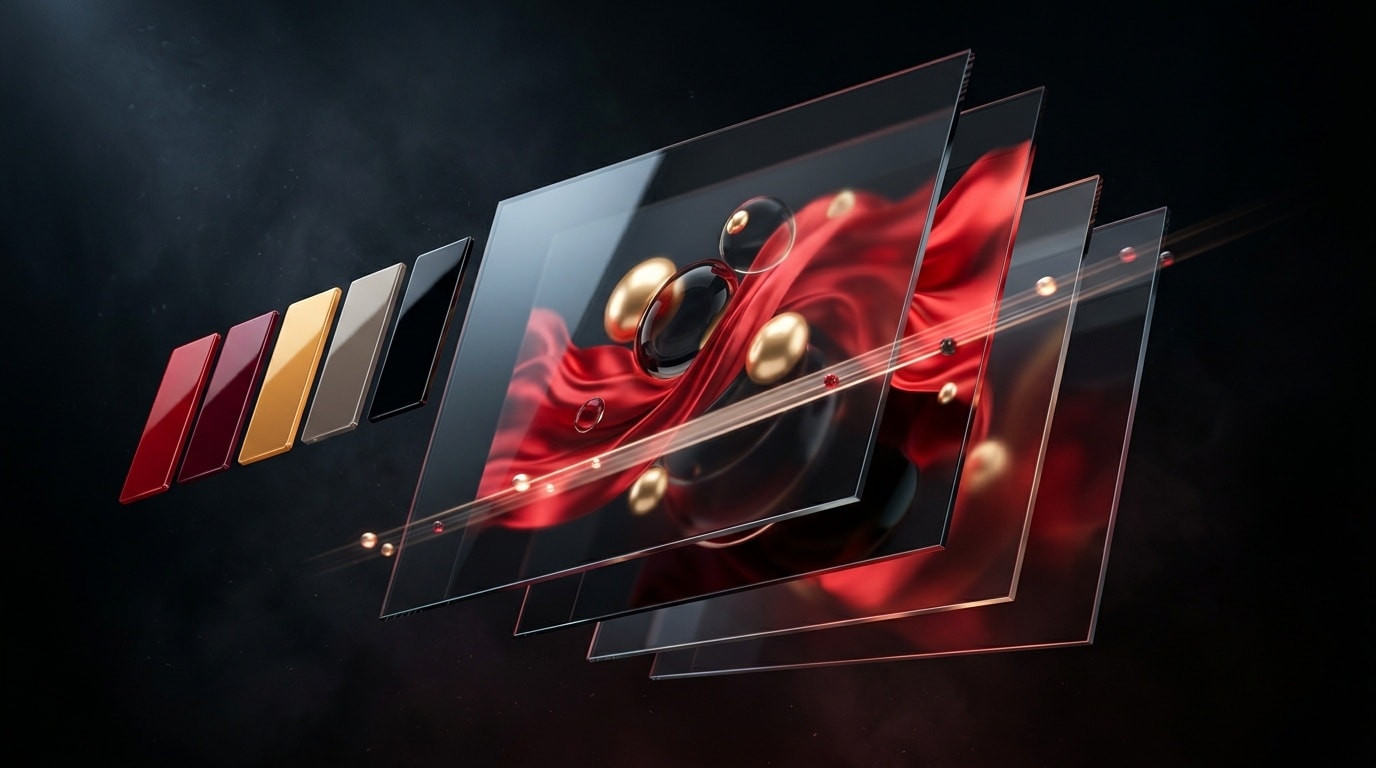
Explore Multiple AI Models and Styles
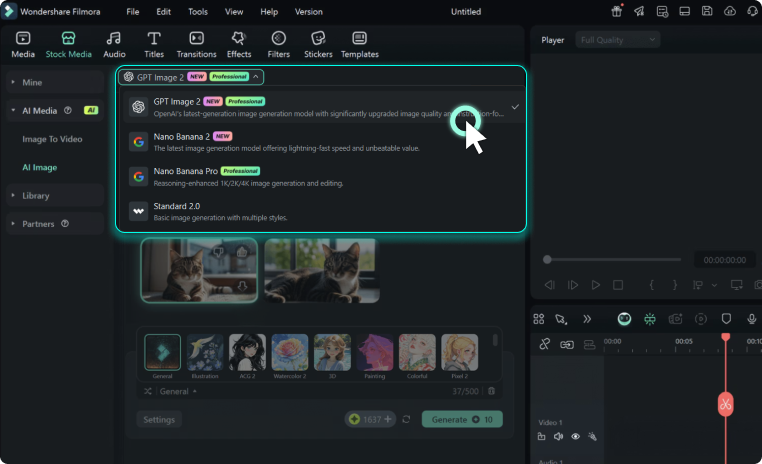
Different campaigns need different visual treatments. Filmora gives you access to capable models such as GPT Image 2 and Nano Banana for exploring premium, playful, minimal, or technology-focused Black Friday concepts.
- Compare black-and-gold luxury styling, red-and-black retail energy, neon Cyber Monday visuals, and cozy gift scenes.
- Generate several directions from one idea before choosing the strongest creative for your campaign.
- Refine prompts with specific products, lighting, camera angles, materials, and placement requirements.
Customize Ads for Every Channel
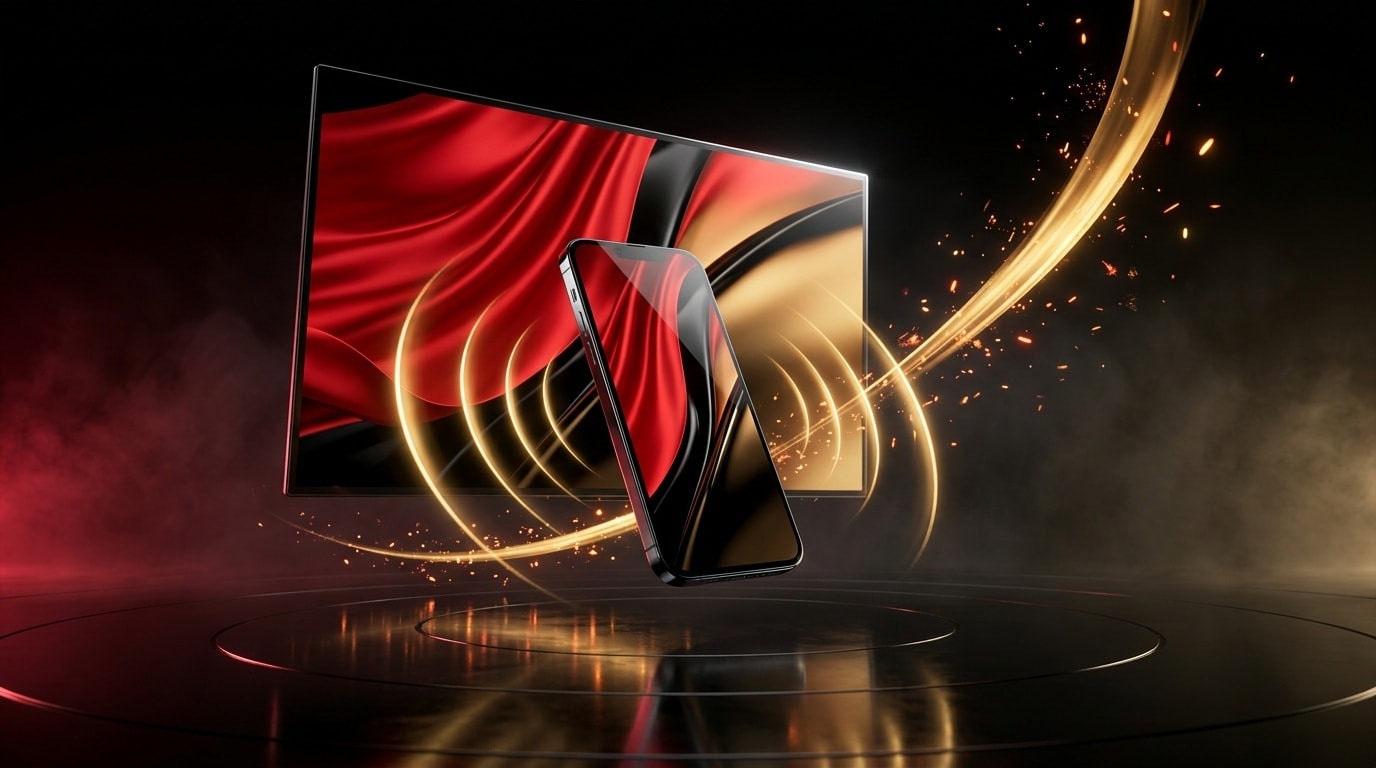
Customize Ads for Every Channel
One creative concept can support several placements when the layout is planned carefully. Use Filmora's creative assets, titles, stickers, effects, and editing tools to turn a generated image into a campaign-ready ad.
- Add your real price, discount, campaign dates, logo, disclaimer, and call to action after generation.
- Reframe assets for 9:16 Stories and Reels, 4:5 feed posts, 1:1 cards, and 16:9 website banners.
- Keep colors, type treatments, and product presentation consistent across the full campaign.
Turn Static Creatives Into Video Ads
Turn Static Creatives Into Video Ads
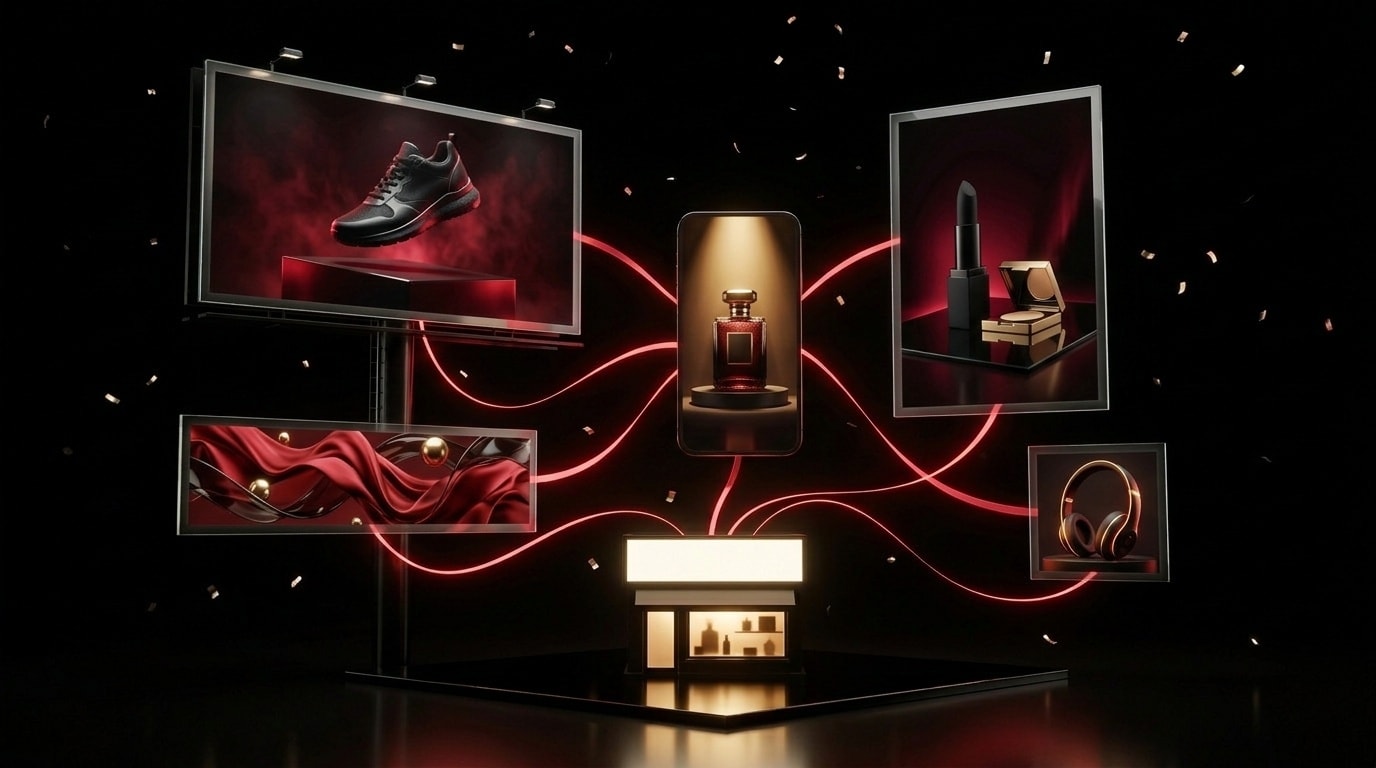
Use Filmora's AI Image to Video tools to add motion to product shots, posters, and campaign artwork, then finish the ad with titles, music, transitions, and a clear final frame.
- Animate spotlight sweeps, floating particles, product reveals, countdowns, and subtle camera movement.
- Create short versions for TikTok, Instagram Reels, YouTube Shorts, and paid social placements.
- Export each version in the aspect ratio and resolution required by your publishing channel.
Frequently Asked Questions About Black Friday AI Ads
How to Create Black Friday Ads with AI in Filmora
Choose a visual direction from the gallery, generate the base creative, and finish a campaign-ready image or video with accurate promotional details.
Step 1 Choose a Prompt and Ad Format
Step 2 Generate the Base Visual
Step 3 Add Your Offer and Export
-
1: Choose a Prompt and Ad Format
Browse the Black Friday ad examples and select a prompt that matches your product, campaign style, platform, and required aspect ratio. -
2: Generate the Base Visual
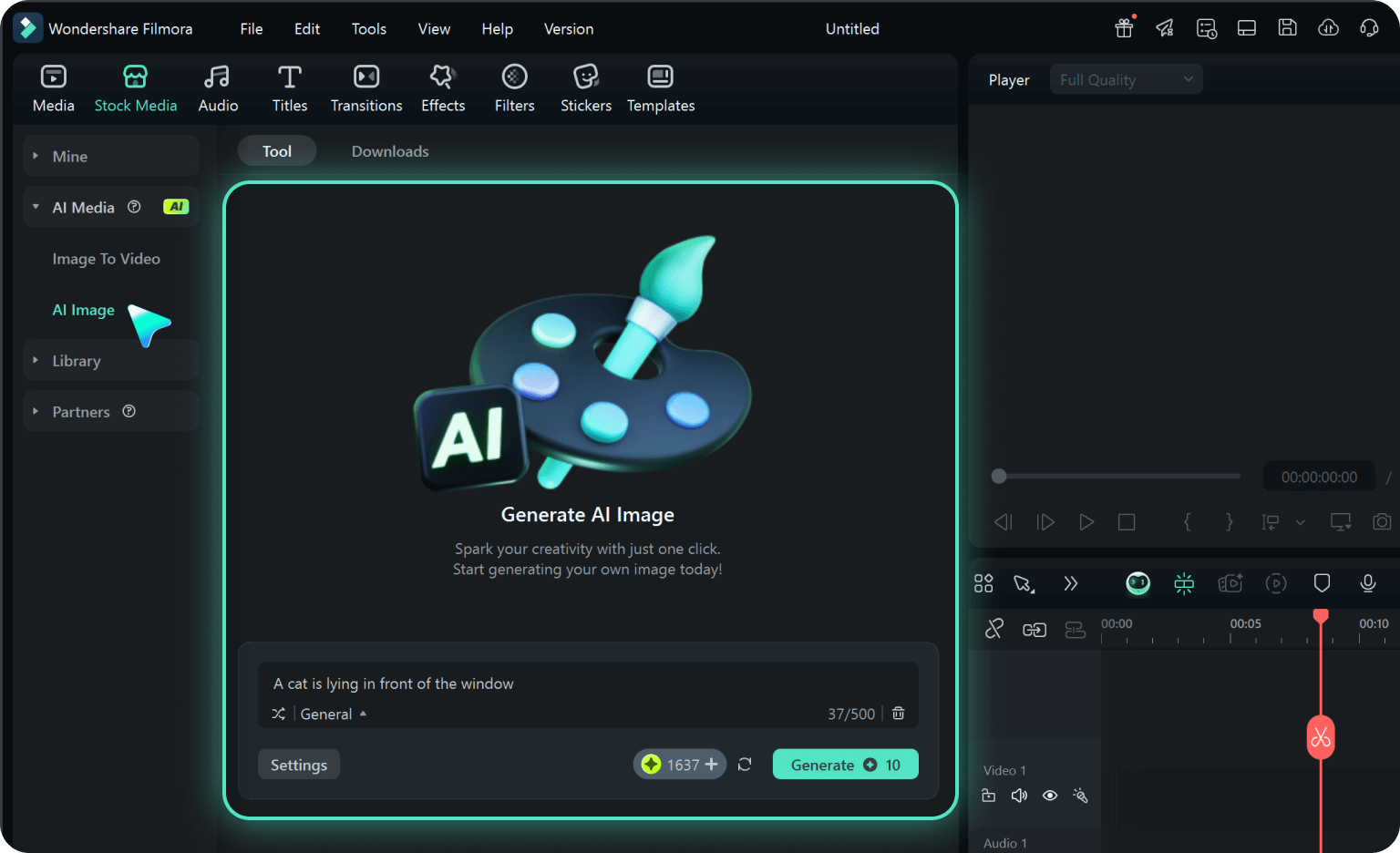
Open Filmora's AI Image Generator, paste the prompt, select a suitable model and aspect ratio, then generate several creative variations. -
3: Add Your Offer and Export
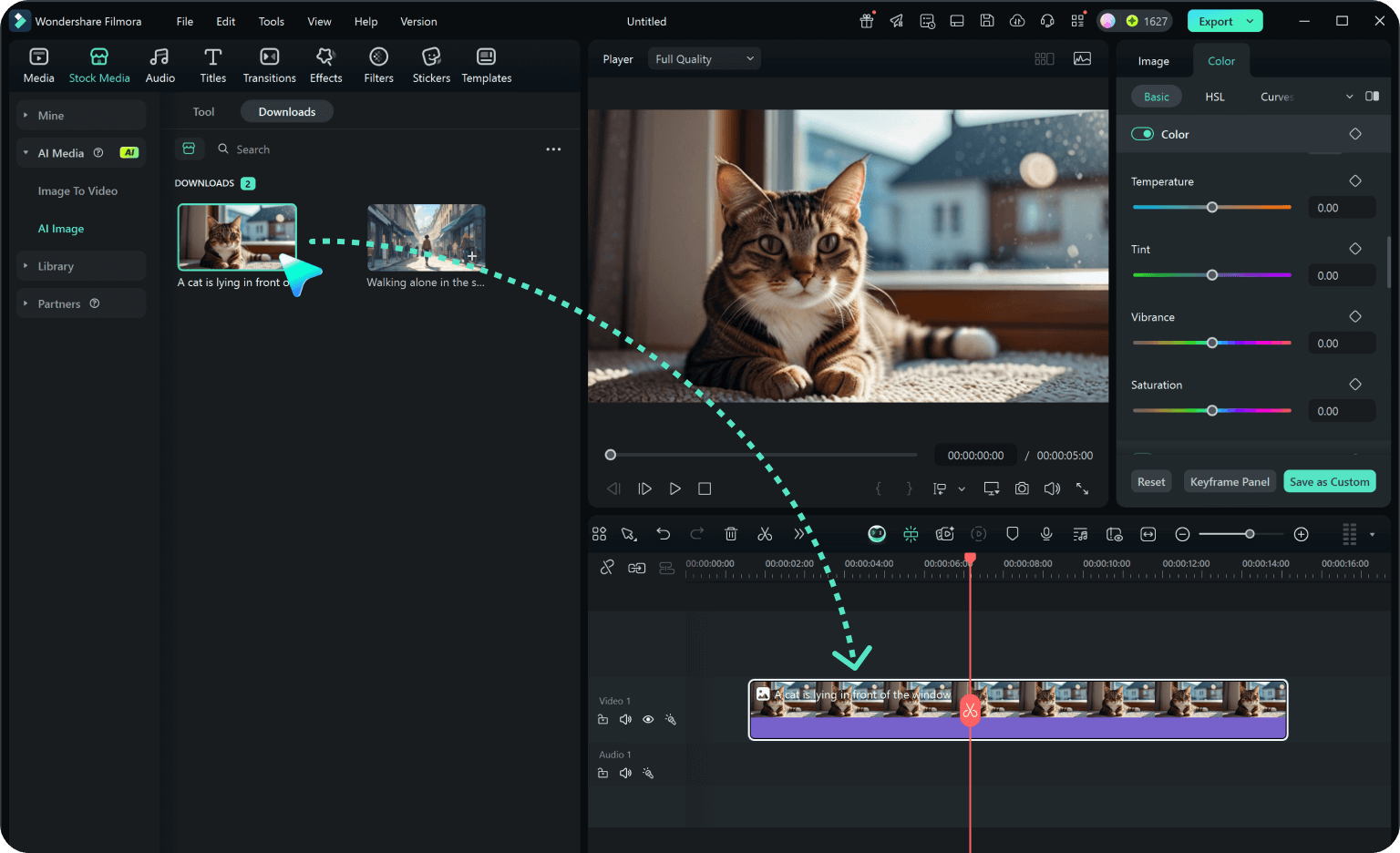
Add your verified discount, campaign dates, logo, and call to action. Refine the layout or animate the image, then export it for the intended channel.