
Explore Popular Fruit Animation Ideas
Explore popular video templates and text-to-video prompts to create your own animated watermelon and more.
Loading more fruit animation prompts...
 Category:
 Duration:
 Aspect Ratio:
Everything You Need to Create Fruit Animation Videos
A well-crafted fruit animation can turn a standard recipe vlog or educational clip into a vibrant, professional-looking masterpiece. Filmora provides an all-in-one suite, including an AI Text to Video generator, to bring your wildest ideas to life—no complex 3D modeling required.
Whether you need a bouncing animated watermelon or a singing animated grape, Filmora's tools give you the creative freedom to match any visual style and publish directly to your preferred platform.
Access Advanced AI Models
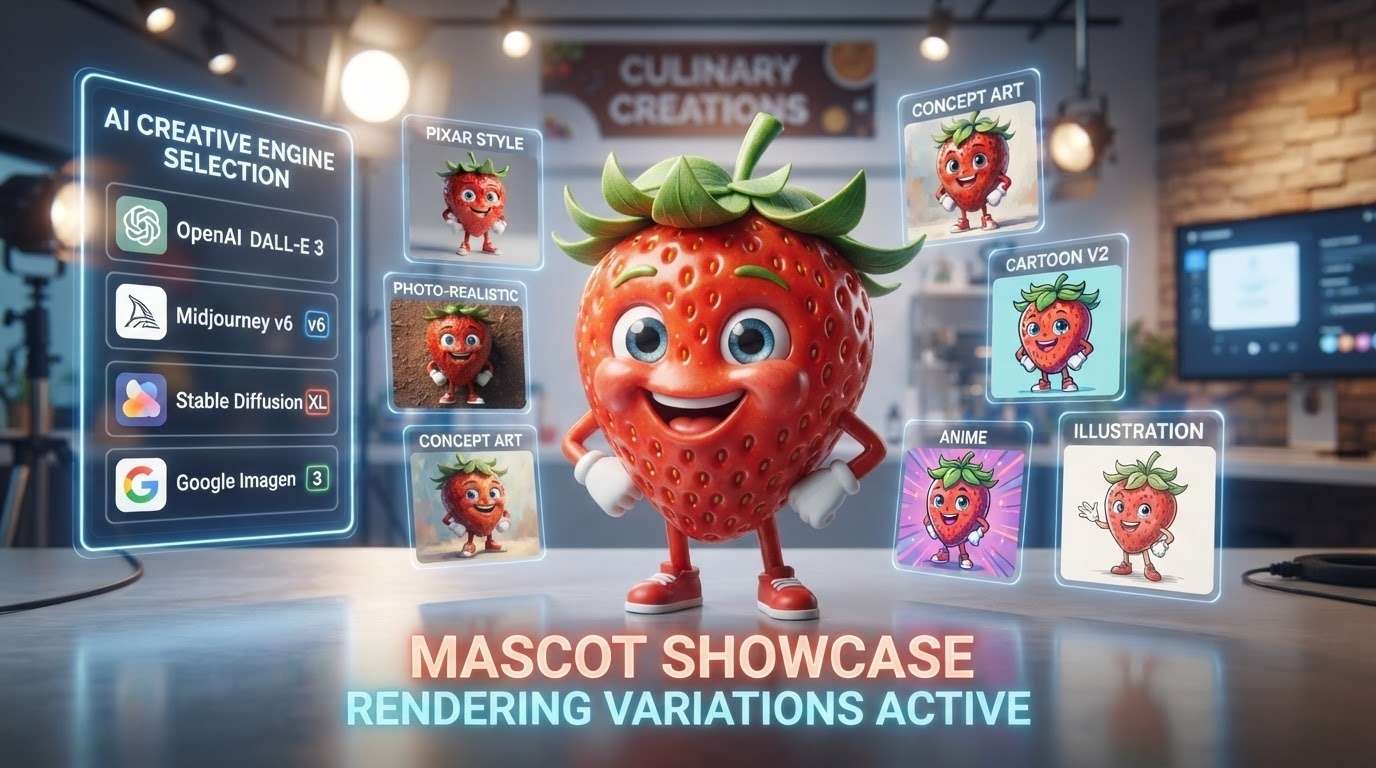
Access Advanced AI Models
Stop spending days keyframing complex motion. Powered by multiple internal engines, you can seamlessly produce an animated pineapple or animated strawberries ready for your timeline in seconds.
- Multiple AI Models - Switch between powerful engines to find your ideal artistic style.
- High Quality Videos - Generate smooth, high-resolution AI videos in minutes.
- Seamless Workflow - Drag generated videos directly into your editing timeline.
Elevate Content With AI Video Editing
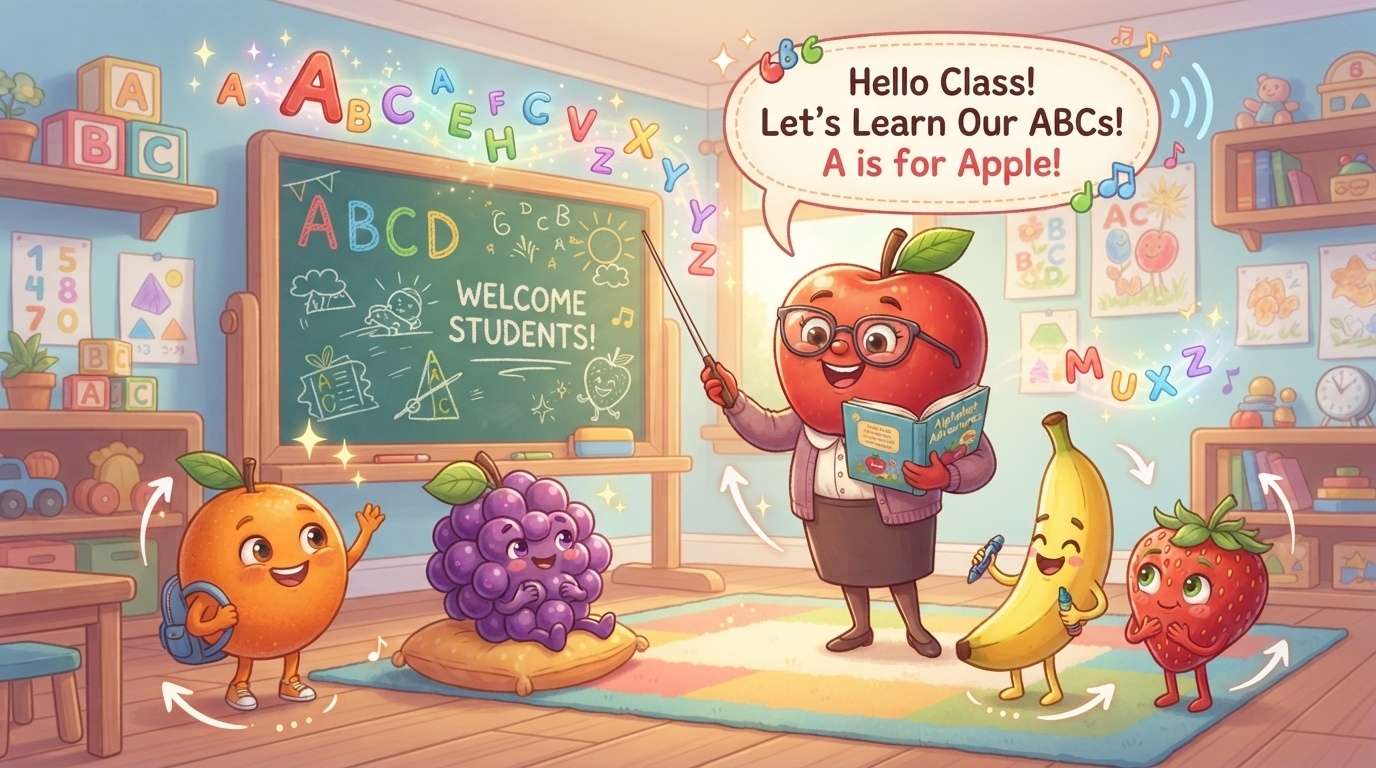
Elevate Content With AI Video Editing
Effortlessly apply dynamic video transitions or use motion tracking to make your animated strawberries bounce perfectly in sync with your audio. Create fun, eye-catching videos in just a few clicks.
- Smart Motion Tracking - Pin text or graphics to moving objects seamlessly.
- Vibrant Transitions - Add energetic cuts between scenes to keep viewers hooked.
- Automatic Adjustments - Let AI handle complex color correction for your fresh produce visuals.
Enhance Visuals With Creative Assets
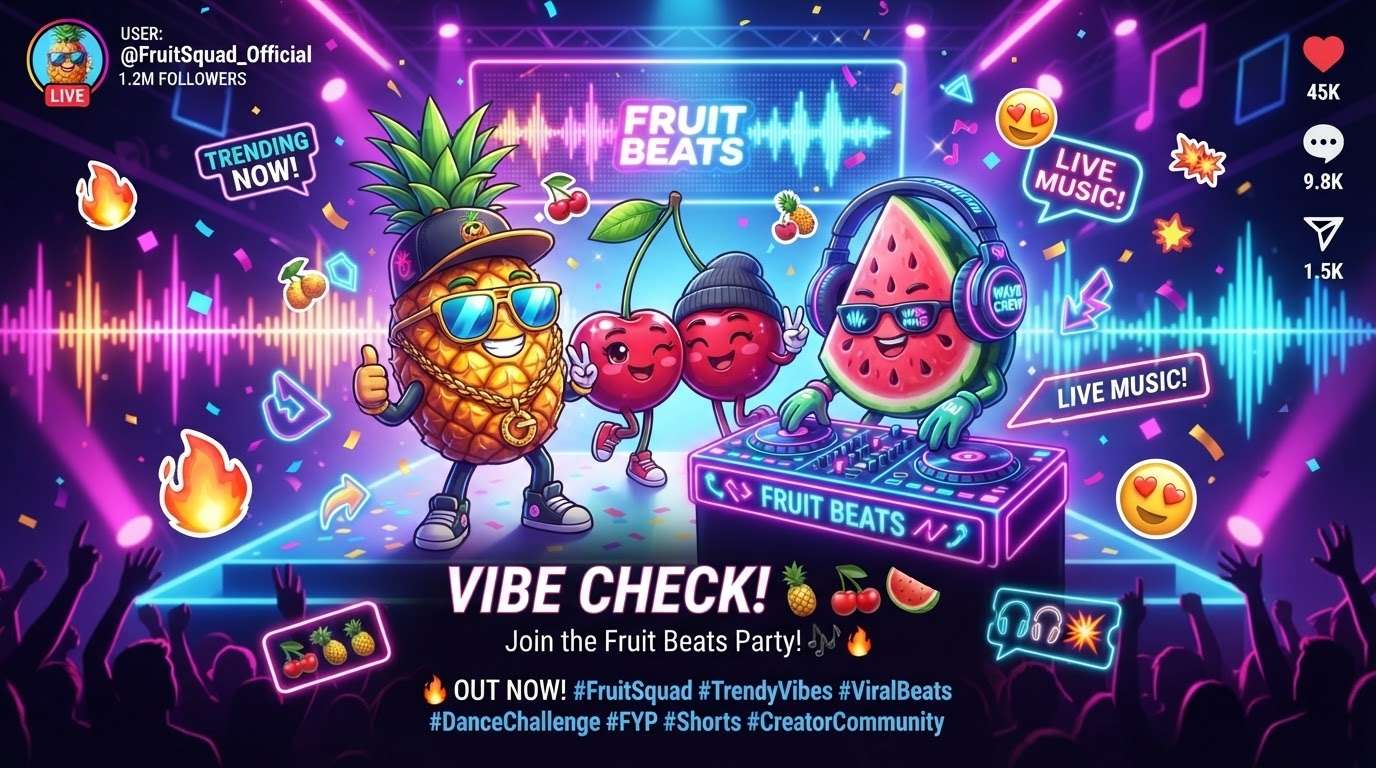
Enhance Visuals With Creative Assets
Take your project further by exploring Filmora's vast library of creative assets. From playful background music to built-in stock media, you have everything needed to complement your animated watermelon scenes.
- Extensive Stock Library - Find the perfect background for your fruity characters.
- Custom AI Audio - Generate unique soundtracks tailored to the mood of your video.
- Engaging Stickers - Layer additional AI-generated elements for extra flair.
Simplify With Text to Video
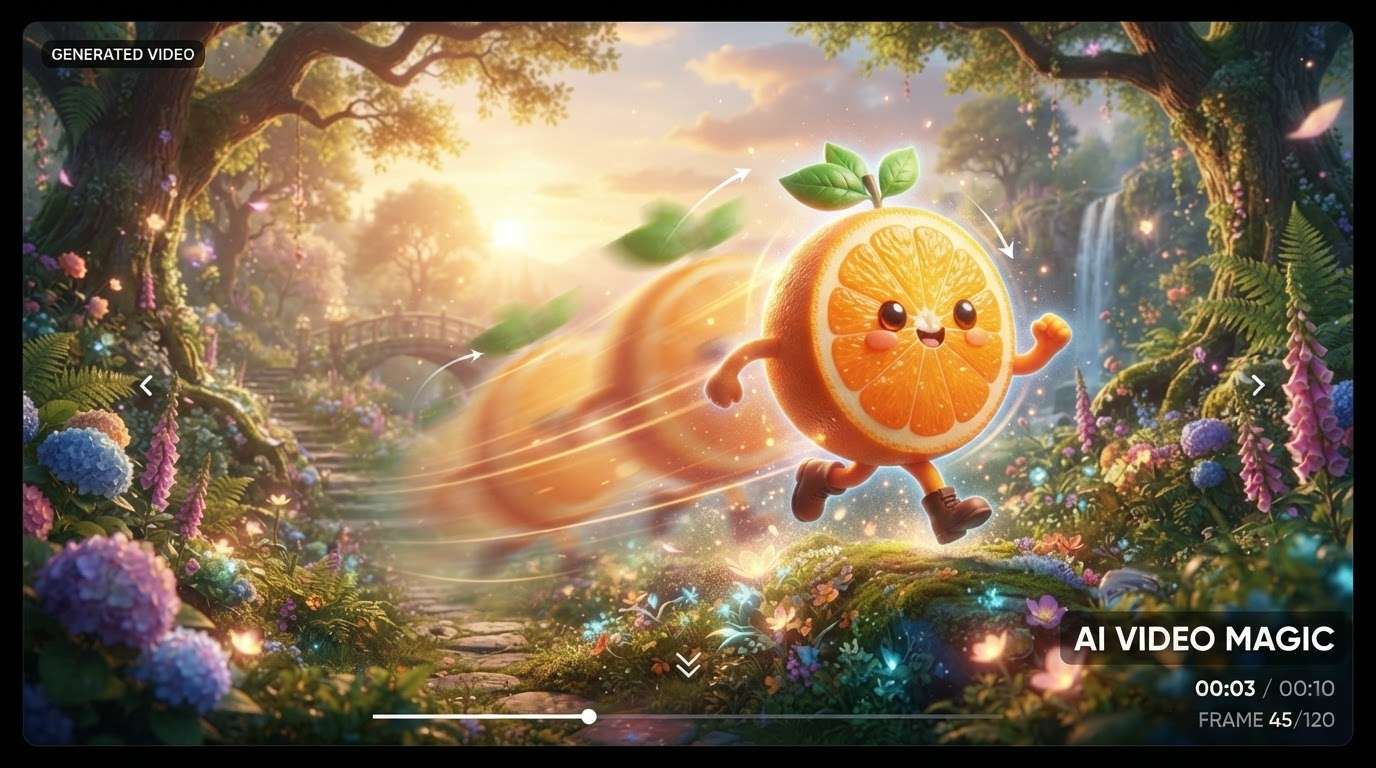
Simplify With Text to Video
Transform simple scripts into fully realized scenes using our AI Text to Video technology. Just type in your prompt describing an animated grape, and let Filmora handle the heavy lifting of scene generation.
- Instant Scene Creation - Convert text prompts into engaging video sequences rapidly.
- Smart Subtitles - Use Auto Caption to ensure your audience never misses a beat.
- Effortless Narration - Bring your script to life with lifelike voices.
Frequently Asked Questions About Fruit Animation
How to Create a Fruit Animation With Prompts
Generate high-quality fruit animation assets directly on your timeline. Use Filmora's AI Text to Video to create a dancing animated watermelon or an animated grape effortlessly.
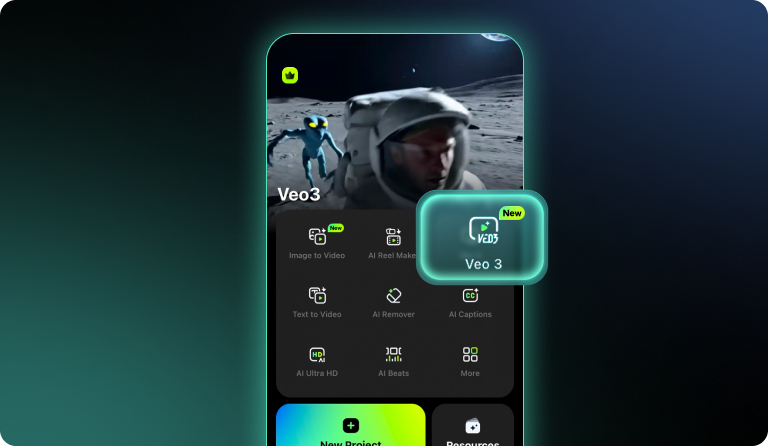
Step 1 Open AI Text to Video
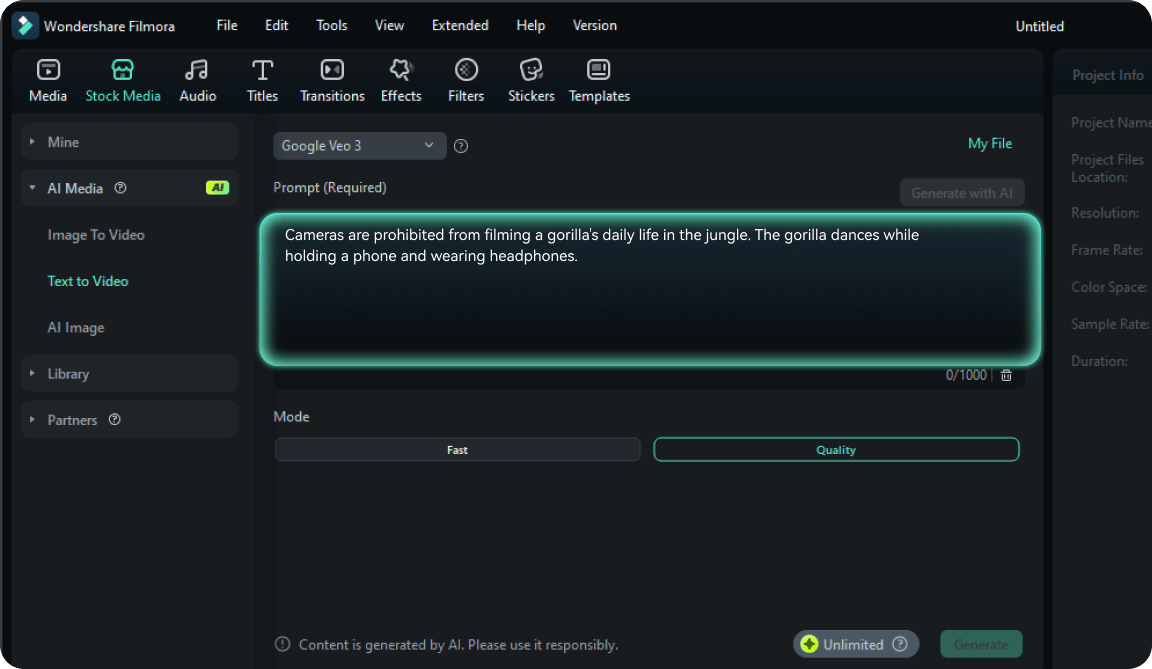
Step 2 Generate Animated Fruits
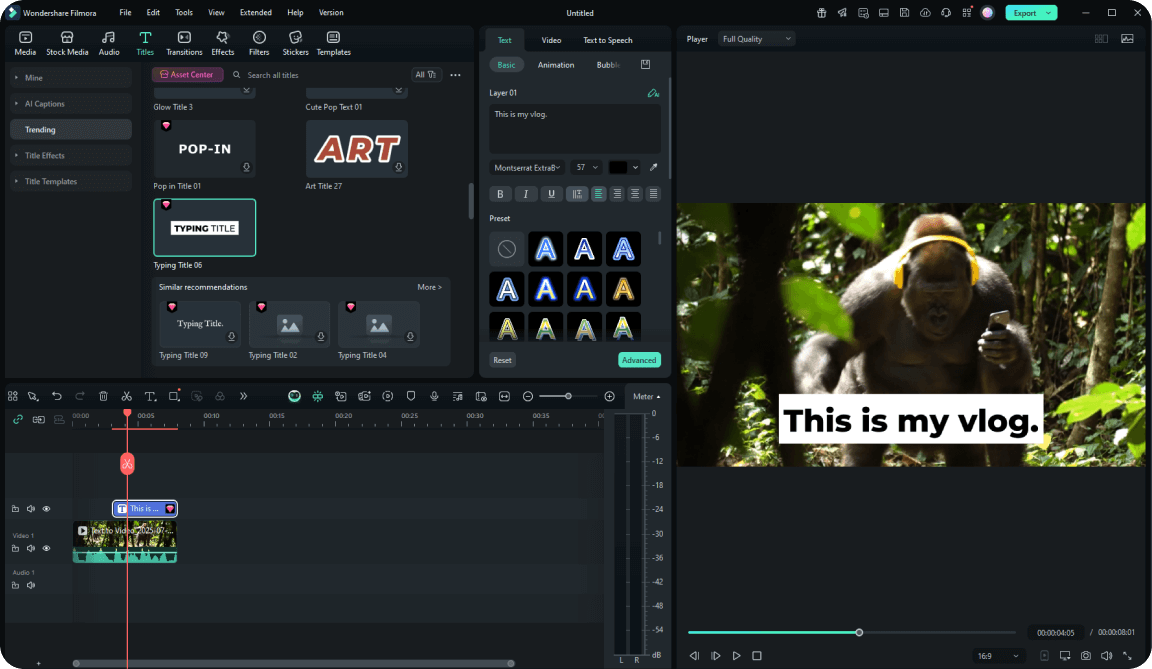
Step 3 Edit and Export
-
1:Open AI Text to Video
Launch Filmora and access the AI Text to Video tool. Enter your creative prompt to begin generating your fruit animation. Leverage models like Veo 3 for the best results. -
2:Generate Animated Fruits
Type a prompt like "bouncing animated strawberries" or "dancing animated grape" and let the AI work its magic. Place the generated video right on your timeline. -
3:Edit and Export
Enhance your animated pineapple clip with custom video effects. Export in high resolution to produce a stunning video featuring your animated watermelon.








