
Explore Popular Y2K Horror Prompts
Discover a variety of ghostface prompts designed to capture the ultimate nostalgic horror vibe. From creepy dramatic lighting to cinematic thriller compositions, find everything you need to generate eerie Halloween art.
Loading more Halloween AI prompt examples...
 Category:
 Duration:
 Aspect Ratio:
Why Use These Ghostface Prompts for Your Edits?
A well-crafted Ghostface-style phone call prompt is more than just a spooky picture—it's an immersive story. Whether you're making a short film or a fast-paced social edit, these nostalgic scenarios consistently capture attention and bring chills to viewers worldwide.
Recreate the Ultimate Y2K Horror Scene
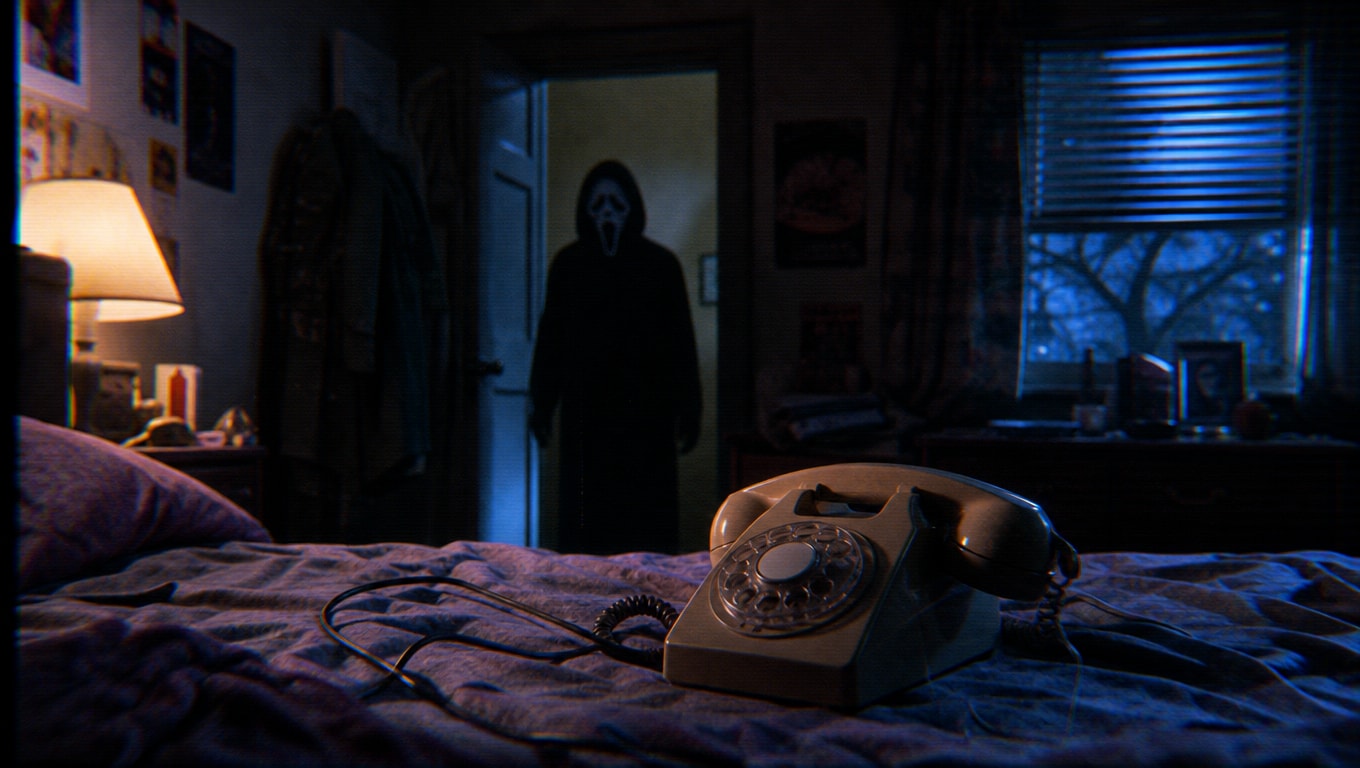
Recreate the Ultimate Y2K Horror Scene
It's no secret that cinematic nostalgia rules the internet. By utilizing viral Y2K telephone AI prompts, you can perfectly stage the dreadful tension of a retro phone call while the iconic killer lingers in the background. Combine these images with stunning video templates to achieve a professional thriller look.
- Perfect Composition - Effortlessly capture the chilling dynamic between the victim and the villain.
- Nostalgic Vibe - Authentically recreate the grainy, terrifying aesthetics of 90s and Y2K slasher films.
- Endless Scenarios - Customize the room decor, lighting, and expressions for a unique scare every time.
Access Advanced AI Image Generation Models
Access Advanced AI Image Generation Models
Achieve unmatched visual fidelity for your Halloween masterpieces. Filmora's AI engine empowers you by integrating state-of-the-art models internally. You can choose to generate your terrifying scenes using Nano Banana Pro, Nano Banana 2, or GPT image 2 for total creative freedom.
- Unmatched Flexibility - Seamlessly switch between top-tier AI models directly inside Filmora.
- High Definition Dread - Produce crystal-clear horror assets optimized for video integration.
- Next-Gen Technology - Generate cutting-edge visuals without relying on outdated external tools.
Skyrocket Your Social Media Engagement
Skyrocket Your Social Media Engagement
The Ghostface-style phone call prompts are completely dominating TikTok, Reels, and YouTube Shorts this Halloween season. By tapping into this spooky trend, you instantly increase your chances of going viral. Easily convert these stunning AI photos into dynamic clips using the AI image to video feature.
- Trend-Ready Assets - Join the massive Halloween conversation with visually stunning media.
- Animate the Fear - Turn still images into breathing, terrifying videos with just a few clicks.
- Audience Retention - Keep viewers on the edge of their seats with cinematic horror pacing.
Edit With an All-in-One Powerhouse
Edit With an All-in-One Powerhouse
Once you've generated the perfect haunting visual, Filmora provides every tool you need to finalize the edit. Use AI Sticker to add spooky elements, leverage AI Copywriting for suspenseful captions, and drop in royalty-free screaming sound effects to seal the deal.
- Spooky Effects - Overlay VHS glitches and bloody text effortlessly.
- Seamless Workflow - Generate, edit, and publish from a single intuitive platform.
- AI-Powered Enhancements - Let Filmora's AI suggest the best horror cuts and color grades.
Frequently Asked Questions About Ghostface Edits
How to Generate Spooky Y2K Phone Call AI Photos
Transform your creative ideas into terrifying cinematic shots using Filmora's advanced Halloween phone call prompts and powerful built-in AI tools. 🔪
Step 1 Choose Your Spooky Prompt

Step 2 Select Your Preferred AI Model

Step 3 Generate & Animate

-
1: Choose Your Spooky Prompt
Browse our collection of ghostface prompts and select the perfect Y2K nostalgic horror scenario that fits your creative vision. 👻 -
2: Select Your Preferred AI Model
Paste the text into Filmora's AI Image tool and choose between Nano Banana Pro, Nano Banana 2, or GPT image 2 for the most terrifying results. 🧠 -
3: Generate & Animate
Generate your chilling masterpiece, then use Filmora's video editor to add spooky sound effects and share your viral edit directly to TikTok or Instagram! 📱




