Explore Popular Migos AI Video Templates
Dive into our massive collection of Migos video resources. Whether you want a quick meme or a fully produced edit, these pre-made video templates have everything you need to join the trend.
Loading more Migos AI examples...
 Category:
 Duration:
 Aspect Ratio:
Why Choose Filmora as Your Migos AI Generator?
A Migos AI video is the ultimate way to tap into viral music trends. With Filmora’s all-in-one suite, generating the perfect migos video has never been easier or more creative.
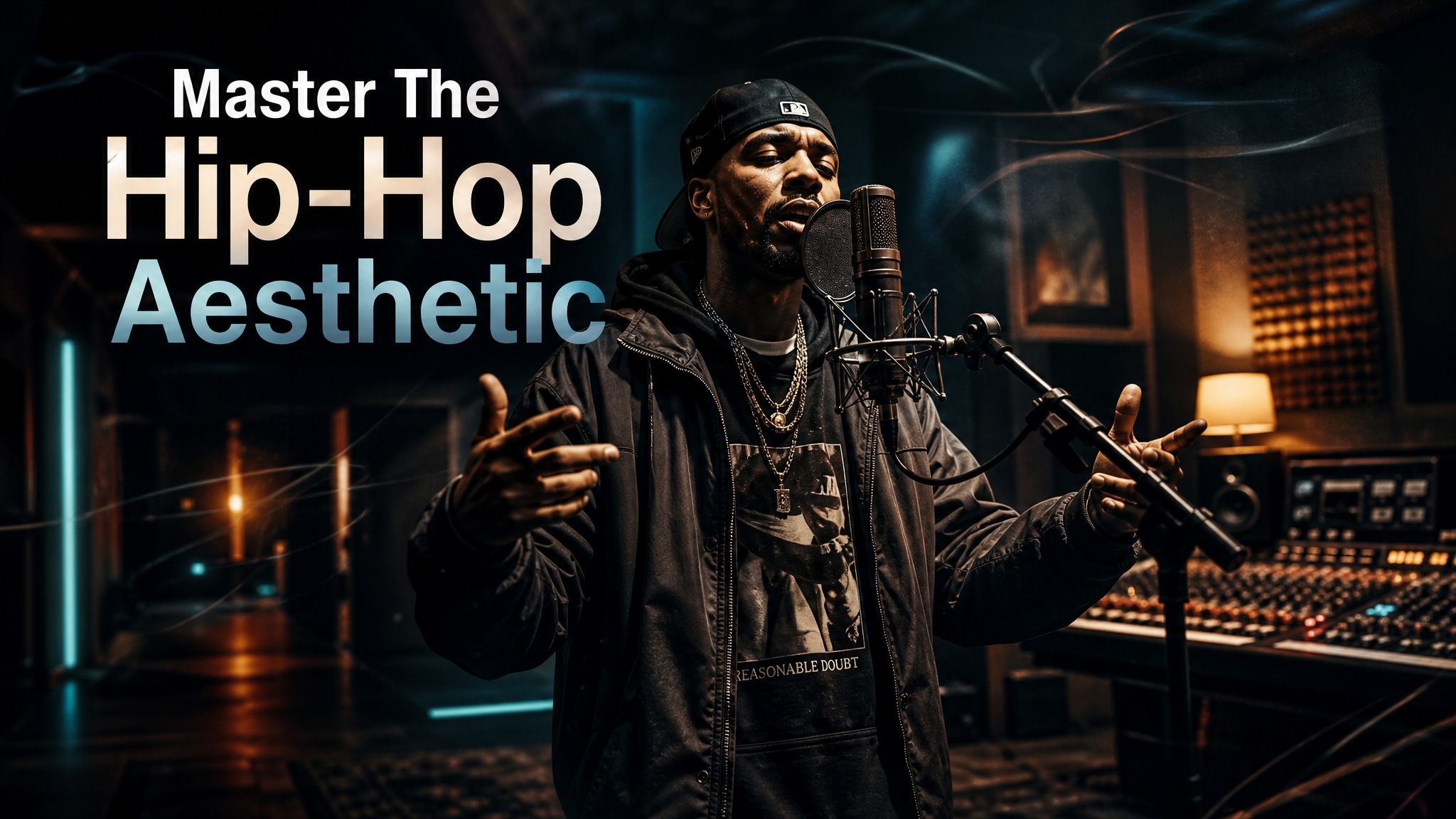
Master the Hotel Lobby Trend
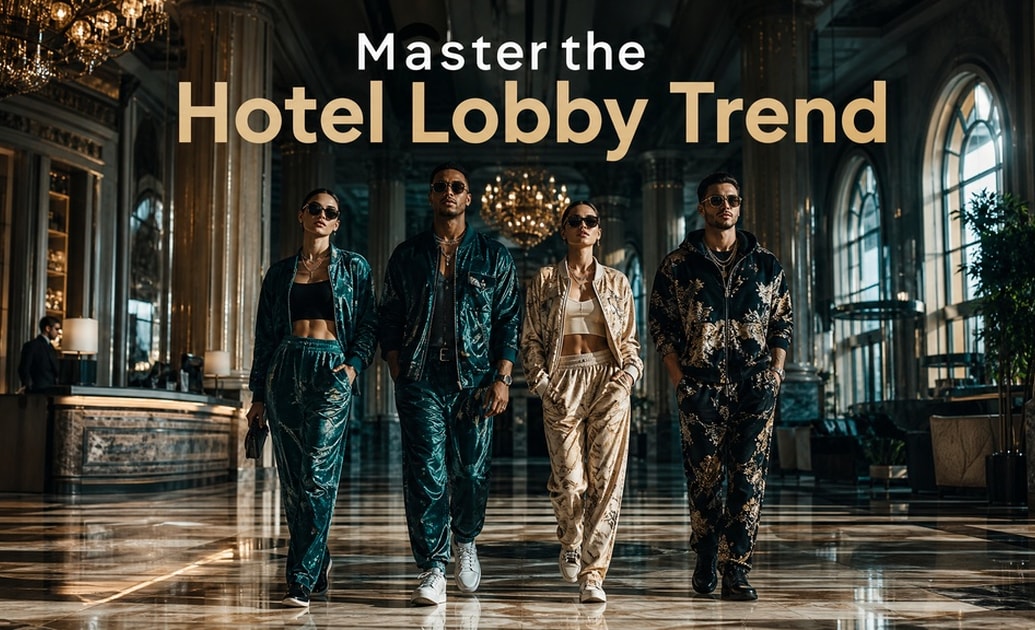
Master the Hotel Lobby Trend
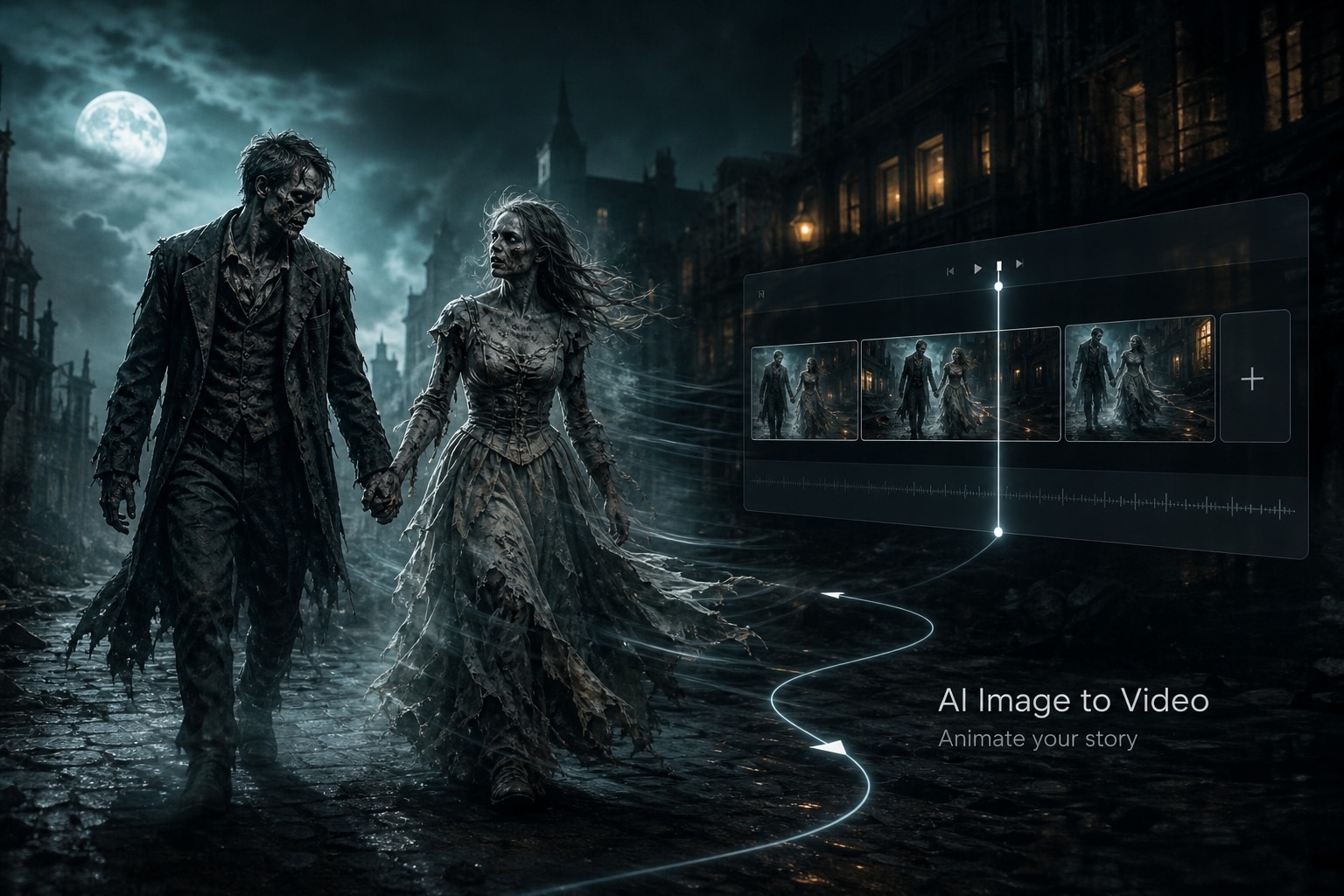
Filmora acts as the ultimate migos ai generator by integrating powerful models directly into the platform. You don't need external apps; use our built-in AI image to video tools powered by Seedance 2.0 and Veo 3.1 to perfectly capture the migos hotel lobby ai video vibe.
- All-In-One Power - Access Seedance 2.0 directly inside Filmora without switching tabs.
- Seamless Workflow - Generate, edit, and export your migos video instantly. 😎
- Trend Ready - Perfectly suited for the latest social media crazes.
Generate Hilarious AI Characters
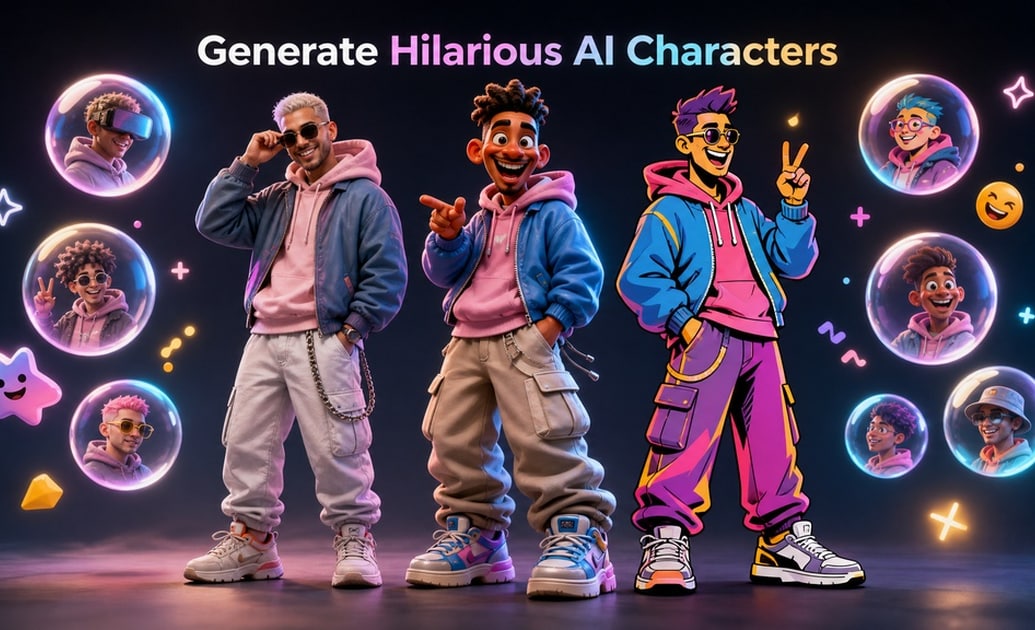
Generate Hilarious AI Characters
Wondering how to do the migos ai video with unique avatars? Filmora’s flexible AI Image function incorporates models like Nano Banana 2 and Nano Banana Pro, giving you diverse artistic choices to craft the ultimate migos ai free character designs. 🎨
- Diverse Models - Choose between ChatGPT, Nano Banana 2, and Nano Banana Pro.
- Custom Avatars - Make your characters look exactly how you want.
- AI Stickers - Easily add fun elements using the AI Sticker feature.
Dynamic Dance Animations
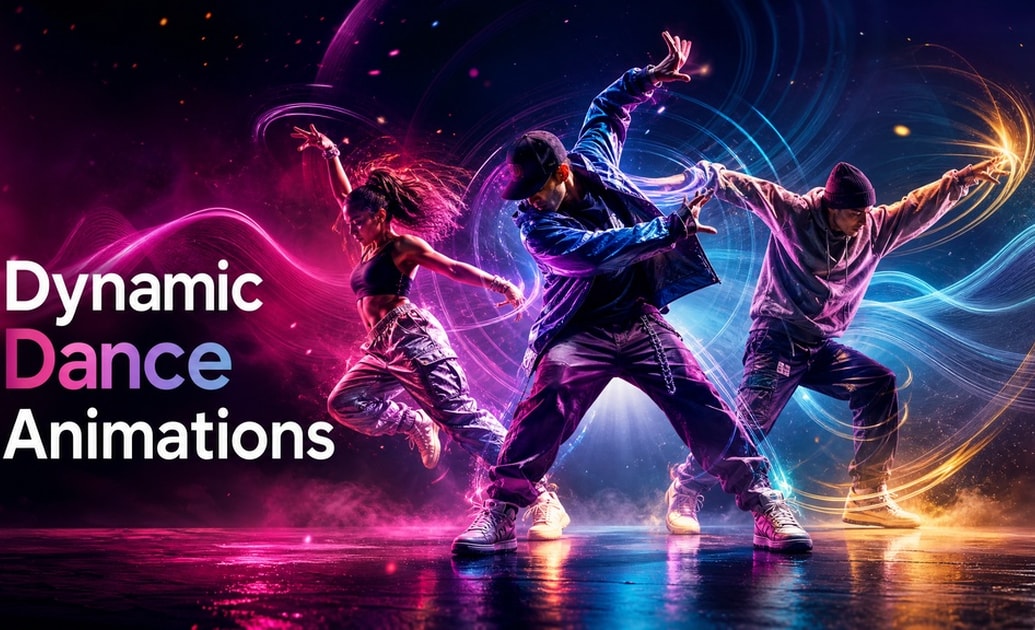
Dynamic Dance Animations
Bring your static avatars to life! By utilizing features like Seedance 2.0 within Filmora, you can sync your generated characters to the beat, creating a flawless migos video that captures attention instantly.
- Beat Syncing - Make your AI characters groove to the music effortlessly. 🕺
- Smooth Transitions - Add dynamic cuts and effects between generated scenes.
- Viral Potential - Eye-catching animations drastically boost engagement.
High-Quality Rendering Options
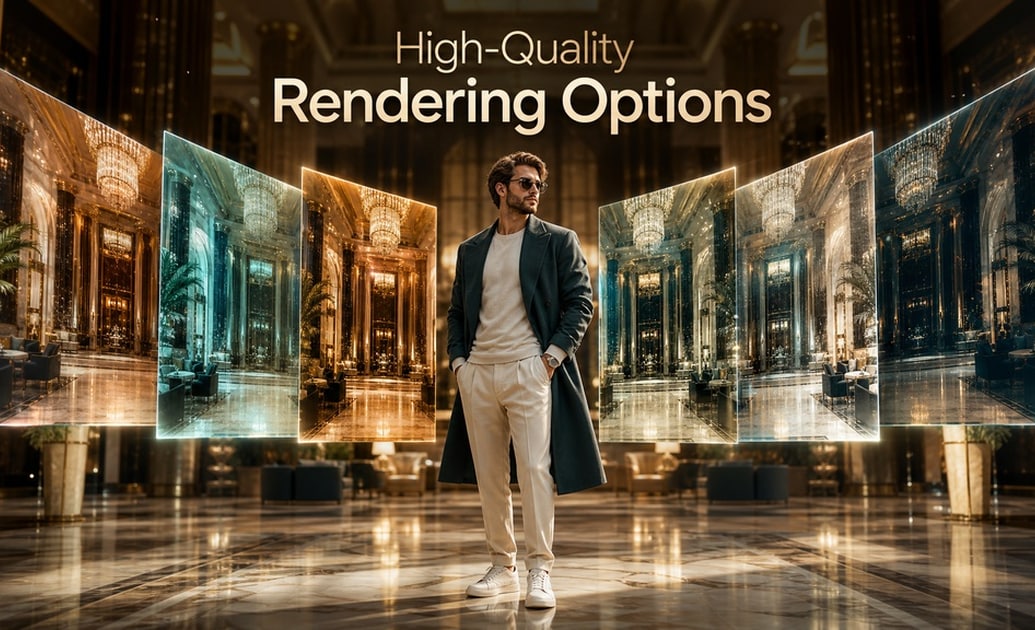
High-Quality Rendering Options
Take your migos hotel lobby ai free edits to the next level with Filmora's advanced rendering. Leverage the capabilities of models like Veo 3.1 to ensure your output is crisp, professional, and ready to go viral on TikTok. ✨
- Crystal Clear - Export your migos ai video generator creations in 4K resolution.
- Social Media Ready - Pre-set aspect ratios for Instagram Reels and Shorts.
- AI Enhancements - Polish your final edit with Filmora’s AI color correction.
Frequently Asked Questions About Migos AI Videos
How to Generate a Viral Migos AI Video With Prompts
Transform your static photos into hilarious migos hotel lobby ai video clips using Filmora's integrated AI image generator models.
Step 1 Choose Your Migos Prompt
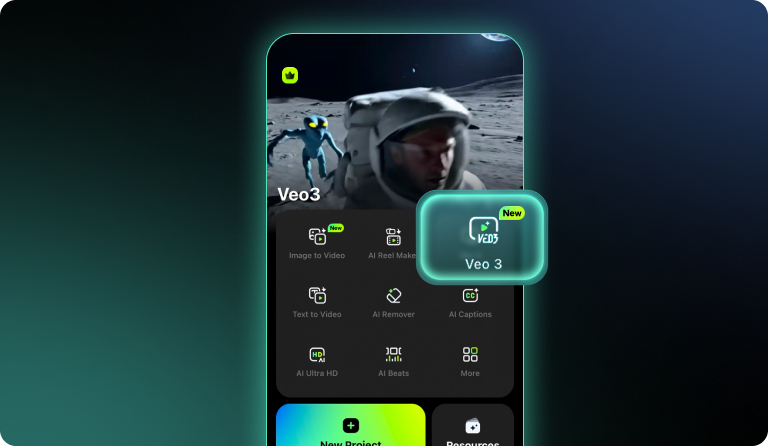
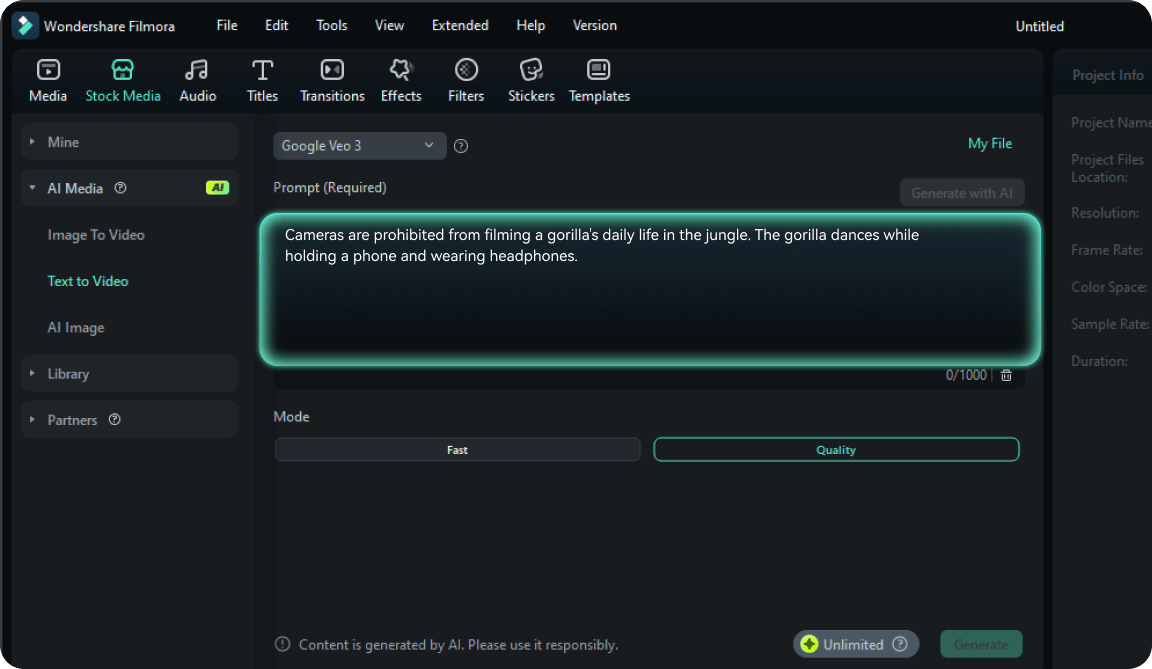
Step 2 Upload and Generate
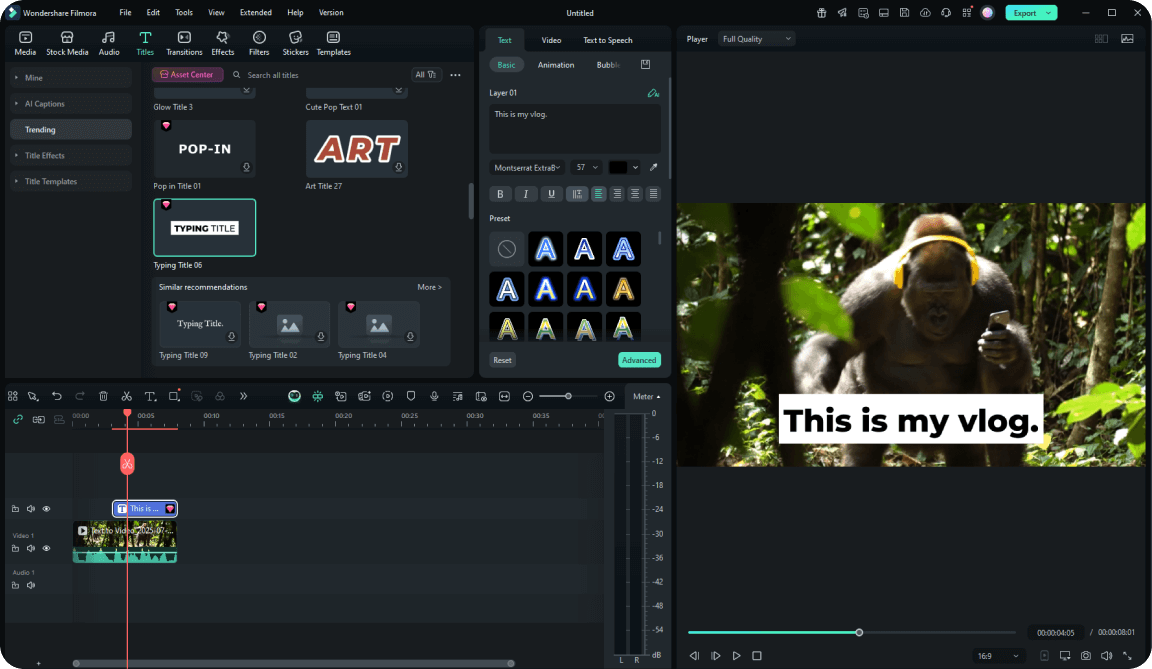
Step 3 Edit and Export
-
1:Choose Your Migos Prompt
Browse the prompt library and pick a style tailored for your migos video — from classic rap vibes to the trending hotel lobby aesthetics. ✨ -
2:Upload and Generate
Import your photo into Filmora’s AI tool. Utilize models like Veo 3.1, or Seedance 2.0 directly inside the editor to generate your migos ai video assets. -
3:Edit and Export
Refine your creation, sync it with trending music, and download your high-quality migos ai free masterpiece. Share directly on Instagram, TikTok, or Threads. 🔥