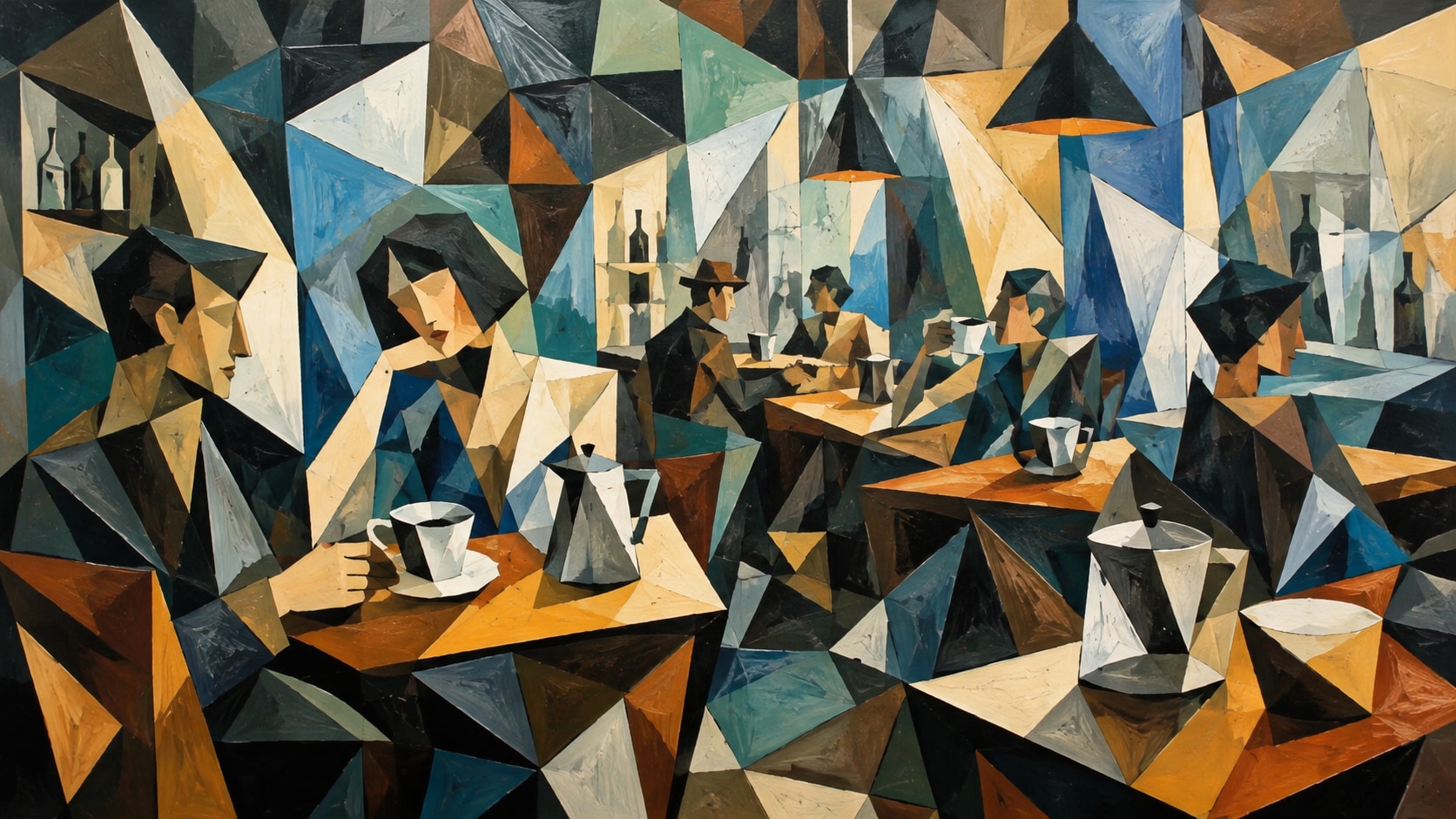
Explore Monsoon Indoor Cozy Portraits Prompts
Browse Monsoon Indoor Cozy Portraits Prompts for reading by windows, chai and pakoras, candles, sweaters, pets, fireplaces, and warm rainy-day portraits. Use each idea to create assets for video templates, reels, social posts, covers, and export-ready visuals.
Loading more monsoon indoor cozy prompts...
 Category:
 Duration:
 Aspect Ratio:
Why Use Monsoon Cozy Prompts With Filmora?
Monsoon Cozy Portraits work best when rain, reflections, texture, and subject placement stay intentional. Filmora helps creators generate stills, compare models, refine crops, add overlays, animate scenes, and export polished rainy-day content.
Generate Monsoon Cozy Portraits With Filmora
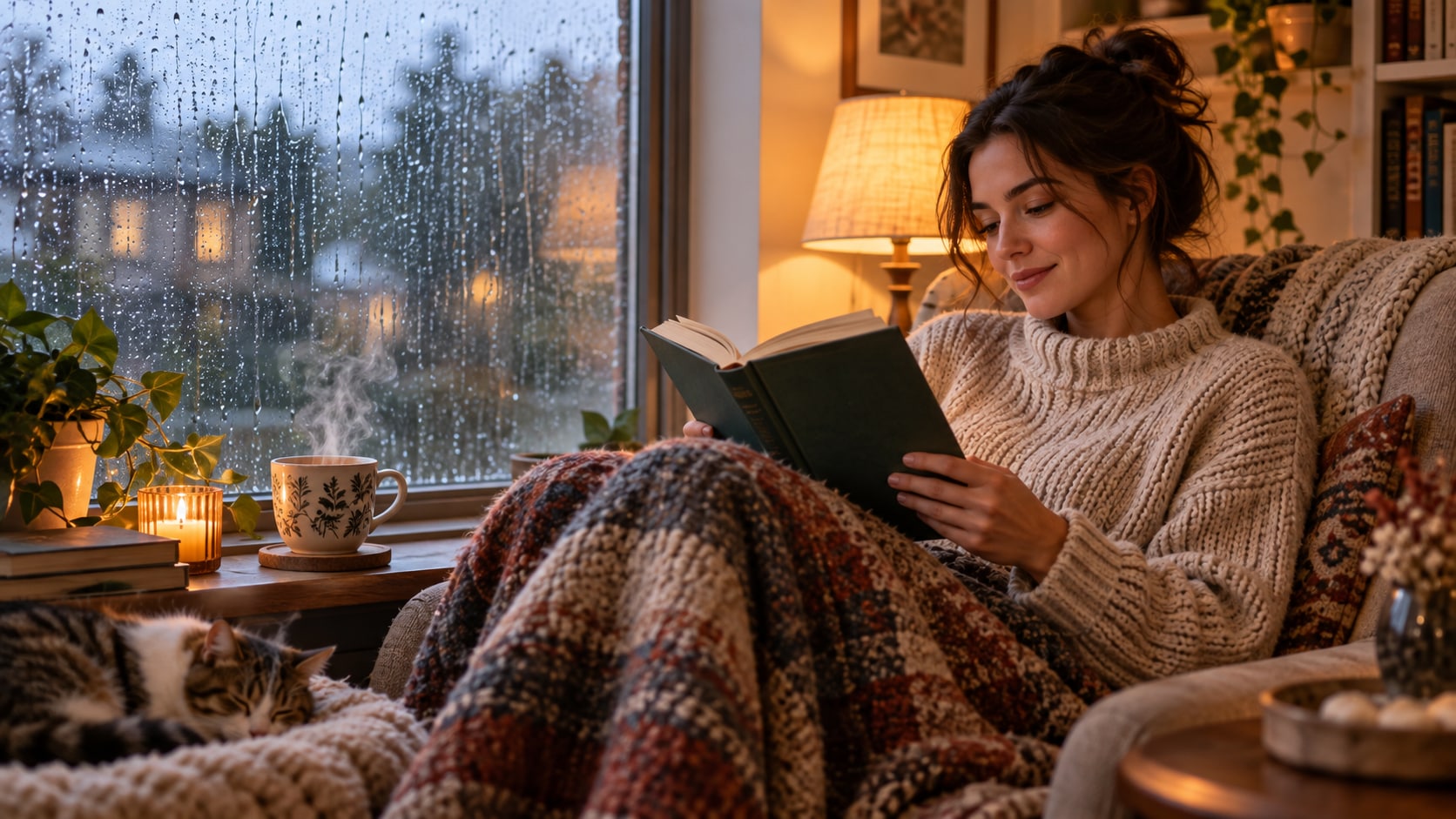
Generate Monsoon Cozy Portraits With Filmora
Start with a precise monsoon indoor cozy prompt, then use Filmora's AI image generator to turn reading by windows, chai and pakoras, candles, sweaters, pets, fireplaces, and warm rainy-day portraits into clean, edit-ready still images. Use it for reading portraits, chai tables, indoor family moments, pet scenes, cozy reels, and rainy-day moodboards.
- Prompt to Image - Turn a detailed scene idea into a polished still with controlled subject placement and atmosphere.
- Word-Free Canvas - Keep generated visuals free of readable text so captions and branding remain easy to edit later.
- Fast Variations - Compare poses, weather density, light direction, and crops before selecting a final asset.
Use GPT Image 2 for Rain and Texture Detail
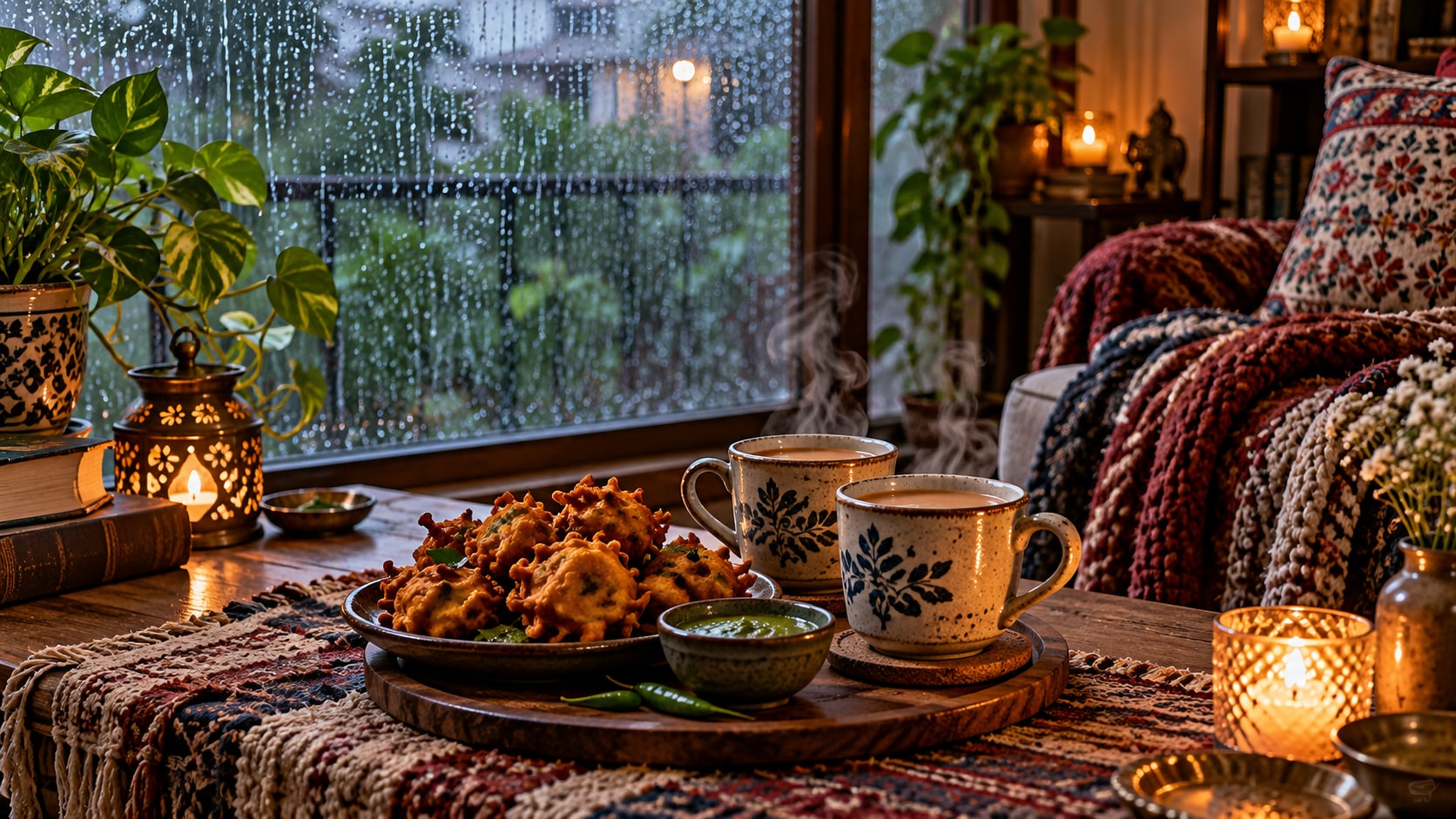
Use GPT Image 2 for Rain and Texture Detail
When the scene needs believable water, fabric, skin, reflections, or background detail, Filmora's GPT Image 2 helps follow a structured prompt. This helps control warm-cool light balance, steam, fabric texture, window droplets, tabletop arrangement, and uncluttered interior framing.
- Prompt Following - Describe weather, props, pose, camera angle, and negative space with greater control.
- Texture Control - Refine droplets, wet surfaces, hair, clothing, glass, pavement, and natural color balance.
- Edit-Ready Results - Keep the focal subject readable before adding titles, effects, music, or motion in Filmora.
Try Nano Banana for Alternate Moods
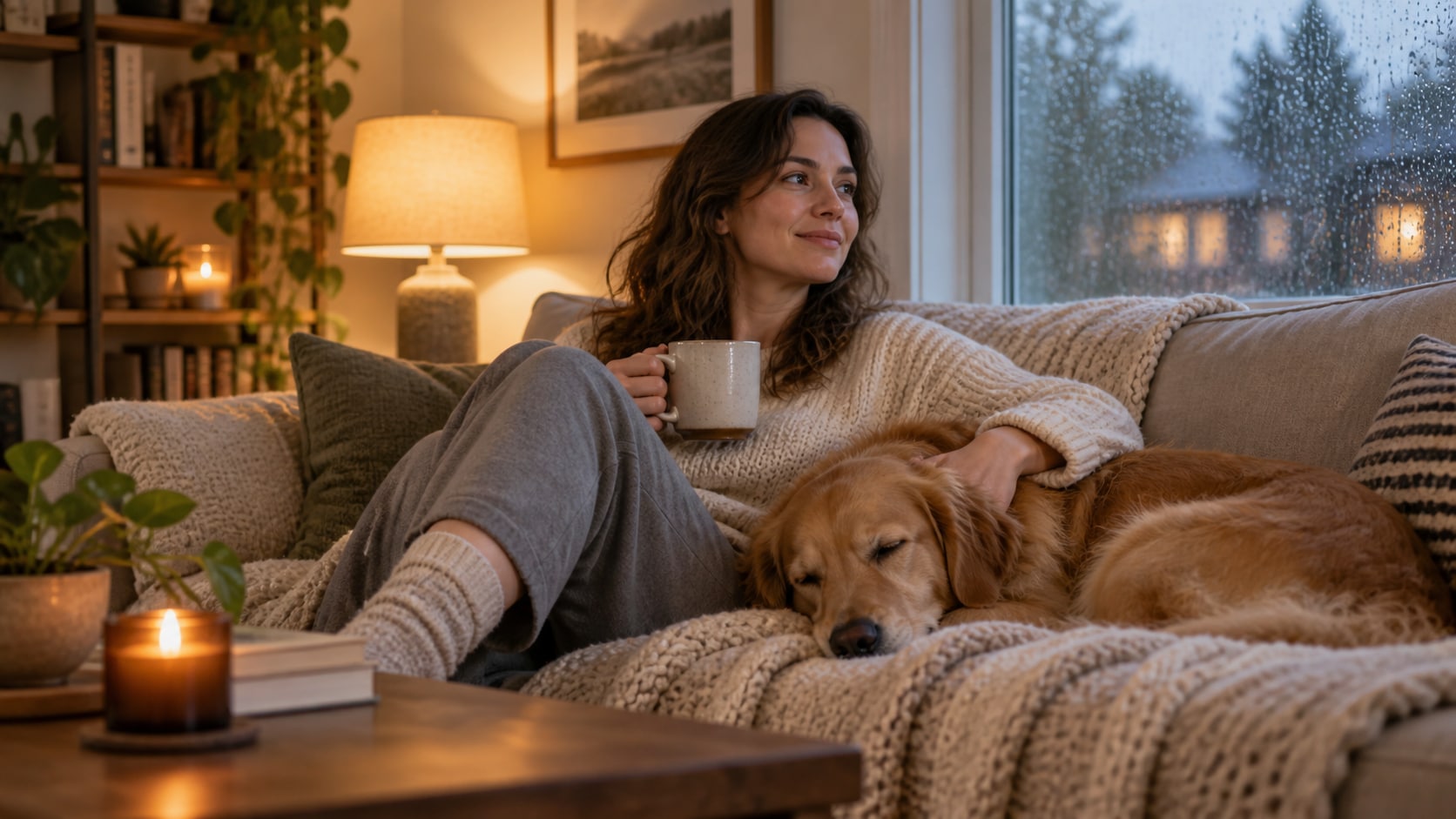
Try Nano Banana for Alternate Moods
Use Filmora's Nano Banana when one prompt needs a different palette, framing, subject arrangement, or social treatment. Try hygge neutrals, colorful chai styling, candlelit noir, book-lover warmth, or soft fireplace variants.
- Mood Range - Explore soft gray skies, saturated umbrellas, neon reflections, warm interiors, or cinematic dusk.
- Variant Testing - Generate multiple directions before locking a page image, reel cover, or campaign frame.
- Creative Flow - Move from prompt to refined visual in one Filmora workflow.
Animate Monsoon Stills Into Video
Animate Monsoon Stills Into Video
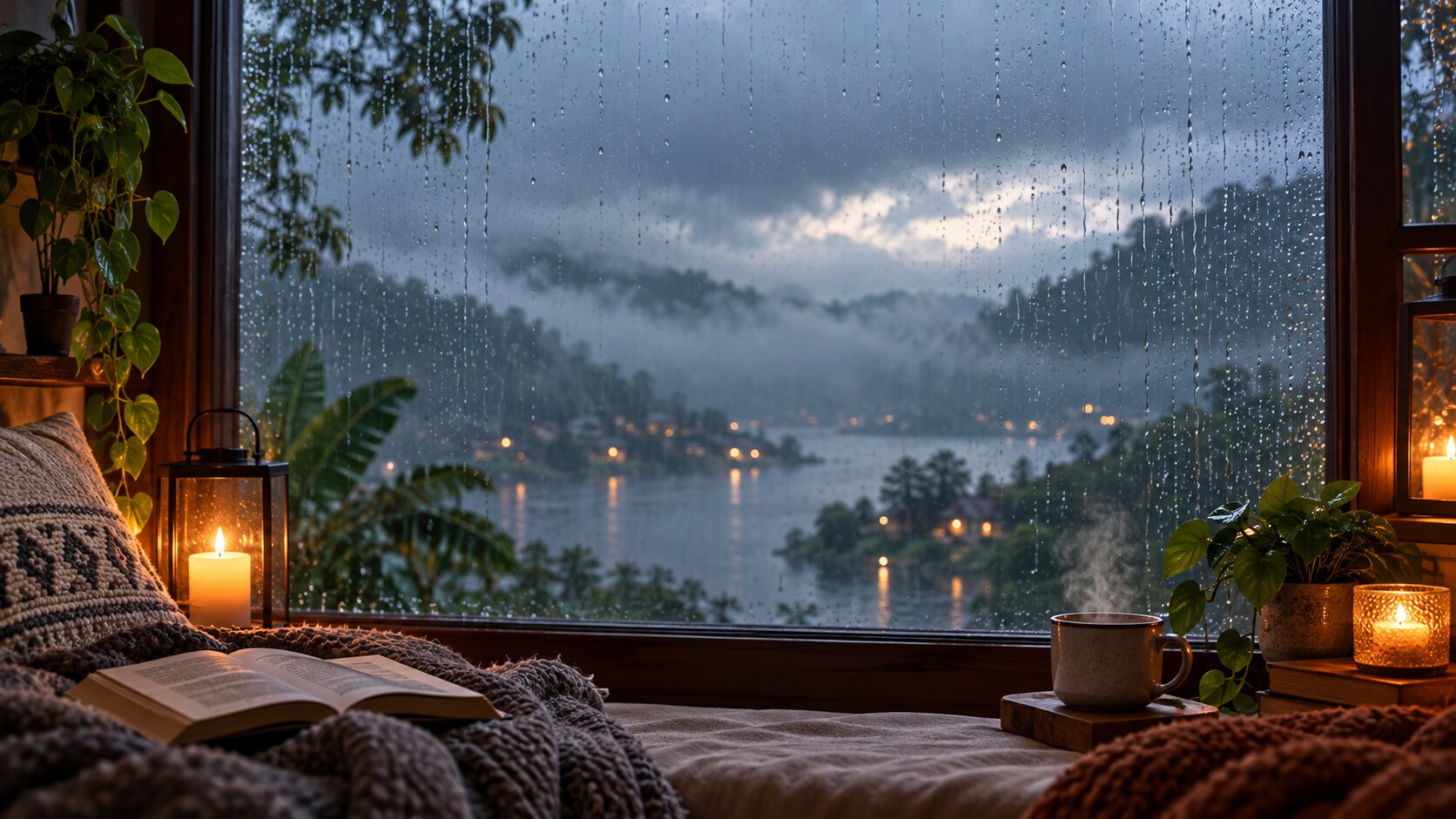
After generating the still, use Filmora's AI Image to Video workflow to add camera movement, rain ambience, overlays, sound, and social-ready exports. Animate steam, candle flicker, rain on glass, page turns, slow zooms, ambient audio, and vertical cozy reels.
- Motion Ideas - Add falling rain, rippling puddles, passing lights, umbrella movement, steam, or a gentle camera push.
- Social Formats - Crop one generated still into 16:9, 9:16, and 1:1 versions for different channels.
- Final Export - Finish with readable titles, music, effects, transitions, and platform-ready output.
Frequently Asked Questions About Monsoon Indoor Cozy Prompts
How to Generate Monsoon Indoor Cozy Portraits
Choose a monsoon indoor cozy setup, define the weather and composition, generate the still, then personalize or animate it in Filmora.
Step 1 Choose a Monsoon Indoor Cozy Prompt

Step 2 Set Style, Model, and Ratio

Step 3 Generate, Personalize, and Export

-
1: Choose a Monsoon Indoor Cozy Prompt
Pick a monsoon indoor cozy scene for reading by windows, chai and pakoras, candles, sweaters, pets, fireplaces, and warm rainy-day portraits. -
2: Set Style, Model, and Ratio
Paste the prompt into Filmora's AI Image tool, choose GPT Image 2 or Nano Banana, select a ratio, and refine light, texture, and framing. -
3: Generate, Personalize, and Export
Generate the still, adjust crop and color, add motion or overlays if needed, then export it for posts, reels, covers, or campaign edits.
Monsoon Indoor Cozy Prompts for Rainy-Day Comfort
Use Monsoon Indoor Cozy Portraits Prompts to create reading by windows, chai and pakoras, candles, sweaters, pets, fireplaces, and warm rainy-day portraits and motion-ready visuals for Filmora editing.