Explore Popular Raindance AI Video Prompts
Discover a variety of prompts designed to help you master how to make the raindance ai trend video. From dynamic video transitions to energetic beats, find everything you need to craft your masterpiece.
Loading more raindance ai video prompts...
 Category:
 Duration:
 Aspect Ratio:
Create Raindance AI Videos From Text With Filmora
Bring your raindance AI video idea to life with Filmora's AI Text to Video. Generate a dance clip from a descriptive prompt, or use AI Idea to Video on desktop to build a story across multiple scenes. Filmora combines AI video generation with timeline editing, music, and effects so you can create and refine your video in one workspace.
Create Dance Clips With AI Text to Video
Create Dance Clips With AI Text to Video
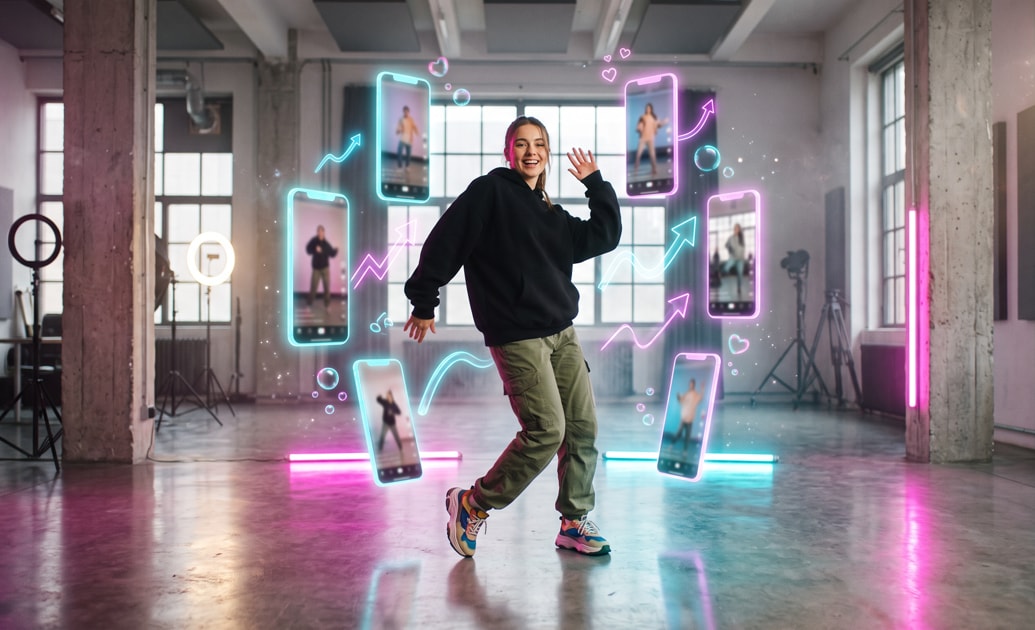
Start with a descriptive video prompt. Filmora's AI Text to Video turns your raindance concept into a moving video clip that you can preview and edit.
- Describe the dancer, choreography, rainy environment, and camera movement to guide video generation.
- Choose an available video generation model and experiment with realistic, cinematic, or stylized dance scenes.
- Add your generated clip to the Filmora timeline to refine its pacing, music, and visual effects.
Build a Story With AI Idea to Video
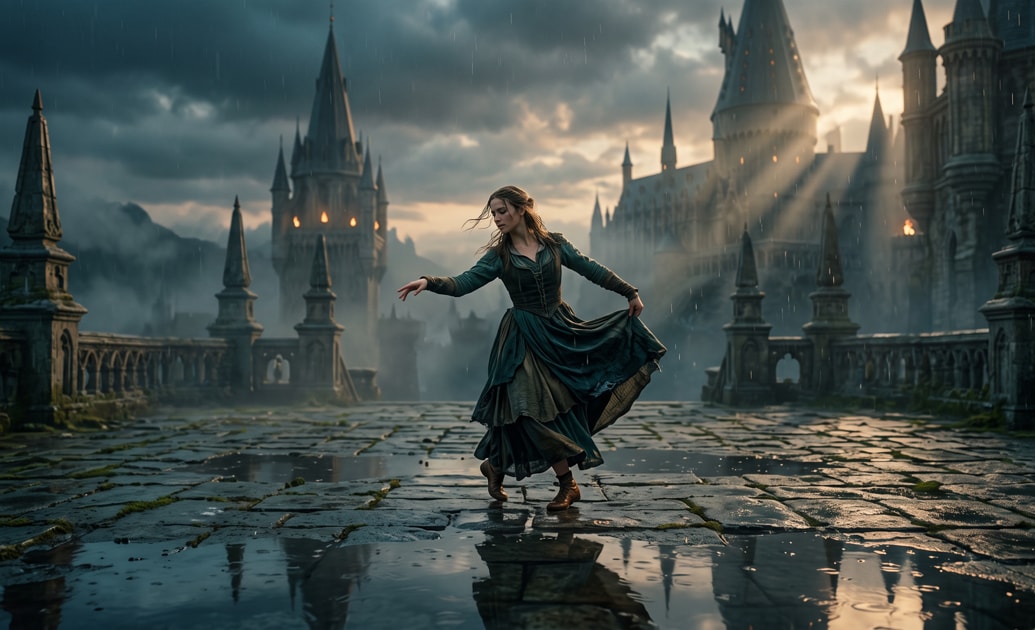
Build a Story With AI Idea to Video
Want more than a single dance clip? Use Filmora's AI Idea to Video on desktop to expand a short raindance concept into a script and storyboard, then generate scenes for a story-driven video.
- Enter your story idea and review the AI-generated script and storyboard before creating video scenes.
- Customize characters and scene descriptions to develop your rainy dance setting and narrative.
- Regenerate individual clips and refine the sequence on the timeline without starting the whole project again.
Enhance Audio and Visual Synergy
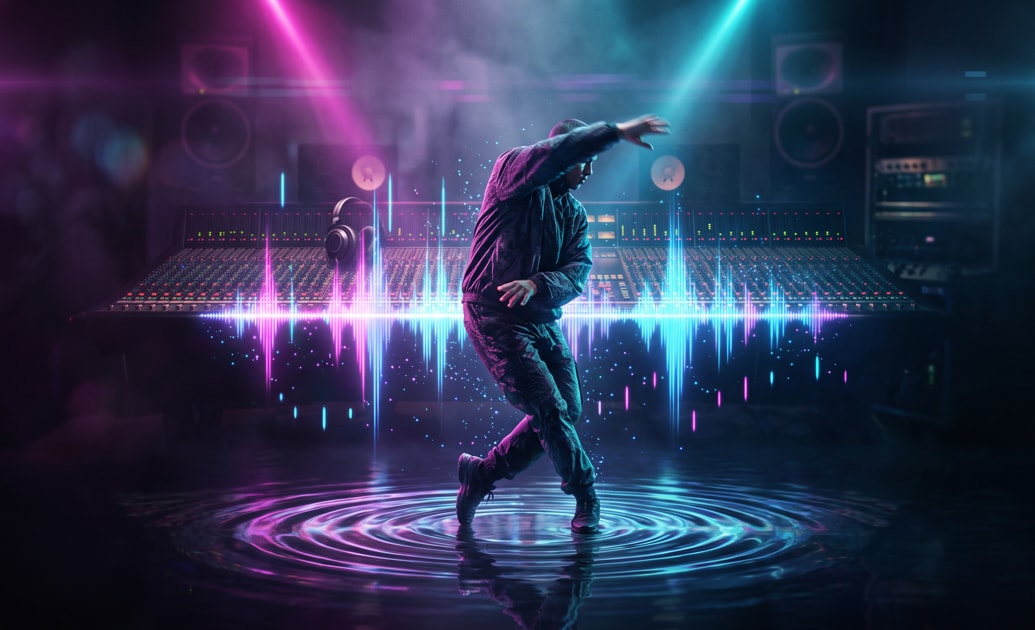
Enhance Audio and Visual Synergy
Give your generated raindance AI video a rhythmic finish with Filmora's audio and timeline tools. Preview the on-screen action alongside your chosen track, then adjust clip timing and cuts to match key beats.
- Trim and arrange generated clips so key dance moments line up with your music's beat drops.
- Incorporate automated audio ducking to ensure your music and sound effects blend harmoniously.
- Utilize the integrated AI music generator to produce royalty-free beats that complement your generated visuals.
Unlock Creative Possibilities
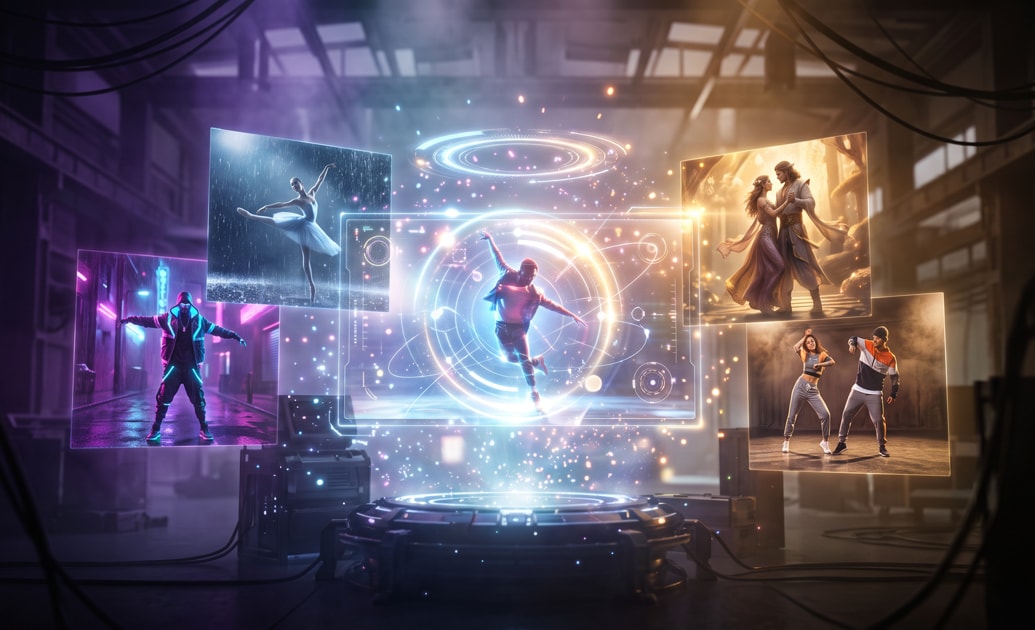
Unlock Creative Possibilities
Learning how to make the raindance ai trend video opens the door to infinite variations. You can completely customize the characters, backgrounds, and overall aesthetic by simply tweaking your descriptive text prompts.
- Generate video scenes featuring anything from cyberpunk dancers to classical ballet performers in a rainy setting.
- Apply stunning video filters to give your final output a cinematic and polished look.
- Export your finished masterpiece in high resolution optimized for all major social media platforms.
Frequently Asked Questions About Raindance AI Videos
How to Create a Raindance AI Video With Prompts
Create a dance clip with AI Text to Video, or develop a multi-scene story with AI Idea to Video on desktop. Then use Filmora's editing tools to refine your raindance video and prepare it for sharing.
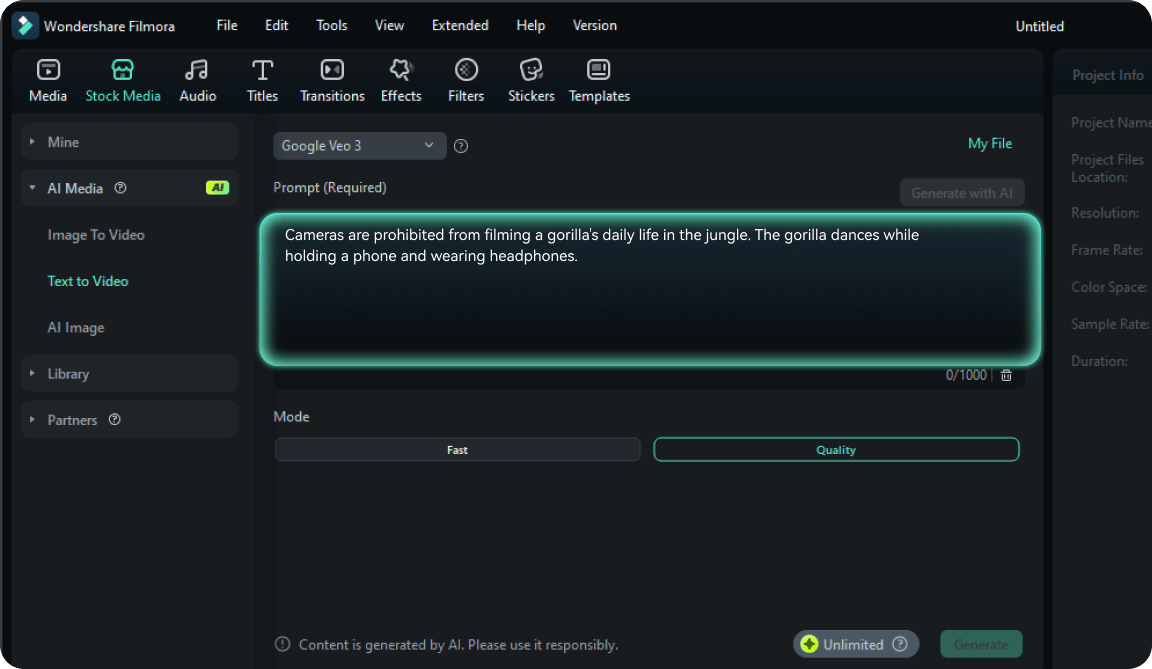
Step 1 Write Your Raindance AI Video Prompt
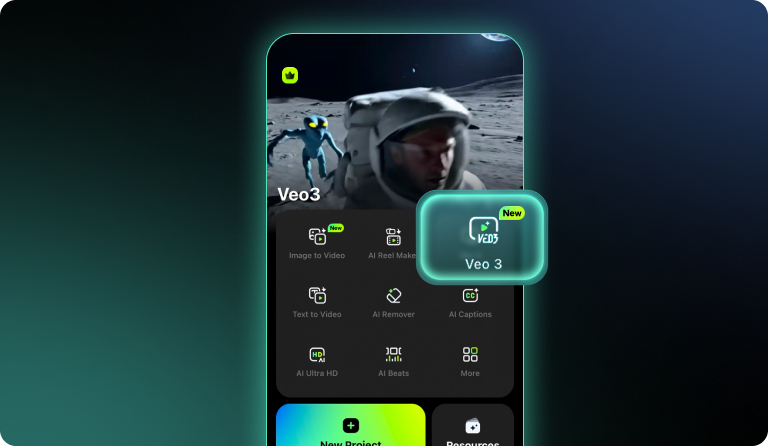
Step 2 Generate and Review Your Video
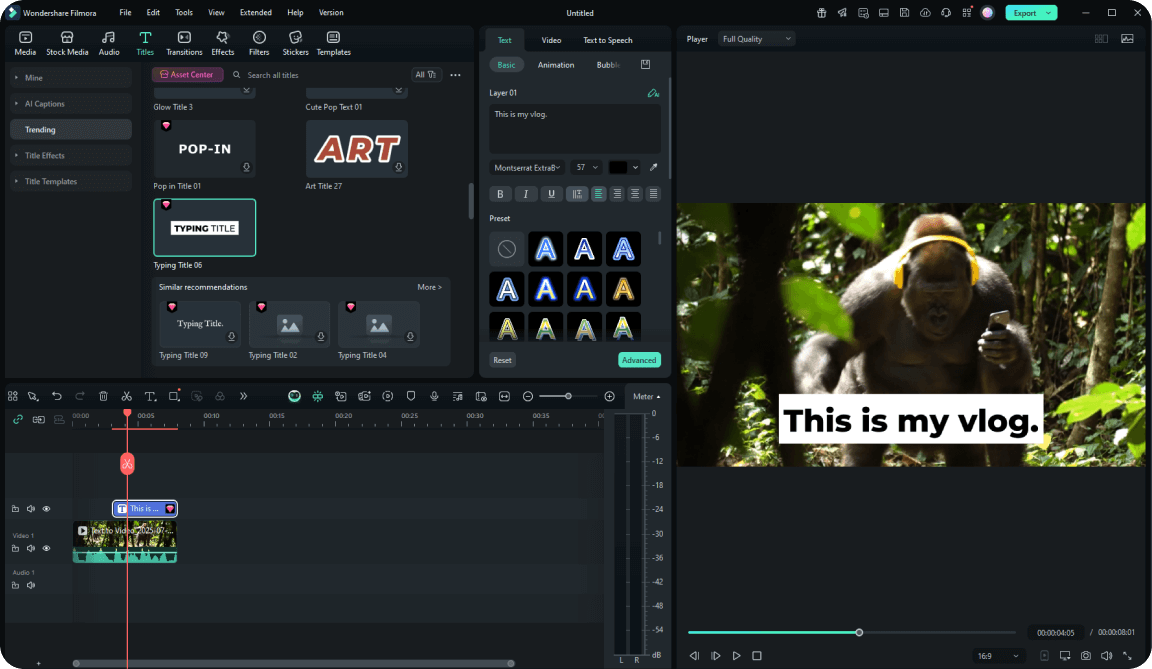
Step 3 Edit and Export Your Viral Clip
-
1: Write Your Raindance AI Video Prompt
Open Filmora's AI Text to Video tool and enter your prompt. Describe the dancer, rainy setting, lighting, dance movement, and camera motion, then choose an available video generation model. -
2: Generate and Review Your Video
Generate your video, preview the motion, and refine the prompt if needed. For a multi-scene story, use AI Idea to Video on desktop to review the script and storyboard before generating scenes. Add your chosen clips to the timeline. -
3: Edit and Export Your Viral Clip
Trim and arrange your clips on the timeline, add music you have permission to use, apply atmospheric color grading, and choose an export format and aspect ratio suited to TikTok, Instagram Reels, or YouTube Shorts.