

 100% Security Verified | No Subscription Required | No Malware


 ChatGPT
 Perplexity
 Gemini
 Claude
 Grok
Grok
There is something satisfying about hearing your phone ring and knowing that it's your sound. A custom ringtone reflects your personality and your mood, doing more than just alerting you. Whether it's a snippet of a song or even your own recorded voice, tones can make every notification feel a little more exciting. While iPhones have a good collection of alerts, this article explores how to make a text ringtone for an iPhone.
In this article
Part 1. Why Make a Custom Text Ringtone for iPhone
To stand among your friends, you must learn how to make a text tone for iPhone. Creating a personal text tone could sound absurd, but the following points will let you know why it is significant:
- Personalization: A custom text ringtone lets you express your unique style and taste. Instead of using the same tones as everyone else, you can choose something meaningful or fun.
- Easy Caller Identification: With a distinct ringtone, you can instantly recognize who's texting without looking at your phone. Assigning different tones to important contacts helps you prioritize messages.
- Stand Out in Crowds: In public places, many phones sound the same when a message arrives. A custom ringtone eliminates confusion and helps you know it's your phone.
- Boosted Productivity: By assigning specific tones for work, family, or friends, you can quickly decide if a message needs immediate attention. This helps you manage interruptions more effectively.
Part 2. How to Make a Text Tone for iPhone: Easy Steps with Apps
Now that you are intrigued by the concept of creating personalized tones, you must be wondering which tools to use. The following list will help you opt for the best tone generator and teach you how to make a custom text tone for iPhone:
1. Filmora App [iOS/Android]
The first app on our list is a platform that provides various sound-generation features. Having a diverse library of SFX, this application helps your message alerts get noticed. You can use the default library of music and use it as a message notification. In addition, users can import a music file from their device and process it on the Filmora App. If you like a resource, you can favorite it for easy navigation.
Once the SMS alert has been generated, you can export it as an MP4 and extract its audio using any third-party conversion tool. The following steps feature a guide on using this application to generate personalized message alerts:
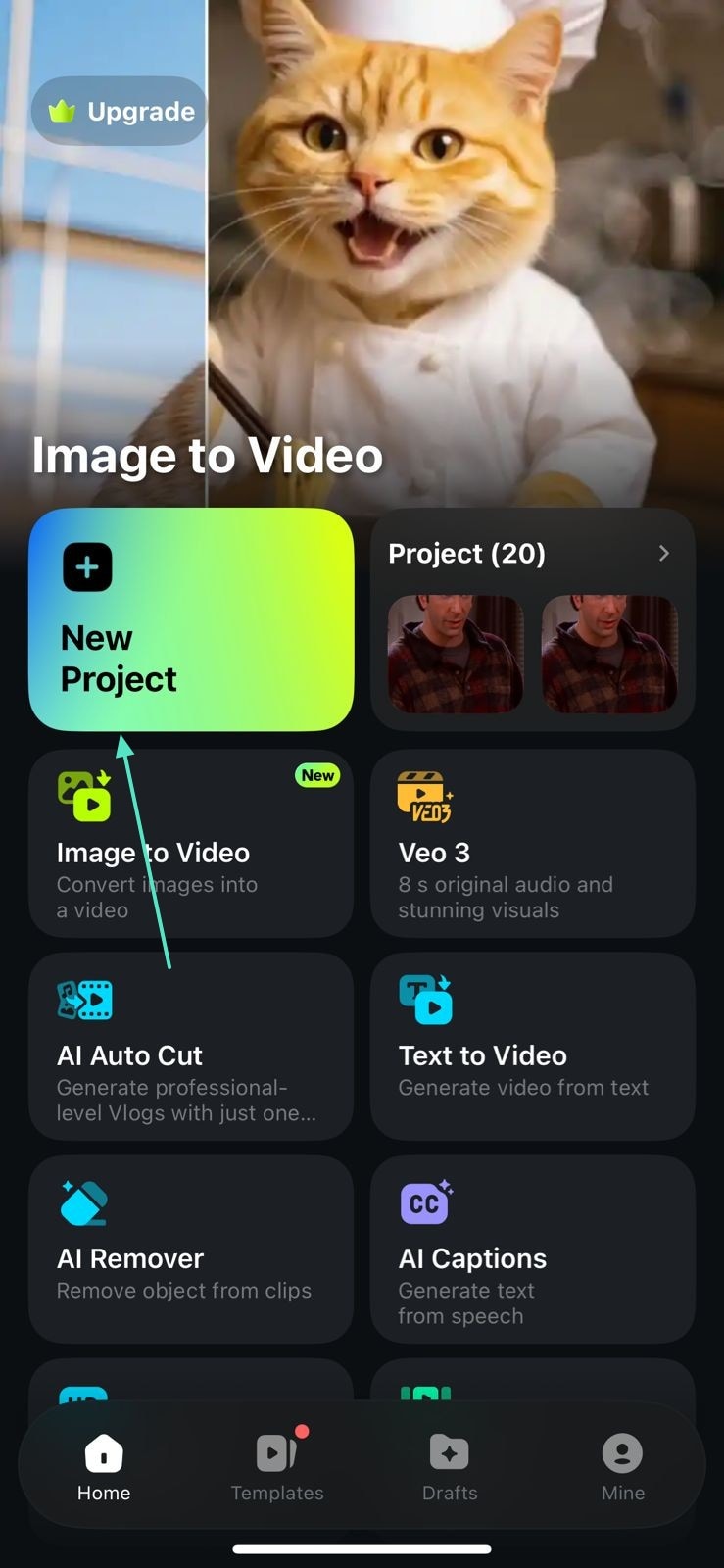
- Step 1. Initiate a New Project. To begin with, open the Filmora App on your iPhone and initiate a "New Project."
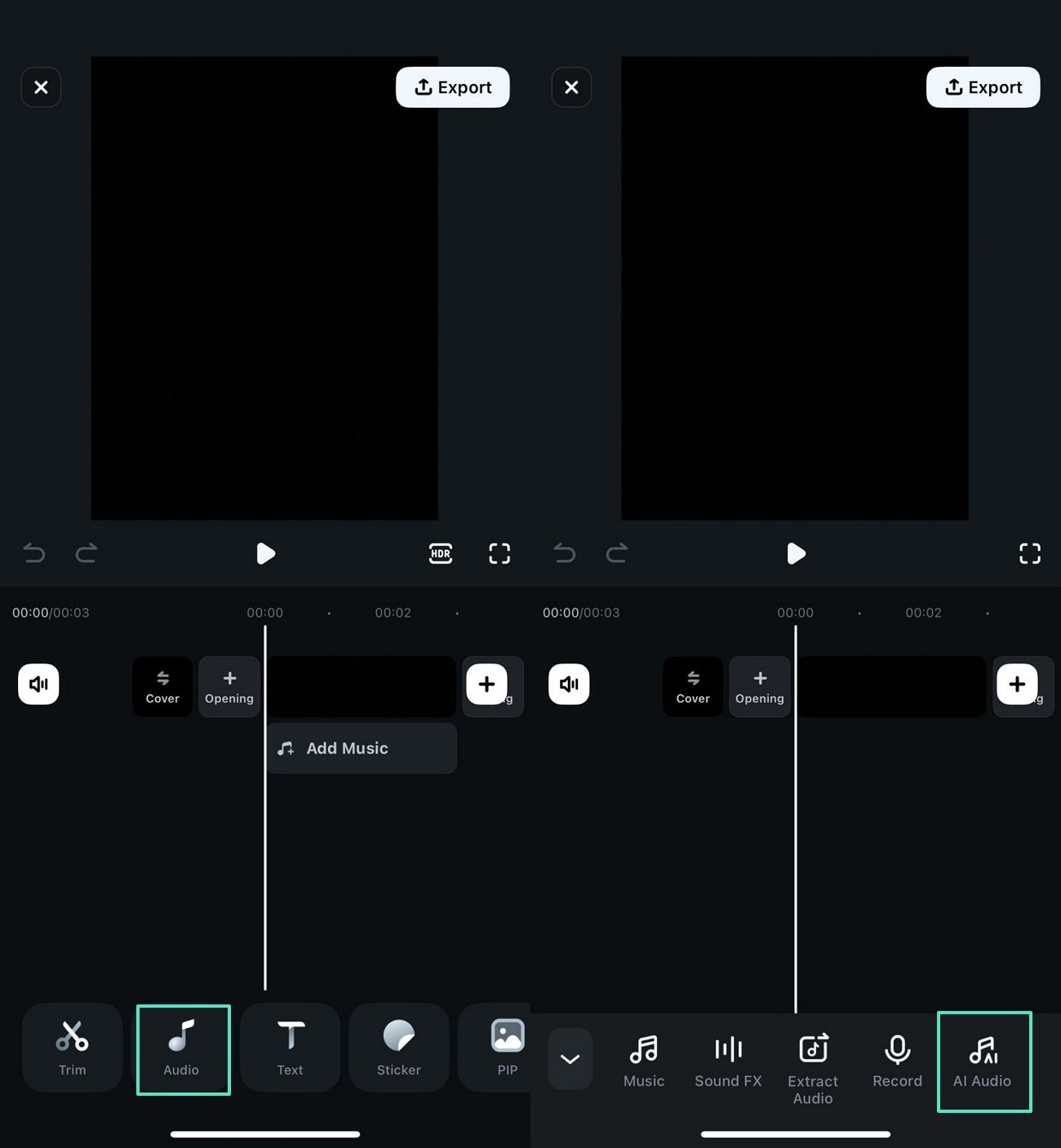
- Step 2. Unlock the Audio Features. Now, tap the "Audio" tab and select the "AI Audio" option to reach the next interface.
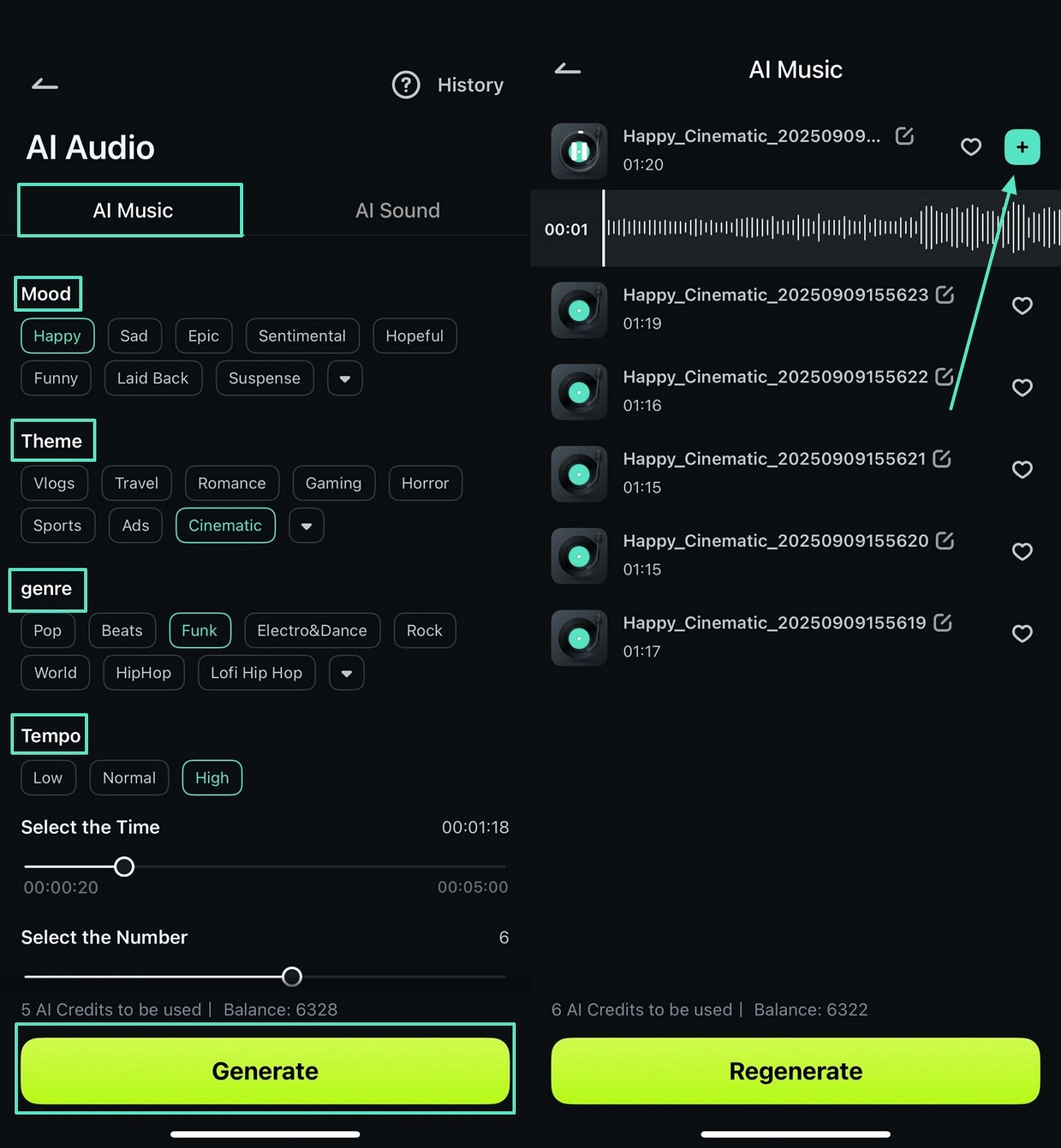
- Step 3. Generate a Customized Music Track. Under the "AI Music" section, select the "Mood," "Theme," "Genre," and "Tempo." To create music, tap "Generate" and select the desired track from the following screen. You can also generate personalized sound effects by exploring the "AI Sound" tab.
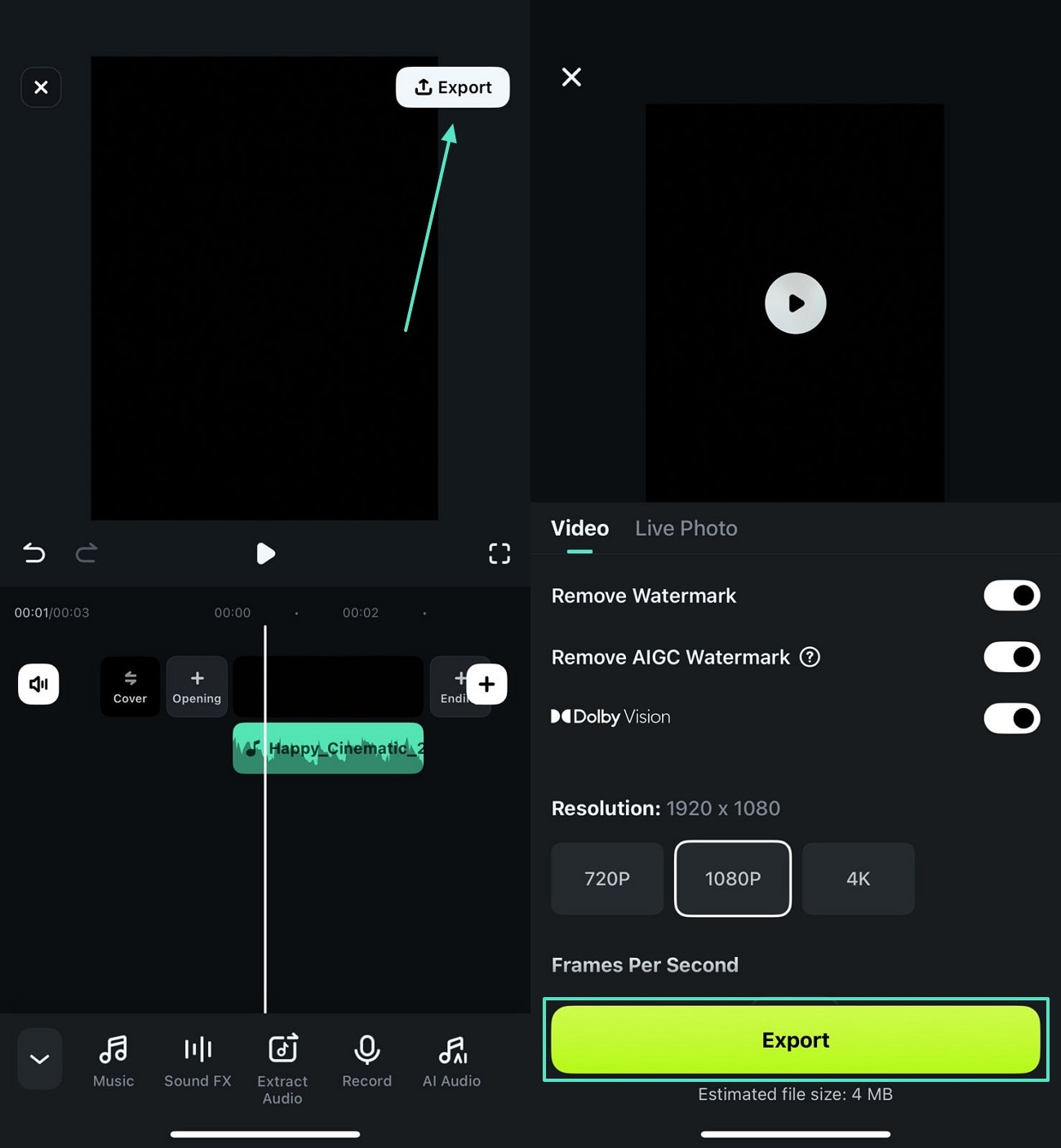
- Step 4. Export the Generated Message Alert. As the track is created, select the "Export" button at the top right to save the ringtone as a video. Using any third-party conversion tool, you can extract the audio from this file.
 secure download

Key Features
- Helps you generate AI sound effects by asking for specified needs.
- Lets you select the desired number of AI ringtones that you need to create.
- Offers over 17 categories of built-in SFX and allows you to choose the best option.
- Enables you to enter the desired mood, theme, and genre to generate the right tone.
2. GarageBand
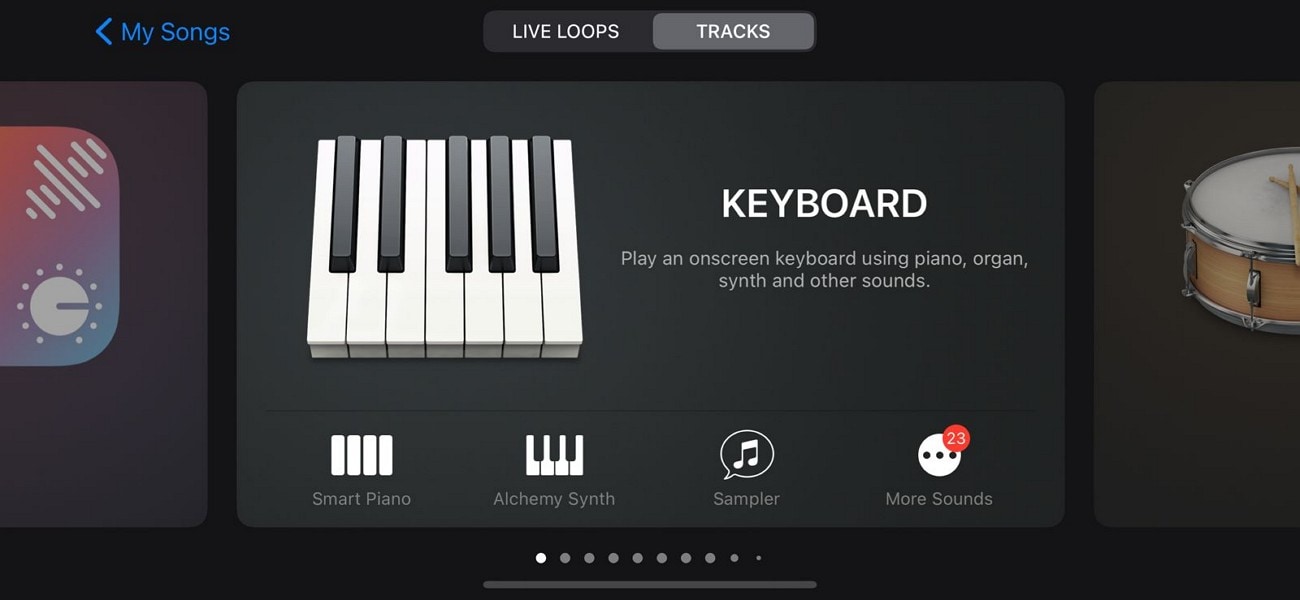
When looking for a dedicated iOS application, use GarageBand and learn how to create text tones for iPhone. If you are a music fan, this app helps you pick your favorite instrument and develop a suitable track. Users can also record their voice on this tool's microphone and use it as an alert.
3. Syncios Mobile Manager
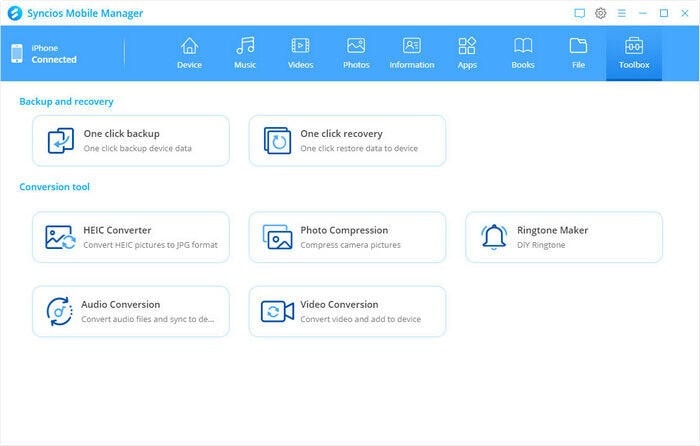
Learning how to make a ringtone a text tone on iPhone using this app, create catchy alerts for messages and phone calls. Once created, the tunes can be exported to your device, helping you easily apply them to your phone. Users can apply the fade-in and fade-out effects to polish results.
4. Ringtones Maker – The Ring App
Learn how to make a text tone for iPhone, and find assets of all genres, like funny, popular, and more. If the tone is lengthy, you can cut it precisely to as short as 0.1 seconds. The fade-in and fade-out settings allow you to polish the tune easily.
5. ToneCreator
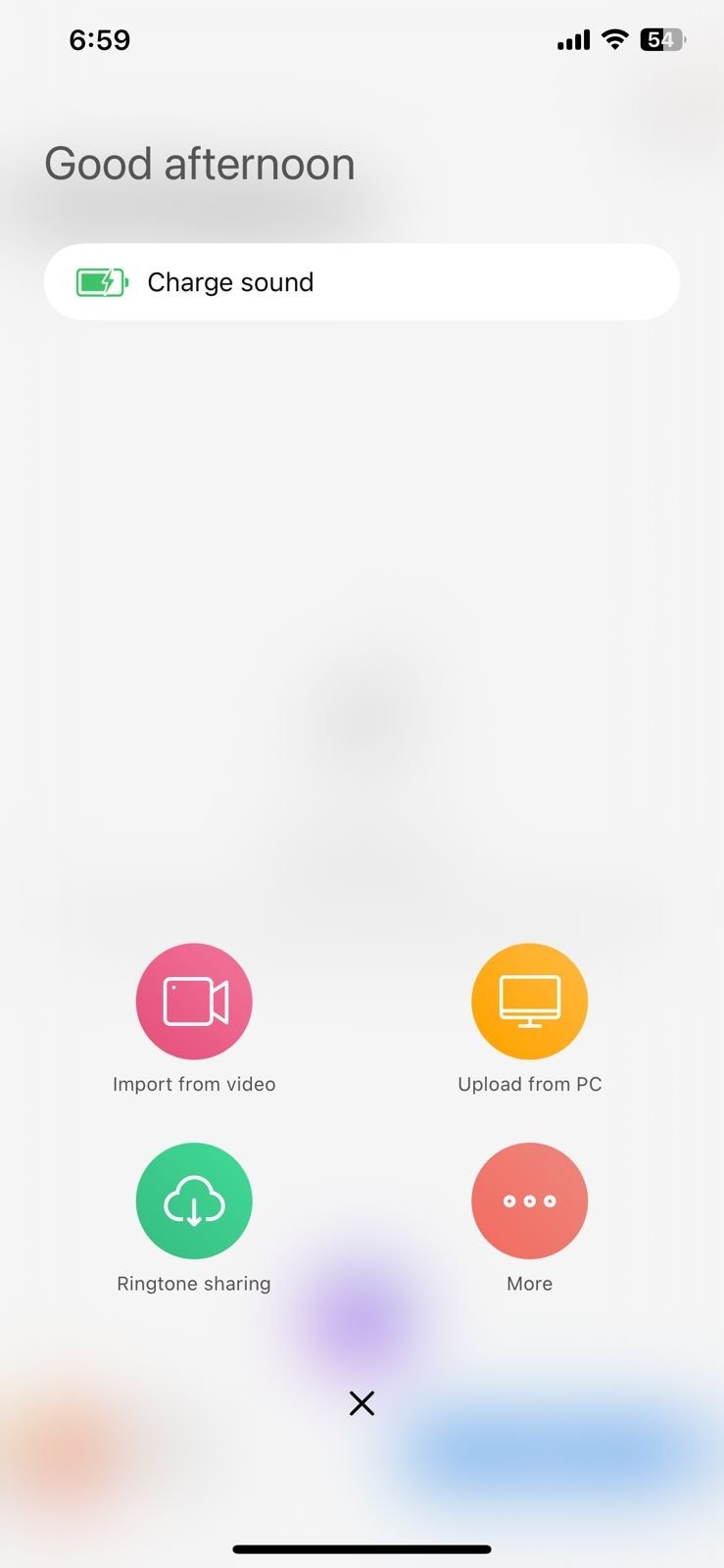
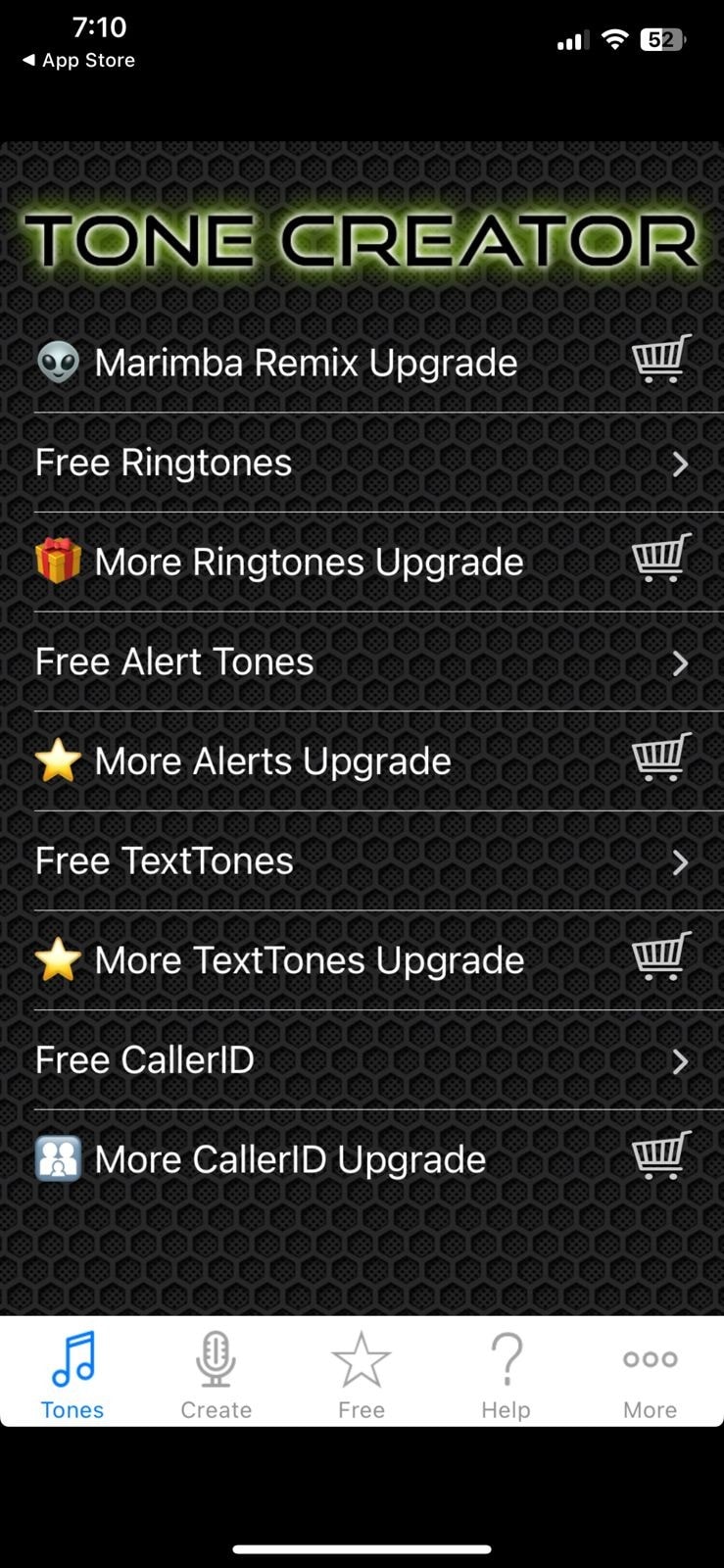
From ringtones to text alerts and email notifications, ToneCreator offers resources for every use. The built-in sounds can be used as alerts, and you can also record your voice for them.
6. New Text Tones
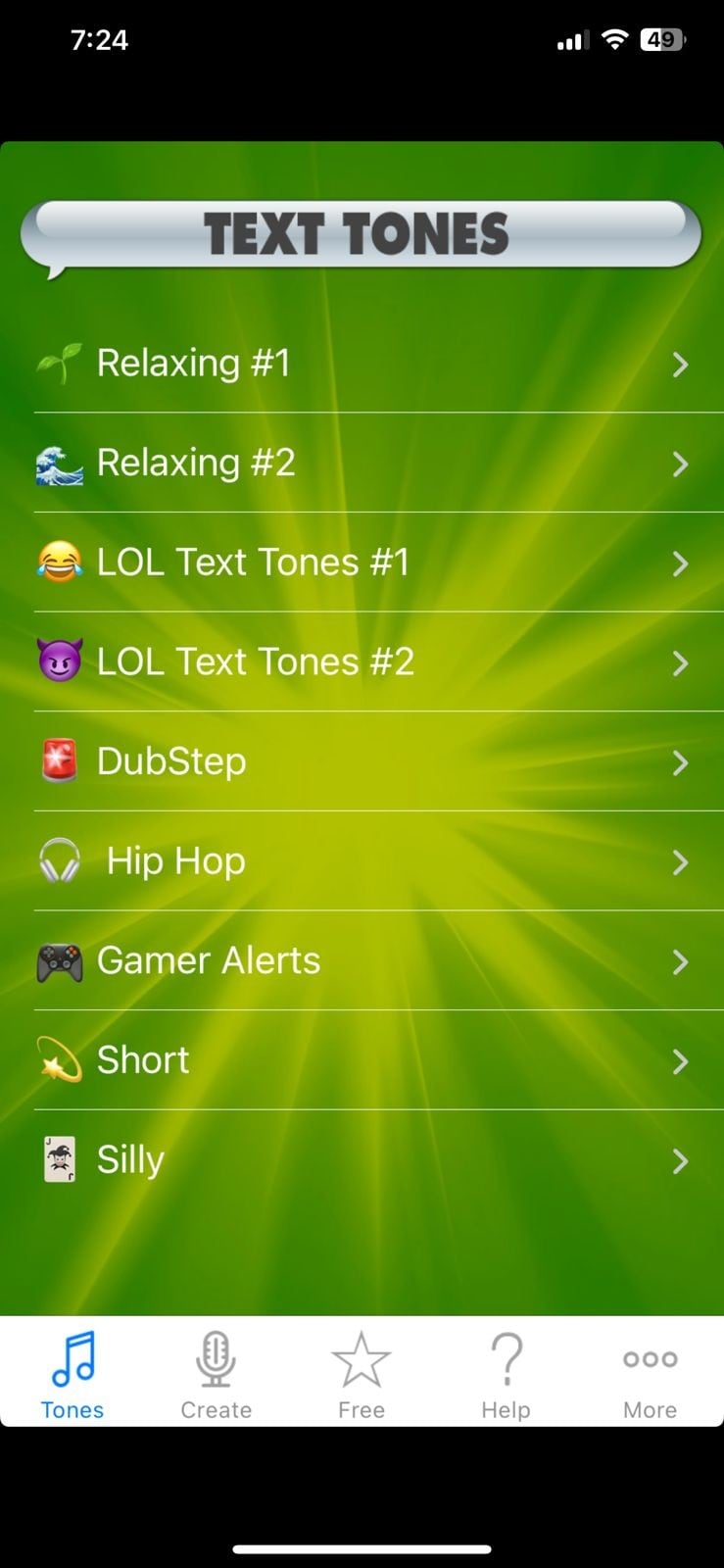
From quiet to relaxing, this application has over 15 categories of SMS tones. After exploring how to make a text tone on iPhone, record your voice and use it as a tune.
7. Ringtone Maker - Extract Audio
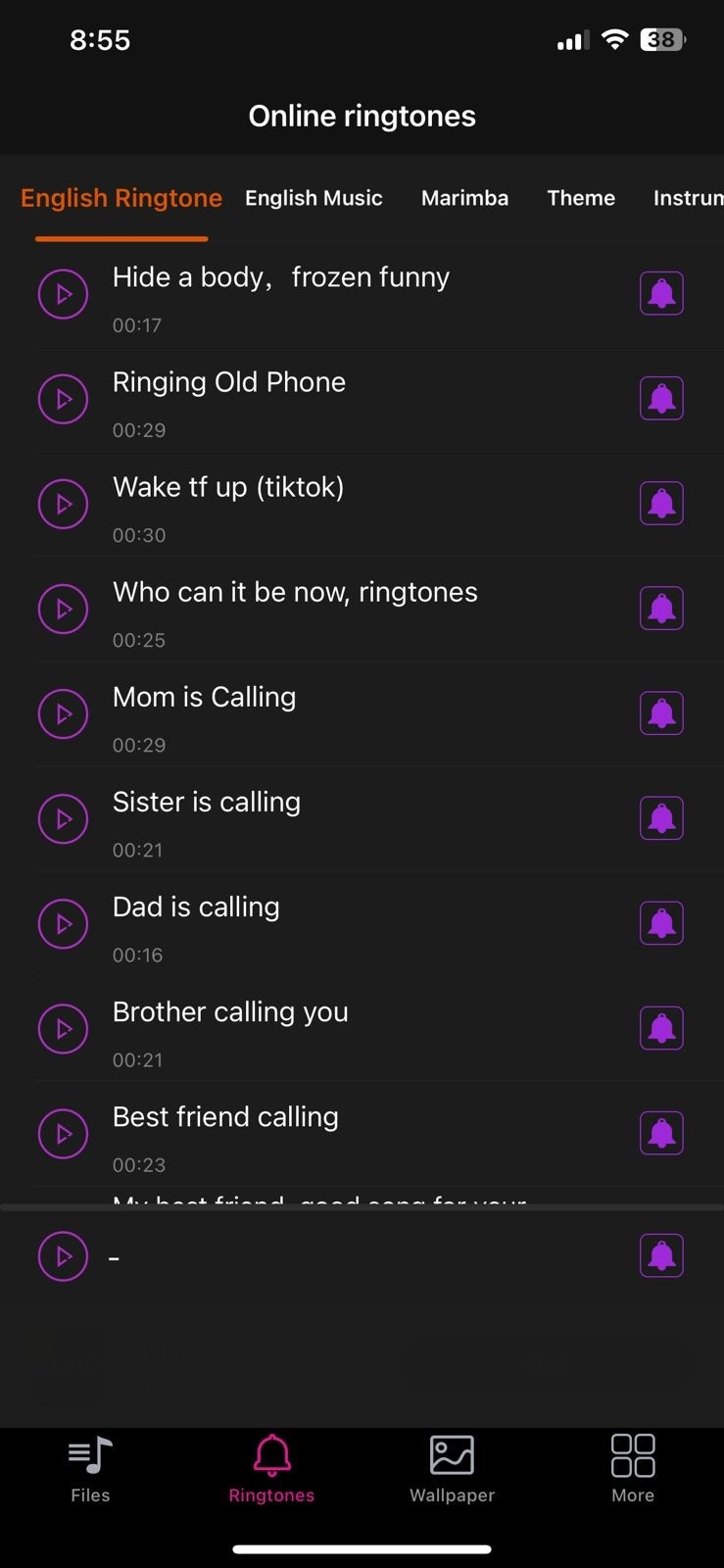
Trim audio and music files to optimize them for message alerts. After learning how to create a text tone for iPhone, import a video, and extract audio from it. You can also import your music tracks and process them to make them fit for alerts.
8. Ringtones - Music & Ring Maker
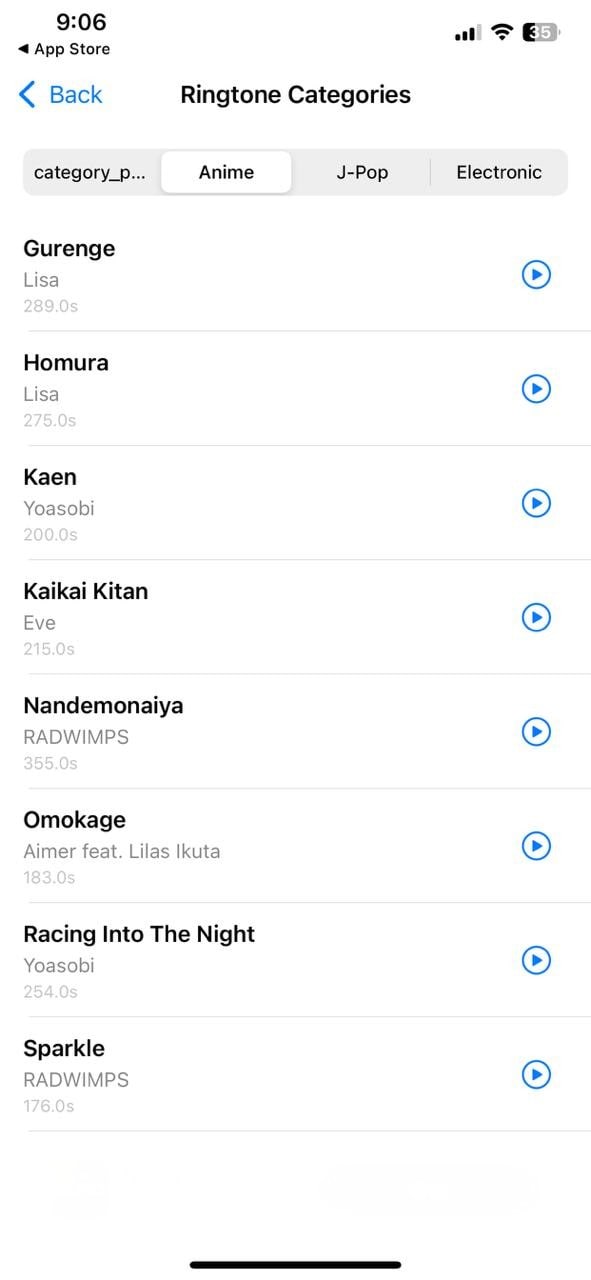
Explore how to make text ringtones for iPhone and look into the categories of SMS alerts available. You can use the Electronic section to find the most urgent message tones. In contrast, the Anime section features the calmest selection of sounds.
9. Zedge
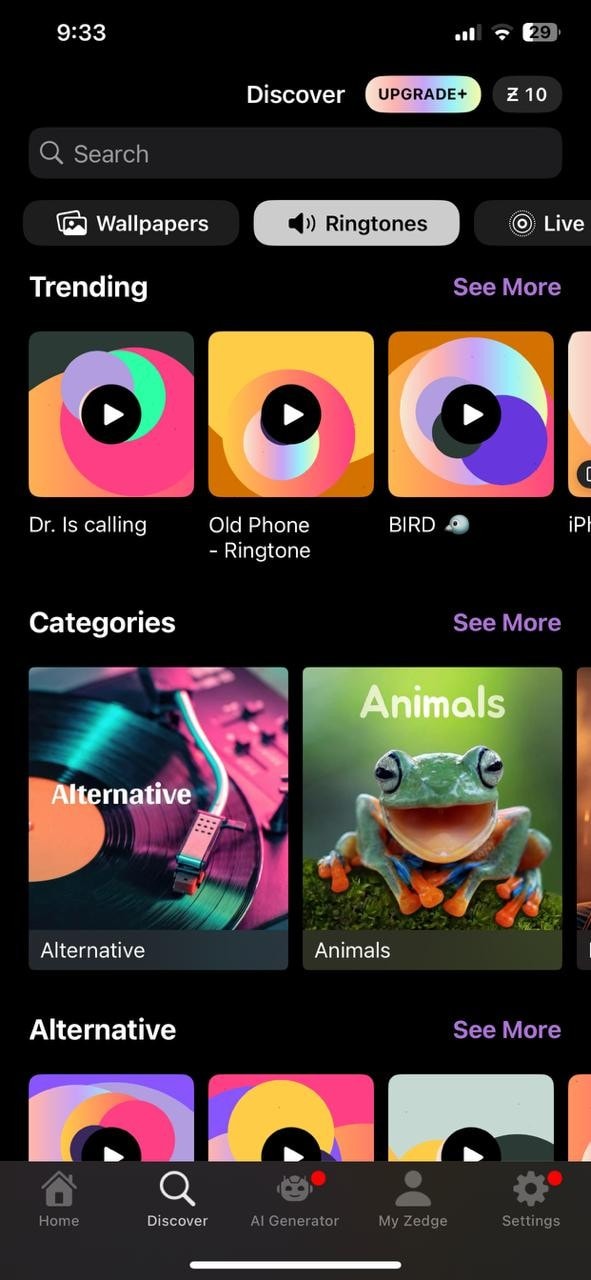
If you like a tune, download it or share it across various social media platforms. This platform features sounds created and posted by creators, nurturing them the right way. With over 10 categories of sounds, this platform provides a diversity of resources.
10. Ringtone Maker & MP3 Converter
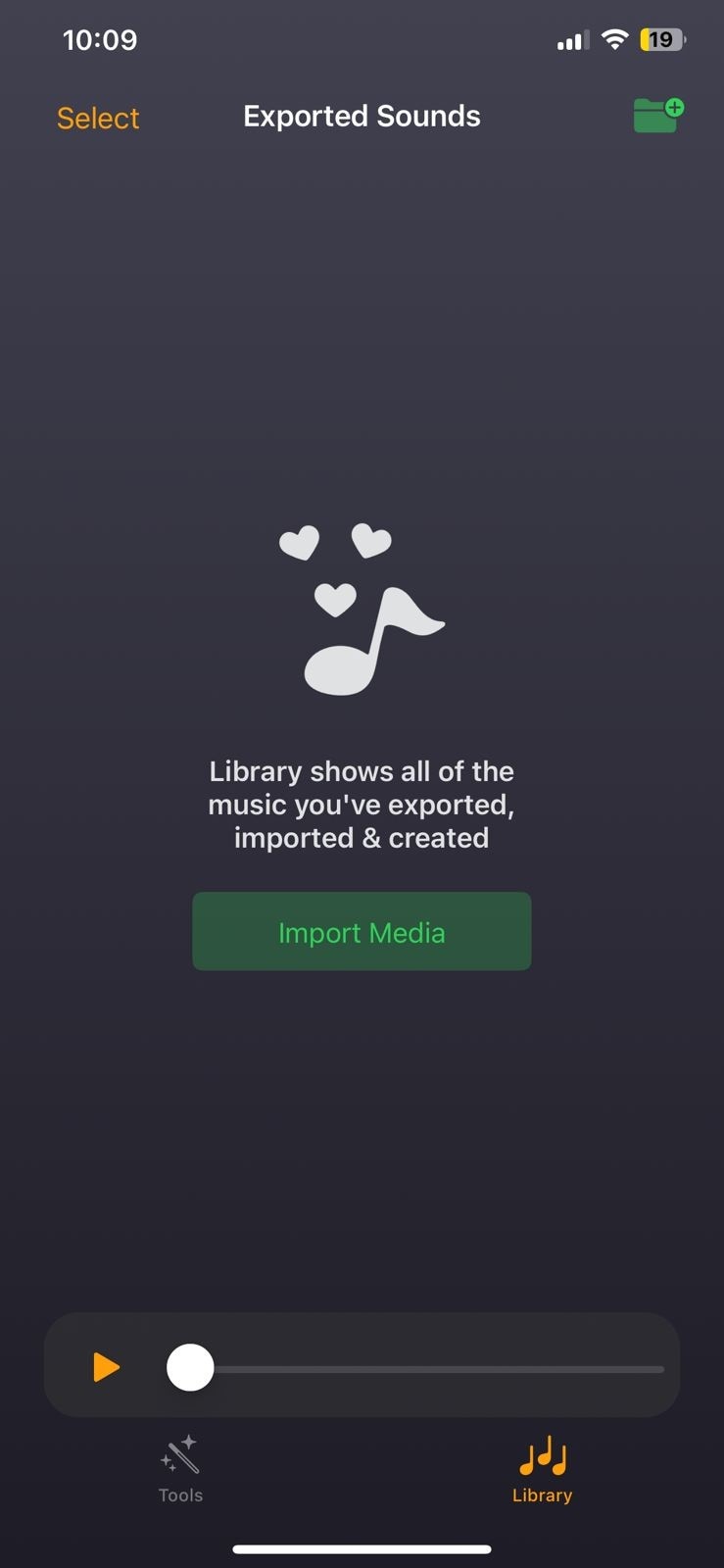
Learn how to make a voice memo a text tone, and generate text alerts from videos. Besides converting, you can also import an audio file and polish it using this app. This platform allows users to assign a unique sound for every caller and messenger.
11. Ringtone Maker & Custom Tones
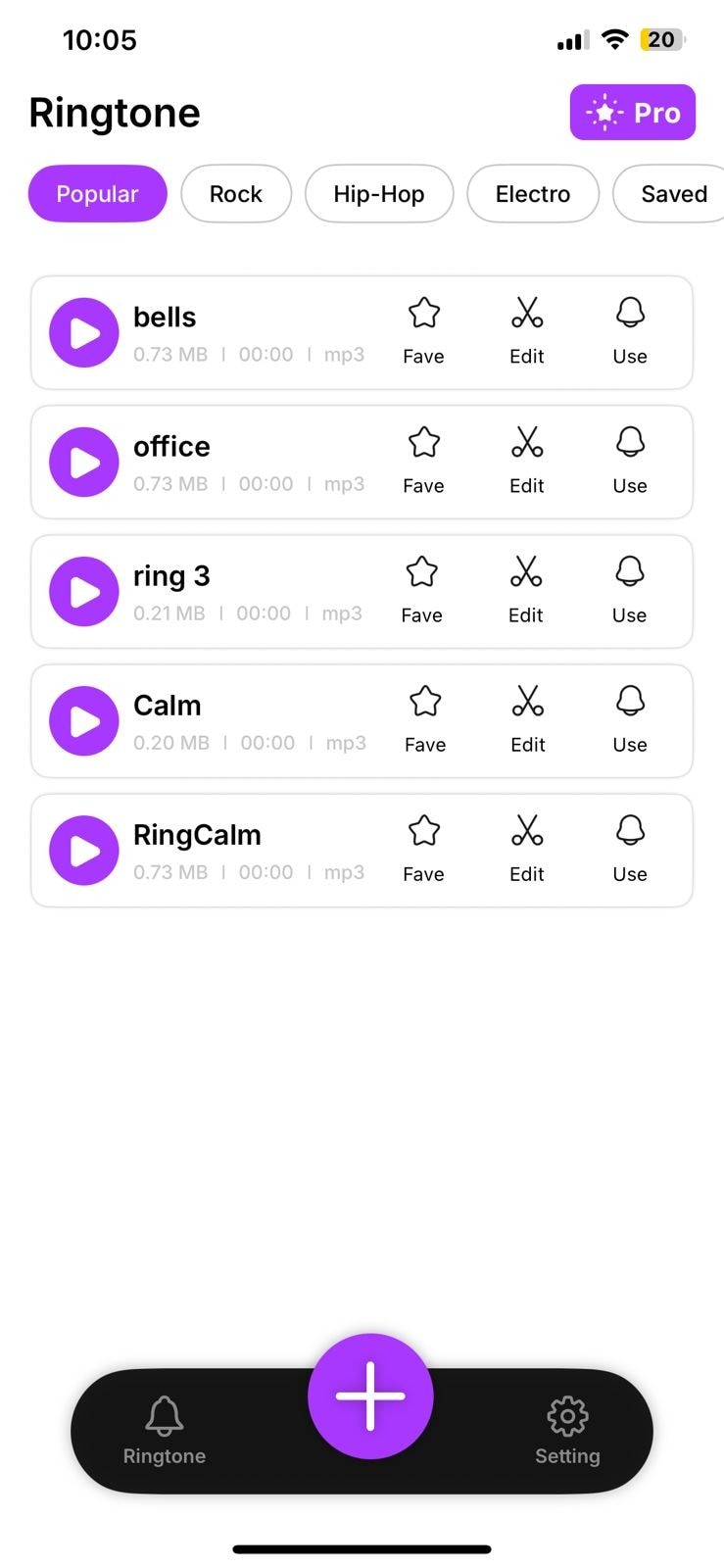
Select the start and end time of the tone and make it your SMS alert. The fade-in and fade-out effects polish your sounds, making them presentable. Users can adjust the volume of their ringtones to get the desired audio outcome.
| Apps | Audio Editing | AI-Generated Sounds | Video Export Options | Built-In Sounds Library | Video Import Options |
| The Filmora App | Present | Present | Present | Present | Present |
| GarageBand | Present | Absent | Absent | Absent | Absent |
| Syncios Mobile Manager | Absent | Absent | Absent | Absent | Absent |
| Ringtone Maker The Ring App | Present | Absent | Absent | Present | Absent |
| ToneCreator | Absent | Absent | Absent | Present | Absent |
| New Text Tones | Absent | Absent | Absent | Present | Absent |
| Ringtone Maker- Extract Audio | Present | Absent | Present | Present | Present |
| Ringtones - Music & Ring Maker | Absent | Absent | Absent | Present | Absent |
| Zedge | Absent | Absent | Absent | Present | Absent |
| Ringtone Maker & MP3 Converter | Present | Absent | Present | Present | Present |
| Ringtone Maker & Custom Tones | Present | Absent | Present | Present | Present |
secure download
Conclusion
Conclusively, the iPhone has limited compatibility with audio-downloading apps, but this article shared solutions. It answered the question of how to make a text tone for iPhone using various solutions. Among all the mobile applications discussed, the Filmora App had the best functionality. Besides providing a built-in collection of tones, it allows you to generate AI music and sound effects. It also exports your sounds as MP4 files, enhancing their shareability.
