


 TL;DR:
Wondershare Filmora provides the highest overall audio quality and post-extraction editing features for desktop users, while SnapSave and FBDown.to remain the fastest free online alternatives for instant, no-login Facebook MP3 conversions.
● Desktop programs like AceThinker Aqua Clip, HitPaw, and ByClick Downloader offer stable batch processing and automatic playlist detection on Windows and macOS, but require hard drive installation and a paid license for full feature access.
● Browser-based options such as SaveFBS, F2MP, and GetMyFB bypass software installation and function seamlessly on mobile devices, though their audio quality is strictly limited to the original video source and most display pop-up ads.
● For users needing audio refinement after extraction, Filmora features built-in AI vocal removal and noise reduction, whereas the online Kapwing Video Converter enables precise waveform editing but applies watermarks to free-tier exports.
Ask AI for a summary
 ChatGPT
 Perplexity
 Gemini
 Claude
 Grok
Grok
Looking for a safe Facebook MP3 converter in 2026? This guide reviews 12 tested tools to extract clear audio from Facebook videos, Reels, and Stories efficiently across desktop and mobile platforms.
Many people look for a Facebook MP3 converter because they want a quick way to save the audio from Facebook videos. The challenge is finding a tool that is safe and actually works.
What is a Facebook MP3 Converter?
A Facebook MP3 converter is a tool or software that extracts the audio track from a Facebook video, Reel, or Story and saves it as an MP3 file for offline listening or editing.
Some Facebook MP3 sites are packed with ads, some deliver poor audio, and others stop working on mobile. These problems make Facebook MP3 downloads feel harder than they should be.
This guide makes the process easier by listing reliable tools that can turn a Facebook video into MP3 with good speed, clean audio, and stable performance. Each Facebook MP3 converter here has been tested to ensure it is safe and dependable.
Key Takeaways:
- Wondershare Filmora offers the highest audio quality and AI-powered cleaning features.
- SnapSave and FBDown are the top free online options for quick, one-click conversions.
- Desktop software provides more security and batch processing than browser-based sites.
- Always verify copyright permissions before downloading audio from public creators.
To identify the most reliable Facebook MP3 converter tools, we evaluate each one using a clear and practical checklist. This ensures every tool is judged fairly based on real performance. Here’s our criteria:
- Conversion speed: We see how fast the tool can turn a Facebook video into an MP3 without freezing or failing.
- Audio clarity: We listen to the final MP3 and check if the sound is clean, clear, and close to the original video.
- Safety level: We look for suspicious ads, fake buttons, or redirects that could make the download unsafe.
- Download limits: We note any restrictions like file size caps, daily limits, or limited audio quality.
- Platform support: We make sure the tool works smoothly on browsers, desktop, and mobile.
- Extra features: We check if the tool offers helpful additions such as trimming, noise reduction, batch conversion, or quick editing options.
Our Top 3 Picks



Facebook MP3 Converter Comparison Chart
The tools we’re about to cover come with different strengths, so you can check this quick chart first before diving into each option in detail.
|
Tools |
Best For |
Price |
Key Features |
Platforms |
Strength |
|
Wondershare Filmora |
High-quality audio extraction and editing |
Free trial, paid plan |
Audio trimming, noise reduction, MP3 export, full video editor |
Windows, macOS |
Best overall quality and features |
|
SnapSave |
Fast online FB video to MP3 conversion |
Free |
Quick conversion, HD support |
Online |
Fastest conversion speed |
|
FBDown.to |
Direct Facebook link to MP3 |
Free |
Simple link-paste, MP3 output |
Online, Android |
Clear and focused Facebook-to-MP3 |
|
SaveFBS |
MP3 for FB videos, Stories, Reels |
Free |
MP3 and MP4 output, works with Reels |
Online |
Reliable for all Facebook formats |
|
GetMyFB |
Easy one-click conversions |
Free |
Unlimited downloads, multiple quality options |
Online |
Beginner-friendly interface |
|
F2MP |
Lightweight Facebook to MP3 convert tool |
Free |
Fast processing, no login needed |
Online |
Quick and minimal design |
|
KeepVid Facebook Converter |
Multi-platform video downloading |
Free, paid version |
Supports many sites, MP3 or MP4 export |
Online |
Works with multiple platforms |
|
AquaApp |
Modern, fast Facebook to MP3 |
Free |
Multiple audio qualities, mobile-ready |
Online |
Clean UI, fast conversion |
|
AceThinker Aqua Clip |
Batch download and conversion |
Free trial, paid plan |
Bulk downloads, MP3 extraction, HD support |
Windows, macOS |
Great for heavy users |
|
HitPaw Video Converter |
High-quality MP3 output |
Free trial, paid plan |
Lossless extraction, editing tools, fast GPU acceleration |
Windows, macOS |
Very good audio clarity |
|
ByClick Downloader |
Bulk Facebook downloads |
Paid |
Auto detect links, batch MP3 conversions |
Windows |
Fast batch processing |
|
Kapwing Video Converter |
Quick online audio editing |
Free trial, paid plan |
Trim, volume control, MP3 export |
Online |
Editing-friendly online tool |
|
Show More
Show Less
|
|||||
Part 1. Top 12 Facebook MP3 Converter Tools
Up next, this section reviews the best tools for turning a Facebook video into MP3 based on real tests. Each tool is evaluated for speed, audio quality, safety, and overall user experience. The list includes simple online converters for quick Facebook MP3 downloads and advanced software for users who need cleaner audio and editing options.
1. Wondershare Filmora
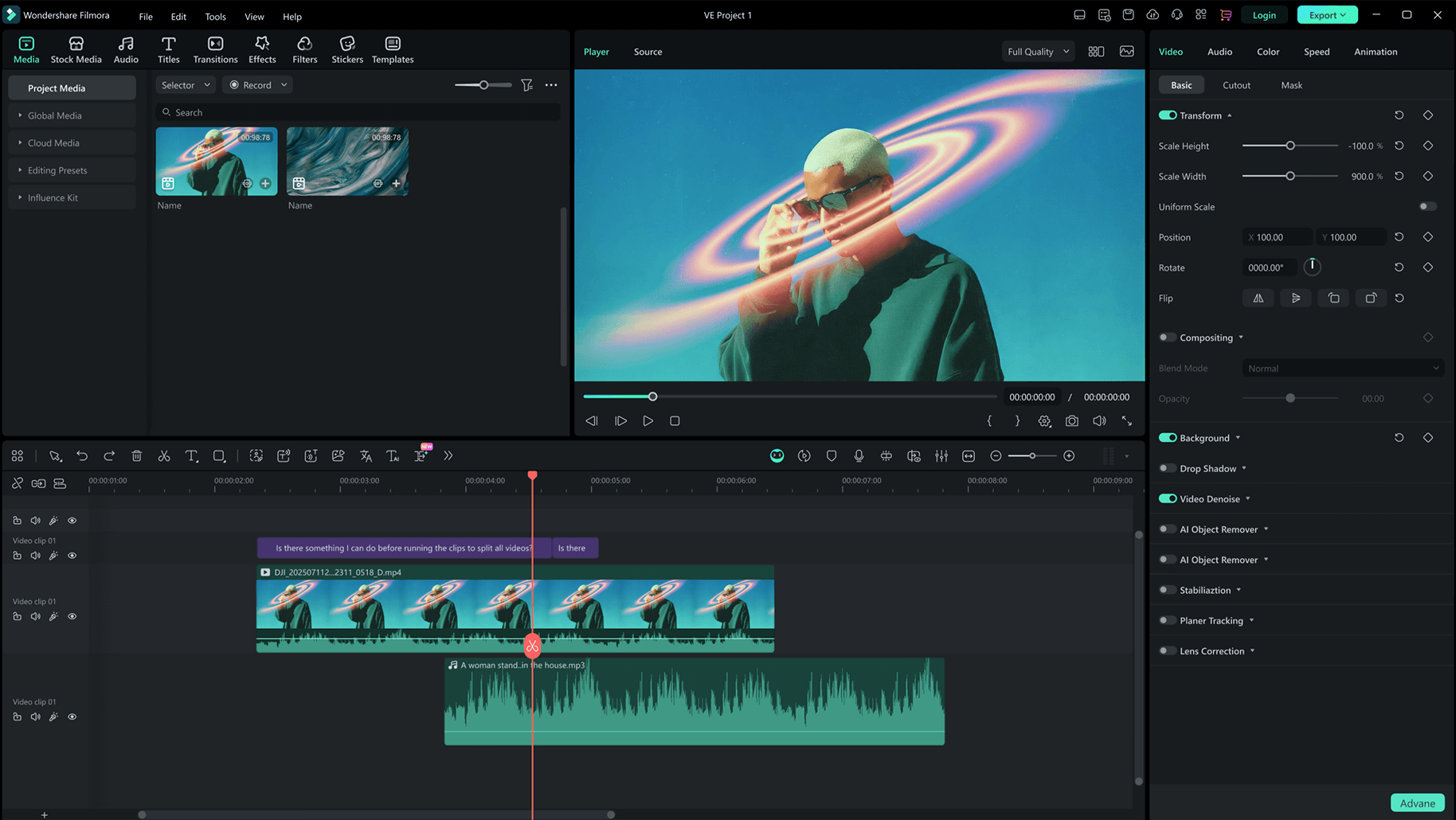
Filmora is a full-featured video editor that doubles as a powerful Facebook MP3 converter. It extracts audio from Facebook videos with clean, stable quality, then gives you tools to refine the sound as needed. This makes it a strong pick for users who want more control over the final MP3 file instead of relying on basic online converters.
 Secure Download
- Extracts MP3 from Facebook videos with stable, high-quality output.
- AI Vocal Remover helps isolate or remove vocals after extraction, useful for users who want clean background music or voice-only tracks.
- AI Audio Denoise improves clarity by reducing hiss and background noise often found in Facebook uploads.
- Built-in trimming tools let you cut unwanted sections before exporting.
- Multiple audio export options like MP3, WAV, and AAC.
- Handles long or HD Facebook videos smoothly, delivering consistent results.
Windows, macOS.
Offers a free version, with choices for a subscription plan or a one-time lifetime license.
High-quality Facebook MP3 extraction and audio enhancement.
- Excellent MP3 output quality, better than most online converters.
- Helpful editing tools for improving the extracted audio.
- Consistent performance for large files and long Facebook videos.
- Requires installation and some disk space.
Filmora delivers a polished experience from start to finish. If you want clean audio, editing freedom, and results that remain consistent every time, it is the strongest choice for turning a Facebook video into MP3.
Secure Download2. SnapSave
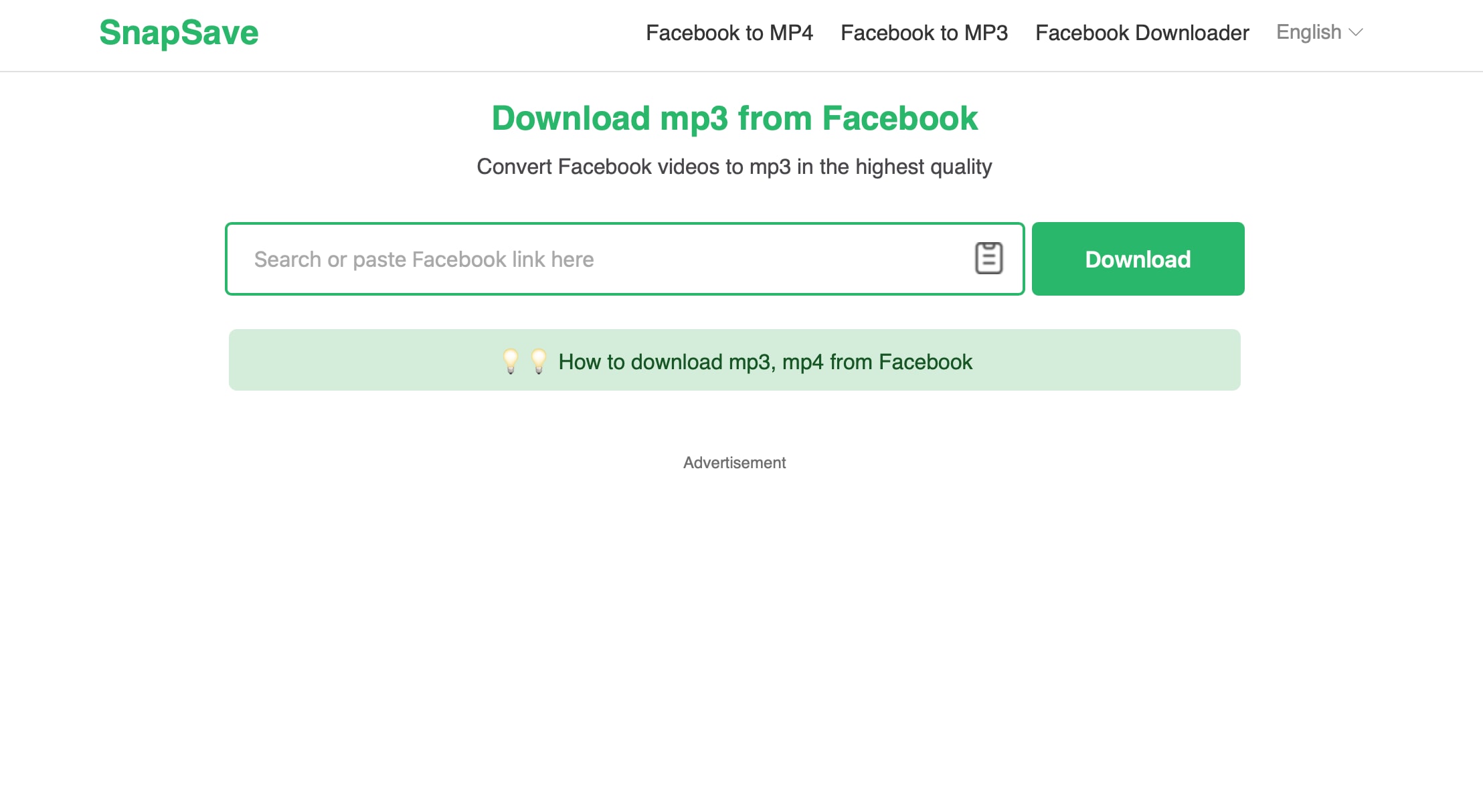
SnapSave is an online Facebook MP3 converter built for speed and convenience. You paste a Facebook video link, choose MP3, and the file is ready within seconds. It is ideal for users who want quick Facebook MP3 downloads without installing software or dealing with extra steps.
- No registration required, you only paste the Facebook video link and download instantly.
- Supports MP3 output alongside MP4, useful for turning any Facebook video into MP3.
- Offers high-quality audio output, with options up to 320 kbps depending on the source.
- Lightweight interface with no unnecessary elements, designed for fast conversions.
Online.
Free.
Fast Facebook video to MP3 conversions on any device.
- Very fast and straightforward for converting video from Facebook into MP3.
- Free to use, making it suitable for everyday Facebook MP3 tasks.
- No editing tools, trimming, or audio cleanup features.
- Ads appear on the site.
SnapSave is one of the fastest ways to convert a Facebook video into MP3. It is simple, mobile-friendly, and reliable for quick downloads, making it a strong option for users who prefer fast online converters over desktop software.
3. FBDown.to
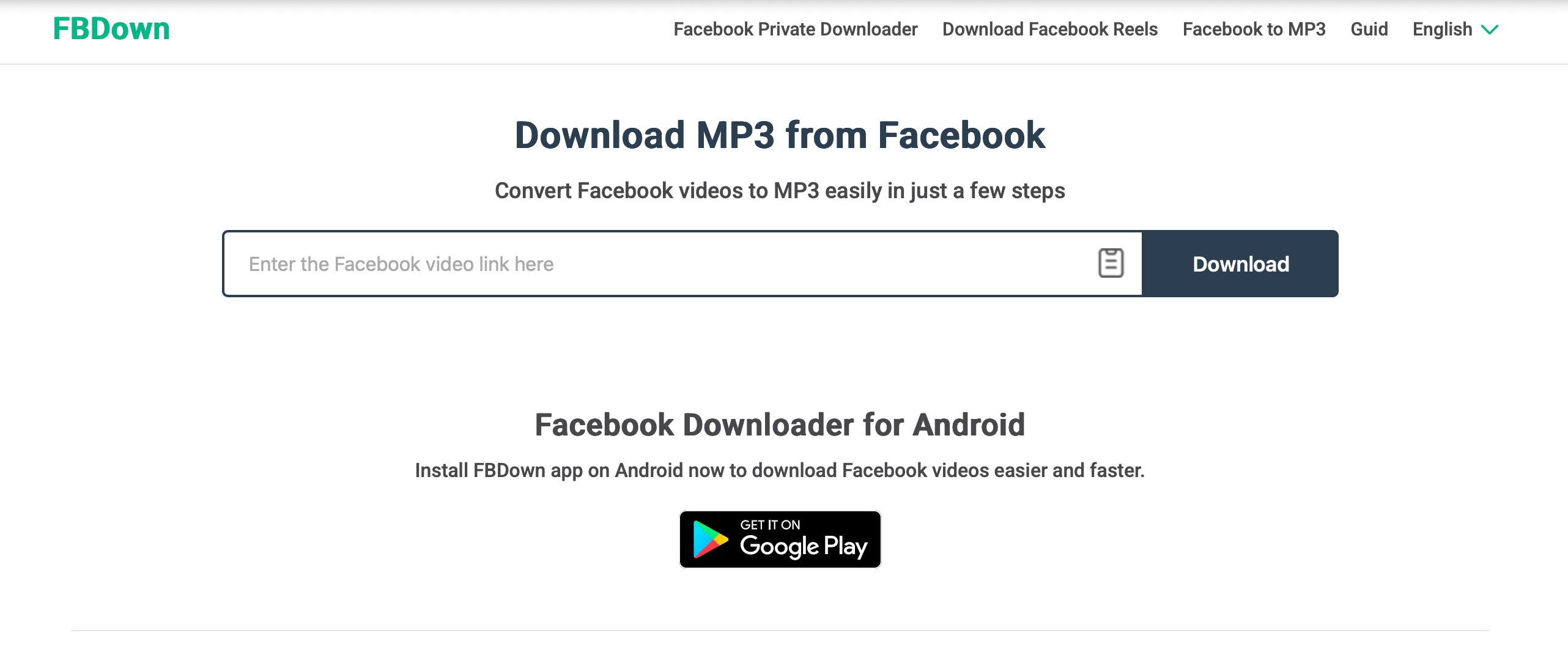
FBDown.to is a Facebook MP3 converter built specifically for extracting audio from Facebook videos. Paste the link, select MP3, and the tool converts the Facebook video to MP3 in a few seconds. It gives you several quality options to choose from, ranging from 320kbps to 64kbps.
- Simple three-step flow: copy the Facebook link, paste it into FBDown.to, and choose MP3.
- Outputs audio in standard MP3 format that works on any phone, player, or editor.
- Comes as a web-based tool and a mobile app, so you can always use it whenever you need it.
Online and Android.
Free.
Direct Facebook MP3 conversions in different qualities.
- Completely free Facebook MP3 converter with a few failed downloads.
- No account or login needed to start converting.
- Supports audio quality of up to 320 kbps.
- The audio depends on the original Facebook quality; no way to enhance or clean it.
- Occasional pop-up ads on the site.
FBDown.to is a straightforward choice if your main goal is to turn Facebook videos into MP3 files quickly. Its dedicated Facebook to MP3 feature keeps the process simple and avoids the confusion of mixed video-only downloaders.
4. SaveFBS
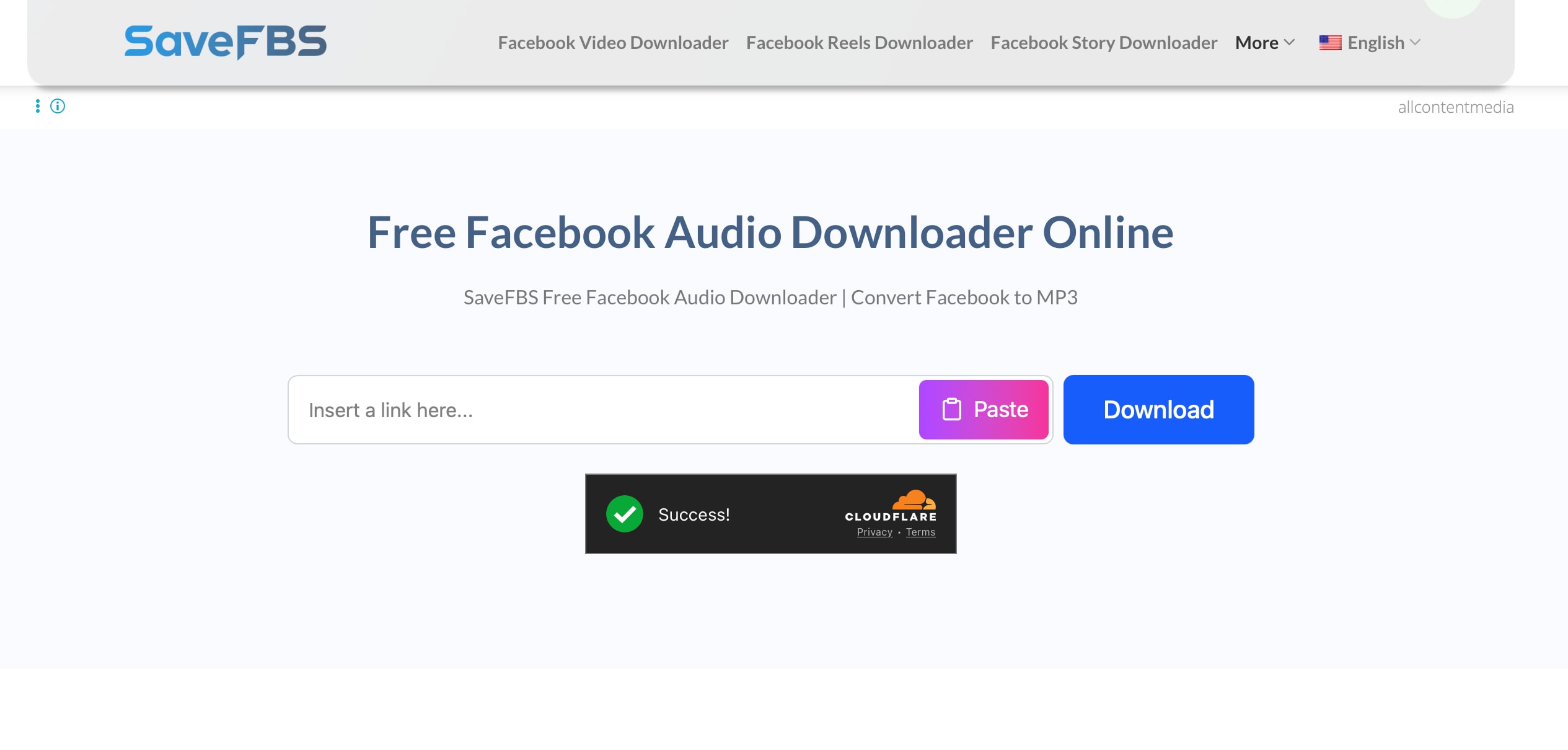
SaveFBS is an online Facebook downloader that clearly supports video to MP3, along with HD and Full HD video. It is designed for users who want to extract audio from Facebook videos, Stories, or Reels without installing apps or extensions.
- Supports multiple qualities, including SD, HD, and Full HD, besides MP3 outputs, for videos and Reels.
- No sign-up or software needed, you just paste the link and choose the format.
- Uses HTTPS encryption to protect your information.
Online.
Free.
Stable Facebook MP3 downloads with consistent conversion success.
- Reliable, with fewer failed conversions compared to many free Facebook MP3 converter sites.
- Handles normal posts, Stories, and Reels, useful if you collect audio from different formats.
- Stable performance according to long-term user feedback and testimonials.
- Contains some ads, which can be distracting if you download very often.
- No editing tools for trimming or cleaning the MP3 after download.
- Doesn’t offer different quality options for the output audio.
SaveFBS fits perfectly with the Facebook MP3 topic, since it is built to convert Facebook videos, Stories, and Reels to MP3 as well as MP4. If you want a browser-based Facebook video-to-audio converter that supports MP3 without much fuss, this is one of the strongest replacements for generic video-only downloaders.
5. GetMyFB
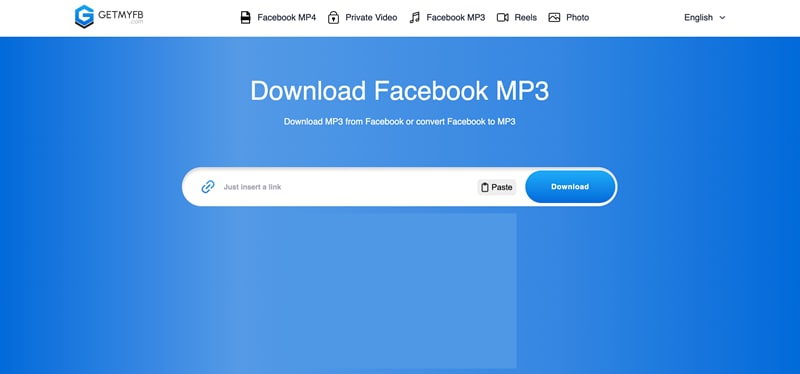
GetMyFB.com pretty much works similarly to SaveFBS. Its Facebook MP3 converter focused on turning Facebook videos into MP3s with as few clicks as possible. You paste the Facebook link, select MP3, and then download the file directly.
- Supports direct link uploads to convert FB video to MP3
- Optimized for phones, so you can download Facebook videos as MP3 directly to Android or iOS without installing an app.
- Supports different video lengths, from short clips to longer Facebook uploads.
- Offers MP3 and MP4 downloads, with SD and HD options.
Online.
Free.
Simple Facebook video into MP3 conversions on the web.
- Simple interface with unlimited usage.
- Completely free to use without login required.
- Fast video-to-MP3 conversion.
- No option to trim or edit the MP3 after conversion.
- Not suited for batch downloads or heavy daily use.
- Doesn’t offer selectable audio quality options.
- Shows ads on the site (pop-up and banner)..
GetMyFB.com is another solid pick if you want a Facebook MP3 converter that just works without extra clutter. Even on mobile, it stays simple and loads fast. You can easily paste a link and download your audio.
6. F2MP
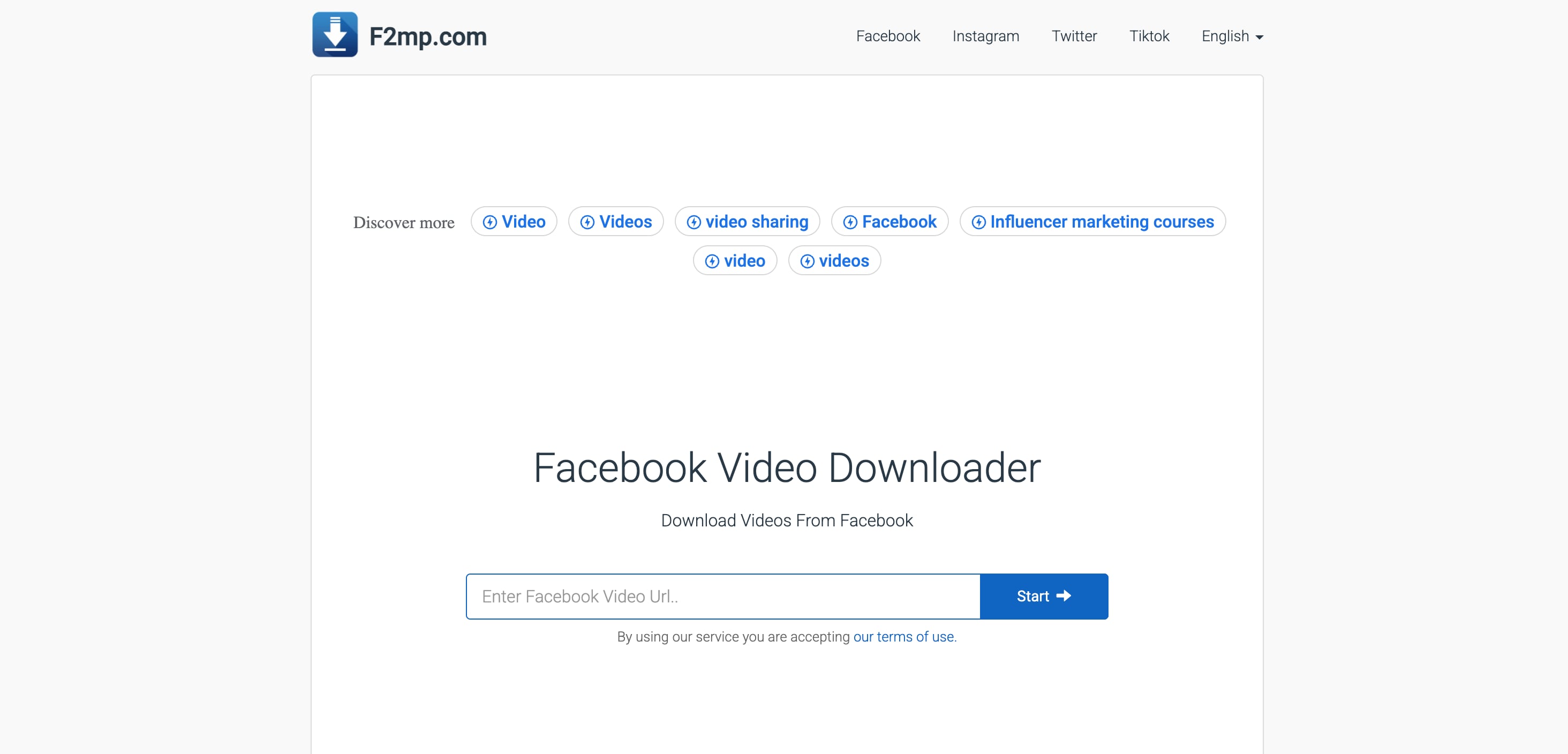
F2MP is a lightweight Facebook MP3 converter designed for users who want simple, fast conversions without navigating extra menus. It focuses on turning a Facebook video into an MP3 with minimal loading time. The site is clean, direct, and works well for quick Facebook MP3 downloads.
- Converts Facebook videos into MP3 in just a few seconds, ideal for users who want instant results.
- Very clean, minimal interface that focuses on the Facebook video to MP3 process without distractions.
- Lightweight page design that loads fast, even with slow internet connections.
- Supports other audio outputs besides MP3, such as WAV, M4A, and AAC.
Online.
Free.
Quick, minimal, no-frills Facebook MP3 conversions.
- One of the simplest Facebook MP3 converter tools available.
- No pop-ups or complex steps, great for beginners.
- The MP3 quality is determined entirely by the audio in the original Facebook video.
- No customization options after the conversion.
F2MP is the right choice if you want a clean and extremely fast Facebook MP3 converter. It keeps the process simple, avoids unnecessary elements, and delivers quick downloads for users who wish to convert FB video to MP3 without anything extra.
7. KeepVid Facebook Converter
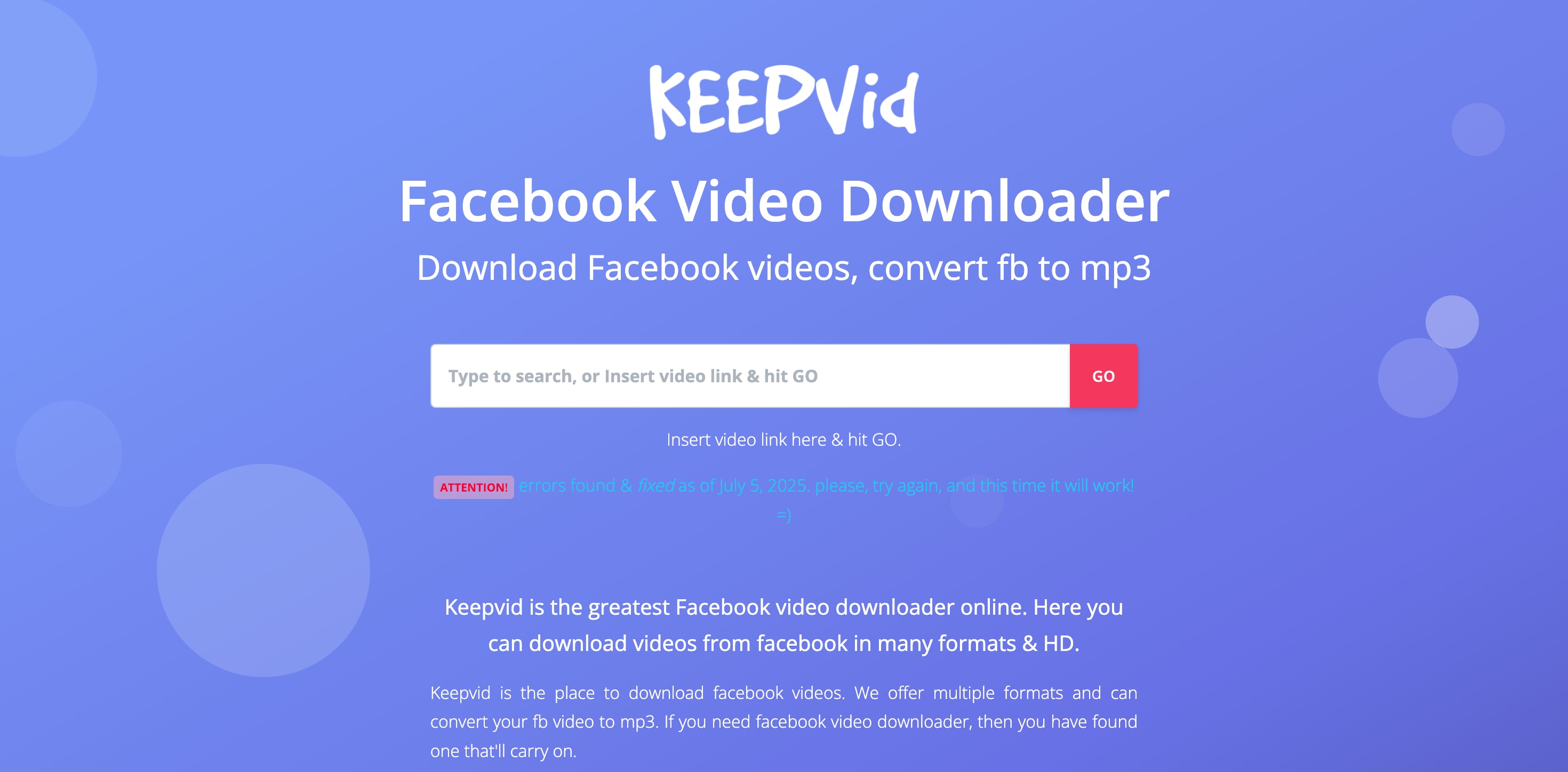
KeepVid is a well-known name in the video downloading space, and its Facebook converter continues the same straightforward approach. It works as a multi-platform downloader that can turn Facebook videos into MP3 or MP4.
- Converts Facebook videos to MP3 quickly with a simple link-paste process.
- Supports multiple platforms beyond Facebook, useful if you often download from YouTube, Instagram, or TikTok.
- Provides MP3 and MP4 output options for users who switch between audio and video downloads.
Online.
Free.
Multi-site downloads and flexible Facebook MP3 conversions.
- Very flexible, supports Facebook and many other sites.
- Stable downloads with fewer conversion errors.
- Speed depends on server load during peak usage.
- Contains several click-triggered ads.
- No customization options after the file is converted.
KeepVid is a great option for users who want more than a single-site Facebook MP3 converter. Its ability to handle multiple platforms with consistent performance makes it a reliable tool for everyday Facebook MP3 downloads and other video sources as well.
8. AquaApp Facebook to MP3 Converter
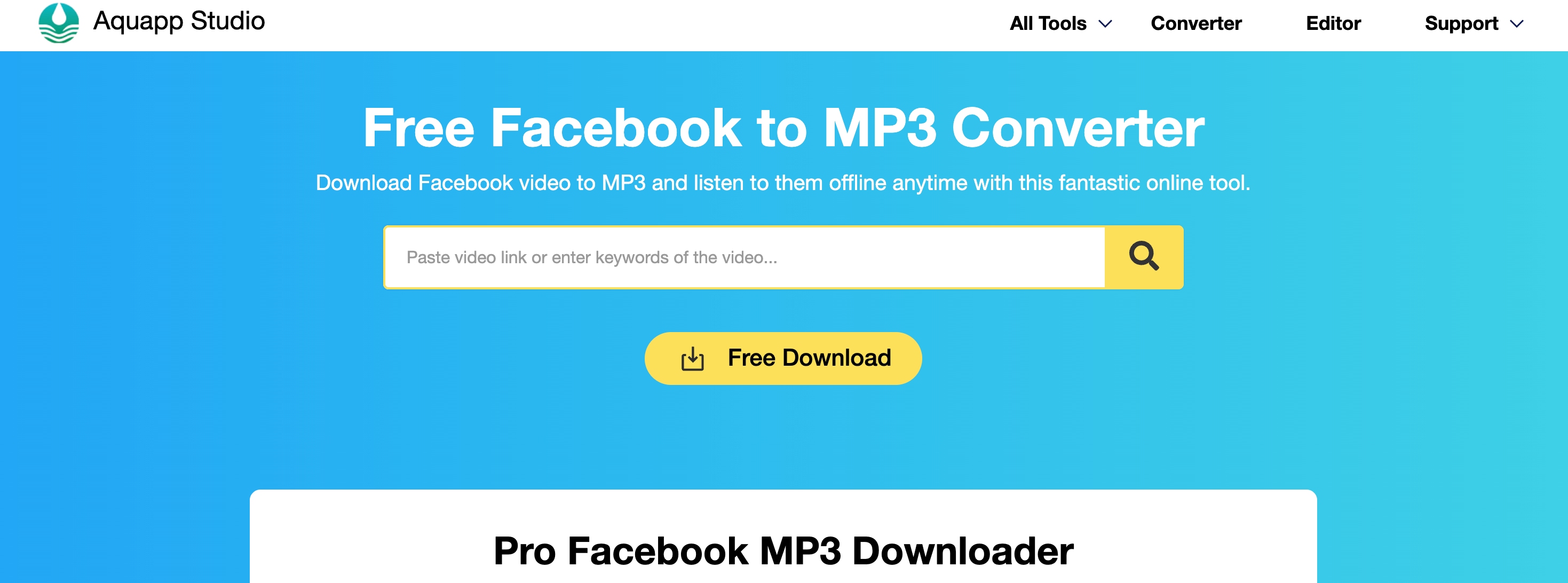
AquaApp’s free Facebook to MP3 converter focuses on giving users a cleaner, less ad-heavy experience than many other online tools. It converts Facebook videos into MP3 through a short guided process, making it suitable for users who want a calm, reliable environment for Facebook MP3 downloads.
- Facebook video to MP3 page with a clear three step flow, copy the link, paste it, then choose MP3 and download.
- Supports regular Facebook posts and many public videos, which cover the most common FB video to MP3 needs.
- Suitable for users who want to keep things simple but dislike overly cluttered downloader pages.
Online.
Free.
Clean and ad-light Facebook video to MP3 conversions.
- Cleaner layout than many free Facebook MP3 converter sites.
- Provide several servers to choose for downloading MP3 in case of errros
- May not support every type of private or region-restricted Facebook video.
- Often needs several tries before successful in downloading the MP3.
- A few click-triggered ads may appear when pressing download.
AquaApp Facebook to MP3 Converter is a good choice if you are tired of confusing buttons on typical downloader sites. It keeps the Facebook MP3 conversion process clear and focused, which makes it a comfortable option for regular, low-stress Facebook audio downloads.
9. AceThinker Aqua Clip
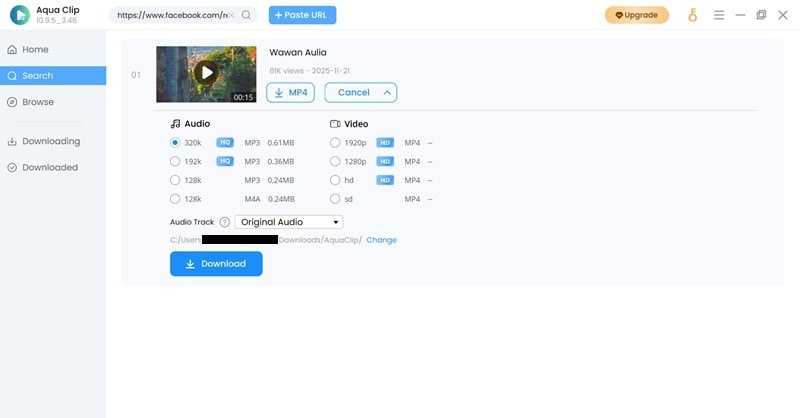
AceThinker’s Aqua Clip is a desktop program designed for users who want stable and high-quality Facebook MP3 downloads. Unlike browser-only tools, it can pull the video stream directly through the software, which often results in more consistent conversions.
- Detects Facebook video URLs automatically.
- Provides a higher bitrate MP3 output when the original Facebook video contains a clean audio stream.
- Built-in browser inside the software lets you access Facebook directly, useful for downloading videos not easily fetched by online converters.
- Allows you to save audio in formats like MP3 and M4A.
- Downloads tend to be more stable since the tool processes videos locally rather than relying on a web server.
Windows, macOS.
Free trial available, Full version requires a paid license, starting at $9.95 for 1 month or $39.95 for unlimited use.
High-volume Facebook MP3 conversions and desktop-level stability.
- Excellent for users who convert Facebook videos to MP3 frequently.
- Ideal to use for batch downloading.
- More stable downloads compared to browser-based tools, especially for large or HD Facebook videos.
- Requires installation and takes up storage space.
- Full functionality is locked behind a paid license.
- Not as fast as one-click online tools for single downloads.
AceThinker Aqua Clip is ideal for users who want more control and reliability when downloading Facebook MP3 files. Its batch conversion, built-in browser, and consistent output quality make it a strong desktop solution for heavy or regular Facebook MP3 usage.
10. HitPaw Video Converter
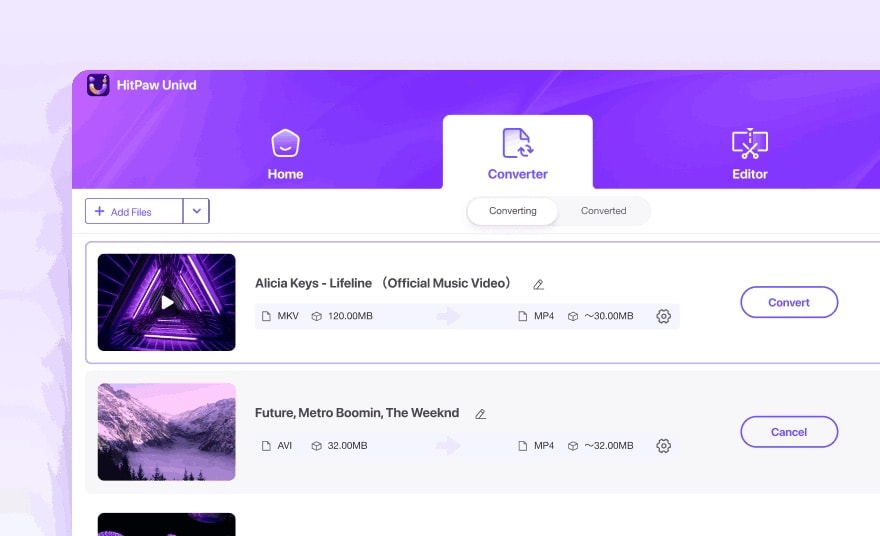
HitPaw Video Converter is a feature-rich desktop tool that handles Facebook MP3 extraction with impressive stability. It is built for users who want high-quality audio output, fast conversion, and the ability to clean or edit the sound right after downloading.
- Converts downloaded Facebook videos to MP3 in just a few clicks, with support for low, medium, and high quality.
- Built-in AI Noise Removal inside the editor that can help clean background hiss or wind noise after converting Facebook video into MP3.
- GPU acceleration significantly speeds up conversion for long or HD Facebook videos.
- Supports multiple audio formats, including MP3, WAV, and FLAC, giving users more control over output quality.
- Batch conversion makes it easy to convert several Facebook videos to MP3 at the same time.
Windows, macOS.
Free trial available, Full version requires a paid license, starting at $19.95 for 1 month.
High-quality and clean Facebook MP3 extraction.
- Excellent audio clarity after extraction, especially with the AI noise cleanup.
- Very fast conversion thanks to hardware acceleration.
- Great if you also convert or edit many other video and audio formats, not just Facebook.
- No direct URL upload; you must upload the video file to convert it.
- Full features require a paid license.
- Heavier software compared to lightweight online converters.
- Not ideal for users who only need occasional, one-off Facebook MP3 downloads.
HitPaw Video Converter is a great choice for users who want high-quality Facebook MP3 outputs with the option to clean or enhance the audio. Its fast performance, reliable detection, and AI-powered noise removal make it one of the top desktop tools for converting Facebook video into MP3.
11. ByClick Downloader
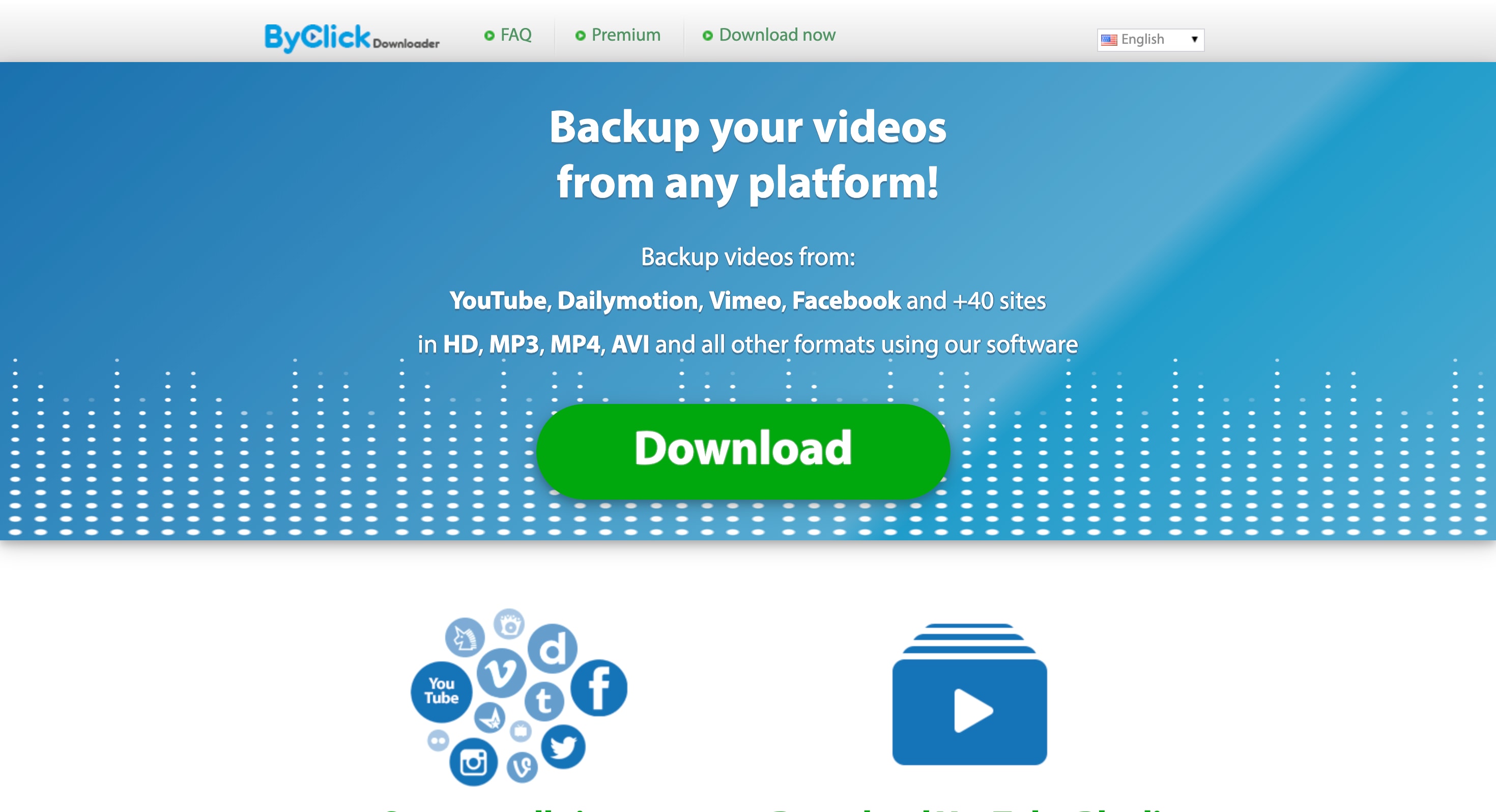
ByClick Downloader is a desktop tool known for its automatic link detection, making Facebook MP3 downloads convenient. When you copy a Facebook video link, the software immediately recognizes it and starts processing the video, so you don’t have to paste the URL manually. You can then select MP3 as the output format to convert the video into audio.
- Auto-detects Facebook video links from your clipboard and immediately offers MP3 conversion.
- Let you choose MP3 quality up to 320 kbps when the original Facebook video supports high-bitrate audio.
- Can download entire Facebook playlists or channel collections, reducing manual work.
- Automatically adds the artist name and title for every downloaded MP3.
Windows.
Free trial available, Premium license starts at $11.99 for 1 year or $14.99 for unlimited use.
Fast, automatic Facebook MP3 downloads, especially from long videos.
- Gives you a one-day trial to see how the tool works.
- Clipboard auto-detection speeds up the Facebook MP3 workflow.
- Great for playlist downloads.
- Simple and user-friendly interface suitable for regular use.
- Supports very long videos, even those over an hour.
- Only available on Windows.
- Best features require upgrading to the premium version.
- Uses more system resources during multiple simultaneous downloads.
ByClick Downloader is ideal for users who download Facebook videos as MP3 files frequently and want a tool that automates the process. Its clipboard detection and MP3 quality options make it one of the most efficient desktop converters for heavy Facebook MP3 usage.
12. Kapwing Video Converter
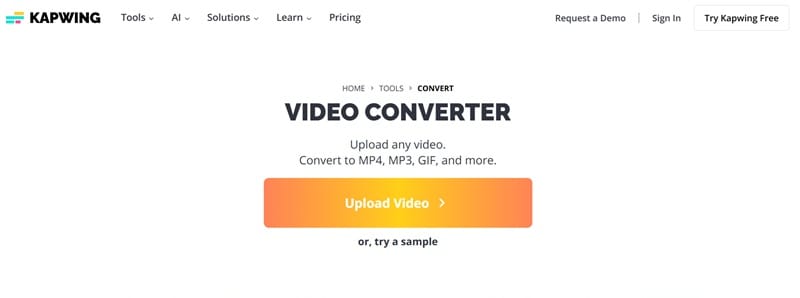
Kapwing is an online editing platform that also works well as a Facebook MP3 converter, especially for users who want to refine the audio after extraction. Kapwing lets you edit the audio in detail before exporting it instead of offering a simple download button.
- Provides precise audio controls, including trimming, cutting, volume adjustments, and waveform editing.
- Cloud-based processing keeps performance consistent across devices.
- Particularly useful for users who want to clean, shorten, or repurpose Facebook audio clips instead of downloading them as-is.
Online.
Free plan available. Pro plan unlocks higher export quality and watermark removal, starting at $24/month or $16/month (billed annually).
Editing-focused Facebook MP3 conversions.
- Strong editing tools that give more control than typical Facebook MP3 converter sites.
- Clean interface that is easy to navigate, even for new users.
- The free plan has export limitations, including watermarks on some outputs.
- You need to download the Facebook video first before uploading it to the Kapwing editor.
Kapwing is a great pick for users who want to do more than simply convert a Facebook video into MP3. Its editing features, cloud workflow, and format options make it especially useful for creators who need clean, trimmed, or customized audio from Facebook videos.
Secure DownloadPart 2. How to Choose a Facebook MP3 Converter
Choosing the right tool depends on how you plan to use the audio. Each Facebook MP3 converter offers different strengths, so matching the tool to your workflow is the key to getting clean, reliable results.
Below are simple guidelines to help you pick the best option for converting a Facebook video into MP3.
1. If you want the highest audio quality
Look for tools that provide stable extraction, higher bitrate output, and audio cleanup features. Desktop programs like Filmora or HitPaw usually deliver cleaner Facebook MP3 downloads compared to basic online sites.
2. If you need instant one-click online downloads
Pick fast browser tools like SnapSave, FBDown, or F2MP. They are ideal for quick Facebook MP3 conversions without installing anything.
3. If you are downloading on mobile only
Choose converters that work smoothly on mobile browsers. Most online converters work fine on mobile as long as you have a stable connection. SnapSave and GetMyFB is great because they are also optimized for mobile. And if you want something clean without distracting ads, you can use F2MP.
4. If you are a creator who needs extra tools
Select converters that offer trimming, noise cleanup, volume adjustment, or editing features. Filmora, Kapwing, and HitPaw are strong choices if you need more control over your Facebook MP3 files.
5. If you need batch downloads
Desktop tools like AceThinker Aqua Clip or ByClick Downloader are better for converting multiple Facebook videos to MP3 at once. With Aqua Clip, you can paste several links and download them together. With ByClick Downloader, you can even grab entire playlists in one go.
6. If you want a clean, ad-safe experience
For a smooth and safe workflow, it’s better to use desktop software. That's because free online tools usually come with pop-ups and distracting ads. On the other hand, software like Filmora gives you a completely ad-free space for converting Facebook videos to MP3 without any interruptions.
7. If you want a long-term converter for multiple platforms
Choose tools that can convert downloaded videos so you’re not restricted to the platform they came from. Filmora and HitPaw both let you take videos you’ve already saved and convert them into the format you need, making them future-proof options.
Conclusion
Finding a reliable Facebook MP3 converter can be challenging, especially with so many sites offering low-quality audio or unstable downloads. The tools in this list were tested to help you convert a Facebook video into MP3 safely, quickly, and with better clarity.
That said, Filmora is the option that feels the most useful. Instead of dealing with ads or confusing pop-ups, you get a clean desktop setup where converting a Facebook video to MP3 feels smooth and organized. On top of that, Filmora gives you AI tools to enhance the audio afterward, so you can fix volume issues, sharpen the sound, or just make it feel more polished.
It’s a great pick if you want Facebook MP3 downloads that look and sound ready for real content creation.
