


 TL;DR:
To download Instagram highlights for free, use link-based tools like SaveInsta or SnapInsta for quick saves and private account workarounds, or Inflact to preserve original HD quality on public accounts.
● Downloaders use two workflows: direct link pasting, which is faster and allows private account access via browser login, or username search, which enables anonymous browsing but strictly limits you to public profiles.
● Free tools restrict you to saving one clip at a time with no batch support (Inflact caps free users at three daily downloads), and frequently deliver compressed video quality alongside aggressive pop-ups and broken links.
● Third-party downloaders will not trigger an Instagram notification, but they only output raw files that require external software like Wondershare Filmora to trim, resize to 9:16, or generate captions.
Ask AI for a summary
 ChatGPT
 Perplexity
 Gemini
 Claude
 Grok
Grok
Instagram doesn’t give you a direct button to download highlights. That’s a problem when you want a quick backup, a clean copy for your camera roll, or a clip to reuse in Reels, TikTok, or YouTube Shorts. No surprise that so many people try tools like an Instagram highlights downloader to get it done fast.
We’ve rounded up 10 free IG highlight downloaders so you can save highlights quickly and keep a copy for later. You’ll also get a simple comparison chart, tips to choose the right highlights downloader IG, and a few honest limitations these free tools don’t always mention.
To keep this list useful, we check every Instagram highlights downloader with the same simple workflow. We focus on the things that actually matter when you want to download highlight Instagram clips fast and keep decent quality.
Our checklist include:
- Ease of use: you can copy link, paste, download in under a minute
- No-login comfort: we avoid tools that ask for your Instagram password
- Quality results: keeps the original resolution when possible, no forced watermarks
- Ads and pop-ups: how aggressive they are, and how often they interrupt the flow
- Limits: daily caps, missing features like batch downloads, and private account access
Our Top 3 Instagram Highlights Downloader Picks
If you want the short answer, start here. These three are the most practical picks for most people looking for an Insta highlights video downloader.



Instagram Highlights Downloader Comparison Chart
If you want to download highlight Instagram clips fast, this chart helps you compare the most popular options at a glance. Use it to pick an Instagram highlights downloader based on speed, price, login requirements, and the kind of quality you want for your Insta highlights video download.
| Tool | Platform | Free / Paid | Login Required | Video Quality | Best For |
| SaveInsta (SaveClip) | Web, Android app | Free | No (for public account) | HD, “best quality” | Best all-around pick for quick IG highlight downloads. |
| SnapInsta | Web, Android app | Free | No | Highest quality | Quick, no-frills highlight IG download with a simple paste-and-go flow. |
| Inflact | Web | Free with limits, Paid plan available | No for basic use, sign-up for higher limits | Original HD quality | More reliable option when you want consistent results and cleaner quality control. |
| StorySaver | Web | Free | No | Standard | Easy IG stories highlights download by username, good for casual saving. |
| SSSInstagram | Web | Free | No | Original quality | Simple IG highlights saver with unlimited-style usage claims and an optional Android app. |
| InDown | Web | Free | No | Standard | Straightforward download IG highlight via a Highlights link. |
| IGComment | Web | Free | No | Original quality | A friendly highlight saver Instagram option that also works across devices. |
| ReelsVideo | Web | Free | No | High quality | Fast highlights downloader IG for public accounts, great for quick reuse. |
| iGram | Web, mobile app | Free | No | Not specified | All-in-one IG downloader for Highlights and more, handy if you want a single tool. |
| AnonyIG | Web | Free | No | High quality | Anonymous highlights saver for public profiles using a username or link. |
|
Show More
Show Less
|
|||||
Top 10 Instagram Highlights Downloader Tools
There’s no single “best” IG highlights saver for everyone. So, you can take a look at our top picks for Instagram highlights downloader tools below and decide which one you should use to help you download IG highlight videos.
1. SaveInsta
SaveInsta, which is now branded as SaveClip, treats Highlights downloading as a built-in feature inside its broader Instagram downloader. It runs directly in your browser and walks you through copying a Highlight link, pasting it, then saving photos or videos to your phone or computer.
- Highlights downloader with a paste-link workflow
- Works in a browser, also offers an Android app
- Supports other IG content types
Free.
Web, Android app (SaveVideo)
- You only need to copy and paste the highlights link to download them
- Shows the available highlight items before saving, so you can pick the exact video or photo you want
- Provides device-specific guidance in its help pages, which can be useful if downloads behave differently on iOS browsers
- Branding can feel inconsistent (SaveInsta vs SaveClip), which can confuse first-time users
- Ads appear throughout the page
- Downloading highlights from private account requires extra steps
2. SnapInsta
SnapInsta has a familiar interface and works very similarly with SaveInsta. It positions itself as one of the fastest options and supports multiple languages, so it’s easy to use even if you’re not downloading in English. If your goal is quick IG highlight downloads with minimal thinking, this tool is made for that.
- Supports easy and quick highlights downloads from Instagram
- Works in your browser, no software installation required
- High quality downloads for Stories and Highlights
Free.
Web, Android app (SaveVideo), the same as SaveInsta
- Has an Android app option for faster repeat downloads.
- No login needed for downloading IG story or highlights.
- Download highlights from private account require extra steps.
- Ads appear throughout the page.
3. Inflact
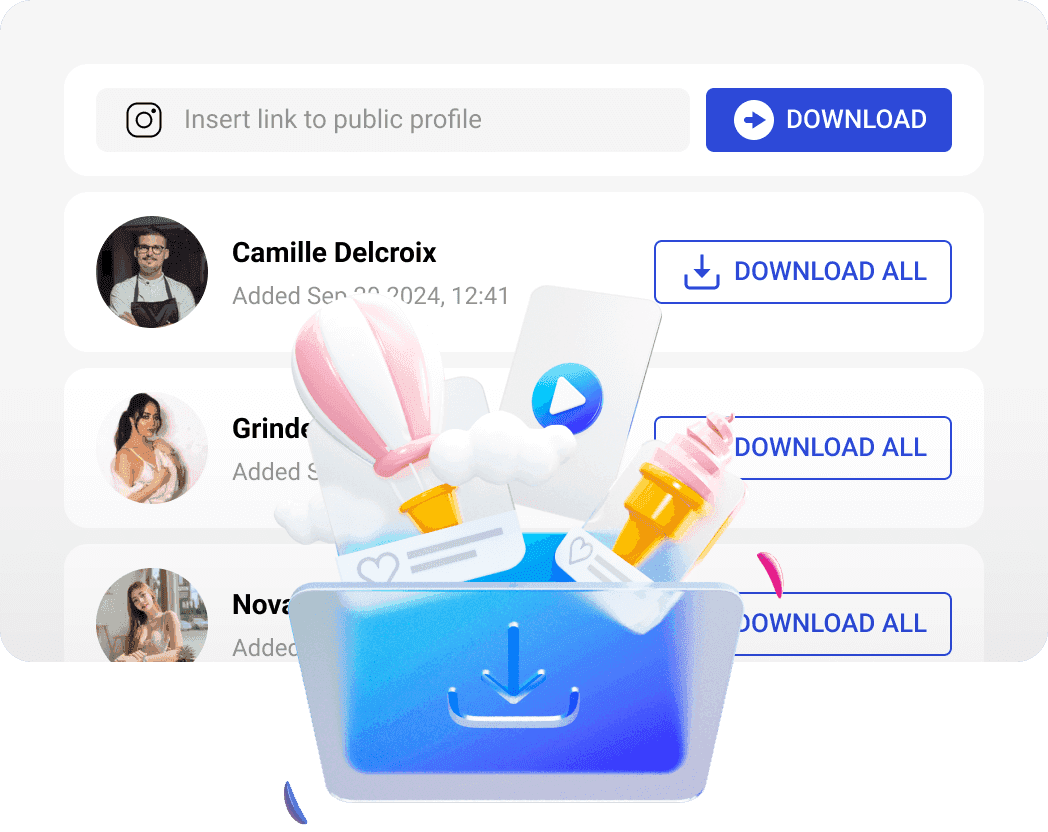
Inflact is a more “tool-like” Instagram highlights downloader focused on reliability and quality. It’s designed for saving highlights from public accounts, and it claims to preserve original quality and resolution without requiring installation or registration for basic use. This one fits people who want a cleaner, more consistent output than random download sites.
- Downloads Instagram Highlights from public accounts
- Preserves original quality and resolution
- Also supports other IG content types like Stories, Reels, photos, and videos
- Premium options for bulk or no-limit style downloading (varies by plan)
Free with limits, Premium plan $7.8 per month is available for higher limits and bulk downloads.
Web
- Preserving original quality and resolution.
- Offers a larger toolkit and paid upgrades if you need higher volume or more reliability.
- The free tier allows only three downloads daily, which may not suit frequent users.
- The product is part of a bigger paid ecosystem, so you’ll see more upsell prompts than simpler “one-page” downloaders.
- Slower downloads for free users.
- Advertisements are shown on the free plan.
4. StorySaver
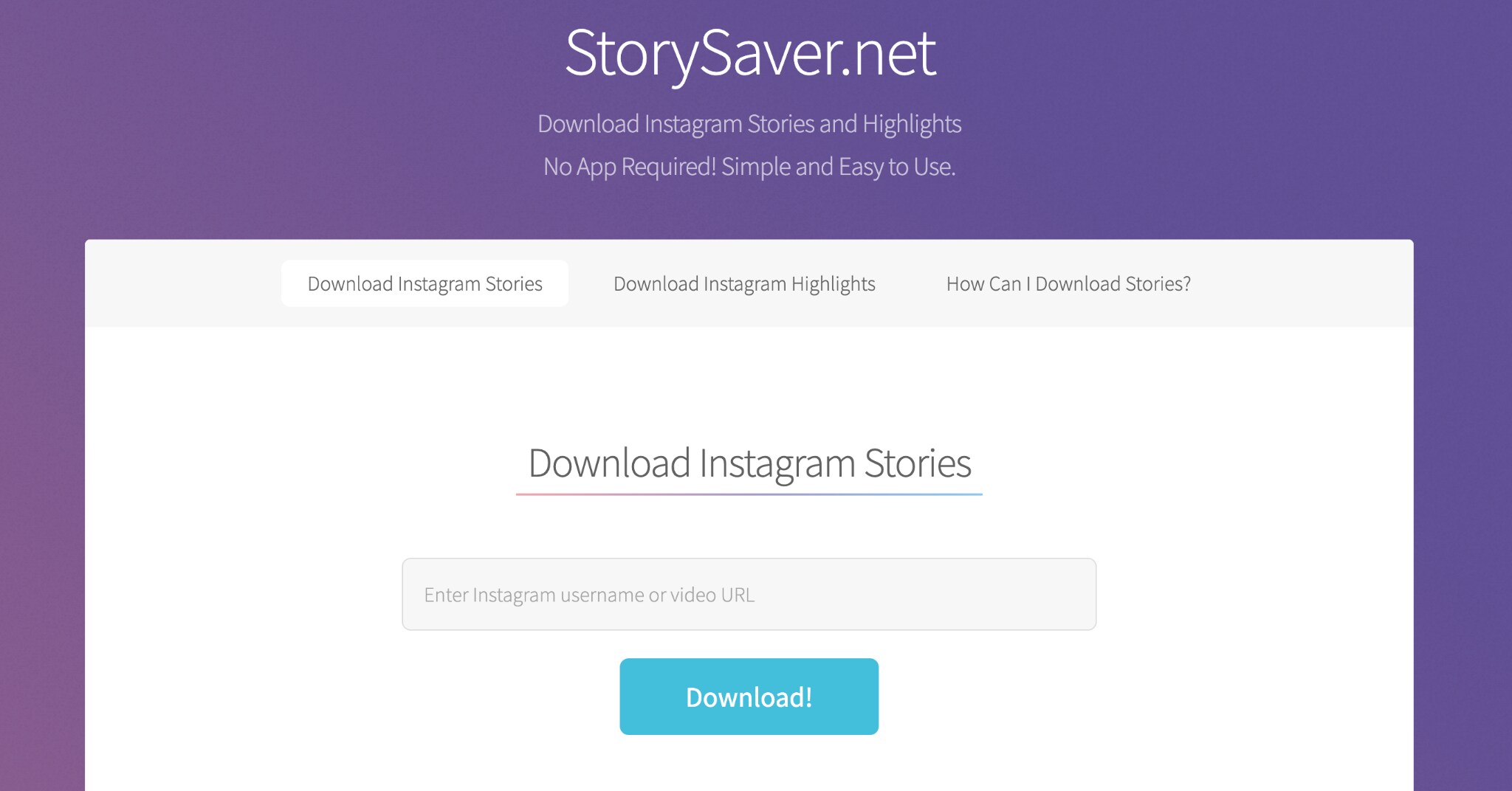
StorySaver.net is a straightforward online Instagram highlights downloader that uses a username-based flow. Enter the Instagram username, view the available stories and highlights, then download the clips you want.
- Save Instagram Stories and Highlights by entering a username.
- Shows available Stories and Highlight albums before you choose what to download.
- Claims it doesn’t store or log downloaded activity
Free.
Web
- Lets you browse and preview highlights without opening Instagram first.
- No account login or app installation needed.
- Searching through username makes it feel slower compared to using direct link.
- Unable to download highlights from a private account.
5. SSSInstagram
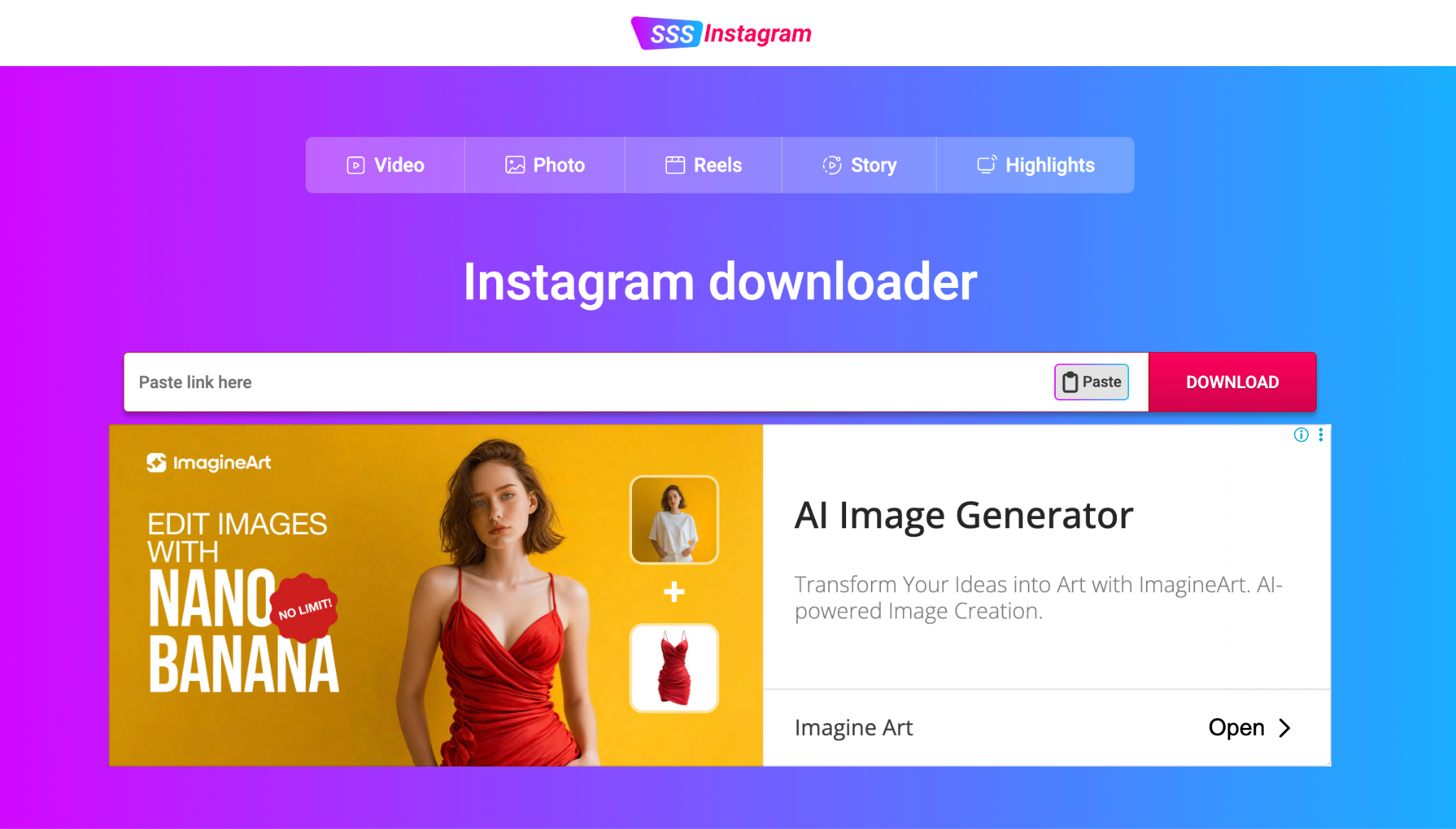
SSSInstagram is a free, web-based Instagram highlights downloader that keeps the process simple. It also leans into privacy; it claims you can download without sharing personal info, and it highlights “unlimited” downloads for public content.
- Download Instagram Highlights using a simple copy-and-paste link method.
- Promotes anonymous use and states that it does not track user data.
- Works as part of a broader Instagram downloader that also supports Stories, Reels, and other content types.
Free.
Web
- Unlimited downloads
- Lets you view highlight videos before saving them.
- No intrusive ads during use.
- Can’t download highlights if your account is private.
6. InDown
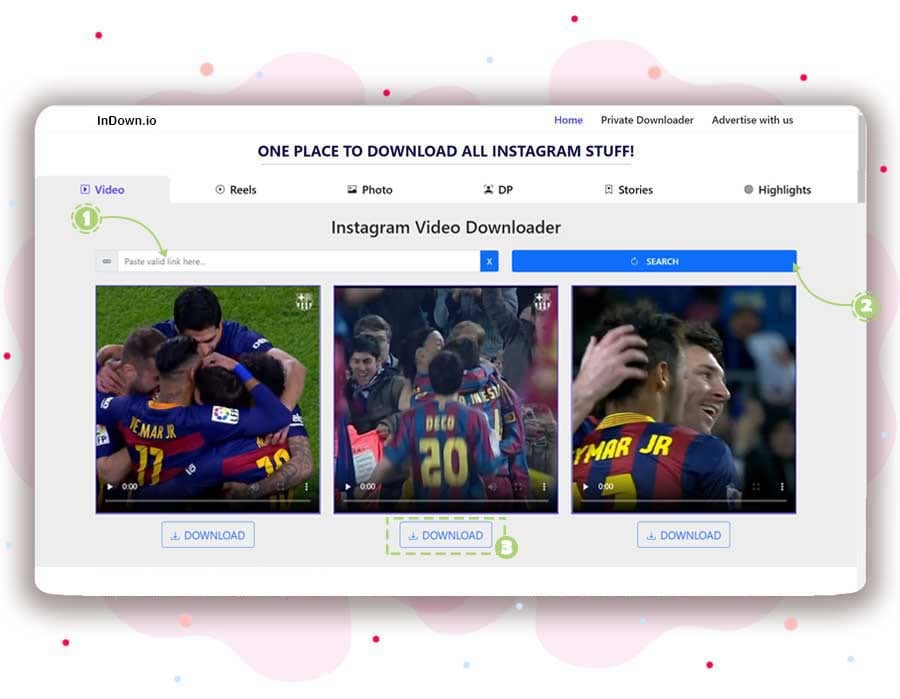
InDown is a straightforward web-based Instagram highlights downloader that also focuses on speed and simplicity. It’s a solid choice for quick highlight download IG tasks when you want a free tool that runs in your browser.
- Highlights downloader with a paste-link workflow
- Also supports other IG content types like videos, photos, Stories, Reels, and more
Free.
Web
- Broad language support (over 30 languages).
- HD quality highlight downloads
- Provides multiple download servers as backup options if one link fails.
- The pages are more text-heavy, which can be overwhelming.
- Doesn’t support downloading highlights for private accounts.
7. IGComment
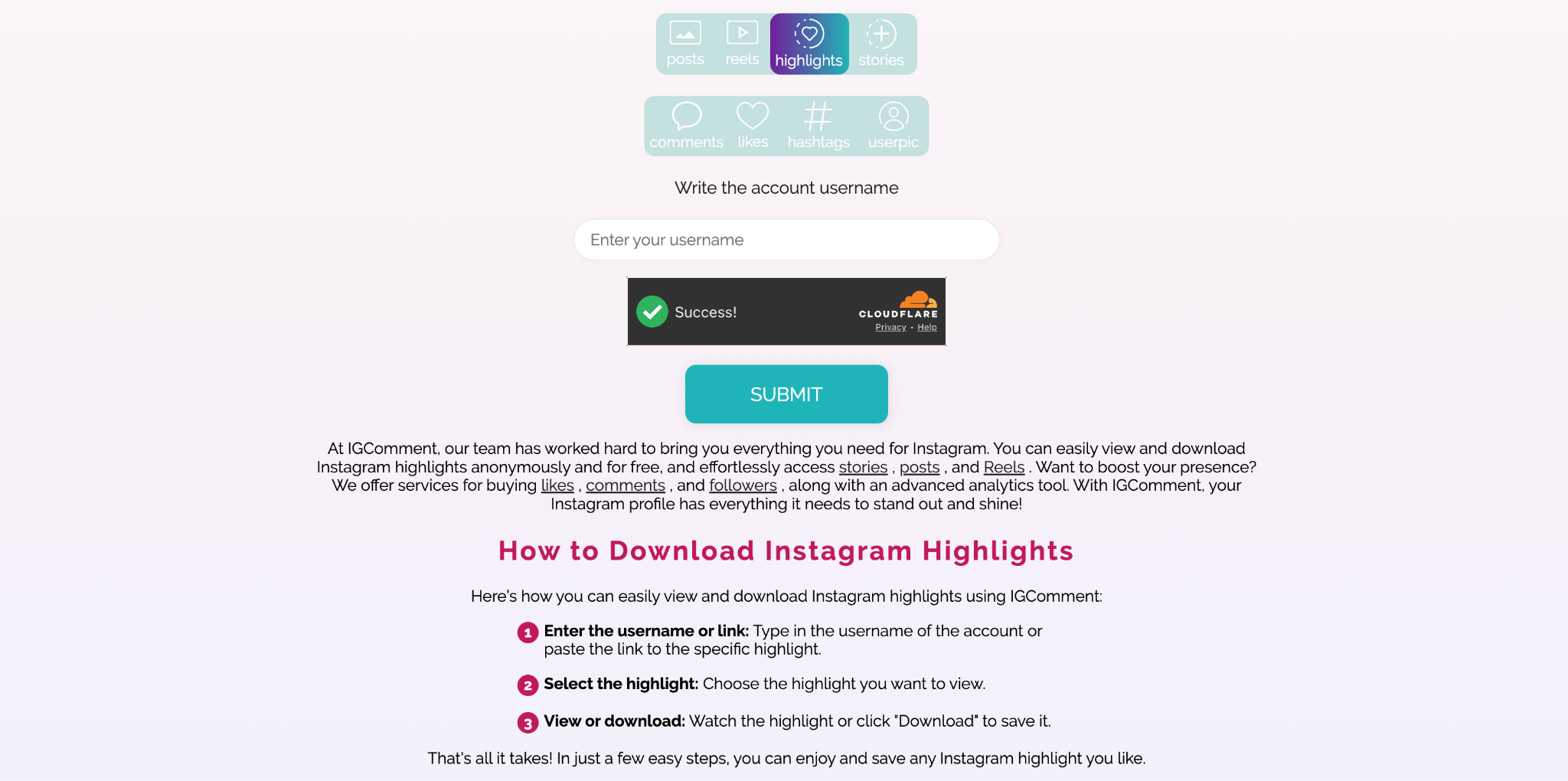
IGComment is an Instagram highlights downloader that lets you view and download highlights for free. Simply enter a username, view the available Highlight albums, and choose the content you want to download. You don’t need to log in to Instagram, which makes it quick and easy to use.
- Highlights downloader that works by entering a username
- Claims complete anonymity and no account needed
- Claims original high-resolution downloads
- Also supports Stories, posts, and Reels in the same tool set
Free.
Web
- Designed as both a viewer and downloader, so you can view the Highlights before saving them.
- It’s part of a larger IG toolkit (stories, posts, reels).
- The site mixes downloading with promo for growth services (likes/comments/followers), which can feel distracting.
- Only supports instagram for public, no private accounts
8. ReelsVideo
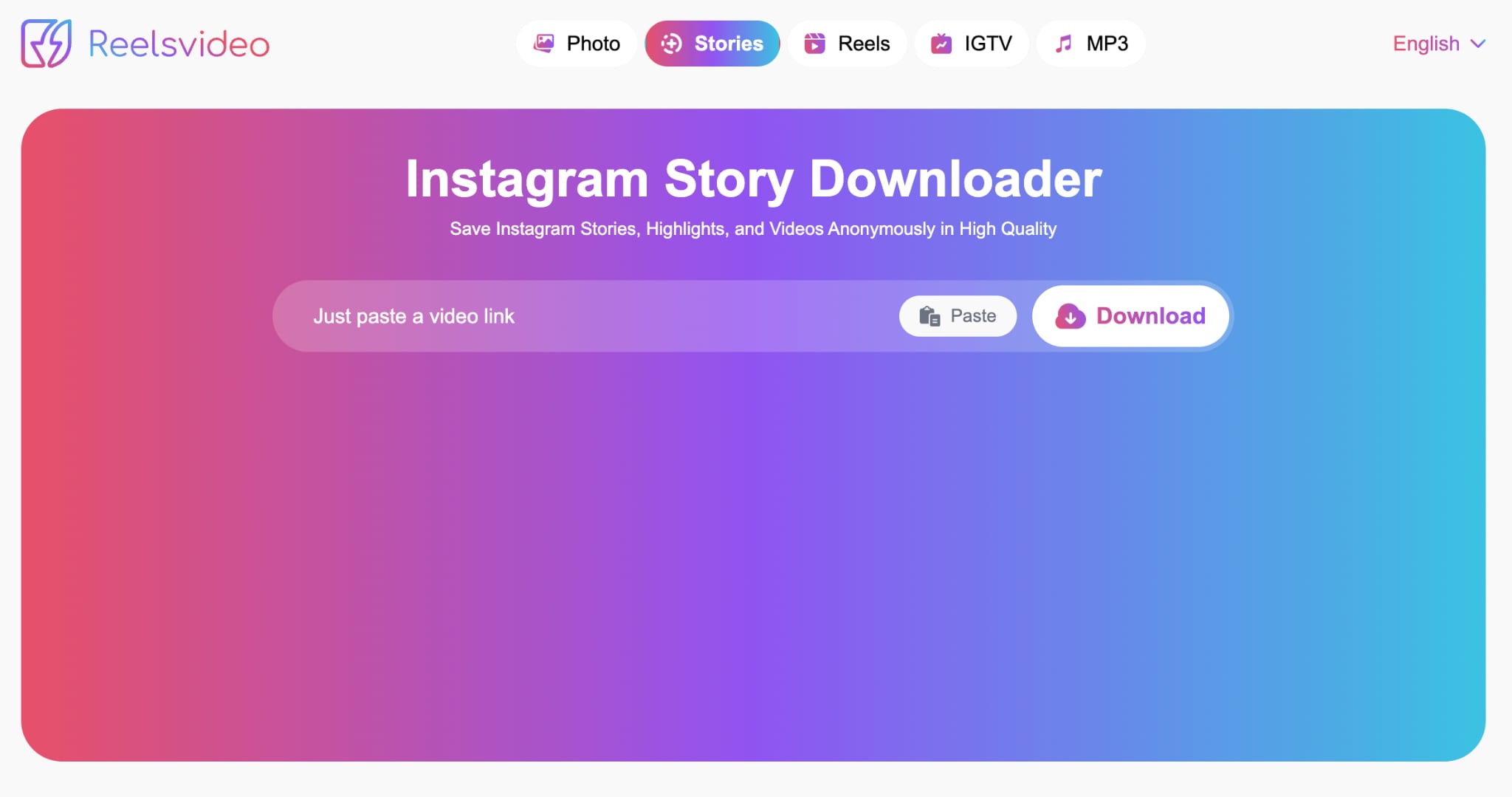
ReelsVideo is a practical pick for creators because it clearly supports downloading Stories and Highlights as MP4 videos or JPG photos. It frames the tool as anonymous and HD-focused for public accounts, which makes it easy to grab a file and reuse it offline or in an editor.
- Downloads Stories, Highlights, and videos from public accounts in HD
- Supports MP4 for videos and JPG for photos
- HD/MP4 downloads without watermarks for videos
- Supports Highlights, Stories, and regular videos download
Free.
Web
- No login or app download is required for saving public Reels.
- You can download the audio only (MP3) from the highlights
- Doesn’t support downloading highlights from private accounts.
- Pop-up advertisements may appear while using the site.
9. iGram
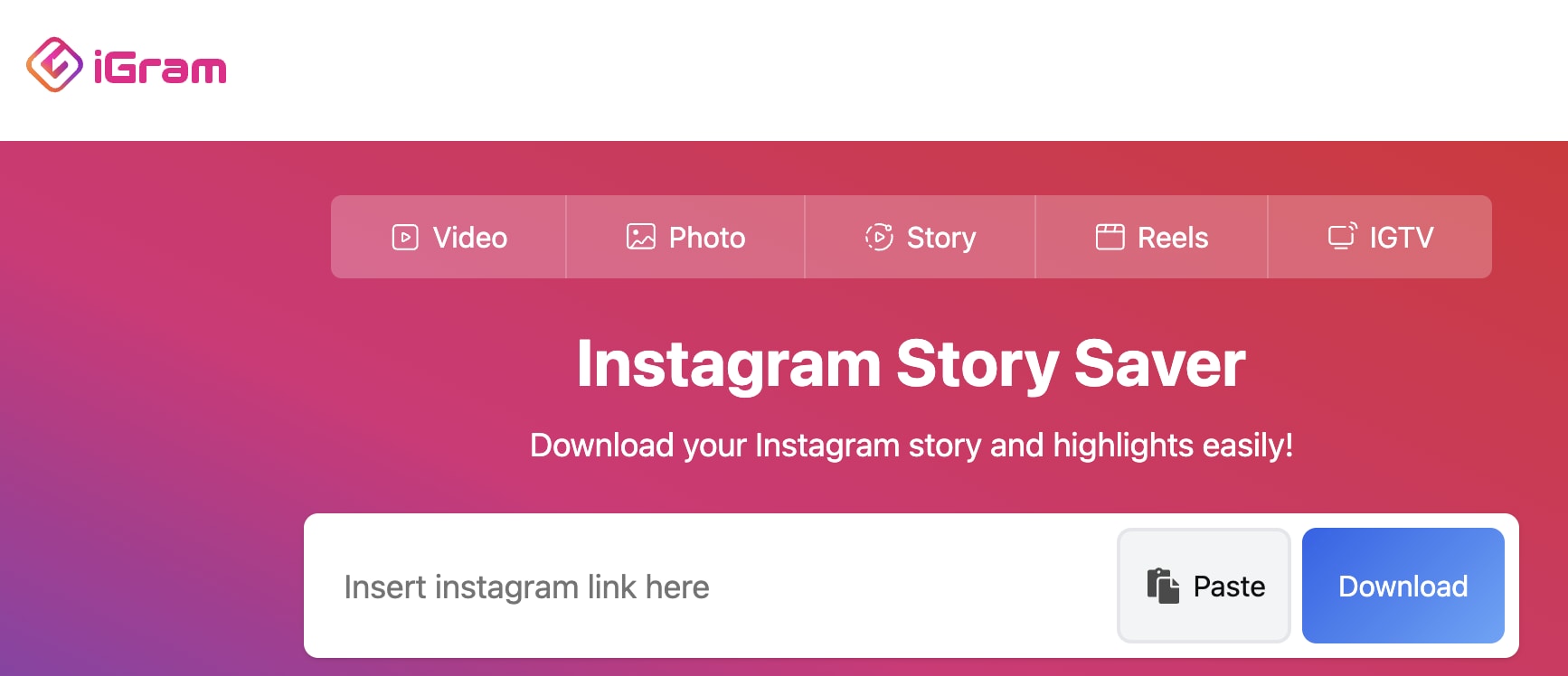
iGram Story Saver is a lightweight, link-based Instagram highlights downloader that focuses on the basics. It’s designed for quick IG highlights saver use when you already have the highlight URL and just need a clean file to keep offline or reuse later. It also works as a Stories, Reels, photo, and video saver.
- Clear 3-step flow for copying a link, pasting it, then downloading
- Support multiple Instagram content type downloads
- Offers a mobile app install option
Free.
Web, mobile app
- Has a clear download section, so it’s easy to find the right mode
- Unlimited downloads with no restrictions for its Instagram download service, useful for frequent saving
- Resolution depends on the original content.
- The optional mobile app install points to an external download site, which some users may not prefer.
10. AnonyIG
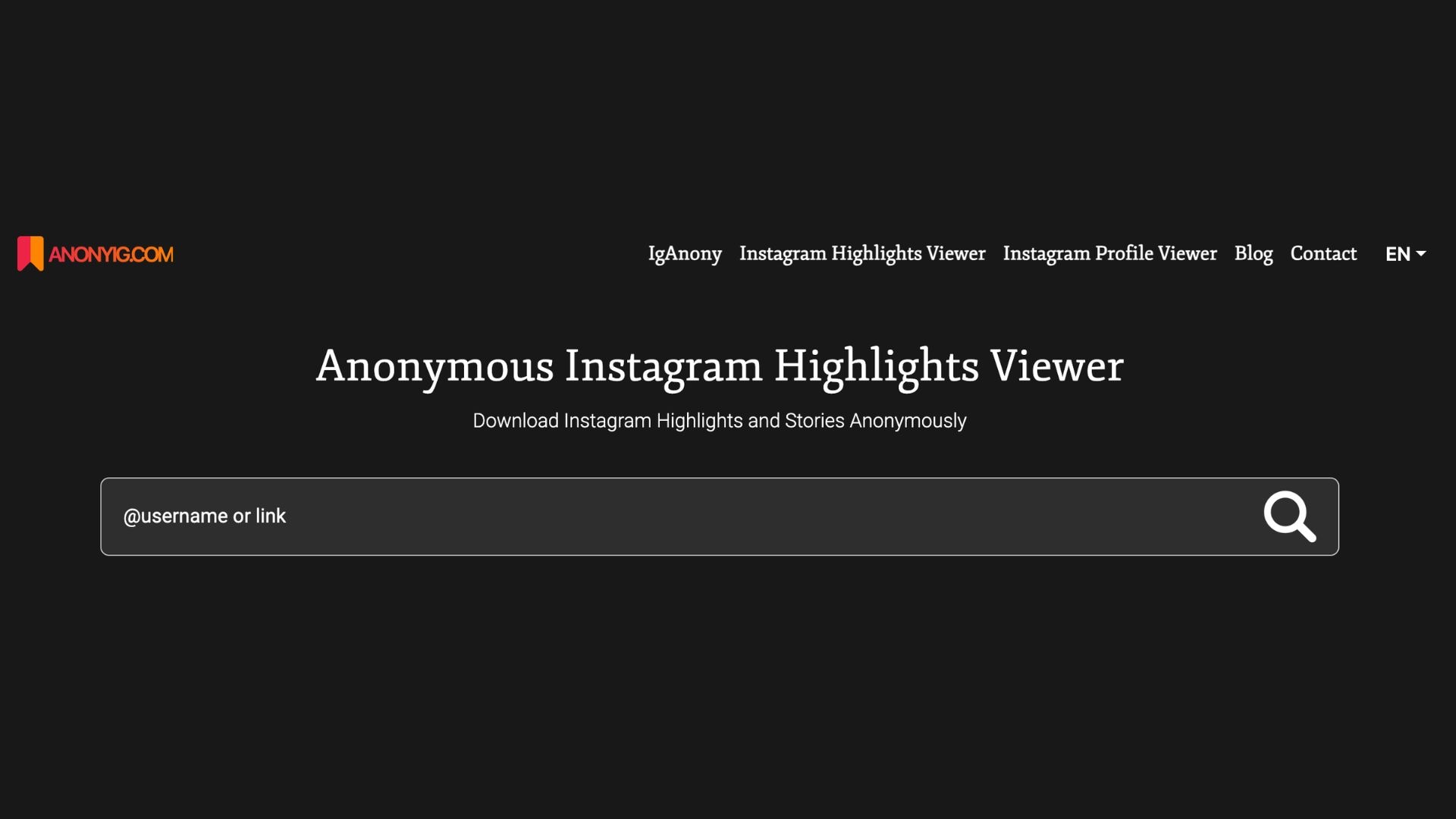
AnonyIG fits those who want a privacy-first highlight saver Instagram experience. It centers on anonymous browsing and saving. Just enter the username or highlights link to view available highlights and download them directly, without needing to open the Instagram app.
- Download highlights from public profiles without an Instagram login
- Supports video and photo downloads, MP4 for videos, and JPEG for photos
- Claims it does not save or track your viewing or download history
Free.
Web
- View Highlights from public accounts without opening the Instagram app.
- No intrusive pop-up ads during use.
- Doesn’t support private account
Part 3. How to Choose the Right Instagram Highlights Downloader
With so many Instagram highlights downloader tools, the best choice depends on your preferences. Use the guide below to match the tool to your workflow, not just the name that ranks first.
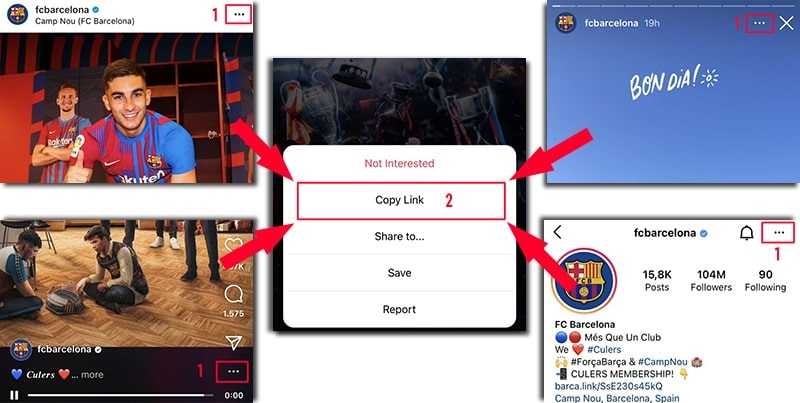
Use a Direct Link or Search by Username?
The Instagram Highlights downloaders listed above generally fall into two categories: tools that work with a direct URL and tools that let you type in a username.
Using a direct link is usually quicker, but it requires you to open Instagram first and copy the Highlight URL. Using a username lets you browse and download highlights without opening Instagram, though it can take a bit more time to locate the specific highlights you want to save.
Public vs Private Accounts
Highlights downloader IG that ask you to enter a username usually only work with public accounts, since they need access to the profile’s visible content to display highlights. If you want to save your own Highlights but your account is private, you can try:
- SaveInsta
- SnapInsta
You’ll need to log in to Instagram in your browser first, though. But at least you won’t have to hand over your login details directly to the downloader itself, so it’s safer. There may be a few extra steps involved, yet it can still work as a workaround for private profiles.
What Free Instagram Highlights Downloaders Don’t Tell You
Free tools can be convenient, but they often come with trade-offs that only show up after you try to download highlight Instagram clips a few times. Below are some common issues to expect.
1) Lower video quality than you expect
Some sites claim “HD” or “original quality,” but the file you get may be compressed, resized, or slightly blurry. If you plan to reuse an Insta highlights video download for Shorts or TikTok, this quality drop becomes obvious.
2) Broken links and random failures
Instagram changes how it serves content. When that happens, a highlights downloader IG that worked yesterday can fail today, even with the same link. It’s best to keep 2-3 backup tools bookmarked.
3) Ads and pop-ups slow everything down
Many free IG highlights saver sites rely on ads. That can mean extra pages, fake “Download” buttons, or pop-ups that interrupt the flow. If a site feels spammy, leave and use a cleaner option.
4) No batch support (one download at a time)
Most tools are built for single downloads. If you want to download multiple highlights at once, you may need to repeat the copy-paste steps for each item, or upgrade to a paid plan on some platforms.
5) No editing tools, just raw files
A downloader only saves the file. It won’t trim awkward parts, resize to 9:16, add captions, fix lighting, or combine clips. If you’re saving highlights to repurpose, you’ll still need an editor to make the content look good.
Want More Than Just Downloading? Turn IG Highlights into Better Content
When you search for an Instagram highlights downloader, you often want more than a saved file. Most people download highlight Instagram clips to reuse them, turn them into a Reel, or stitch them into a longer video for TikTok and YouTube Shorts.
The problem is most highlight savers only give you the raw clip. It won’t trim dead time, resize to 9:16, add captions, or improve quality.
 Secure Download
Turn IG Highlights into Full Videos with Wondershare Filmora
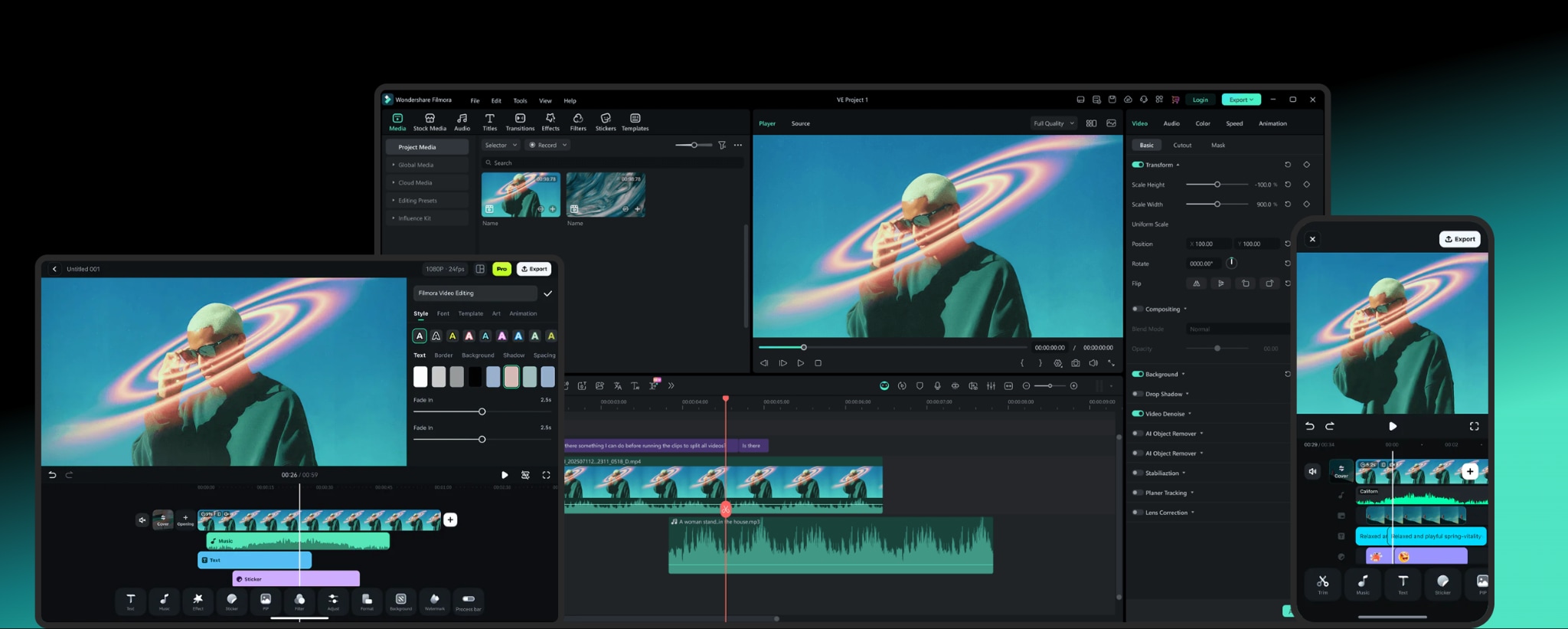
Wondershare Filmora is a powerful editor that helps you turn your Insta highlights video download into polished content fast. After you save IG highlight videos, you can import them into Filmora and do creator-style edits in minutes.
The secret behind this speed is the integration of AI tools inside the editor. Many of the features are automated, which can cut the editing time and make your video ready in no time. You can use it to make compilation Reels, Shorts, or recap videos, complete with transitions, music, and caption.
Filmora Features to Try for Repurposing IG Highlights
- Auto Reframe: Converts a highlight clip to 9:16 (or 1:1, 16:9) while keeping the main subject in frame.
- AI Speech-to-Text (Auto Captions): Generates subtitles automatically, then you can style them into animated captions.
- AI Smart Cutout: Cuts out objects (not just people) so you can swap backgrounds or add effects without manual masking.
- AI Portrait Cutout: One-click background removal focused on people, great for talking-head highlights.
- AI Audio Denoise: Cleans background noise (wind, traffic, hiss) so your voice sounds clearer.
- Audio Ducking: Lowers music automatically when someone speaks, so dialogue stays readable.
- Speed Ramping: Adds smooth speed changes with preset curves or custom control for more dynamic edits.
- Color correction + 3D LUT support: Fix exposure and consistency across multiple highlight clips, then apply LUTs for a unified look.
Secure DownloadConclusion
Saving Highlights shouldn’t be a headache. With the right Instagram highlights downloader, you can download IG highlight videos for free, back up memories, and keep clips ready for repurposing. Start with a fast, simple option, then switch to a more quality-focused tool when you need cleaner results.
Keep in mind the common limits of free downloaders, like link failures, ads, and no batch support. After you save your highlights, use an editor like Filmora to trim, resize, caption, and turn downloads into content you can actually post.
FAQs
-
1. Does Instagram notify when you download highlights?
Instagram doesn’t notify users when someone downloads Highlights using a third-party Instagram highlights downloader. These tools usually save public media from a link or username without triggering a notification. -
2. What’s the difference between IG stories highlights download and regular story download?
A regular Story is temporary (usually 24 hours), while a Highlight is a saved Story pinned on a profile. IG stories highlights download tools target the Highlight collection, not the current 24-hour Story feed. -
3. Can I download multiple highlights at once?
Most Instagram highlights downloaders only let you download one content at a time. Batch downloading is uncommon on free plans, so you may need to repeat the link steps for each highlight.
